
Minecraft texture packs — page 7
6,460 itemsResource packs: list

TDmon
A datapack of Cobblemon made by DiEn.Install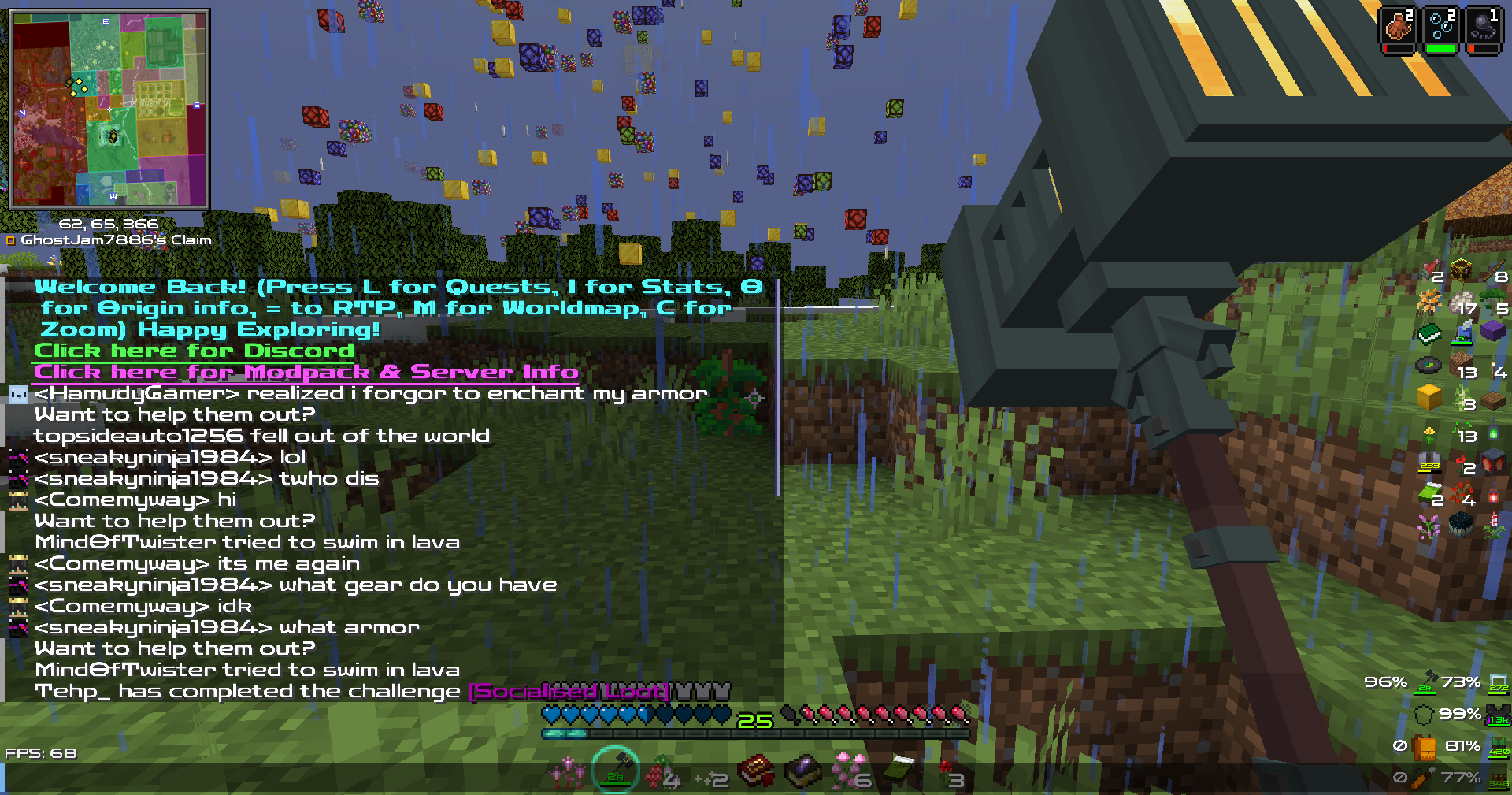
Zen RPG Font
RPG Crisp & Clear FontInstall

Unique Dark
Dark GUI with unique textures for functional blocks. Dark mode for 80 modsInstall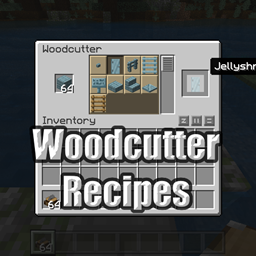
Charm - BetterEnd Compat Datapack
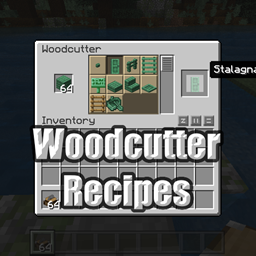
Adds woodcutter recipes for BetterEndInstall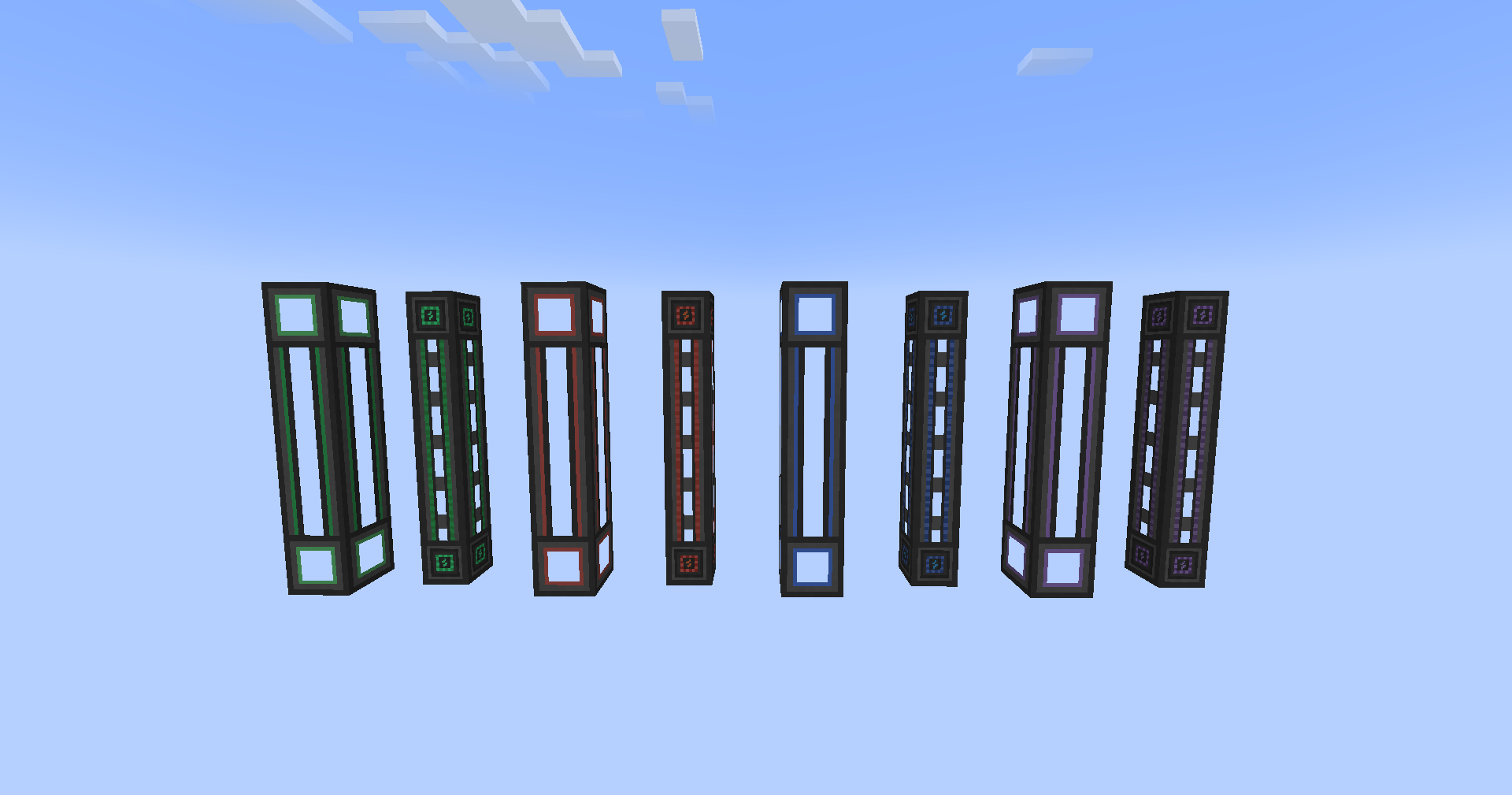
Classic Mekanism Textures
Mekanism textures pre 1.20Install

Round Trees
Trees are round in real life, why aren't they in Minecraft?Install

Better Lanterns
Improves lanterns and chains models with an enhanced 3D look for a more immersive experience.Install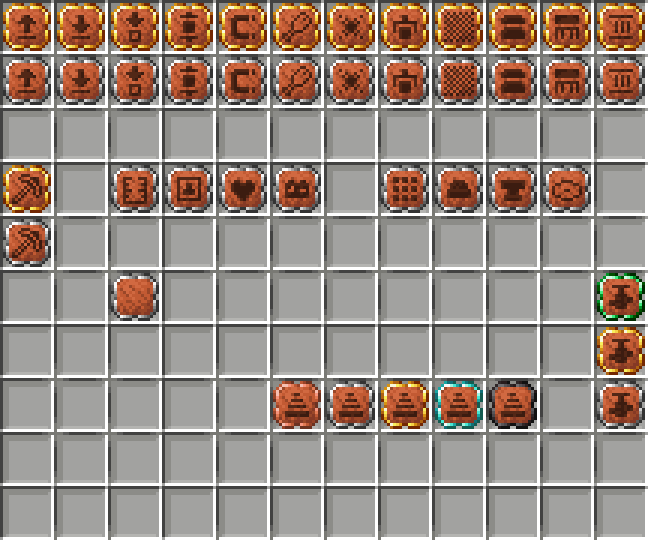

Better Sophisticated Backpack Upgrades (BSBU)
This texture pack changes the appearance of the Backpack Upgrades from the Sophisticated Backpacks mod.Install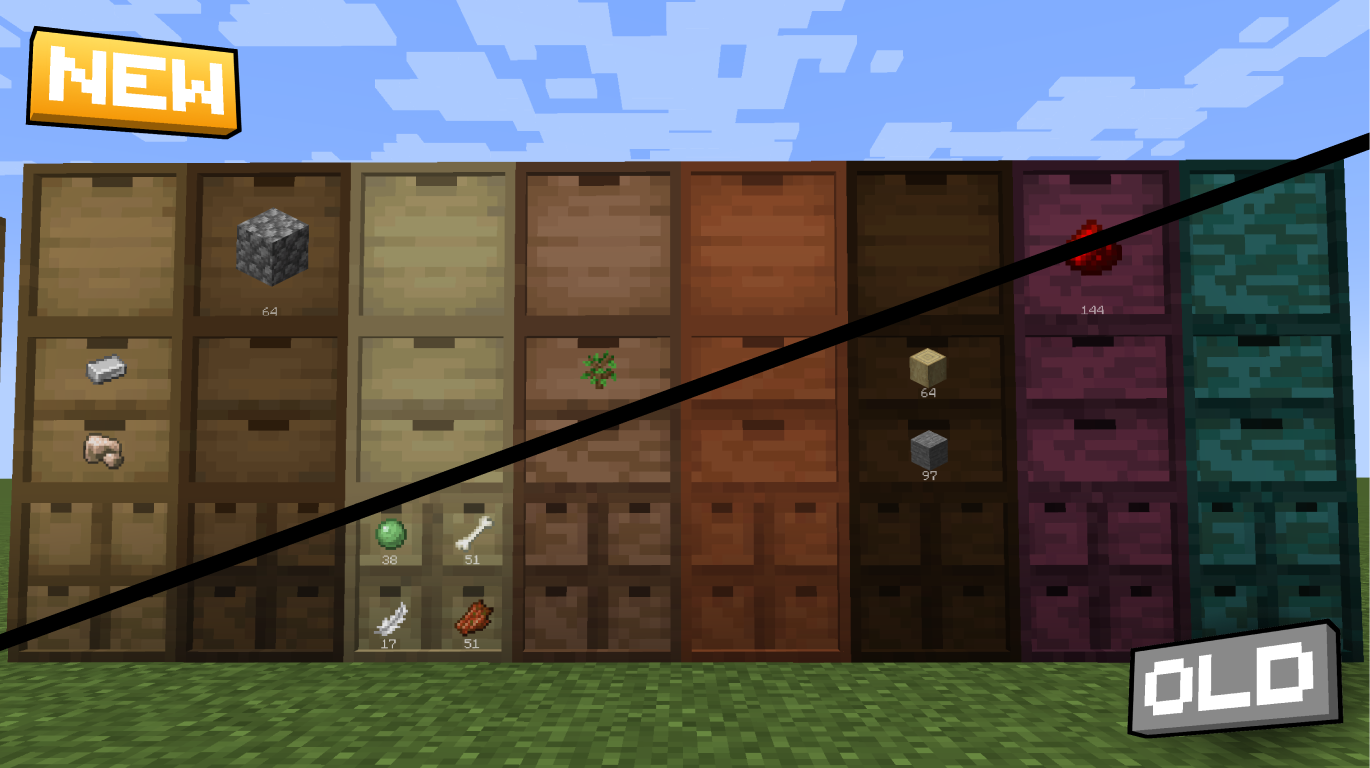
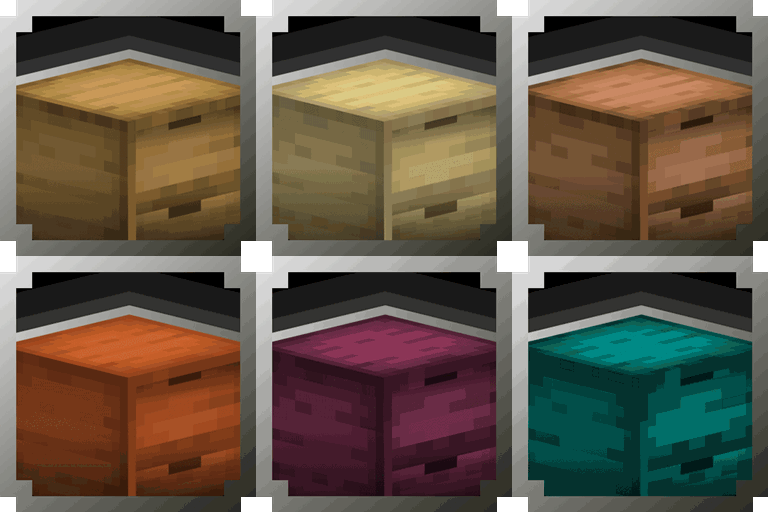
Smooth Drawers
Modernized textures for the Storage Drawers ModInstall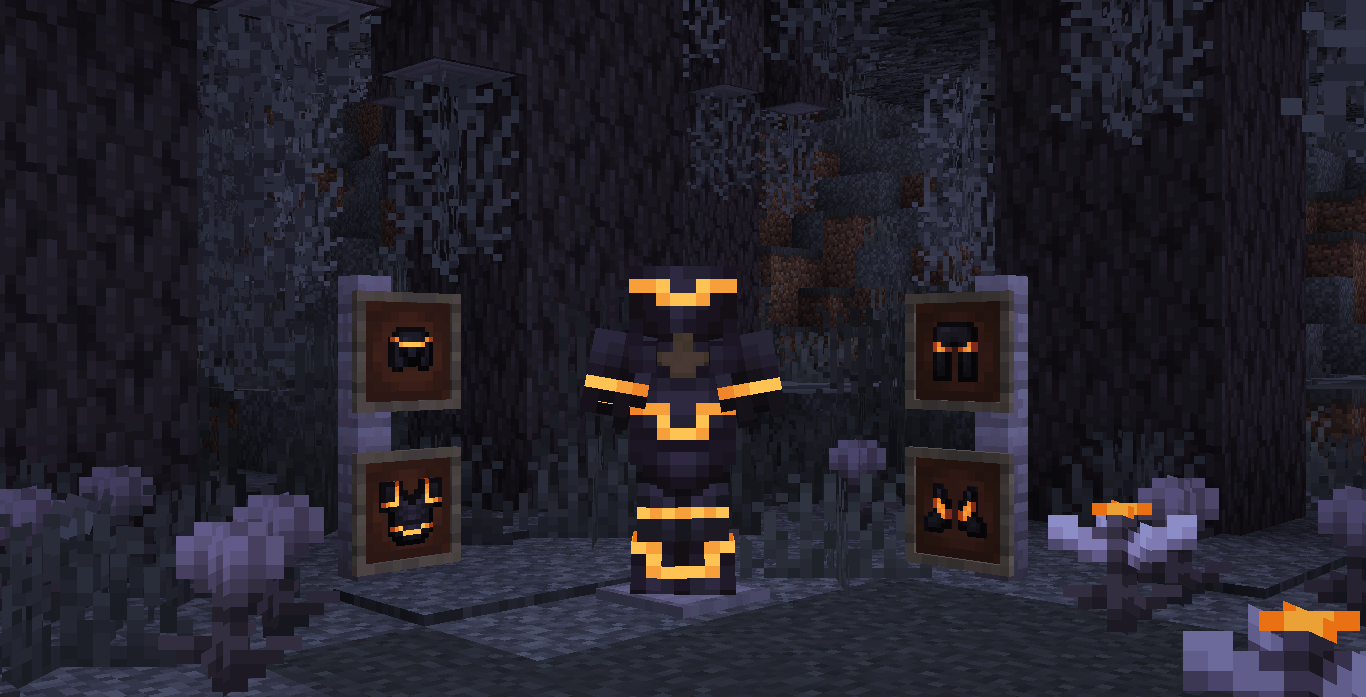
Shiny Armor Trims
Glowing Armor Trims (With Optifine or in Vanilla Minecraft)Install

Fresh Waystones Texture
Resource pack that will improve textures from the waystones mod.Install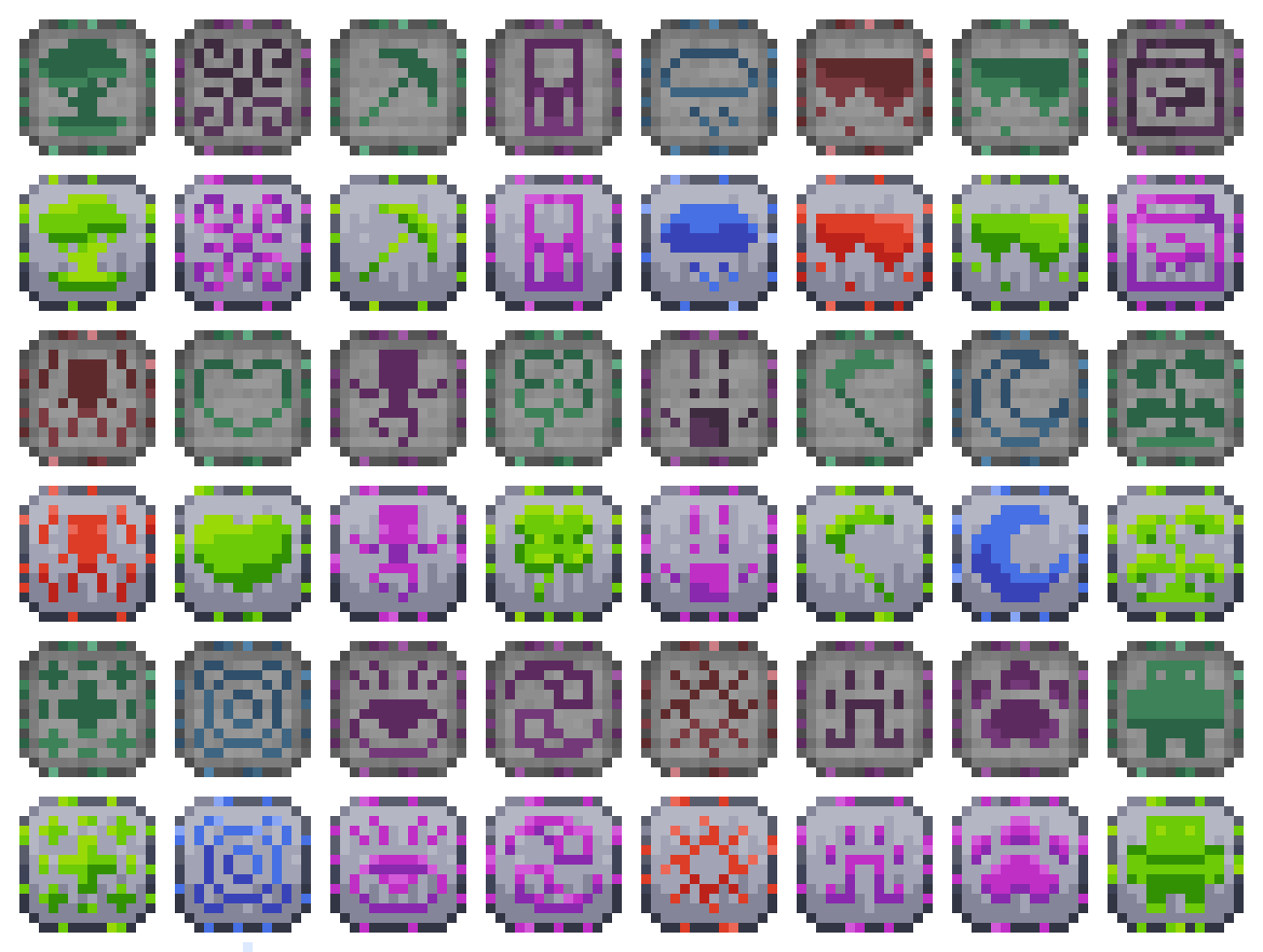
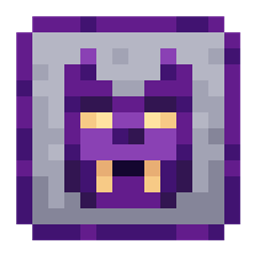
Ars Nouveau Refresh
The resource pack retextured of glyphs, tablets and other items from the Ars Nouveau, making them more modern.Install
Ozone Resources
A resource pack meant for Project OzoneInstall

3D crops Revamped
Makes minecraft crops 3DInstall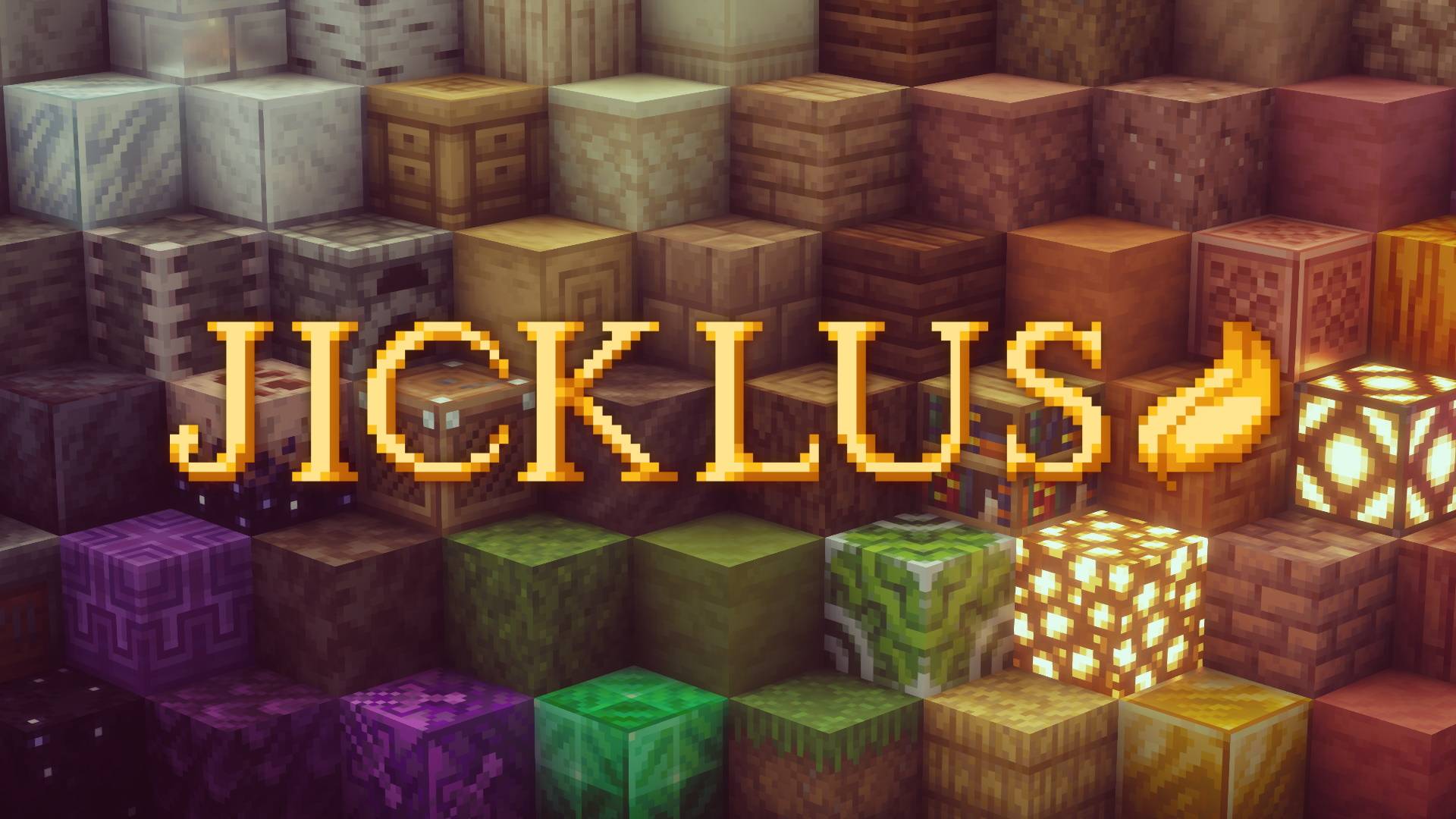
JICKLUS
𝑹𝑼𝑺𝑻𝑰𝑪 𝑩𝑼𝑻 𝑪𝑳𝑨𝑺𝑺𝑰𝑪Install
Canon PC Wallpapers [Cobblemon]
This addon adds a variety of wallpapers from Generations 3 through 9 to Cobblemon, via the new Wallpaper Addon Systems.Install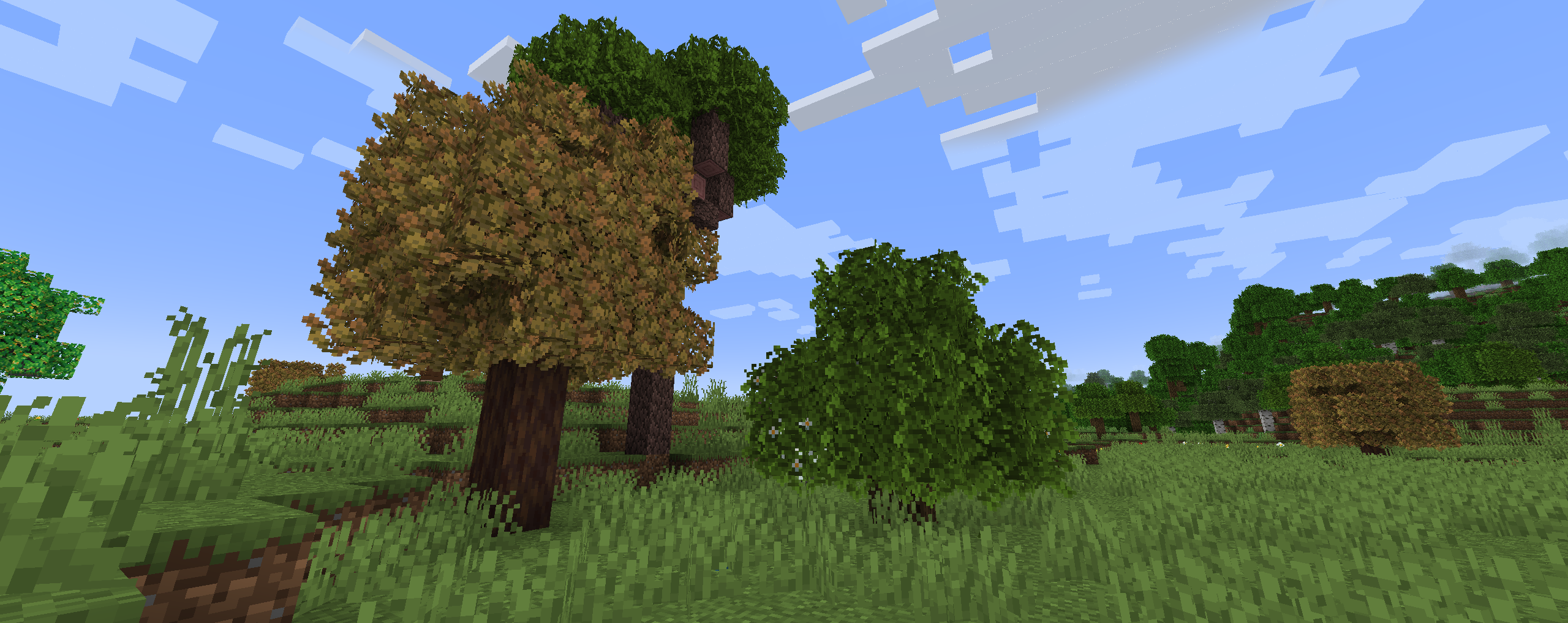
xali's Bushy Leaves
Give a more natural look to tree leaves while being compatible with all my packs.Install
FurSky Reborn
Hypixel Skyblock's most popular resource pack. Now available for 1.21.11 & 26.x!Install
Tiered Spellbooks
Makes certain spellbooks from the RPG Series and unofficial addons become tiered, requiring to craft them.Install
MCDA x RPG Series
Adds compatibility with armor tiers of RPG Series mods and MC Dungeons ArmorsInstall
Mythic Upgrades x Advanced Netherite
Makes Mythic Upgrades armors an upgrade from Advanced Netherite sets.Install
Droppable Iron Barrels Fix
Fixes barrels from Iron Chests Restocked not being mineableInstall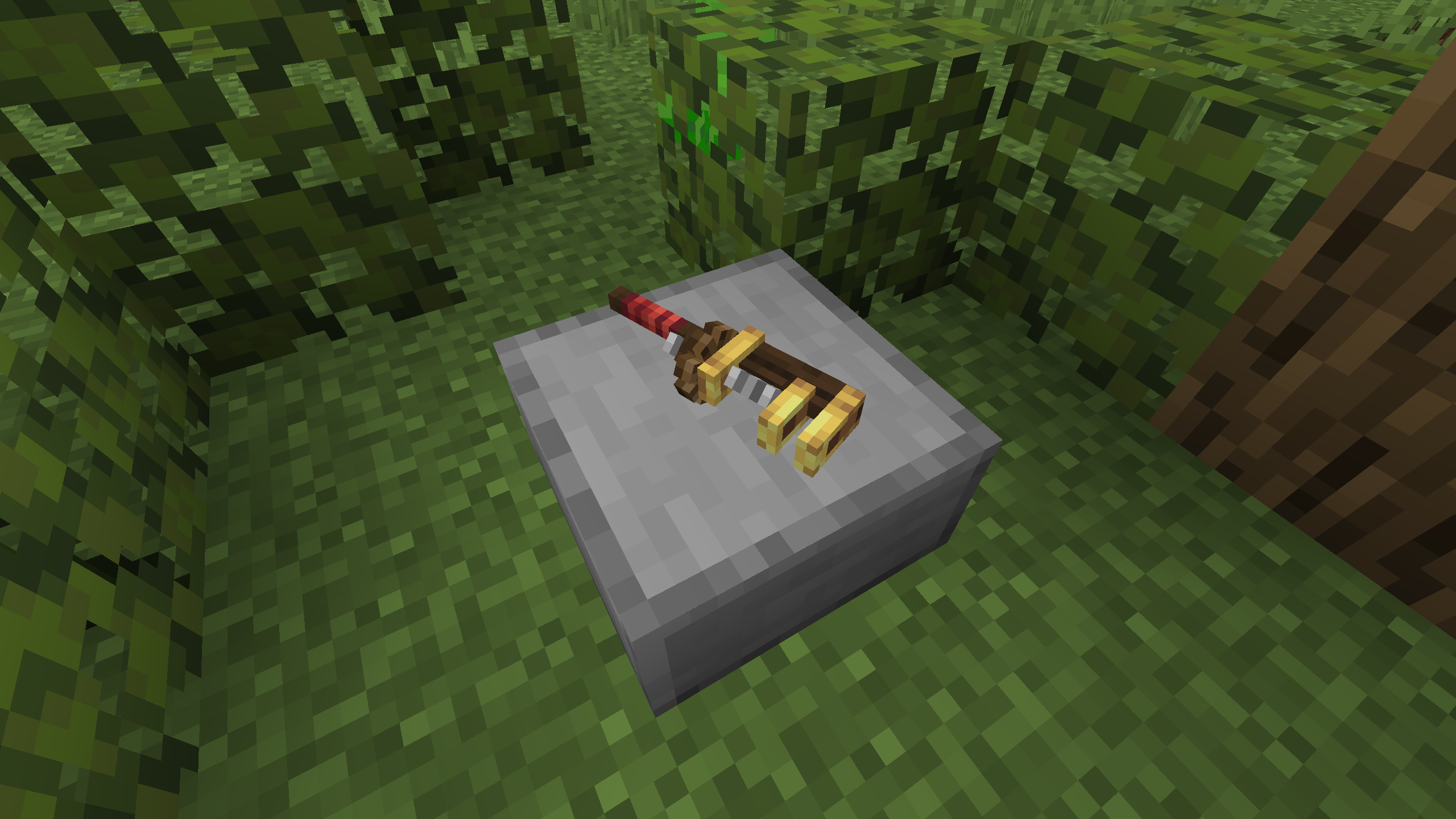
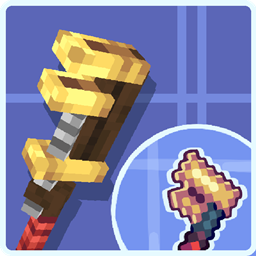
C&U: 3d Wrench model
3d wrench item model for Created & UpdatedInstallFAQ
Do I need Forge or Fabric for a resource pack?
No. A resource pack works on the regular game with no loaders or mods. Click “Install” and Millida Launcher will put the pack into the right modpack — then just enable it in the settings.
What do 16×, 32×, 64× mean?
The resolution of a single texture in pixels. 16× matches the original game, 32× and 64× are more detailed and heavier, and 128× and up put a noticeable load on your graphics card.
Will a pack made for another version work?
Most likely partly: older packs don't have textures for newer blocks, so those will stay default. The game won't break, though.
How is a texture pack different from a resource pack?
Only by name and age. Before version 1.6 the sets were called texture packs and changed only textures; in 1.6 resource packs replaced them and also change sounds, fonts and the interface. Old texture packs for 1.5 and below do not work on new versions without conversion.
Which texture packs are best for PvP?
PvP packs: 16× resolution or lower, shortened swords, low fire, a clear sky and bright particles. They barely load the computer and make the opponent easier to see. These packs are collected in the PvP theme.
How do I install a resource pack?
Press Install and Millida Launcher puts the pack into the resourcepacks folder of the right instance. Then enable it in the game: Options, then Resource Packs. Manually, the archive goes into resourcepacks inside the game folder, no need to unpack it.
Minecraft texture packs
A resource pack changes how the game looks and sounds: block and item textures, fonts, the interface, sounds. It doesn't touch the game's code, so it needs no mod loader and breaks nothing on a server — the pack only works on your screen. That's exactly why a resource pack is safer than any mod: the worst that happens on a version mismatch is that some textures stay default.
Textures, texture packs and resource packs are essentially the same thing: since version 1.6 Mojang calls these sets resource packs, but the old name is still searched more often. PvP packs are a big genre of their own: shortened swords, low fire, bright particles and 16× resolution or lower, so the opponent stands out and the frame rate does not drop. Such packs are most often made for 1.8.9 and 1.16.5, the versions many PvP servers run on.
The key thing about a pack is its resolution. The game's default textures are 16×16 pixels; 32× and 64× packs look more detailed, while 128× and up need a real graphics card and are usually paired with shaders. On a weak machine it makes sense to stay at 16× or go for packs that deliberately simplify graphics for more FPS. Every pack here lists its game version, author and license, and all released versions are gathered on one card. Put the downloaded archive in the resourcepacks folder and enable it in the game settings.