
Minecraft texture packs — page 4
6,460 itemsResource packs: list
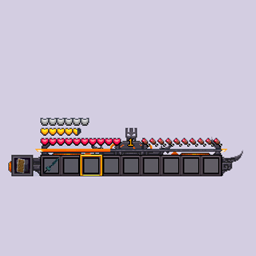
Prominent UI x Mandala's GUI
Adds compatibility with Mandala and Prominent UI.Install
Frostbite & Brimstone
This resource pack is for the Minecraft mod "Ice and Fire: Dragon's in a whole new light!"Install
Hardening Catalyst Rebalance | Datapack
Makes game-breaking items unable to be used with the Hardening CatalystInstall
Traveler's Comfort | Datapack
Adds compatibility between Traveler's Backpacks and Comforts.Install

Programmer Art Fix
A patch for Programmer Art / classic textureInstall
Gamer Axe Rebalance | Datapack
Rebalances the damage of the Gamer Axe while using Better CombatInstall
Runic Grimoire Remover | Datapack
Removes the Runic Grimoire on first join from Simply SwordsInstall
Prominence Fancy Server Listing
Adds fancy art to the Prominence official servers.Install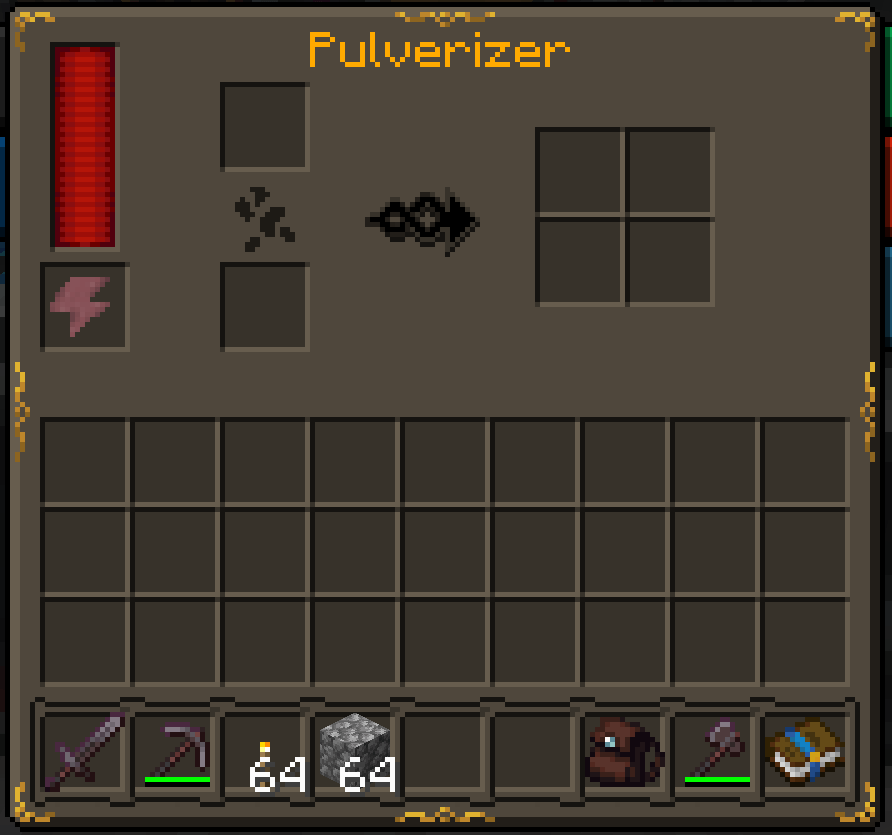
STONEBORN - Modded Compatibility GUI (SBMC)
A modded GUI compatibility add-on for Stoneborn, which adds support for over 250 mods.Install
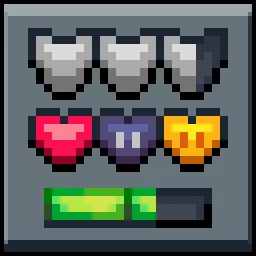
Mandala's GUI - Dark mode
Mandala GUI is an elegant theme, in the style of Mandala Creations. It is specifically made for people who like Dark mode. It only changes the UI of Minecraft, without changing items or blocks.Install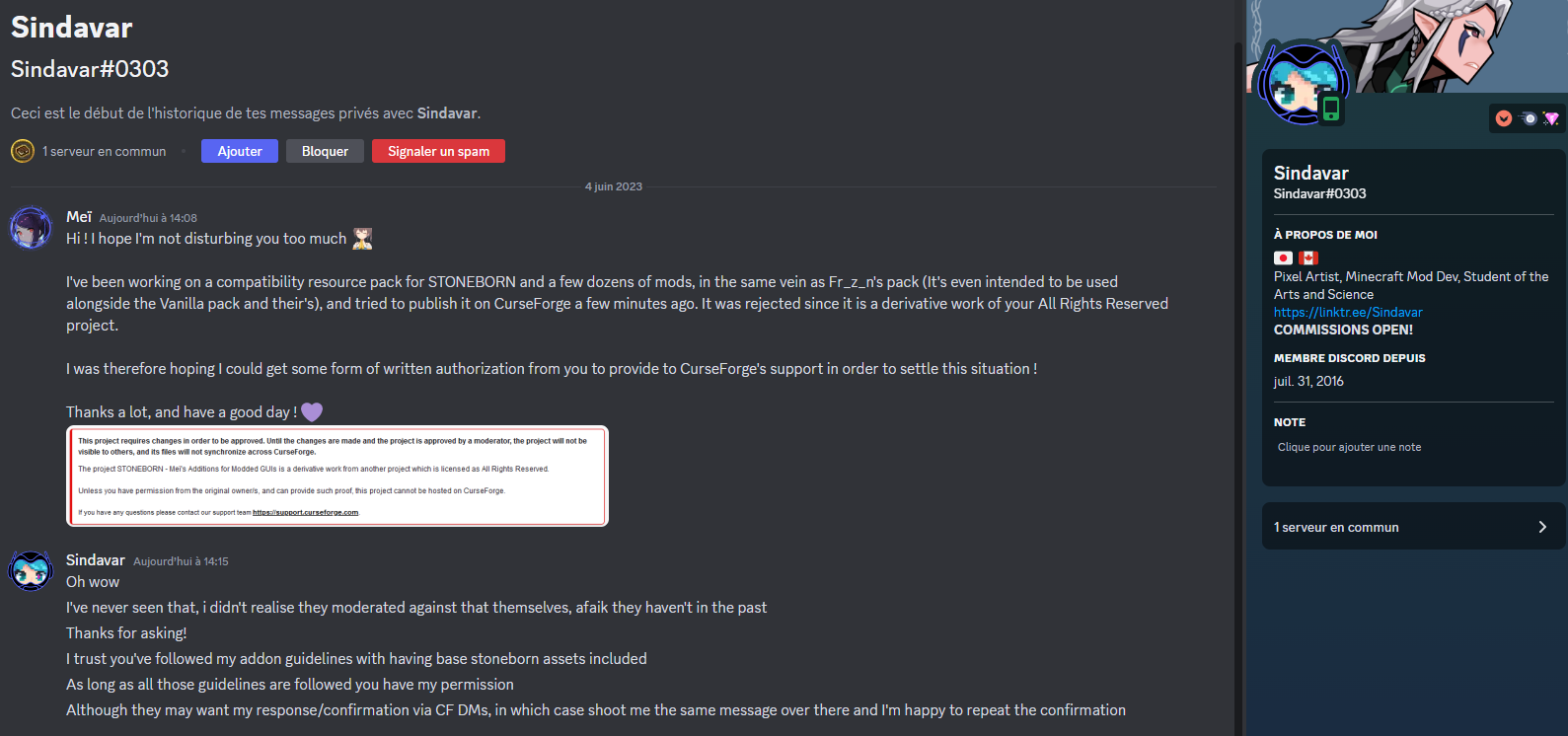

STONEBORN - Meï's Additions for Modded GUIs
Another modded GUI compatibility for STONEBORNInstall
Alternative Rain Sounds
New sounds for rain and thunderInstall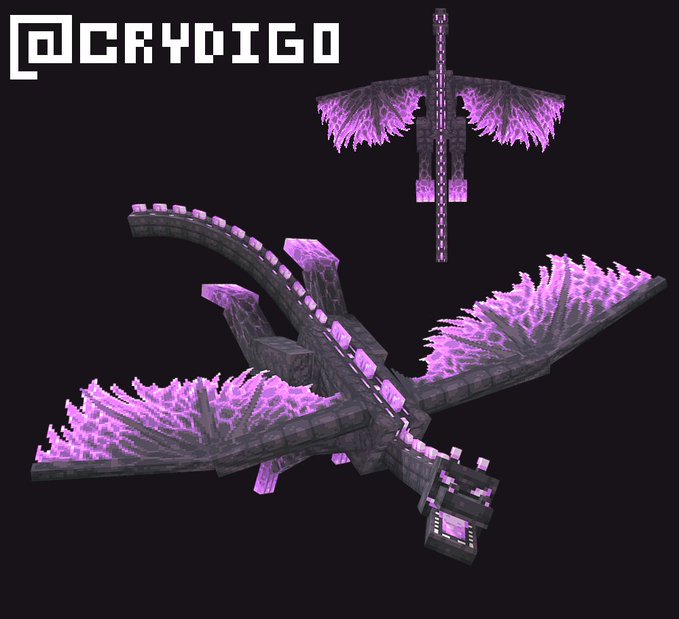
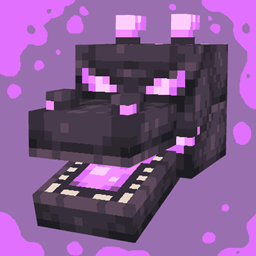
Ender Dragon Revamp
A revamp of the Minecraft ender dragon textureInstall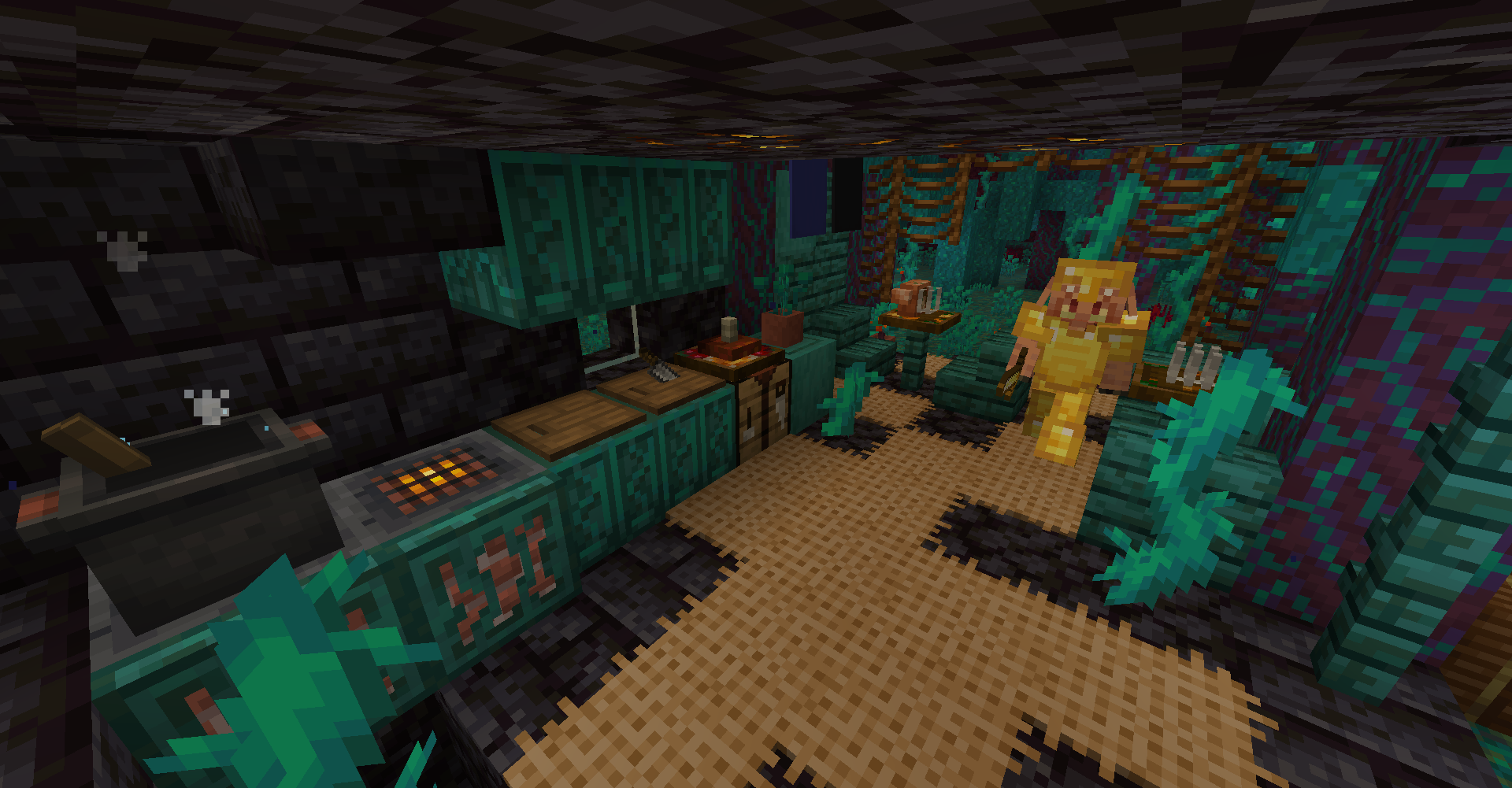
Repurposed Structures - Chef's Delight Compat Datapack
Adds Chefs and Cook houses to RS villages!Install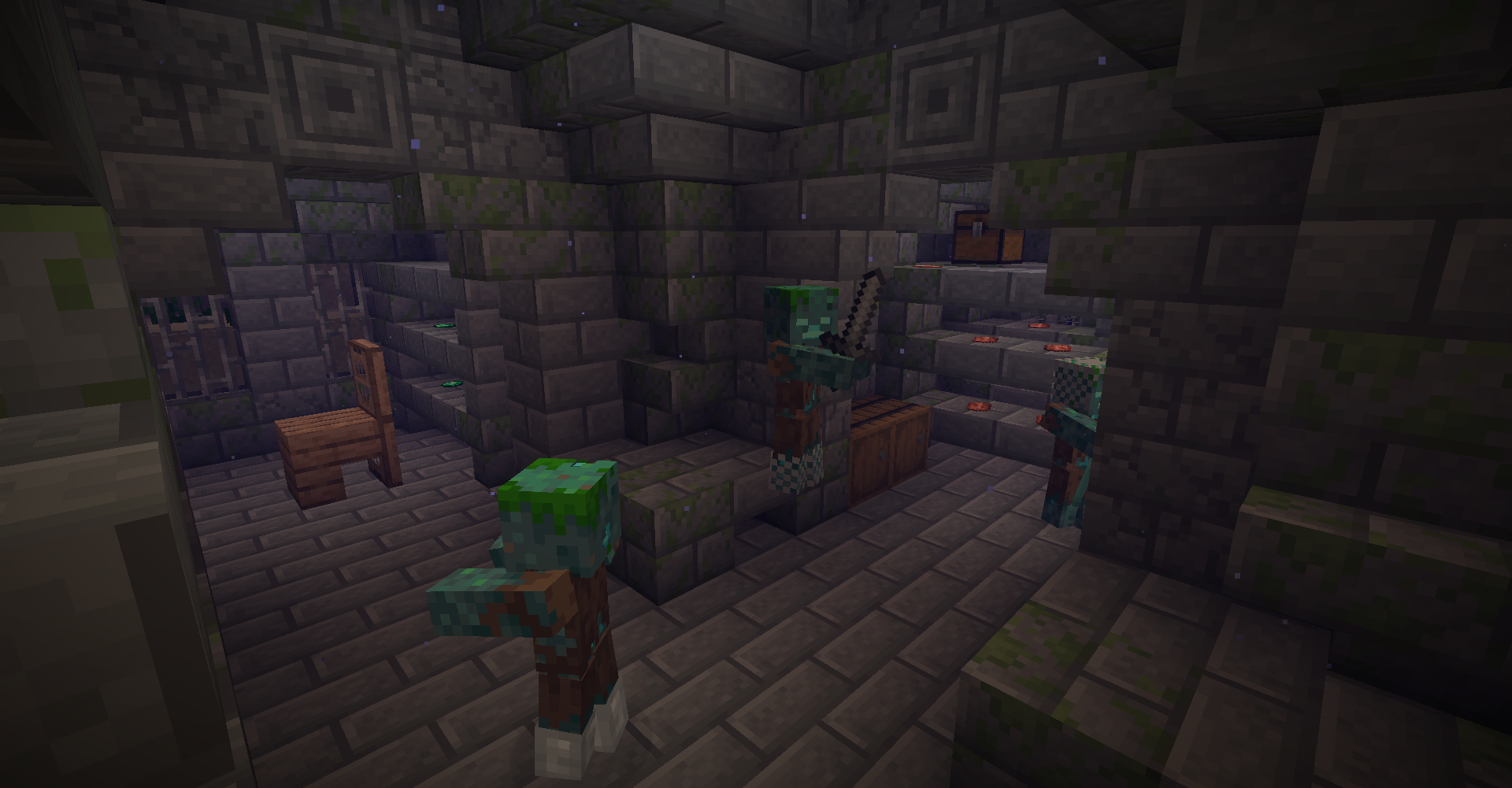
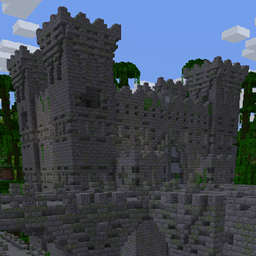
Repurposed Structures - Better Nether Fortress Compat Datapack
Add a giant Jungle Fortress into the world based on Yung's Better Nether Fortress mod!Install
Cobblemon Interface: Modded
Mod support for the Cobblemon Interface resourcepackInstall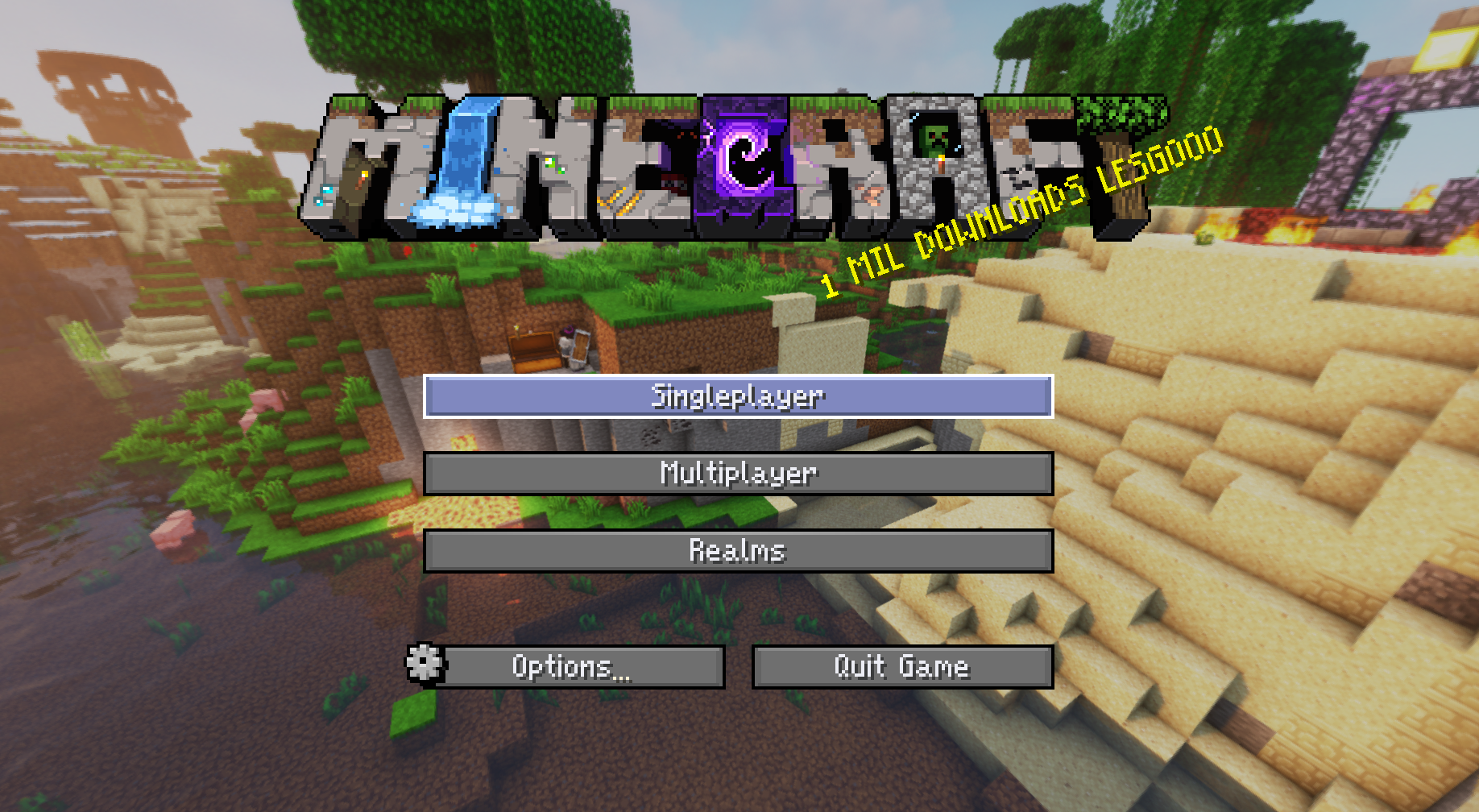
Faithless
The pack that plays like a mod. Delivering hundreds of QoL, nostalgic, and accessibility features in one.Install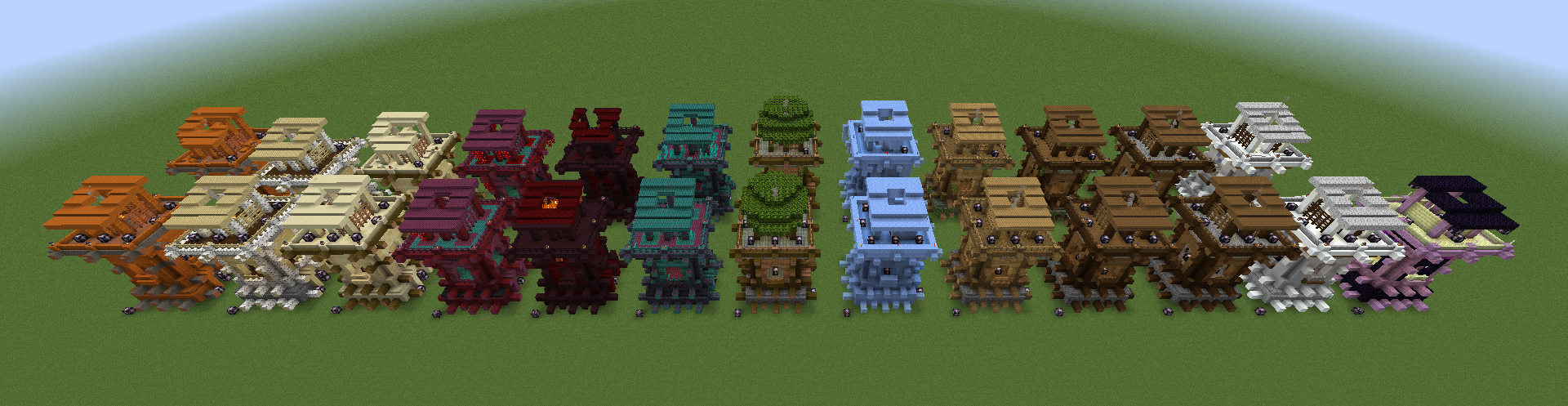
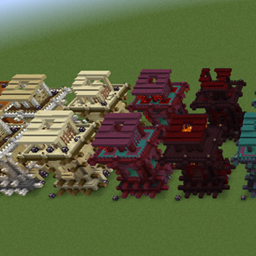
Repurposed Structures - Savage & Ravage Compat Datapack
Transforms RS outposts to Savage and Ravage's styleInstall

Simple Grass Flowers
Gives Grass, Podzol, Mycelium, Crimson Nylium, and Warped Nylium vanilla-friendly flowers, clovers, and rocks!Install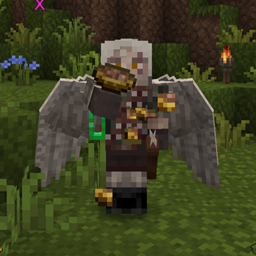
Origins Expanded Foods
Mod support+QOL changes for carnivores+moreInstall

Fresh Animations: Player Extension
Animates players in Fresh Animations' style. An official FA extension.Install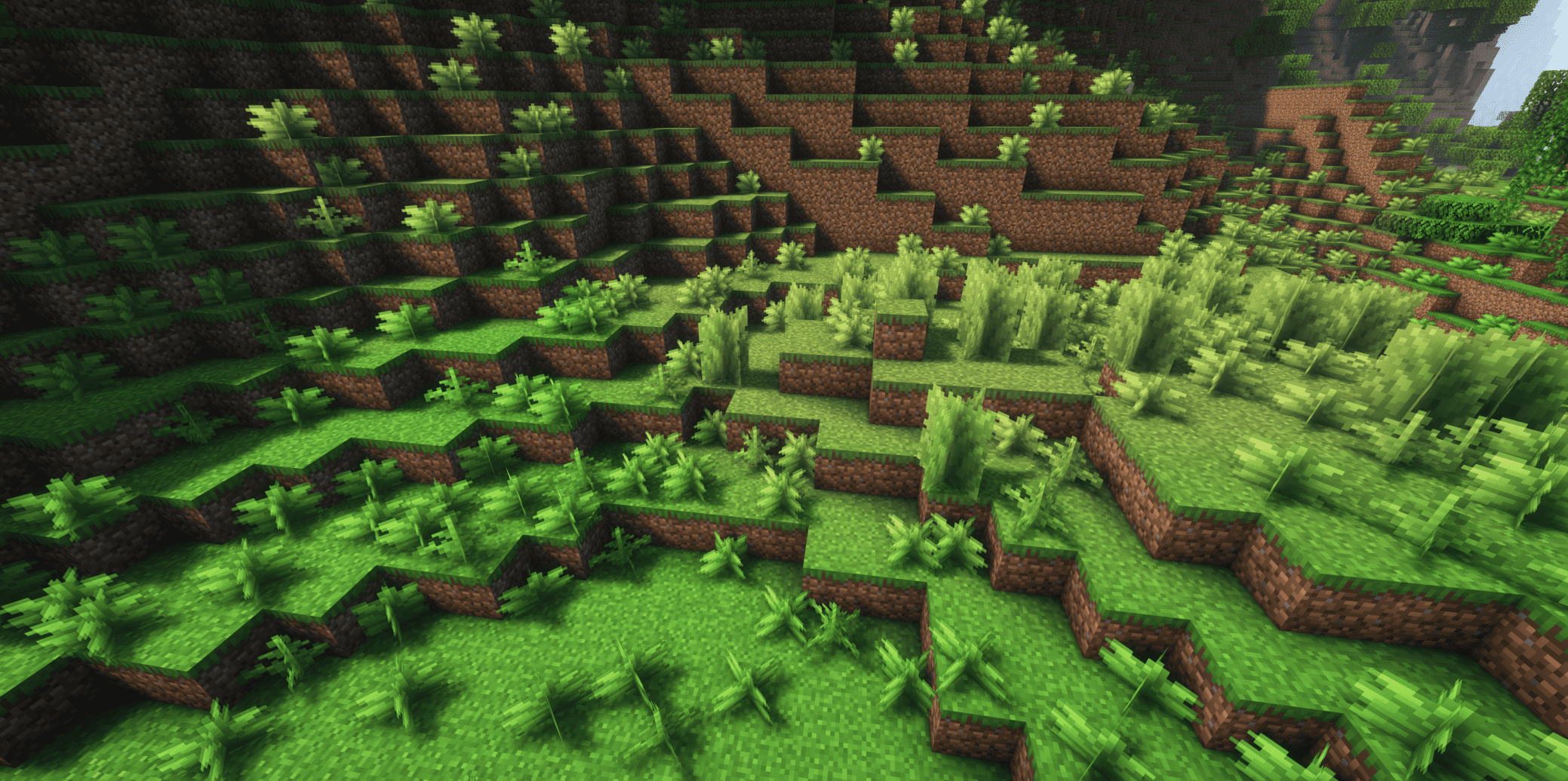
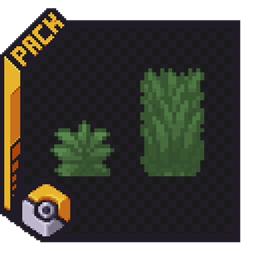
Cobblemon Classic Grass Pack
Gives you the real Pokémon feeling in Cobblemon!Install
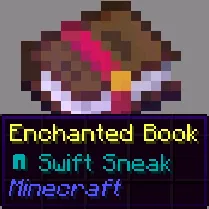
Enchant Icons
makes enchantment names have icons and colors for enchanted books and items and colored enchantingInstallFAQ
Do I need Forge or Fabric for a resource pack?
No. A resource pack works on the regular game with no loaders or mods. Click “Install” and Millida Launcher will put the pack into the right modpack — then just enable it in the settings.
What do 16×, 32×, 64× mean?
The resolution of a single texture in pixels. 16× matches the original game, 32× and 64× are more detailed and heavier, and 128× and up put a noticeable load on your graphics card.
Will a pack made for another version work?
Most likely partly: older packs don't have textures for newer blocks, so those will stay default. The game won't break, though.
How is a texture pack different from a resource pack?
Only by name and age. Before version 1.6 the sets were called texture packs and changed only textures; in 1.6 resource packs replaced them and also change sounds, fonts and the interface. Old texture packs for 1.5 and below do not work on new versions without conversion.
Which texture packs are best for PvP?
PvP packs: 16× resolution or lower, shortened swords, low fire, a clear sky and bright particles. They barely load the computer and make the opponent easier to see. These packs are collected in the PvP theme.
How do I install a resource pack?
Press Install and Millida Launcher puts the pack into the resourcepacks folder of the right instance. Then enable it in the game: Options, then Resource Packs. Manually, the archive goes into resourcepacks inside the game folder, no need to unpack it.
Minecraft texture packs
A resource pack changes how the game looks and sounds: block and item textures, fonts, the interface, sounds. It doesn't touch the game's code, so it needs no mod loader and breaks nothing on a server — the pack only works on your screen. That's exactly why a resource pack is safer than any mod: the worst that happens on a version mismatch is that some textures stay default.
Textures, texture packs and resource packs are essentially the same thing: since version 1.6 Mojang calls these sets resource packs, but the old name is still searched more often. PvP packs are a big genre of their own: shortened swords, low fire, bright particles and 16× resolution or lower, so the opponent stands out and the frame rate does not drop. Such packs are most often made for 1.8.9 and 1.16.5, the versions many PvP servers run on.
The key thing about a pack is its resolution. The game's default textures are 16×16 pixels; 32× and 64× packs look more detailed, while 128× and up need a real graphics card and are usually paired with shaders. On a weak machine it makes sense to stay at 16× or go for packs that deliberately simplify graphics for more FPS. Every pack here lists its game version, author and license, and all released versions are gathered on one card. Put the downloaded archive in the resourcepacks folder and enable it in the game settings.