
Minecraft texture packs — page 3
6,460 itemsResource packs: list

Cobblemon Interface
Cobblemon inspired GUI Textures and SoundsInstall
RLTooltip borders
Borders for rlcraft tooltipsInstall
Wilhelm
AAAAAAAARRRGGGHHH!!!Install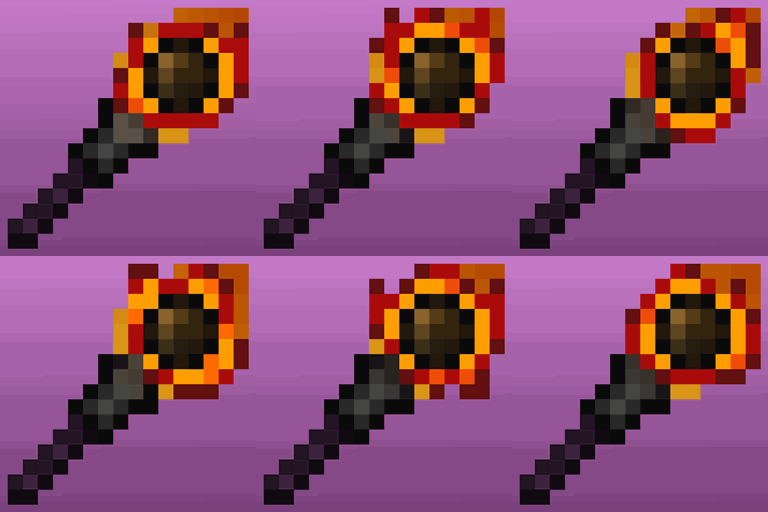
Animated and Emissive: Defiled Lands
Adds animated and emissive textures for Defiled LandsInstall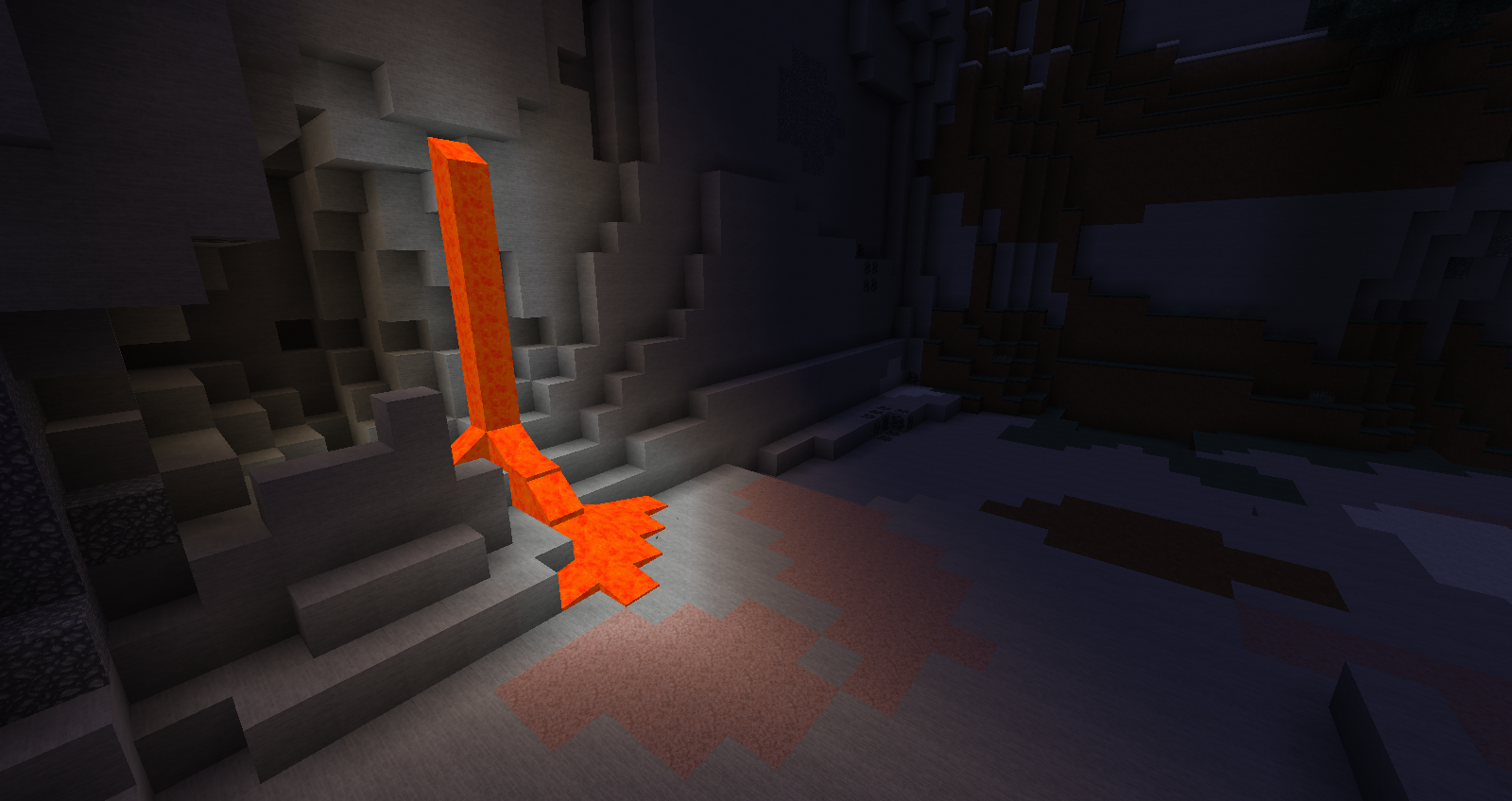
Soartex Fanver - Vanilla
Soartex Fanver is a smooth, detailed and clean texture pack.Install

New Glowing Ores
Makes ores glow to make them more visible, and also adds connected outlines to them so you don't miss a single block. Mod support availableInstall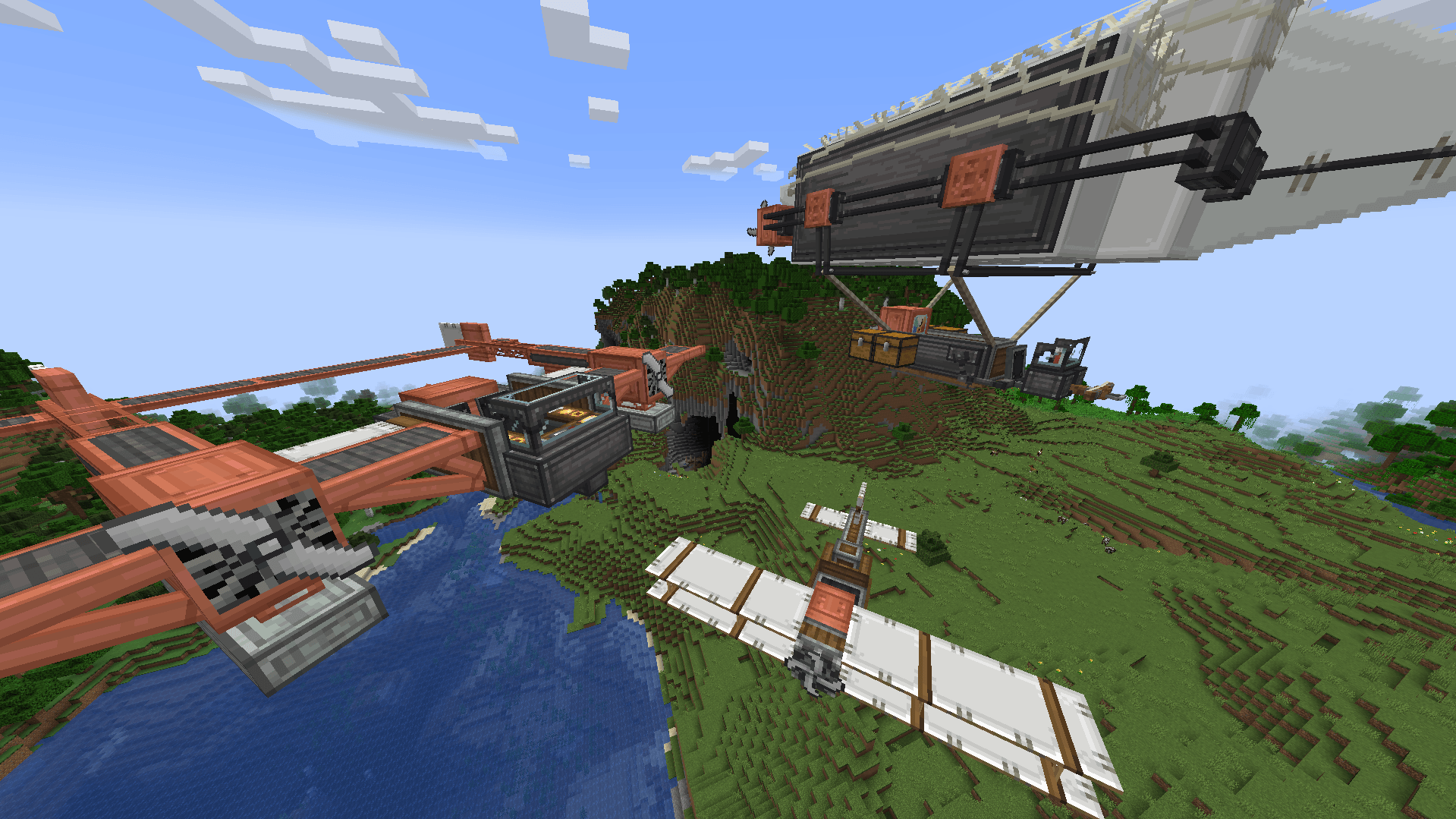
Create Immersive Aircrafts
Retextures Immersive Aircrafts to work better with CreateInstall
Better End Cities
Makes End Cities far more intricate, and contain more loot. All with Vanilla Blocks.Install
Quark x Farmer's Delight Bark Cutting Compat
A small datapack that provides the ability to cut Quark's wood on a Farmer's Delight cutting boardInstall
Biomes o' Plenty x Farmer's Delight Bark Cutting Compat
A small datapack that provides the ability to cut Biomes o' Plenty wood blocks on Farmer's Delight's cutting boardInstall

Enchantment Outlines
Adds an outline to all enchantable tools.Install
Prizma Visuals Legacy (Vibrant Visuals Pack Deferred)
PrizmaVisuals is a Vibrant Visuals Pack for Minecraft BedrockDownload
Default Dark Mode
🌙 The Dark Mode Resource Pack for Minecraft: Java EditionInstall

(Bee's) Fancy Crops
My take on prettier farming, compatible with modsInstall
Xaero's Minimap - Modded Support
Adds icons to Xaero's Minimap for a range of modded mobs.Install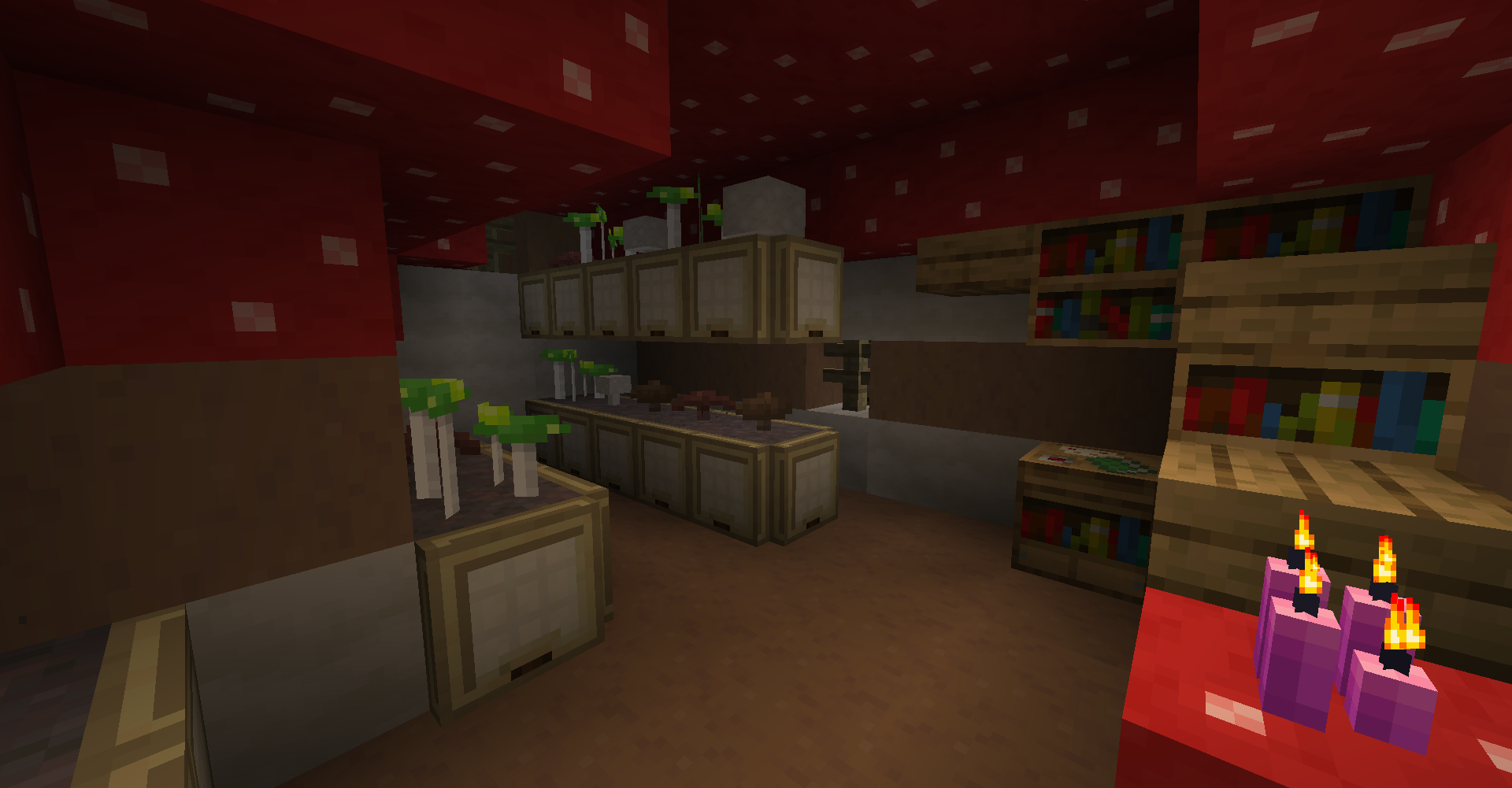
Repurposed Structures - Oh The Biomes You'll Go Compat Datapack
Add BYG's forager houses to RS VillagesInstall
Sky Villages - The Graveyard Compat
Compatibility between Sky Villages and Graveyard!Install

Low Fire
Lower your first-person fire to enhance visibility!Install
E19 - Cobblemon Minimap Icons
Cobblemon icons from MBCMechachu for Xaero's Minimap.Install
Faithful 64x
An even more detailed experience with quadruple-resolution textures!Install

Bare Bones
Minecraft with the style of the trailersInstall
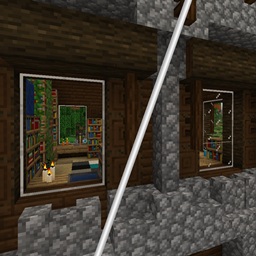
Stay Clear
A simple modification to make the glass from the Stay True resource pack clearer.Install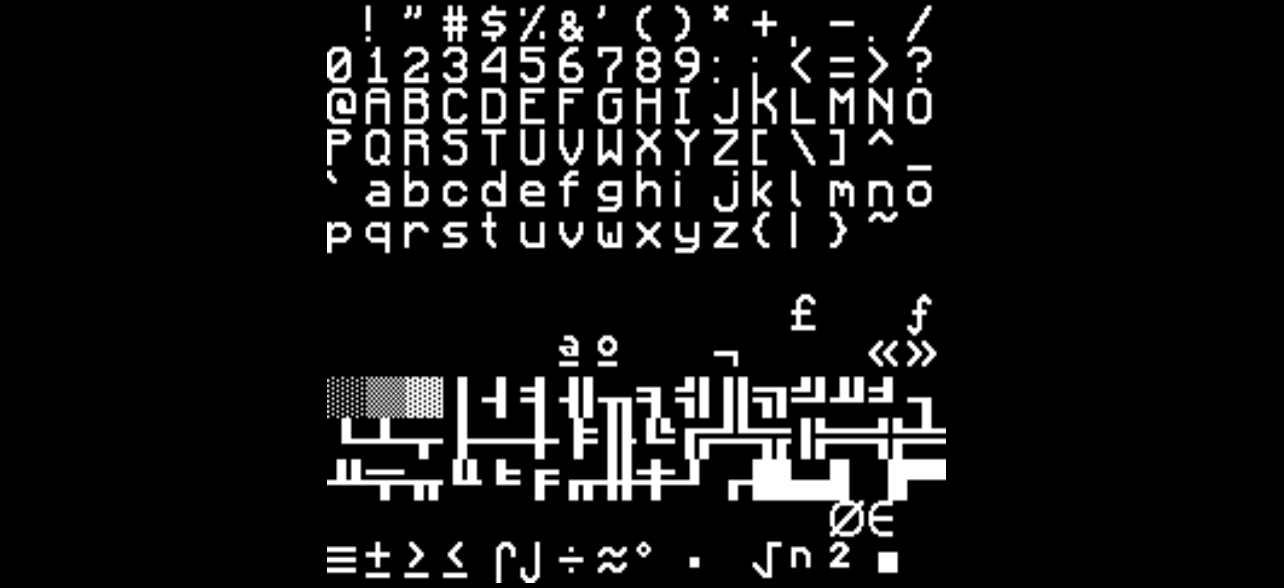

Smooth Font - 32x
Smooth Font Texture Pack (32x)InstallFAQ
Do I need Forge or Fabric for a resource pack?
No. A resource pack works on the regular game with no loaders or mods. Click “Install” and Millida Launcher will put the pack into the right modpack — then just enable it in the settings.
What do 16×, 32×, 64× mean?
The resolution of a single texture in pixels. 16× matches the original game, 32× and 64× are more detailed and heavier, and 128× and up put a noticeable load on your graphics card.
Will a pack made for another version work?
Most likely partly: older packs don't have textures for newer blocks, so those will stay default. The game won't break, though.
How is a texture pack different from a resource pack?
Only by name and age. Before version 1.6 the sets were called texture packs and changed only textures; in 1.6 resource packs replaced them and also change sounds, fonts and the interface. Old texture packs for 1.5 and below do not work on new versions without conversion.
Which texture packs are best for PvP?
PvP packs: 16× resolution or lower, shortened swords, low fire, a clear sky and bright particles. They barely load the computer and make the opponent easier to see. These packs are collected in the PvP theme.
How do I install a resource pack?
Press Install and Millida Launcher puts the pack into the resourcepacks folder of the right instance. Then enable it in the game: Options, then Resource Packs. Manually, the archive goes into resourcepacks inside the game folder, no need to unpack it.
Minecraft texture packs
A resource pack changes how the game looks and sounds: block and item textures, fonts, the interface, sounds. It doesn't touch the game's code, so it needs no mod loader and breaks nothing on a server — the pack only works on your screen. That's exactly why a resource pack is safer than any mod: the worst that happens on a version mismatch is that some textures stay default.
Textures, texture packs and resource packs are essentially the same thing: since version 1.6 Mojang calls these sets resource packs, but the old name is still searched more often. PvP packs are a big genre of their own: shortened swords, low fire, bright particles and 16× resolution or lower, so the opponent stands out and the frame rate does not drop. Such packs are most often made for 1.8.9 and 1.16.5, the versions many PvP servers run on.
The key thing about a pack is its resolution. The game's default textures are 16×16 pixels; 32× and 64× packs look more detailed, while 128× and up need a real graphics card and are usually paired with shaders. On a weak machine it makes sense to stay at 16× or go for packs that deliberately simplify graphics for more FPS. Every pack here lists its game version, author and license, and all released versions are gathered on one card. Put the downloaded archive in the resourcepacks folder and enable it in the game settings.