
Minecraft texture packs — page 266
Resource packs: list


Smile Emoji Totem
😊 Smile Emoji Totem replaces the Totem of Undying with a smile emoji. Includes 64x, 128x, and 256x subpacks. Clean design, lightweight, and easy to use. Made by Kareo Gamerz.Download

Armor Visibility Pro (Hideable/Invisible)
Toggle armor visibility for players, mobs, and armor standsDownload

Tanjiro Totem
Replaces the Totem of Undying with an Anime TanjiroTotemDownload

Blue Netherportal addon v3.2
Transform your Nether portal into a jaw-dropping, RTX-style visual masterpiece with this premium animation addon. Designed to enhance your Nether experience, this pack replaces the default portal look is blue and glowing like rtxDownload

Anime Paintings Series #1 - Frieren: Beyond Journey's End
This resource pack replaces all of the in-game paintings with higher quality ones related to the anime/manga Frieren: Beyond Journey's End.Download

Cross Totem by SnowPlor
This pack changes the totem texture into a crossDownload

Spear sounds but replaced with Flowery
Just a funny texture pack for minecraft bedrock that replaces the default spear sounds with flowery voice lines from Deltarune Chapter 5.Download

Charizard UI Inventory
Adds a Charizard UI InventoryDownload

Takamura's Elytra Indicator
Elytra Icon That Indicates Whether You're Gliding Or Not.Download

Cute Turtle Helmet Bedrock Port
Cute Turtle HelmetDownload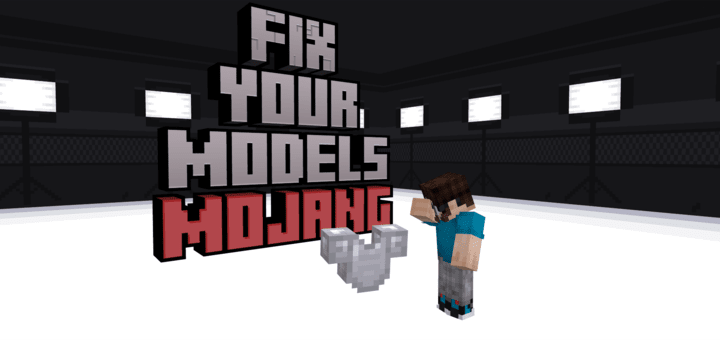

HTC Armor Fix
A simple resource pack that fixes the vanilla armor models to not have texture stretching, z-fighting, or clipping.Download

Glowing Mobs
Glowing Mobs makes all mobs visibly glow in the dark — caves, night, Nether, and End. Adjustable glow strength from 1% to 100% via subpacks. Pure resource pack, achievement friendly.Download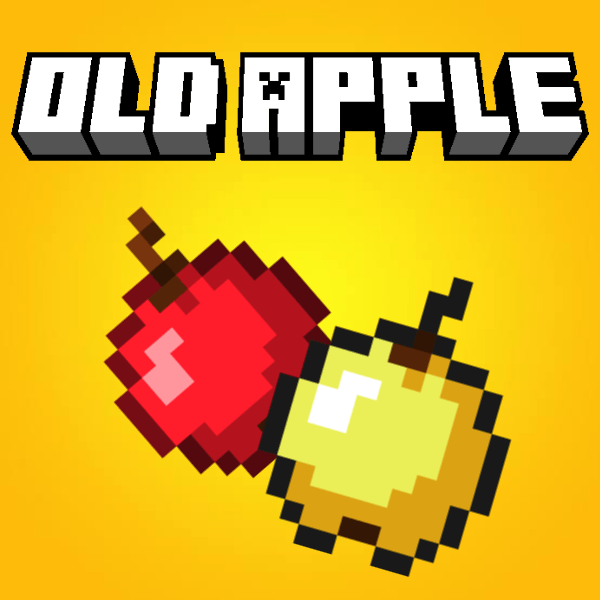
Old Apple
Nostalgic Old AppleDownload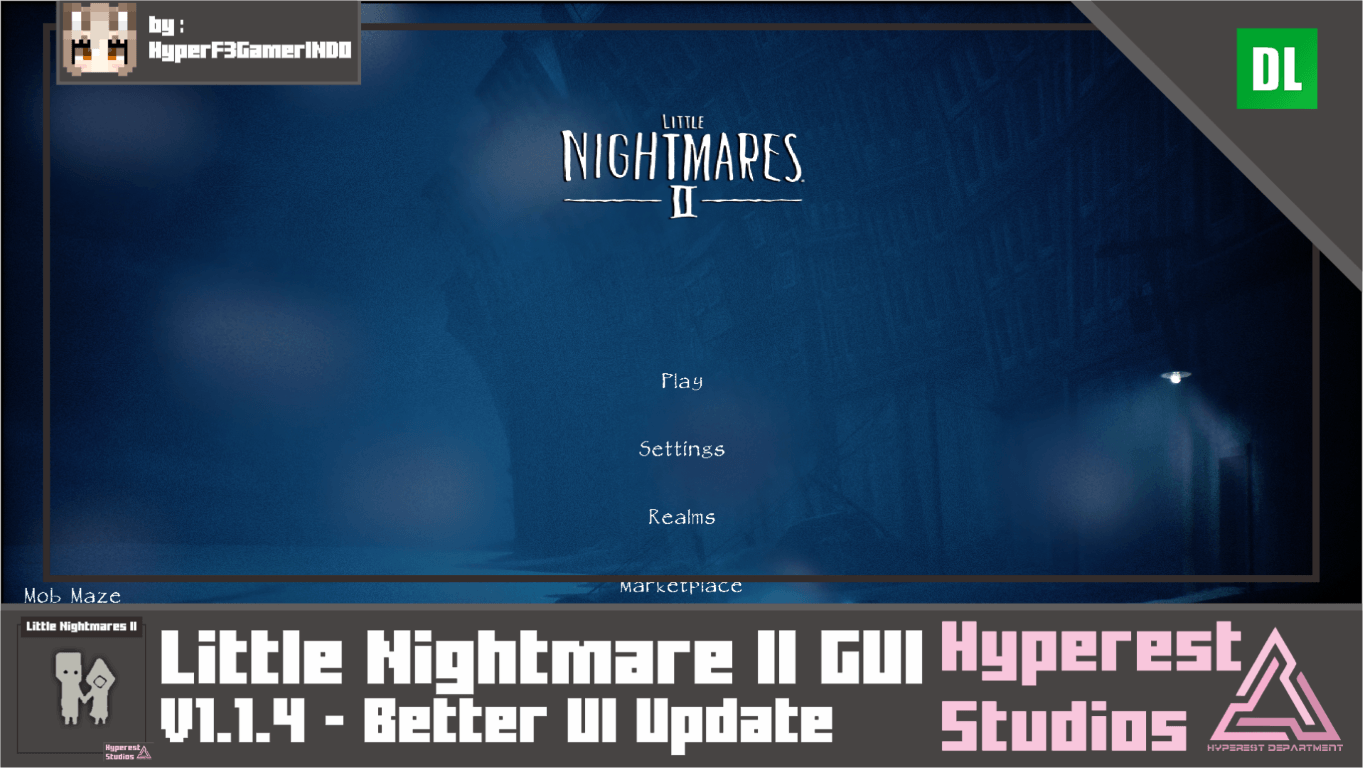

Little Nightmares II GUI | v1.1.4 Better UI Update
Hello there Little Nightmares fans! now I'll bring you to the Pale City, time to stop the time loop (paradox)! but can you do it? in another Little Nightmares Submission right now it's came from Little Nightmares II Games! I hope you like it!Download
MRVO Ultra-HD RTX Pack for PBR
A PBR Texture Pack provides 32X Realistic Texture with RTX supportDownload
Sir Riesling's Ice Tools Bedrock
Give your tools and bow a new ice look!Download

Just One - Minecraft But All Blocks And Items Have The Same Texture
Do you want some more challenge? Well, this Texture Pack is for you!! It's because this Texture Pack made all blocks and items have the same texture.Download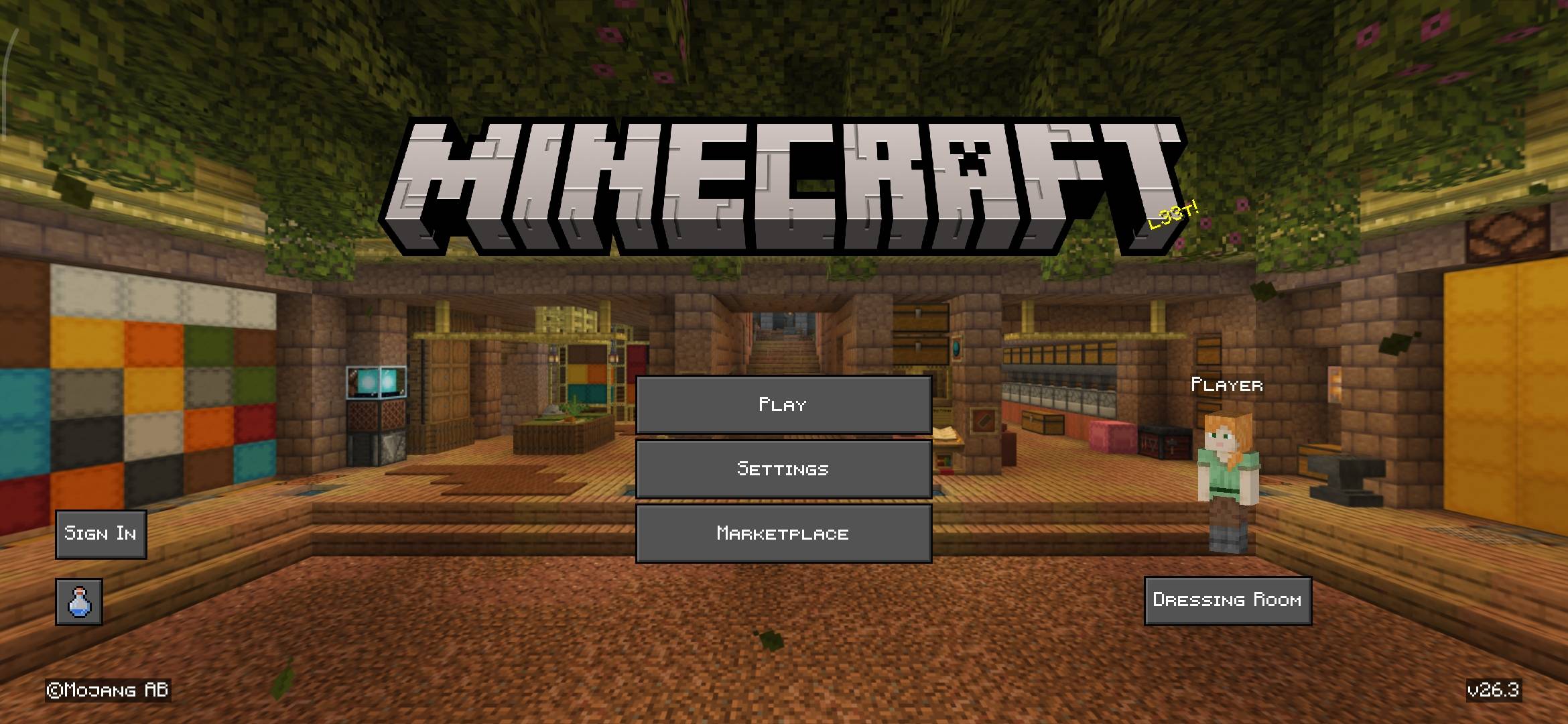

CleanCraft UI Pack
CleanCraft UI Pack improves the interface of Minecraft Bedrock Edition with a clean dark UI, dot crosshair, quick crafting, better tooltips, and improved HUD bars, plus a Hermitcraft Season 10 style menu panorama. Lightweight and vanilla-friendly.Download

BurningMemory
Download

VDX Desktop UI Mr Mine Edition
A complete Java Edition interface overhaul for Bedrock, featuring classic desktop layouts, clean fonts, and optimized textures.Download

Spooky Beds Bedrock Port
Turns beds into spooky pumpkin themed designsDownload
Night Vision Text Display Remover
An Optional Texture Pack for "Toggle Night Vision" to remove the text at the top middle.Download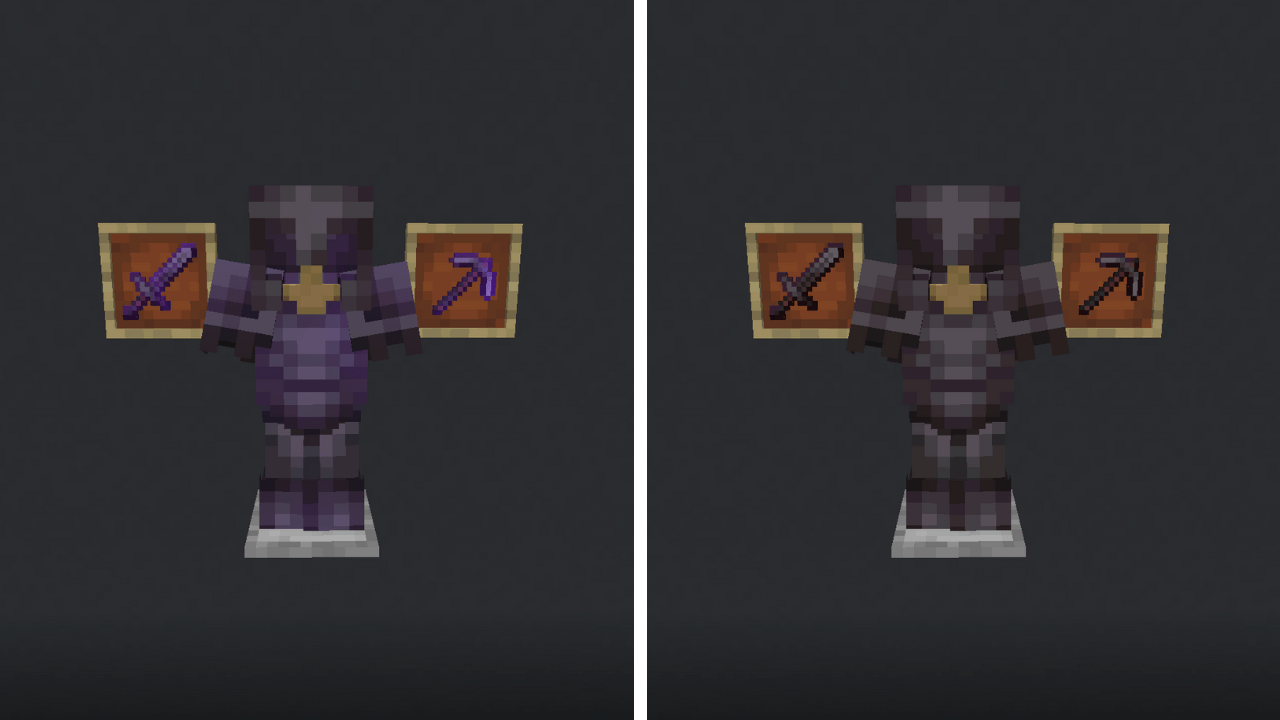

No Enchants
Removes the Enchantment Glint.DownloadFAQ
Do I need Forge or Fabric for a resource pack?
No. A resource pack works on the regular game with no loaders or mods. Click “Install” and Millida Launcher will put the pack into the right modpack — then just enable it in the settings.
What do 16×, 32×, 64× mean?
The resolution of a single texture in pixels. 16× matches the original game, 32× and 64× are more detailed and heavier, and 128× and up put a noticeable load on your graphics card.
Will a pack made for another version work?
Most likely partly: older packs don't have textures for newer blocks, so those will stay default. The game won't break, though.
How is a texture pack different from a resource pack?
Only by name and age. Before version 1.6 the sets were called texture packs and changed only textures; in 1.6 resource packs replaced them and also change sounds, fonts and the interface. Old texture packs for 1.5 and below do not work on new versions without conversion.
Which texture packs are best for PvP?
PvP packs: 16× resolution or lower, shortened swords, low fire, a clear sky and bright particles. They barely load the computer and make the opponent easier to see. These packs are collected in the PvP theme.
How do I install a resource pack?
Press Install and Millida Launcher puts the pack into the resourcepacks folder of the right instance. Then enable it in the game: Options, then Resource Packs. Manually, the archive goes into resourcepacks inside the game folder, no need to unpack it.
Minecraft texture packs
A resource pack changes how the game looks and sounds: block and item textures, fonts, the interface, sounds. It doesn't touch the game's code, so it needs no mod loader and breaks nothing on a server — the pack only works on your screen. That's exactly why a resource pack is safer than any mod: the worst that happens on a version mismatch is that some textures stay default.
Textures, texture packs and resource packs are essentially the same thing: since version 1.6 Mojang calls these sets resource packs, but the old name is still searched more often. PvP packs are a big genre of their own: shortened swords, low fire, bright particles and 16× resolution or lower, so the opponent stands out and the frame rate does not drop. Such packs are most often made for 1.8.9 and 1.16.5, the versions many PvP servers run on.
The key thing about a pack is its resolution. The game's default textures are 16×16 pixels; 32× and 64× packs look more detailed, while 128× and up need a real graphics card and are usually paired with shaders. On a weak machine it makes sense to stay at 16× or go for packs that deliberately simplify graphics for more FPS. Every pack here lists its game version, author and license, and all released versions are gathered on one card. Put the downloaded archive in the resourcepacks folder and enable it in the game settings.