
Minecraft texture packs — page 267
Resource packs: list


IRL Spoons
Changes Shovels textures to look like spoons.Download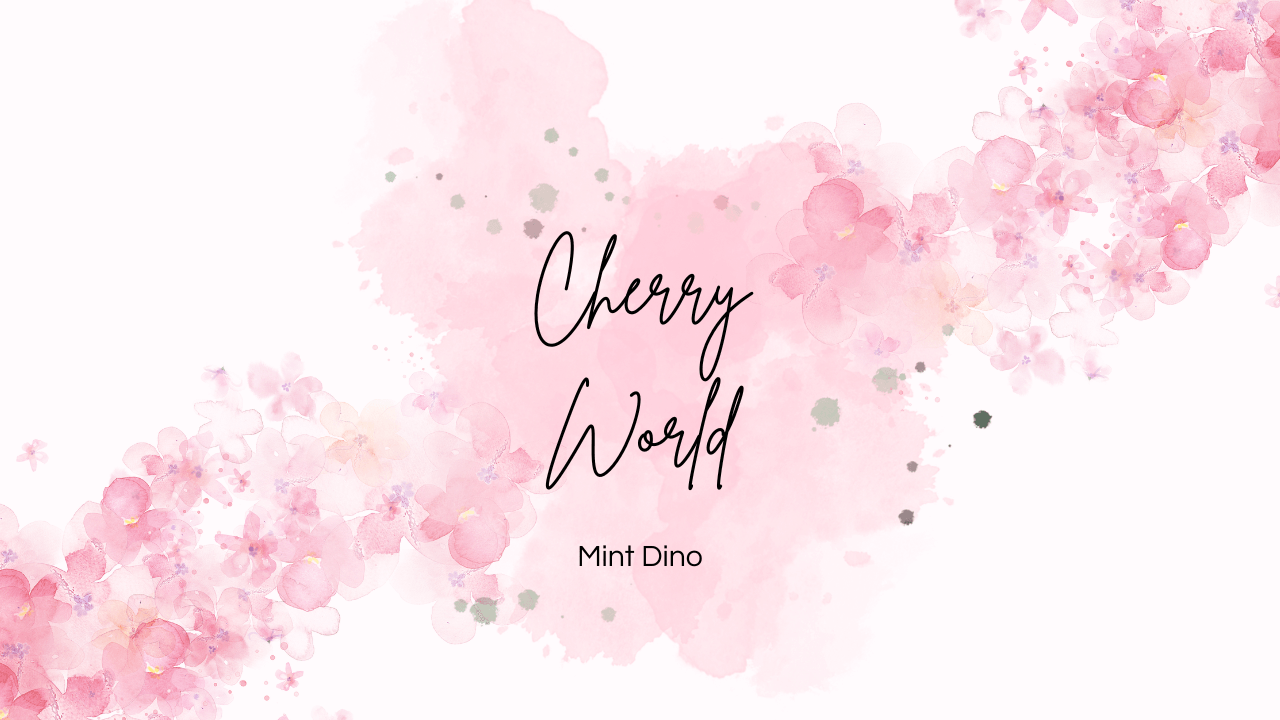

Cherry World
A delightful reimagining of your world with the vibrant hues of cherry.Download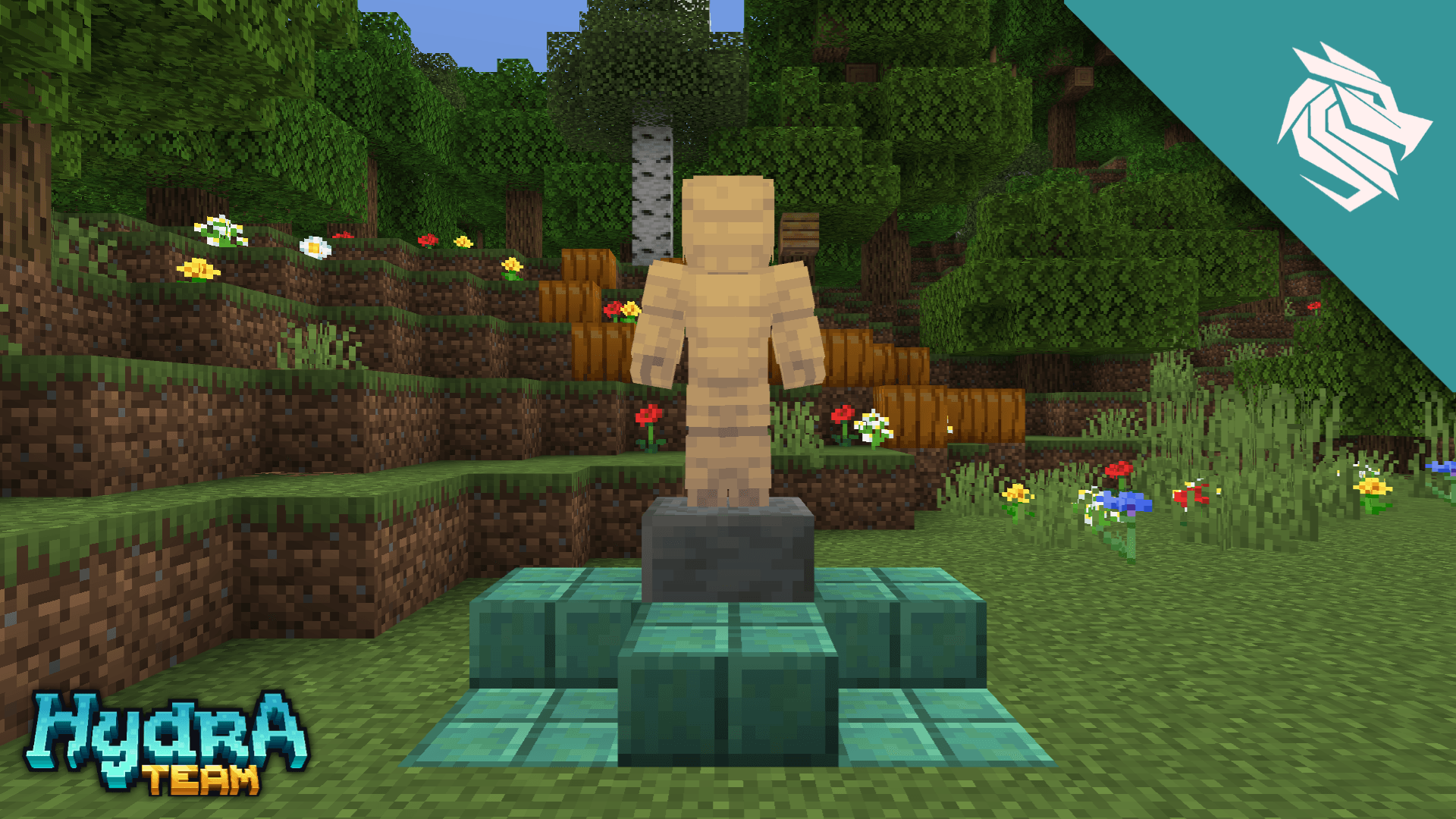
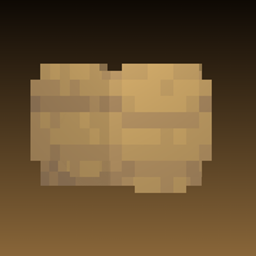
Reforged armor stand v1
Want your armor stand to have more personality? Here's your solution!! This texture will make your armor stand much more expressive than the vanilla version.Download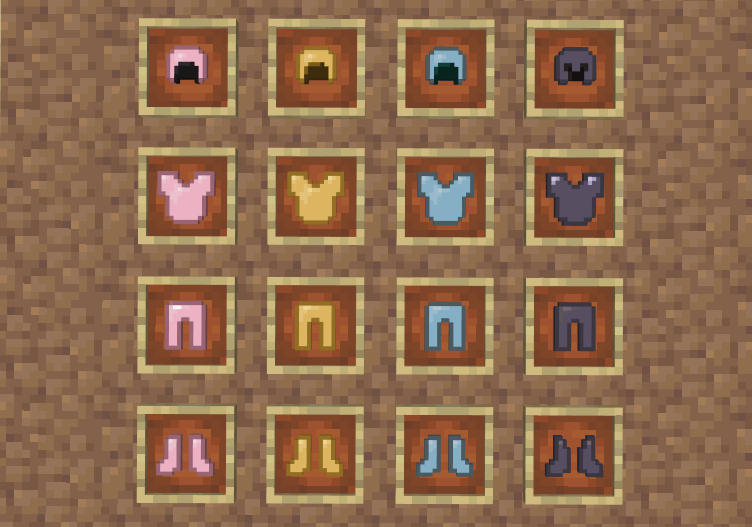

Pastel Armor
Pastel colored armor for Minecraft: Bedrock EditionDownload

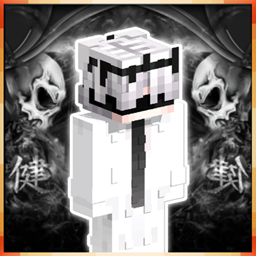
Pomni 4d Skin
4d Pomni Skin Texturepack with Blinking Animation + VariantsDownload

Indonesian Rupiah Totem
Replace Totem into Indonesian CurrencyDownload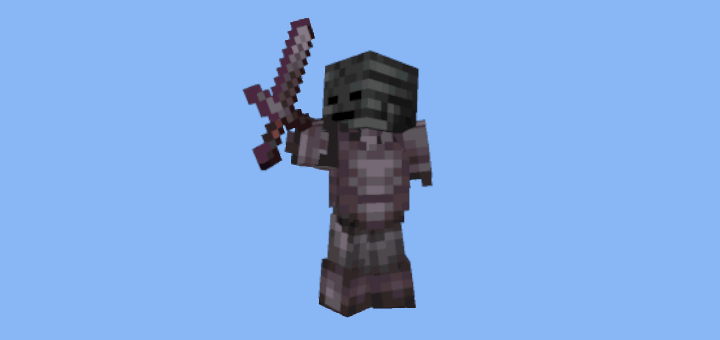

Invisible Armor Stands and Statues
Rename armor stands to make them invisible. Includes optional statue retexture.Download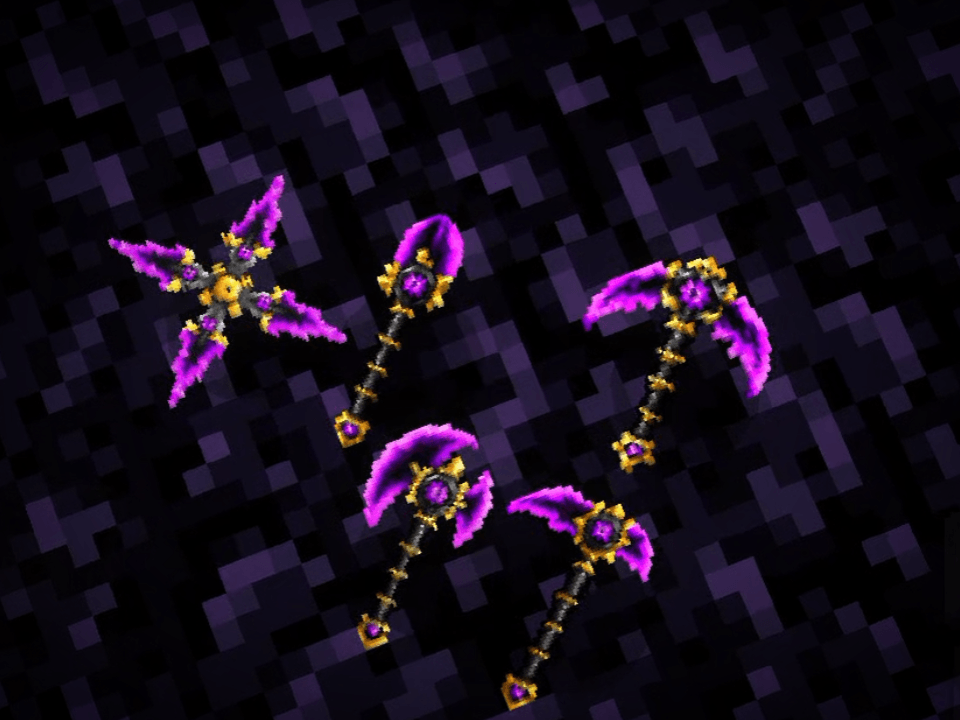
amethyst tools
A collection of premium amethyst tools custom textures to enhance the visuals of your Minecraft Bedrock adventures.Download
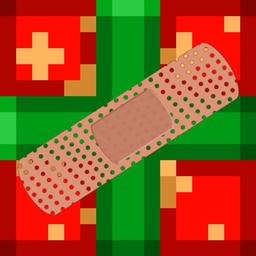
Festive Mash-up Patch
A continuation of the Festive Mash-up pack for modern Minecraft.Download

Jibanyan 4d Skin
4d Jibanyan Skin Texturepack with Blinking Animation + VariantsDownload

Better Spawn Eggs RP
This resource pack replaces all spawn egg textures with the heads of the respective creatures, making it easier to identify and select the right spawn egg quickly.Download
Free Edition on bedrock
Where the world is made out of wool! Build, Explore, and surviveDownload

Takamura's Health Indicator
Health Indicator Up To 50 Hearts (5 Rows)Download

Item counter
A minecraft bedrock texture pack that add Arrow counter, Pot counter and Totem counter to the gameDownload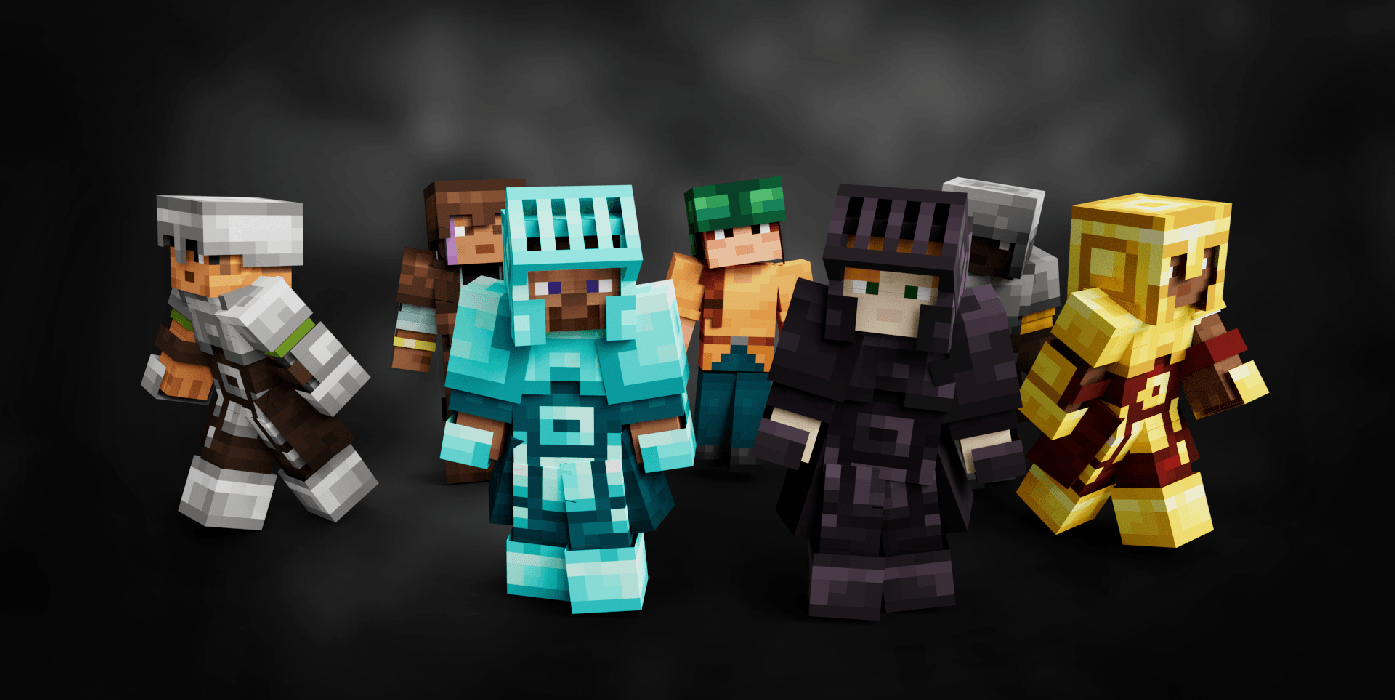
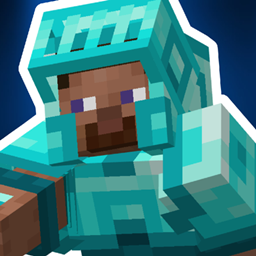
Armory Conglomery for v1
Armory Conglomery for MinecraftDownload

xHud Renderer
Making the hud screen always rendering.Download

Accurate Textures Bedrock ed.
Accurate Textures x32 for BEDROCK EditionDownload

RP's Custom Painting
Do you find Minecraft Vanilla Paintings boring? Well, this pack is for you! As it changes most vanilla 1x1 and 2x1 paintings to be more useful and meaningful in builds while adding a frame to the rest to add some detail.Download

Invincible Pack
Invincible PackDownload
Chunkly
Chunk performance & animationDownload

Luth's Sensible Stairs, Slabs, and Such
Tweaks to the neglected vanilla blocks that re-use textures, giving them personality while still being identifiable.Download

Goat Villagers
This pack turns villagers into crazy goats! Bhaaaaaaa! Including custom models and textures for every profession for them, the iron golem, and even their sounds!Download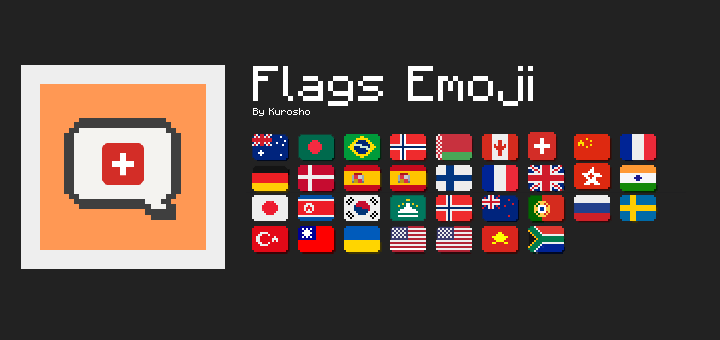
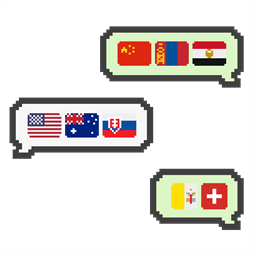
Flags Emoji
This texture pack adds emoji of each country or region's flag and makes these emoji available for typing.DownloadFAQ
Do I need Forge or Fabric for a resource pack?
No. A resource pack works on the regular game with no loaders or mods. Click “Install” and Millida Launcher will put the pack into the right modpack — then just enable it in the settings.
What do 16×, 32×, 64× mean?
The resolution of a single texture in pixels. 16× matches the original game, 32× and 64× are more detailed and heavier, and 128× and up put a noticeable load on your graphics card.
Will a pack made for another version work?
Most likely partly: older packs don't have textures for newer blocks, so those will stay default. The game won't break, though.
How is a texture pack different from a resource pack?
Only by name and age. Before version 1.6 the sets were called texture packs and changed only textures; in 1.6 resource packs replaced them and also change sounds, fonts and the interface. Old texture packs for 1.5 and below do not work on new versions without conversion.
Which texture packs are best for PvP?
PvP packs: 16× resolution or lower, shortened swords, low fire, a clear sky and bright particles. They barely load the computer and make the opponent easier to see. These packs are collected in the PvP theme.
How do I install a resource pack?
Press Install and Millida Launcher puts the pack into the resourcepacks folder of the right instance. Then enable it in the game: Options, then Resource Packs. Manually, the archive goes into resourcepacks inside the game folder, no need to unpack it.
Minecraft texture packs
A resource pack changes how the game looks and sounds: block and item textures, fonts, the interface, sounds. It doesn't touch the game's code, so it needs no mod loader and breaks nothing on a server — the pack only works on your screen. That's exactly why a resource pack is safer than any mod: the worst that happens on a version mismatch is that some textures stay default.
Textures, texture packs and resource packs are essentially the same thing: since version 1.6 Mojang calls these sets resource packs, but the old name is still searched more often. PvP packs are a big genre of their own: shortened swords, low fire, bright particles and 16× resolution or lower, so the opponent stands out and the frame rate does not drop. Such packs are most often made for 1.8.9 and 1.16.5, the versions many PvP servers run on.
The key thing about a pack is its resolution. The game's default textures are 16×16 pixels; 32× and 64× packs look more detailed, while 128× and up need a real graphics card and are usually paired with shaders. On a weak machine it makes sense to stay at 16× or go for packs that deliberately simplify graphics for more FPS. Every pack here lists its game version, author and license, and all released versions are gathered on one card. Put the downloaded archive in the resourcepacks folder and enable it in the game settings.