
Minecraft texture packs — page 265
Resource packs: list
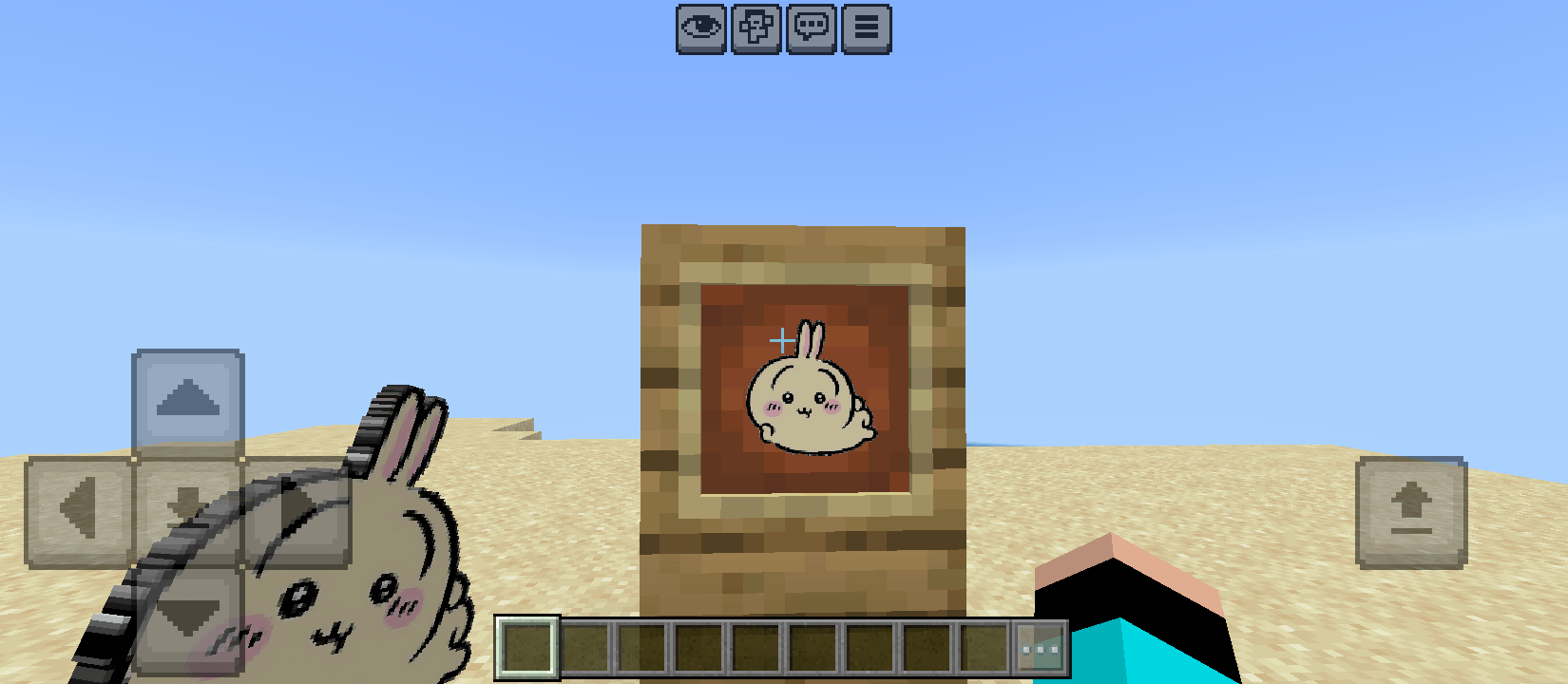


ChatGPT generated shader
This shader is not created by me, I trained ChatGPT for make this oneDownload

Fairy Wings Elytra BE
Fly high with this fluttering opalescent fairy wings elytra reskin! 💖🧚Download

Tricky Trials Panorama with Shaders (Bedrock)
Great looking Resource Pack that adds Shaders to the 1.21 Panorama.Download

Unfair HUD+
Show unlocked Villager Trades, No pumpkin overlay and a guide in the brewing standDownload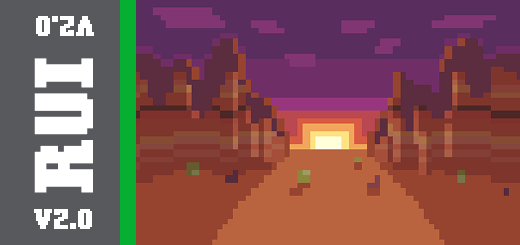

Rounded UI | Dark
This is a simple texture rounds almost every ui out. Dark Themed.Download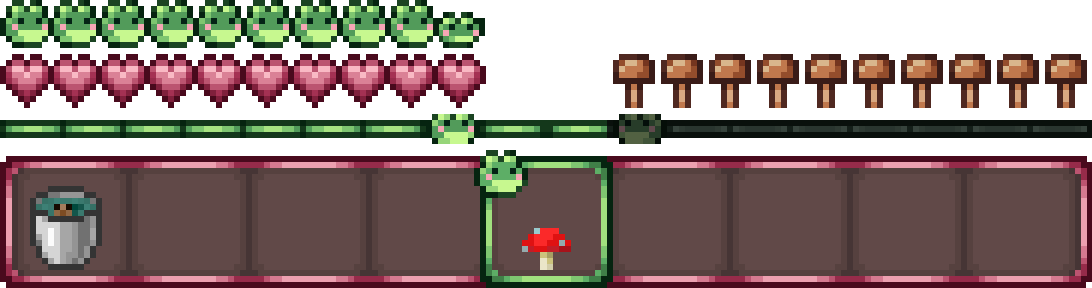

Frogcrafting Hotbar BE
A cute aesthetic Hotbar featuring frogs and mushrooms, designed for Frocrafting's Twitch and YouTube channels!Download

Padoru Totem — Christmas Special
Change Totem texture to Padoru for ChristmasDownload
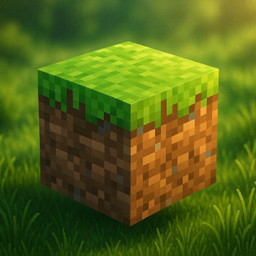
Nature FPS+
• Smooth natural textures • Better grass & plant visuals • Clean vanilla+ style • Mobile FPS optimized • High quality and attractive look • Improved biome atmosphereDownload

Fake Hardcore Hearts (mcpe/mcbe)
Changes the regular survival hearts to look like hardcore hearts.Download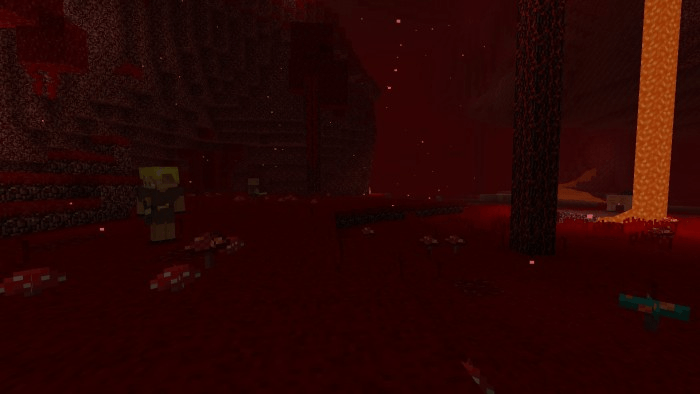

Programmer Art Doubled
The classic look of minecraft continued!Download

Cake Totem of Undying
Cake Totem of undying because why not?Download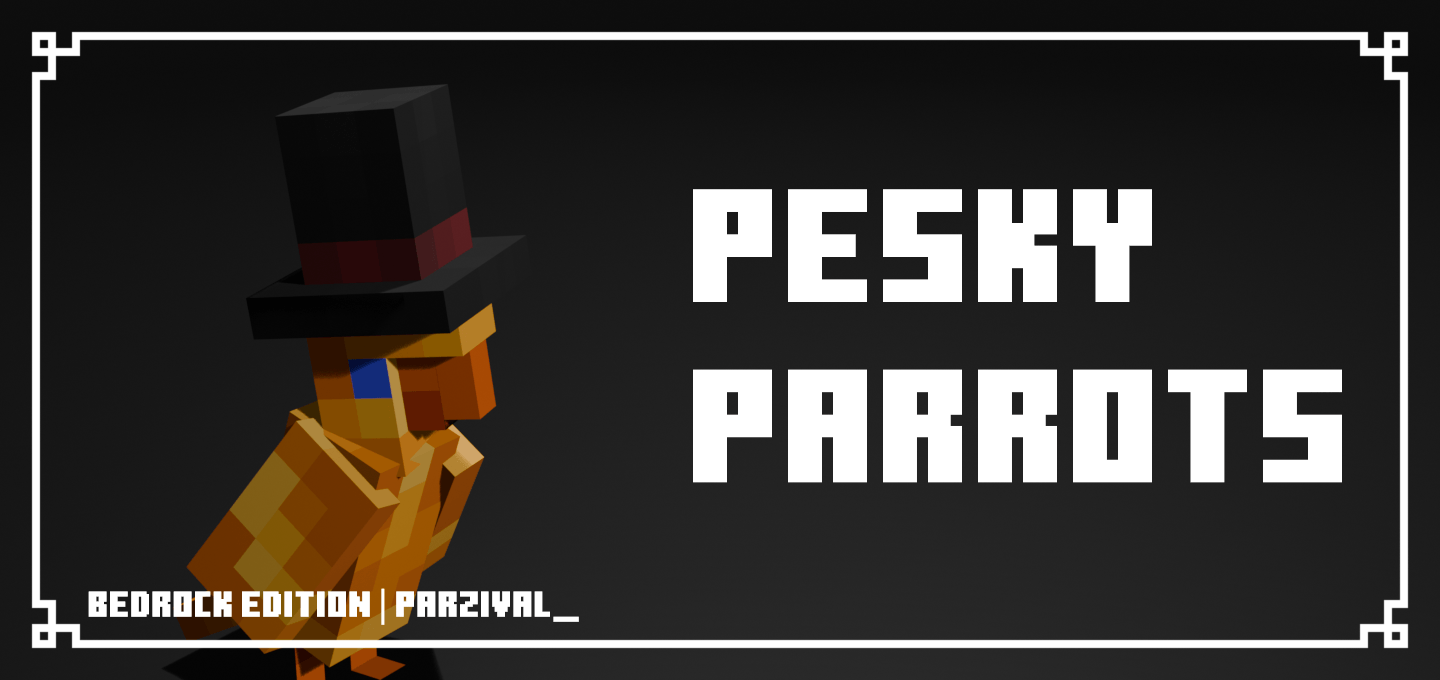

Pesky Parrots
This pack adds 15 New Color styles and a bunch of namable variants to the ParrotDownload

No Particles MCPE
Removes All unnecessary particles from the gameDownload

Aesthetic Birds
This texture pack changes parrot textures to more aesthetic ones.Download
Better Shadows
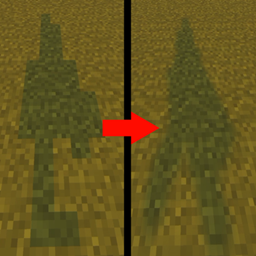
Better Shadows makes your ingame shadows smooth as butterDownload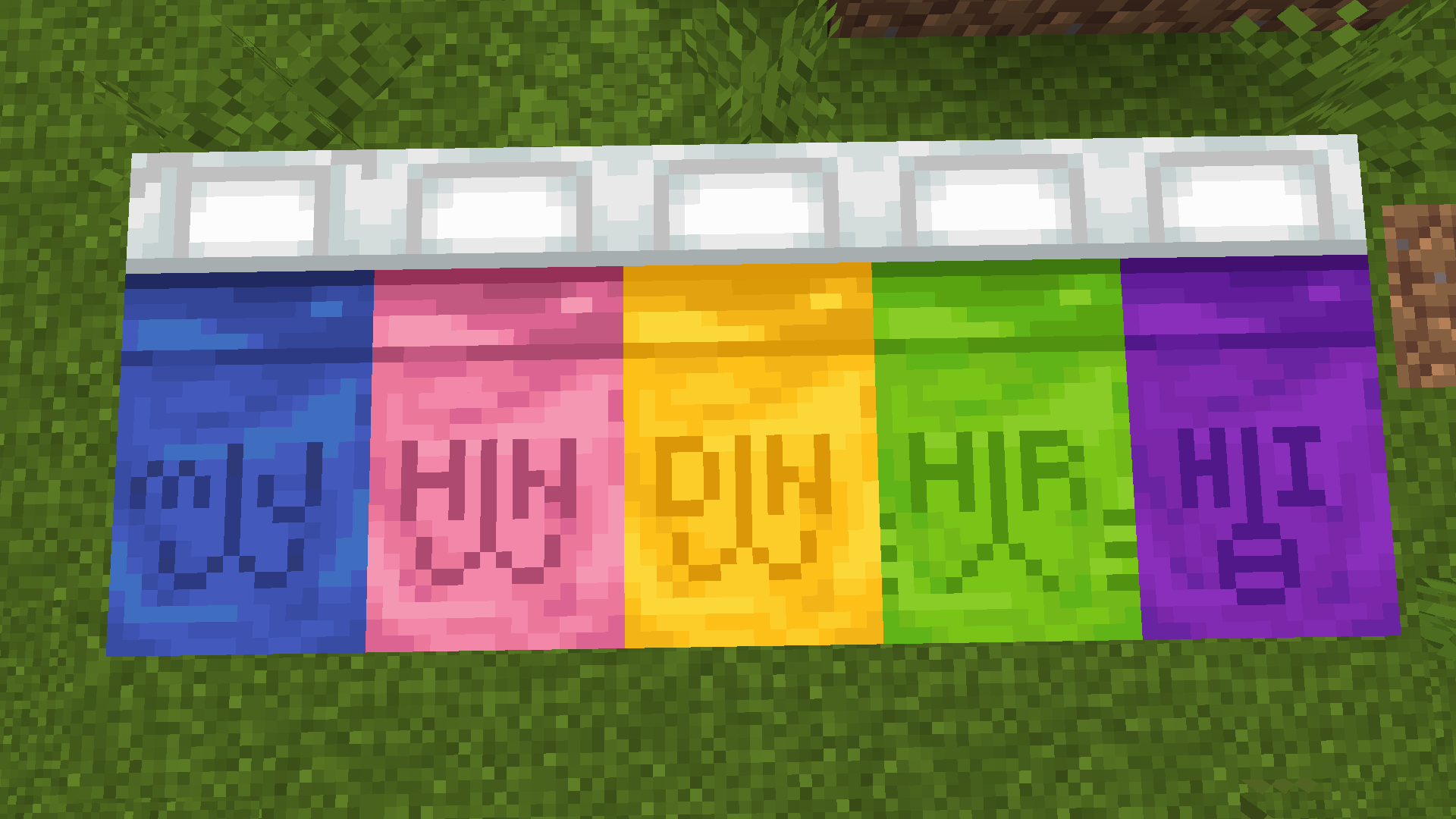

BunniCraft!
a vanilla texture pack redesign catered towards fans of NJZ / NewJeans!Download
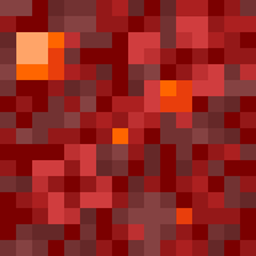
Flowery Variations
Gives Grass, Podzol, Mycelium, Crimson Nylium, and Warped Nylium vanilla-friendly flowers, clovers, and rocks!Download

OLD GOLDEN APPLE
Old Golden Apple And Apple TexturesDownload

Luffy Straw Hat UI Inventory
Adds a Luffy Straw Hat UI InventoryDownload
Minecraft Movie Skin Pack
A skin pack including all characters from the Minecraft Movie.Download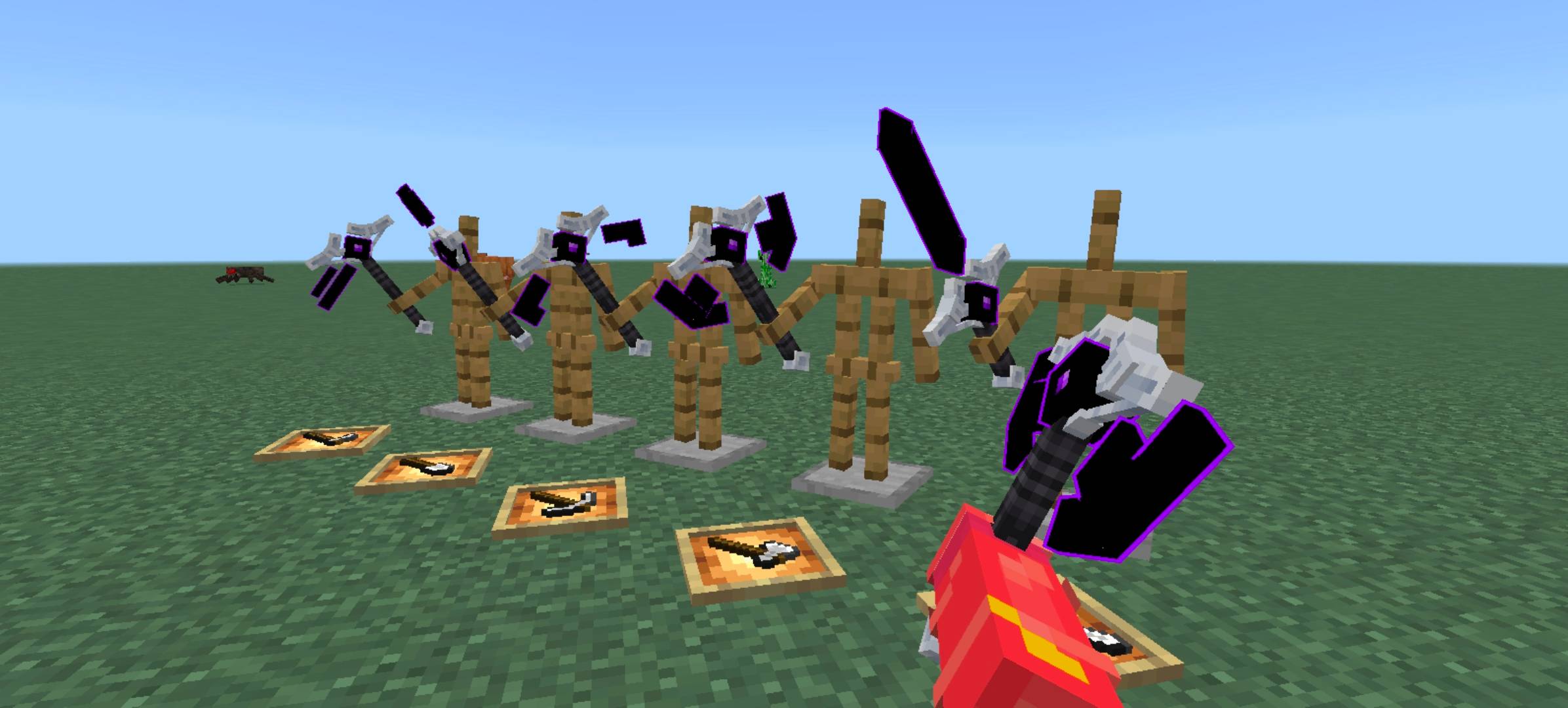
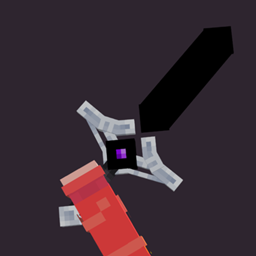
Dark Tools
Iron Tools Skin , support justanimation+ and xnovaDownload

PVP CROSSHAIR
CUSTOM CROSSHAIR FOR PVP MINECRAFTDownload

Classic Foods
Classic FoodsDownloadFAQ
Do I need Forge or Fabric for a resource pack?
No. A resource pack works on the regular game with no loaders or mods. Click “Install” and Millida Launcher will put the pack into the right modpack — then just enable it in the settings.
What do 16×, 32×, 64× mean?
The resolution of a single texture in pixels. 16× matches the original game, 32× and 64× are more detailed and heavier, and 128× and up put a noticeable load on your graphics card.
Will a pack made for another version work?
Most likely partly: older packs don't have textures for newer blocks, so those will stay default. The game won't break, though.
How is a texture pack different from a resource pack?
Only by name and age. Before version 1.6 the sets were called texture packs and changed only textures; in 1.6 resource packs replaced them and also change sounds, fonts and the interface. Old texture packs for 1.5 and below do not work on new versions without conversion.
Which texture packs are best for PvP?
PvP packs: 16× resolution or lower, shortened swords, low fire, a clear sky and bright particles. They barely load the computer and make the opponent easier to see. These packs are collected in the PvP theme.
How do I install a resource pack?
Press Install and Millida Launcher puts the pack into the resourcepacks folder of the right instance. Then enable it in the game: Options, then Resource Packs. Manually, the archive goes into resourcepacks inside the game folder, no need to unpack it.
Minecraft texture packs
A resource pack changes how the game looks and sounds: block and item textures, fonts, the interface, sounds. It doesn't touch the game's code, so it needs no mod loader and breaks nothing on a server — the pack only works on your screen. That's exactly why a resource pack is safer than any mod: the worst that happens on a version mismatch is that some textures stay default.
Textures, texture packs and resource packs are essentially the same thing: since version 1.6 Mojang calls these sets resource packs, but the old name is still searched more often. PvP packs are a big genre of their own: shortened swords, low fire, bright particles and 16× resolution or lower, so the opponent stands out and the frame rate does not drop. Such packs are most often made for 1.8.9 and 1.16.5, the versions many PvP servers run on.
The key thing about a pack is its resolution. The game's default textures are 16×16 pixels; 32× and 64× packs look more detailed, while 128× and up need a real graphics card and are usually paired with shaders. On a weak machine it makes sense to stay at 16× or go for packs that deliberately simplify graphics for more FPS. Every pack here lists its game version, author and license, and all released versions are gathered on one card. Put the downloaded archive in the resourcepacks folder and enable it in the game settings.