
Minecraft texture packs — page 264
Resource packs: list



Immersive texture Nautilus
Based on the squid, the Nautilus model and texture, now with 3D tentacles!Download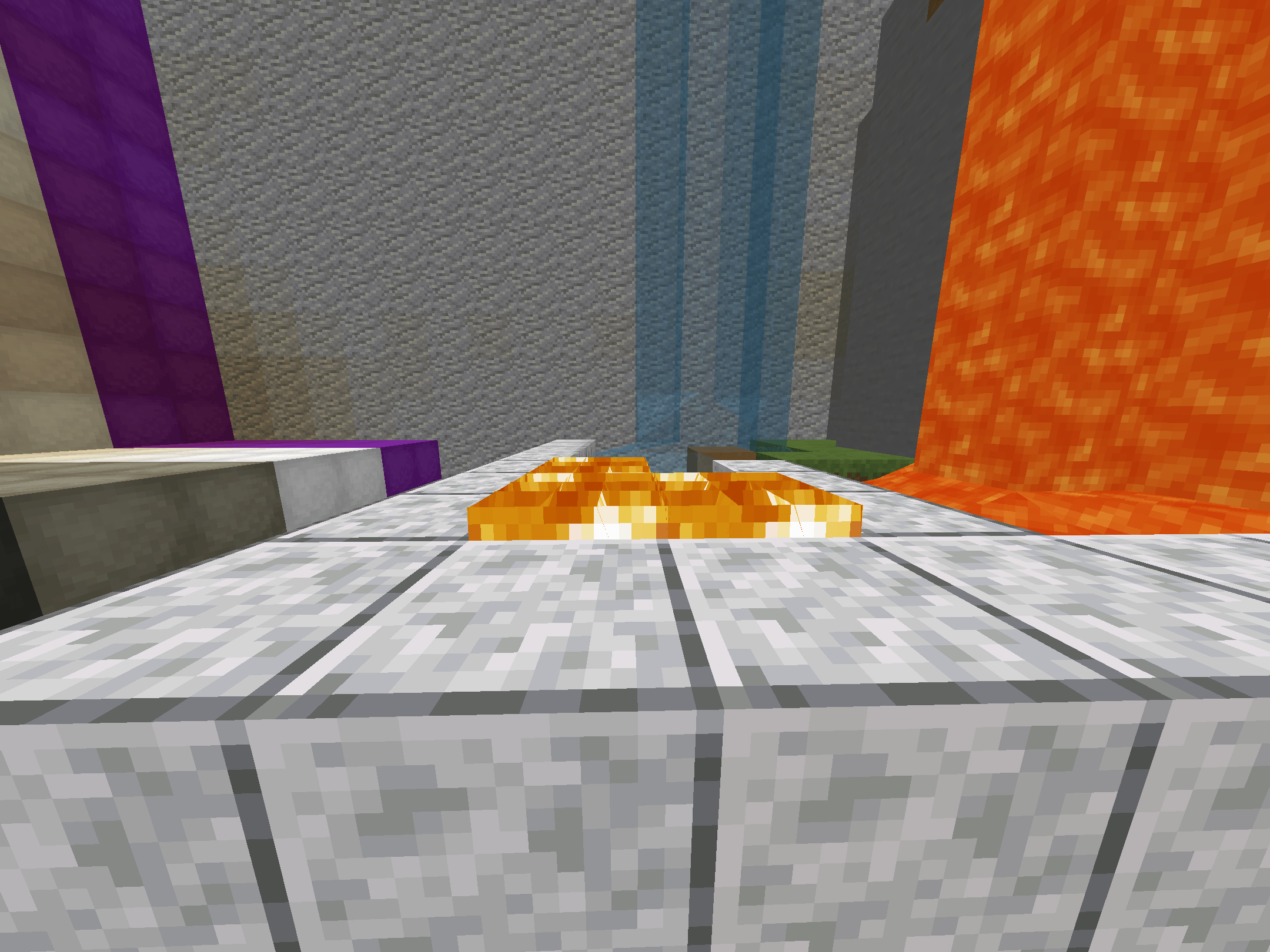

Crystal pvp Lu4l texture pack
This texture pack focuses on maximizing spatial awareness during high-speed Crystal PvP. It reduces visual clutter, highlights critical explosive frames, and uses color-coded audio-visual cues to give you a competitive edge.Download

Atomic Heart Twins
Replaces the Iron Golem with the Twins from Atomic heartDownload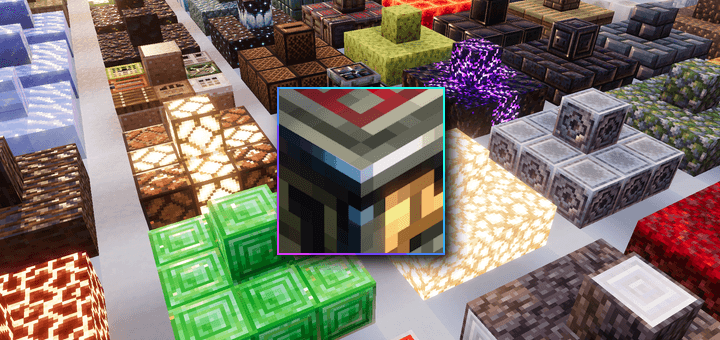

Vibrant Normals
Official conversion of Vanilla RTX Normals for the new Vibrant Visuals graphics mode!Download

BETTER MOON
Add a new moon with all its phases, A SPHERICAL moonDownload

Cool realistic old lighting
A strict recreation of Minecraft Beta 1.0 for Bedrock Edition. All modern content is hidden or removed to preserve the original Beta experience. No additions. No changes. Just pure Beta.Download

Nexus Atmosphere
This pack brings a completely revamped atmosphereDownload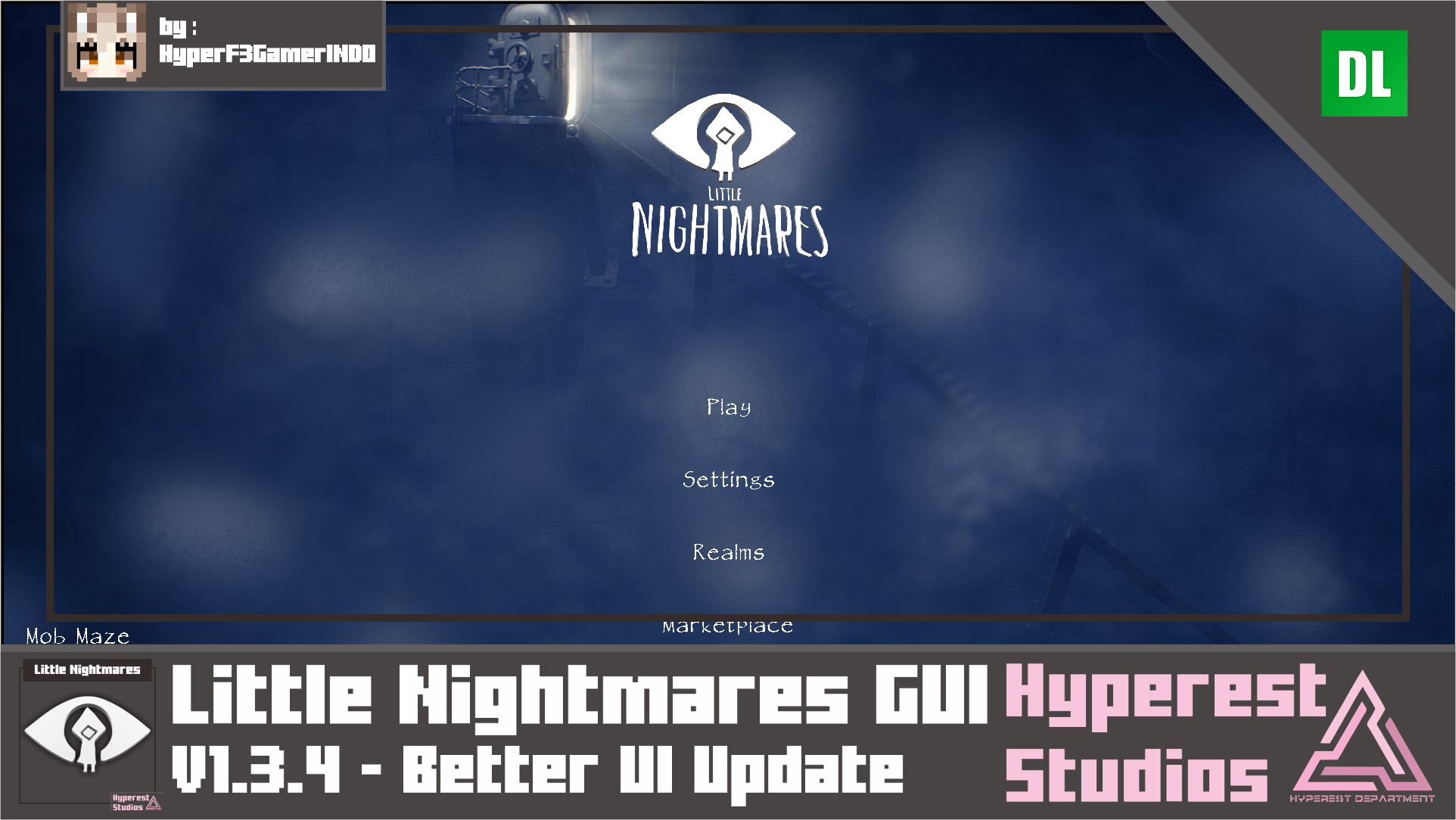

Little Nightmares GUI | v1.3.4 Better UI Update
Time to go, to unknow places, called The Maw, Hi there Little Nightmares fans! Do you ready for this pack? because this will surprise you, Little Nightmares GUI in Minecraft BE!Download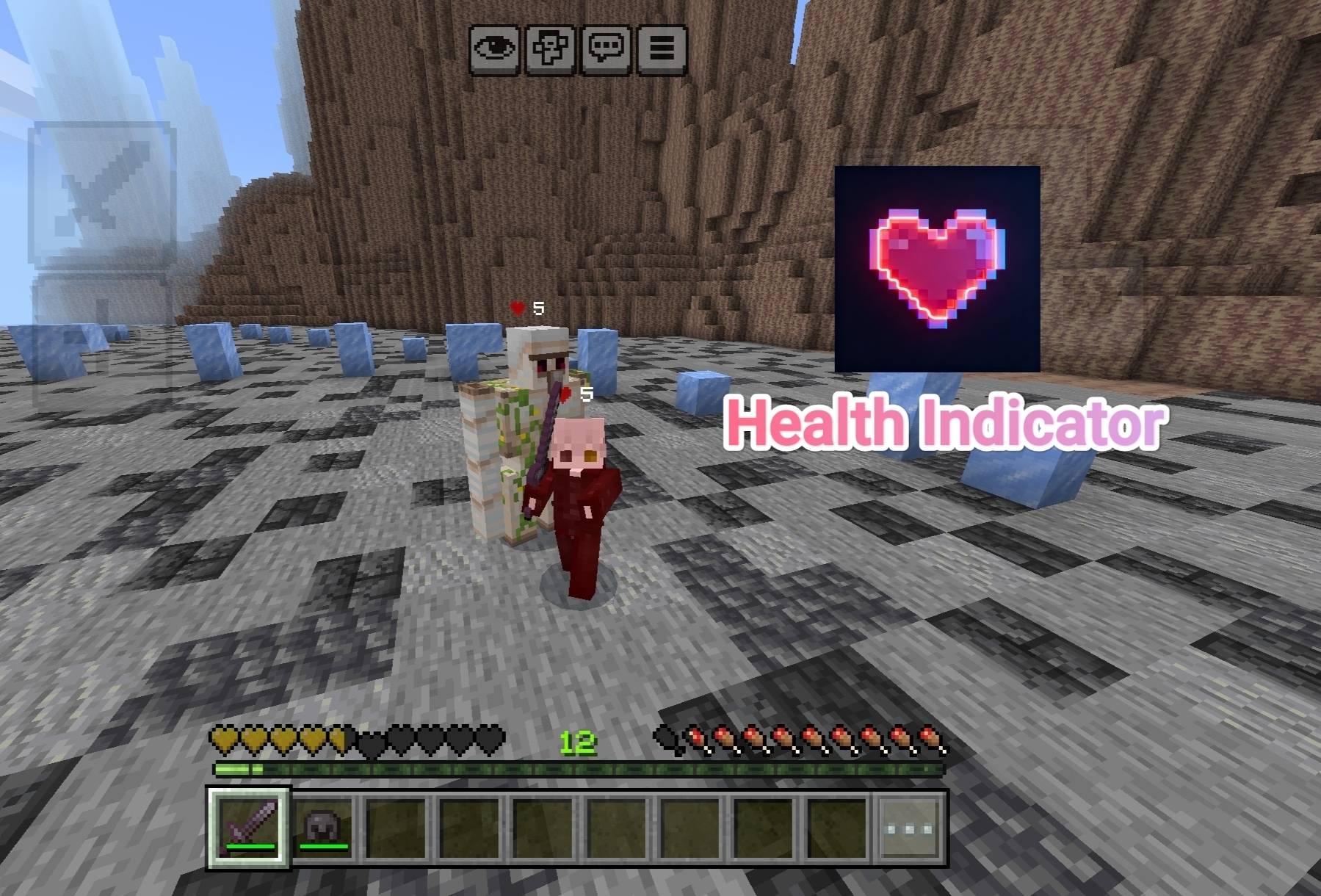

Health Core
Health Indicator showing every entity's hp up to 10Download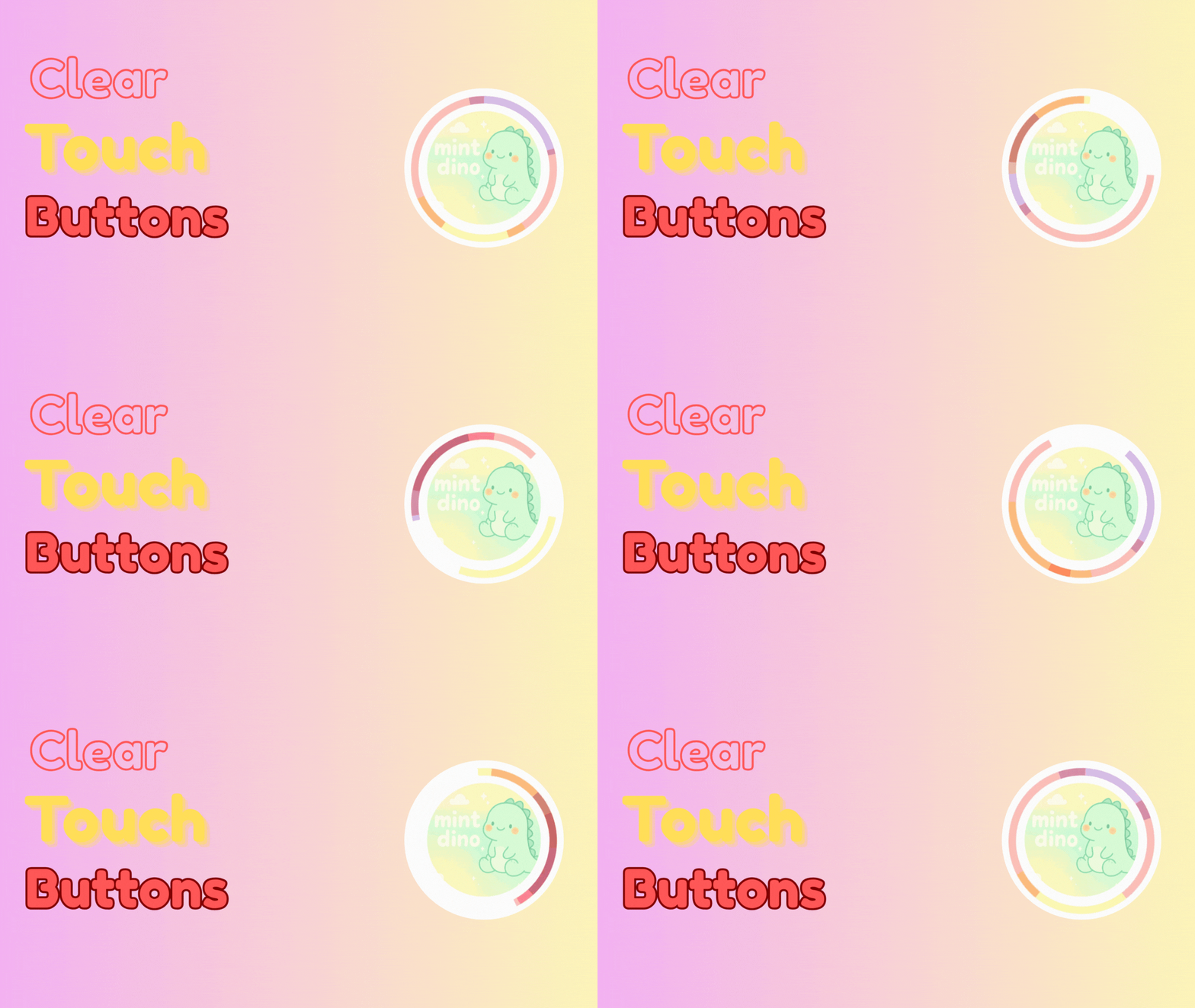
Clear Touch Buttons
A Bedrock texture pack that makes touch buttons clear and minimal for a cleaner screen.Download
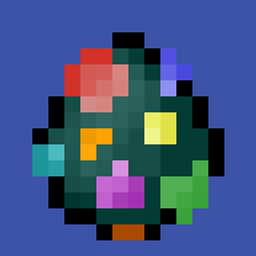
Classic Spawn Eggs
Reverts all spawn eggs to their pre 1.21.70 textures and adds classic styled textures for new spawn eggs.Download

Legacy PBR Unbound
Re-live the old days of Minecraft, better than ever. This time with a unique spin!Download
Ocean Ui
Ocean Resource Pack McpeDownload

AntiX-Ray
A lightweight solution to block players using X-Ray cheats and protect your Minecraft world from unfair gameplay.Download
Lowfire Overhaul — Soul & Normal Fire
Reduces fire height for better PvP and nether mining visibility. Animated or static versions. Covers normal and soul fire. Made by LegendWar.Download

Cherzlorer Pack V1
A sleek PvP-focused texture pack for Minecraft Bedrock featuring dark-themed visuals, custom UI, and performance enhancements.Download

Better Bunnies
Added ten random variants to each rabbit type, as well as some namable variants. Java Edition by creepermax123Download

Crimson Vibrant Visual (zephyr)
Crimson Vibrant Visual gives a strong red visual to your world, perfect for those who like red tones.Download

KINS : K's Incredible Notable Shaders
Do you want path-tracing for bedrock ? I provide you that !Download

Lanostry's armor stands bedrock
improved armor stands made of different materialsDownload

Smooth Planks
A texture pack to make wood planks look better.Download

Outlined Ores Lite
Outlined Ores Lite | GhoutodStudioDownload

Skibidi Mobs | v1.0.2 MER Texture Update
SKIBIDI YEET YEET! ;v anyway want to add toilet to vanilla mobs? especially hostile mobs? you just came to the right choice! because this pack will convert hostile mobs into SKIBIDI.DownloadFAQ
Do I need Forge or Fabric for a resource pack?
No. A resource pack works on the regular game with no loaders or mods. Click “Install” and Millida Launcher will put the pack into the right modpack — then just enable it in the settings.
What do 16×, 32×, 64× mean?
The resolution of a single texture in pixels. 16× matches the original game, 32× and 64× are more detailed and heavier, and 128× and up put a noticeable load on your graphics card.
Will a pack made for another version work?
Most likely partly: older packs don't have textures for newer blocks, so those will stay default. The game won't break, though.
How is a texture pack different from a resource pack?
Only by name and age. Before version 1.6 the sets were called texture packs and changed only textures; in 1.6 resource packs replaced them and also change sounds, fonts and the interface. Old texture packs for 1.5 and below do not work on new versions without conversion.
Which texture packs are best for PvP?
PvP packs: 16× resolution or lower, shortened swords, low fire, a clear sky and bright particles. They barely load the computer and make the opponent easier to see. These packs are collected in the PvP theme.
How do I install a resource pack?
Press Install and Millida Launcher puts the pack into the resourcepacks folder of the right instance. Then enable it in the game: Options, then Resource Packs. Manually, the archive goes into resourcepacks inside the game folder, no need to unpack it.
Minecraft texture packs
A resource pack changes how the game looks and sounds: block and item textures, fonts, the interface, sounds. It doesn't touch the game's code, so it needs no mod loader and breaks nothing on a server — the pack only works on your screen. That's exactly why a resource pack is safer than any mod: the worst that happens on a version mismatch is that some textures stay default.
Textures, texture packs and resource packs are essentially the same thing: since version 1.6 Mojang calls these sets resource packs, but the old name is still searched more often. PvP packs are a big genre of their own: shortened swords, low fire, bright particles and 16× resolution or lower, so the opponent stands out and the frame rate does not drop. Such packs are most often made for 1.8.9 and 1.16.5, the versions many PvP servers run on.
The key thing about a pack is its resolution. The game's default textures are 16×16 pixels; 32× and 64× packs look more detailed, while 128× and up need a real graphics card and are usually paired with shaders. On a weak machine it makes sense to stay at 16× or go for packs that deliberately simplify graphics for more FPS. Every pack here lists its game version, author and license, and all released versions are gathered on one card. Put the downloaded archive in the resourcepacks folder and enable it in the game settings.