
Minecraft texture packs — page 263
Resource packs: list
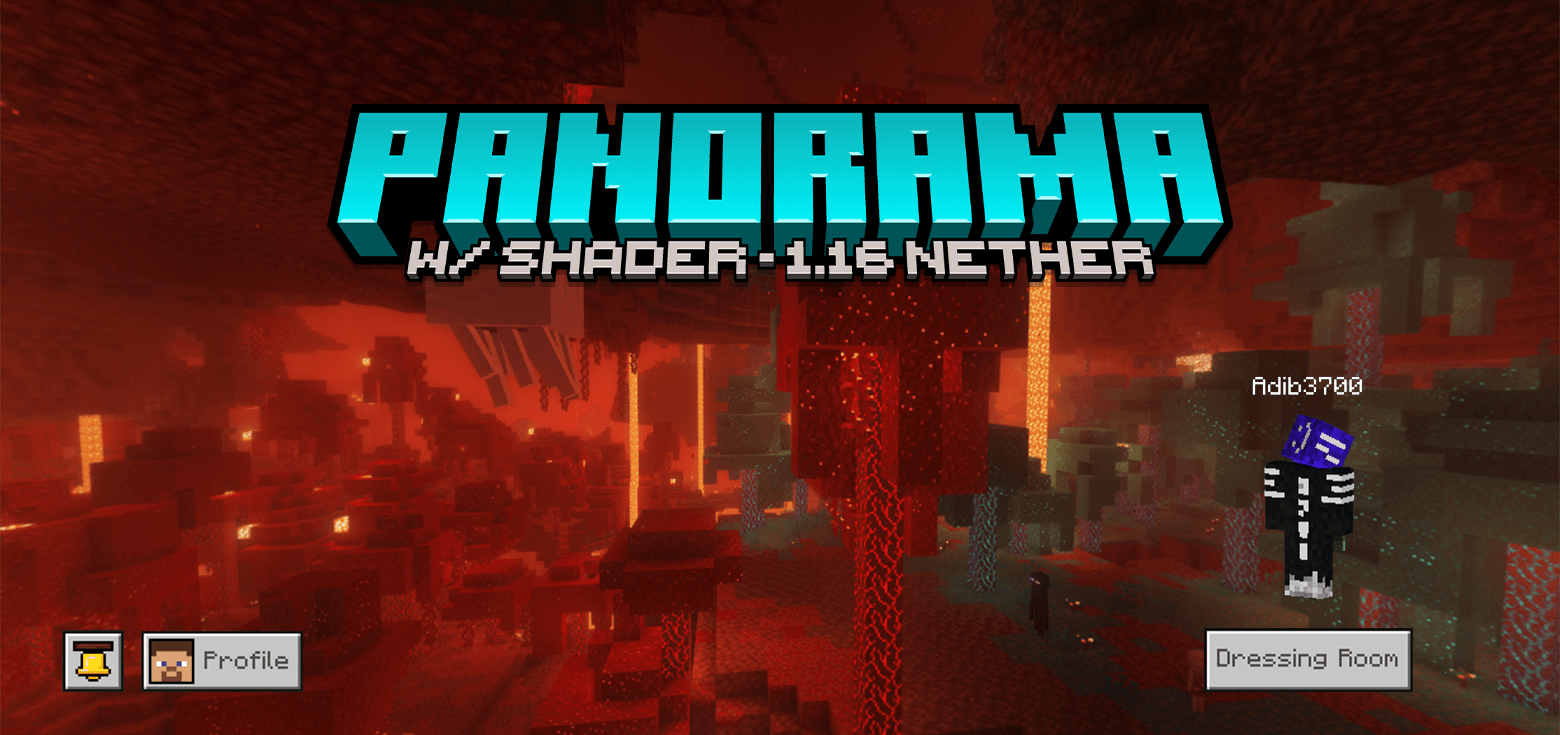


Glowing Flowers for Newb Shader & Variants
A texture pack for Newb Shader and its variants to make flowers have emissive effect.Download
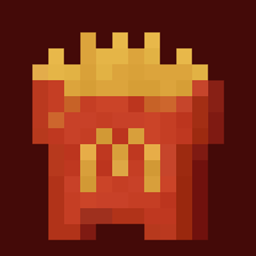
McFries
Changes the baked potato texture to McDonalds fries.Download
Multi-Colored Debris
A lot of Colourful Debris, according to your comfortDownload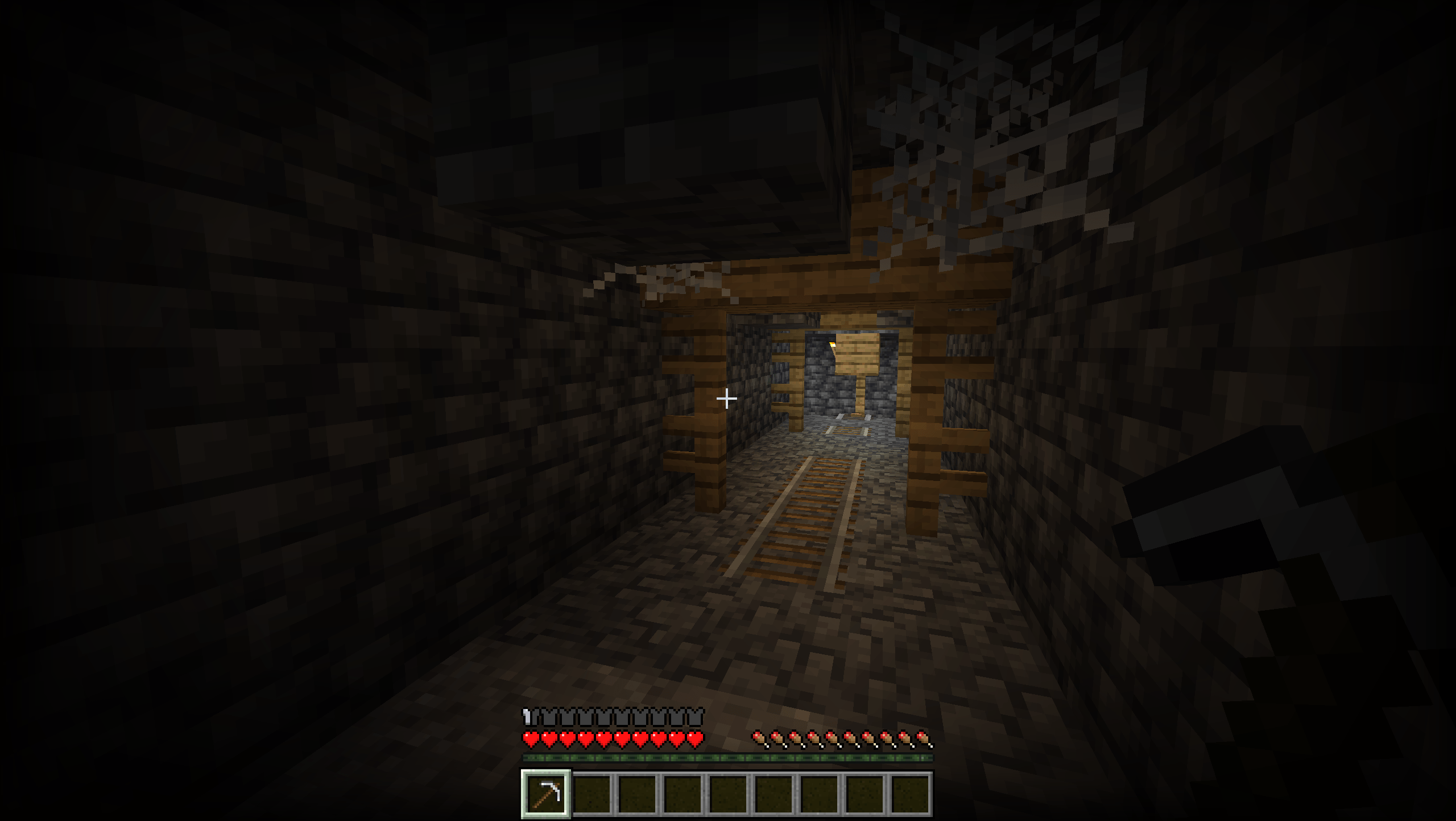

Anti X-Ray RP
Resource pack that blocks the usage of X-Ray resource packs.Download

Inferno PvP Pack 16x
🔥 A high-quality red-orange PvP texture pack with custom swords, armor, totems, icons, and GUI. Built for smooth gameplay, better PvP visibility, and a clean aesthetic. Compatible with Minecraft Bedrock 1.21+. 📲 Telegram: https://t.me/MCAdd3719Download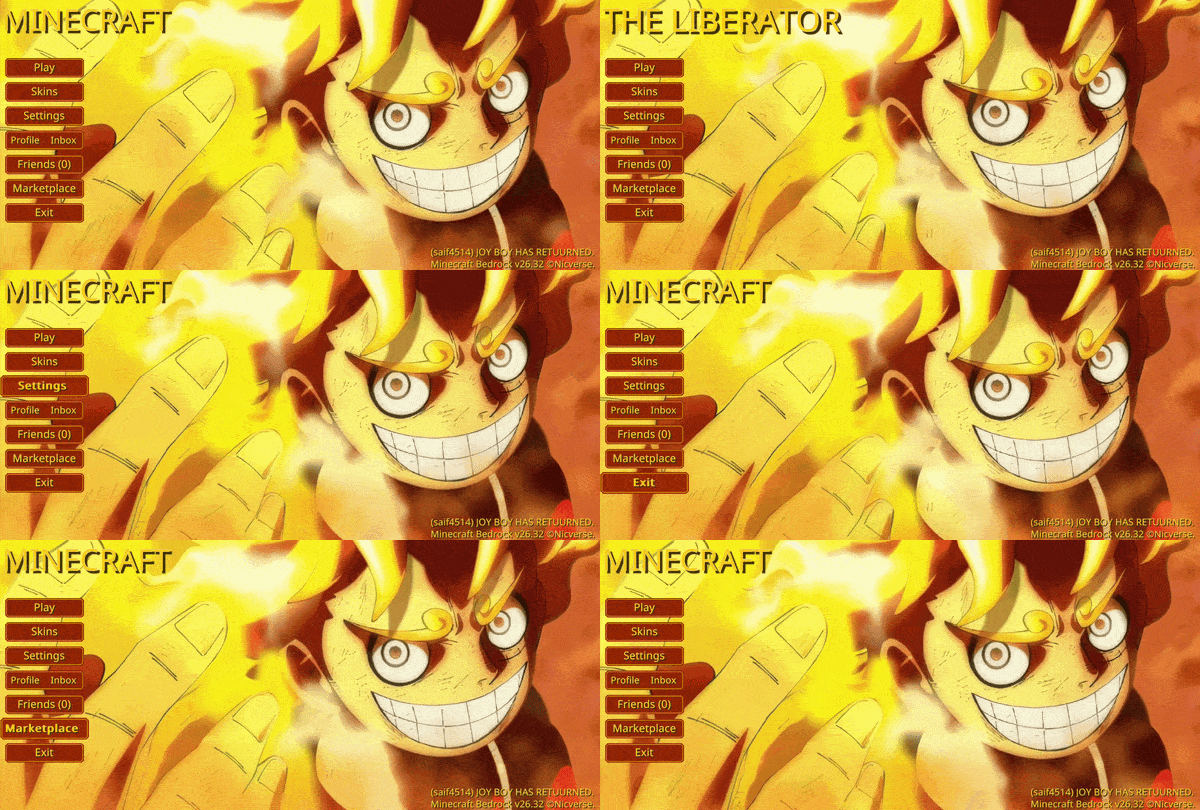

Animated Luffy Gear 5 UI
Animated Luffy Gear 5 — Awaken the drums of liberation with this radiant, high-energy interface that captures the chaotic freedom and pure joy of Gear 5.Download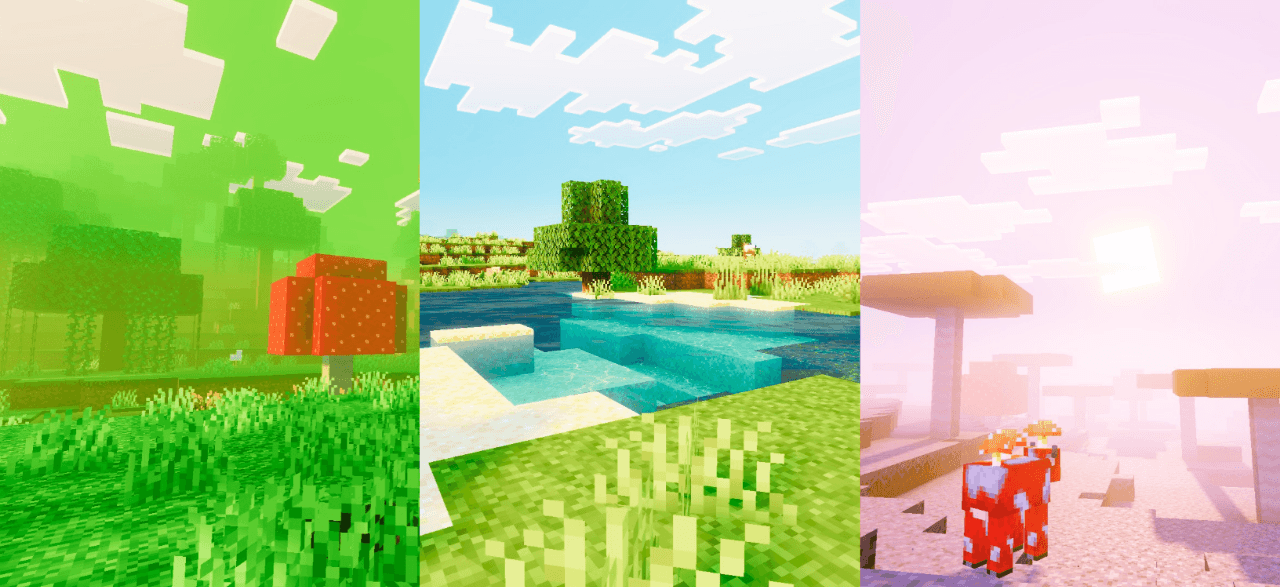

Mera Vibrant
Enhances the entire game's visuals with vibrant color grading, richer contrast, smoother highlights, atmospheric depth, and immersive lighting for a more cinematic and upgraded experience across all biomes.Download

Underwater Sky
A one-of-a-kind sky resource pack that will turn your Minecraft sky into a fully immersive underwater sceneDownload
Dancing Totem
Dancing Totem for Minecraft BedrockDownload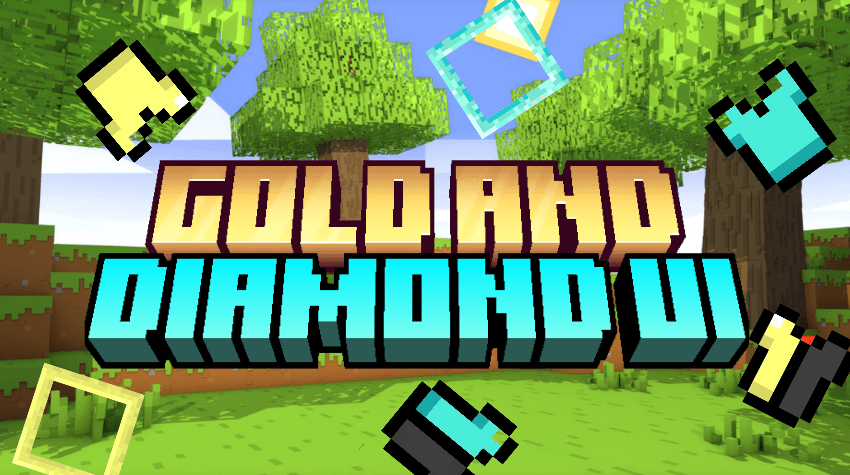

Gold And Diamond UI
Diamond UI is vibrant and more Unique UI. This texture pack contains Diamond Texture Selector and Armor HUDDownload

Delta Totem
Replaces the Totem of Undying with an Anime Delta TotemDownload

Enhanced craft
This mod make game more realisticDownload

Pixels Pulsing Glowing Ores
The deeper you go, the brighter it glows. Brave the dark, follow the pulse, and claim your treasure!Download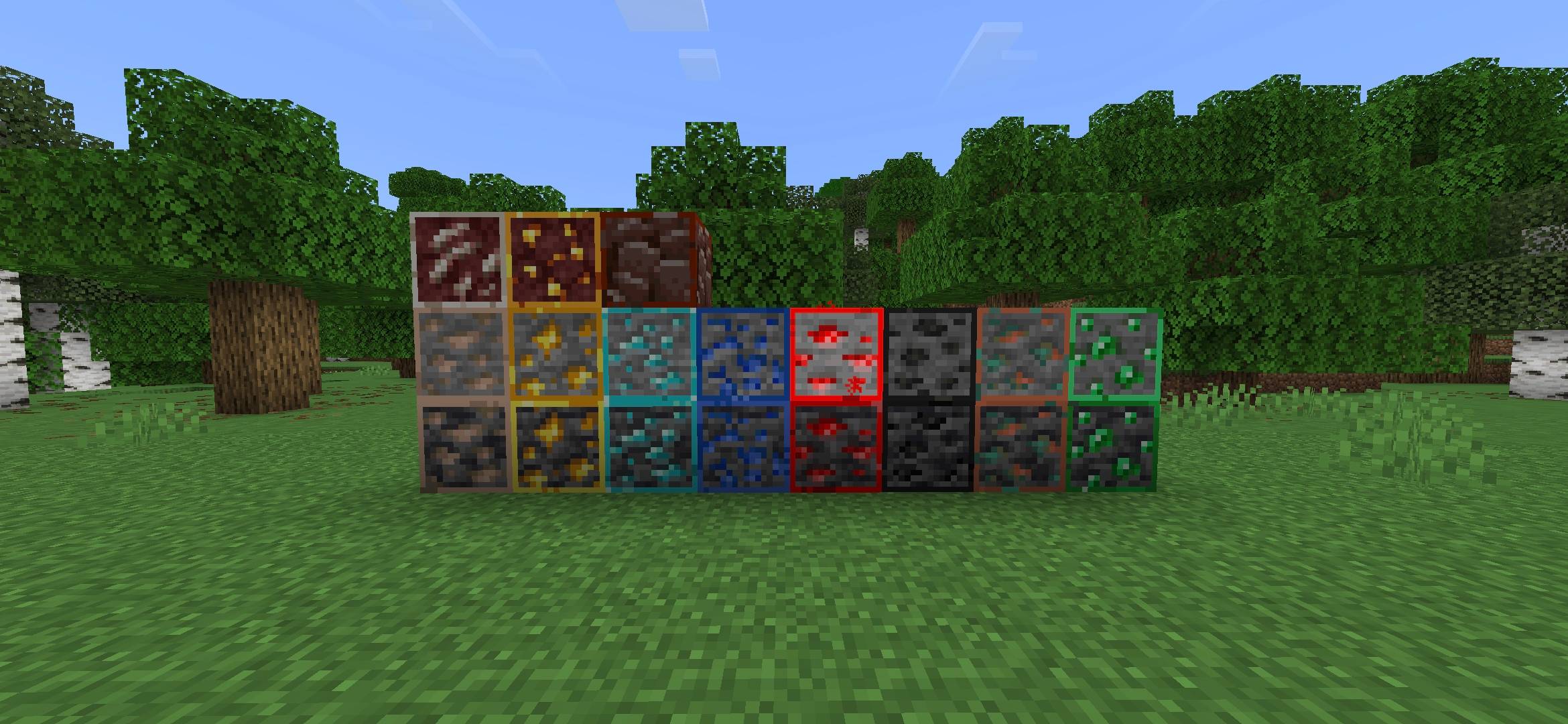

Out lined Ores mcpe
Out lined ores to be spotted easierDownload

Beautiful Skybox - Nr.1
This Texturepack adds a Beautiful Skybox to replace the common Skybox from MinecraftDownload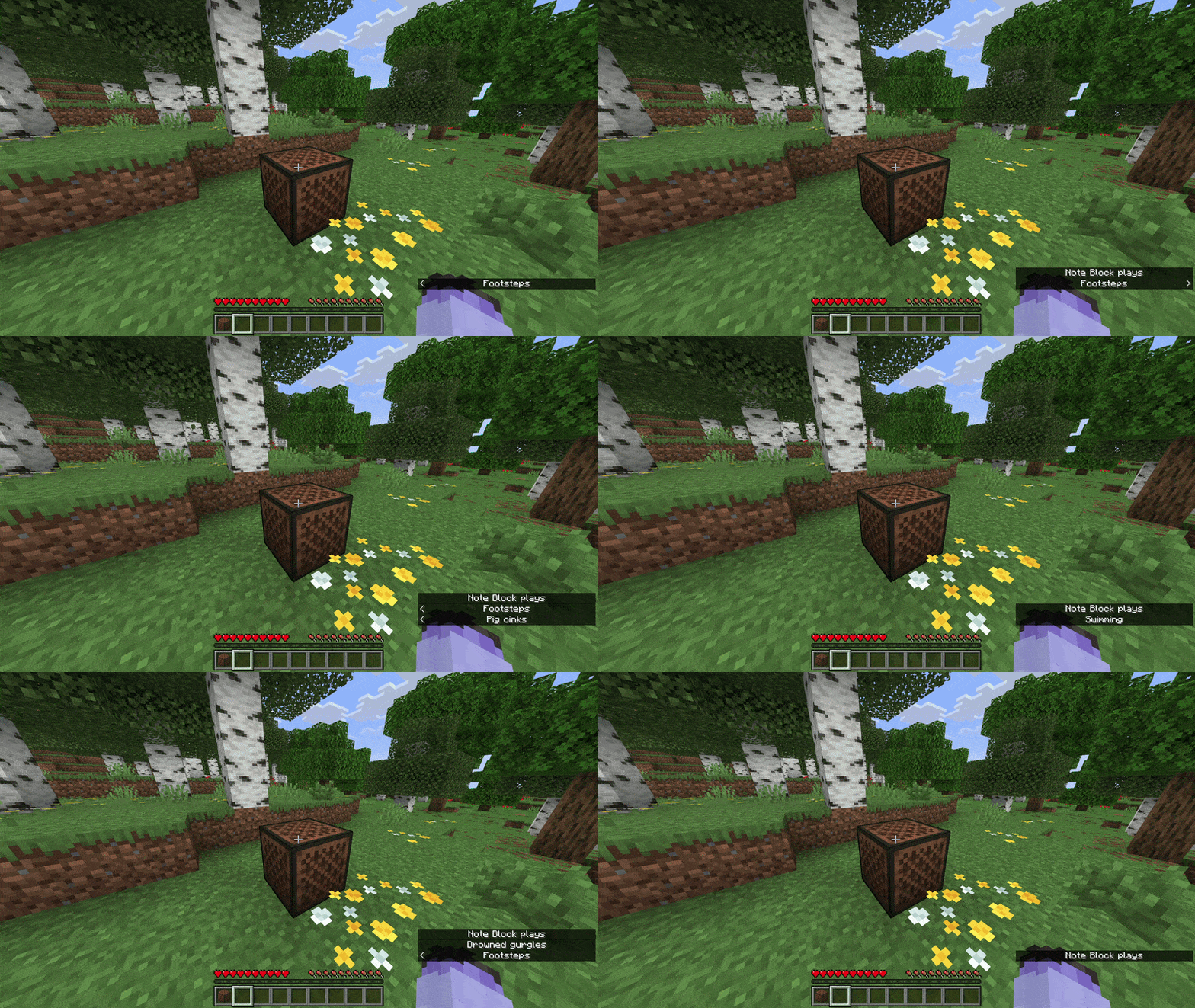

Noteblock Note Display
Replaces the noteblock's note particle with note letters.Download

[Lyrian] Fancy Foods
A simplistic food texture pack for BEDROCK Edition.Download

Nether Haul (renewed) Texture Pack | More Haunting, More Horror
Make Nether More Beautiful, More true. Make it haunting and horror like it deserves to be. More than just a biome, make it a true hellDownload

Move Of Mobs
New animations and textures for your Minecraft.Download

The Lost Future
Explore a reborn world where glowing corruption and wild nature coexist.Download

Cake’s Ore UI
A more accurate UI pack based of current Ore UI and early leaks of Ore UI.Download

Animated Madara Uchiha UI
Animated Madara Uchiha — Command the battlefield and embrace the weight of legend. With an imposing atmosphere lit by the glow of the Infinite Tsukuyomi, this interface captures the overwhelming power of a god-tier shinobi.Download

Christmas Chest
Christmas Chest - Christmas isn't a season. It's a feeling.DownloadFAQ
Do I need Forge or Fabric for a resource pack?
No. A resource pack works on the regular game with no loaders or mods. Click “Install” and Millida Launcher will put the pack into the right modpack — then just enable it in the settings.
What do 16×, 32×, 64× mean?
The resolution of a single texture in pixels. 16× matches the original game, 32× and 64× are more detailed and heavier, and 128× and up put a noticeable load on your graphics card.
Will a pack made for another version work?
Most likely partly: older packs don't have textures for newer blocks, so those will stay default. The game won't break, though.
How is a texture pack different from a resource pack?
Only by name and age. Before version 1.6 the sets were called texture packs and changed only textures; in 1.6 resource packs replaced them and also change sounds, fonts and the interface. Old texture packs for 1.5 and below do not work on new versions without conversion.
Which texture packs are best for PvP?
PvP packs: 16× resolution or lower, shortened swords, low fire, a clear sky and bright particles. They barely load the computer and make the opponent easier to see. These packs are collected in the PvP theme.
How do I install a resource pack?
Press Install and Millida Launcher puts the pack into the resourcepacks folder of the right instance. Then enable it in the game: Options, then Resource Packs. Manually, the archive goes into resourcepacks inside the game folder, no need to unpack it.
Minecraft texture packs
A resource pack changes how the game looks and sounds: block and item textures, fonts, the interface, sounds. It doesn't touch the game's code, so it needs no mod loader and breaks nothing on a server — the pack only works on your screen. That's exactly why a resource pack is safer than any mod: the worst that happens on a version mismatch is that some textures stay default.
Textures, texture packs and resource packs are essentially the same thing: since version 1.6 Mojang calls these sets resource packs, but the old name is still searched more often. PvP packs are a big genre of their own: shortened swords, low fire, bright particles and 16× resolution or lower, so the opponent stands out and the frame rate does not drop. Such packs are most often made for 1.8.9 and 1.16.5, the versions many PvP servers run on.
The key thing about a pack is its resolution. The game's default textures are 16×16 pixels; 32× and 64× packs look more detailed, while 128× and up need a real graphics card and are usually paired with shaders. On a weak machine it makes sense to stay at 16× or go for packs that deliberately simplify graphics for more FPS. Every pack here lists its game version, author and license, and all released versions are gathered on one card. Put the downloaded archive in the resourcepacks folder and enable it in the game settings.