
Minecraft texture packs — page 262
Resource packs: list



Aesthetic Glass Door
This Texture Pack changes the appearance of doors and trapdoors by adding glass designs and decorations that make them more useful and aesthetic.Download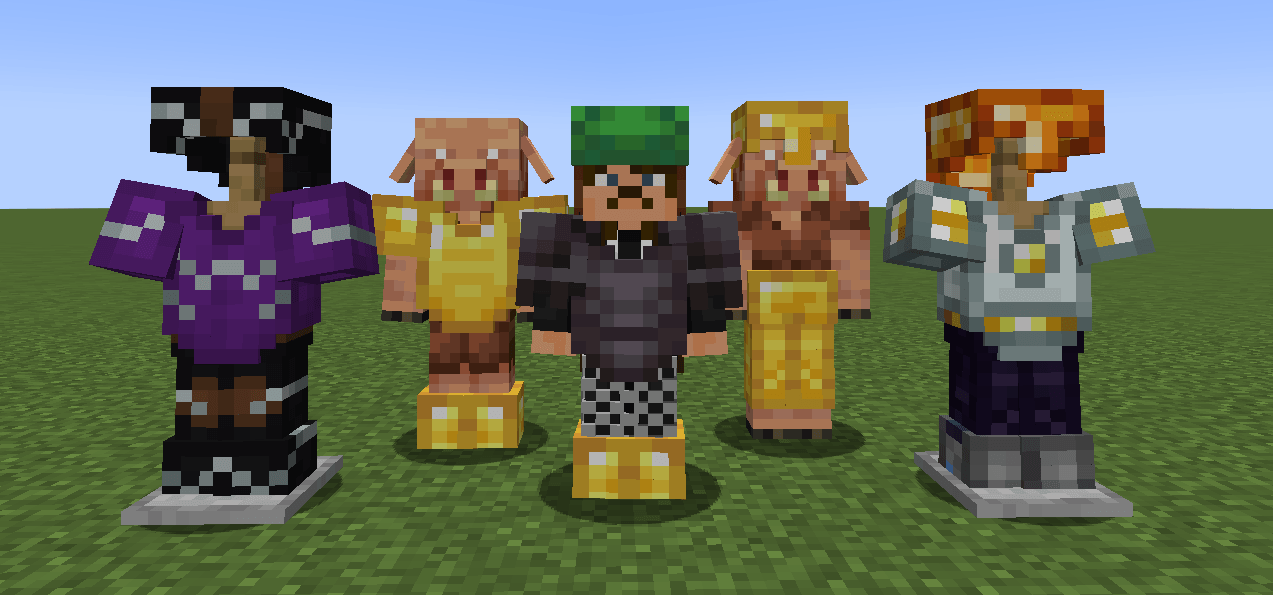

Armor 3D
Renders the player and entity equipped armor in 3D with support for 16x resource packs.Download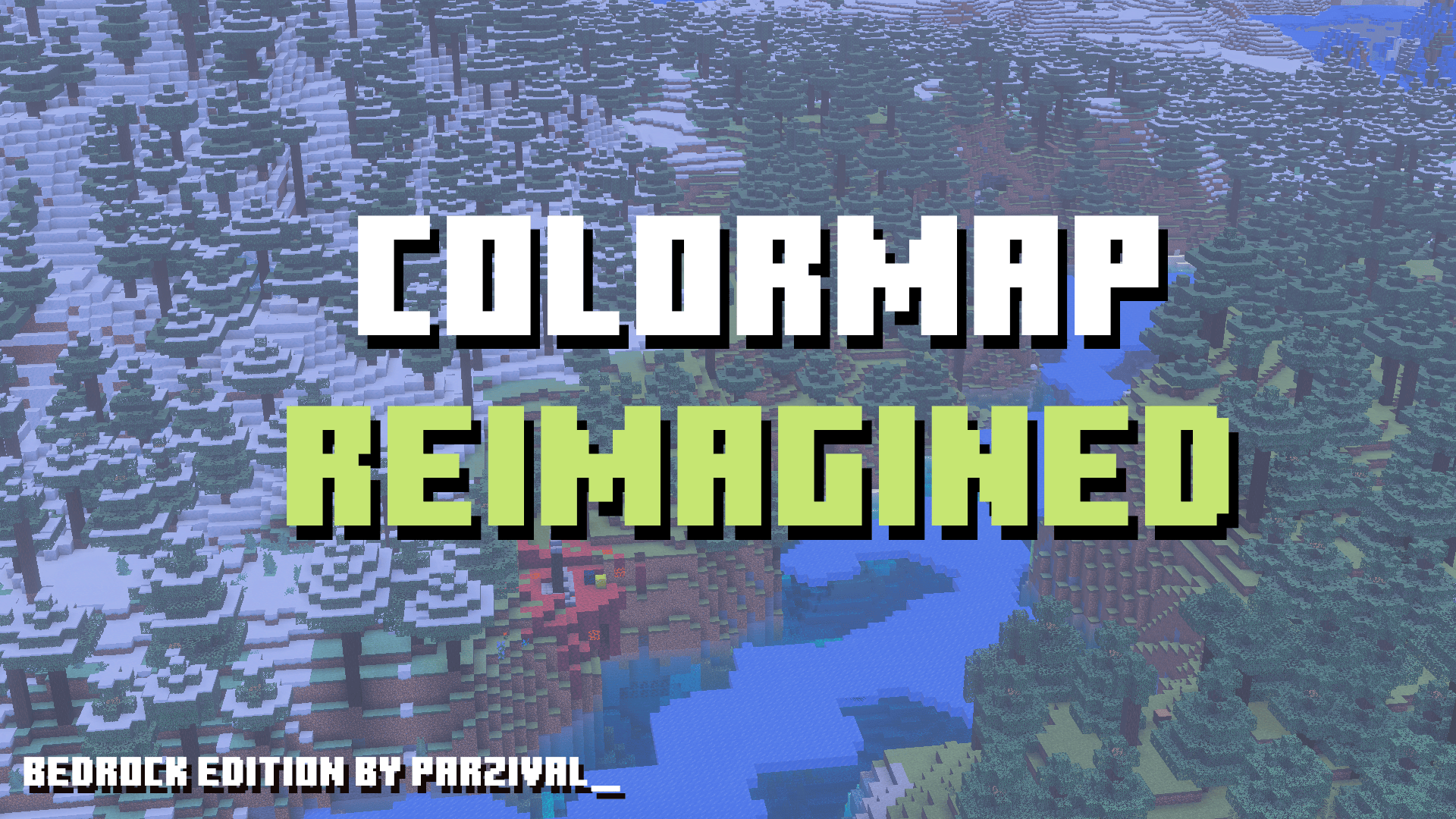
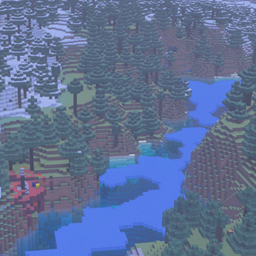
Colormap Reimagined
A subtle colormap tweak for Minecraft that softens the game’s vibrant tones, improves biome blending, and makes cold and normal taigas visually distinct. Bedrock EditionDownload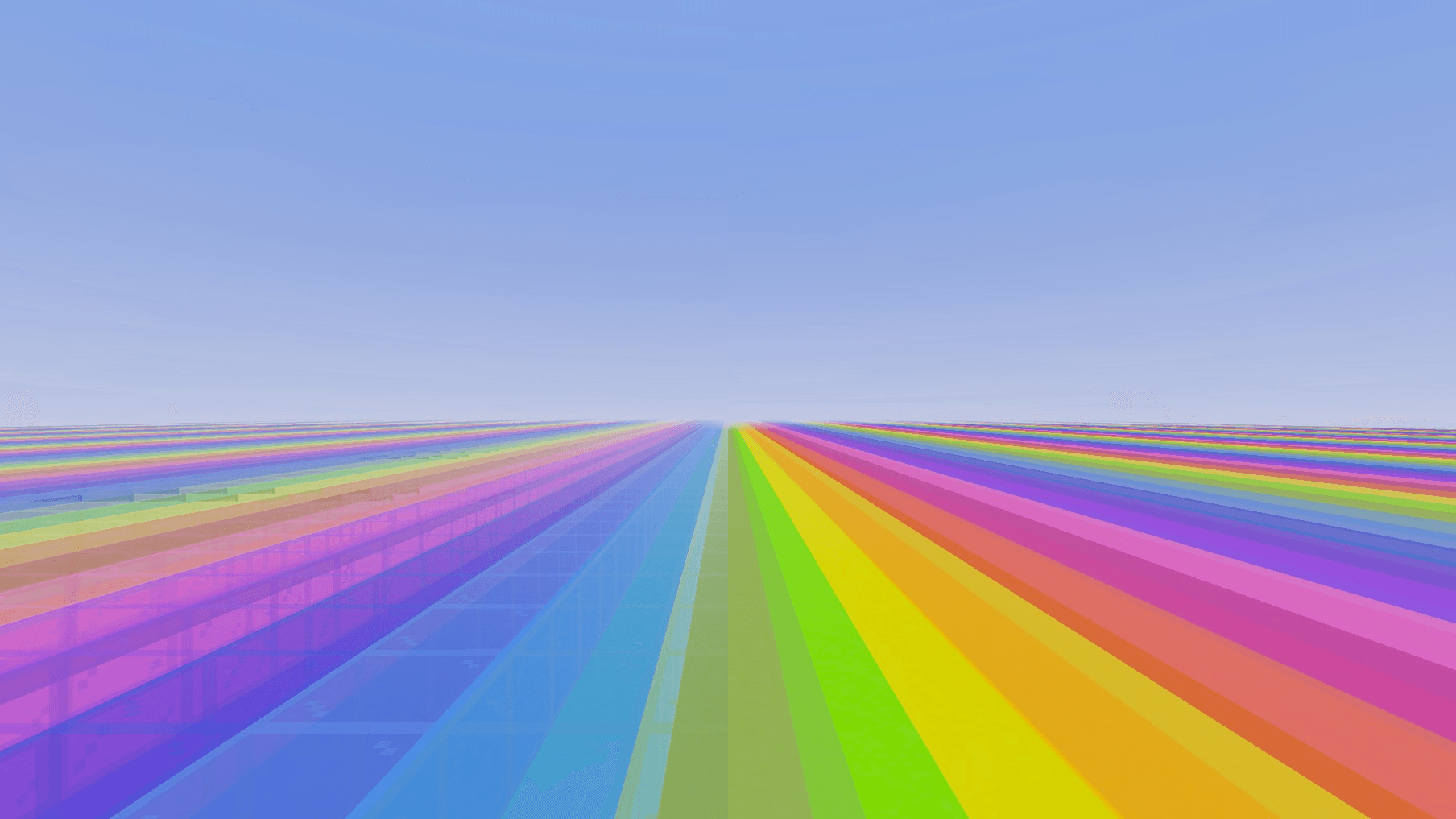

ClearGlass
Truly clear, borderless glass.Download

Invisible Controls Pack
Have you ever thought about recording your gameplay or becoming a Minecraft influencer? But don't like those controls on your screen? Want to hide them? If so, the Invisible Controls Pack is here to help you!!Download

Spears Refreshed (reimagined texture pack)
A texture pack made to give spears a new look :)Download

PandaMine's No Block Rotations (FPS Boost)
Removes any rotations from blocks, useful to make speedrun seed undetectable. Supports Actions & StuffDownload

Clownpierce’s Items
Unofficial Clownpierce Texture Pack for BedrockDownload

PenguinPack
Today we present you a new TexturePack for Minecraft Java and Bedrock, called PenguinPack.Download

PvPZX Mini Packs
It Changes the Vanilla Minecraft Swords to a shorter version of themselves. For Bedrock edition.Download

Legacy Console Click
A small resource pack that changes the click sound to the console edition one.Download

MoreMusic
Do you feel bored of the good old Minecraft music? No problem. This resource pack adds new biome specific music for your Minecraft worlds! 97 new music tracks are included in this pack.Download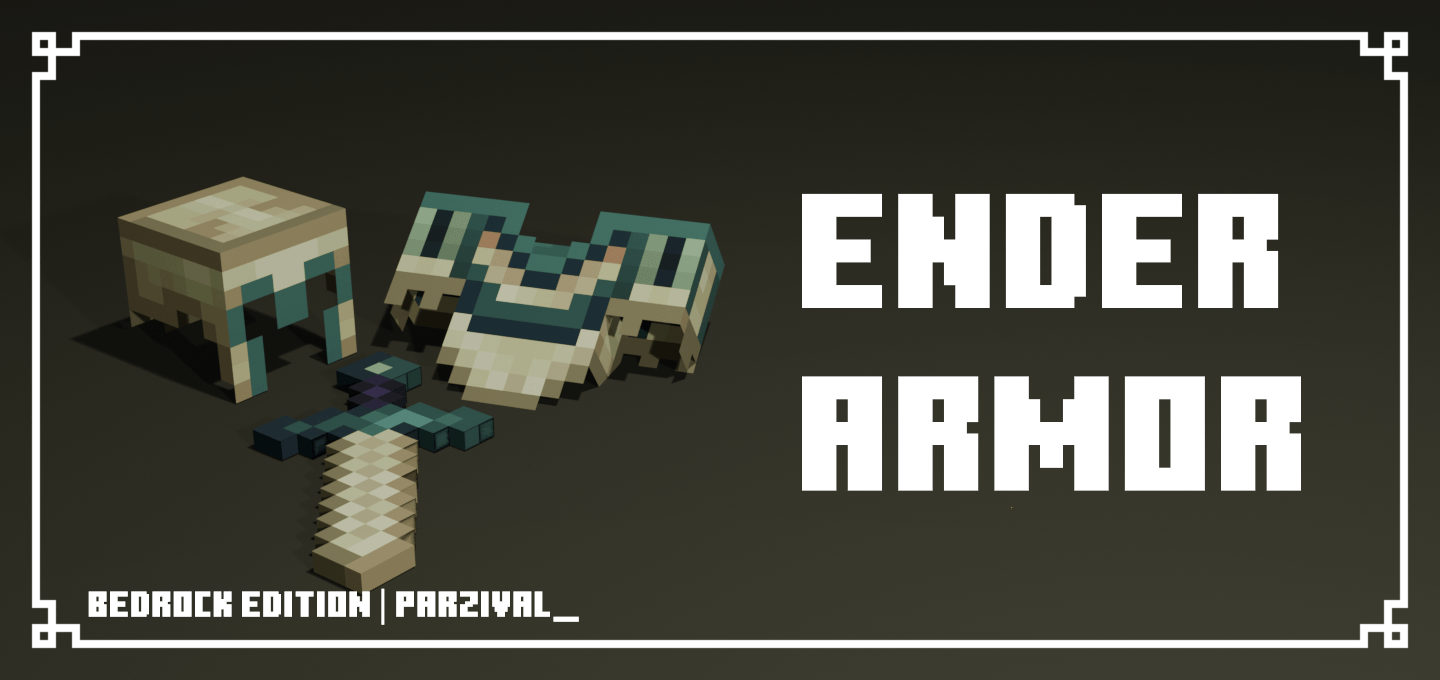

Ender Armor
This pack makes netherite armor, tools and blocks look like they're from the end.Download

Neon 2.0
It is to be armor and tools like neon and (golden apple + totem dark) and obsidan block and neon heartDownload
Clean Hotbar
Clean United HotbarDownload

Borderless Glass [PBR]
Removes the borders from the glass.Download

Lucario UI Inventory
Adds a Lucario UI InventoryDownload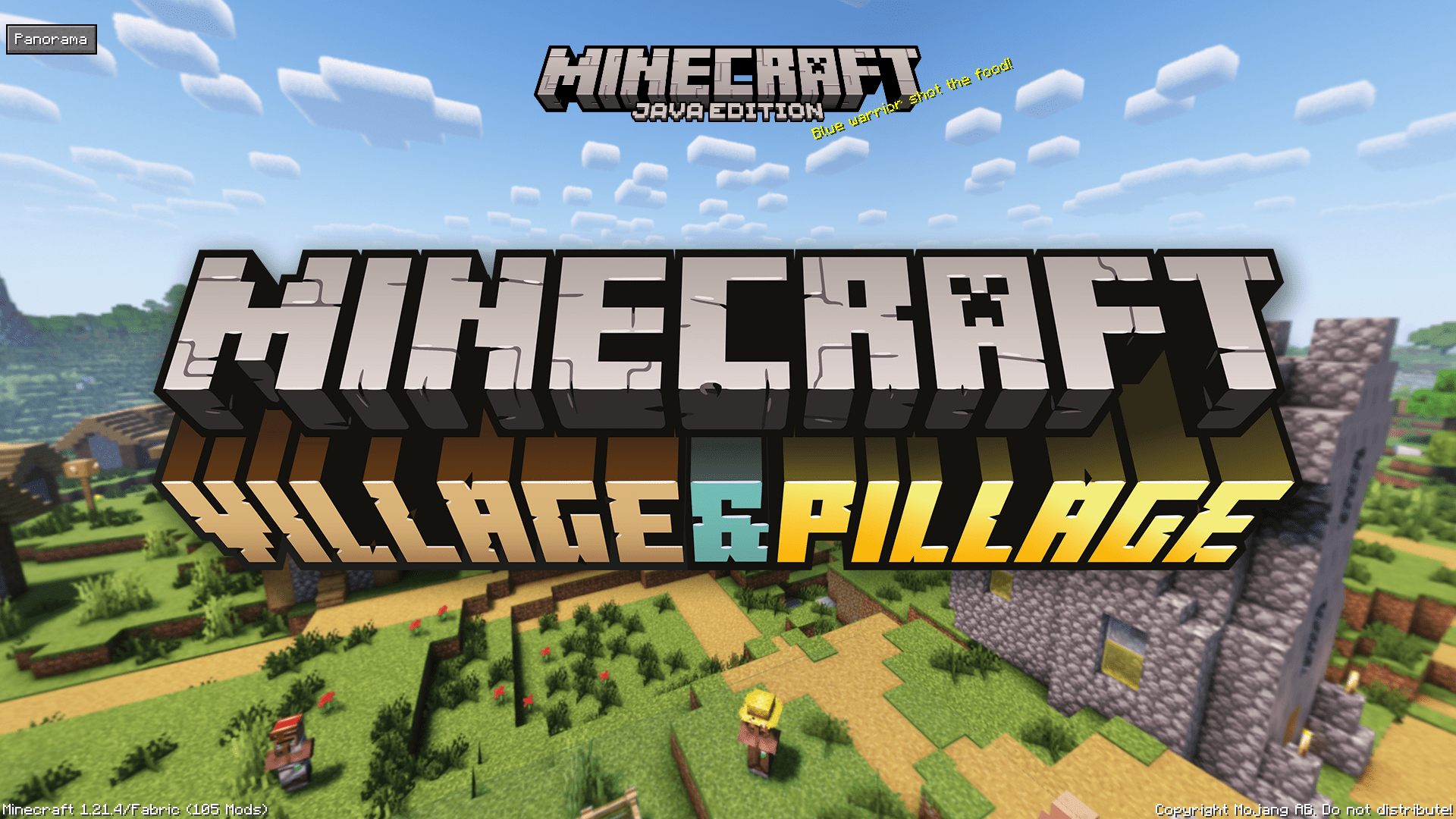

Village & Pillage Panorama with Shaders (Bedrock)
Great looking Resource Pack that adds Shaders to the 1.14 Panorama.Download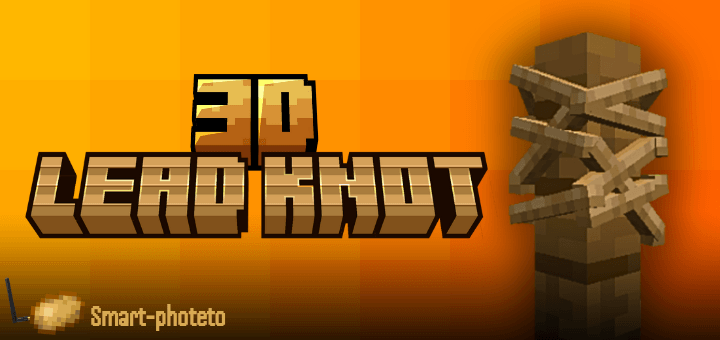
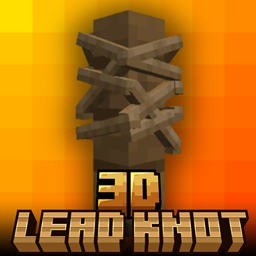
Lead Knot 3D
3D Lead Knot - resource pack that replaces the default lead knot in Minecraft Bedrock Edition with a custom 3D model that looks cleaner, sharper, and more natural. Say goodbye to flat visuals — bring a touch of realism to your Gameplay✨Download

Os' Colorful Cobblestone
This pack gives a color to the stones of the varied cobblestone. Bedrock Port of Oslypsis' Java Edition texture pack.Download
Hunger Preview for Bedrock [Addon for Faithful 32x/64x] [Discontinued]
Displays Hunger Bar icons on all food names to show how much it will fill you up.Download

Monster Mash - Vampires, goblins and everything spooky
Now with Baby Variants Monster Mash transforms Minecraft’s mobs into Vampires, Mummies, Lost Souls, Goblins, and more. Complete with eerie skins, haunting sounds, and mischievous charm.Download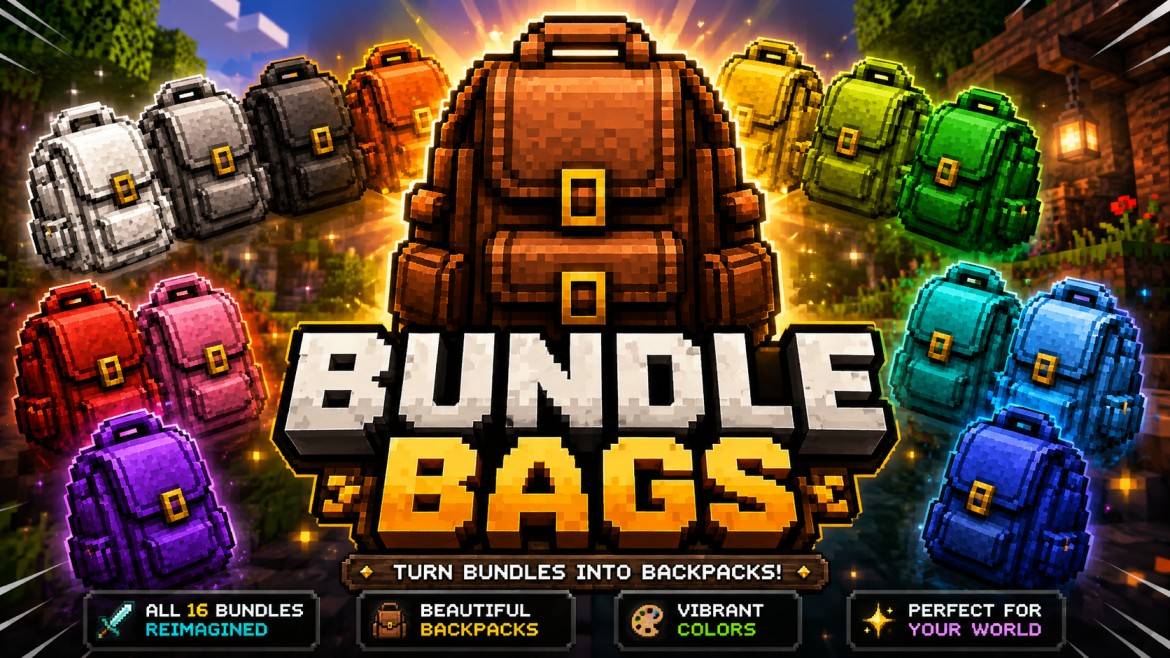

Better bundles
Quick Move by Baku adds a fast chest looting system for Minecraft Bedrock. Enable Quick Move and transfer items between chests and inventory with a single tap for faster, smoother gameplay.DownloadFAQ
Do I need Forge or Fabric for a resource pack?
No. A resource pack works on the regular game with no loaders or mods. Click “Install” and Millida Launcher will put the pack into the right modpack — then just enable it in the settings.
What do 16×, 32×, 64× mean?
The resolution of a single texture in pixels. 16× matches the original game, 32× and 64× are more detailed and heavier, and 128× and up put a noticeable load on your graphics card.
Will a pack made for another version work?
Most likely partly: older packs don't have textures for newer blocks, so those will stay default. The game won't break, though.
How is a texture pack different from a resource pack?
Only by name and age. Before version 1.6 the sets were called texture packs and changed only textures; in 1.6 resource packs replaced them and also change sounds, fonts and the interface. Old texture packs for 1.5 and below do not work on new versions without conversion.
Which texture packs are best for PvP?
PvP packs: 16× resolution or lower, shortened swords, low fire, a clear sky and bright particles. They barely load the computer and make the opponent easier to see. These packs are collected in the PvP theme.
How do I install a resource pack?
Press Install and Millida Launcher puts the pack into the resourcepacks folder of the right instance. Then enable it in the game: Options, then Resource Packs. Manually, the archive goes into resourcepacks inside the game folder, no need to unpack it.
Minecraft texture packs
A resource pack changes how the game looks and sounds: block and item textures, fonts, the interface, sounds. It doesn't touch the game's code, so it needs no mod loader and breaks nothing on a server — the pack only works on your screen. That's exactly why a resource pack is safer than any mod: the worst that happens on a version mismatch is that some textures stay default.
Textures, texture packs and resource packs are essentially the same thing: since version 1.6 Mojang calls these sets resource packs, but the old name is still searched more often. PvP packs are a big genre of their own: shortened swords, low fire, bright particles and 16× resolution or lower, so the opponent stands out and the frame rate does not drop. Such packs are most often made for 1.8.9 and 1.16.5, the versions many PvP servers run on.
The key thing about a pack is its resolution. The game's default textures are 16×16 pixels; 32× and 64× packs look more detailed, while 128× and up need a real graphics card and are usually paired with shaders. On a weak machine it makes sense to stay at 16× or go for packs that deliberately simplify graphics for more FPS. Every pack here lists its game version, author and license, and all released versions are gathered on one card. Put the downloaded archive in the resourcepacks folder and enable it in the game settings.