
Minecraft texture packs — page 257
Resource packs: list

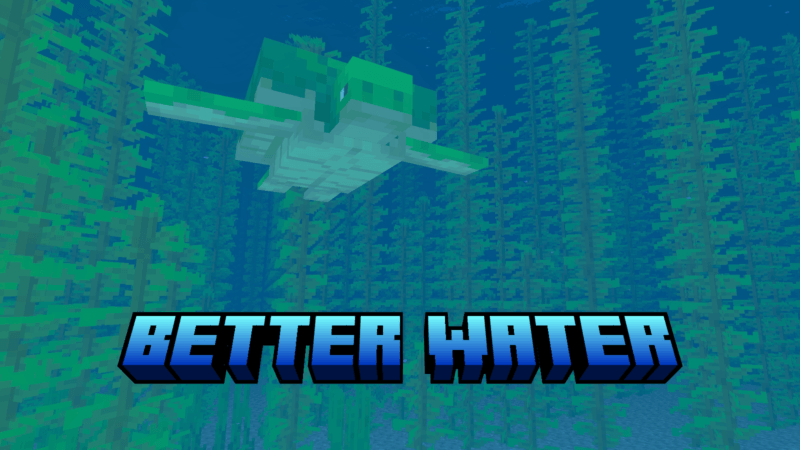

better water by em
Better water will upgrade the appearance of your water.Download

Luvstar’s Star Cadet Hotbar
☆The Star Cadet hotbar for all of my lovely Star Cadets!Download

FlameFrags SMP Pack
An inferno-themed Minecraft PvP texture pack featuring custom fiery textures, polished visuals, and a clean design for an enhanced combat experience.Download

Bridging Book 16x
Pink-themed PvP/bridging pack for Minecraft Bedrock EditionDownload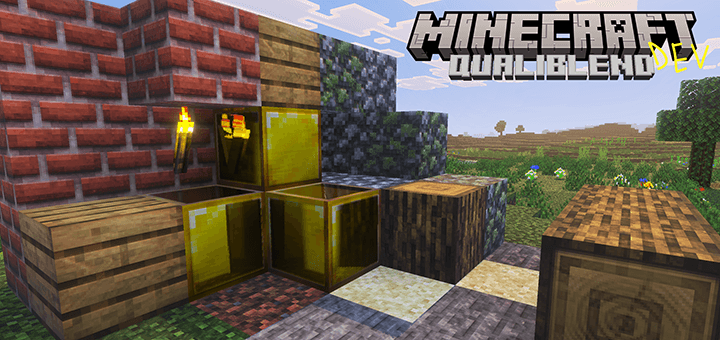

QualiBlend
Add more details to pixels, specifically designed for Vibrant Visuals.Download

Cake’s D°Uzi Tweaks
An even better way of playing Minecraft, with improved visuals for some mobs and textures!Download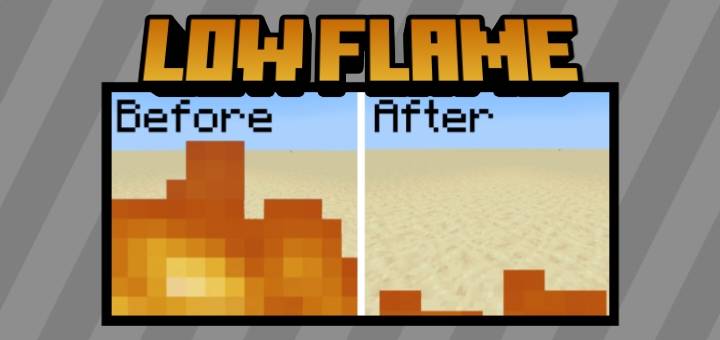
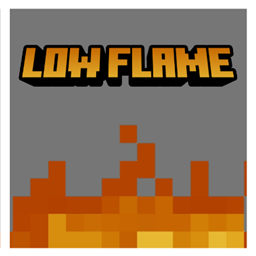
Low Flame
Lowers fire height for clearer visibility without removing flamesDownload

Eeveelutions
Change the wolves for eevee and all the eeveelutions!Download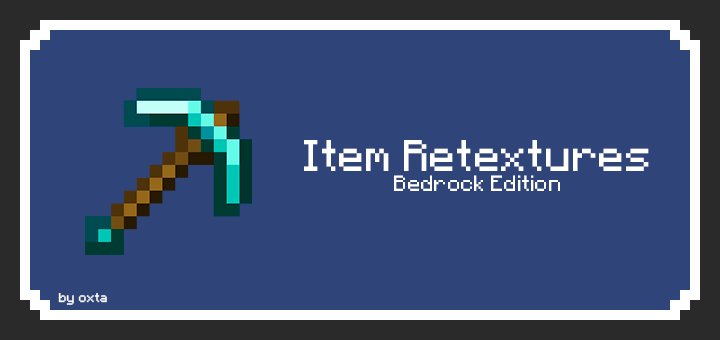

Item Retextures BE
Makes tools look shinier and sharper. This is an unofficial «Item Retextures» port, originally made by frugbug for Java.Download

Default 12x12
This pack turns all Minecraft textures into 12×12, giving smoother gameplay while keeping most details the same. Perfect for mid-range devices.Download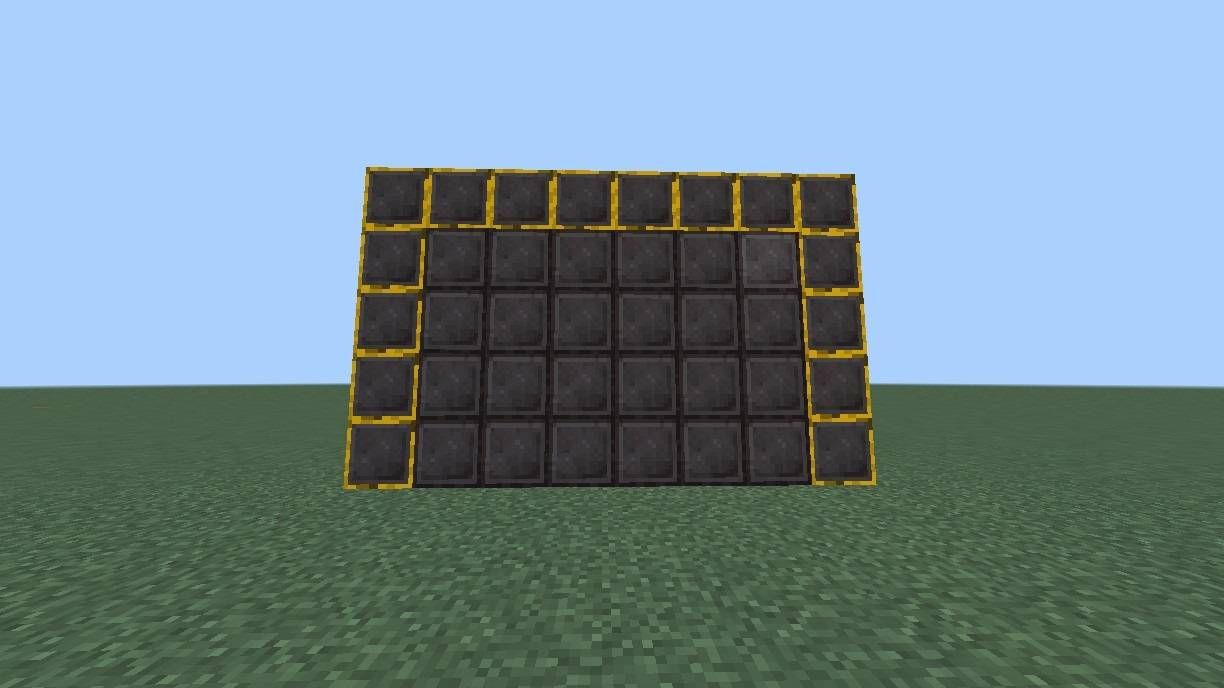

Netherite Stones Plus
Netherite Stones + , All ores & stones become Netherite Block for a sleek, uniform world.Download

Better Dogs Plus
Better Dogs Plus is a texture packs whit the best dog.Download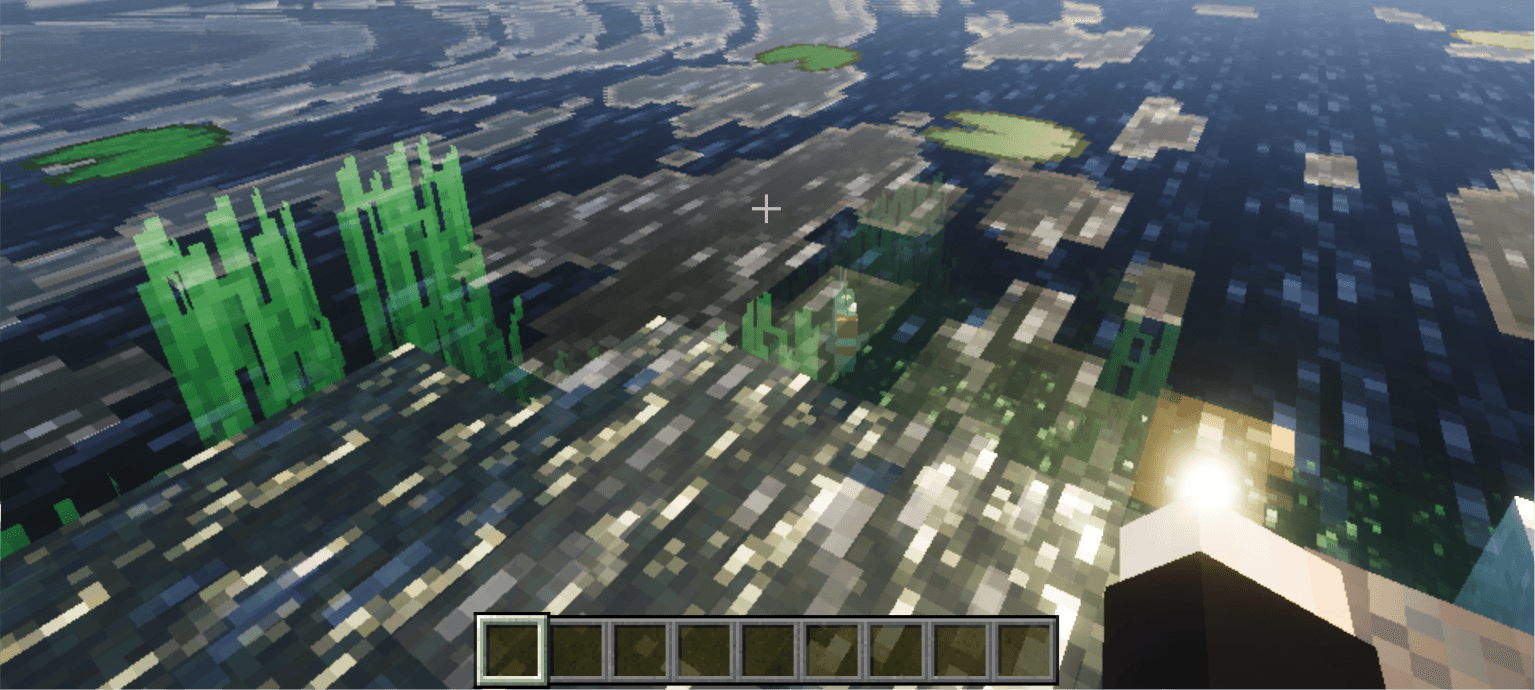

Raytraced Visuals
Make Vibrant Visuals Look As Close To Ray-Tracing As PossibleDownload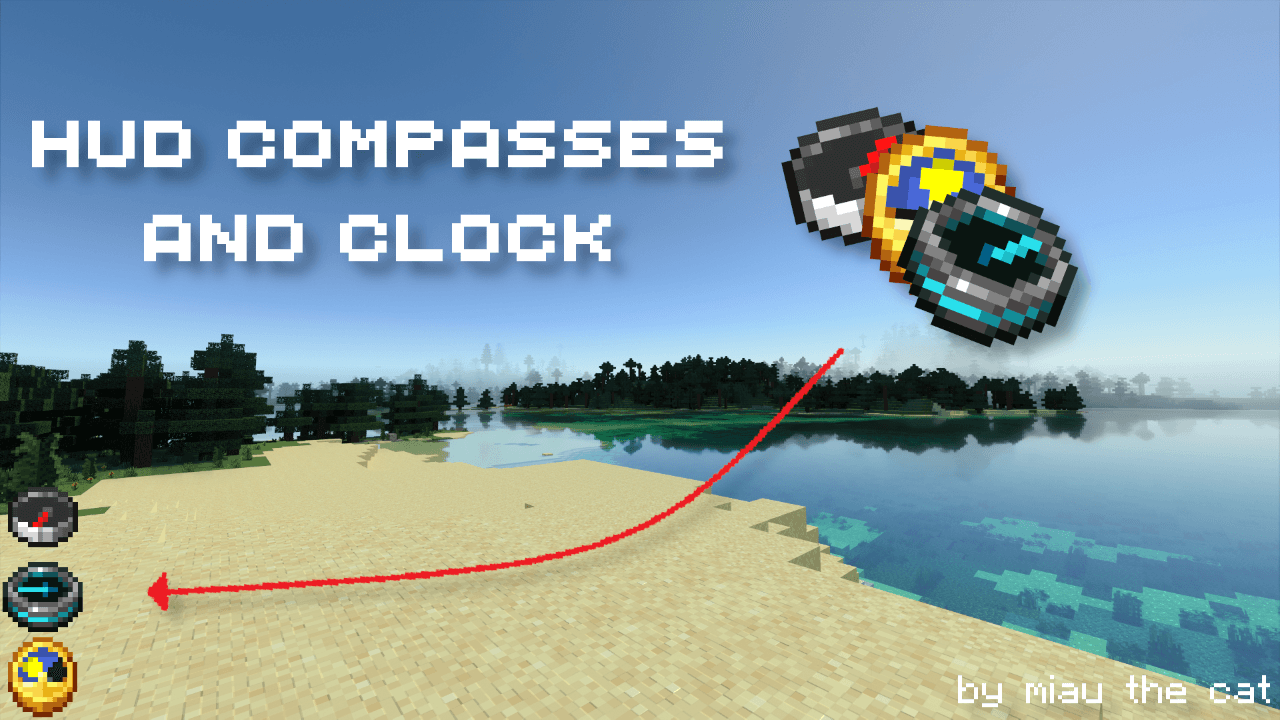

HUD Compasses & Clock
Adds some utility items to the HUD.Download

Panda Black & White Pack
🐼 Clean Black & White PvP Resource Pack for Minecraft Bedrock! ✨ Features: • Smooth Black & White GUI • Panda-themed textures • Clean short sword • Custom hearts & hotbar • FPS Friendly • Perfect for PvPDownload

UltraVariant XO
UltraVariant XO is a Minecraft Bedrock resource pack that adds natural block variations and improved villager textures to reduce repetition while keeping the vanilla look. Compatible with Minecraft Bedrock 1.26.0.Download

Demogorgon Warden
Replaces the Warden model with the Demogorgon from the show Stranger Things.Download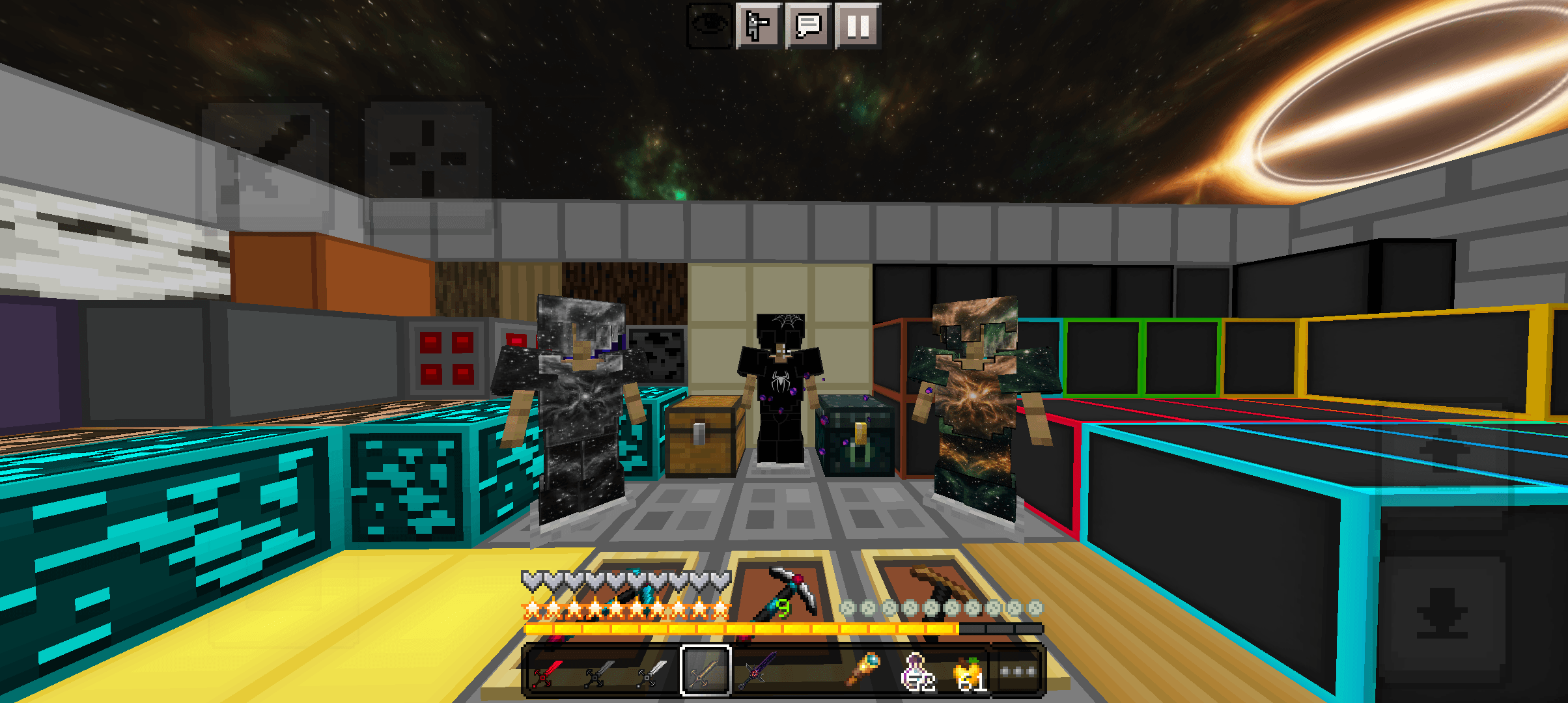
Solar PvP Mcpe
Pack pvp BedrockDownload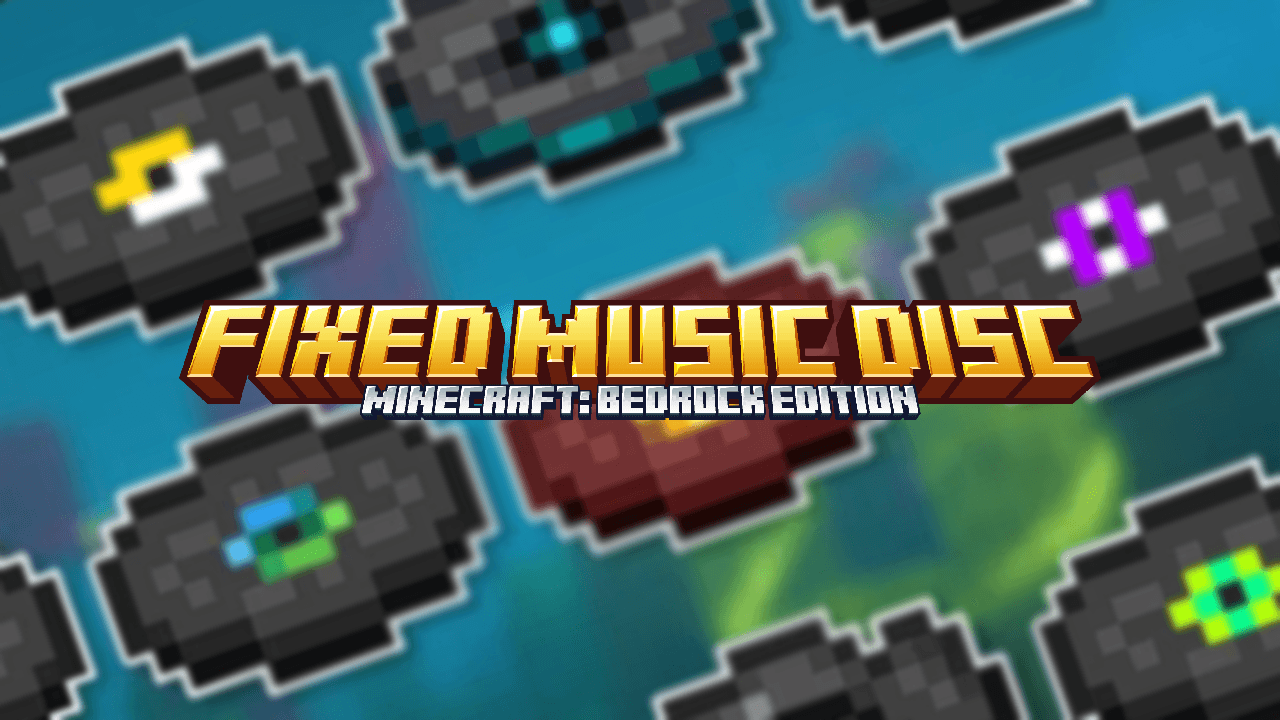

Fixed Music Disc
Fix silent Minecraft music discs with this resource pack.Download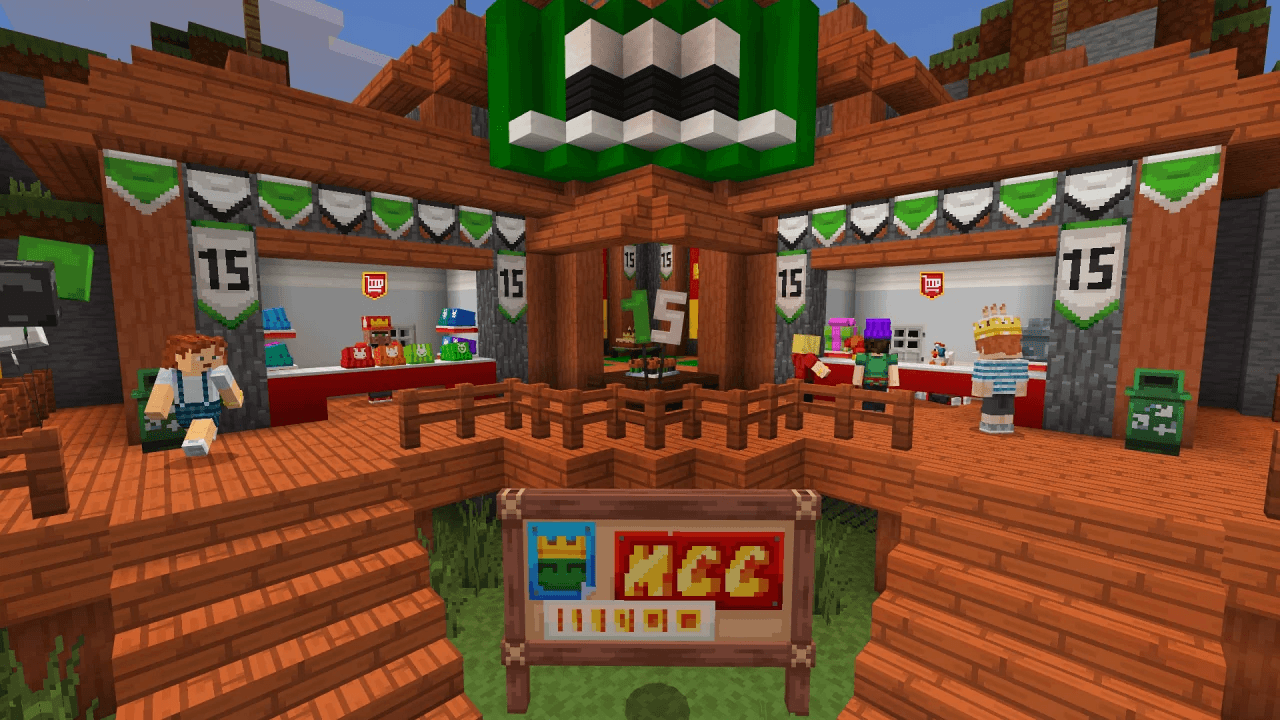

Minecraft Events Leak texturepack
This is a small personal project with the sole objective of maintaining the textures of the events that take place during the year by Mojang.Download

Item Durability Alert
Show an on-screen alert when tools or weapons are about to break.Download

Hydron - Clear Water
A simple texture pack which makes water clearer. Now for Minecraft BedrockDownload

Newb x Chiz
A new variant of the legendary Newb shaders This shader is designed for the low gamma, with a unique style. ¡¡With custom resource packs and more!!.DownloadFAQ
Do I need Forge or Fabric for a resource pack?
No. A resource pack works on the regular game with no loaders or mods. Click “Install” and Millida Launcher will put the pack into the right modpack — then just enable it in the settings.
What do 16×, 32×, 64× mean?
The resolution of a single texture in pixels. 16× matches the original game, 32× and 64× are more detailed and heavier, and 128× and up put a noticeable load on your graphics card.
Will a pack made for another version work?
Most likely partly: older packs don't have textures for newer blocks, so those will stay default. The game won't break, though.
How is a texture pack different from a resource pack?
Only by name and age. Before version 1.6 the sets were called texture packs and changed only textures; in 1.6 resource packs replaced them and also change sounds, fonts and the interface. Old texture packs for 1.5 and below do not work on new versions without conversion.
Which texture packs are best for PvP?
PvP packs: 16× resolution or lower, shortened swords, low fire, a clear sky and bright particles. They barely load the computer and make the opponent easier to see. These packs are collected in the PvP theme.
How do I install a resource pack?
Press Install and Millida Launcher puts the pack into the resourcepacks folder of the right instance. Then enable it in the game: Options, then Resource Packs. Manually, the archive goes into resourcepacks inside the game folder, no need to unpack it.
Minecraft texture packs
A resource pack changes how the game looks and sounds: block and item textures, fonts, the interface, sounds. It doesn't touch the game's code, so it needs no mod loader and breaks nothing on a server — the pack only works on your screen. That's exactly why a resource pack is safer than any mod: the worst that happens on a version mismatch is that some textures stay default.
Textures, texture packs and resource packs are essentially the same thing: since version 1.6 Mojang calls these sets resource packs, but the old name is still searched more often. PvP packs are a big genre of their own: shortened swords, low fire, bright particles and 16× resolution or lower, so the opponent stands out and the frame rate does not drop. Such packs are most often made for 1.8.9 and 1.16.5, the versions many PvP servers run on.
The key thing about a pack is its resolution. The game's default textures are 16×16 pixels; 32× and 64× packs look more detailed, while 128× and up need a real graphics card and are usually paired with shaders. On a weak machine it makes sense to stay at 16× or go for packs that deliberately simplify graphics for more FPS. Every pack here lists its game version, author and license, and all released versions are gathered on one card. Put the downloaded archive in the resourcepacks folder and enable it in the game settings.