

About the QualiBlend resource pack
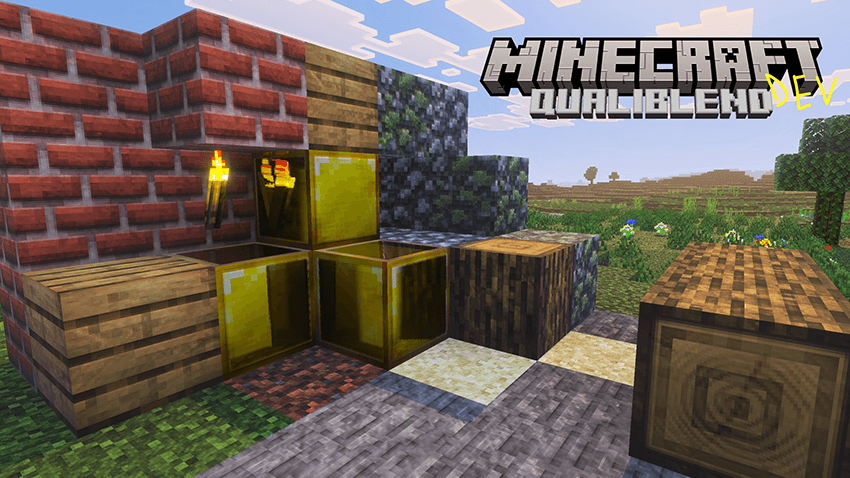
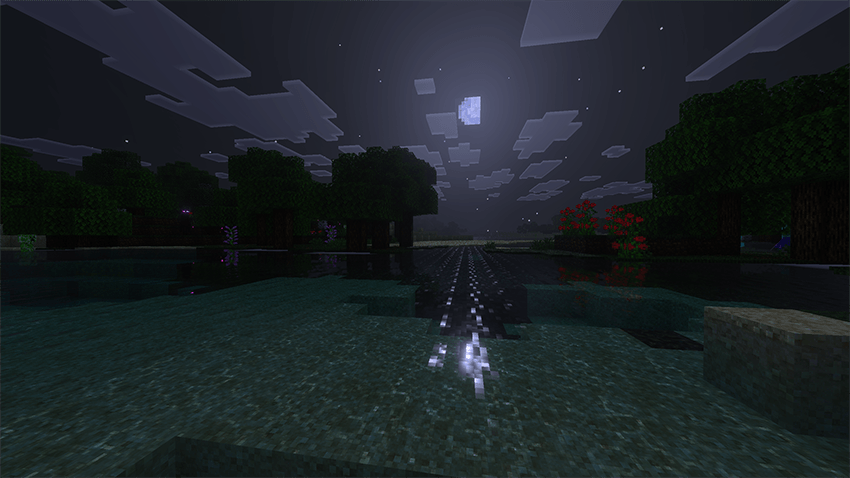
The successor of Vanilla HDR, QualiBlend, has now been launched for testing!
Features:
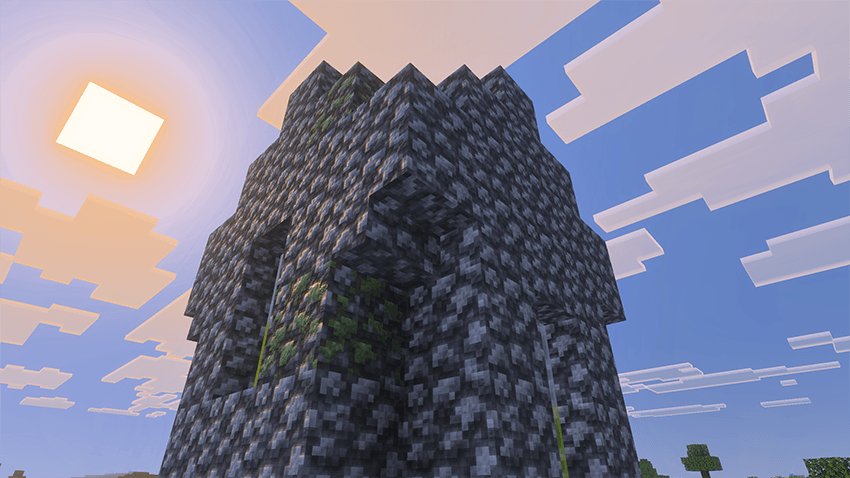
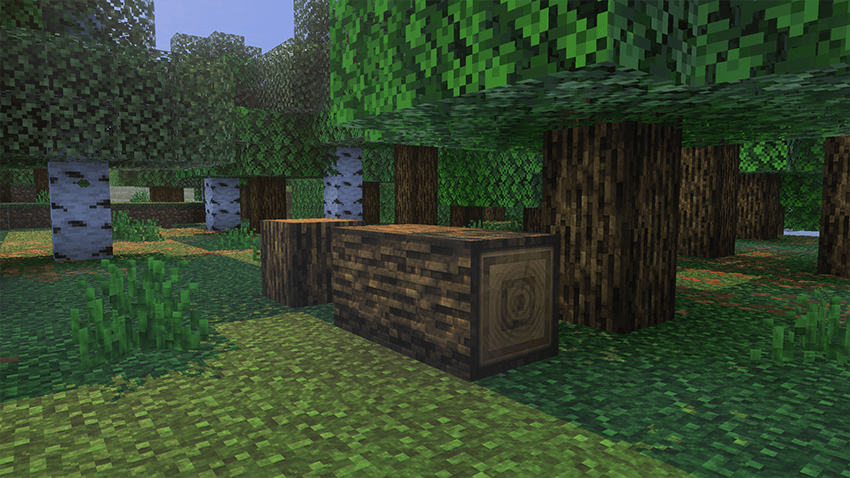
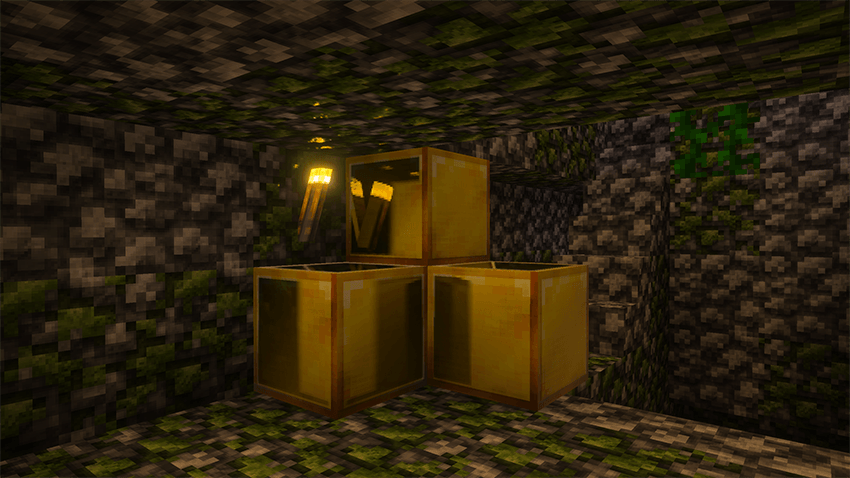
- Realistic details
- Detailed PBR textures
- Mobile friendly
- Improvements to the original Vibrant Visuals (In progress)
- Textures modifications to entities and items (Coming soon)
At present, only a small amount of blocks' textures have been modified. If you like this pack, I will keep updating it, thank you!
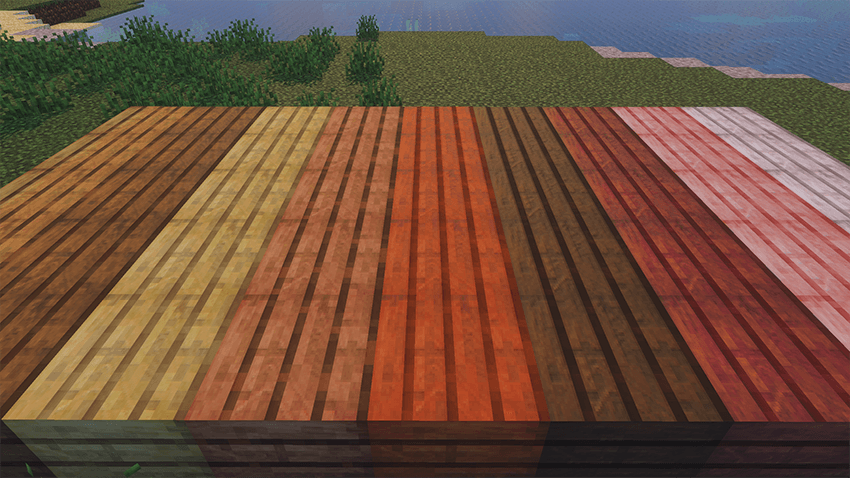
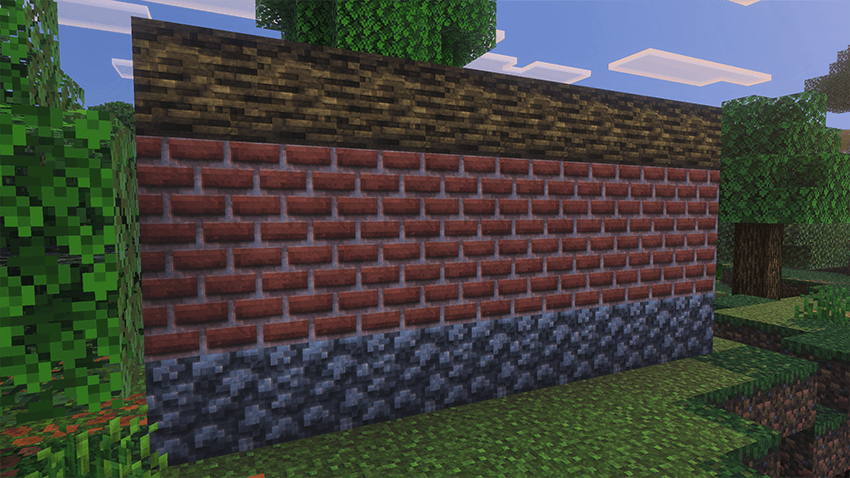
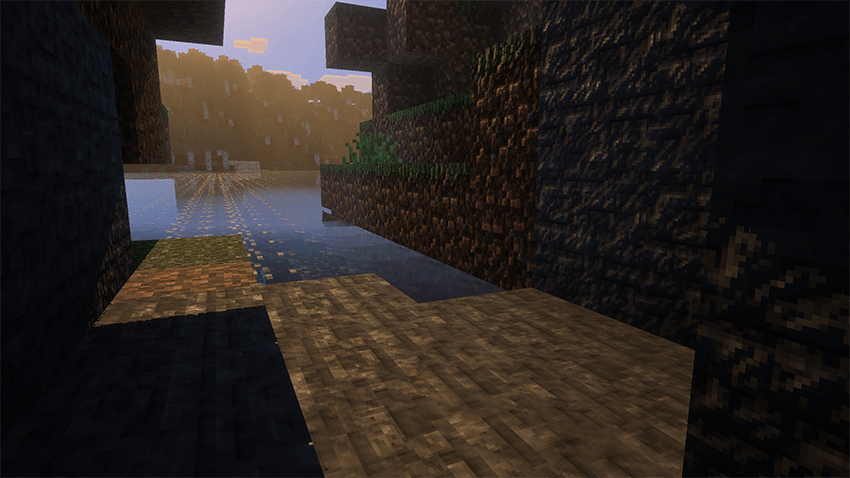
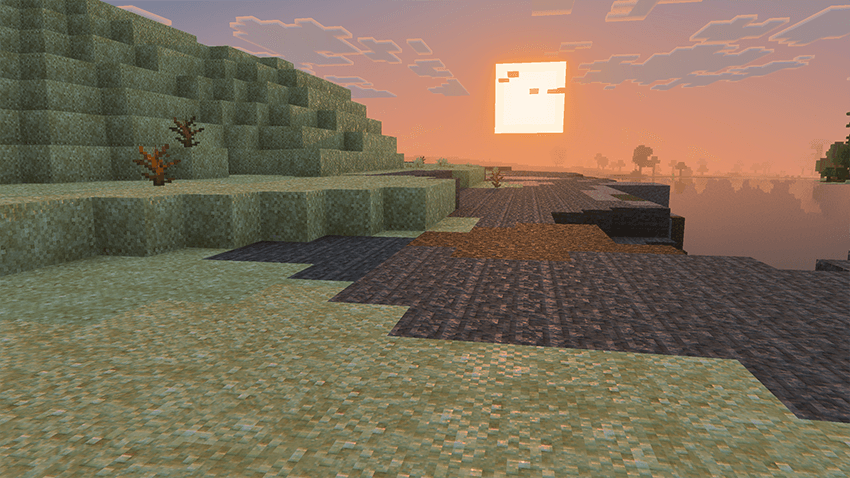
How to install QualiBlend
With Millida Launcher
Install Millida Launcher
The launcher is free: download it at millida.net/launcher and sign in with any nickname.
Click “Install” on this page
The launcher opens and installs the resource pack for Minecraft 1.21.80–1.21.100 automatically.
Launch the game
A profile with it appears in the launcher: click “Play”.
Manually
Download the archive
Pick the file QualiBlend_DEV1.mcpack (659 KB) for your game version. No need to unpack it.
Put it in the resourcepacks folder
The easiest way: “Options”, then “Resource Packs”, then “Open Pack Folder”, and drag the archive there.
Enable the pack
In the same window, move the pack to the right-hand “Selected” column and click “Done”.
Versions
With dependencies
| Minecraft | Loader | File | Date | Actions |
|---|---|---|---|---|
| 1.21.81 | — | QualiBlend_DEV1.mcpack659 KB |
FAQ
Which Minecraft versions does QualiBlend work on?
There are files for 1.21.80–1.21.100, 8 versions in total. The newest is 1.21.100.
Where can I download QualiBlend safely?
On this page: the file QualiBlend_DEV1.mcpack (659 KB) is stored on Millida’s server, with no link shorteners. SHA-1 checksum: e531b2756dc4e074756c6fdd3dd27375e5643a94.
Reviews
Be the first to rate QualiBlend


