

About the Deferred Visual LST resource pack
Deferred Visual LST
- Version: 1.0.0
- by ngdhL145 & I'm Steph
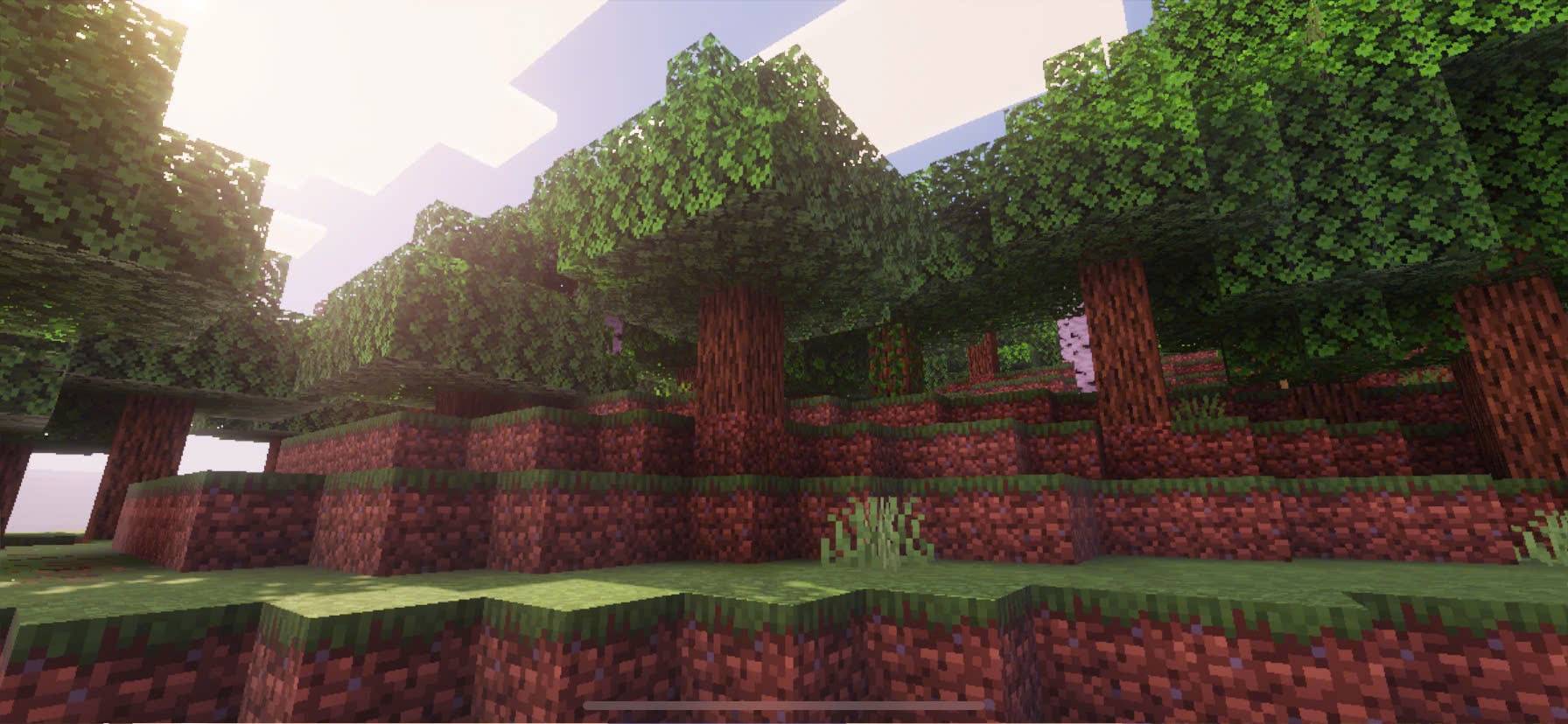
Deferred Visual LST is a resource pack created to give Minecraft PE/Bedrock Edition a refreshed and modernized look, without changing the core identity of the game. Instead of relying on heavy shaders, this pack takes advantage of texture and color adjustments to improve the overall atmosphere, making Minecraft more visually appealing while still running smoothly on most devices.
✨ Main Features
- Improved Colors - Balanced and refined color tones that make the world look brighter, cleaner, and more vibrant while keeping the original Minecraft style.
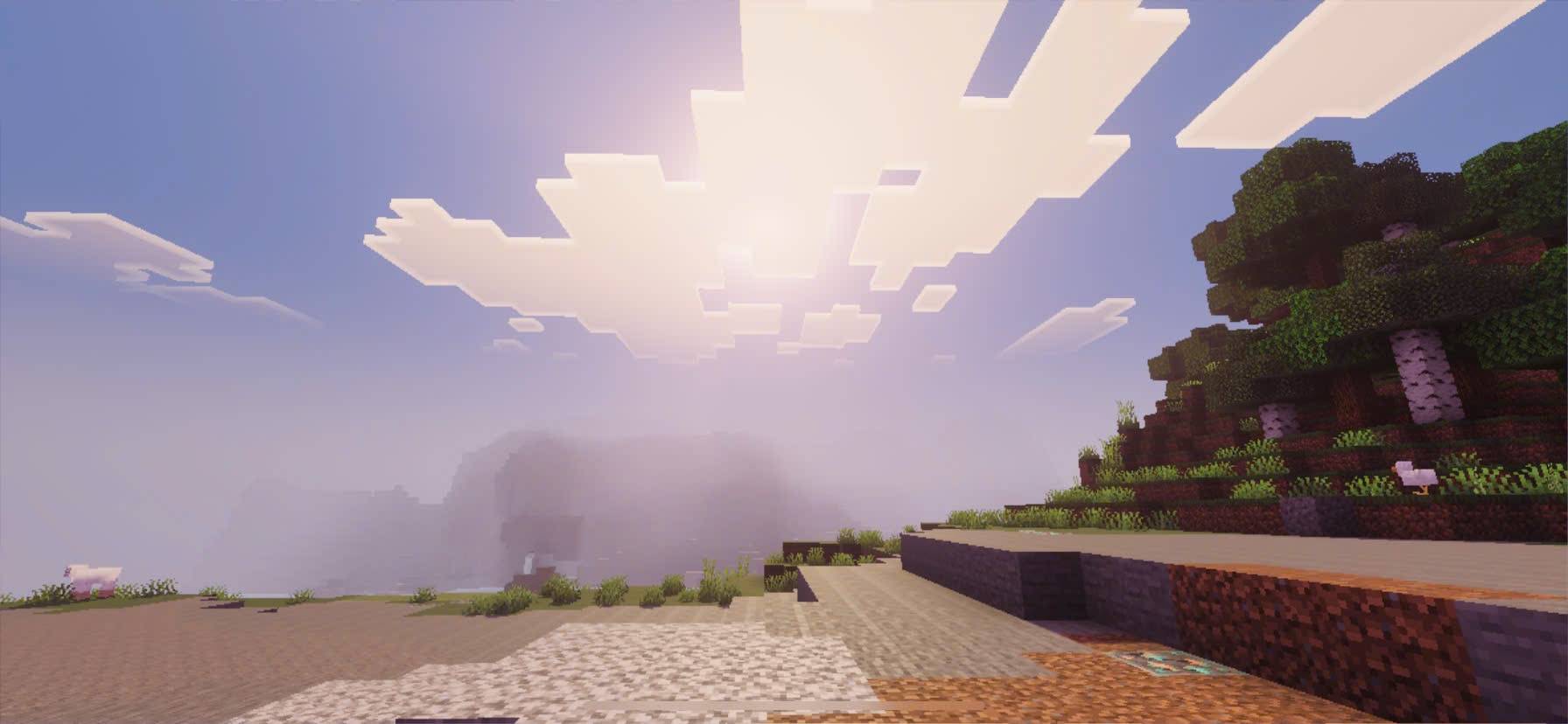
- Enhanced Lighting Feel - Subtle adjustments to brightness and contrast create a smoother atmosphere in both day and night cycles.
- Immersive Atmosphere - Caves, forests, oceans, and builds feel more alive thanks to improved clarity and visual depth.
- Performance Friendly - Unlike shaders, this pack does not heavily impact FPS, making it suitable for low-end to high-end devices.
- Consistent Minecraft Vibe - While it enhances the visuals, the pack remains faithful to the vanilla design so players still feel the “true Minecraft” experience.
🎮 Why choose Deferred Visual LST?
This pack is perfect for players who love the vanilla style of Minecraft but want something more polished and visually engaging. Whether you’re building, exploring caves, surviving in harsh environments, or just enjoying landscapes, Deferred Visual LST makes every scene feel smoother and more immersive.
📱 Made for Bedrock/PE
Deferred Visual LST was designed specifically with Minecraft PE in mind, so it’s lightweight, easy to install, and works seamlessly without the need for extra add-ons or complicated settings.
🌍 Who is it for?
- Players who want better visuals without losing performance.
- Builders who want their creations to look cleaner and more vibrant.
- Survival players who want a more immersive, atmospheric world
👉 With Deferred Visual LST, you don’t need shaders to enjoy a beautiful Minecraft world. Just install the pack, activate it, and step into a brighter, smoother, and more polished version of your game!
Thank you for your continued support! I hope you enjoy getting lost in the new vistas. - The Deferred Visual LST team.
How to install Deferred Visual LST
With Millida Launcher
Install Millida Launcher
The launcher is free: download it at millida.net/launcher and sign in with any nickname.
Click “Install” on this page
The launcher opens and installs the resource pack for Minecraft 1.21.80–1.21.101 automatically.
Launch the game
A profile with it appears in the launcher: click “Play”.
Manually
Download the archive
Pick the file Deferred visual LST.mcpack (186 KB) for your game version. No need to unpack it.
Put it in the resourcepacks folder
The easiest way: “Options”, then “Resource Packs”, then “Open Pack Folder”, and drag the archive there.
Enable the pack
In the same window, move the pack to the right-hand “Selected” column and click “Done”.
Versions
With dependencies
| Minecraft | Loader | File | Date | Actions |
|---|---|---|---|---|
| 1.21.101 | — | Deferred visual LST186 KB |
Reviews
Be the first to rate Deferred Visual LST


