
Minecraft texture packs — page 246
Resource packs: list


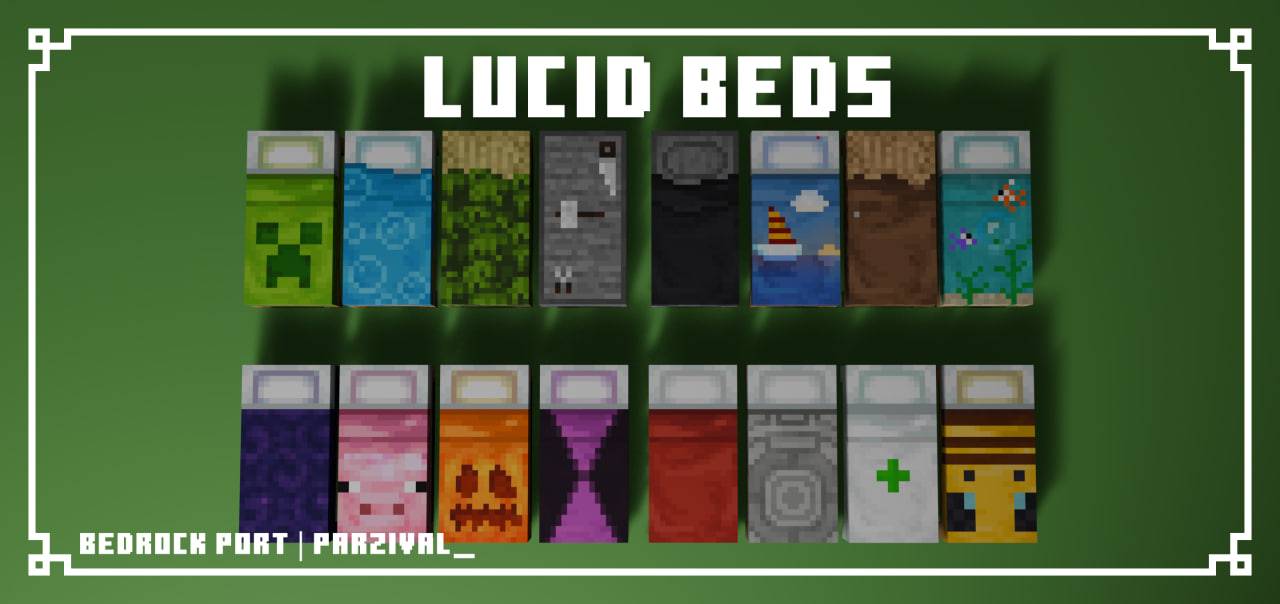

Lucid Beds
This pack simply adds a twist to the 16 different beds in Minecraft. "Lucid Beds" is a pack originally made by LucidWolf96 for Java Edition and was ported by me to Bedrock Edition.Download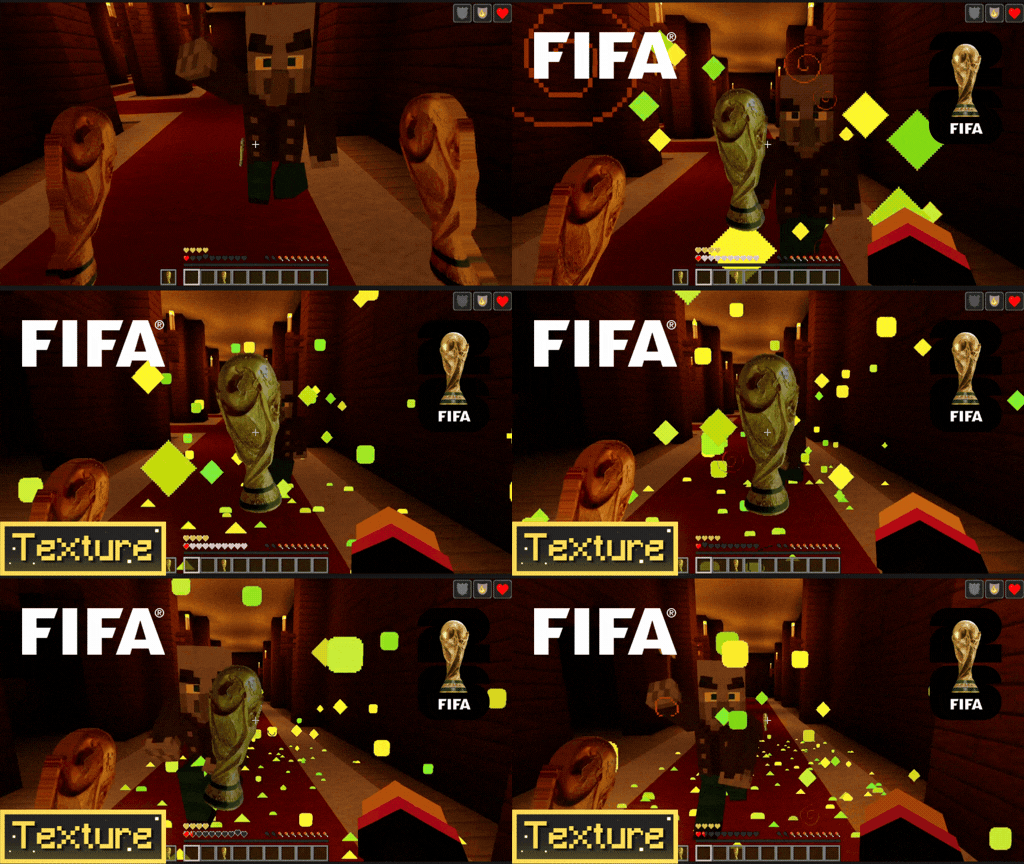

World Cup 2026 Totem | FIFA Trophy
Bring the football fever into your Minecraft world! This simple yet epic texture pack replaces the boring vanilla Totem of Undying with the official 2026 FIFA World Cup TrophyDownload

Newb outline blocks
This pack is to provide compatibility with newb shadersDownload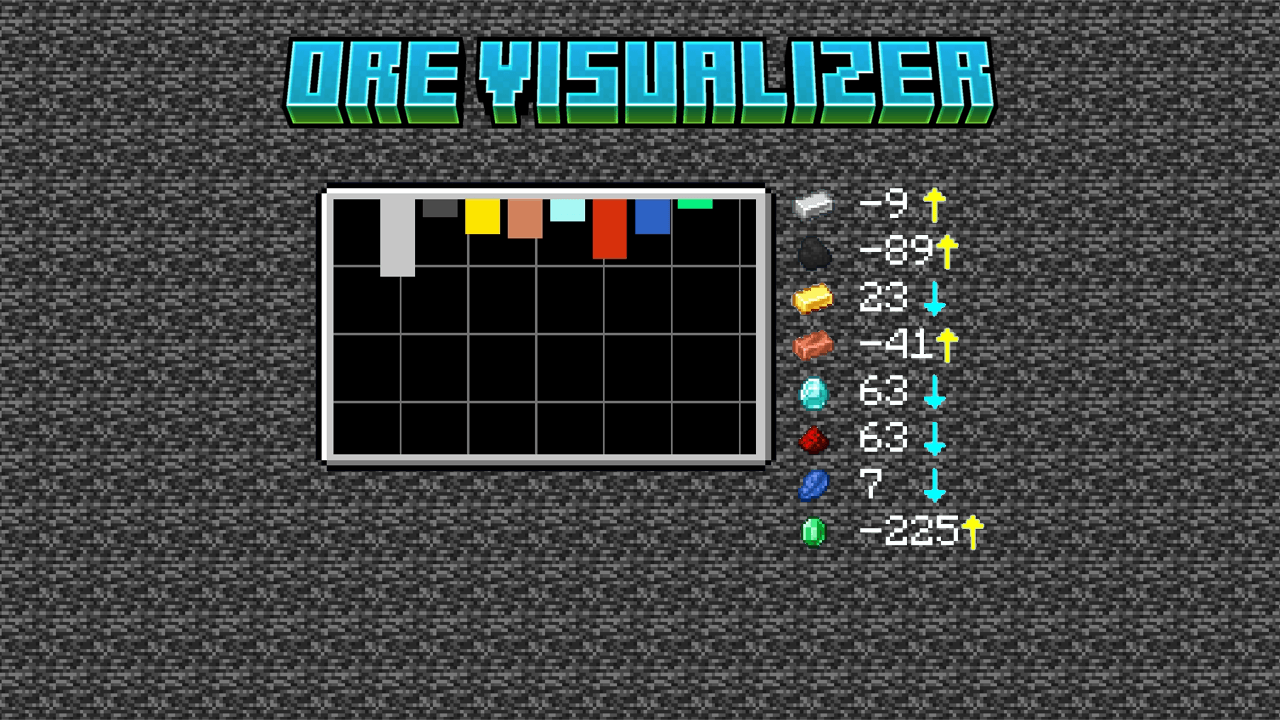
Ore Visualizer
This pack will add a feature for finding ores best positionDownload

Star Eye UI Inventory
Adds a Star Eye UI InventoryDownload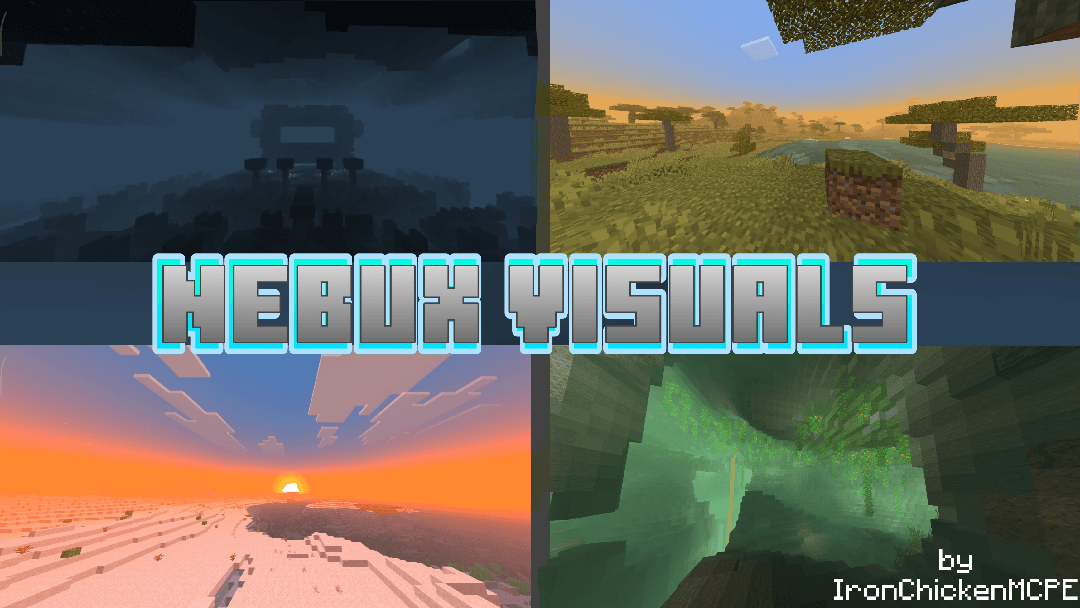

Nebux Visuals[Render Dragon Support]
A Lightweight Non-patch shader that adds plant animations and cool fogs, recommended for pvp and low-end devicesDownload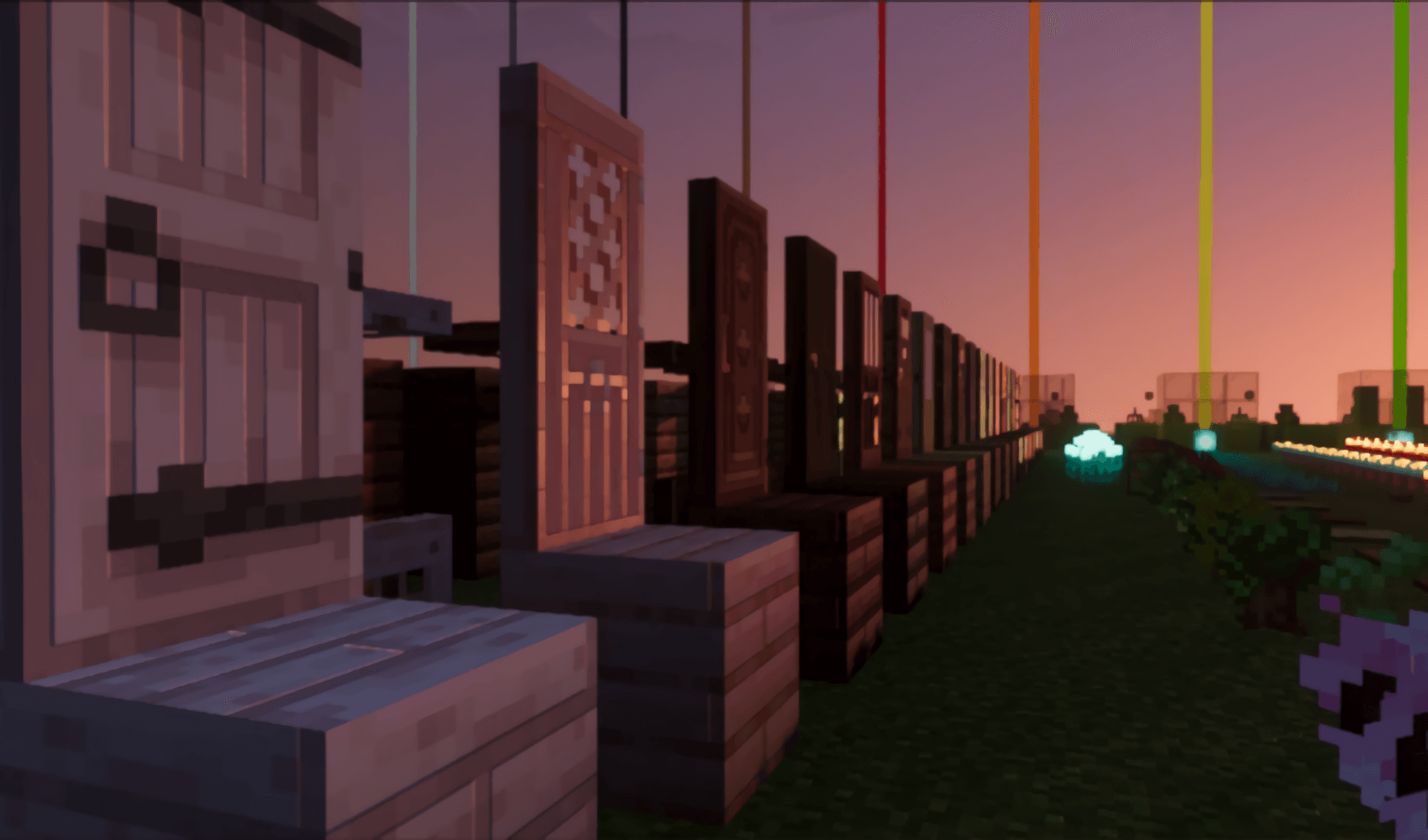

Pixie - Vibrant Visual PBR
Full Vanilla PBR Texture Pack: Compatible with any Vibrant Visual Shaders!Download

PandaMine's Model Geometry Fixer (Bugged blocks fix)
Fixes missing tiles on custom blocks using marketplace UUIDs.Download

Assorted Allays
The pack for all your Allay variants! 50+ Allays!Download

Pigs Technoblade
Turn Minecraft's classic pig into a Technoblade-inspired pig. 👑🐷 A simple tribute to a Minecraft legend. ❤️Download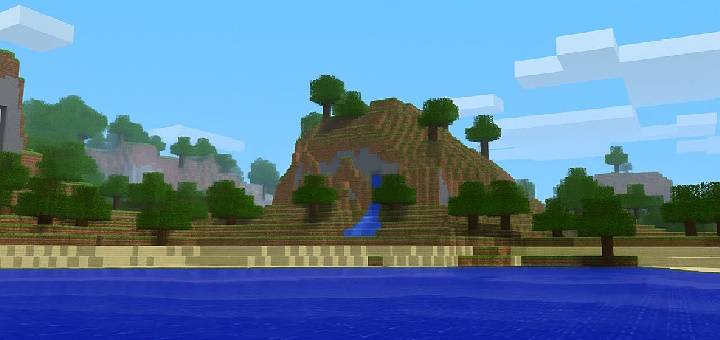

Default PvP
A clean, default style pack optimized for PvP.Download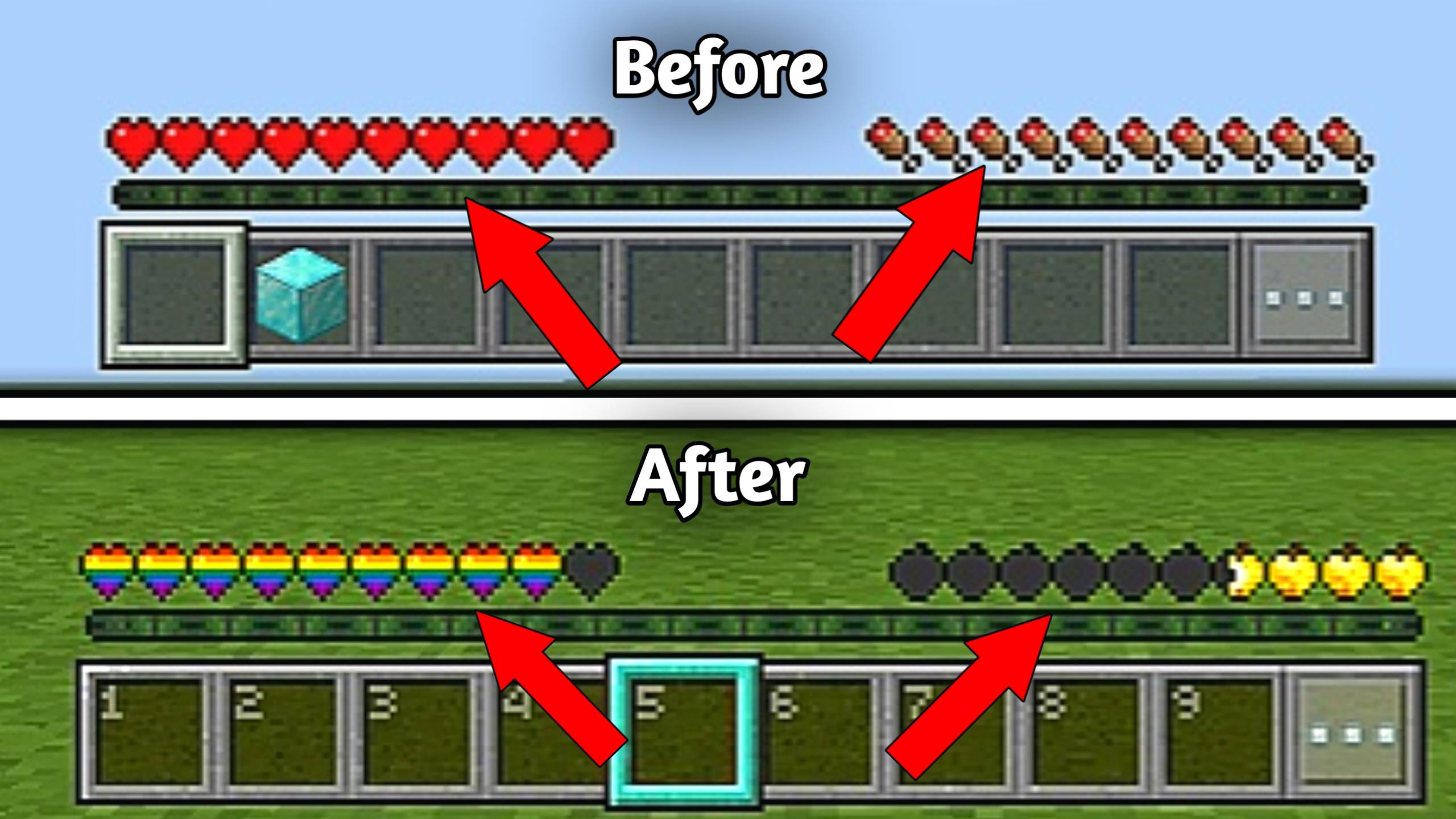

SMOOTH FPS PLUS
A performance-focused resource pack that improves FPS with cleaner visuals, quieter sounds, reduced particles, and optimized UI while keeping gameplay smooth and readable.Download

RAINBOW HEARTS PLUS
Replaces the normal heards to RAINBOW heards texture.Download

Better Visible Ores Icon
With this texture pack you'll be able to see the minerals in the caves better!!!Download

Smaller Vanilla Totem
A Bedrock PvP texture pack that makes vanilla totems smaller for better visibility and cleaner fights.Download
Marketplace Hider
Hides the Marketplace by removing advertisements and purchase buttons.Download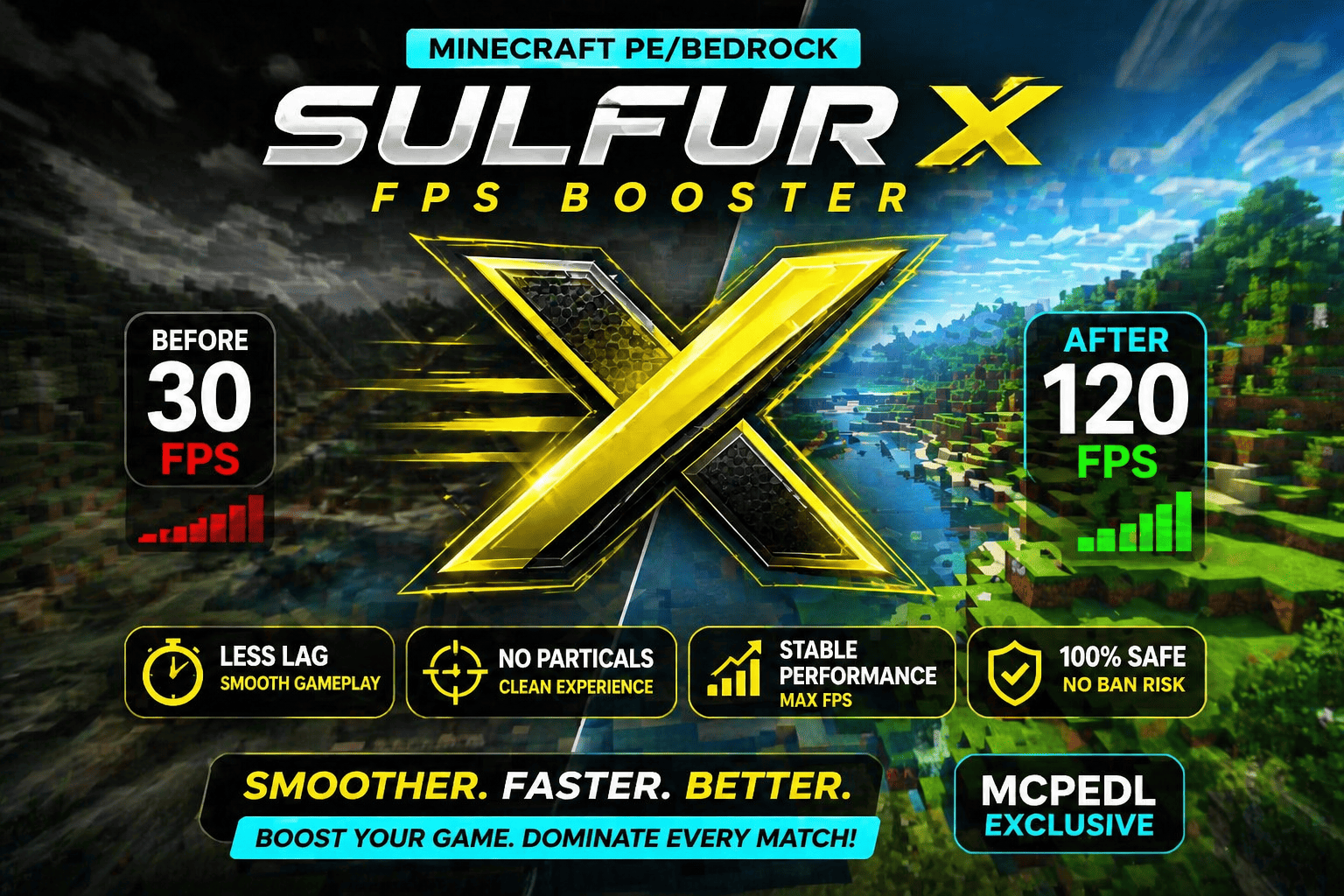

Sulfur X | No Lag FPS Booster
Sulfur X FPS Booster improves Minecraft Bedrock performance with less lag, no particles, and smoother, more stable gameplay for better FPS and cleaner visuals.Download

Iman's Better Vanilla
Iman's Better Vanilla is a texture pack that enhances Minecraft’s default look with cleaner, smoother, and more detailed textures. It keeps the original style while improving overall visual quality, offering a fresh and polished Minecraft experience.Download

Heart Crosshair for Bedrock!
An mcpack file that gives you a heart-shaped crosshair in minecraft!Download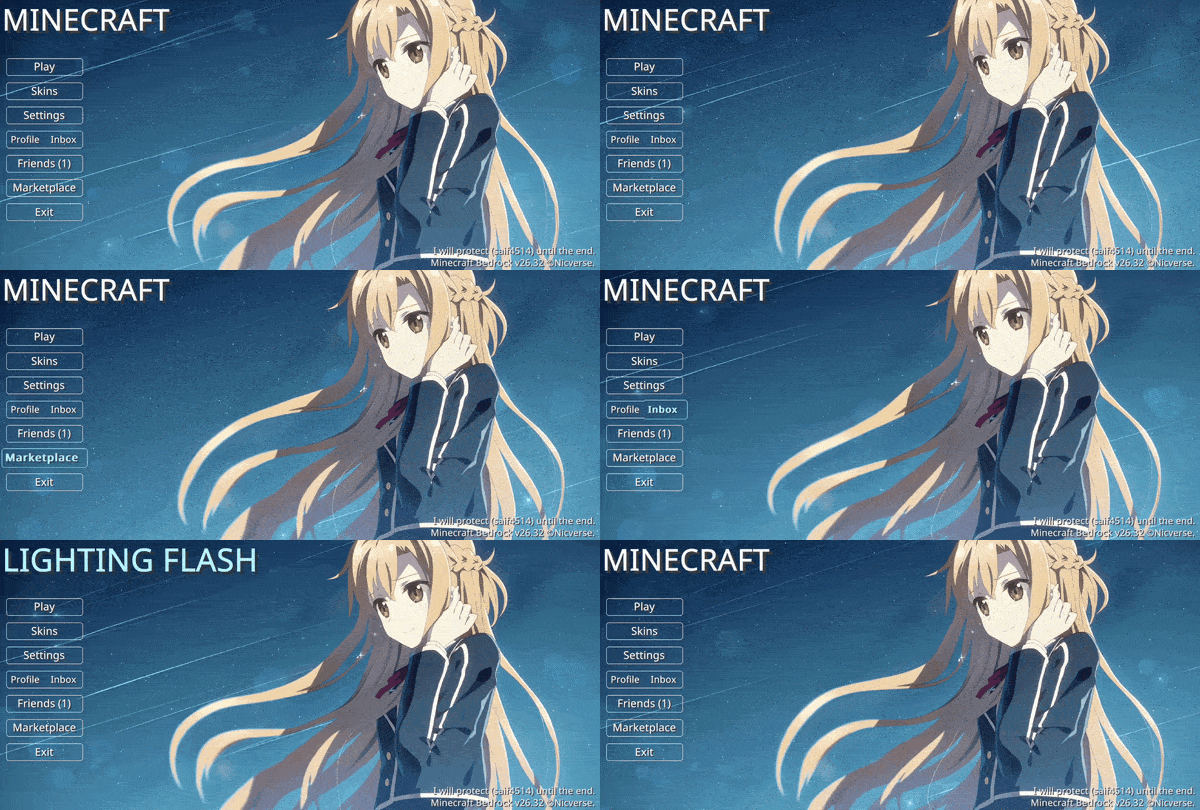

Animated Lighting Flash SAO UI
Animated lighting flash from SAO — A calm night UI with soft sky motion and a gentle presence, creating a peaceful and cinematic Minecraft start screen.Download

Animated Plants
Vanilla-style animated plants that make your Bedrock world feel alive.Download

Pochacco 4d Skin
4d Pochacco Skin Texturepack with Blinking AnimationDownload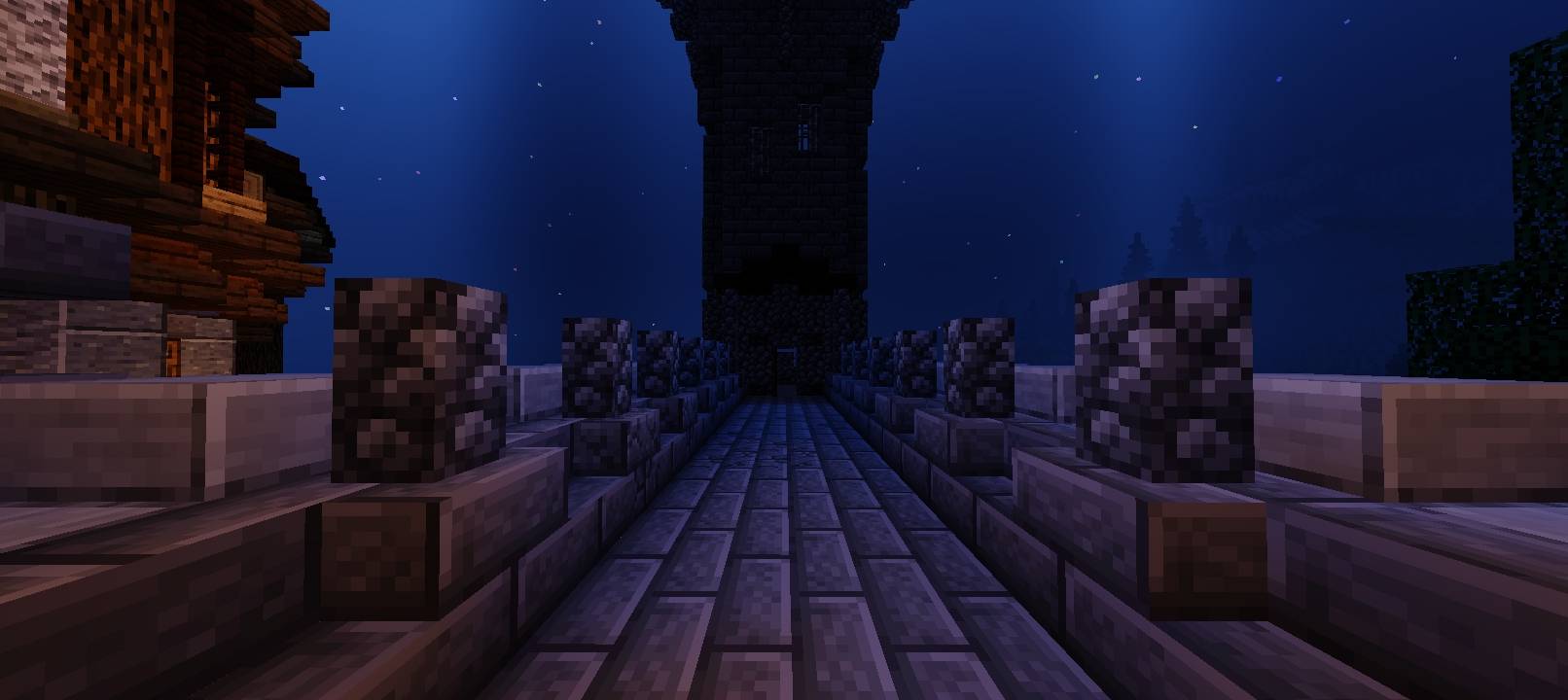

Newb X Nebula | Compatible with 26.40+
Newb X Nebula improves shadows, lighting, and provides a beautiful night sky. Water reflections look way more beautiful and better than ever.DownloadFAQ
Do I need Forge or Fabric for a resource pack?
No. A resource pack works on the regular game with no loaders or mods. Click “Install” and Millida Launcher will put the pack into the right modpack — then just enable it in the settings.
What do 16×, 32×, 64× mean?
The resolution of a single texture in pixels. 16× matches the original game, 32× and 64× are more detailed and heavier, and 128× and up put a noticeable load on your graphics card.
Will a pack made for another version work?
Most likely partly: older packs don't have textures for newer blocks, so those will stay default. The game won't break, though.
How is a texture pack different from a resource pack?
Only by name and age. Before version 1.6 the sets were called texture packs and changed only textures; in 1.6 resource packs replaced them and also change sounds, fonts and the interface. Old texture packs for 1.5 and below do not work on new versions without conversion.
Which texture packs are best for PvP?
PvP packs: 16× resolution or lower, shortened swords, low fire, a clear sky and bright particles. They barely load the computer and make the opponent easier to see. These packs are collected in the PvP theme.
How do I install a resource pack?
Press Install and Millida Launcher puts the pack into the resourcepacks folder of the right instance. Then enable it in the game: Options, then Resource Packs. Manually, the archive goes into resourcepacks inside the game folder, no need to unpack it.
Minecraft texture packs
A resource pack changes how the game looks and sounds: block and item textures, fonts, the interface, sounds. It doesn't touch the game's code, so it needs no mod loader and breaks nothing on a server — the pack only works on your screen. That's exactly why a resource pack is safer than any mod: the worst that happens on a version mismatch is that some textures stay default.
Textures, texture packs and resource packs are essentially the same thing: since version 1.6 Mojang calls these sets resource packs, but the old name is still searched more often. PvP packs are a big genre of their own: shortened swords, low fire, bright particles and 16× resolution or lower, so the opponent stands out and the frame rate does not drop. Such packs are most often made for 1.8.9 and 1.16.5, the versions many PvP servers run on.
The key thing about a pack is its resolution. The game's default textures are 16×16 pixels; 32× and 64× packs look more detailed, while 128× and up need a real graphics card and are usually paired with shaders. On a weak machine it makes sense to stay at 16× or go for packs that deliberately simplify graphics for more FPS. Every pack here lists its game version, author and license, and all released versions are gathered on one card. Put the downloaded archive in the resourcepacks folder and enable it in the game settings.