
Minecraft texture packs — page 245
Resource packs: list


BetterMusic & BetterJukebox
BetterMusic and BetterJukebox enhance your in-game audio with classic or custom tracks, adjustable jukebox range including optional stereo mode, and multi-track discs. Use them separately or together for a fully customizable sound experience.Download

Better Vanilla Crosshair
You'll Kill everyone thanks to this Wonderful Crosshair!!!!Download

Bamboo Equipment Pack
A bamboo themed texture pack that replaces tools, weapons, and armor with bamboo equipment.Download
World Export Button Enabler (WEBE)
WEBE is a must-have utility pack for players who value their worlds. Simple, effective, and reliable—it adds a small feature that makes a big difference. 🌟Download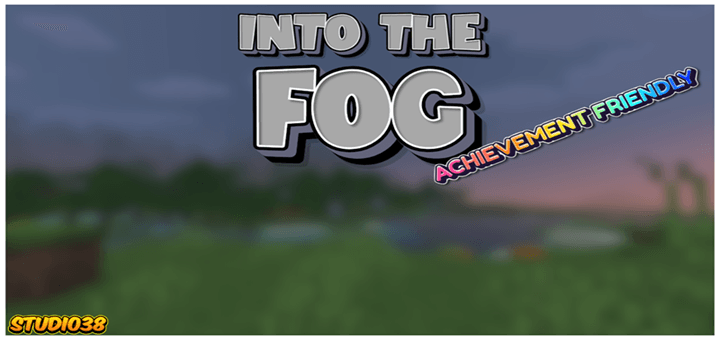

Into the Fog
Experience a chilling atmosphere like never before with this fog Texture Pack, which blankets every single biome in a dense, mysterious mist that severely limits your visibility.Download

Short Swords
Makes the sword slightly shorterDownload

touch circle remover
remove that big white touch circleDownload

Makima Totem
Replaces the Totem of Undying with an Anime Makima TotemDownload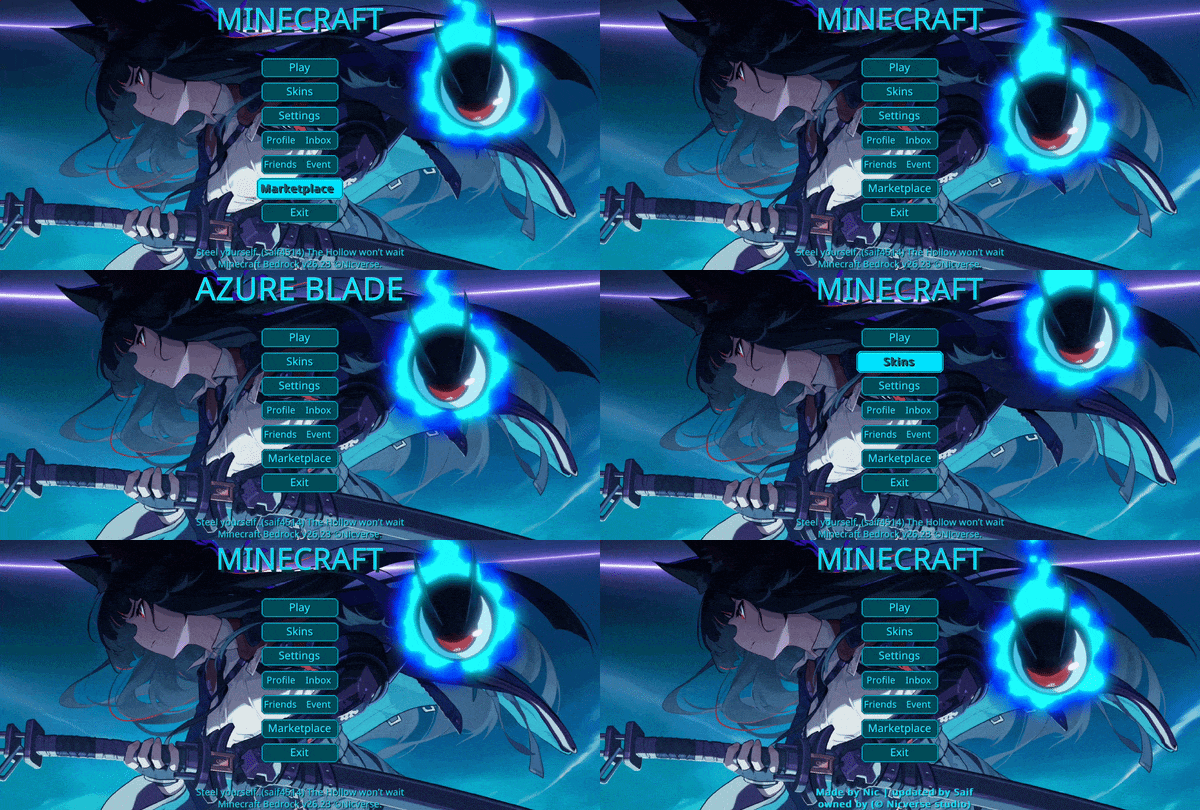

Animated Miyabi UI
Miyabi-inspired animated menu for the Start and Settings Screens, capturing sharp precision and explosive motion with high-impact strikes, creating a dynamic, immersive, and cinematic Minecraft experience.Download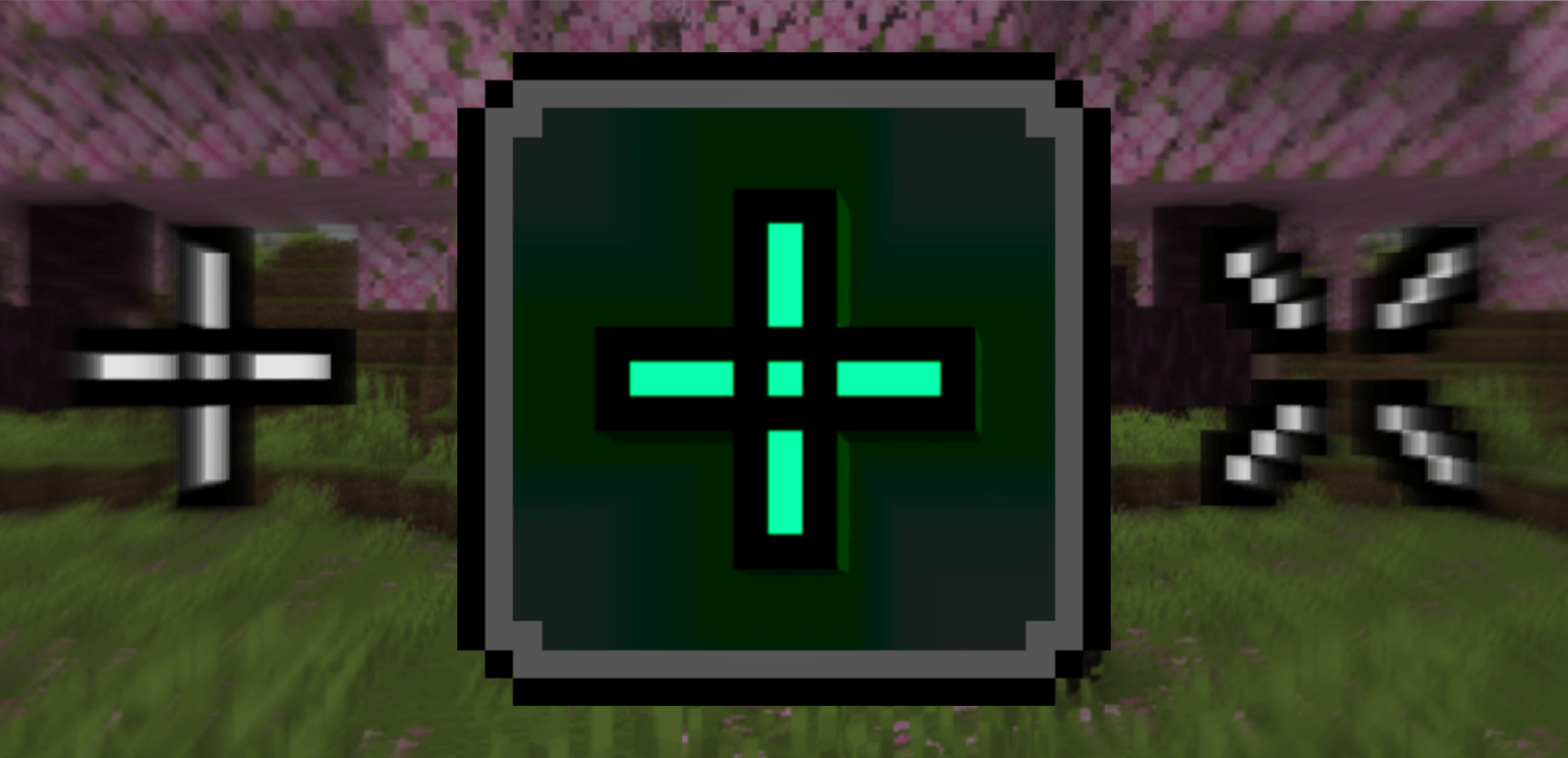

Ponky's Better Crosshairs
This pack let's you change the size, colour and shape of your crosshairDownload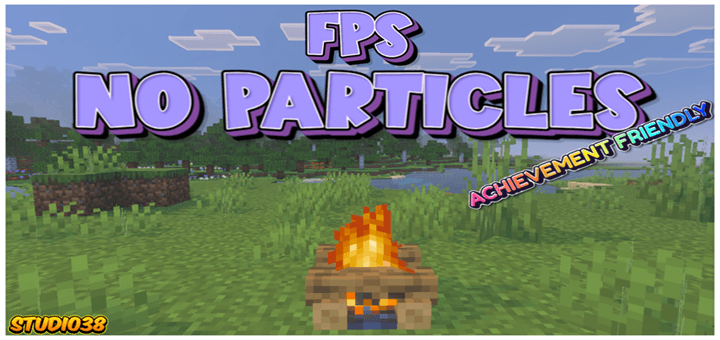

FPS No Particles
To ensure your gameplay is as smooth as possible, the FPS No Particles texture pack completely removes all particles, delivering a noticeable frame rate boost and seamlessly fluid gameplay.Download
Invisible Item Frames No more invisible mobs
Invisible Item Frames is a lightweight Minecraft Bedrock resource pack that makes both regular and glow item frames completely invisible while keeping all vanilla functionality intact.Download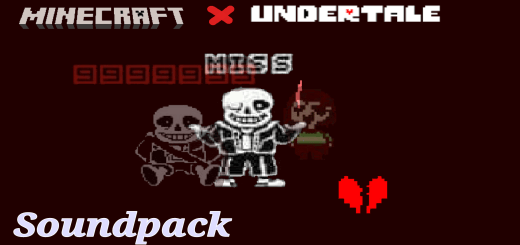

Undertale sound pack
Hello, this is a sound pack of Undertale + UI of this same one to bring the Undertale experience to Minecraft in some wayDownload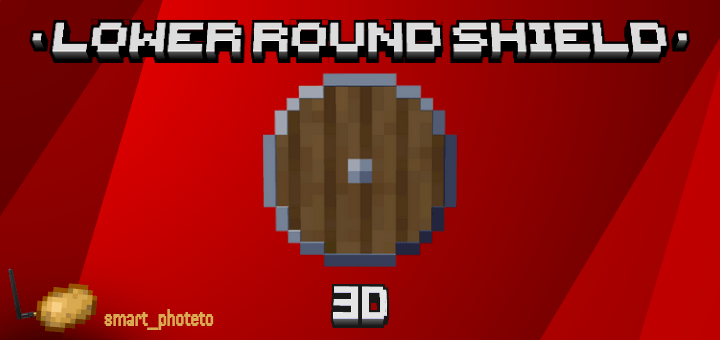

Lower Round Shield 3D
Enhance your PvP experience with the Lower Round Shield 3D pack! Replaces the default Minecraft shield with a custom low-profile round shield modelDownload
Fast Commands
A resource pack that adds a Command Panel inside the chat screen for easy access.Download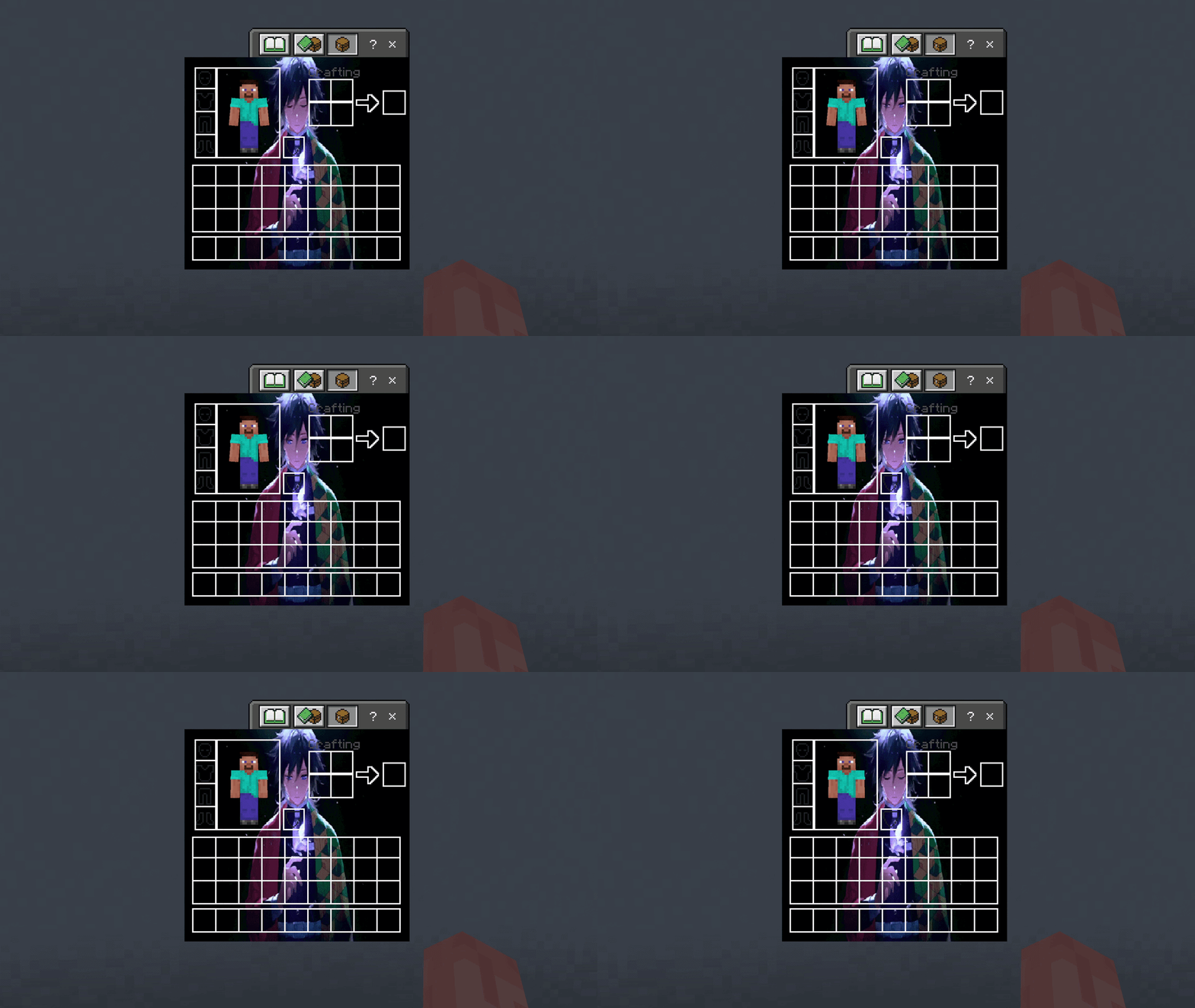

Giyu Tomioka UI Inventory
Adds a Giyu Tomioka UI InventoryDownload

Reze Textures
Transform your Minecraft Bedrock into a completely new experience with Reze Textures. This isn’t just a texture pack — it’s a full client redesign inspired by the explosive energy of Reze.Download

Newb X LMI Merged Lite
Merged Newb X LMI Lite versionDownload

dynamic sea water by Ei
Dynamic Sea Water will make your water surface more wavy while still keeping it calm and FPS-friendly.Download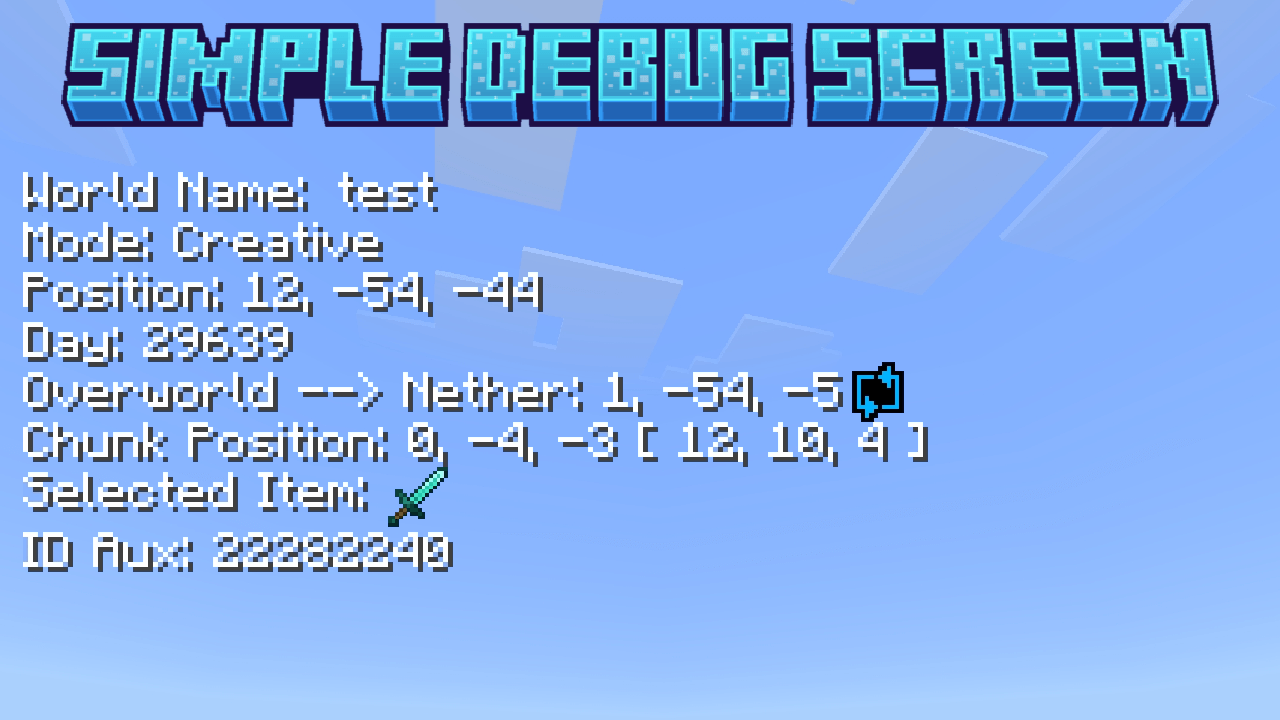
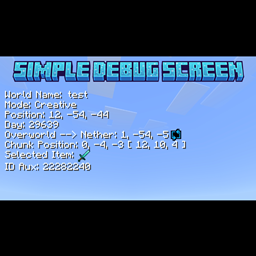
Simple Debug Screen
This pack will add some useful information to your HUD!Download

diamond vibrant
With the Diamond Vibrant Pack, you will transform your Minecraft world into a more diamonic visual experience.Download
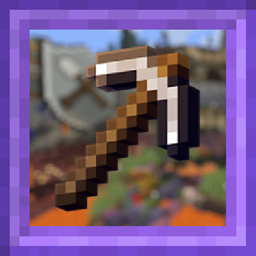
Console graphics
Graphics effect from Legacy Console Edition (Xbox 360 edition)Download

Etherveil [Shader]
A performance-zero-cost Bedrock shader pack that transforms Minecraft's atmosphere with biome-tailored fog colors and distances, bringing cinematic visuals to low-end devices.DownloadFAQ
Do I need Forge or Fabric for a resource pack?
No. A resource pack works on the regular game with no loaders or mods. Click “Install” and Millida Launcher will put the pack into the right modpack — then just enable it in the settings.
What do 16×, 32×, 64× mean?
The resolution of a single texture in pixels. 16× matches the original game, 32× and 64× are more detailed and heavier, and 128× and up put a noticeable load on your graphics card.
Will a pack made for another version work?
Most likely partly: older packs don't have textures for newer blocks, so those will stay default. The game won't break, though.
How is a texture pack different from a resource pack?
Only by name and age. Before version 1.6 the sets were called texture packs and changed only textures; in 1.6 resource packs replaced them and also change sounds, fonts and the interface. Old texture packs for 1.5 and below do not work on new versions without conversion.
Which texture packs are best for PvP?
PvP packs: 16× resolution or lower, shortened swords, low fire, a clear sky and bright particles. They barely load the computer and make the opponent easier to see. These packs are collected in the PvP theme.
How do I install a resource pack?
Press Install and Millida Launcher puts the pack into the resourcepacks folder of the right instance. Then enable it in the game: Options, then Resource Packs. Manually, the archive goes into resourcepacks inside the game folder, no need to unpack it.
Minecraft texture packs
A resource pack changes how the game looks and sounds: block and item textures, fonts, the interface, sounds. It doesn't touch the game's code, so it needs no mod loader and breaks nothing on a server — the pack only works on your screen. That's exactly why a resource pack is safer than any mod: the worst that happens on a version mismatch is that some textures stay default.
Textures, texture packs and resource packs are essentially the same thing: since version 1.6 Mojang calls these sets resource packs, but the old name is still searched more often. PvP packs are a big genre of their own: shortened swords, low fire, bright particles and 16× resolution or lower, so the opponent stands out and the frame rate does not drop. Such packs are most often made for 1.8.9 and 1.16.5, the versions many PvP servers run on.
The key thing about a pack is its resolution. The game's default textures are 16×16 pixels; 32× and 64× packs look more detailed, while 128× and up need a real graphics card and are usually paired with shaders. On a weak machine it makes sense to stay at 16× or go for packs that deliberately simplify graphics for more FPS. Every pack here lists its game version, author and license, and all released versions are gathered on one card. Put the downloaded archive in the resourcepacks folder and enable it in the game settings.