
Minecraft texture packs — page 244
Resource packs: list



Lightning Sky - Custom Sky
This texture pack adds a brand new, realistic sky. The clouds are dark and stormy, just like real thunderstorm clouds! You will see lots of lightning in the sky, making your Minecraft world feel more exciting and a little spooky.Download

Better tools by baku
🌸 Baku Visuals enhances Minecraft Bedrock with beautiful skies, realistic clouds, vibrant colors, improved water, stunning sunlight, and immersive nature visuals for a fresh MCPE experience!Download

Netherite to Amethyst
Gives Netherite an Amethyst Like Pallet.Download

Spawn Eggs Revert
Bring back the old spawn eggs to vanilla or other texture packs!Download

Nic's Medieval Tools
Replace your default weapons and tools with finely forged medieval designs. Bring a rustic, battle-worn look to your Minecraft world.Download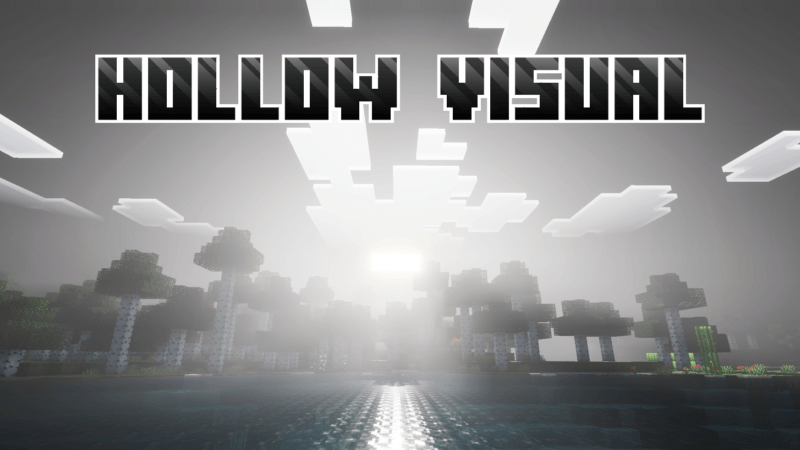

Hollow Visual (Knight)
Hollow Visual is a shader that makes your world look hollow.Download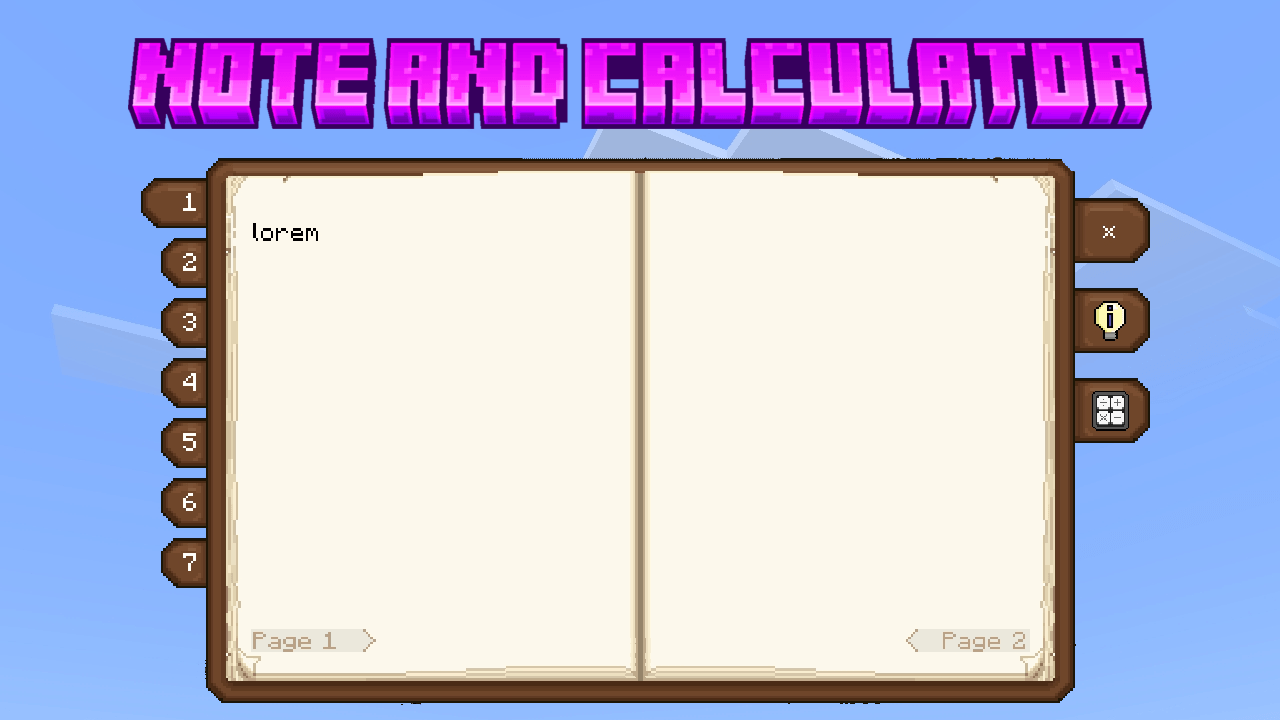

Note And Calculator
This pack add special useful features to your chat screen!Download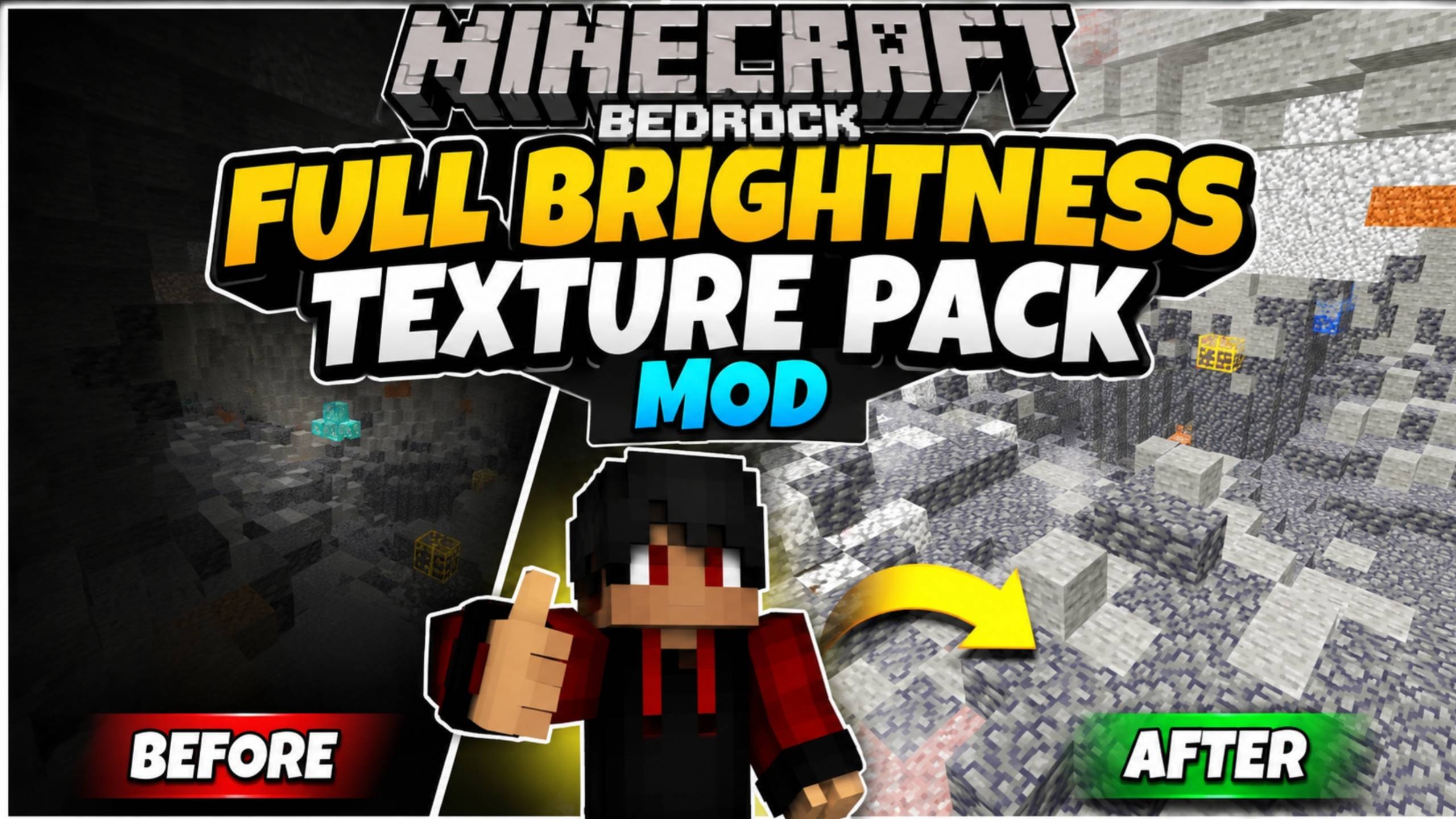

Full brightness by AS Pro 97
Full Brightness Texture Pack for Minecraft Bedrock 1.21+ | No More Dark Caves! 💡Download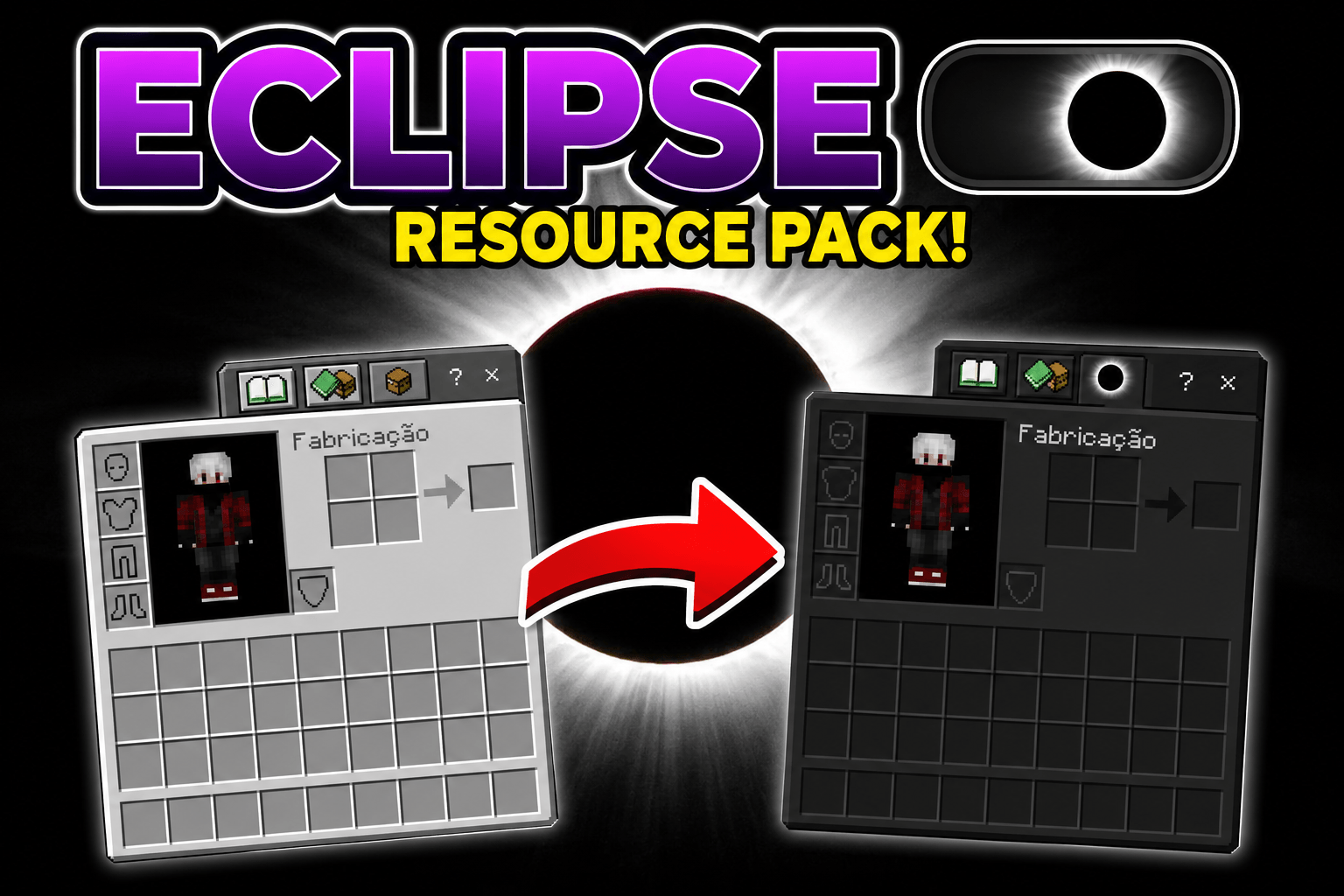
Eclipse
Eclipse - Dark Mode UI. UI-only resource pack that makes all Minecraft menus dark. Works with any texture pack.Download

BEST PVP CROSSHAIR
With this texture pack you will win all your pvp games.Download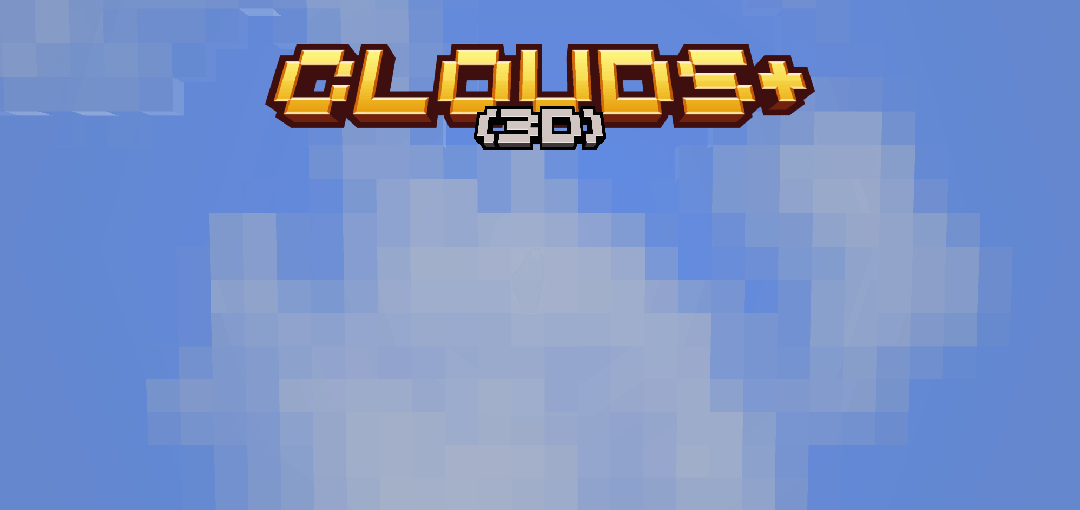
Vanilla Clouds Plus (3D)
Better-looking 3D clouds that stay faithful to Minecraft's style.Download
AZURYX 16x PvP Pack
AZURYX 16x is a clean and competitive PvP texture pack featuring smooth animations, sharp combat particles, and simplified blocks for better visibility in Bedwars and Skywars.Download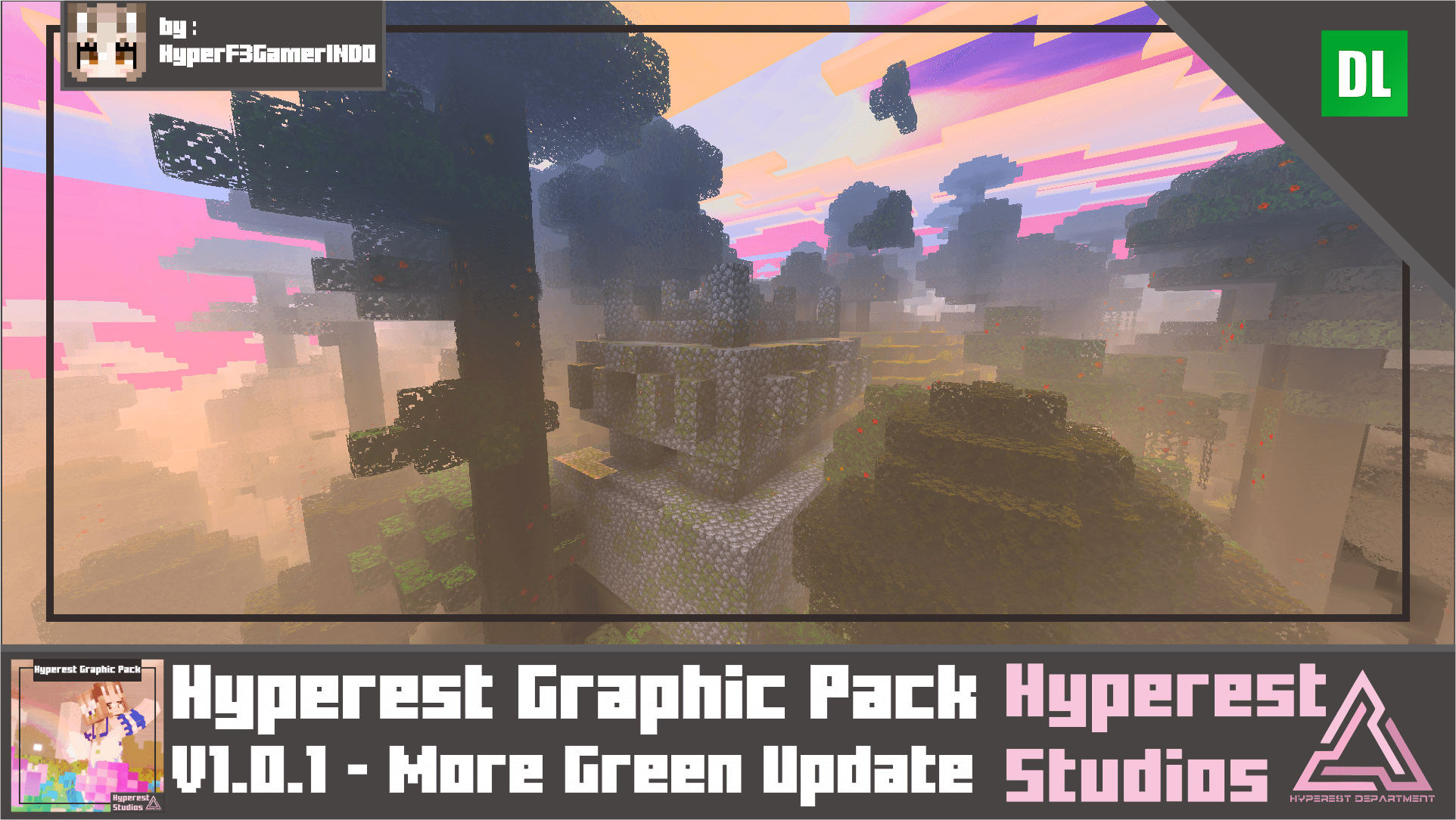
Hyperest Graphic Pack | v1.0.1 More Green Update
Looking for simplistic Graphic pack? well this pack is really simple just add variation, fogs, and greens. This pack is aimed for Warm purple sky just like V.O.G Shader and this is compilation of it. Hope you enjoy it.Download

Minecraft Earth Sheeps
New sheep variants from the game Minecraft Earth!Download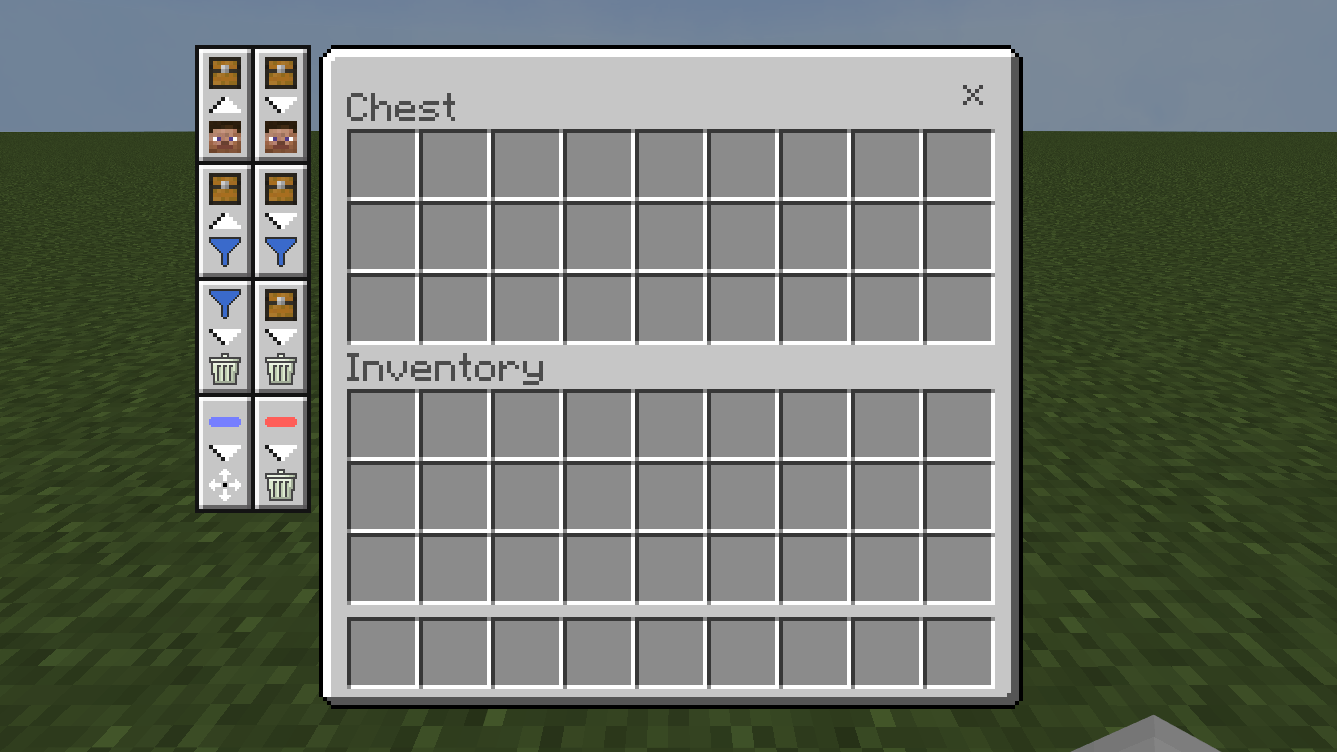

Easy Item Dump
Easily transfer items from inventory to containersDownload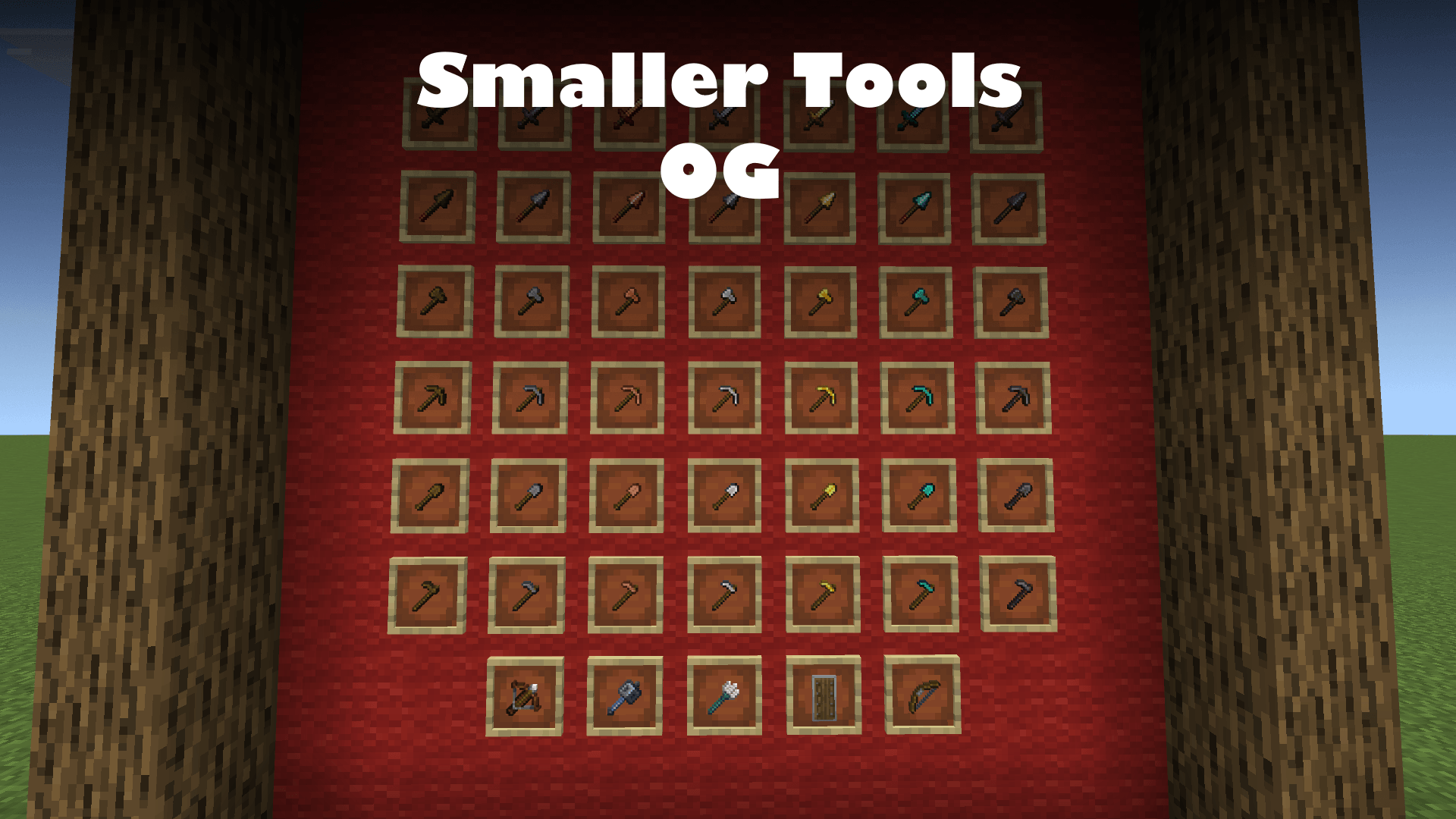

Smaller tools OG (small tools default textures)
Just like the smaller tools pack but with DEFAULT texturesDownload

[3D] Buckets | v1.1.5 MER Texture Update
Hi Minecrafters, are you bored with plain 2D texture? and no animation on it? well there is help now, behold! 3D Buckets! yes, its animated and important is ANIMATED!Download

stanger things fragment visual
This shader was made to commemorate the Stranger Things series, which has already ended.Download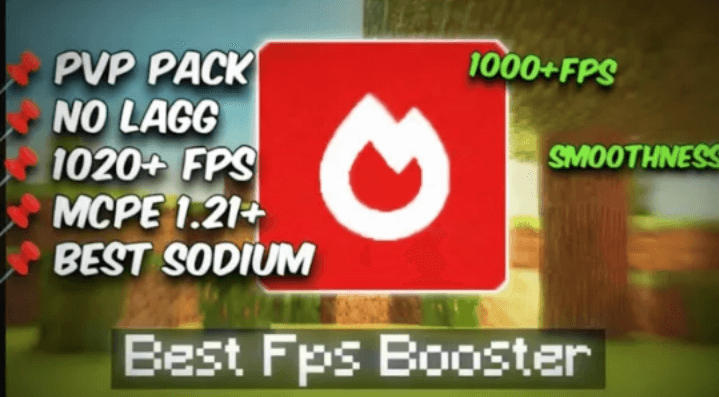

Argon Mod v1 | FPS Optimizer
Ultimate Fps booster 🗿Download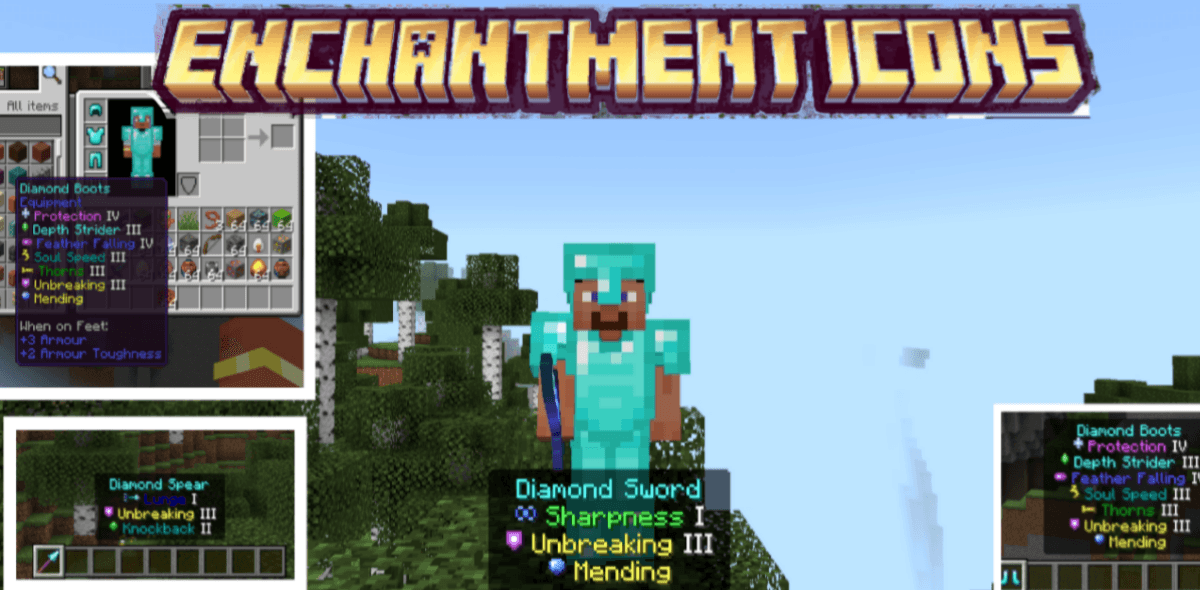

Better Enchant Icons
Enchantment Icons adds unique colored pixel-art icons next to every enchantment name in your inventory tooltips. No more reading through walls of text, just glance at the icon and instantly know what each enchantment is.Download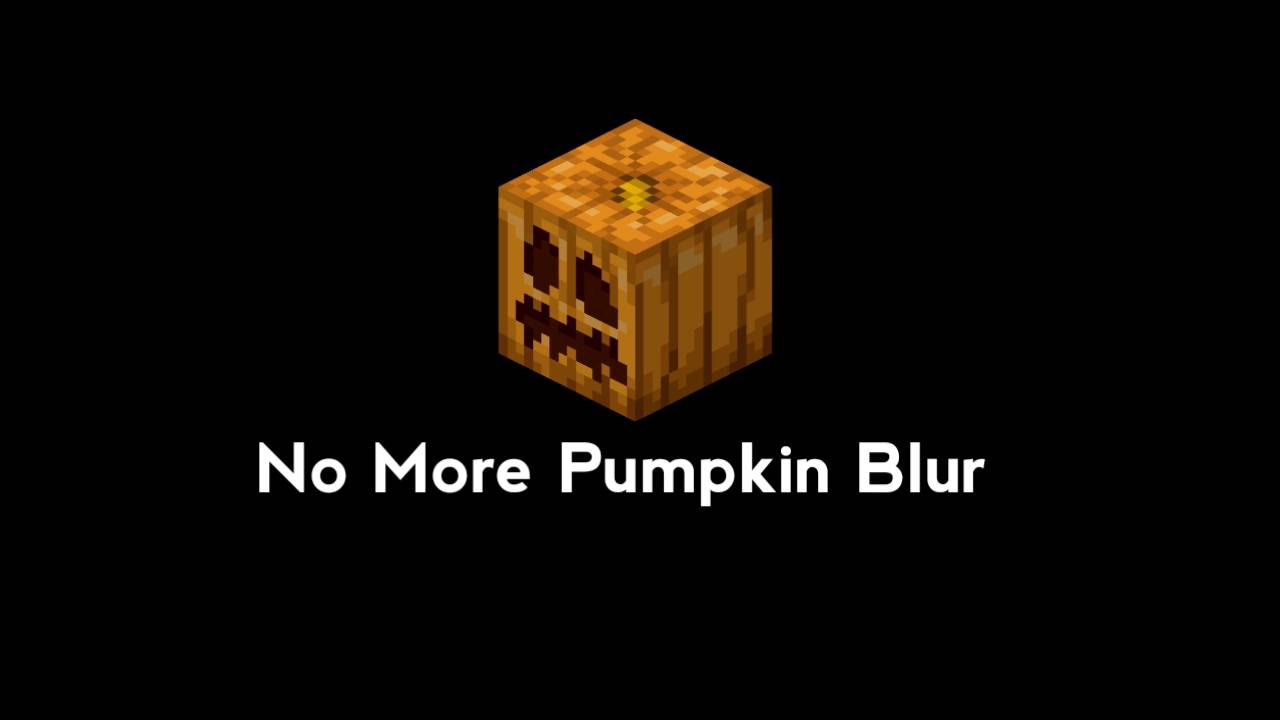

No More Pumpkin Blur
Removes the annoying pumpkin blur overlay when wearing a carved pumpkin for a clean and clear view.Download

BeeGirls
Bee but girlsDownload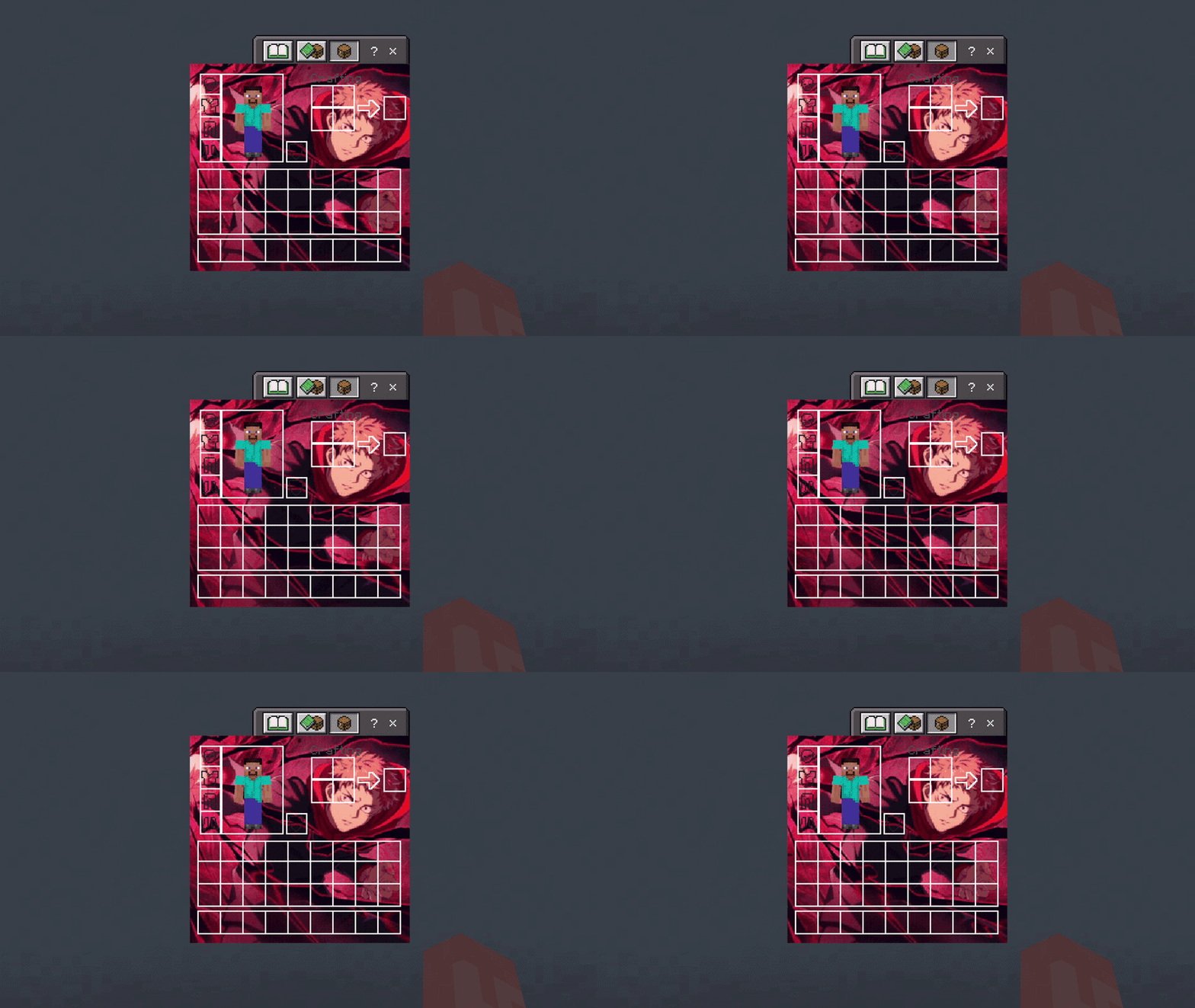

Yuji Itadori UI Inventory
Adds a Yuji Itadori UI InventoryDownloadFAQ
Do I need Forge or Fabric for a resource pack?
No. A resource pack works on the regular game with no loaders or mods. Click “Install” and Millida Launcher will put the pack into the right modpack — then just enable it in the settings.
What do 16×, 32×, 64× mean?
The resolution of a single texture in pixels. 16× matches the original game, 32× and 64× are more detailed and heavier, and 128× and up put a noticeable load on your graphics card.
Will a pack made for another version work?
Most likely partly: older packs don't have textures for newer blocks, so those will stay default. The game won't break, though.
How is a texture pack different from a resource pack?
Only by name and age. Before version 1.6 the sets were called texture packs and changed only textures; in 1.6 resource packs replaced them and also change sounds, fonts and the interface. Old texture packs for 1.5 and below do not work on new versions without conversion.
Which texture packs are best for PvP?
PvP packs: 16× resolution or lower, shortened swords, low fire, a clear sky and bright particles. They barely load the computer and make the opponent easier to see. These packs are collected in the PvP theme.
How do I install a resource pack?
Press Install and Millida Launcher puts the pack into the resourcepacks folder of the right instance. Then enable it in the game: Options, then Resource Packs. Manually, the archive goes into resourcepacks inside the game folder, no need to unpack it.
Minecraft texture packs
A resource pack changes how the game looks and sounds: block and item textures, fonts, the interface, sounds. It doesn't touch the game's code, so it needs no mod loader and breaks nothing on a server — the pack only works on your screen. That's exactly why a resource pack is safer than any mod: the worst that happens on a version mismatch is that some textures stay default.
Textures, texture packs and resource packs are essentially the same thing: since version 1.6 Mojang calls these sets resource packs, but the old name is still searched more often. PvP packs are a big genre of their own: shortened swords, low fire, bright particles and 16× resolution or lower, so the opponent stands out and the frame rate does not drop. Such packs are most often made for 1.8.9 and 1.16.5, the versions many PvP servers run on.
The key thing about a pack is its resolution. The game's default textures are 16×16 pixels; 32× and 64× packs look more detailed, while 128× and up need a real graphics card and are usually paired with shaders. On a weak machine it makes sense to stay at 16× or go for packs that deliberately simplify graphics for more FPS. Every pack here lists its game version, author and license, and all released versions are gathered on one card. Put the downloaded archive in the resourcepacks folder and enable it in the game settings.