
Minecraft texture packs — page 243
Resource packs: list


AmongUs Totem Combo - 3
Adds 8 funny AmongUs-themed Totems with custom sounds and the renamed Totem of SUS!!Download
Nether's Optimizer+
NetherxOptimizer is a powerful FPS Boost texture pack for Minecraft Bedrock Edition that increases performance up to 40% without changing vanilla textures. Smooth gameplay, natural lighting, and zero visual bugs — optimized for low-end devices.Download

Anime Totems | With 50+ Characters
Makes totems have an anime charector!Download

Old Pigpack (CHECK OUT NEW ITS BETTER)
The clean Java texture pack for bedrockDownload

SKT's Catling
make Ghastling and Happy Ghast cuter :3Download

Ethereal Shaders
A Simple Vibrant Visuals Shader For Minecraft bedrock editionDownload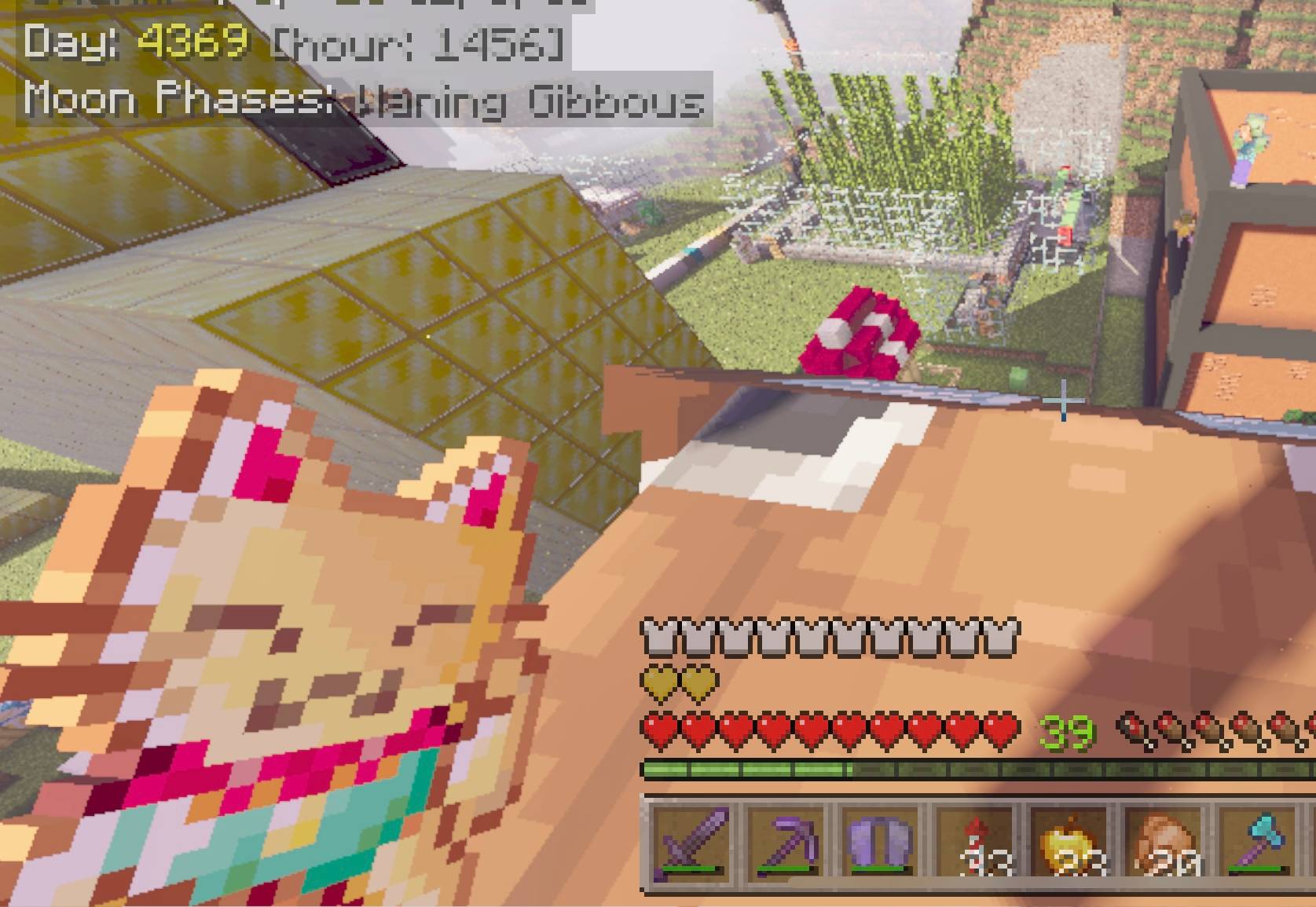

Fortune Cat Totem
This fortune cat totem is a redesign of the classic totem.Download

Steven's Traditional: BE
Steven's Traditional is a 64×64 resource pack inspired by Minecraft's default textures. It upgrades them from 16×16 to 64×64, adding more detail while preserving the classic Minecraft style.Download
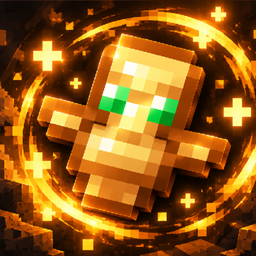
Totem 3d
A customizable 3D Totem of Undying with adjustable position, rotation, and scale for each handDownload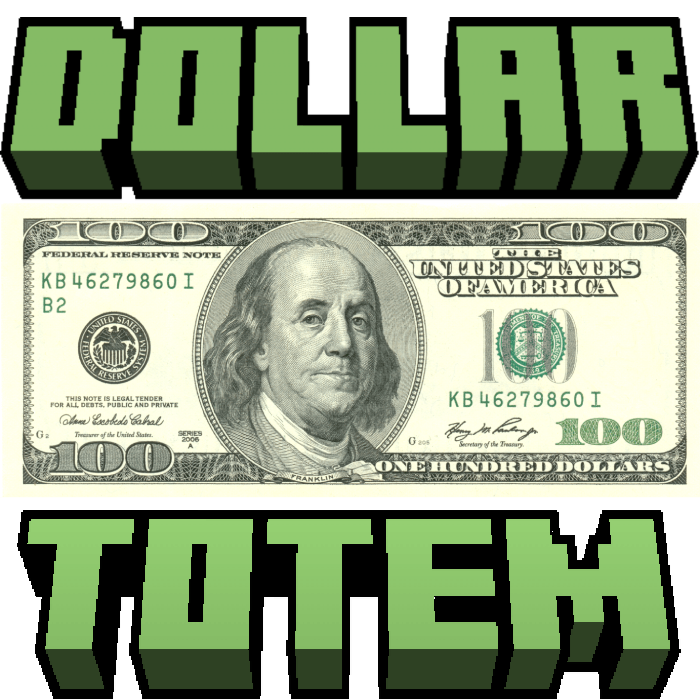

Dollar Note Totem
Dollar Note Totem made by Lazy_LegendDownload
Daylight Shader | RenderDragon
A lightweight visual enhancement pack for Minecraft BedrockDownload

NAUTIC 16X16
NAUTIC is a clean 16x16 PvP texture pack with a smooth cartoon style, designed for better visibility and performance.Download

Java smaller totem
Java like smaller totemDownload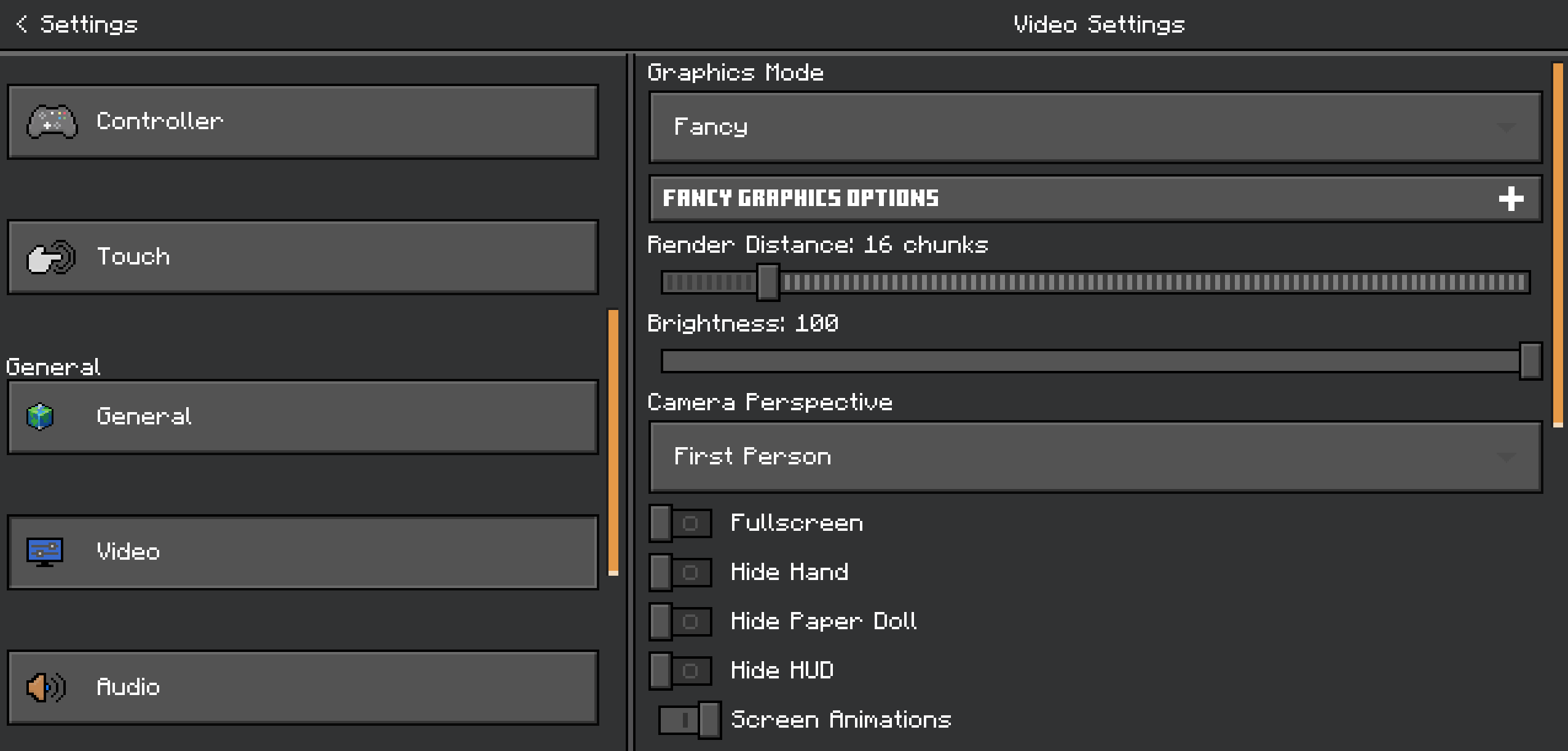

Dark UI MCBE
Get a smooth dark theme for your in-game menus and settingsDownload
PVPzhxl16Xa007
Warblade is a texture pack specially designed for PVP players. In pursuit of the ultimate smooth experience, we have optimized texture sizes, sounds, and the sky to ensure that you can engage in PK battles without any lag.Download

Hive Addons
General Improvements to GUI and various things, intended (but not limited) for improving the experience of the Hive multiplayer server.Download
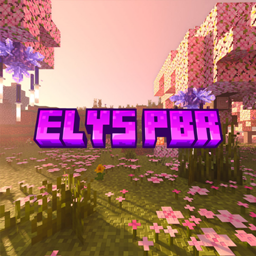
Seraphic Deferred PBR resurected
A revival of a cancelled Deferred project originally made by 0x4a4b, ressurected by meDownload

visible cobwebs
retextures cobwes to: red/outlined red/outlined whiteDownload

Flow Trails
Gives projectiles a wave trailDownload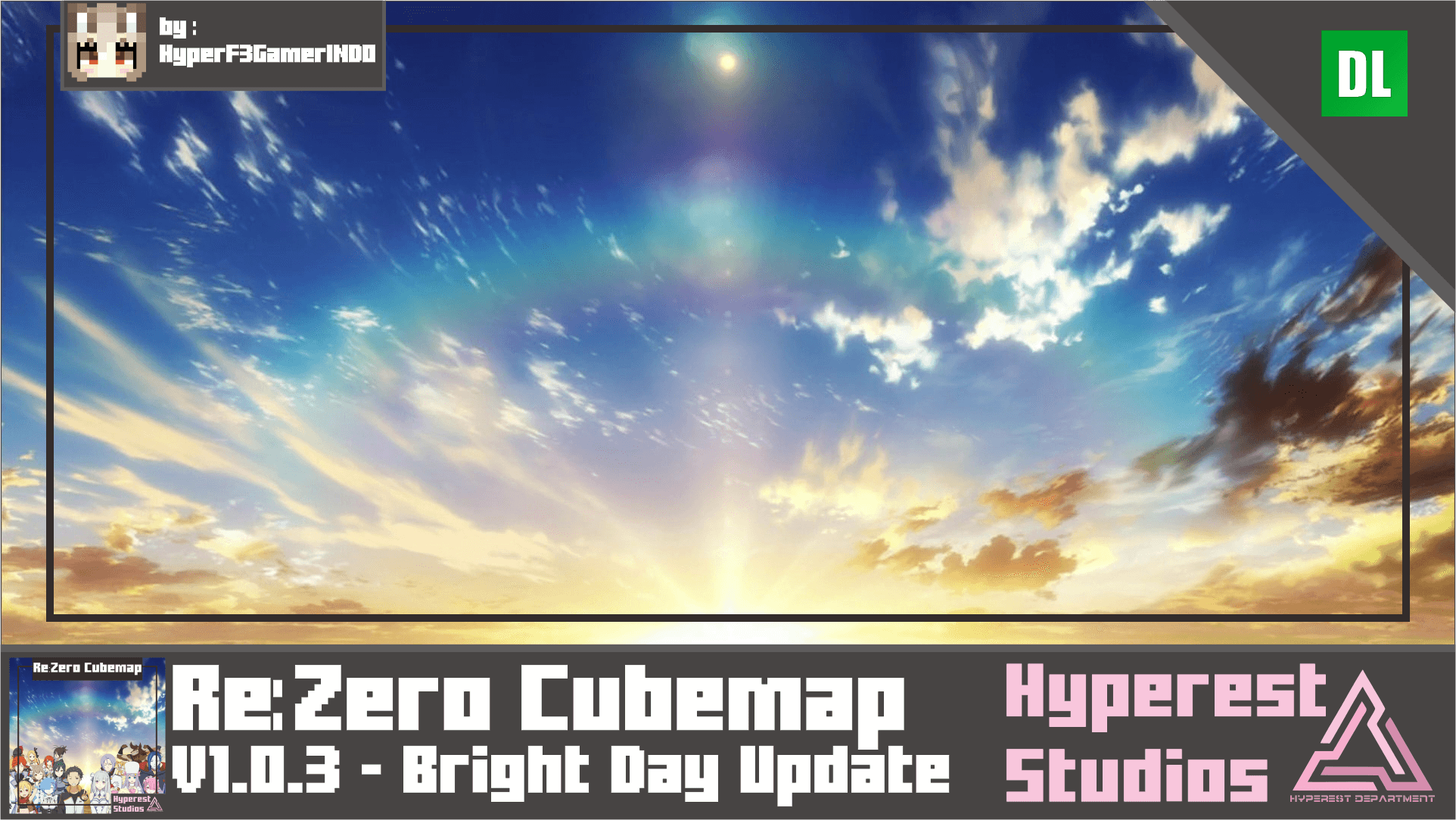

Re:Zero Cubemap | v1.0.3 Bright Day Update
Just a simple Sky Cubemap from Anime Re:zero, took this image from battle scene its 4k resolution using AI Upscale, and convert it to Minecraft cubemap just for fun, and this is my first cubemap texture I made.Download

animation shader
epic shadre rtx minecraft vibrant visualDownload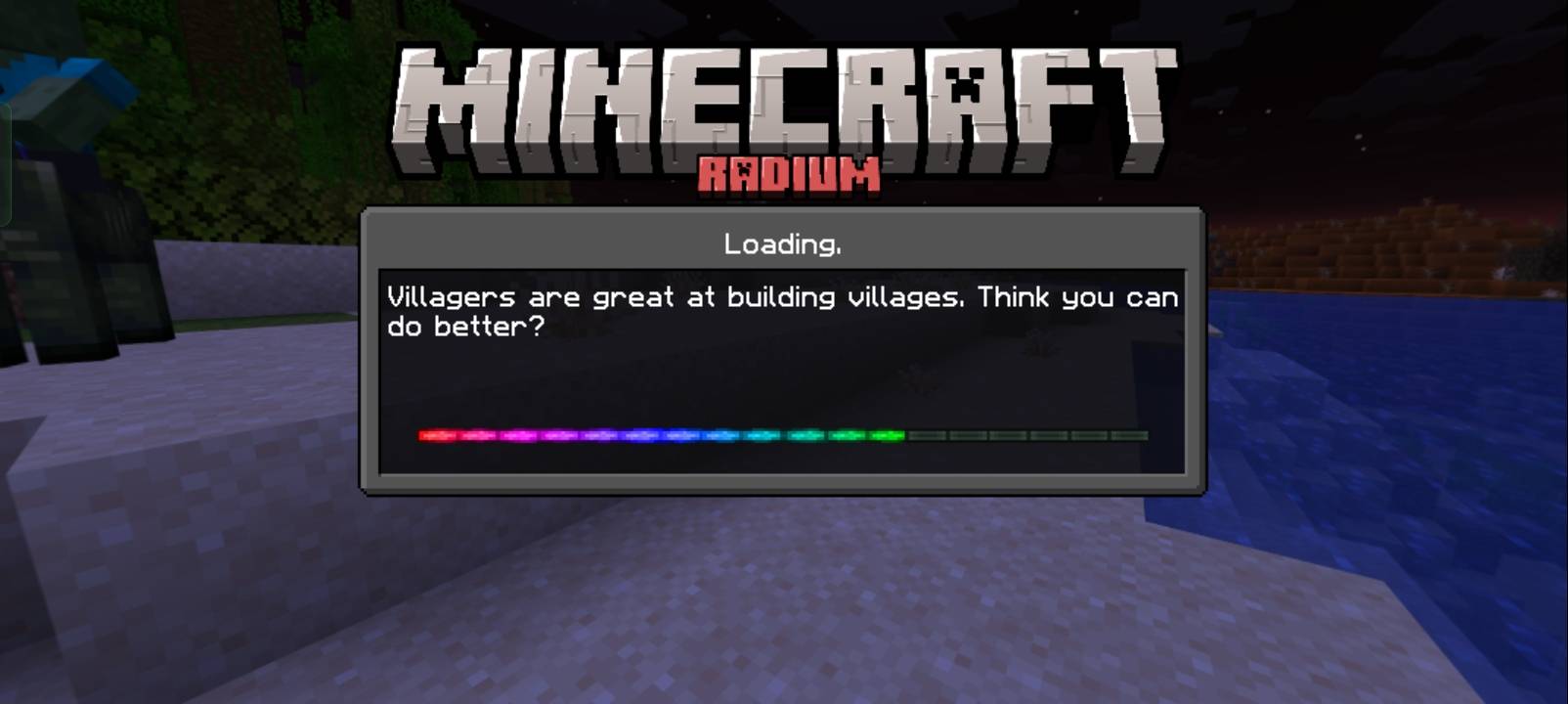
Radium
Make your game smoothDownload

New Baby Chicken Totem - Cutest Drop Edition
New Baby Chicken Totem based on the latest Minecraft Snapshot & Bedrock Preview "Cutest Drop". This pack replaces the Totem of Undying with the iconic and adorable new yellow cube design!DownloadFAQ
Do I need Forge or Fabric for a resource pack?
No. A resource pack works on the regular game with no loaders or mods. Click “Install” and Millida Launcher will put the pack into the right modpack — then just enable it in the settings.
What do 16×, 32×, 64× mean?
The resolution of a single texture in pixels. 16× matches the original game, 32× and 64× are more detailed and heavier, and 128× and up put a noticeable load on your graphics card.
Will a pack made for another version work?
Most likely partly: older packs don't have textures for newer blocks, so those will stay default. The game won't break, though.
How is a texture pack different from a resource pack?
Only by name and age. Before version 1.6 the sets were called texture packs and changed only textures; in 1.6 resource packs replaced them and also change sounds, fonts and the interface. Old texture packs for 1.5 and below do not work on new versions without conversion.
Which texture packs are best for PvP?
PvP packs: 16× resolution or lower, shortened swords, low fire, a clear sky and bright particles. They barely load the computer and make the opponent easier to see. These packs are collected in the PvP theme.
How do I install a resource pack?
Press Install and Millida Launcher puts the pack into the resourcepacks folder of the right instance. Then enable it in the game: Options, then Resource Packs. Manually, the archive goes into resourcepacks inside the game folder, no need to unpack it.
Minecraft texture packs
A resource pack changes how the game looks and sounds: block and item textures, fonts, the interface, sounds. It doesn't touch the game's code, so it needs no mod loader and breaks nothing on a server — the pack only works on your screen. That's exactly why a resource pack is safer than any mod: the worst that happens on a version mismatch is that some textures stay default.
Textures, texture packs and resource packs are essentially the same thing: since version 1.6 Mojang calls these sets resource packs, but the old name is still searched more often. PvP packs are a big genre of their own: shortened swords, low fire, bright particles and 16× resolution or lower, so the opponent stands out and the frame rate does not drop. Such packs are most often made for 1.8.9 and 1.16.5, the versions many PvP servers run on.
The key thing about a pack is its resolution. The game's default textures are 16×16 pixels; 32× and 64× packs look more detailed, while 128× and up need a real graphics card and are usually paired with shaders. On a weak machine it makes sense to stay at 16× or go for packs that deliberately simplify graphics for more FPS. Every pack here lists its game version, author and license, and all released versions are gathered on one card. Put the downloaded archive in the resourcepacks folder and enable it in the game settings.