
Minecraft texture packs — page 242
Resource packs: list
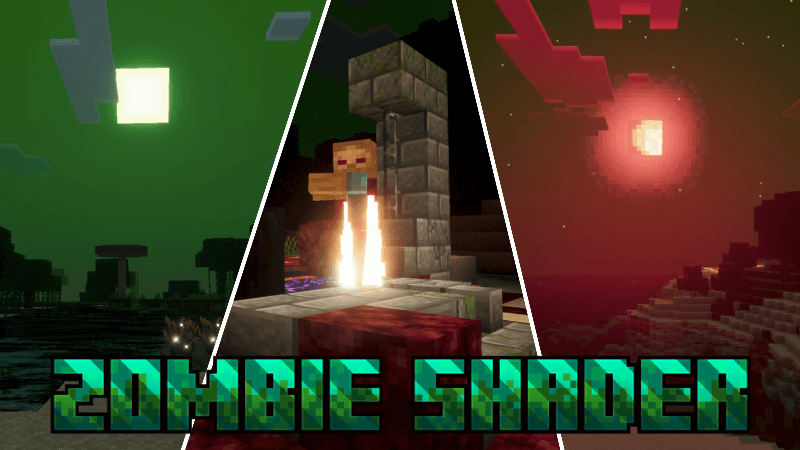


𖧷 ⁺. Chiikawa GUI 𖧷 ⁺. 【 Free ver 】
Cute pastel Chiikawa Hachiware GUI for Minecraft Bedrock Edition (FREE ver).Download

Coloured Hearts
48 different heart textures to try out! All in one pack that will be updated!Download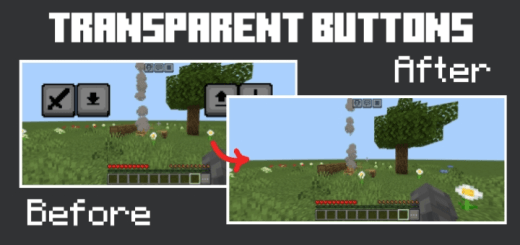
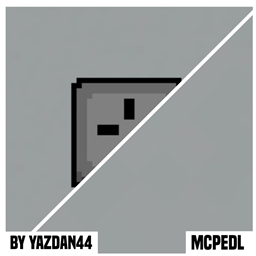
Transparent Touch Controls
Turns mobile touch controls invisible but keeps them fully functional for clean gameplay.Download

Simple motion blur
Simple motion blurDownload

ChickenGirls
Change the chickens for girlsDownload

Enhanced Boss Bars
New improved boss bars! Now for Bedrock.Download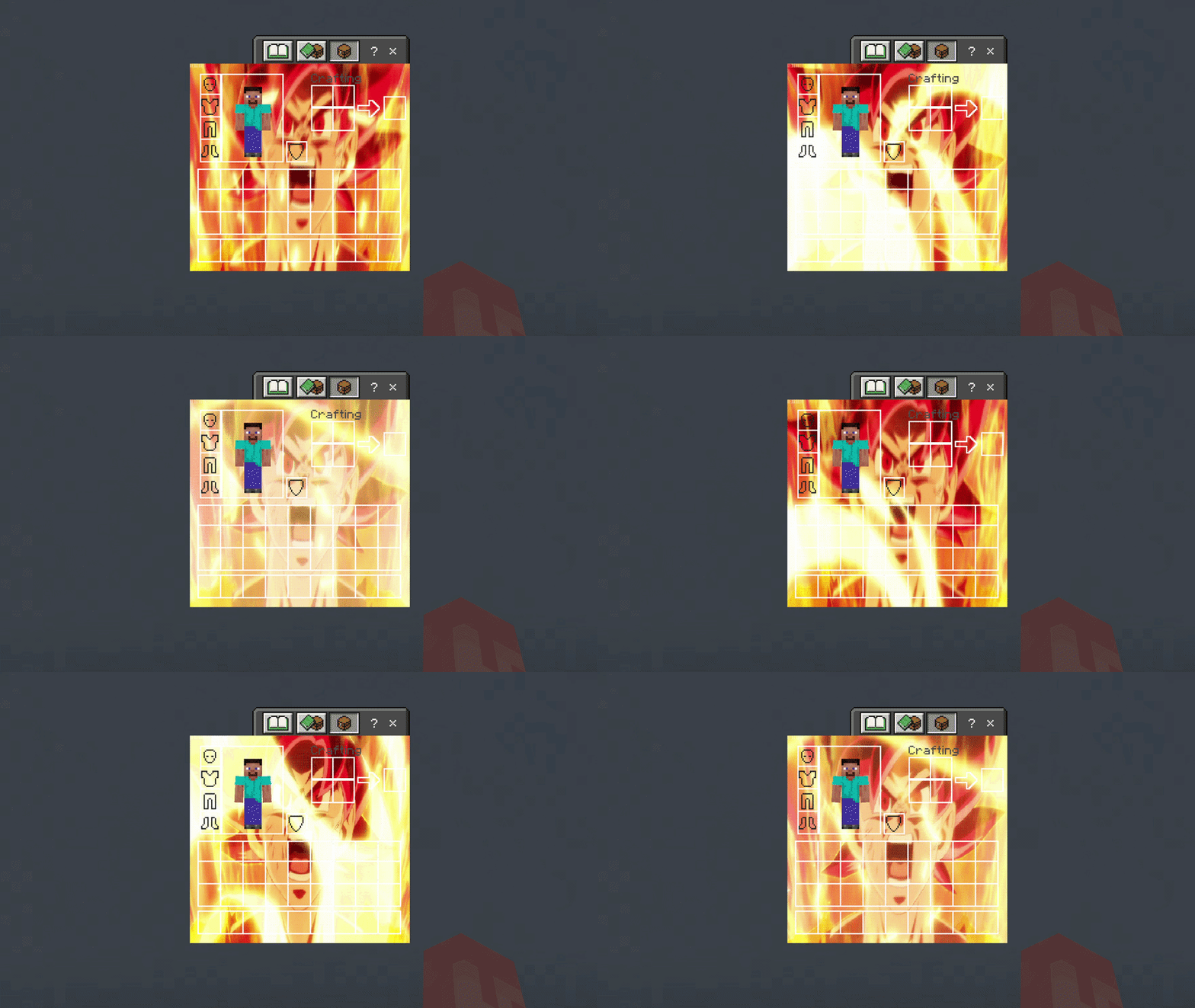

Super Saiyan God Goku UI Inventory
Adds a Super Saiyan God Goku UI InventoryDownload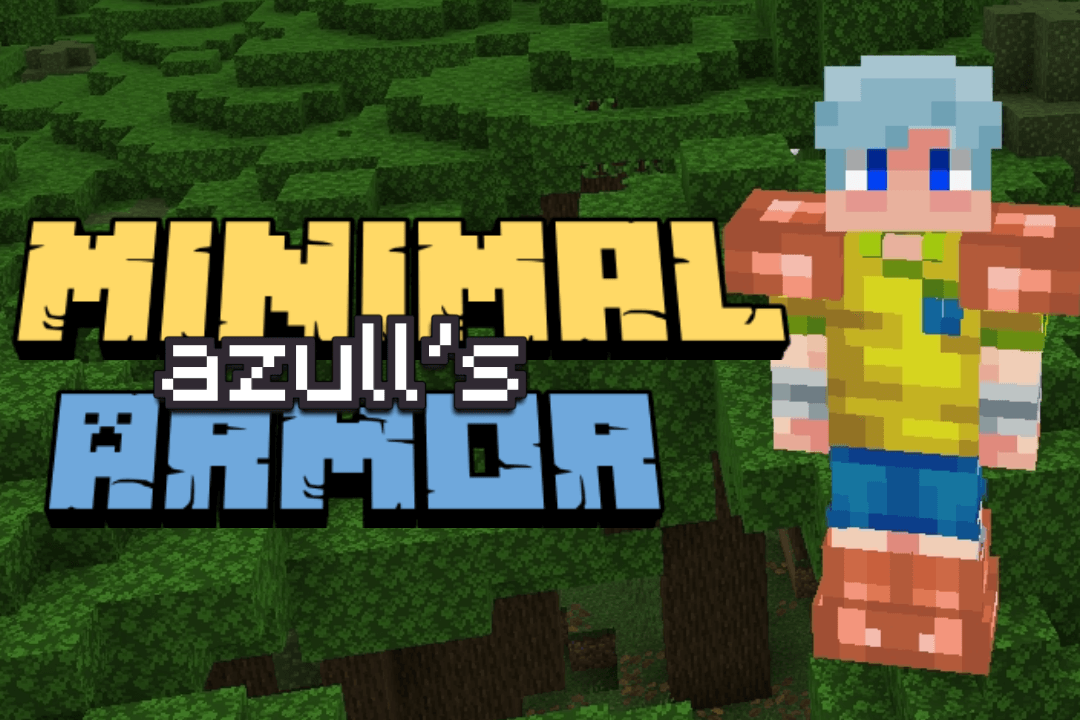

Azull's Minimal Armor
Minimal Armor for Minecraft BedrockDownload

magical atmosphere (zephyr)
Magical atmosphere gives a dynamic atmosphere to your world.Download
Supplementary Shaders
Alternative to rethinking voxels for mobileDownload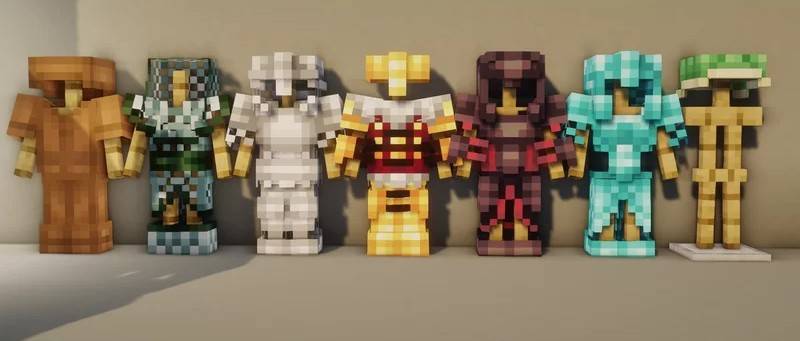

Dukette's Armors (Bedrock Edition)
The Bedrock conversion of Dukette's Armors, featuring beautifully stylized textures for all armor sets and tools.Download

Spectre v2 | Glowing X-Ray for All Entities [Player, Chests, Piston, Sign, Cushion, All Mobs]
X-Ray See Entities and Players through the blocks now with glows effectDownload

Arcane Deferred (VV/Deferred)
A deferred pack focused on a blend between realism/fantasy.Download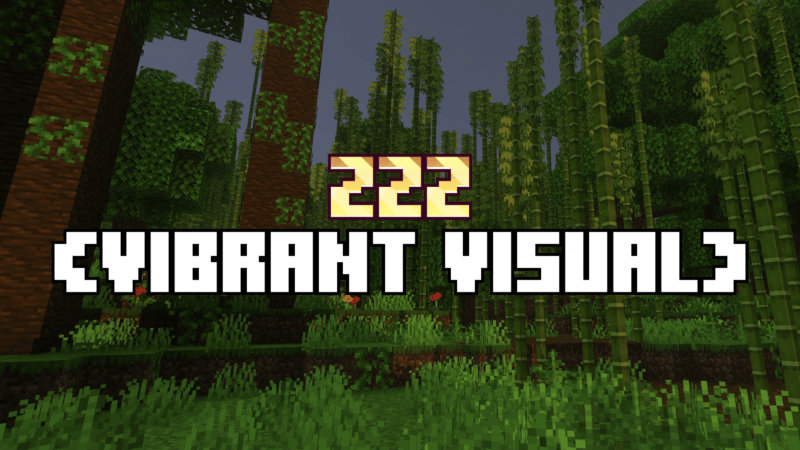

ZZZ VIBRANT VISUAL
ZZZ upgrades your vibrant visuals to be warmer and more dynamic without lag, like using a shader.Download
The Broken Script moon texture pack
Make the minecraft moon look like the The Broken Script one!Download

Vibrant Visuals 38
Vibrant Visuals gives all the mobs in your world glowing eyes, making them look far more menacing and allowing you to spot them from a greater distance.Download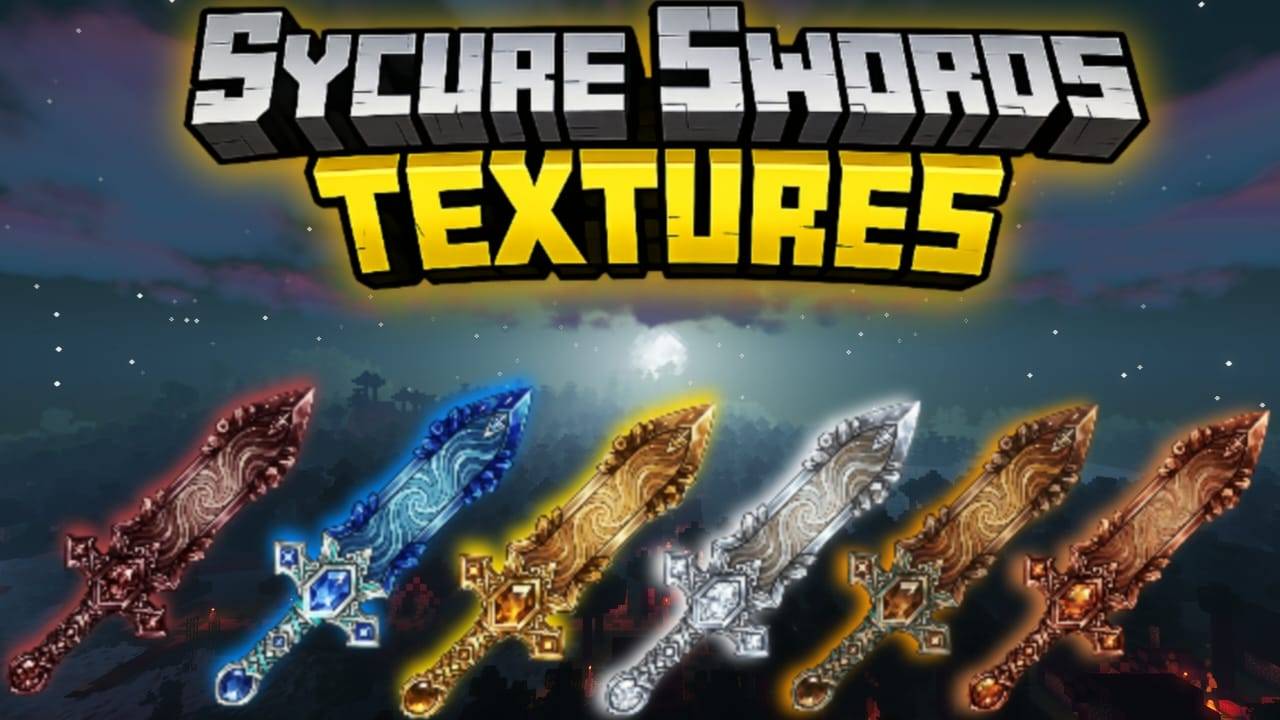

Sycure Sword Textures
This Texture Pack Adds Hyper realistic Magical looking Swords in your world.Download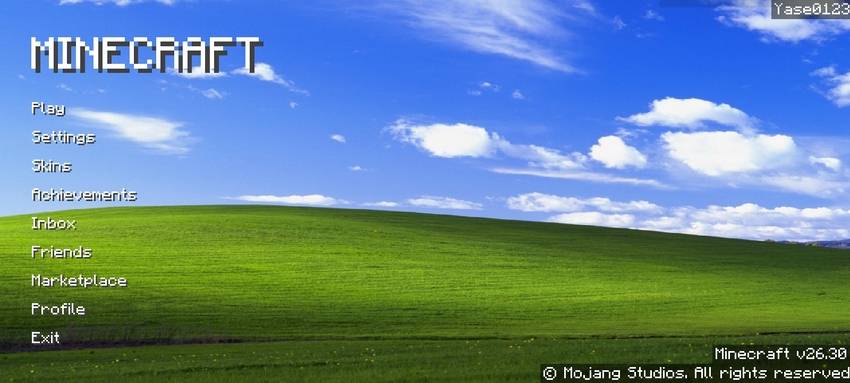
Windows XP Menu / Background
Change your Minecraft background to a Windows XP wallpaper!Download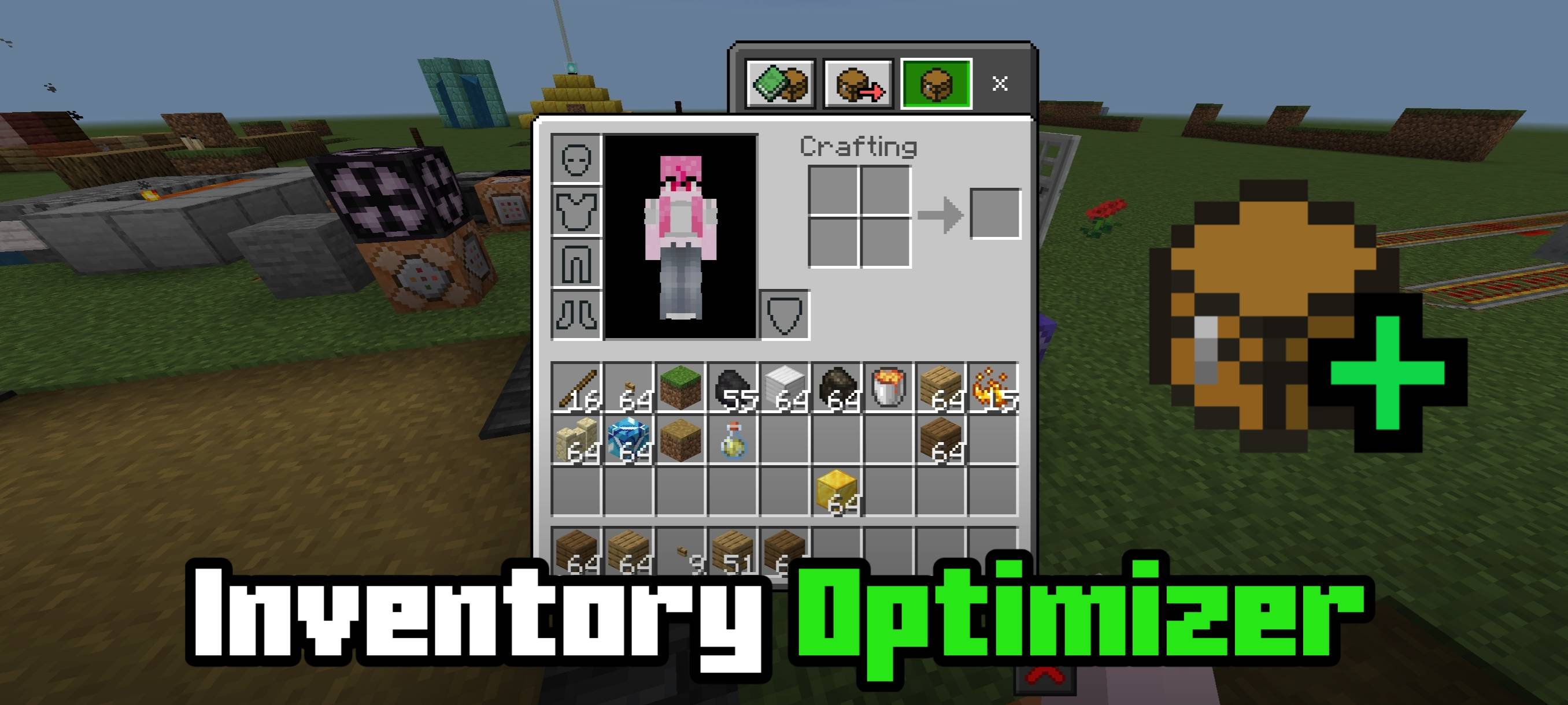

Inventory Optimizer
A texture pack that optimizes inventory screen making it load much faster.Download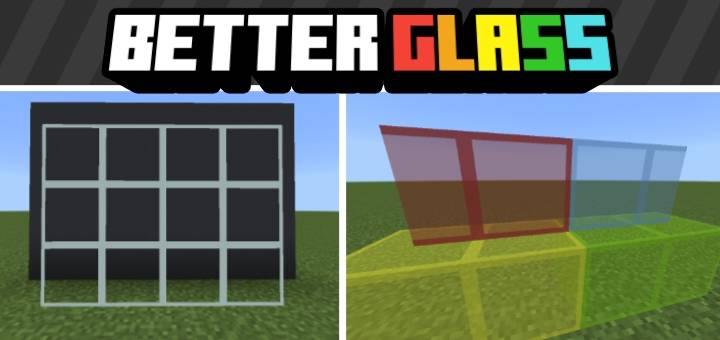

Better Glass
Removes center pixels from glass for clearer visibility and a cleaner aestheticDownload

StoryMode Poof Sounds
Adds the mob death poof sound from Minecraft StoryMode.Download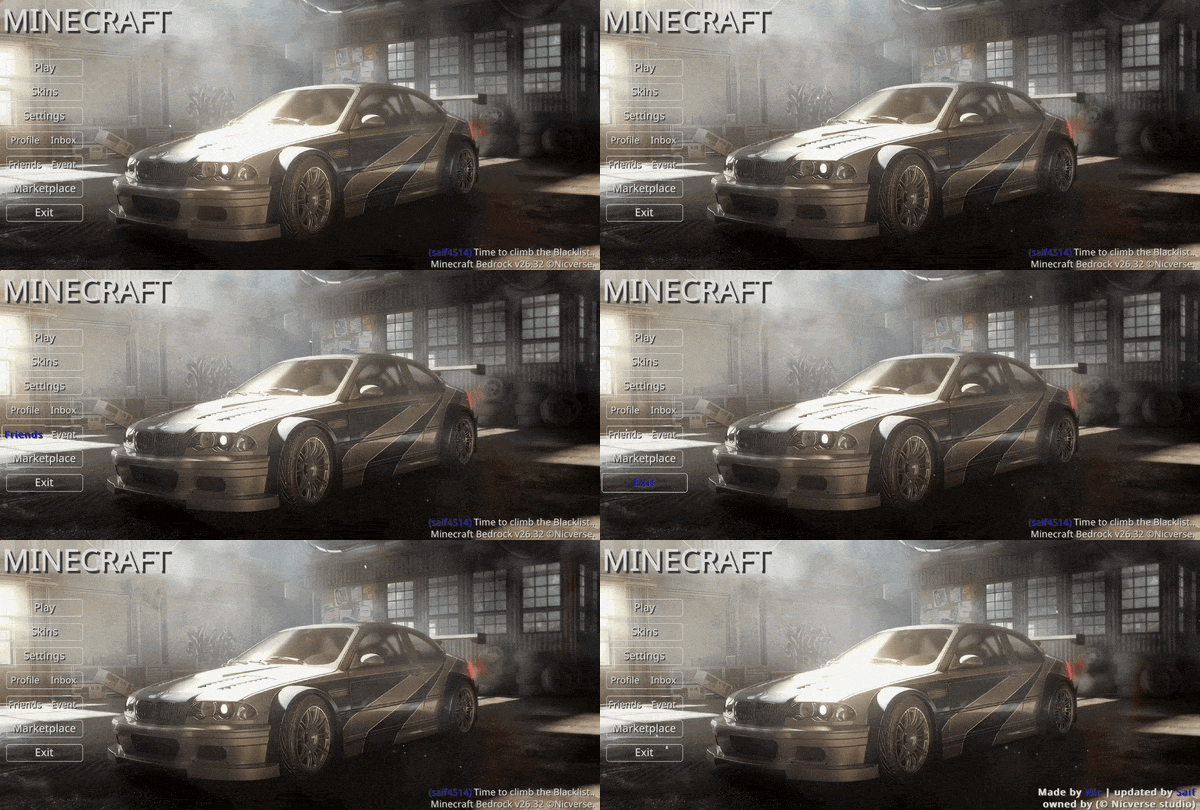

Animated BMW M3 GTR (NFS) UI
Animated BMW M3 GTR (NFS) — Ignite your engines and climb the Blacklist. Set in a gritty, industrial midnight garage, this interface channels the raw power and rebellious legacy of street racing, capturing the high-octane spirit of a true icon.Download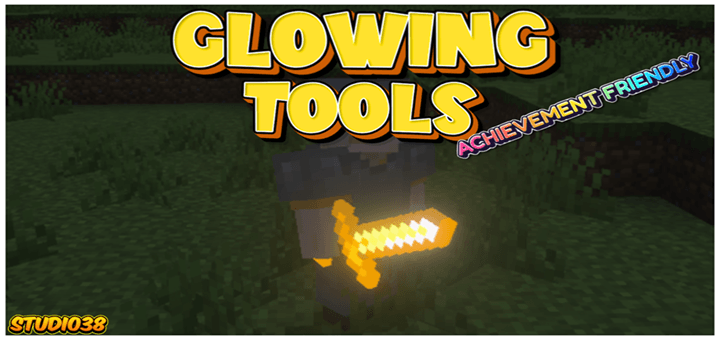

Glowing Tools
What is the point of mining glowing ores when the tools you craft do not actually emit light?DownloadFAQ
Do I need Forge or Fabric for a resource pack?
No. A resource pack works on the regular game with no loaders or mods. Click “Install” and Millida Launcher will put the pack into the right modpack — then just enable it in the settings.
What do 16×, 32×, 64× mean?
The resolution of a single texture in pixels. 16× matches the original game, 32× and 64× are more detailed and heavier, and 128× and up put a noticeable load on your graphics card.
Will a pack made for another version work?
Most likely partly: older packs don't have textures for newer blocks, so those will stay default. The game won't break, though.
How is a texture pack different from a resource pack?
Only by name and age. Before version 1.6 the sets were called texture packs and changed only textures; in 1.6 resource packs replaced them and also change sounds, fonts and the interface. Old texture packs for 1.5 and below do not work on new versions without conversion.
Which texture packs are best for PvP?
PvP packs: 16× resolution or lower, shortened swords, low fire, a clear sky and bright particles. They barely load the computer and make the opponent easier to see. These packs are collected in the PvP theme.
How do I install a resource pack?
Press Install and Millida Launcher puts the pack into the resourcepacks folder of the right instance. Then enable it in the game: Options, then Resource Packs. Manually, the archive goes into resourcepacks inside the game folder, no need to unpack it.
Minecraft texture packs
A resource pack changes how the game looks and sounds: block and item textures, fonts, the interface, sounds. It doesn't touch the game's code, so it needs no mod loader and breaks nothing on a server — the pack only works on your screen. That's exactly why a resource pack is safer than any mod: the worst that happens on a version mismatch is that some textures stay default.
Textures, texture packs and resource packs are essentially the same thing: since version 1.6 Mojang calls these sets resource packs, but the old name is still searched more often. PvP packs are a big genre of their own: shortened swords, low fire, bright particles and 16× resolution or lower, so the opponent stands out and the frame rate does not drop. Such packs are most often made for 1.8.9 and 1.16.5, the versions many PvP servers run on.
The key thing about a pack is its resolution. The game's default textures are 16×16 pixels; 32× and 64× packs look more detailed, while 128× and up need a real graphics card and are usually paired with shaders. On a weak machine it makes sense to stay at 16× or go for packs that deliberately simplify graphics for more FPS. Every pack here lists its game version, author and license, and all released versions are gathered on one card. Put the downloaded archive in the resourcepacks folder and enable it in the game settings.