
Minecraft texture packs — page 236
Resource packs: list


Rabbit Villagers
Remodels Villagers into cute Bunnies!Download
Thin PVP Pack
A different pvp pack! Find out.Download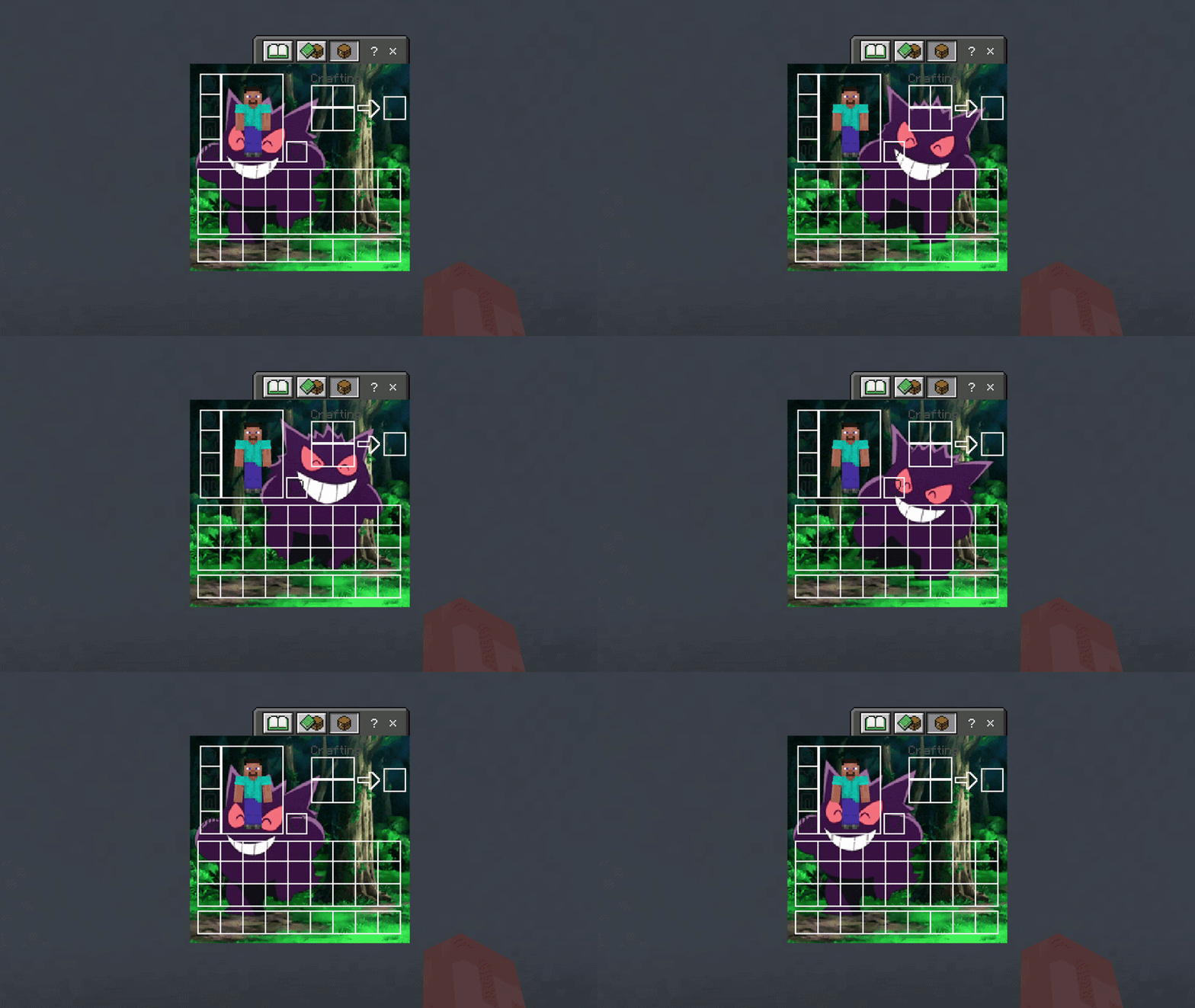

Gengar UI Inventory
Adds a Gengar UI InventoryDownload
EchoPack PvP Sound
PvP and block interaction sound pack for Minecraft Bedrock EditionDownload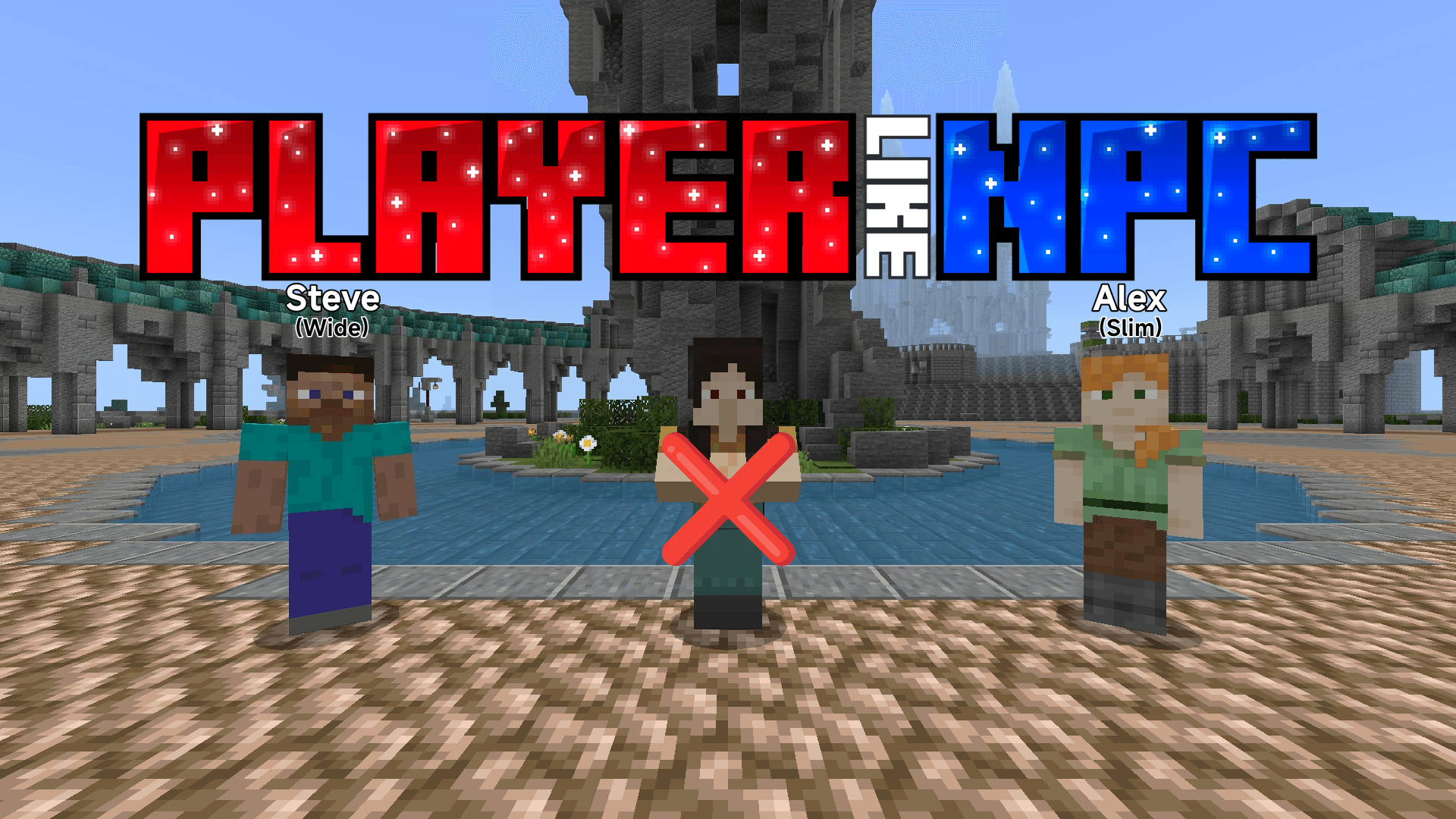

Player like NPC
It changes the appearance of default NPC to make it look more like a human player standing in one placeDownload

Cute Turtle Helmet V2
Turn your turtle shell into a cute turtle with jiggle physicsDownload

Nature Golem
Turn your boring iron golem to a nature golem!!1!Download

Suspicious Stew Info
Display suspicious stew icon and information!!Download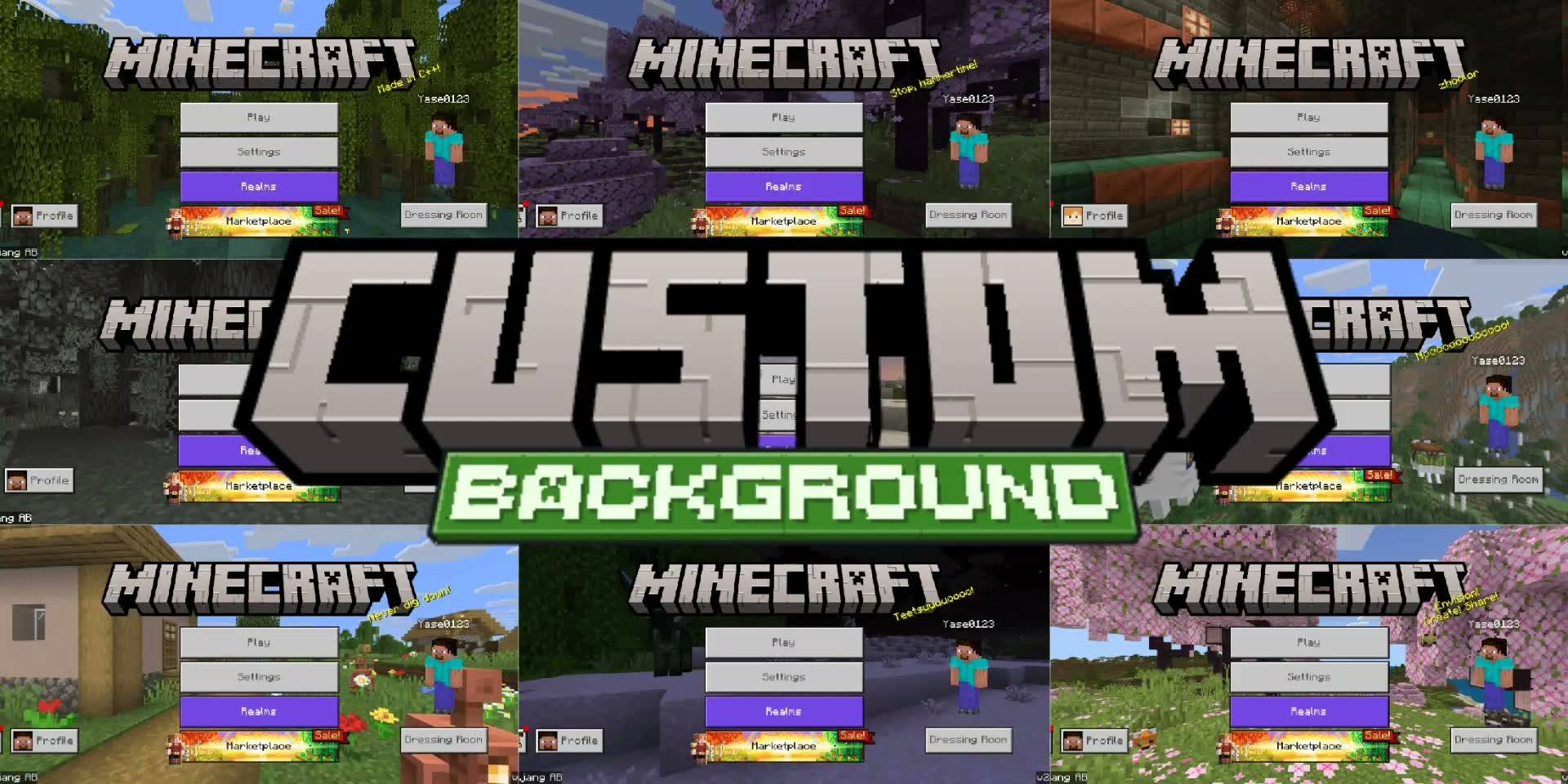
ý Custom Panorama / Background
With this pack, you can easily choose and switch between different Minecraft Bedrock panoramas!Download
Optidium
The Best Real Optimization pack for Minecraft Bedrock 🔥Download

Night Emissive Vision [With Glowing Ores]
Ever had prolems with dark places in your minecraft world or ever had no lights sources in your world, Don't worry this mod fixes it all! Today I'll be sharing Night Eissive Vision shader mod for Minecraft BE which supports Android and WindowsDownload

Dynamic Boat Trails
Adds immersive wake effects and trails to boats and rafts. Leaves trails behind boats.Download

PixelSnap
A perfect texture pack for survival/Redstone/pvp/bedwars anything in betweenDownload

Shield Checker
This resource pack visually indicates shield status by displaying active shields in green and disabled shields in red.Download

Sulfur FPS Booster v2
Improves FPS stability and reduces lag spikes without changing gameplay. Perfect for low-end devices.Download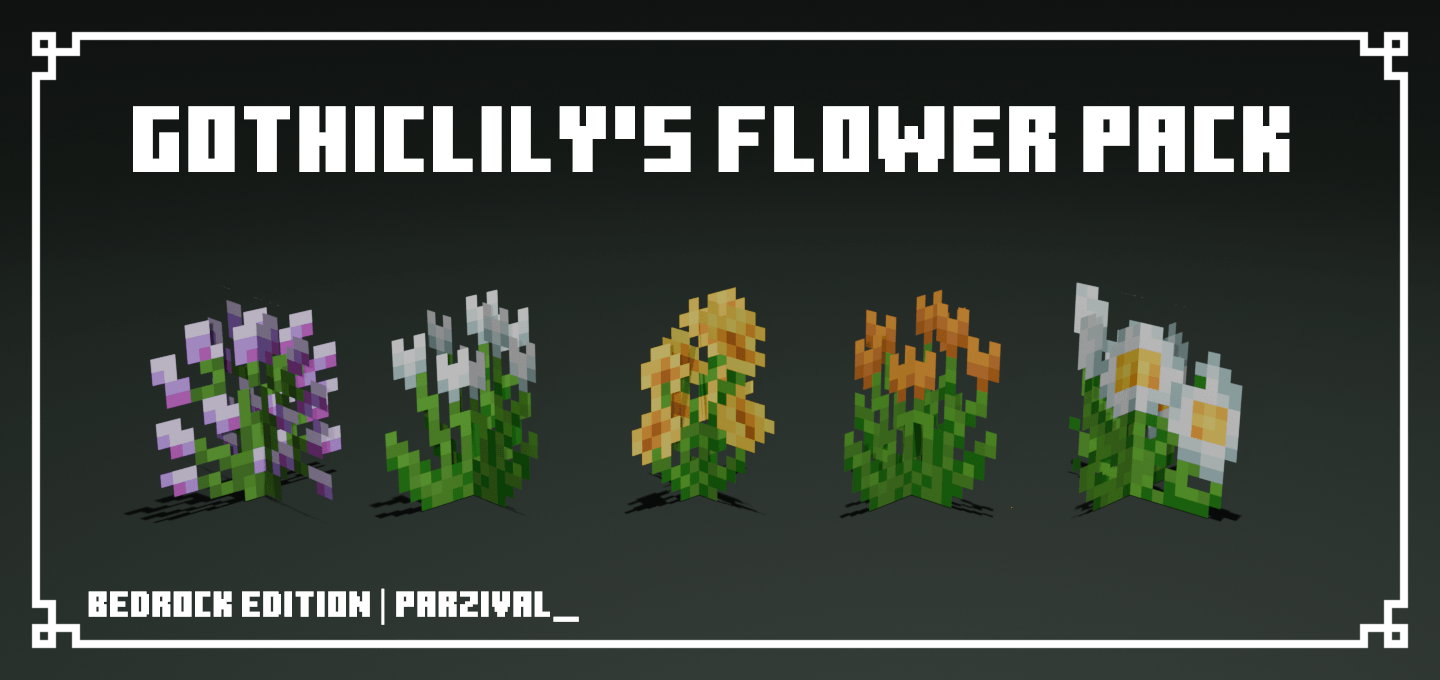

Gothiclily's Flower Pack
This pack changes the texture for, allium, cornflower, dandelion, oxeye daisy, poppy, wither rose, azure bluets, blue orchid, rose bush, all 4 tulip types, grass, and other flowersDownload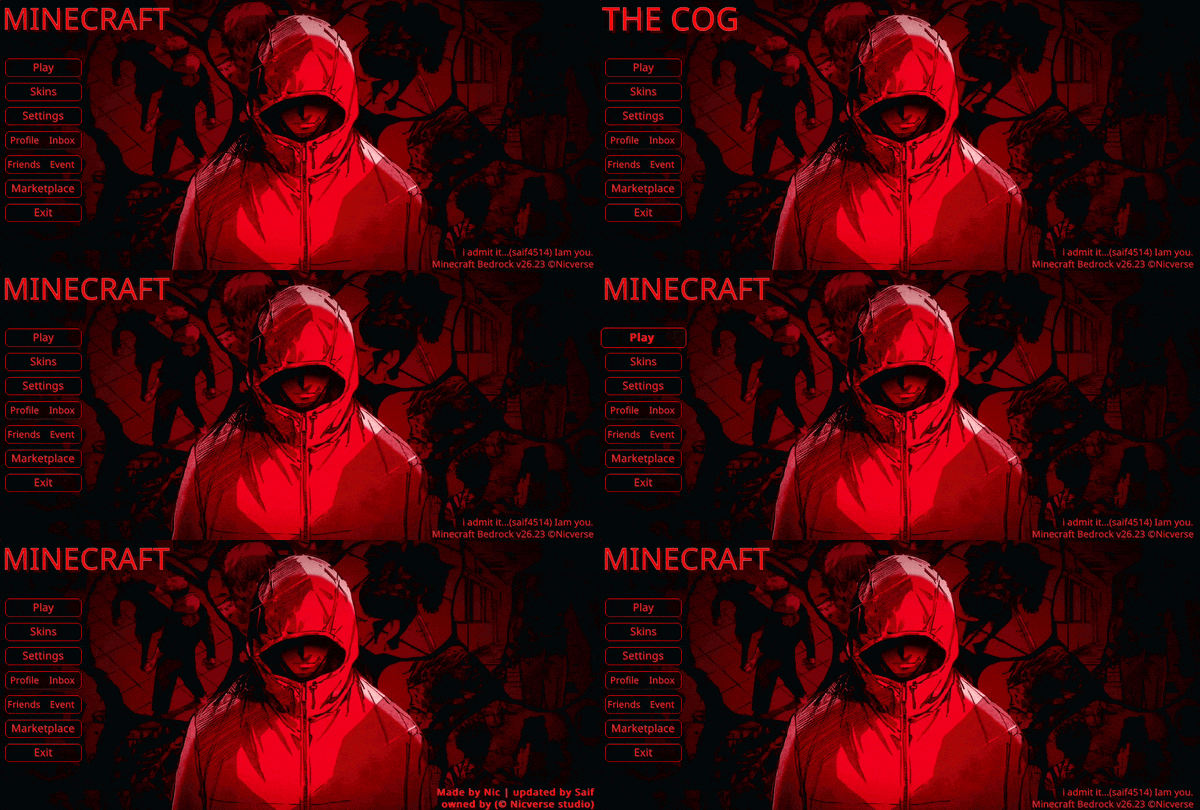

Animated Yuji UI
Animated Yuji UI — Step into a world of crushing despair and crimson shadows, capturing a broken warrior's heavy emotional burden in a haunting atmosphere.Download

Bacteria/Howler Entity - Backrooms (Creaking Remodel)
Retextures and Remodels the Creaking to Kane Pixel's Backrooms entity, Bacteria or Howler.Download

˖˚˳⌖ Toro inoue GUI ˖ ࣪⊹
gui hotbar HUD texture packDownload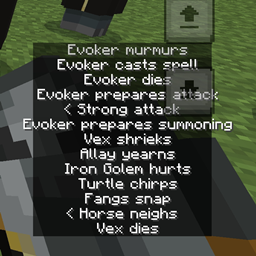
Java Subtitles
Reposition the subtitles like Minecraft JavaDownload

ApexCraft
ApexCraft is a clean, performance-friendly Vanilla+ Bedrock resource pack that blends aesthetic visuals, gaming UI, reduced noise, and fun meme tweaks — perfect for survival, PvP, and content creators.Download
Simple pvp 2 textures
A clean and lightweight Minecraft Bedrock PvP resource pack designed to improve visibility and make combat feel smoother.Download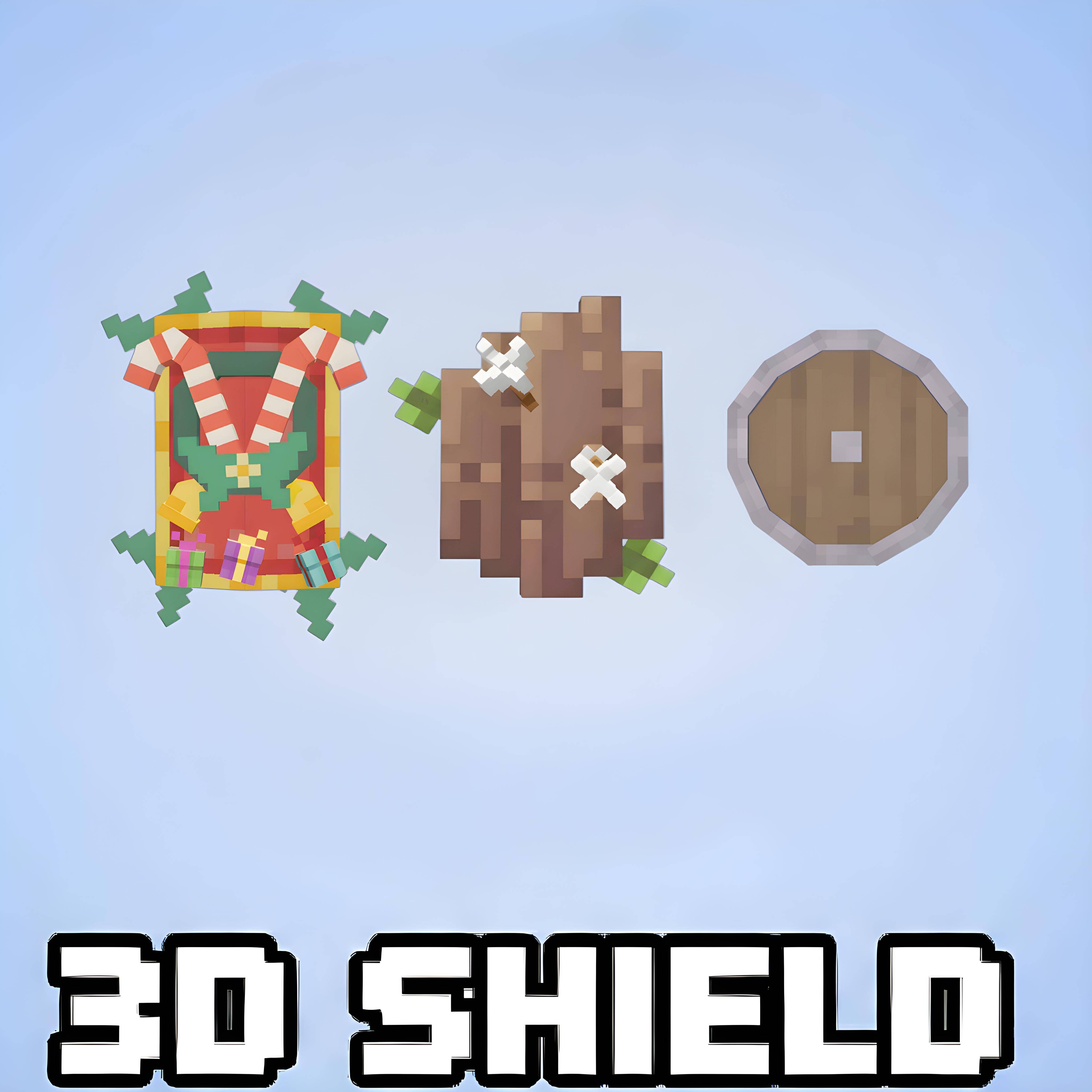

Just 3D Shields v1.0.2
Just 3D Shield - Shield that can give 3d texture to your shieldDownloadFAQ
Do I need Forge or Fabric for a resource pack?
No. A resource pack works on the regular game with no loaders or mods. Click “Install” and Millida Launcher will put the pack into the right modpack — then just enable it in the settings.
What do 16×, 32×, 64× mean?
The resolution of a single texture in pixels. 16× matches the original game, 32× and 64× are more detailed and heavier, and 128× and up put a noticeable load on your graphics card.
Will a pack made for another version work?
Most likely partly: older packs don't have textures for newer blocks, so those will stay default. The game won't break, though.
How is a texture pack different from a resource pack?
Only by name and age. Before version 1.6 the sets were called texture packs and changed only textures; in 1.6 resource packs replaced them and also change sounds, fonts and the interface. Old texture packs for 1.5 and below do not work on new versions without conversion.
Which texture packs are best for PvP?
PvP packs: 16× resolution or lower, shortened swords, low fire, a clear sky and bright particles. They barely load the computer and make the opponent easier to see. These packs are collected in the PvP theme.
How do I install a resource pack?
Press Install and Millida Launcher puts the pack into the resourcepacks folder of the right instance. Then enable it in the game: Options, then Resource Packs. Manually, the archive goes into resourcepacks inside the game folder, no need to unpack it.
Minecraft texture packs
A resource pack changes how the game looks and sounds: block and item textures, fonts, the interface, sounds. It doesn't touch the game's code, so it needs no mod loader and breaks nothing on a server — the pack only works on your screen. That's exactly why a resource pack is safer than any mod: the worst that happens on a version mismatch is that some textures stay default.
Textures, texture packs and resource packs are essentially the same thing: since version 1.6 Mojang calls these sets resource packs, but the old name is still searched more often. PvP packs are a big genre of their own: shortened swords, low fire, bright particles and 16× resolution or lower, so the opponent stands out and the frame rate does not drop. Such packs are most often made for 1.8.9 and 1.16.5, the versions many PvP servers run on.
The key thing about a pack is its resolution. The game's default textures are 16×16 pixels; 32× and 64× packs look more detailed, while 128× and up need a real graphics card and are usually paired with shaders. On a weak machine it makes sense to stay at 16× or go for packs that deliberately simplify graphics for more FPS. Every pack here lists its game version, author and license, and all released versions are gathered on one card. Put the downloaded archive in the resourcepacks folder and enable it in the game settings.