
Minecraft texture packs — page 235
Resource packs: list
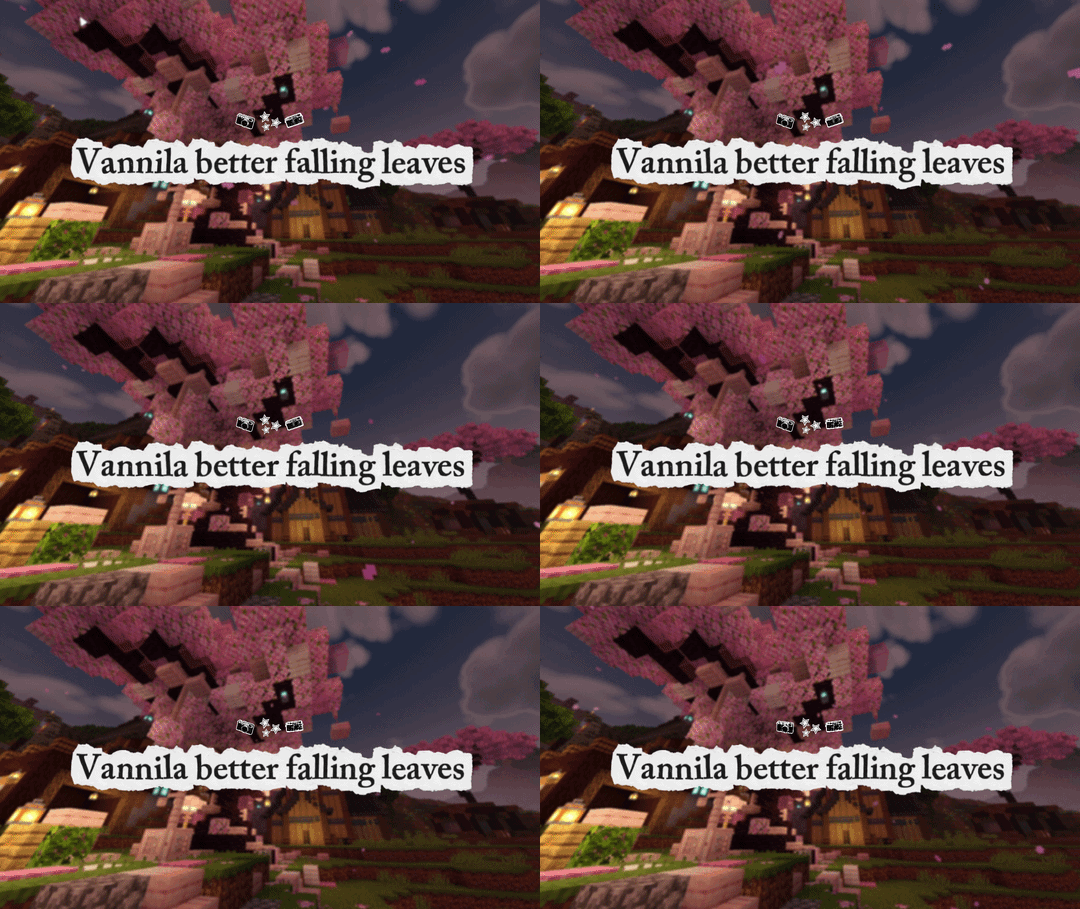


Fire Kipli Tools [ HMI ]
This pack adds fire kiple themed animation toolsDownload
Dark Mode
Let Your Eye Rest!Download

Crops n' Meats
This Resource Pack replaces the food textures making it more delicious, I think.Download

Newb Glows | New version 10 (only 1.21.124)
This shader will make the colors more vibrant and beautifulDownload

Better Illagers
Makes all the types of Illagers spawn with Biome Dependent variantsDownload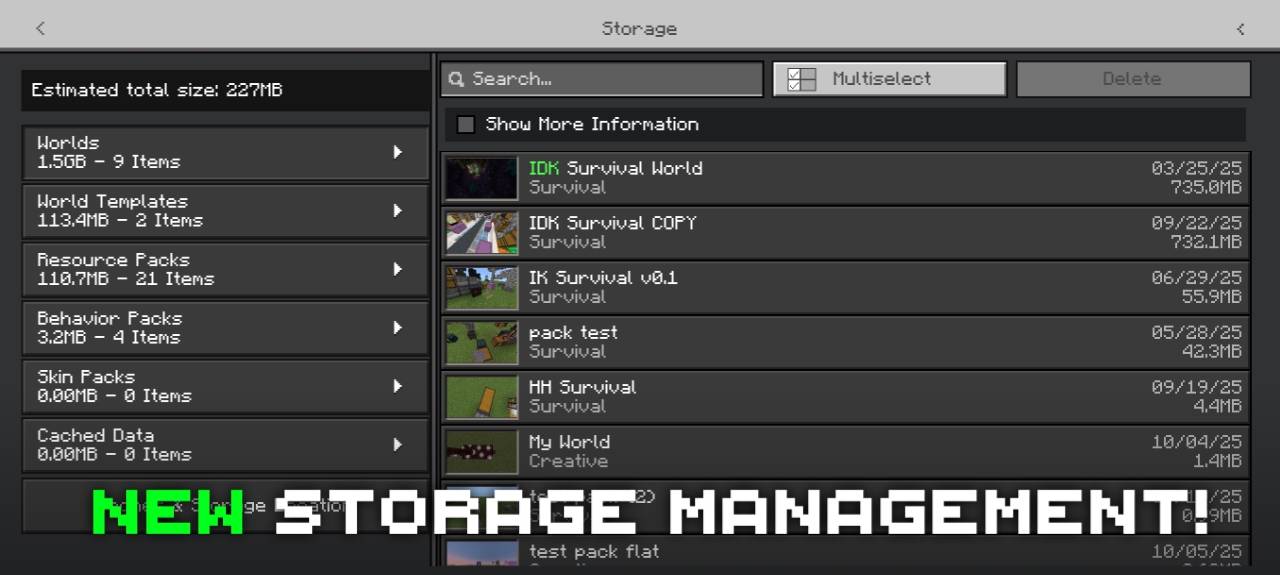

Déesse Storage Management
Added a new Storage Management screen for a better storage management experience with many useful features.Download

Ancxliy Pack V7 no Ui+
Texture pack v6 adds new variants, new particles and new sounds to add an interesting atmosphere and not get bored easily when playing Minecraft.Download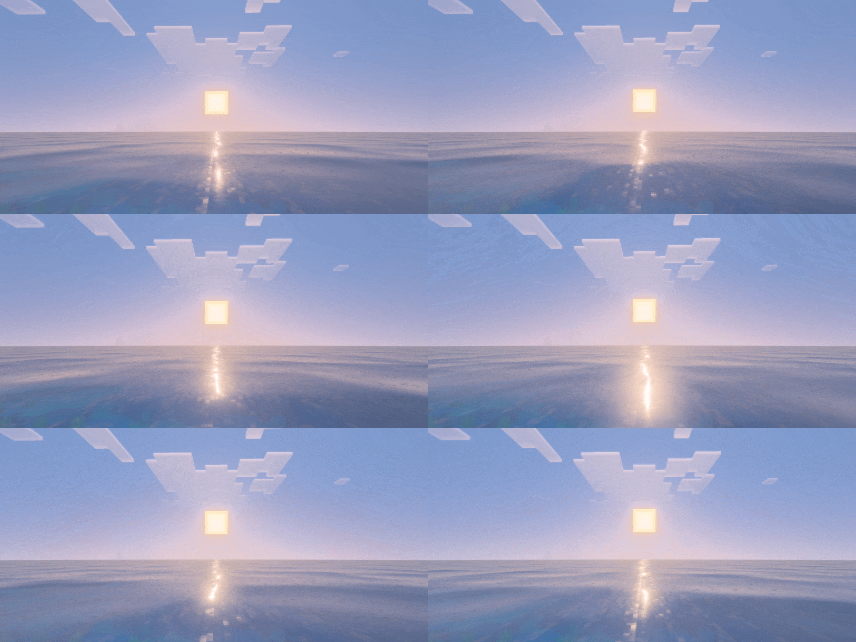

Zephyr Water
Zephyr Water adds a wide sparkle effect to sunlight reflections, instead of focusing on vertical linesDownload

Xenon X | Ultimate FPS Booster
Xenon X is a powerful FPS booster for Minecraft Bedrock that reduces lag and delivers smoother gameplay — especially optimized for low-end devices.Download

Remove Spam Hit Sound
Are you tired of the annoying sound when someone is spam clicking on you? Well with this pack you can remove just that.Download

Borderless Glass Pro
1st Texture Pack who supported 1.20+ to 1.26+ versionsDownload

Owningfour 16x
A blue texture pack for PvP/bedwars/skywars/etcDownload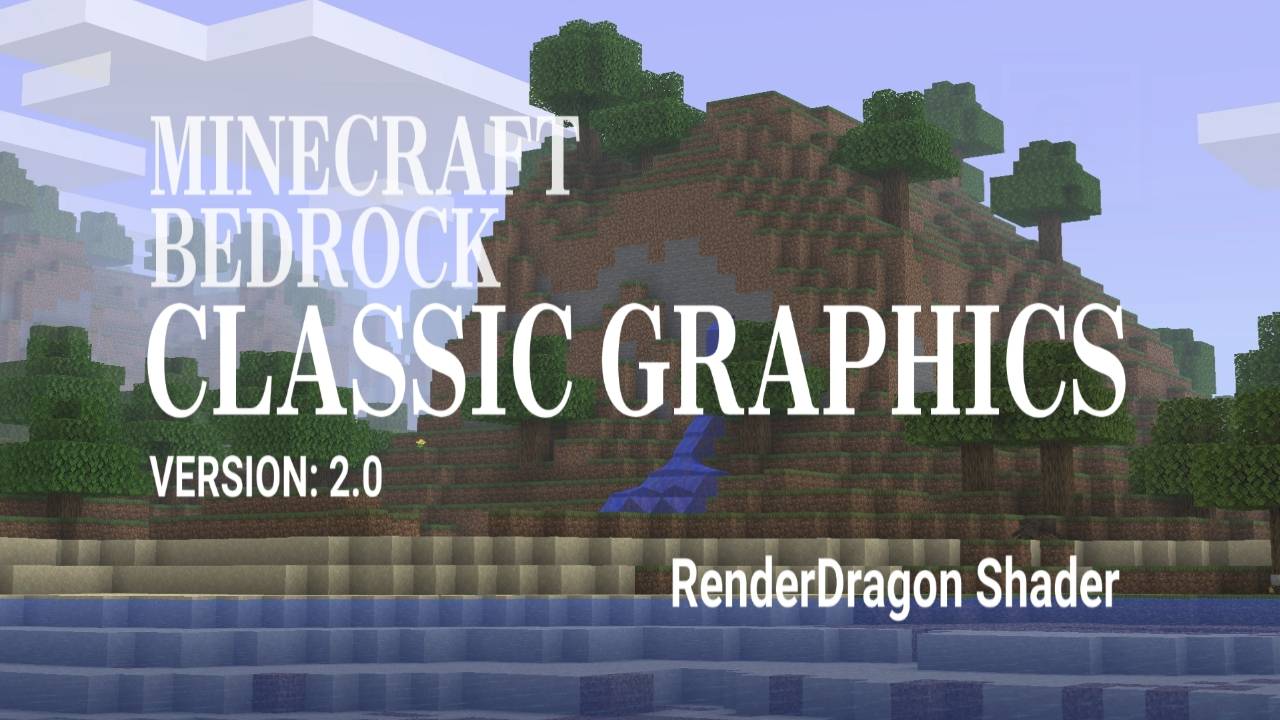
classic graphics
RD shaders that'll match the visual look of java b1.7.3.Download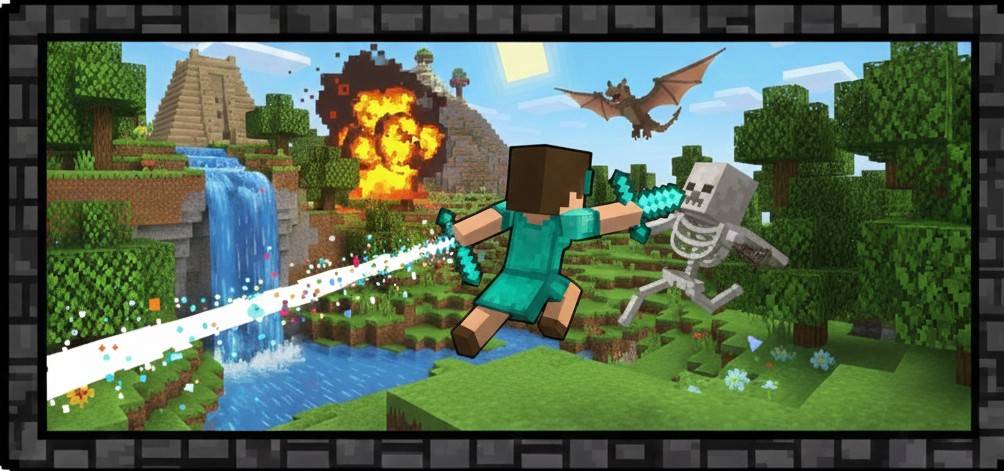

Compatibility Items
Compatibility with Prizma animations and items or Action and Stuff so that the items lookDownload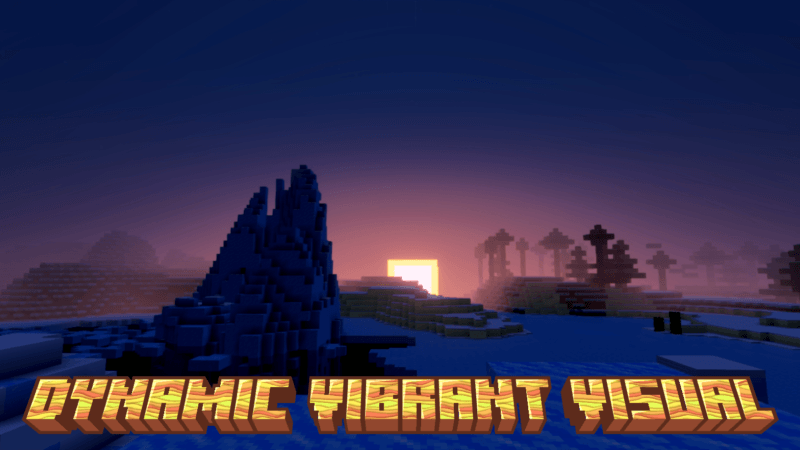

dynamic visual (bed studio)
Dynamic Visual upgrades Dynamic Vibrant to be warmer, more saturated, and more dynamic.Download

Punchy8x8 [CONTINUED]]
A continuation of the currently outdated Punchy8x8 (Java) package, and also improved for the Bedrock version.Download

Spiderman Totem
Spiderman Totem made by Lazy_LegendDownload

CosmoClient
Lightweight Cosmetics + PvP clientDownload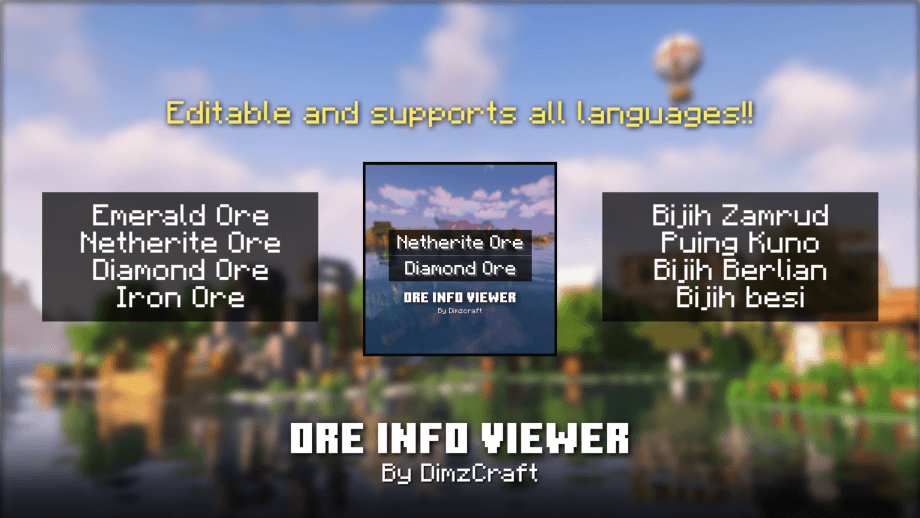

Ore Info Viewer
Do you want to know what the best depth is for mining ore? Use this resource pack, it can help you know the ores at certain coordinates.Download

Warrior Light | v1.0.4 Copper Update
Are you looking for futuristic weapon? well Warrior Light is the right place to download the pack! [This Project part of ModJam2025]Download

Animated FNAF1 UI
Animated FNAF1 UI — Experience the vintage horror of the original pizzeria with this immersive interface, featuring eerie surveillance static and chilling monochromatic visuals that bring the classic survival experience to your Minecraft menu.Download

Better Endermen
Adds new variants to endermen. Java edition by creepermax123Download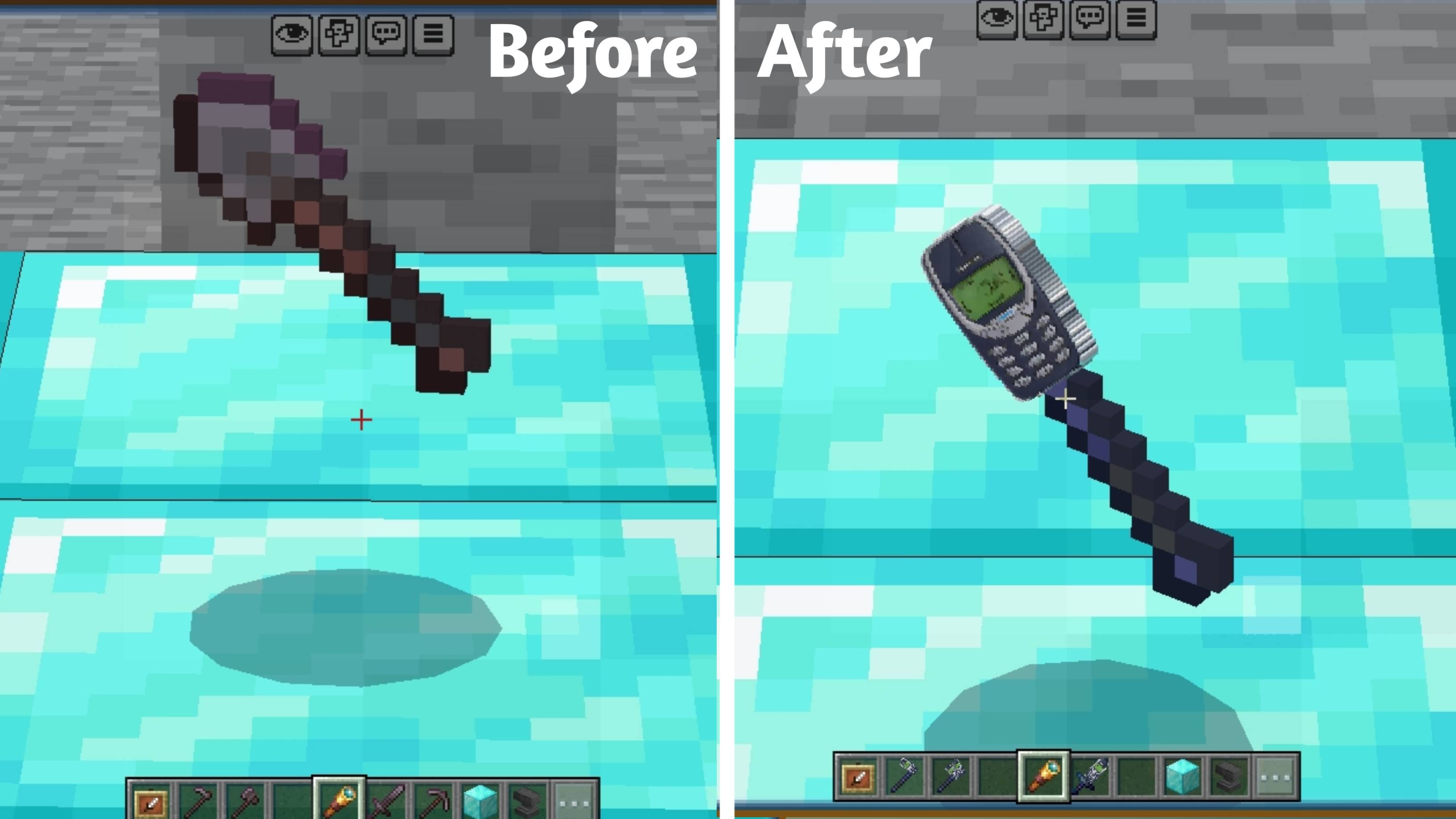

Nokia Tool
Turn your Netherite tools into powerful Nokia 3310 weapons and Tools 📱🔥 Choose from multiple resolutions and enjoy a fun.DownloadFAQ
Do I need Forge or Fabric for a resource pack?
No. A resource pack works on the regular game with no loaders or mods. Click “Install” and Millida Launcher will put the pack into the right modpack — then just enable it in the settings.
What do 16×, 32×, 64× mean?
The resolution of a single texture in pixels. 16× matches the original game, 32× and 64× are more detailed and heavier, and 128× and up put a noticeable load on your graphics card.
Will a pack made for another version work?
Most likely partly: older packs don't have textures for newer blocks, so those will stay default. The game won't break, though.
How is a texture pack different from a resource pack?
Only by name and age. Before version 1.6 the sets were called texture packs and changed only textures; in 1.6 resource packs replaced them and also change sounds, fonts and the interface. Old texture packs for 1.5 and below do not work on new versions without conversion.
Which texture packs are best for PvP?
PvP packs: 16× resolution or lower, shortened swords, low fire, a clear sky and bright particles. They barely load the computer and make the opponent easier to see. These packs are collected in the PvP theme.
How do I install a resource pack?
Press Install and Millida Launcher puts the pack into the resourcepacks folder of the right instance. Then enable it in the game: Options, then Resource Packs. Manually, the archive goes into resourcepacks inside the game folder, no need to unpack it.
Minecraft texture packs
A resource pack changes how the game looks and sounds: block and item textures, fonts, the interface, sounds. It doesn't touch the game's code, so it needs no mod loader and breaks nothing on a server — the pack only works on your screen. That's exactly why a resource pack is safer than any mod: the worst that happens on a version mismatch is that some textures stay default.
Textures, texture packs and resource packs are essentially the same thing: since version 1.6 Mojang calls these sets resource packs, but the old name is still searched more often. PvP packs are a big genre of their own: shortened swords, low fire, bright particles and 16× resolution or lower, so the opponent stands out and the frame rate does not drop. Such packs are most often made for 1.8.9 and 1.16.5, the versions many PvP servers run on.
The key thing about a pack is its resolution. The game's default textures are 16×16 pixels; 32× and 64× packs look more detailed, while 128× and up need a real graphics card and are usually paired with shaders. On a weak machine it makes sense to stay at 16× or go for packs that deliberately simplify graphics for more FPS. Every pack here lists its game version, author and license, and all released versions are gathered on one card. Put the downloaded archive in the resourcepacks folder and enable it in the game settings.