
Minecraft texture packs — page 233
Resource packs: list


Outline Xray
A Minecraft: Bedrock Edition Xray utility that allows player to see ores easily with invisible outline block supports!Download

Shadow Kitty PvP
A dark purple PvP pack with custom textures, short swords, and a cute kitty theme.Download

Blue Ancient Debris
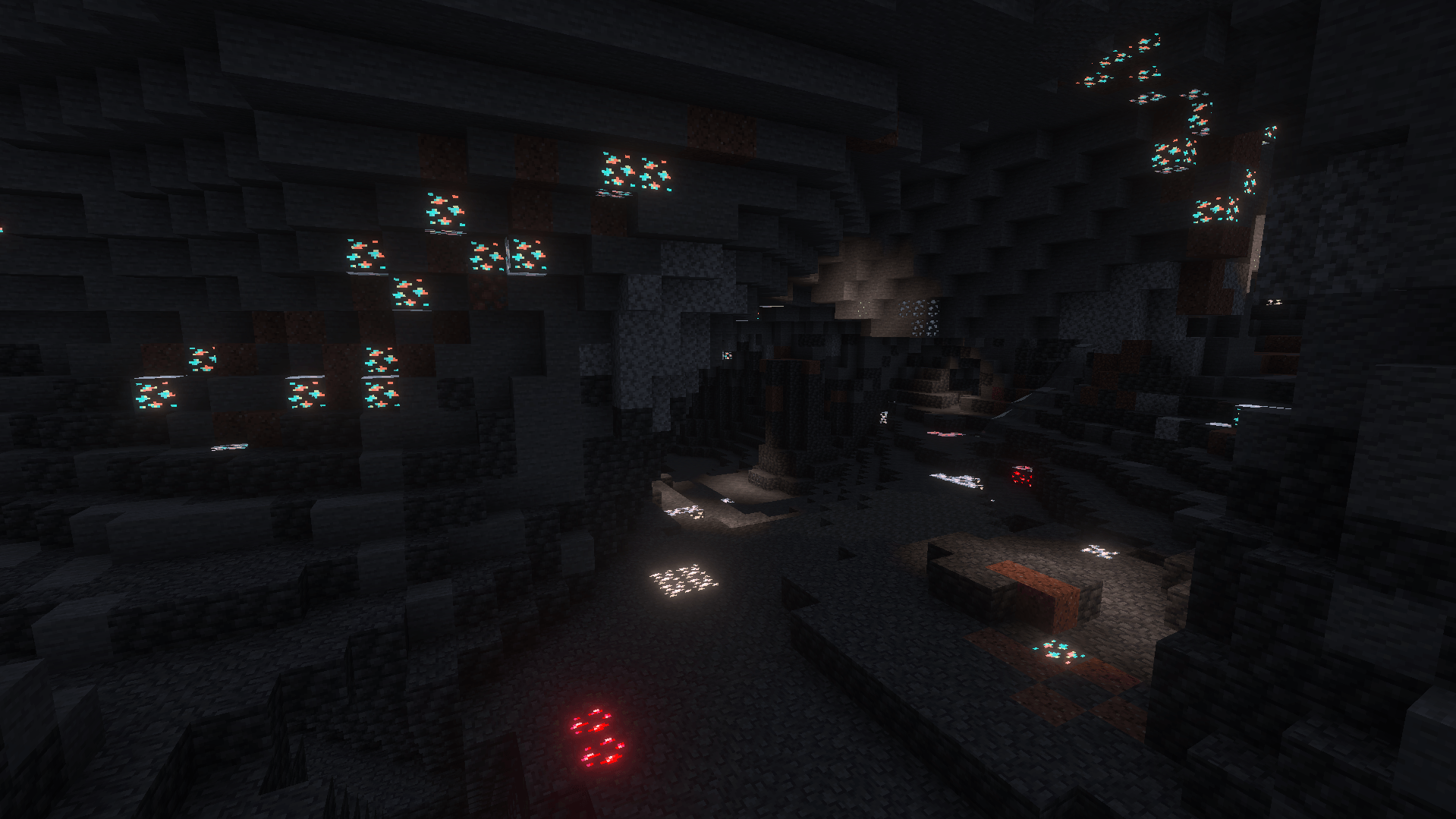
This lightweight texture pack makes Ancient Debris much easier to notice while keeping Minecraft’s original style intact. Perfect for players who want to streamline their Nether mining experience without adding unnecessary changes.Download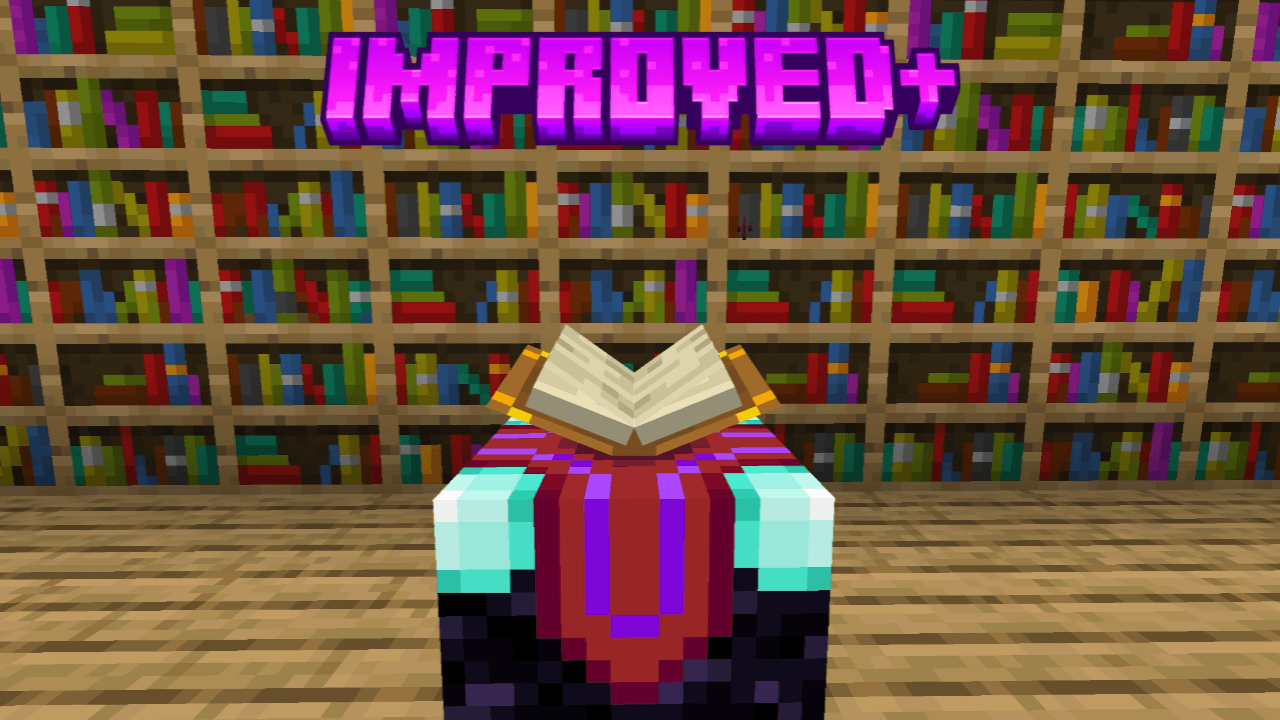
Improved+
This pack improves some textures and shapes of blocks to looks better and enhance your world. Animated outline ores, 3d dripstone and sugarcane, glass doors, glass trapdoors, variated blocks, and more!Download

Solace Lite (Vibrant Visuals)
Solace Lite is a Vibrant Visuals pack that transforms your Minecraft experience with stunning lighting options and optimized performance-focused configs.Download

Splendous Sniffers
Adds biome variants to Sniffers, along with a few namable variantsDownload

Music Player
Listen to any Minecraft music anytime — in menus or while playing.Download
Crystal optimizer
A crystal optimizer for bedrock editionDownload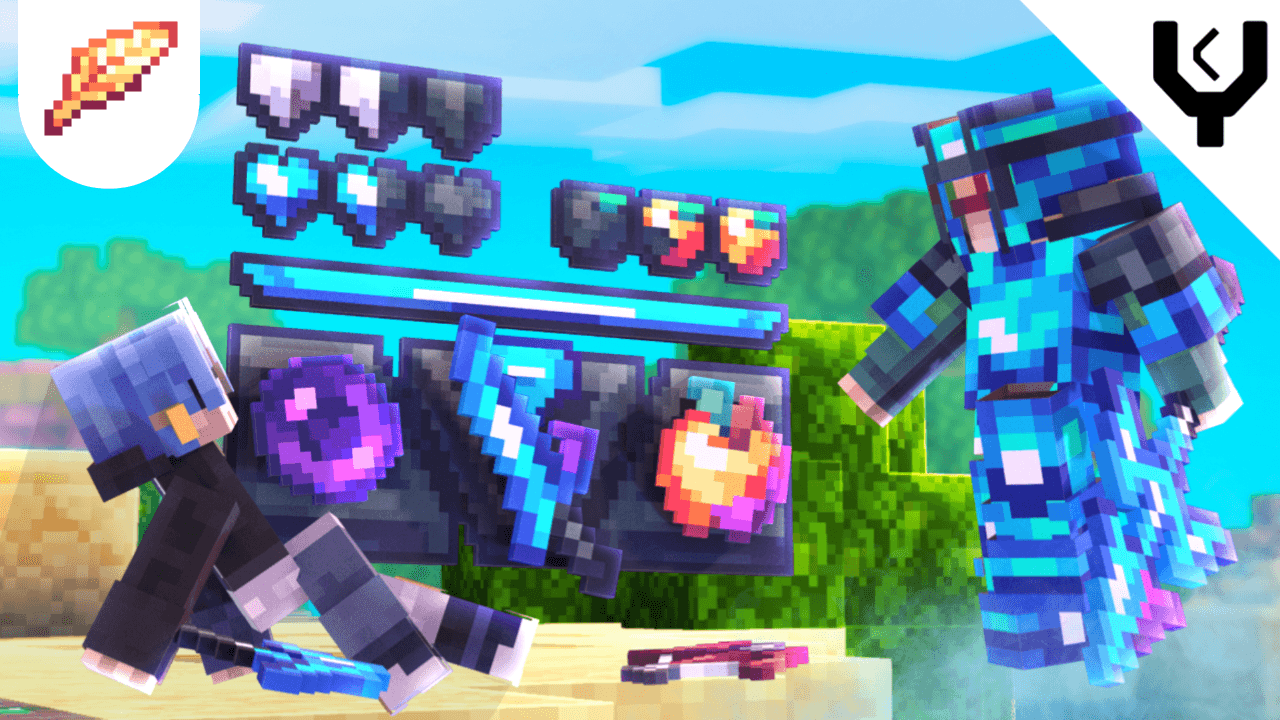

Lyro PvP: AIR (FPS BOOST)
The Ultimate PvP Texture Pack for Bedrock Edition just got even BETTER! Offering the BEST pvp experience without sacrificing your performance.Download

Oceanic Graphics Special Revival Edition
This pack is a shader replica that doesn't require Vibrant Visuals, MB loader or Patch appDownload

EMERALD VIBRANT (KS)
EMERALD VIBRANT makes your world feel warmer, pop magical and more beautiful, like a sunrise or sunset.Download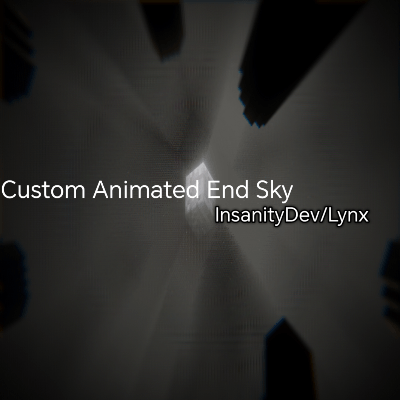

Dynamic EndSky for Vibrant visuals
Animated Dynamic EndSky for vibrant visuals!Download

christmas resource pack
Christmas resource pack mcpeDownload

Miku of Undying - Hatsune Miku Totem
This texture pack changed the texture of Totem of Undying into Hatsune MikuDownload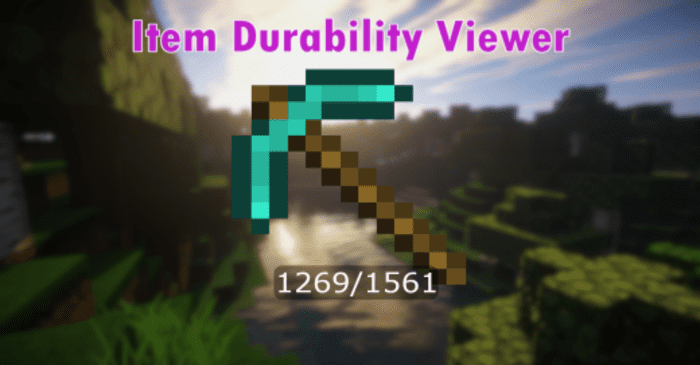

Durability Display!!
This texture pack highlights the durability of items in a simple and clear way. It’s lightweight, so it won’t affect performance much, and you can easily use it on servers as well.Download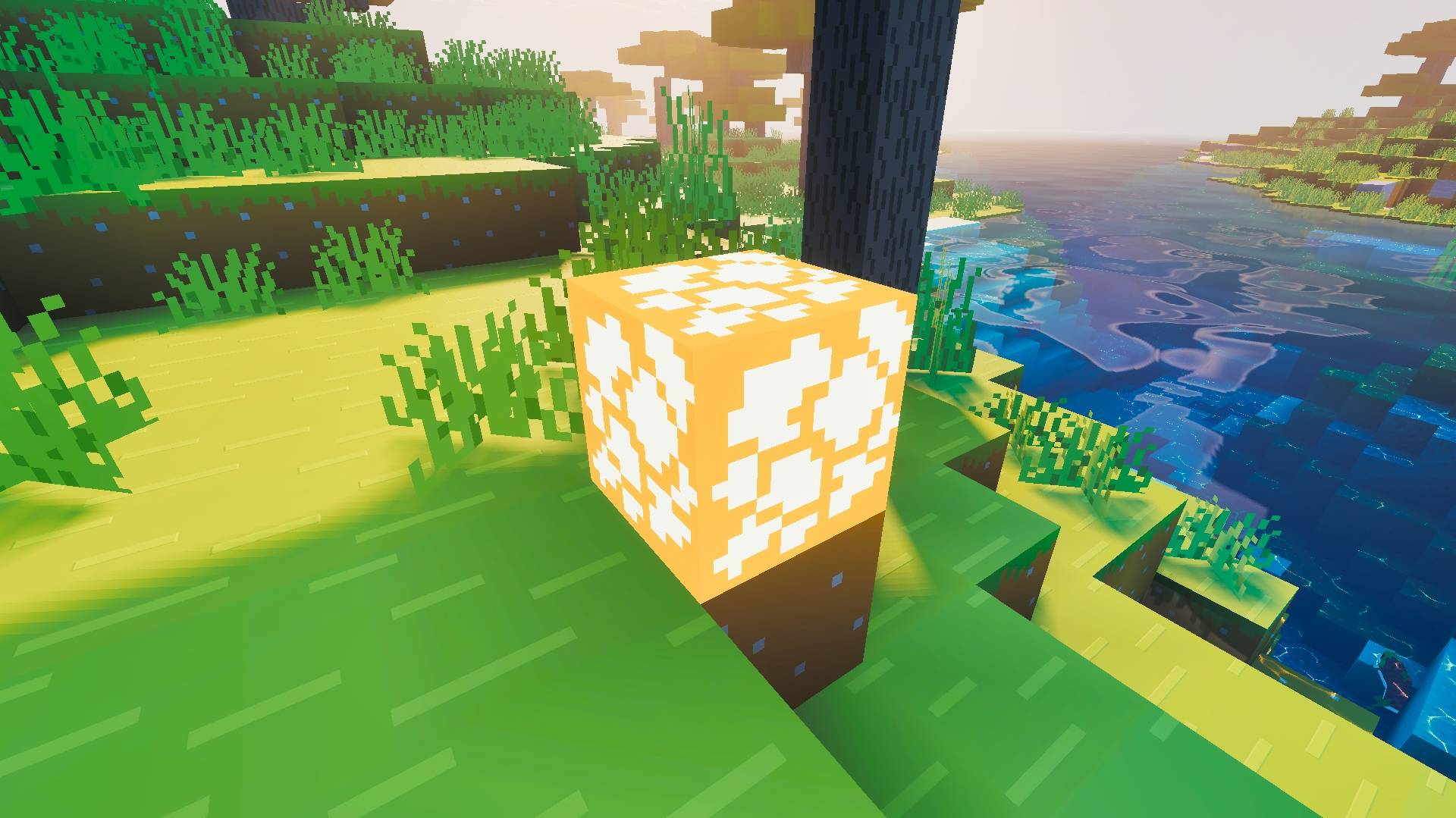

Bare Bones PBR x128 - Low Brightness
Reduce the brightness of emissive blocks in Bare Bones x128 BedrockDownload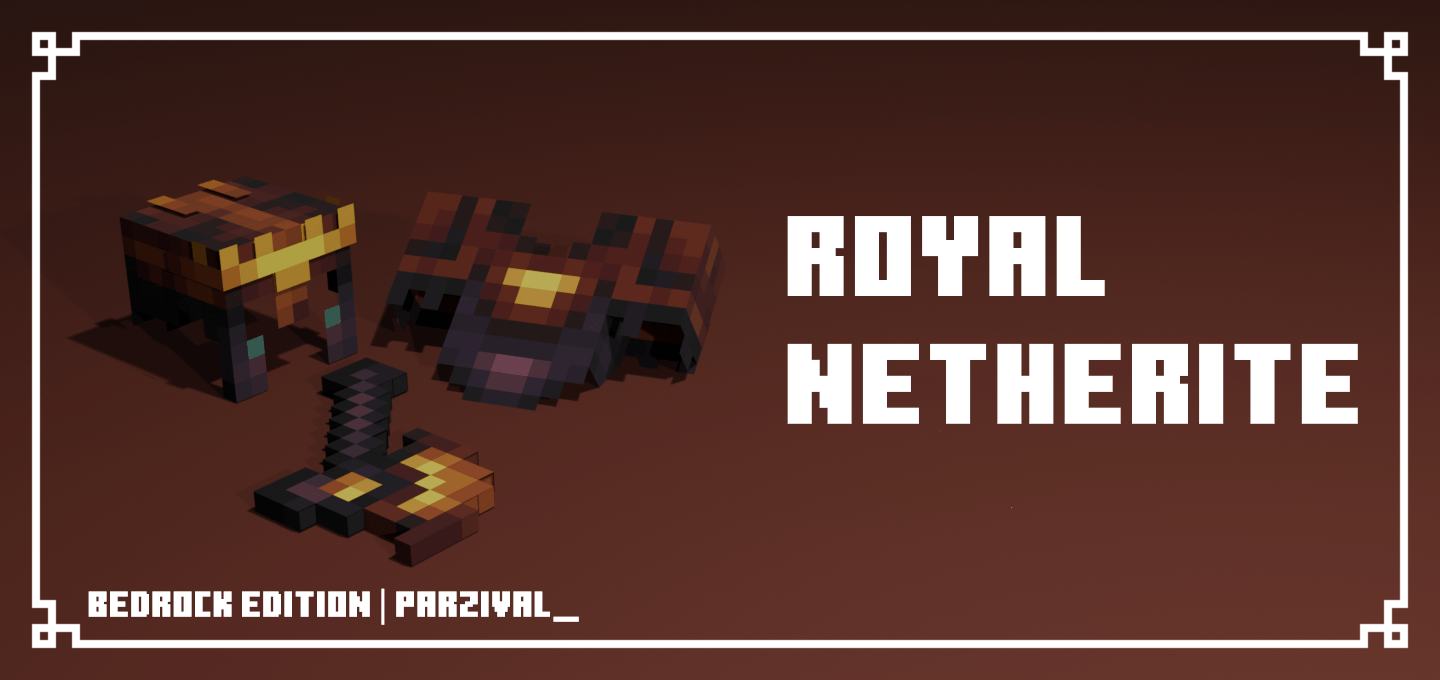

Royal Netherite
Changes the default netherite textures to an ancient royal gold. Become the ancient king of the nether!Download

Radiant Variant World- RVW [newb & vibrant visuals glow]
No more monotonous world! This texture pack adds a wide variety of variations to the natural blocks Making exploration and decoration a unique experience totally vanilla friendlyDownload

Liso4ka Ultimate PVP Pack
The Liso4ka Ultimate PVP Pack is a performance-tuned, visually polished texture pack built specifically for competitive Minecraft Bedrock playersDownload

HxH Chrollo Requiem UI Inventory
Adds a HxH Chrollo Requiem UI InventoryDownload

Animated Naruto UI
A fully animated Naruto UI pack for Minecraft Bedrock Edition. Replaces the default title screen with a custom modern interface overlaying a high-quality video background of Naruto anime.Download

CatGirls V2
Cats But Girls....AgainDownload

Better Weather By RisabGamerz
Better Weather For Minecraft pe. enhances rain, snow , cloudsDownloadFAQ
Do I need Forge or Fabric for a resource pack?
No. A resource pack works on the regular game with no loaders or mods. Click “Install” and Millida Launcher will put the pack into the right modpack — then just enable it in the settings.
What do 16×, 32×, 64× mean?
The resolution of a single texture in pixels. 16× matches the original game, 32× and 64× are more detailed and heavier, and 128× and up put a noticeable load on your graphics card.
Will a pack made for another version work?
Most likely partly: older packs don't have textures for newer blocks, so those will stay default. The game won't break, though.
How is a texture pack different from a resource pack?
Only by name and age. Before version 1.6 the sets were called texture packs and changed only textures; in 1.6 resource packs replaced them and also change sounds, fonts and the interface. Old texture packs for 1.5 and below do not work on new versions without conversion.
Which texture packs are best for PvP?
PvP packs: 16× resolution or lower, shortened swords, low fire, a clear sky and bright particles. They barely load the computer and make the opponent easier to see. These packs are collected in the PvP theme.
How do I install a resource pack?
Press Install and Millida Launcher puts the pack into the resourcepacks folder of the right instance. Then enable it in the game: Options, then Resource Packs. Manually, the archive goes into resourcepacks inside the game folder, no need to unpack it.
Minecraft texture packs
A resource pack changes how the game looks and sounds: block and item textures, fonts, the interface, sounds. It doesn't touch the game's code, so it needs no mod loader and breaks nothing on a server — the pack only works on your screen. That's exactly why a resource pack is safer than any mod: the worst that happens on a version mismatch is that some textures stay default.
Textures, texture packs and resource packs are essentially the same thing: since version 1.6 Mojang calls these sets resource packs, but the old name is still searched more often. PvP packs are a big genre of their own: shortened swords, low fire, bright particles and 16× resolution or lower, so the opponent stands out and the frame rate does not drop. Such packs are most often made for 1.8.9 and 1.16.5, the versions many PvP servers run on.
The key thing about a pack is its resolution. The game's default textures are 16×16 pixels; 32× and 64× packs look more detailed, while 128× and up need a real graphics card and are usually paired with shaders. On a weak machine it makes sense to stay at 16× or go for packs that deliberately simplify graphics for more FPS. Every pack here lists its game version, author and license, and all released versions are gathered on one card. Put the downloaded archive in the resourcepacks folder and enable it in the game settings.