
Minecraft texture packs — page 227
Resource packs: list


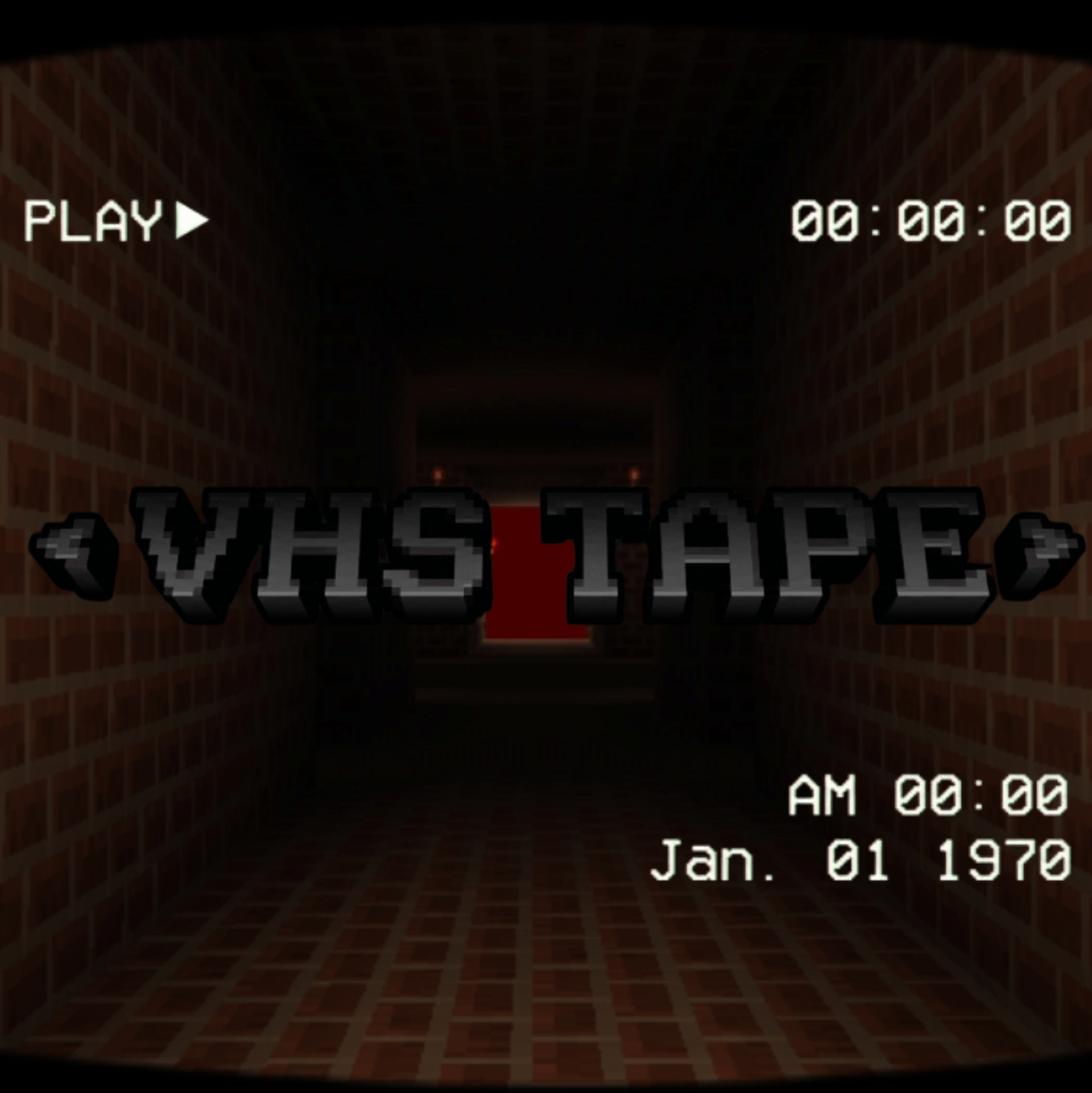
VHS TAPE
VHS ScreenDownload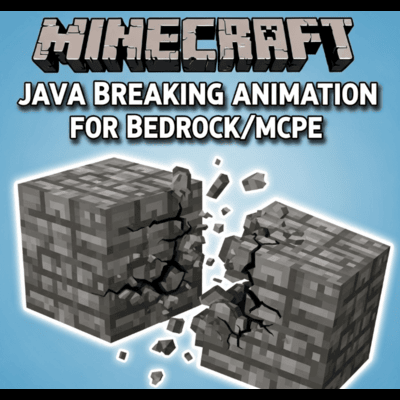

Block Destroy
This addon replaces the default Bedrock and MCPE block breaking animation with the Java Edition's distinct breaking effects.Download

Sub Zero 16x
Sub Zero 16x is a clean cool-blue PvP texture pack and FPS boost resource pack for Minecraft Bedrock.Download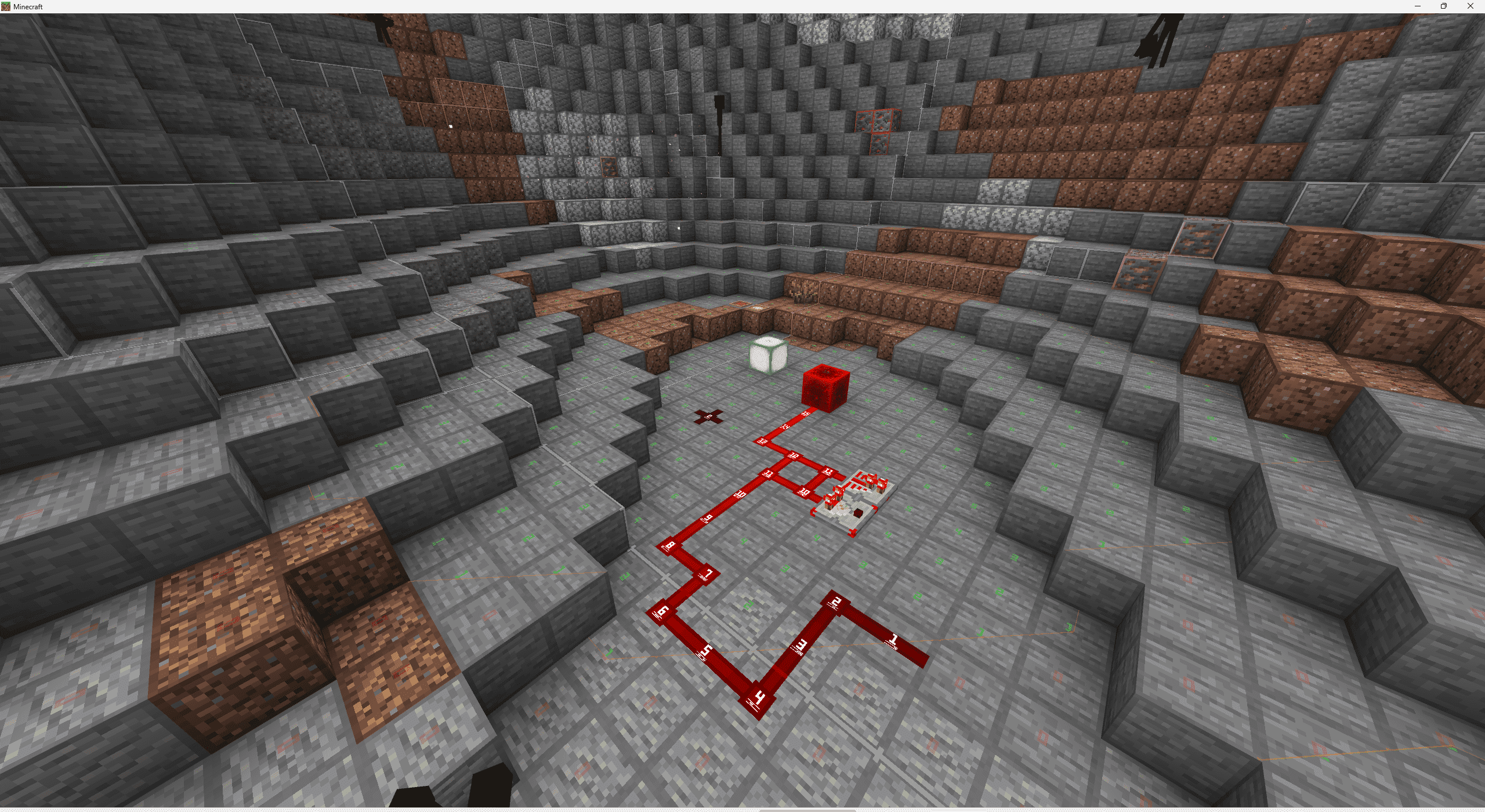

RedstoneTech Shader
A shader designed for redstone creations and technical contentDownload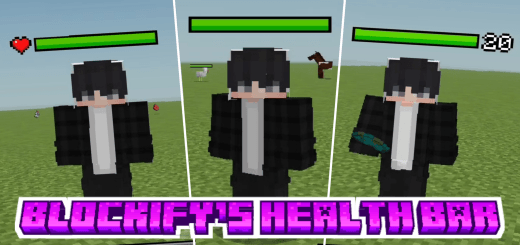

Blockify Health Indicator
This pack displays the health of mobs or entities above their heads, making it easier to see how much health they have, and it works seamlessly on servers without any issues.Download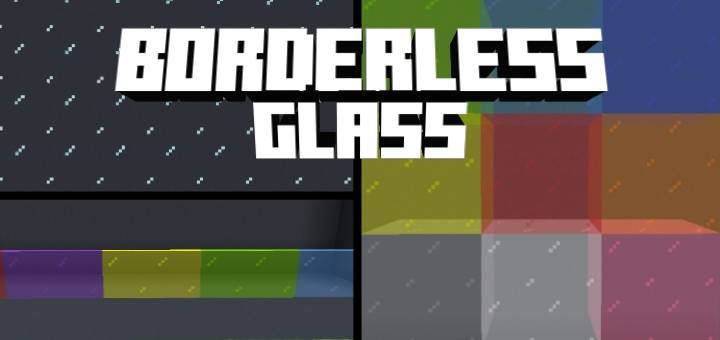

Borderless Glass Texture
Removes glass pane borders for seamless, clean transparency in buildsDownload

Short sword | by EaglShorts
Clean Short Sword PvP Texture Pack Shorter swords for better visibility and smoother PvP gameplay.Download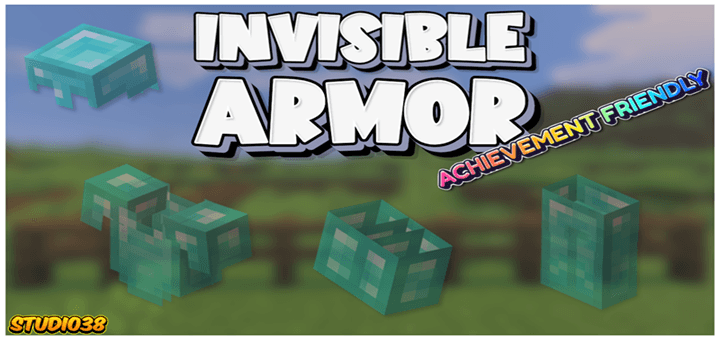
Invisible Armor 38
Why cover up your favourite skin with the armor Minecraft has to offer, Invisible Armor allows you to keep your skin on show whilst giving you the same protection the armor normally would.Download

Paintings from (Doctor) Nowhere
A Texture pack adding some of Dr. Nowhere's Creatures to replace the vanilla paintings!Download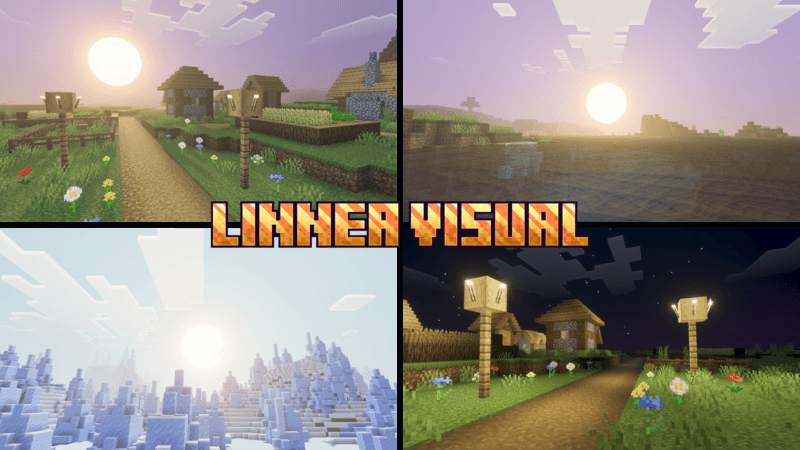
Linnea Visual
Linnea Visual gives you unique visuals with a dynamic sun.Download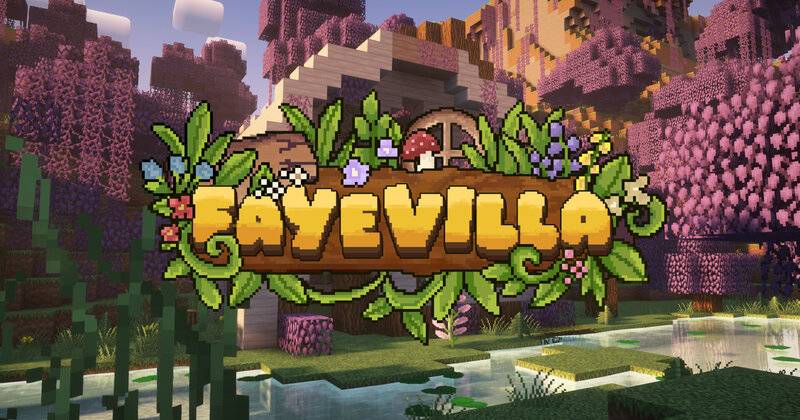

Fayevilla 32x
Expand the world of the Faye with our Official Fayevilla 32x Texture Pack for Minecraft Bedrock Edition!Download

Ultra X-Ray + Night Vision
A clean, achievement-safe resource pack that reveals ores instantly with an ultra x-ray effect fused with night vision, visible in all graphics modes.Download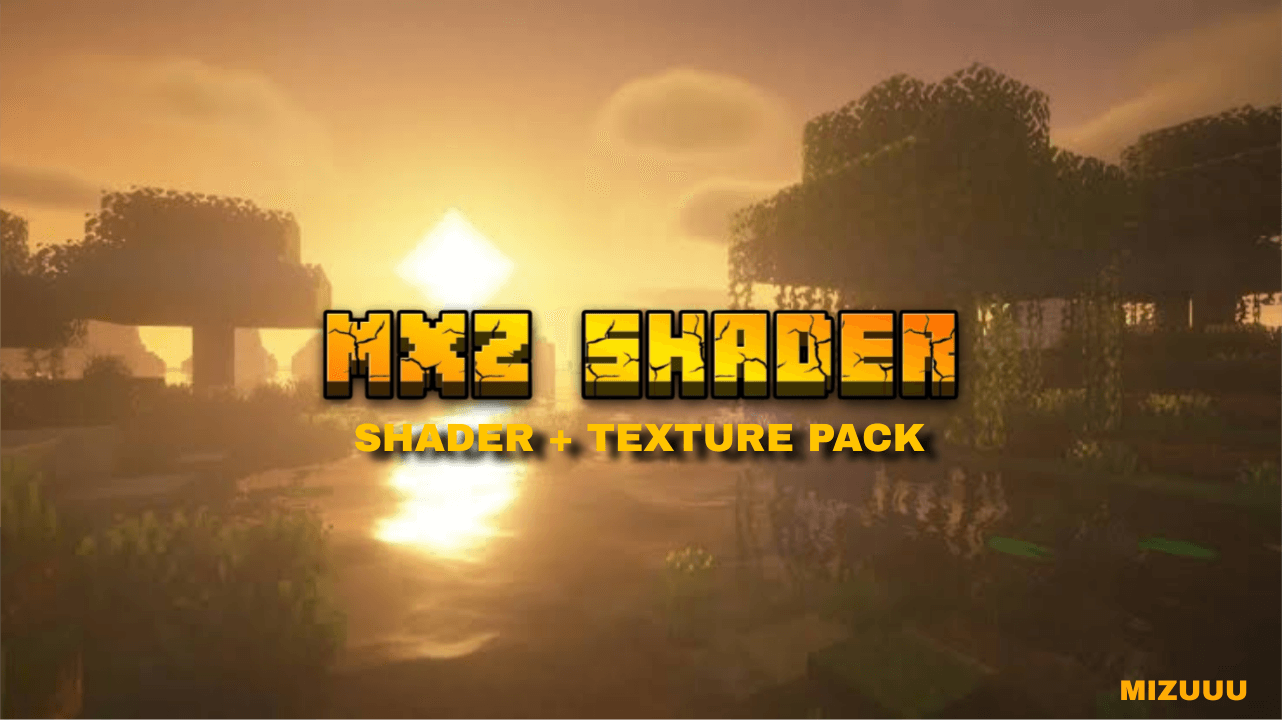

MXZ SHADER V1
An optimized Minecraft shader that brings realistic graphics to both potato and high-end devices with adjustable performance settings.Download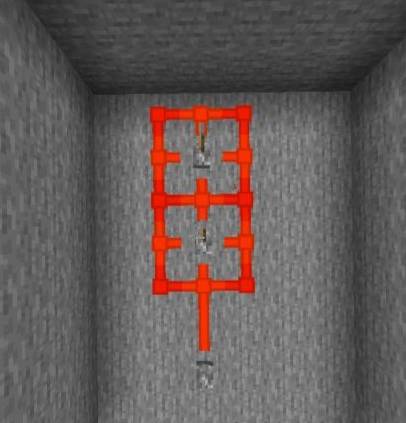
Redstone Plus+
Redstone Plus+ is a utility-focused resource pack for Minecraft Bedrock Edition that improves redstone visibility and direction clarity, making builds cleaner, smarter, and easier to understand.Download

Gojo Red Edition UI Inventory
Adds a Red Edition of the Gojo UI InventoryDownload

Spectral Bedrock Edition
A gentle 16x16 resource pack with a familiar yet unique feel.Download

Glowing Armor 38
Give your armor a bit of bling with a fantastic new glow! Glowing armor makes your iron, gold, diamond, and netherite gear shine brighter than ever before.Download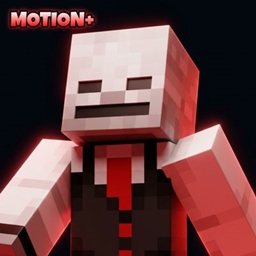
Motion+
Improved Third-Person Player Animation for Minecraft bedrockDownload

ENBS Shader v2.0
Keep the vanilla experience running but with some modifications? We got your back with our top of the art shader running since 1.16Download

Eunoia Shader
Eunoia Shader transforms your world’s visuals with a high-end dynamic atmosphere, realistic fog, crystal-clear mineral water, enhanced glow and shadows, and rich dynamic color grading, providing a beautiful visual experience.Download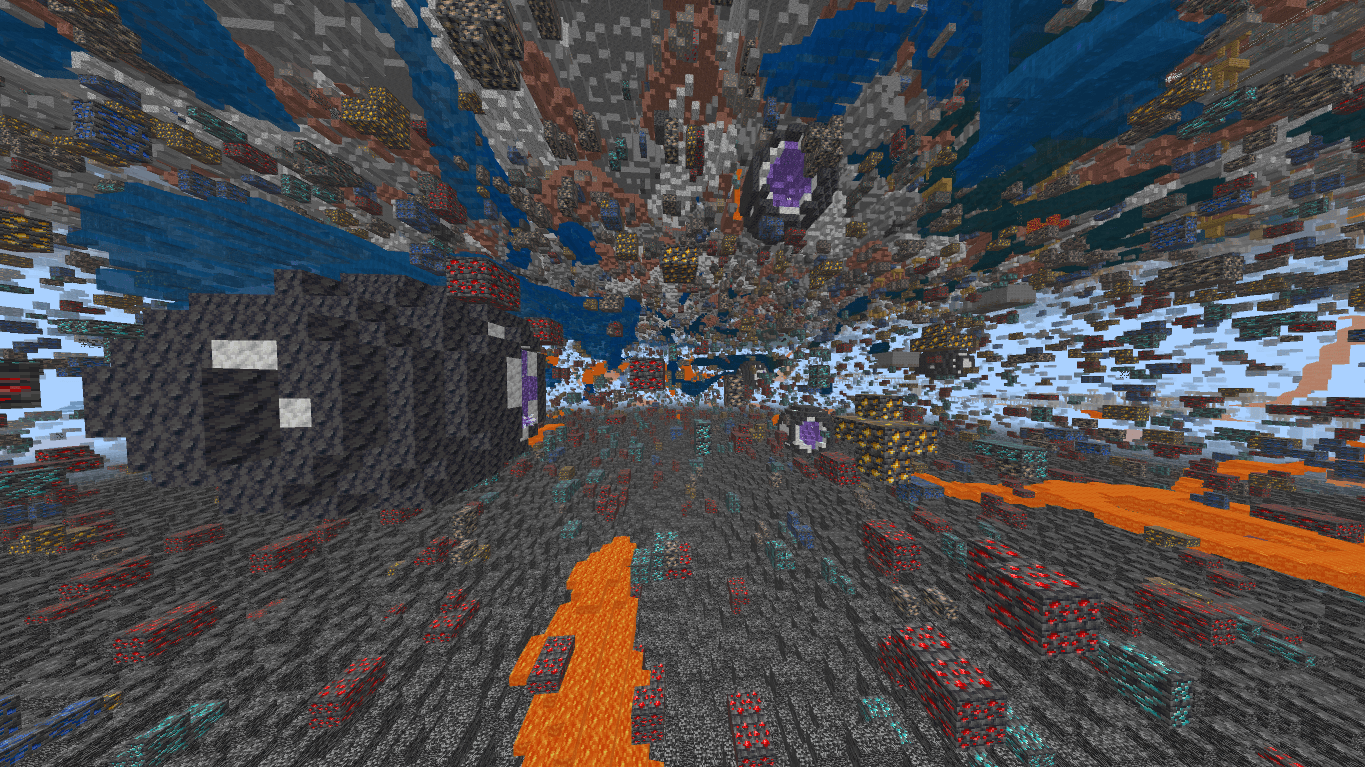

PureX Xray
PureX Xray is a simple and lightweight Minecraft resource pack that makes ores and important blocks clearly visible by rendering most underground blocks transparent for faster and easier resource mining.Download

Smaller totem and shield
A minimalist PvP-focused resource pack that makes the shield and totem smaller while fully preserving the vanilla textures, resulting in clearer visibility and a smoother PvP experience.Download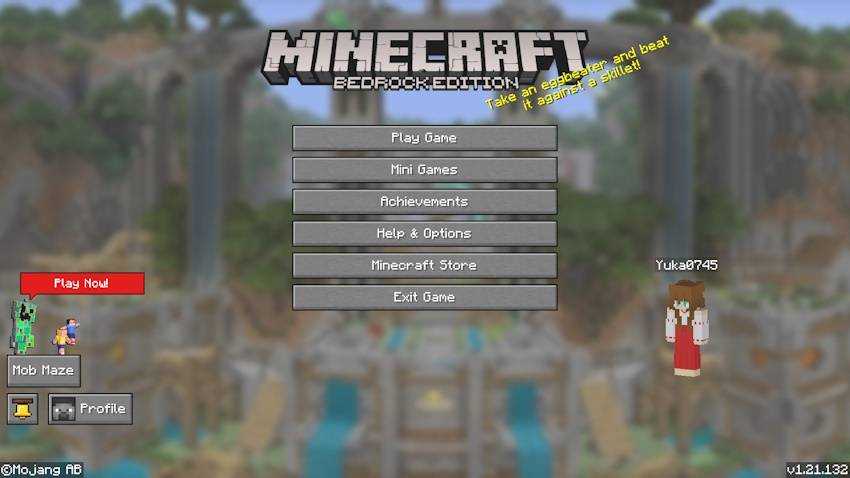
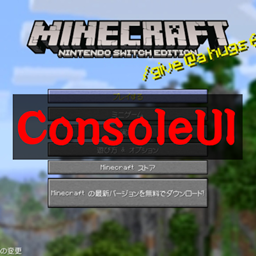
Console Style
A resource pack that gives Minecraft Bedrock Edition the look of Minecraft Console!DownloadFAQ
Do I need Forge or Fabric for a resource pack?
No. A resource pack works on the regular game with no loaders or mods. Click “Install” and Millida Launcher will put the pack into the right modpack — then just enable it in the settings.
What do 16×, 32×, 64× mean?
The resolution of a single texture in pixels. 16× matches the original game, 32× and 64× are more detailed and heavier, and 128× and up put a noticeable load on your graphics card.
Will a pack made for another version work?
Most likely partly: older packs don't have textures for newer blocks, so those will stay default. The game won't break, though.
How is a texture pack different from a resource pack?
Only by name and age. Before version 1.6 the sets were called texture packs and changed only textures; in 1.6 resource packs replaced them and also change sounds, fonts and the interface. Old texture packs for 1.5 and below do not work on new versions without conversion.
Which texture packs are best for PvP?
PvP packs: 16× resolution or lower, shortened swords, low fire, a clear sky and bright particles. They barely load the computer and make the opponent easier to see. These packs are collected in the PvP theme.
How do I install a resource pack?
Press Install and Millida Launcher puts the pack into the resourcepacks folder of the right instance. Then enable it in the game: Options, then Resource Packs. Manually, the archive goes into resourcepacks inside the game folder, no need to unpack it.
Minecraft texture packs
A resource pack changes how the game looks and sounds: block and item textures, fonts, the interface, sounds. It doesn't touch the game's code, so it needs no mod loader and breaks nothing on a server — the pack only works on your screen. That's exactly why a resource pack is safer than any mod: the worst that happens on a version mismatch is that some textures stay default.
Textures, texture packs and resource packs are essentially the same thing: since version 1.6 Mojang calls these sets resource packs, but the old name is still searched more often. PvP packs are a big genre of their own: shortened swords, low fire, bright particles and 16× resolution or lower, so the opponent stands out and the frame rate does not drop. Such packs are most often made for 1.8.9 and 1.16.5, the versions many PvP servers run on.
The key thing about a pack is its resolution. The game's default textures are 16×16 pixels; 32× and 64× packs look more detailed, while 128× and up need a real graphics card and are usually paired with shaders. On a weak machine it makes sense to stay at 16× or go for packs that deliberately simplify graphics for more FPS. Every pack here lists its game version, author and license, and all released versions are gathered on one card. Put the downloaded archive in the resourcepacks folder and enable it in the game settings.