
Minecraft texture packs — page 226
Resource packs: list


Dynamic Damage V2 by Akazq
mobs texture changes depending on their health.Download

EnderGirl
The EnderGirl..... or EnderWomanDownload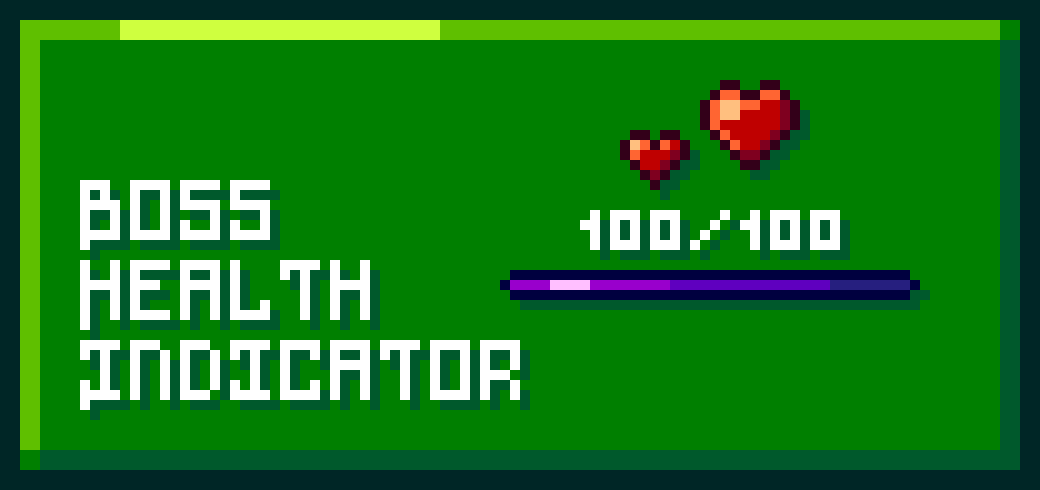

Boss Health Indicator v1.7
Enhances the boss health bar by showing the current health of a boss to makes the survival experience better.Download

Better Rain
Better Rain enhances Minecraft’s rain with smoother textures, softer ambience, and improved thunder sounds. Experience more aesthetic, atmospheric, and enjoyable storms in your world.Download

Better Graphics | Clean UI, Saturated Grass & Short Tools
A clean Minecraft Bedrock PvP pack featuring saturated grass, improved graphics, clean UI, short tools, and stable FPS for a smoother gameplay experience.Download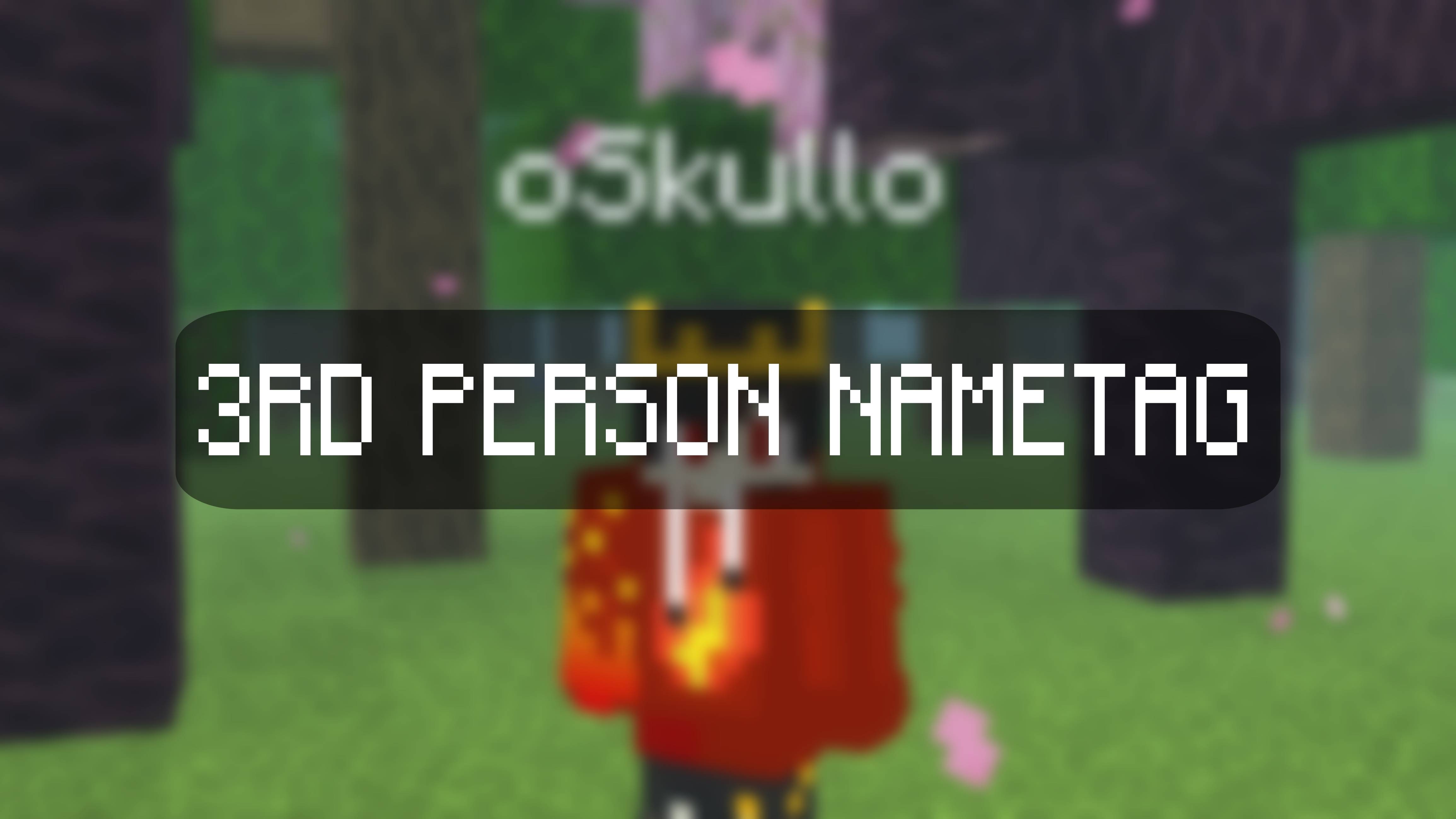

Third Person NameTag
A lightweight Bedrock mod that enables your personal name-tag to render perfectly whenever you switch to third-person view.Download

Default 1x1
This pack turns all Minecraft textures into 1×1 pixels, giving maximum performance and a unique minimalist look.Download

Better [FPS+] Bedrock
Better [FPS+] Bedrock – Pure FPS Boost + Anti-Lag Mastery. No particles, no animations, custom low fire, clean HUD. Lightweight & optimized for PvP and low-end devices. 1.21+Download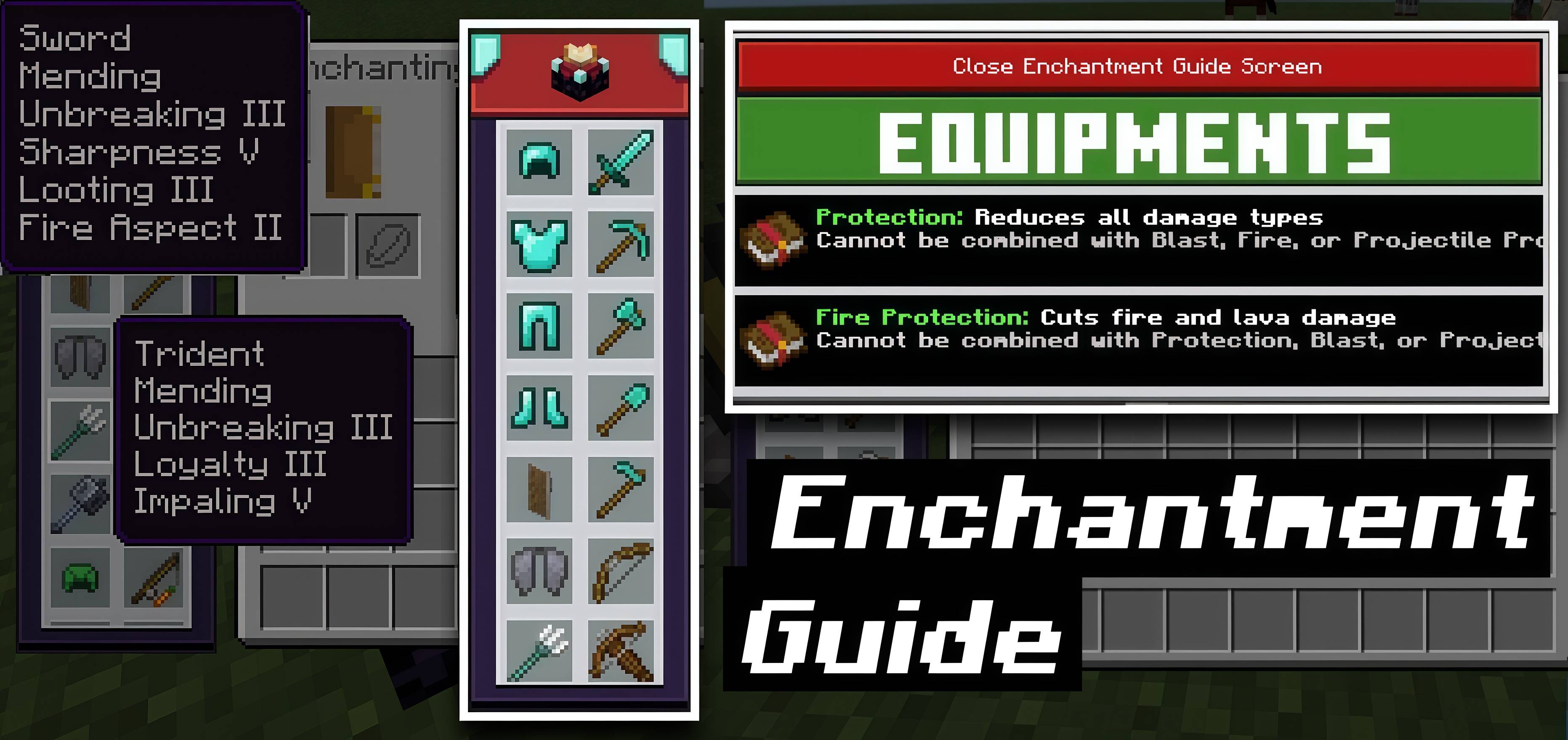

Enchantment Guide
Enchantment Guide Pack shows the best enchantments for tools, weapons, and armor. Hover or click items in the guide to see recommended enchantments and their uses. Works in anvil and enchantment table for easy Minecraft gameplay.Download

Animated Cherry House UI
Animated Cherry House UI — A cozy house rests beneath glowing sunset skies as cherry blossoms drift softly through warm evening light, creating a calm and peaceful grove atmosphere.Download

Meow Society
Revamps Cats, and adds a bunch of New VariantsDownload

AZ OFFICIAL PVP TEXTURES PACK AND LAG FIXER v 1.0.11
AZ OFFICIAL PVP TEXTURE PACK AND LAG FIXERDownload

No Block Breaking Particles
Removes the block breaking particles.Download

Stylish Fonts |10+ Font
15+ stylish, modern fonts. Perfect for menus, chat, and Ul customization. Lightweight, smooth, and compatible with all devices.Download

Frequent Classic Music
Restores the nostalgic classic soundtrack and plays it continuously with significantly reduced silence between tracks.Download

Newb x soleil
A vanilla and aesthethic shader with balanced brightDownload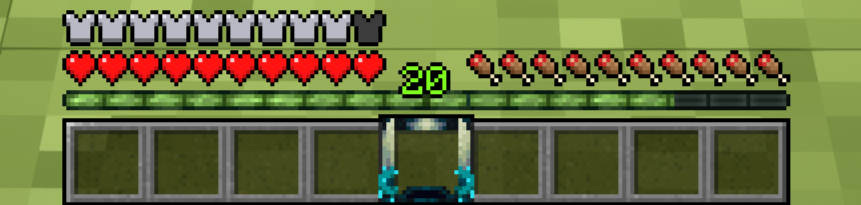

Warden Hotbar Selector
Replaces the hotbar selector with a Warden themed designDownload

APOCALIPTYC ILLAGERS
Apocalyptic Illagers is a texture pack that makes the illagers in your Minecraft look more apocalyptic, perfect for a zombie apocalypse.Download

Phosphor - Optimizer
The Ultimate Optimiser for Minecraft Bedrock & Pocket!Download

Sub Zero 16x
Sub Zero 16x is a clean cool-blue PvP texture pack and FPS boost resource pack for Minecraft Bedrock.Download

Cape Physics Resource Pack
This resource pack adds an animation that simulates 'Physics' to your personal cape.Download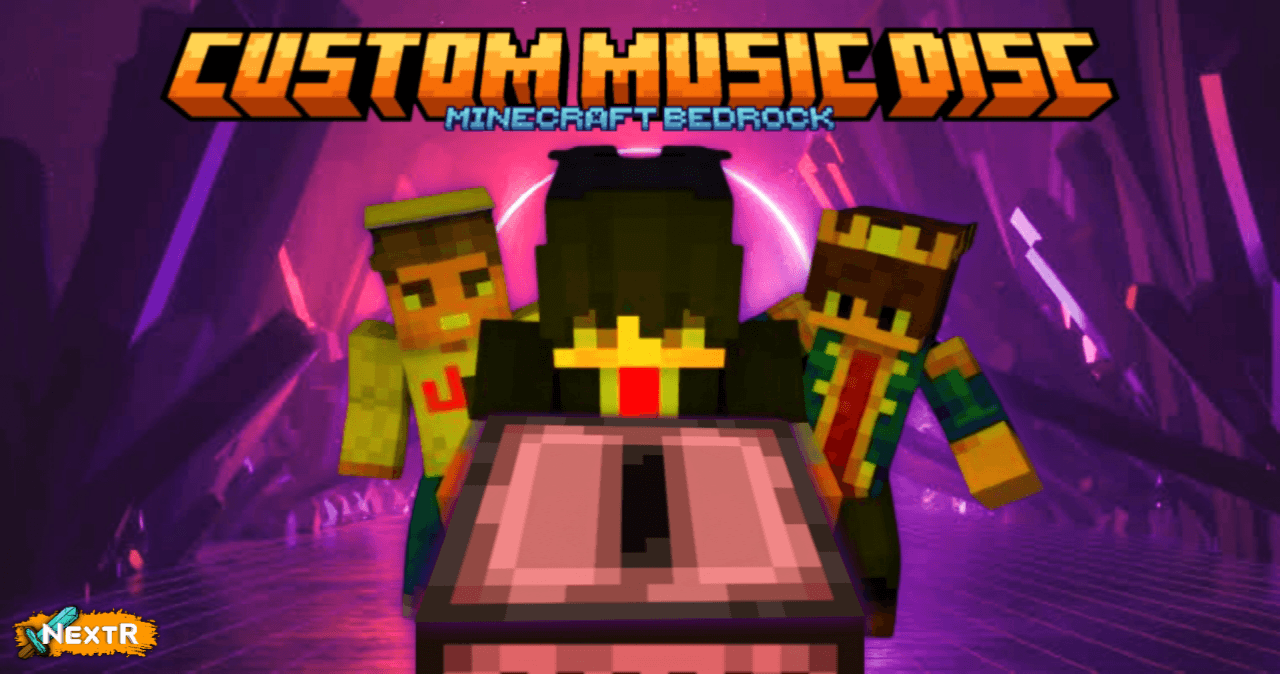

Custom Music Disc - Template
Bring your own soundtrack to Minecraft — customize discs with your favorite music, names, and textures.Download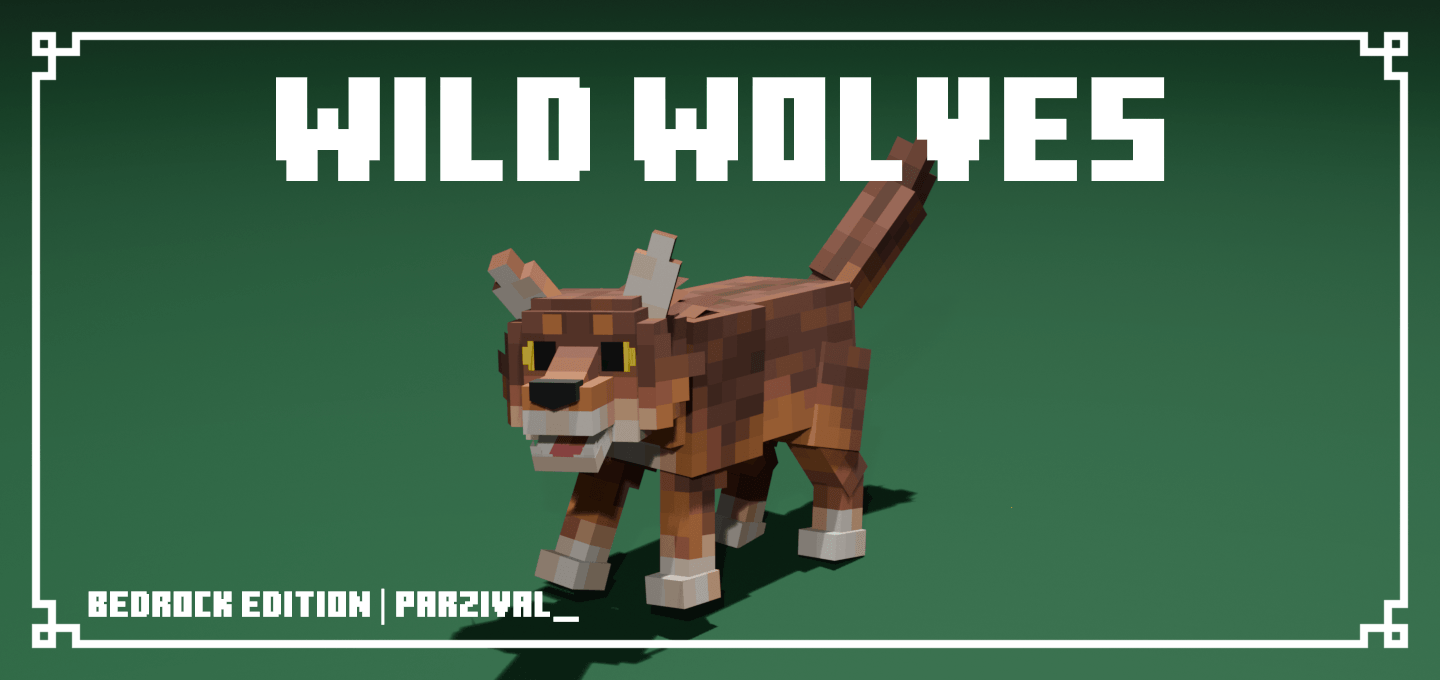

Wild Wolves
Remodels wolves to be more wild with over 340+ unique wolf variants!DownloadFAQ
Do I need Forge or Fabric for a resource pack?
No. A resource pack works on the regular game with no loaders or mods. Click “Install” and Millida Launcher will put the pack into the right modpack — then just enable it in the settings.
What do 16×, 32×, 64× mean?
The resolution of a single texture in pixels. 16× matches the original game, 32× and 64× are more detailed and heavier, and 128× and up put a noticeable load on your graphics card.
Will a pack made for another version work?
Most likely partly: older packs don't have textures for newer blocks, so those will stay default. The game won't break, though.
How is a texture pack different from a resource pack?
Only by name and age. Before version 1.6 the sets were called texture packs and changed only textures; in 1.6 resource packs replaced them and also change sounds, fonts and the interface. Old texture packs for 1.5 and below do not work on new versions without conversion.
Which texture packs are best for PvP?
PvP packs: 16× resolution or lower, shortened swords, low fire, a clear sky and bright particles. They barely load the computer and make the opponent easier to see. These packs are collected in the PvP theme.
How do I install a resource pack?
Press Install and Millida Launcher puts the pack into the resourcepacks folder of the right instance. Then enable it in the game: Options, then Resource Packs. Manually, the archive goes into resourcepacks inside the game folder, no need to unpack it.
Minecraft texture packs
A resource pack changes how the game looks and sounds: block and item textures, fonts, the interface, sounds. It doesn't touch the game's code, so it needs no mod loader and breaks nothing on a server — the pack only works on your screen. That's exactly why a resource pack is safer than any mod: the worst that happens on a version mismatch is that some textures stay default.
Textures, texture packs and resource packs are essentially the same thing: since version 1.6 Mojang calls these sets resource packs, but the old name is still searched more often. PvP packs are a big genre of their own: shortened swords, low fire, bright particles and 16× resolution or lower, so the opponent stands out and the frame rate does not drop. Such packs are most often made for 1.8.9 and 1.16.5, the versions many PvP servers run on.
The key thing about a pack is its resolution. The game's default textures are 16×16 pixels; 32× and 64× packs look more detailed, while 128× and up need a real graphics card and are usually paired with shaders. On a weak machine it makes sense to stay at 16× or go for packs that deliberately simplify graphics for more FPS. Every pack here lists its game version, author and license, and all released versions are gathered on one card. Put the downloaded archive in the resourcepacks folder and enable it in the game settings.