
Minecraft texture packs — page 225
Resource packs: list


Furry In Inventory BE (Add-on RP)
Bedrock port "Furry In Inventory".Download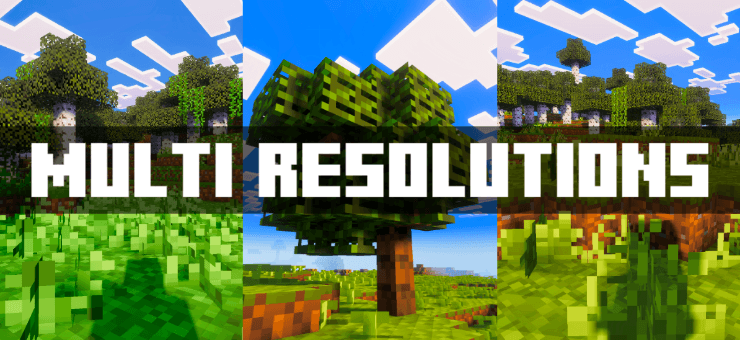
Multi Resolutions
This pack offers lower resolution Minecraft textures to boost performance on any device. Easily switch between different resolutions using subpacks and choose what works best for you!Download

Better Viewmodel
Replaces the viewmodel with a better oneDownload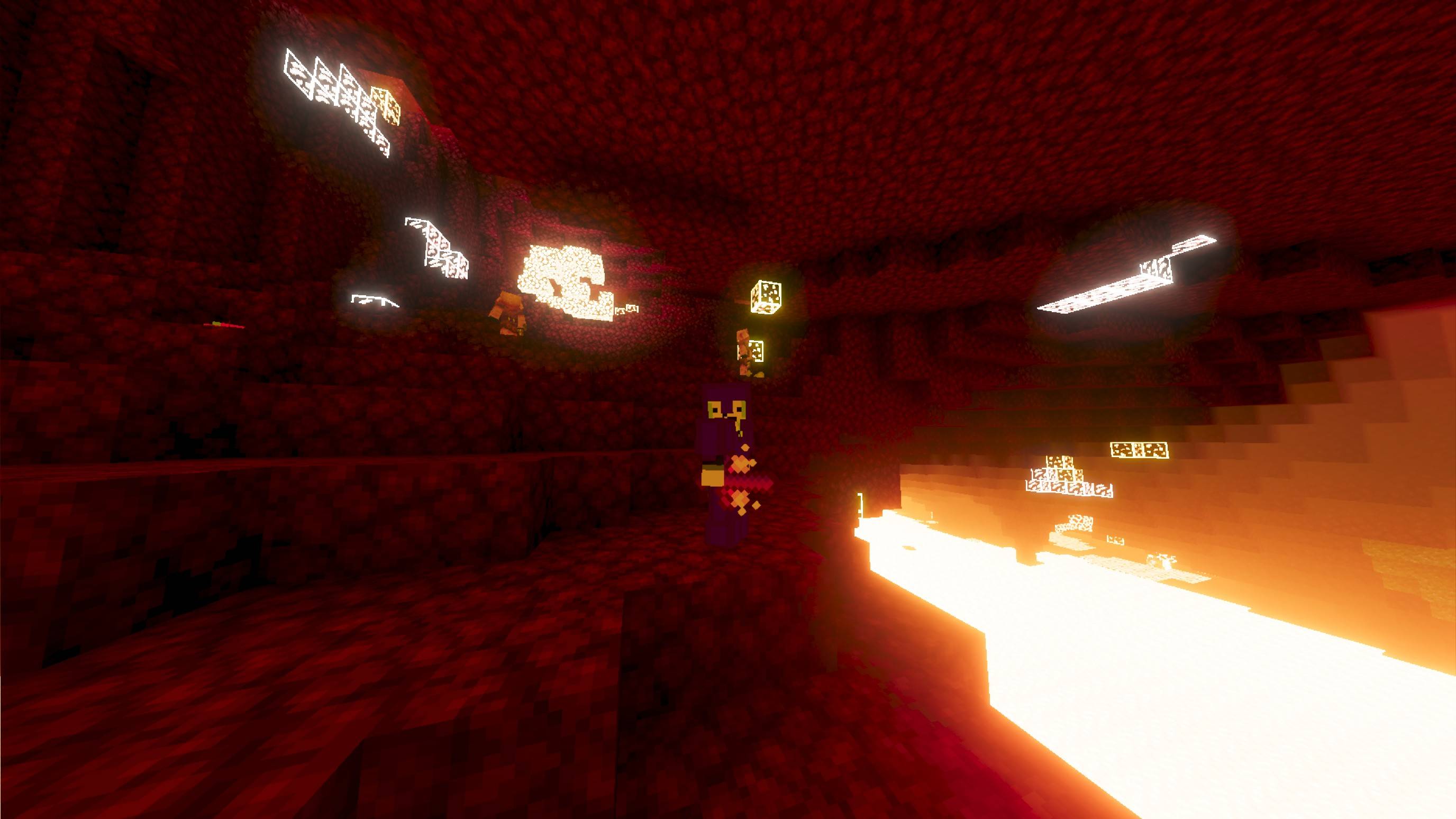

Th1rdy4321's Combat+
WIP PvP pack with tools and armor.Download

Nether's X-ray+
Find more diamond ores and other ores easilyDownload

Spears Reimagined (from Tools Reimagined by KhalMika)
This pack only contains my redesigned spears, as per vitorbr9263's requestDownload

Aplok guns translation to Russian
It translates the Aplok guns into Russian for your comfort!Download
Simple Clean
Clean MC is a pack that makes Minecraft clearer and smoother. It improves visuals with clear water, connected glass, and more giving you a clean and lag-free experience.Download

CowGirls
Cows but GirlsDownload

Pie Shader v2
🌸 Transform your Minecraft world with dreamy cherry blossom vibes, vibrant lighting, cinematic skies, smooth water, and aesthetic visuals — optimized for Bedrock 1.21 - 1.26.20 ✨Download

Valoria V2 - 16x
A Purple Pastel Themed PvP Texture PackDownload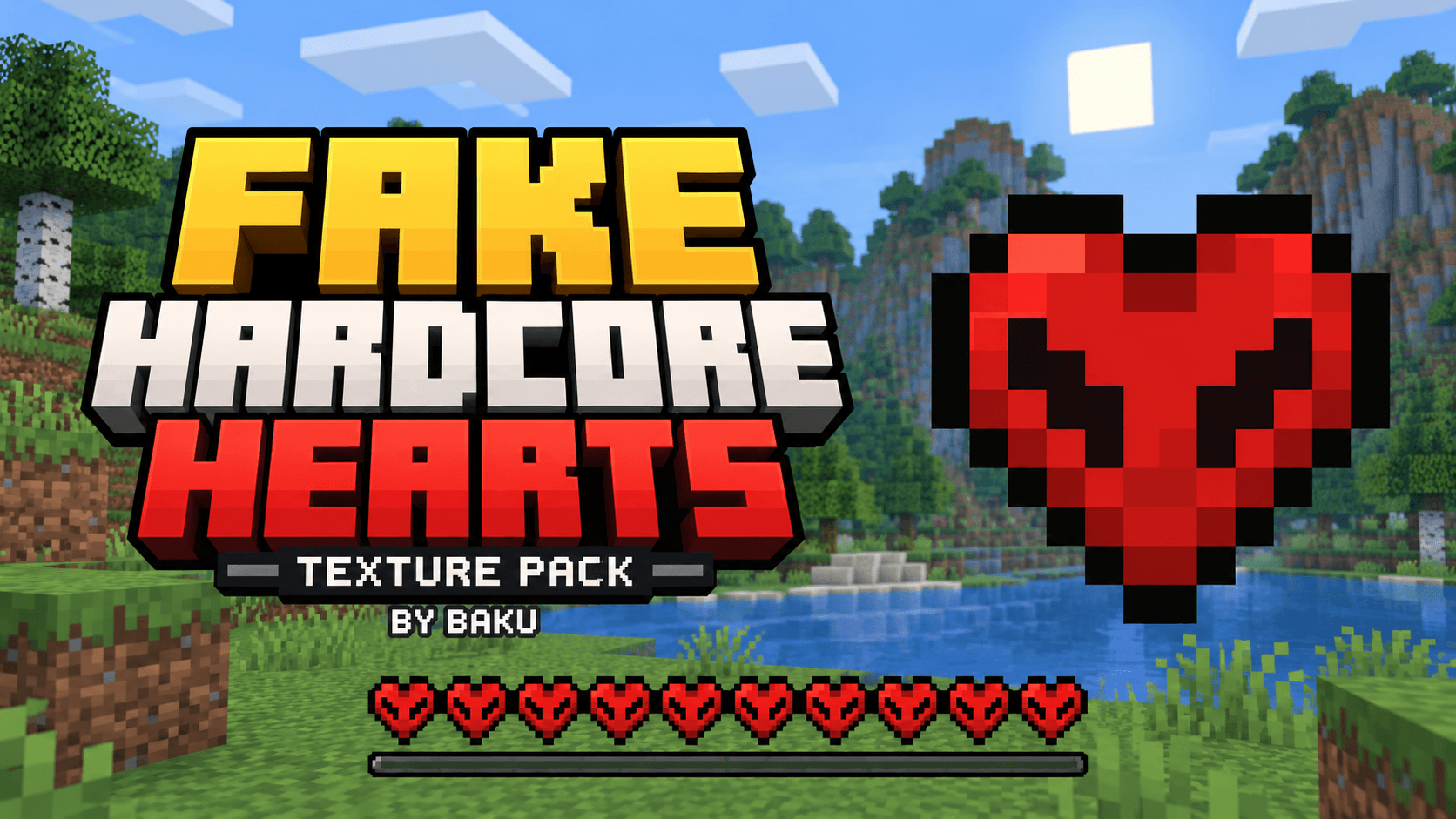
Fake hardcore heart by baku
Fake Hardcore Hearts by Baku replaces normal Minecraft Bedrock hearts with hardcore-style textures. Supports full, half, poison, wither, freezing and absorption hearts without changing gameplay.Download
Clean Hud
Tired of the distracting default hud? Refresh the look to a modern and simplistic look with the Clean Hud pack.Download

Zero Two Totem
Replaces the Totem of Undying with an Anime Zero Two TotemDownload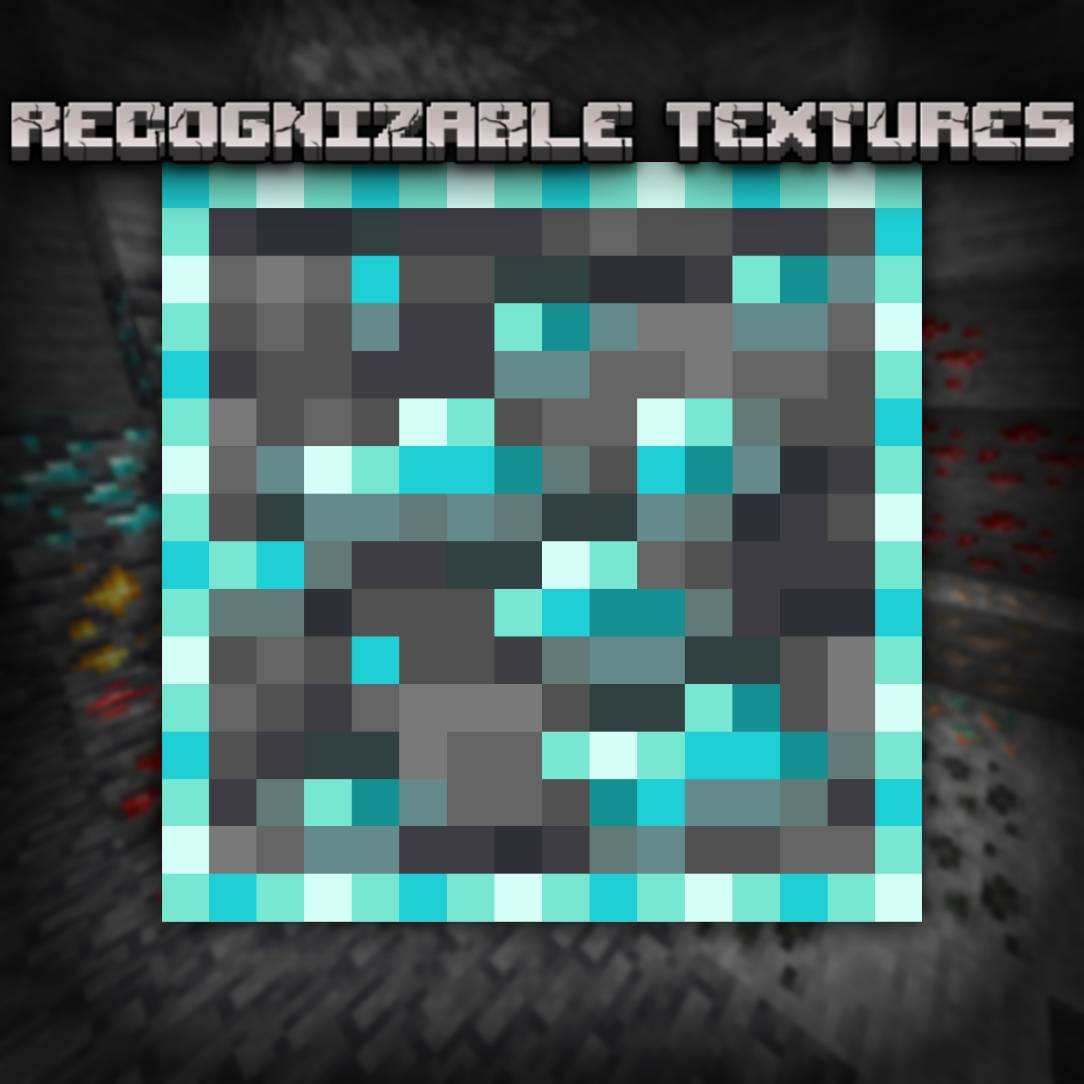

Recognizable Textures
With this texture pack you get ore outlines, effect outlines and much moreDownload

Transparent Inventory
Transparent Inventory makes Minecraft's GUI sleek by replacing opaque backgrounds with clean, see-through panels. Slots and text stay readable while your world stays visible — minimal and immersive.Download

Animated Spiderman UI
Animated SPIDER MAN UI — Swing through the skyline with this hero-inspired interface, capturing the high-flying energy and hopeful spirit of the neighborhood protector.Download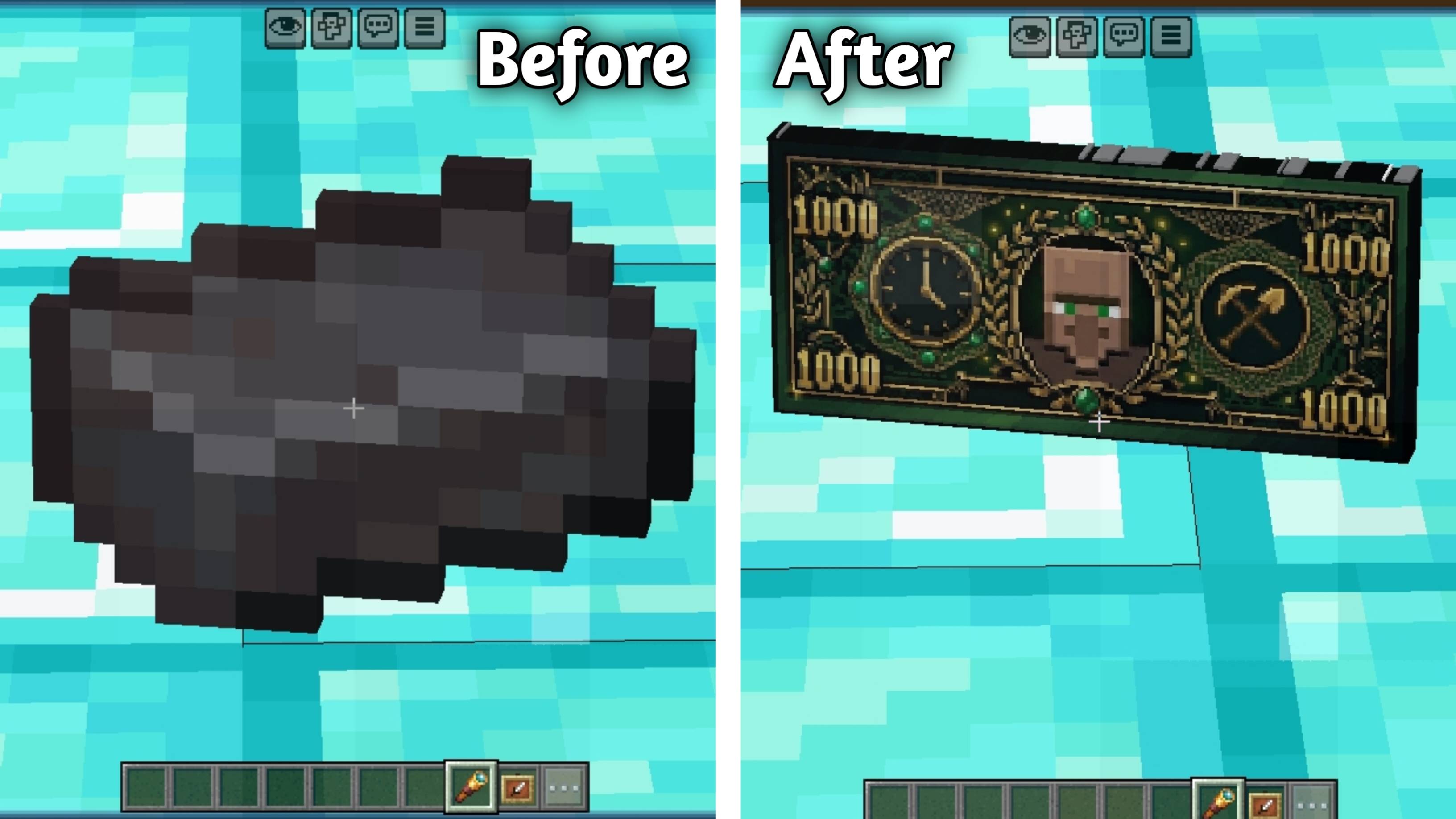

Minecash
💸 MineCash transforms valuable Minecraft items and ingots into realistic dollar-style banknotes, giving your world a clean and premium money-themed experience.Download

True Darkness by Gamer_xX
This texture pack adds DARKER environment. Please read description.Download
AMAZON WATER
This shader changes your water visuals to look like Amazon river water.Download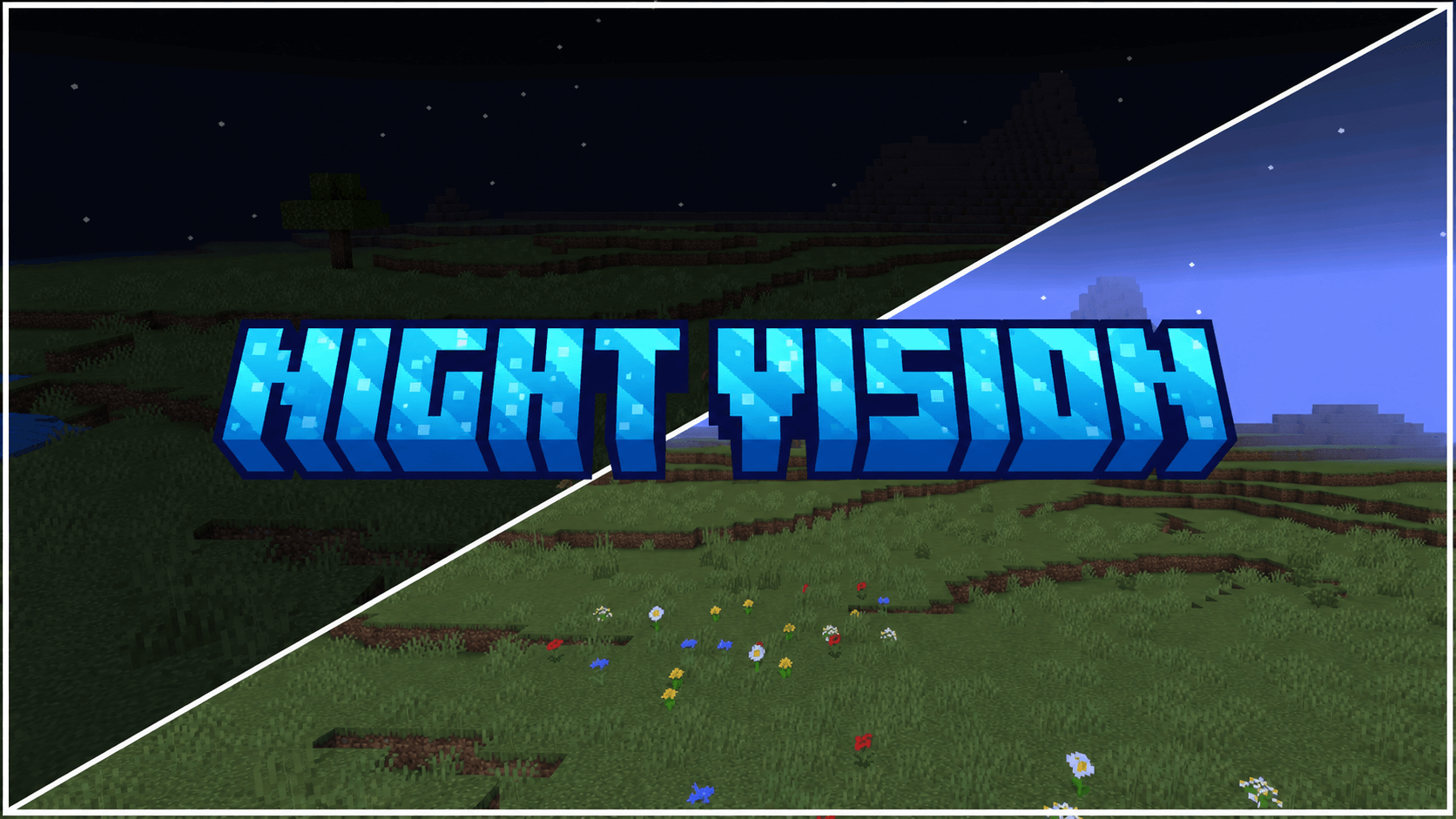
Night Vision Universal
See clearly in caves, at night, underwater, and through fog with a client-side FullBright pack for worlds, Realms, and multiplayer servers.Download

Dynamic Damage V2 by Akazq
mobs texture changes depending on their health.Download

EnderGirl
The EnderGirl..... or EnderWomanDownloadFAQ
Do I need Forge or Fabric for a resource pack?
No. A resource pack works on the regular game with no loaders or mods. Click “Install” and Millida Launcher will put the pack into the right modpack — then just enable it in the settings.
What do 16×, 32×, 64× mean?
The resolution of a single texture in pixels. 16× matches the original game, 32× and 64× are more detailed and heavier, and 128× and up put a noticeable load on your graphics card.
Will a pack made for another version work?
Most likely partly: older packs don't have textures for newer blocks, so those will stay default. The game won't break, though.
How is a texture pack different from a resource pack?
Only by name and age. Before version 1.6 the sets were called texture packs and changed only textures; in 1.6 resource packs replaced them and also change sounds, fonts and the interface. Old texture packs for 1.5 and below do not work on new versions without conversion.
Which texture packs are best for PvP?
PvP packs: 16× resolution or lower, shortened swords, low fire, a clear sky and bright particles. They barely load the computer and make the opponent easier to see. These packs are collected in the PvP theme.
How do I install a resource pack?
Press Install and Millida Launcher puts the pack into the resourcepacks folder of the right instance. Then enable it in the game: Options, then Resource Packs. Manually, the archive goes into resourcepacks inside the game folder, no need to unpack it.
Minecraft texture packs
A resource pack changes how the game looks and sounds: block and item textures, fonts, the interface, sounds. It doesn't touch the game's code, so it needs no mod loader and breaks nothing on a server — the pack only works on your screen. That's exactly why a resource pack is safer than any mod: the worst that happens on a version mismatch is that some textures stay default.
Textures, texture packs and resource packs are essentially the same thing: since version 1.6 Mojang calls these sets resource packs, but the old name is still searched more often. PvP packs are a big genre of their own: shortened swords, low fire, bright particles and 16× resolution or lower, so the opponent stands out and the frame rate does not drop. Such packs are most often made for 1.8.9 and 1.16.5, the versions many PvP servers run on.
The key thing about a pack is its resolution. The game's default textures are 16×16 pixels; 32× and 64× packs look more detailed, while 128× and up need a real graphics card and are usually paired with shaders. On a weak machine it makes sense to stay at 16× or go for packs that deliberately simplify graphics for more FPS. Every pack here lists its game version, author and license, and all released versions are gathered on one card. Put the downloaded archive in the resourcepacks folder and enable it in the game settings.