
Minecraft texture packs — page 224
Resource packs: list

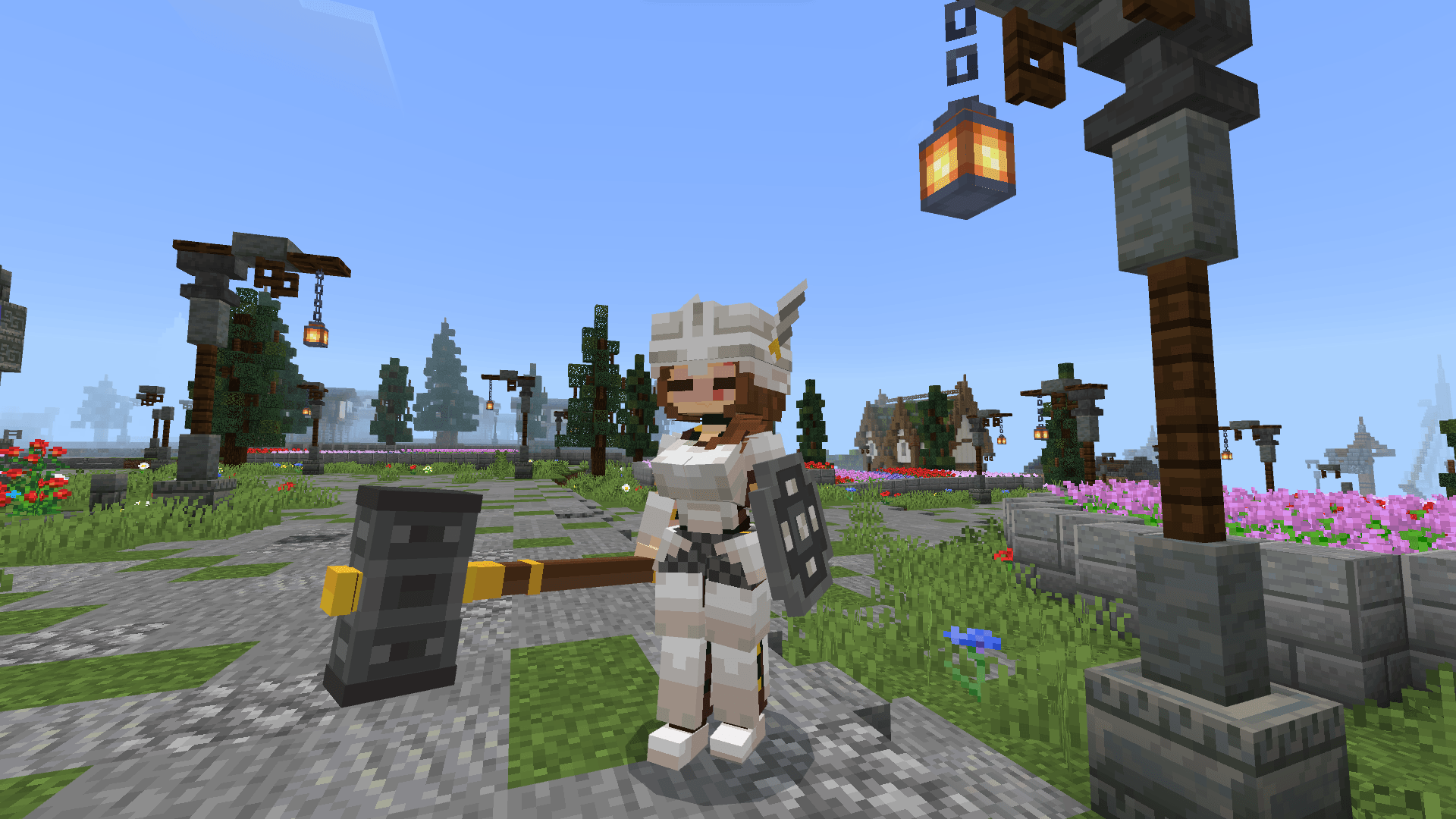

Iron Girl Cute
Transform your bulky Iron Golem into a cute 3D Anime Girl protector! High-quality model for Minecraft Bedrock 1.21 - 1.26. Survival and Creative friendly!Download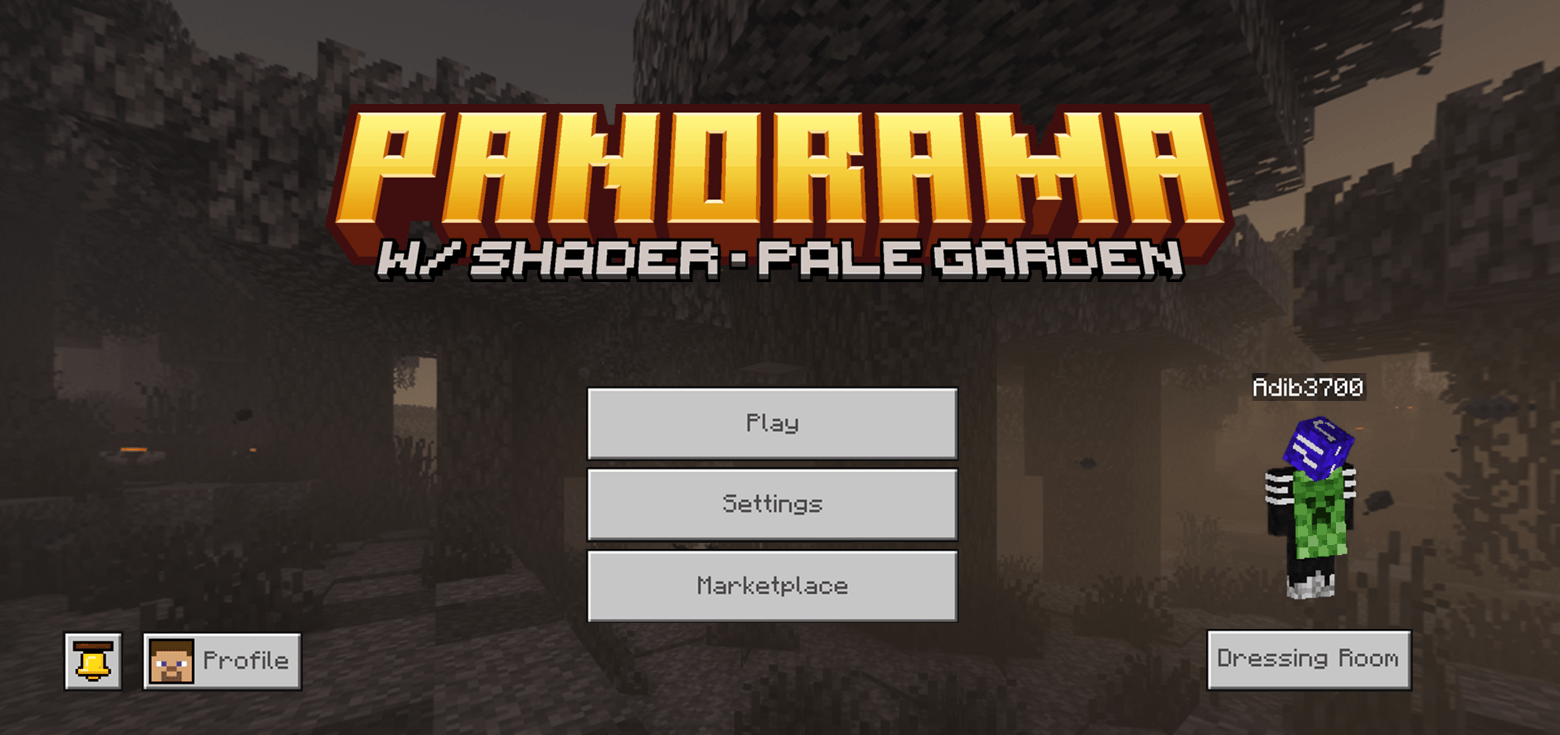
Garden Awakens Panorama with Shaders (Bedrock Edition)
Applies shader to the pale garden panoramaDownload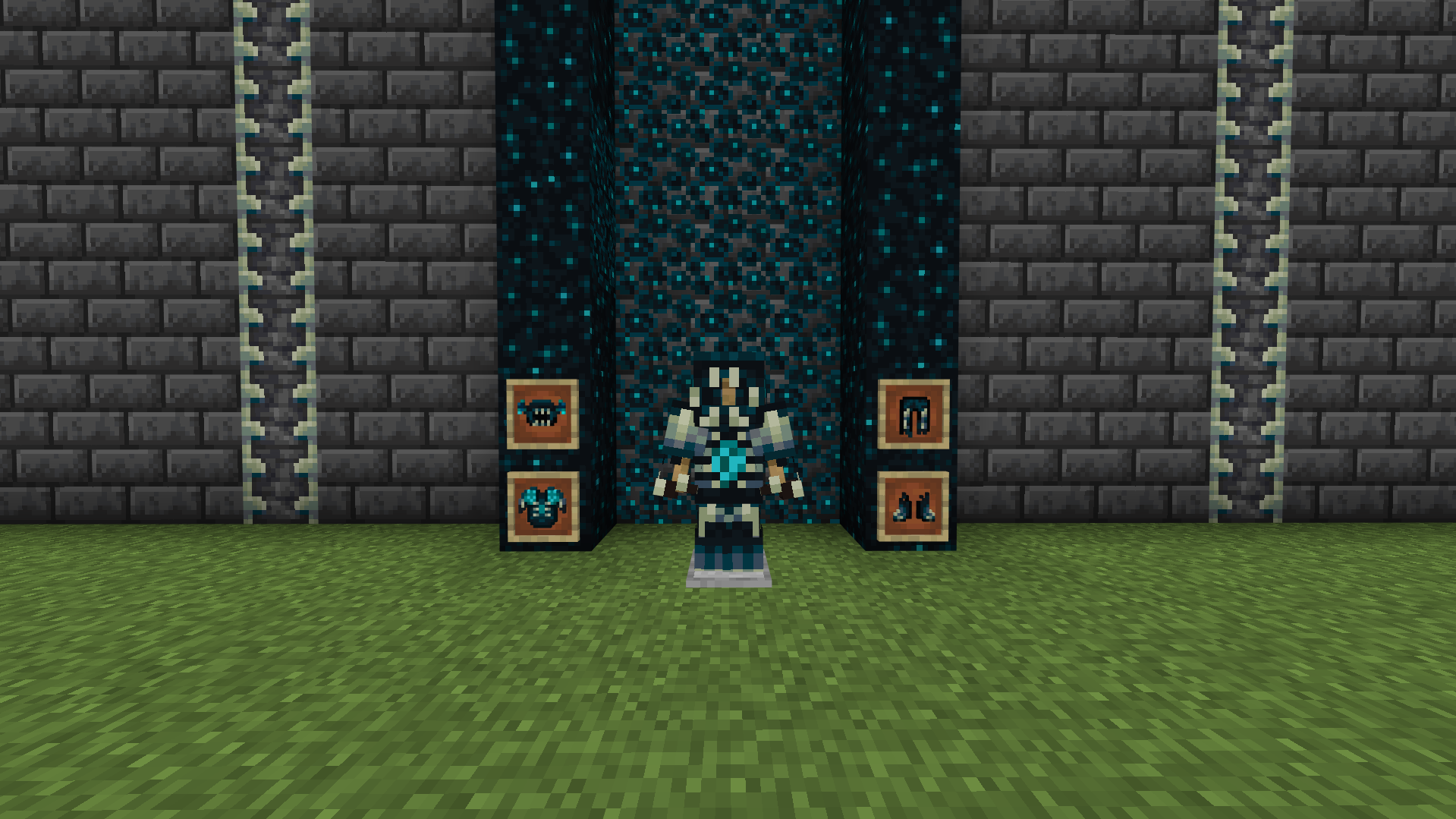

Warden Netherite Armor
A texture pack that replaces Netherite armor with a dark Warden inspired design.Download

Better Bones [Wilderness Bound Drop]
Hello I am a big fan of the bare bones texture pack but i wanted to make some changes that's why i would like to introduce the better bones texture!Download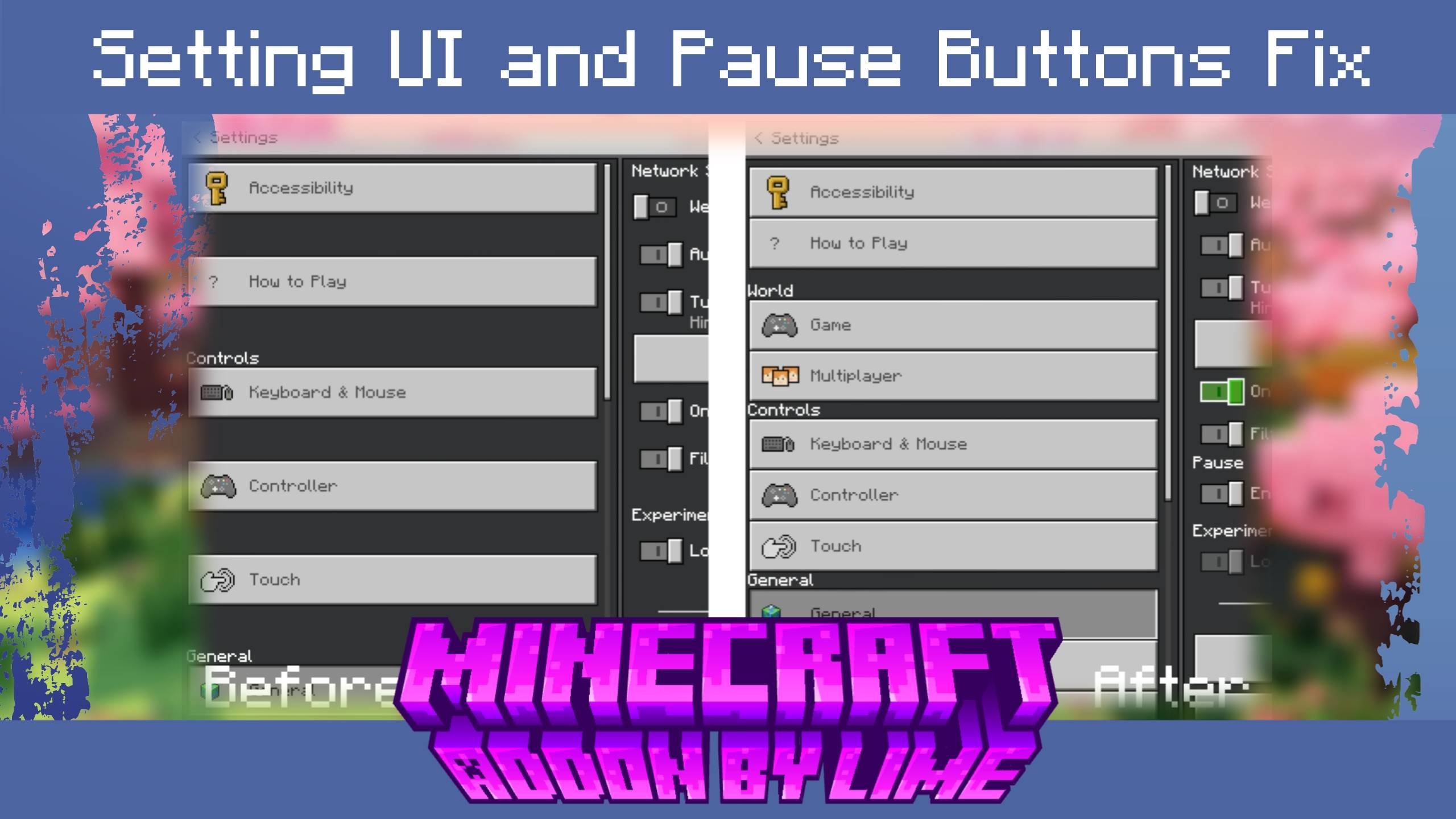

Bedrock UI Fix Pack – Settings & Pause Menu
A simple but powerful Minecraft Bedrock UI fix pack that repairs the Settings menu gap, Pause Menu button swap, removes the Marketplace icon, and restores the old Pause Menu with customizable subpacks.Download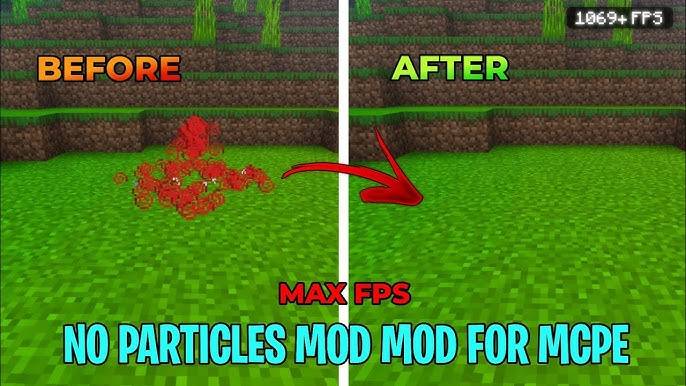

No Particle FPS
This resource pack completely removes all in game particles which help in boosting fps and give smoother lag free minecraft experinceDownload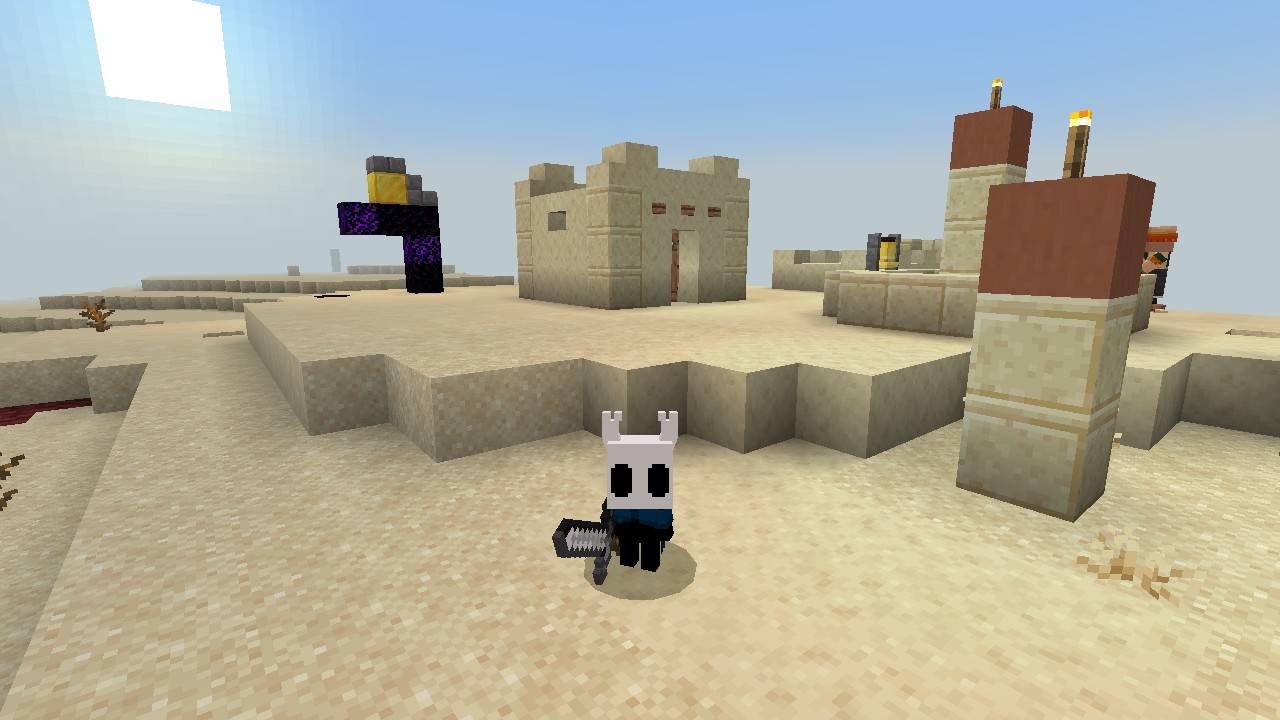

The Knight 4d Skin
4d The Knight Skin TexturepackDownload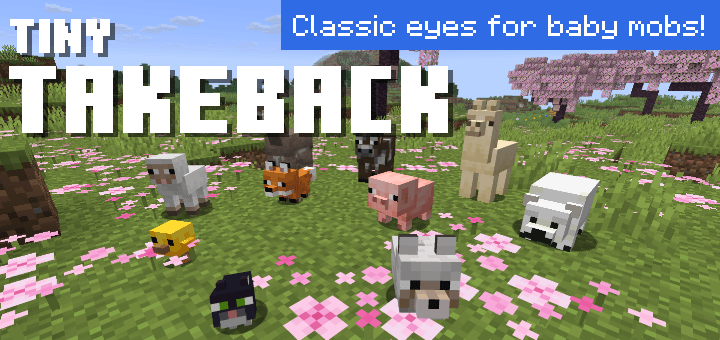
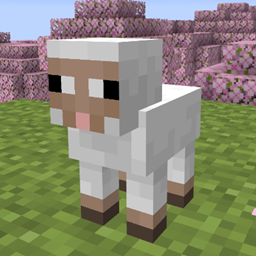
Tiny Takeback
Take back classic eyes for the new baby mobs in Tiny Takeover game drop!Download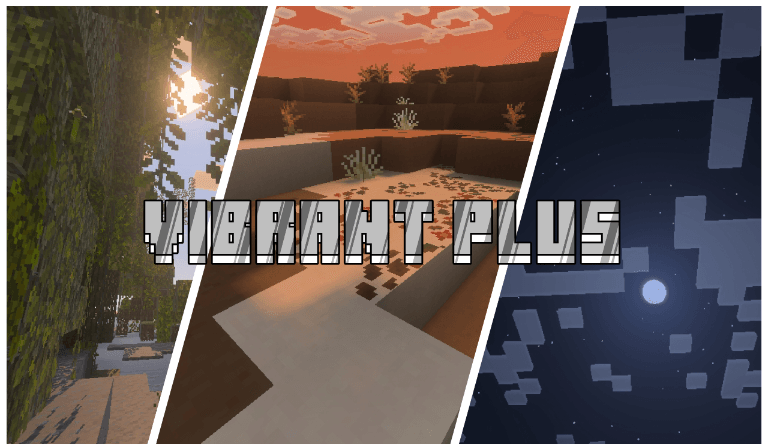

Aoffy Vibrant+
Beautiful custom vibrant visual shader for anyoneDownload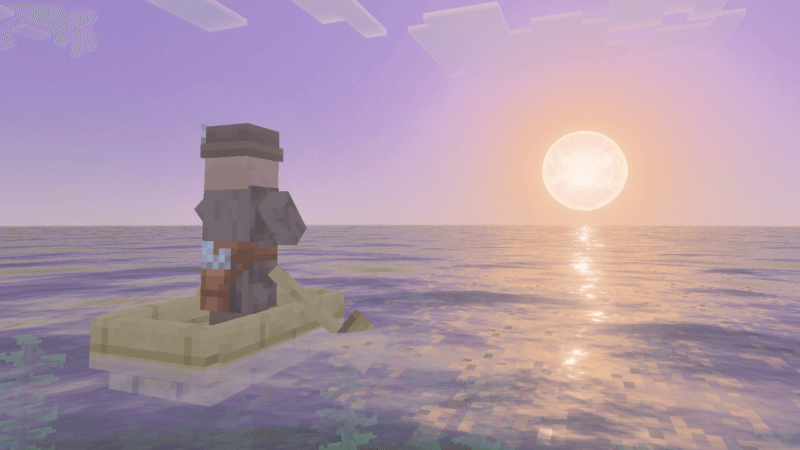

Veloria Visual
Veloria Visual offers a vibrant and immersive visual experience with balanced lighting, rich colors, and a beautiful atmosphere. Perfect for players who want a world that feels both lively and visually stunning.Download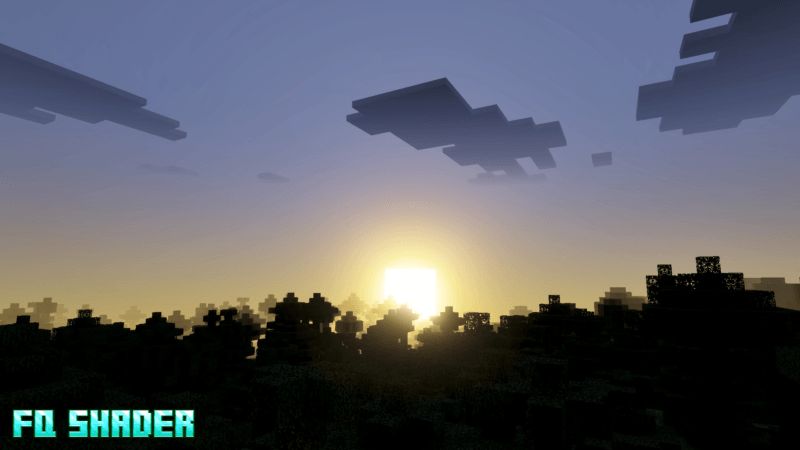
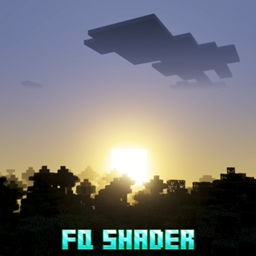
FQ Shader
This shader makes your visuals look more natural and blue, while also making them more dynamic.Download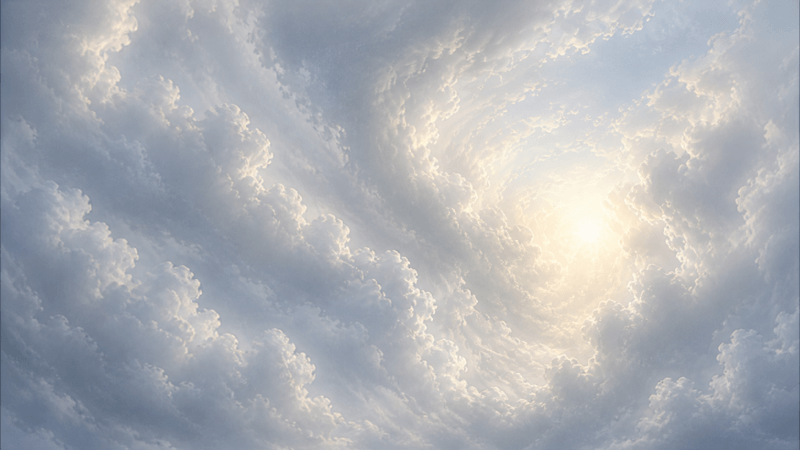
Luminous Cloud
Luminous Cloud will enhance your Overcube for better performance.Download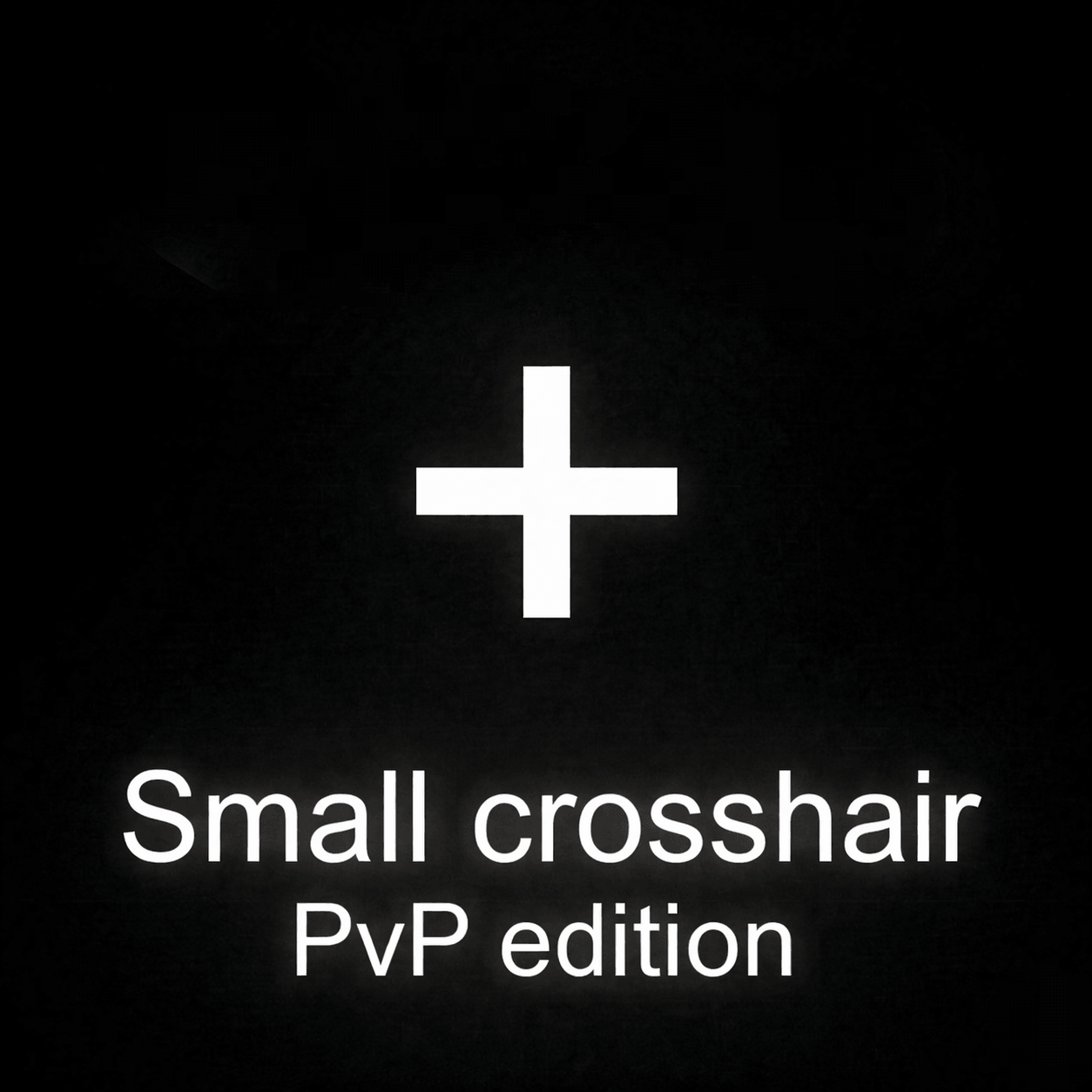

Small Crosshair - PvP Edition
This texture pack helps you to get better aim in PvP of bedwars,skywars and also for practice. It gives you small crosshairDownload

Jujutsu Kaisen (JJK) - Yuta UI Inventory
Adds a Jujutsu Kaisen - Yuta UI InventoryDownload
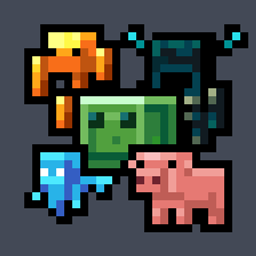
Spawned Eggs
Replaces spawn egg textures with blocky mob icons.Download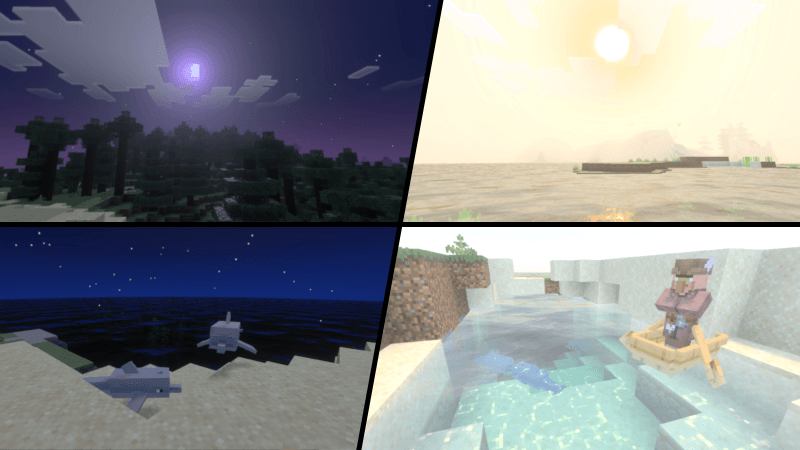

Astralis Visual (zephyr)
Astralis Visual transforms your world with cinematic lighting, crystal-clear water, and breathtaking celestial skies. Experience a perfect balance of realism and cosmic beauty, making every sunrise, sunset, and moonlit night feel truly magical. ✨Download

Better Armor Bar Colors UI
Better Armor Bars lets you customize your armor HUD with iconic textures like Netherite, Diamond, and Copper! 🛡️Download

Anime Totem Pack v1
Anime All Pack is a Minecraft Bedrock resource pack that transforms the game with anime-inspired textures, UI, and visuals. It enhances the overall look and feel with vibrant designs while keeping gameplay unchanged, perfect for anime fans.Download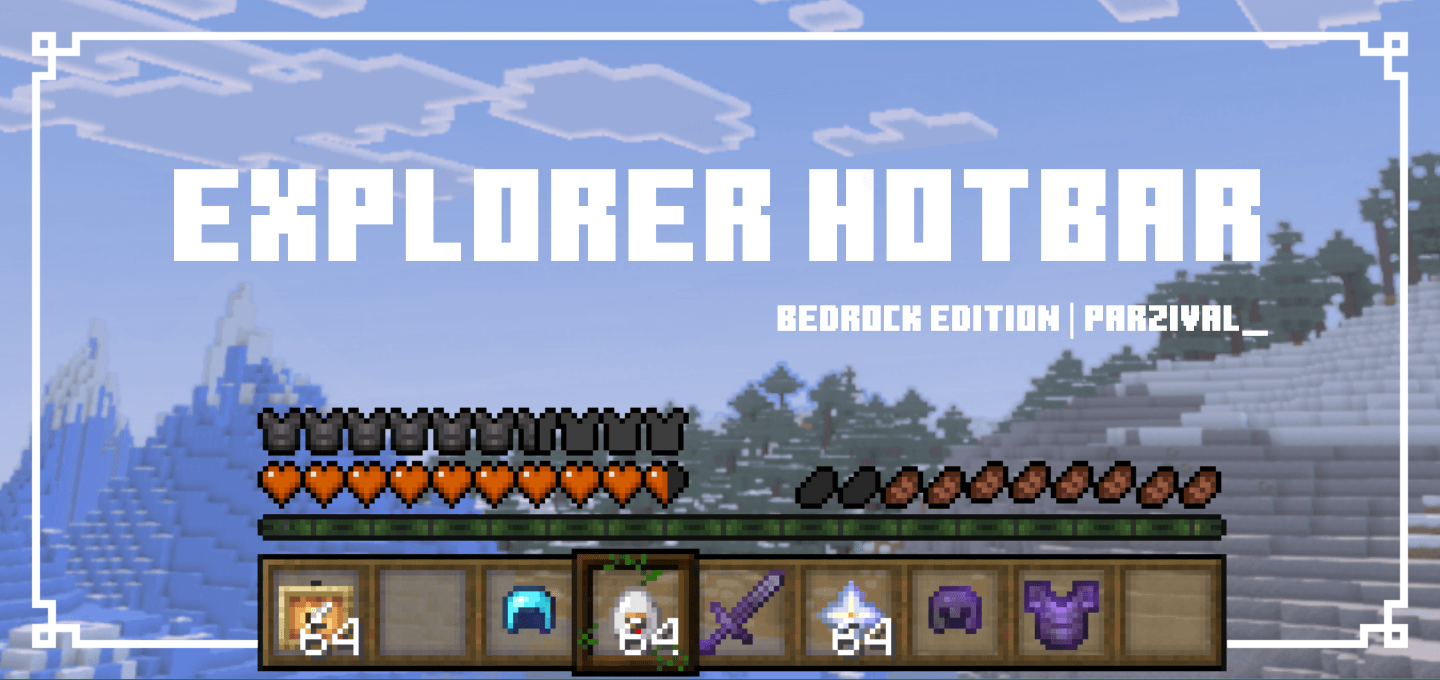

Explorer Hotbar
This pack retextures your hotbar as well as your health, hunger, armor, and heart icons.Download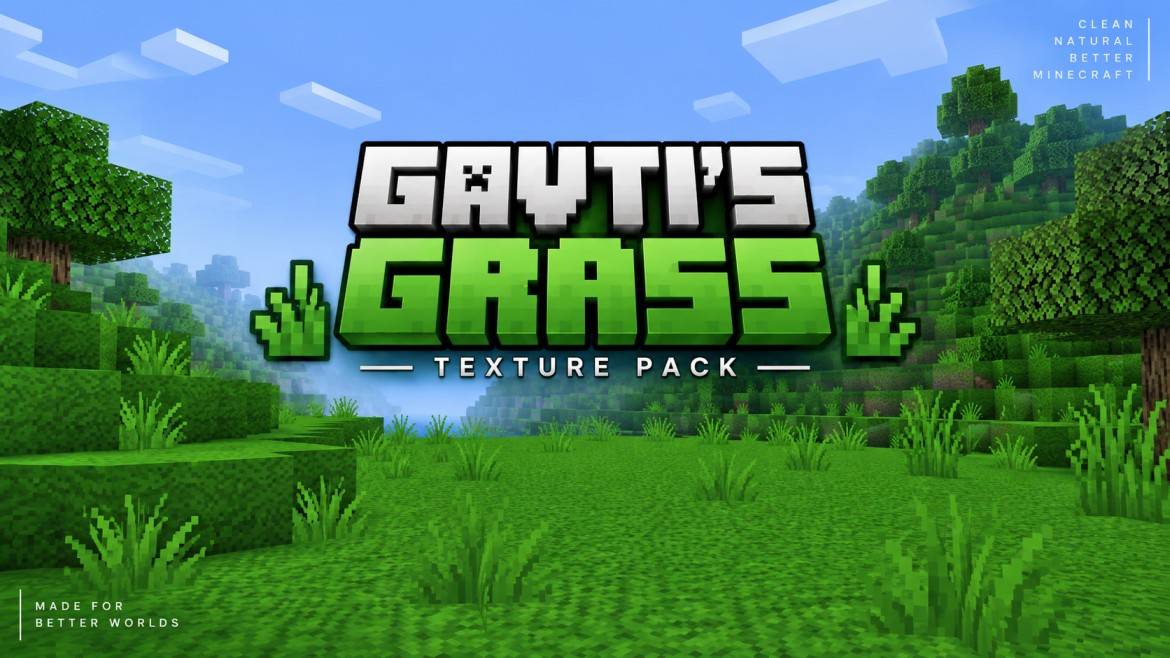
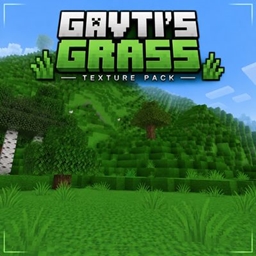
Better Grass by Gavti
Transform your Minecraft world with lush full-grass textures, matching short & tall grass, and a cleaner natural look. Enjoy smoother blending, greener landscapes, and a fresh vanilla-friendly style.Download

PVP CROSSHAIR PRO
PVP CROSSHAIR FOR MINECRAFT PVPDownload

Bunny Girl Senpai UI Inventory
Adds a Bunny Girl Senpai UI InventoryDownload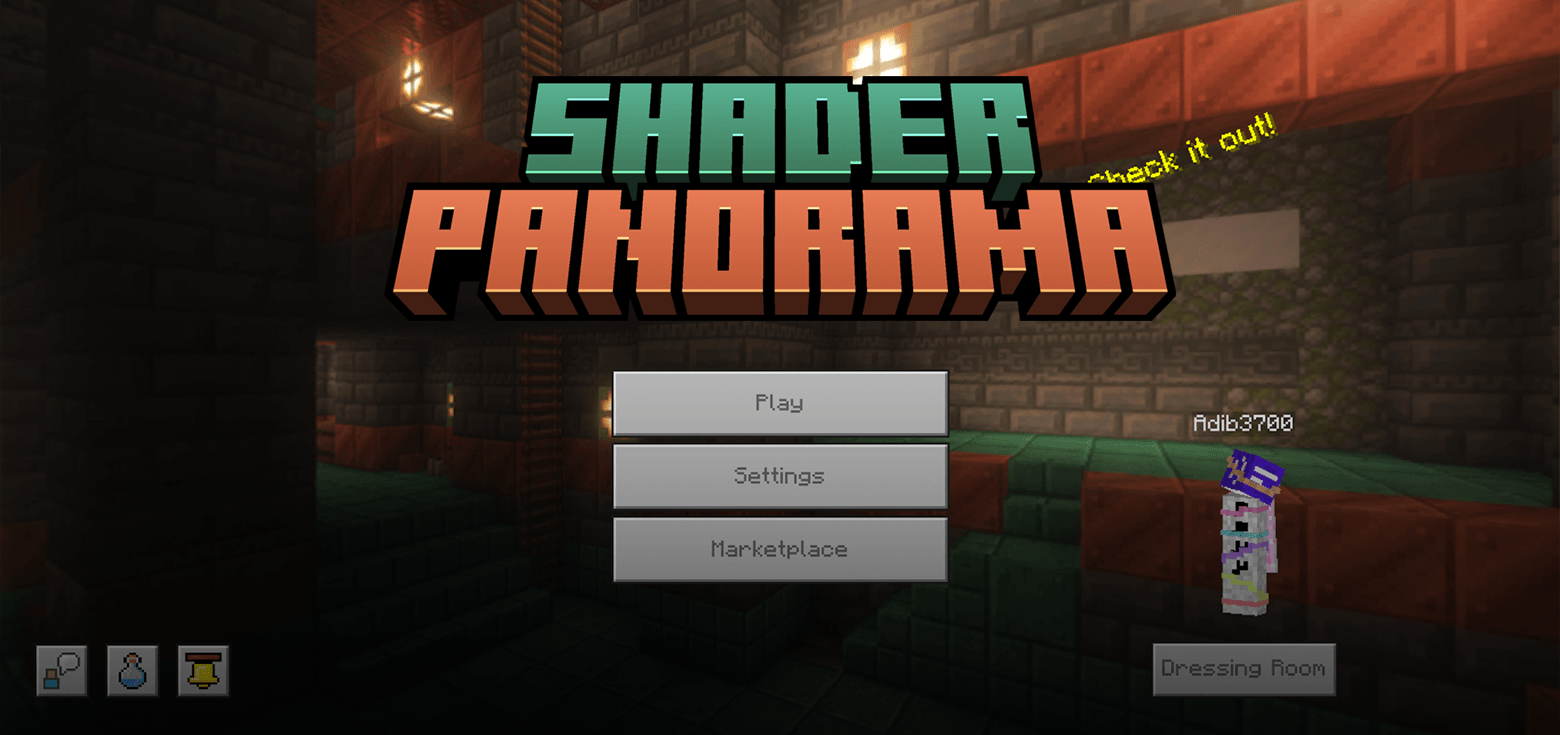

Tricky Trials Panorama with Shaders (Bedrock Edition)
A resource pack that improves the default panorama by applying a shaderDownloadFAQ
Do I need Forge or Fabric for a resource pack?
No. A resource pack works on the regular game with no loaders or mods. Click “Install” and Millida Launcher will put the pack into the right modpack — then just enable it in the settings.
What do 16×, 32×, 64× mean?
The resolution of a single texture in pixels. 16× matches the original game, 32× and 64× are more detailed and heavier, and 128× and up put a noticeable load on your graphics card.
Will a pack made for another version work?
Most likely partly: older packs don't have textures for newer blocks, so those will stay default. The game won't break, though.
How is a texture pack different from a resource pack?
Only by name and age. Before version 1.6 the sets were called texture packs and changed only textures; in 1.6 resource packs replaced them and also change sounds, fonts and the interface. Old texture packs for 1.5 and below do not work on new versions without conversion.
Which texture packs are best for PvP?
PvP packs: 16× resolution or lower, shortened swords, low fire, a clear sky and bright particles. They barely load the computer and make the opponent easier to see. These packs are collected in the PvP theme.
How do I install a resource pack?
Press Install and Millida Launcher puts the pack into the resourcepacks folder of the right instance. Then enable it in the game: Options, then Resource Packs. Manually, the archive goes into resourcepacks inside the game folder, no need to unpack it.
Minecraft texture packs
A resource pack changes how the game looks and sounds: block and item textures, fonts, the interface, sounds. It doesn't touch the game's code, so it needs no mod loader and breaks nothing on a server — the pack only works on your screen. That's exactly why a resource pack is safer than any mod: the worst that happens on a version mismatch is that some textures stay default.
Textures, texture packs and resource packs are essentially the same thing: since version 1.6 Mojang calls these sets resource packs, but the old name is still searched more often. PvP packs are a big genre of their own: shortened swords, low fire, bright particles and 16× resolution or lower, so the opponent stands out and the frame rate does not drop. Such packs are most often made for 1.8.9 and 1.16.5, the versions many PvP servers run on.
The key thing about a pack is its resolution. The game's default textures are 16×16 pixels; 32× and 64× packs look more detailed, while 128× and up need a real graphics card and are usually paired with shaders. On a weak machine it makes sense to stay at 16× or go for packs that deliberately simplify graphics for more FPS. Every pack here lists its game version, author and license, and all released versions are gathered on one card. Put the downloaded archive in the resourcepacks folder and enable it in the game settings.