
Minecraft texture packs — page 223
Resource packs: list
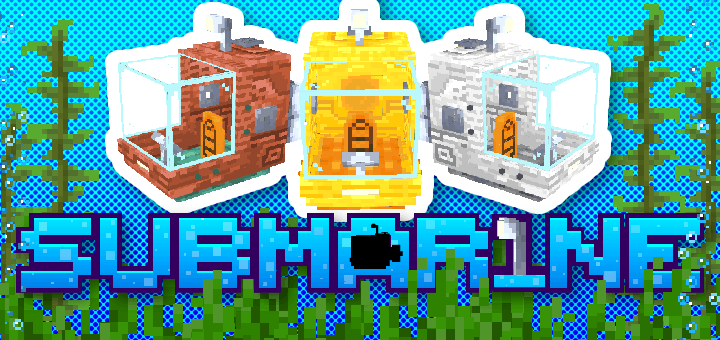

Submarine
Turn Nautilus into a SubmarineDownload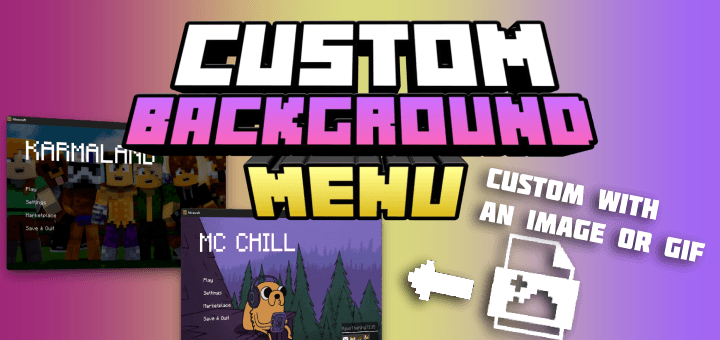
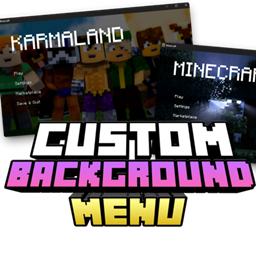
custom background menu
This RP customizes the Minecraft Bedrock start screen. You can create your own personalized main menu with an image or gif.Download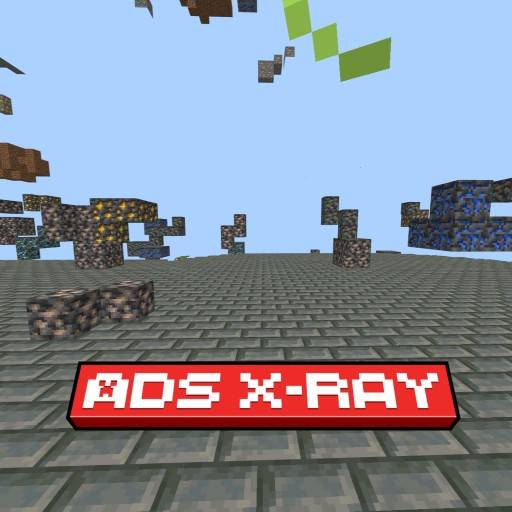
X Ray (ADS)
X-Ray Texture pack work everywhere.Download

FreshAir
Change the color of your Minecraft world to be greener and more comfortableDownload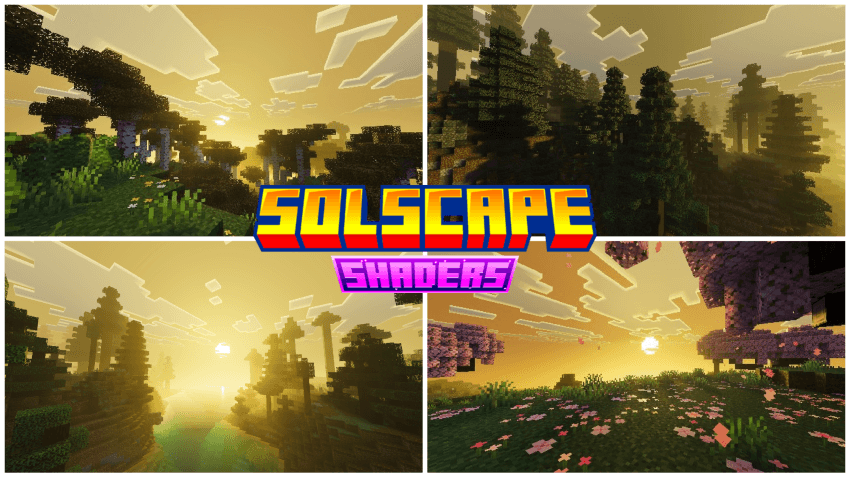
Solscape Shaders
atleast make something different once Solscape Shaders wraps Bedrock in warm, sun-soaked lighting — vibrant skies, golden fog, and glowing ores, without costing you performance.Download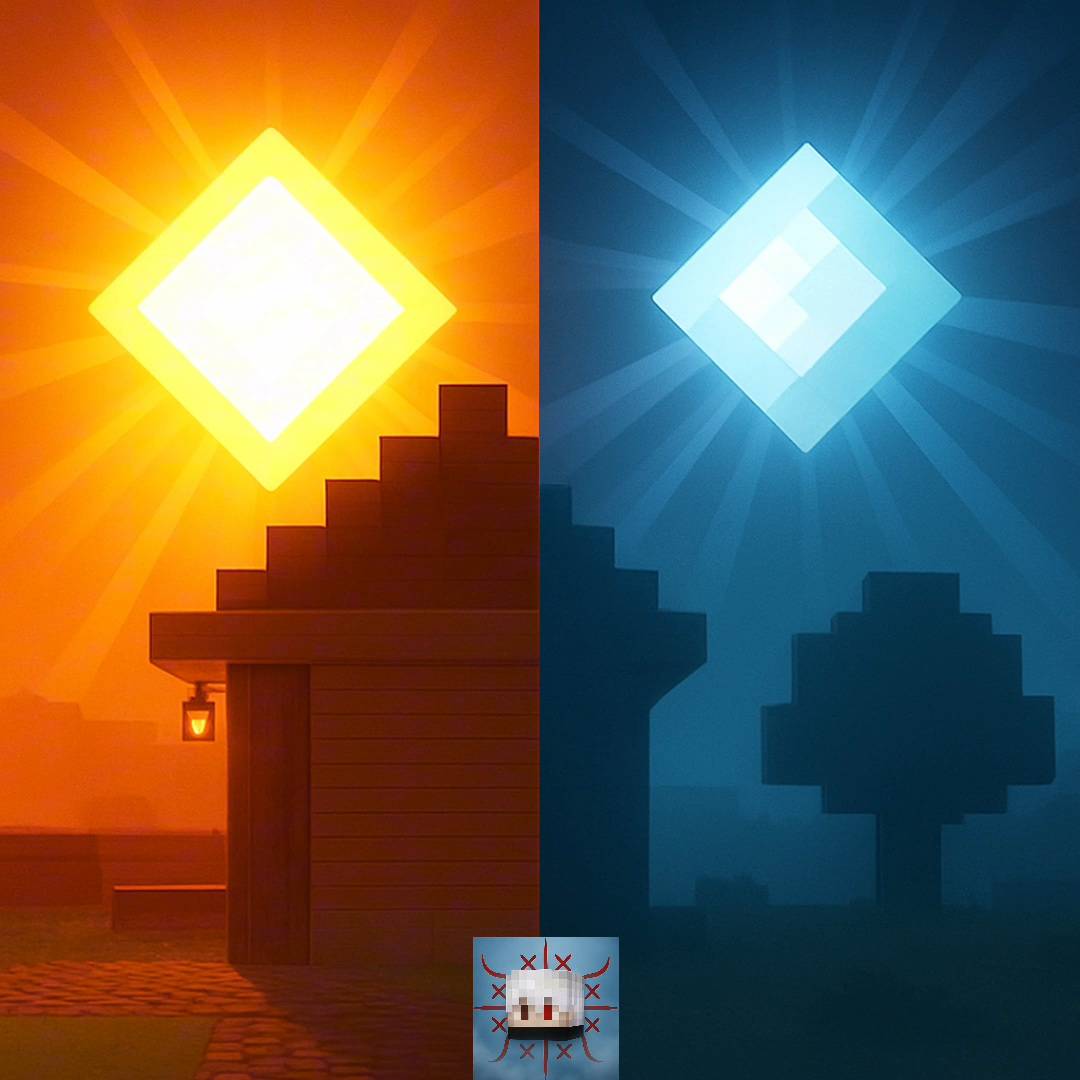
Sun & Moon Path
Simula a posição/caminho do sol e da lua, pelos shaders BSL da Java. Compatível com o Minecraft original e patchDownload

Waypoints+(resource pack only)
Minimal waypoint texture pack: use the stick to mark player locations and deaths.Download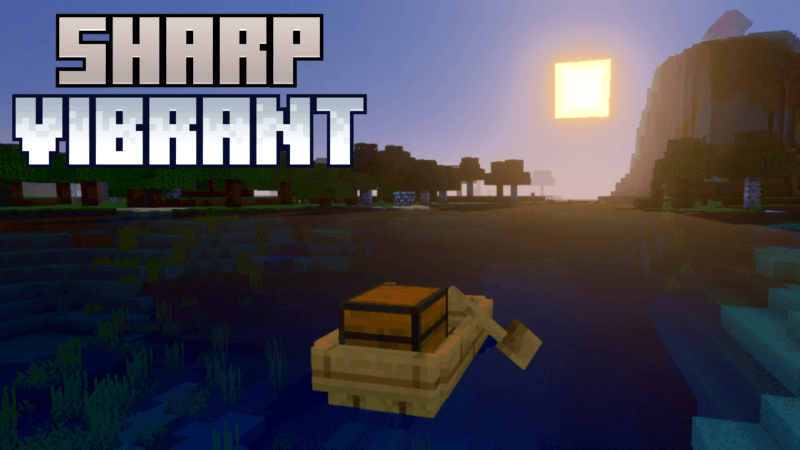
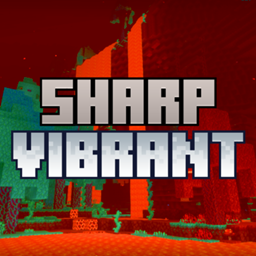
SHARP VIBRANT
This Texture will make your world look more sharp, vibrant and dynamic.Download

Better Hearts Bar Colors UI
Better Hearts lets you change your vanilla health bar to your favorite color! 15 unique variants included. ❤️Download
X-RAY VISION
Download XRay texture pack for Minecraft PE: look through blocks and other materials in search of rare ores without problems.Download

Lower Shield
This resource pack makes shields smaller in first-person viewDownload

Survival+ (survival pack)
Enhances survival experience with MANY FEATURESDownload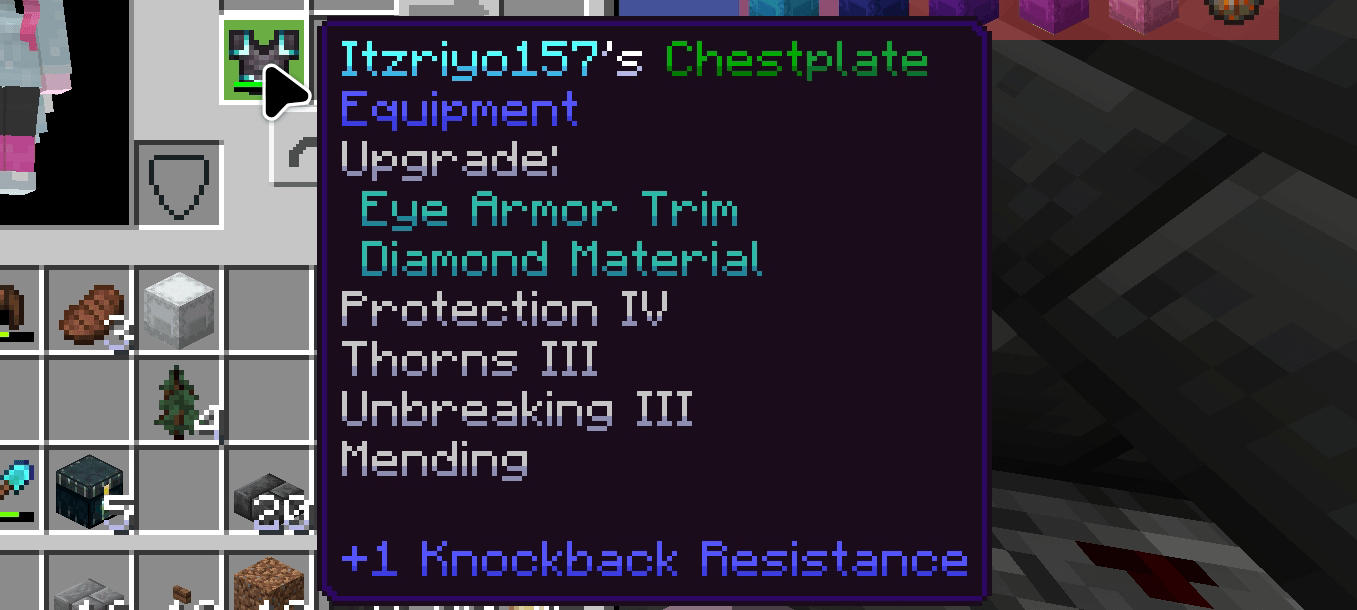

Shaded Font (16x)
Add shading to your font to make it cooler.Download

Bare Bones PBR x128 - Emissive Ores
Emissive Ores for Bare Bones PBR x128 !Download

Falewvenda's HD Black Hole
A Minecraft Bedrock Texture Pack that replaces the sun texture with a cool black hole!Download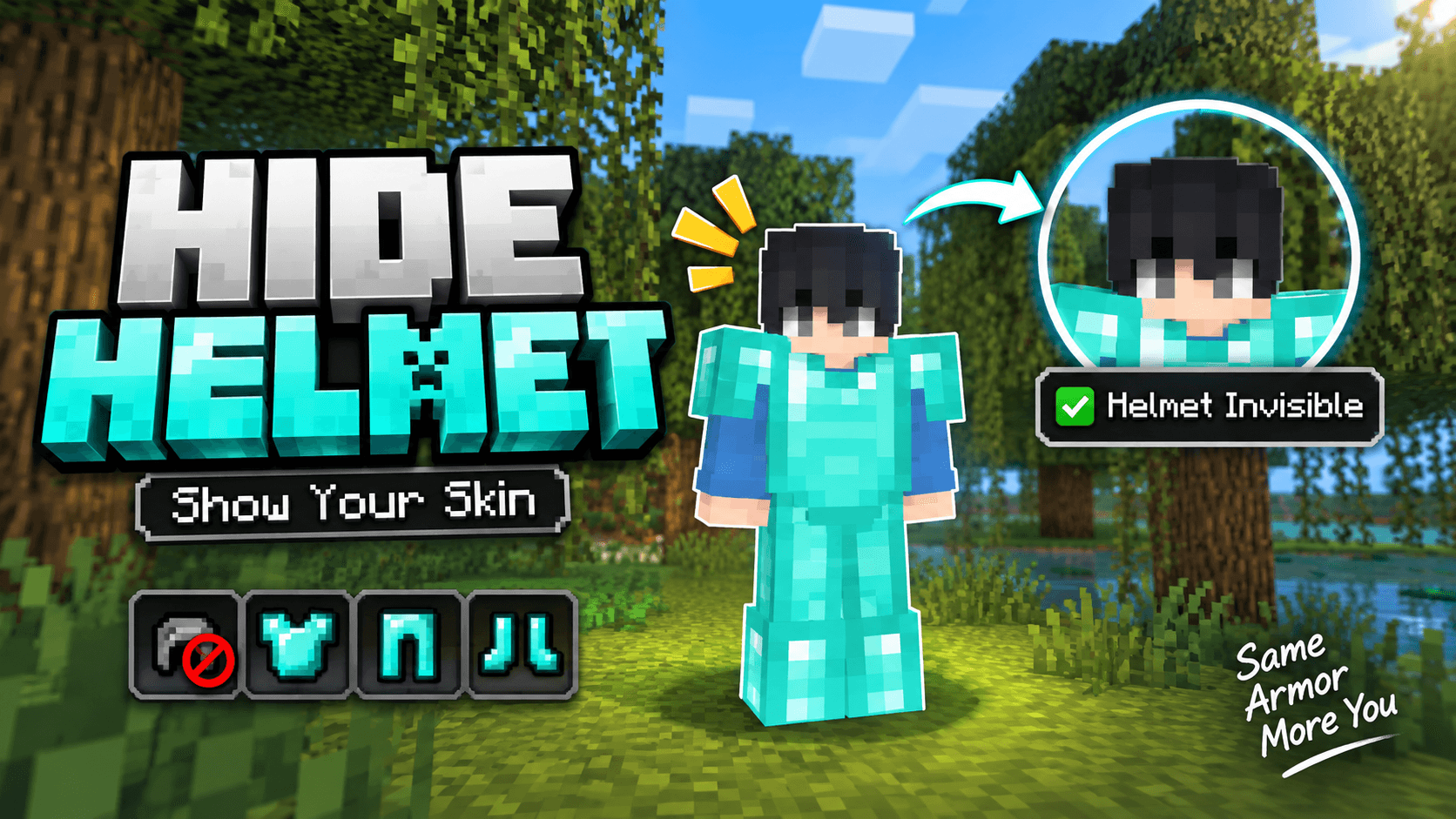
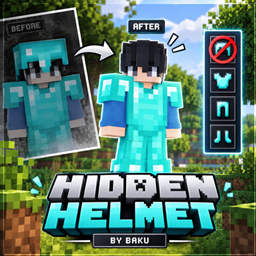
INVISIBLE HELMET BY BAKU
Hidden Helmet hides your equipped helmet while keeping its protection active. Show your Minecraft skin clearly without removing armor. Lightweight, clean, survival-friendly, and created by Baku.Download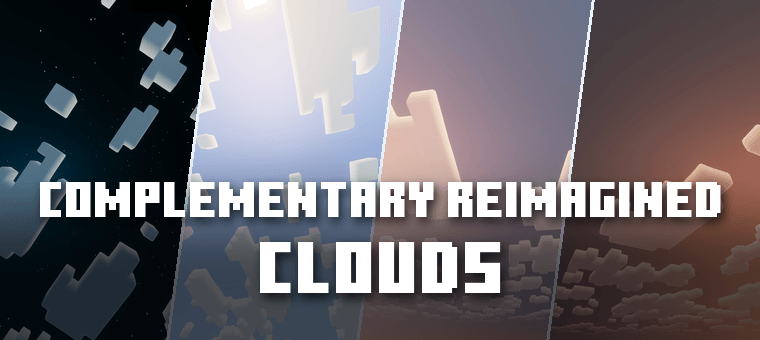

Complementary Reimagined Clouds
Complementary Reimagined style clouds for Minecraft Bedrock! Works with any shader or visuals pack you already use. Just add it on top and enjoy those iconic Java shader clouds on Bedrock!Download

Pie Shader (Ultimate Visuals)
Transform Minecraft Bedrock with cinematic lighting, realistic water, immersive atmospherics, vibrant skies, and RTX-inspired visuals optimized for Minecraft 1.21 - 26.20+ ✨Download

ZEPHYR SHADER
This shader is a lightweight version of Zephyr Shader, where all visuals look dynamic and also horror-themed.Download

Marin Kitagawa Totem
Replaces the Totem of Undying with an Anime Marin Kitagawa TotemDownload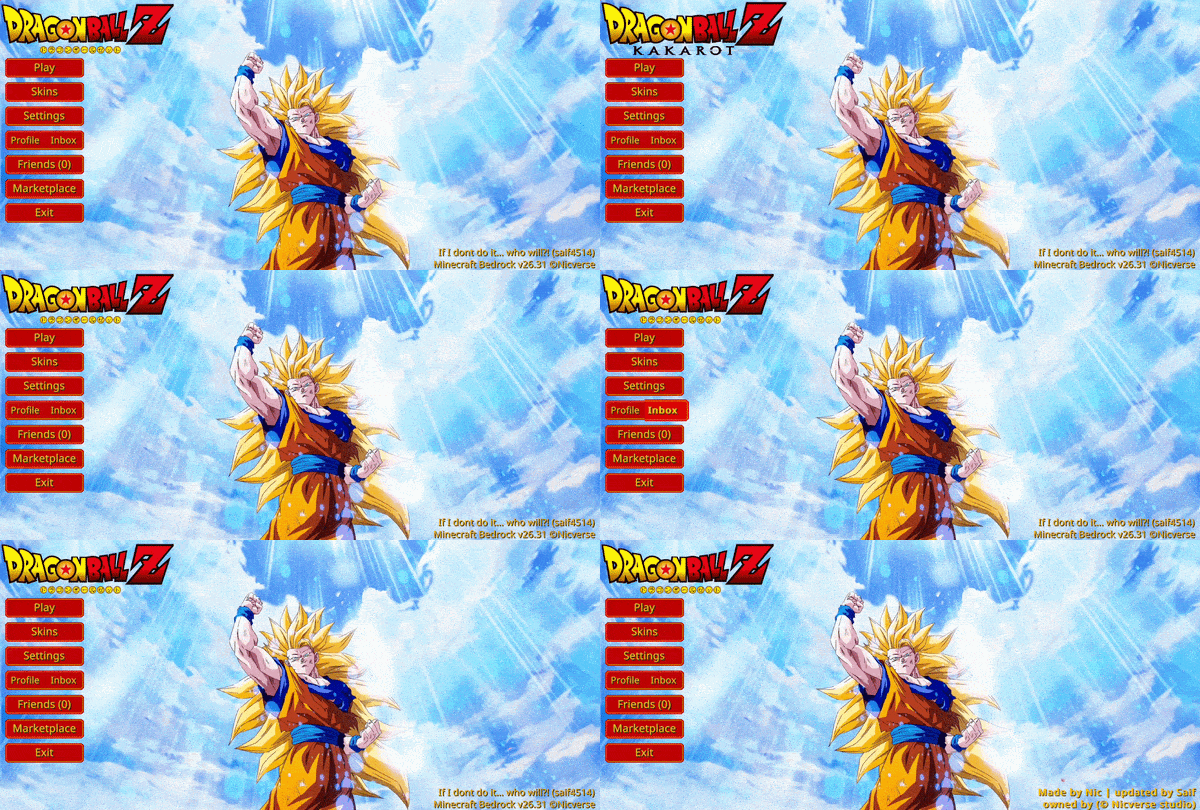

Animated Goku SSJ3 UI
A character-themed animated menu design for the Start Screen and Settings Screen, inspired by Goku’s Super Saiyan 3 from Dragon Ball Z, featuring golden aura effects and charged energy for a powerful, cinematic Minecraft experience.Download

Bare Bones - Better Leaves
Enhances the leaves textures in Bare Bones with more detail and style, improving the visual appeal while keeping the minimalist design.Download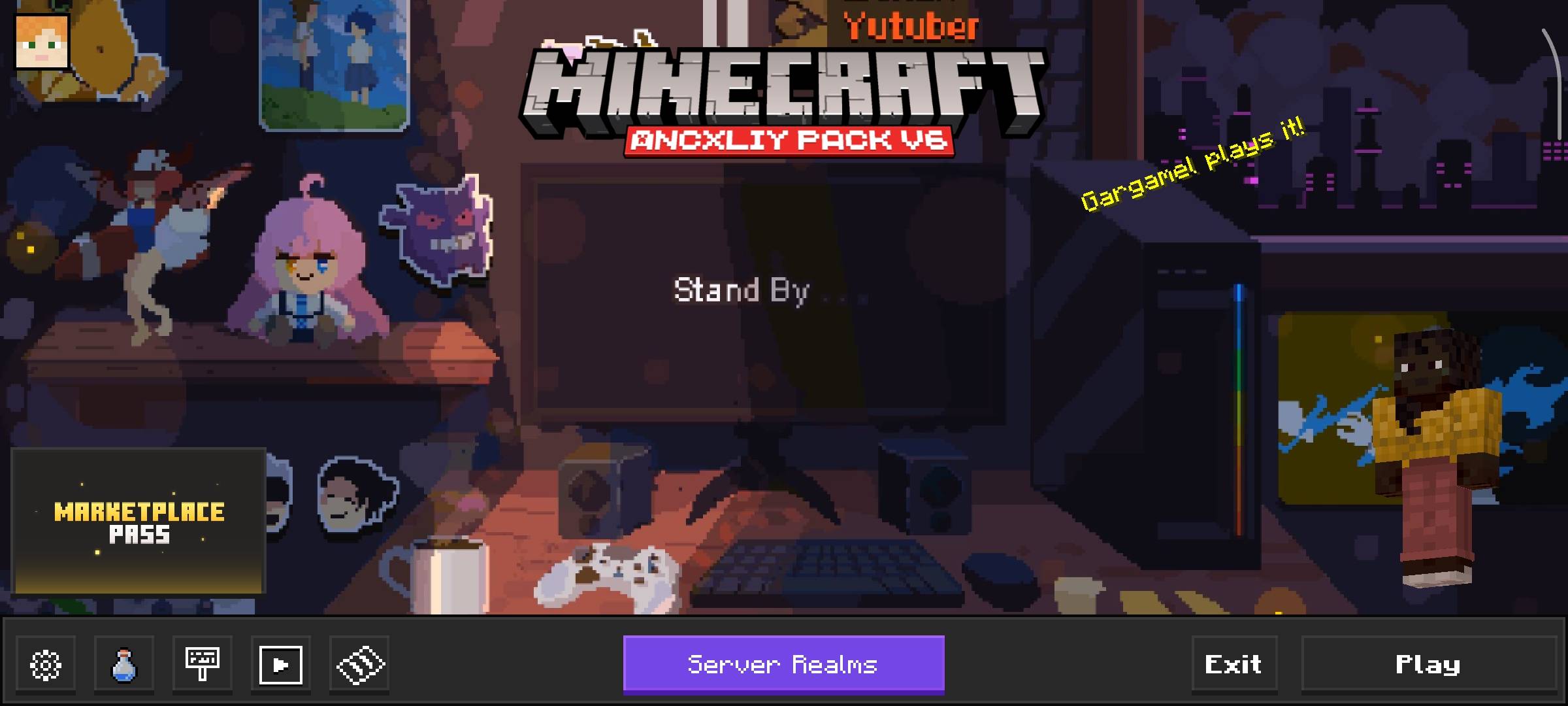

Ancxliy Gui
A charming and cozy UI overhaul that replaces standard menus with delightful hand-drawn aesthetics and adorable feline companions.DownloadFAQ
Do I need Forge or Fabric for a resource pack?
No. A resource pack works on the regular game with no loaders or mods. Click “Install” and Millida Launcher will put the pack into the right modpack — then just enable it in the settings.
What do 16×, 32×, 64× mean?
The resolution of a single texture in pixels. 16× matches the original game, 32× and 64× are more detailed and heavier, and 128× and up put a noticeable load on your graphics card.
Will a pack made for another version work?
Most likely partly: older packs don't have textures for newer blocks, so those will stay default. The game won't break, though.
How is a texture pack different from a resource pack?
Only by name and age. Before version 1.6 the sets were called texture packs and changed only textures; in 1.6 resource packs replaced them and also change sounds, fonts and the interface. Old texture packs for 1.5 and below do not work on new versions without conversion.
Which texture packs are best for PvP?
PvP packs: 16× resolution or lower, shortened swords, low fire, a clear sky and bright particles. They barely load the computer and make the opponent easier to see. These packs are collected in the PvP theme.
How do I install a resource pack?
Press Install and Millida Launcher puts the pack into the resourcepacks folder of the right instance. Then enable it in the game: Options, then Resource Packs. Manually, the archive goes into resourcepacks inside the game folder, no need to unpack it.
Minecraft texture packs
A resource pack changes how the game looks and sounds: block and item textures, fonts, the interface, sounds. It doesn't touch the game's code, so it needs no mod loader and breaks nothing on a server — the pack only works on your screen. That's exactly why a resource pack is safer than any mod: the worst that happens on a version mismatch is that some textures stay default.
Textures, texture packs and resource packs are essentially the same thing: since version 1.6 Mojang calls these sets resource packs, but the old name is still searched more often. PvP packs are a big genre of their own: shortened swords, low fire, bright particles and 16× resolution or lower, so the opponent stands out and the frame rate does not drop. Such packs are most often made for 1.8.9 and 1.16.5, the versions many PvP servers run on.
The key thing about a pack is its resolution. The game's default textures are 16×16 pixels; 32× and 64× packs look more detailed, while 128× and up need a real graphics card and are usually paired with shaders. On a weak machine it makes sense to stay at 16× or go for packs that deliberately simplify graphics for more FPS. Every pack here lists its game version, author and license, and all released versions are gathered on one card. Put the downloaded archive in the resourcepacks folder and enable it in the game settings.