
Minecraft texture packs — page 222
Resource packs: list

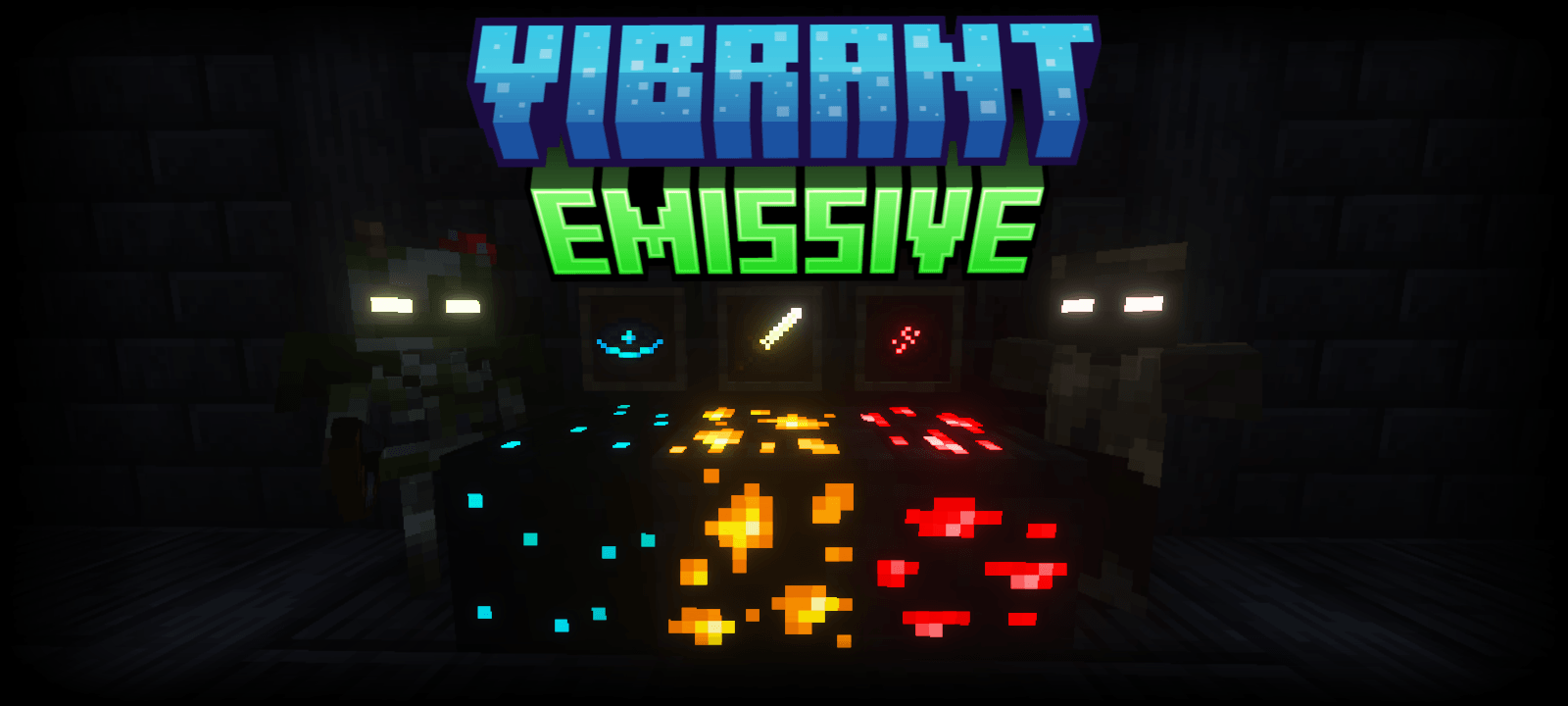

Vibrant Emissive
Make some of your blocks, entities and items glow in the dark with Vibrant Emissive.Download

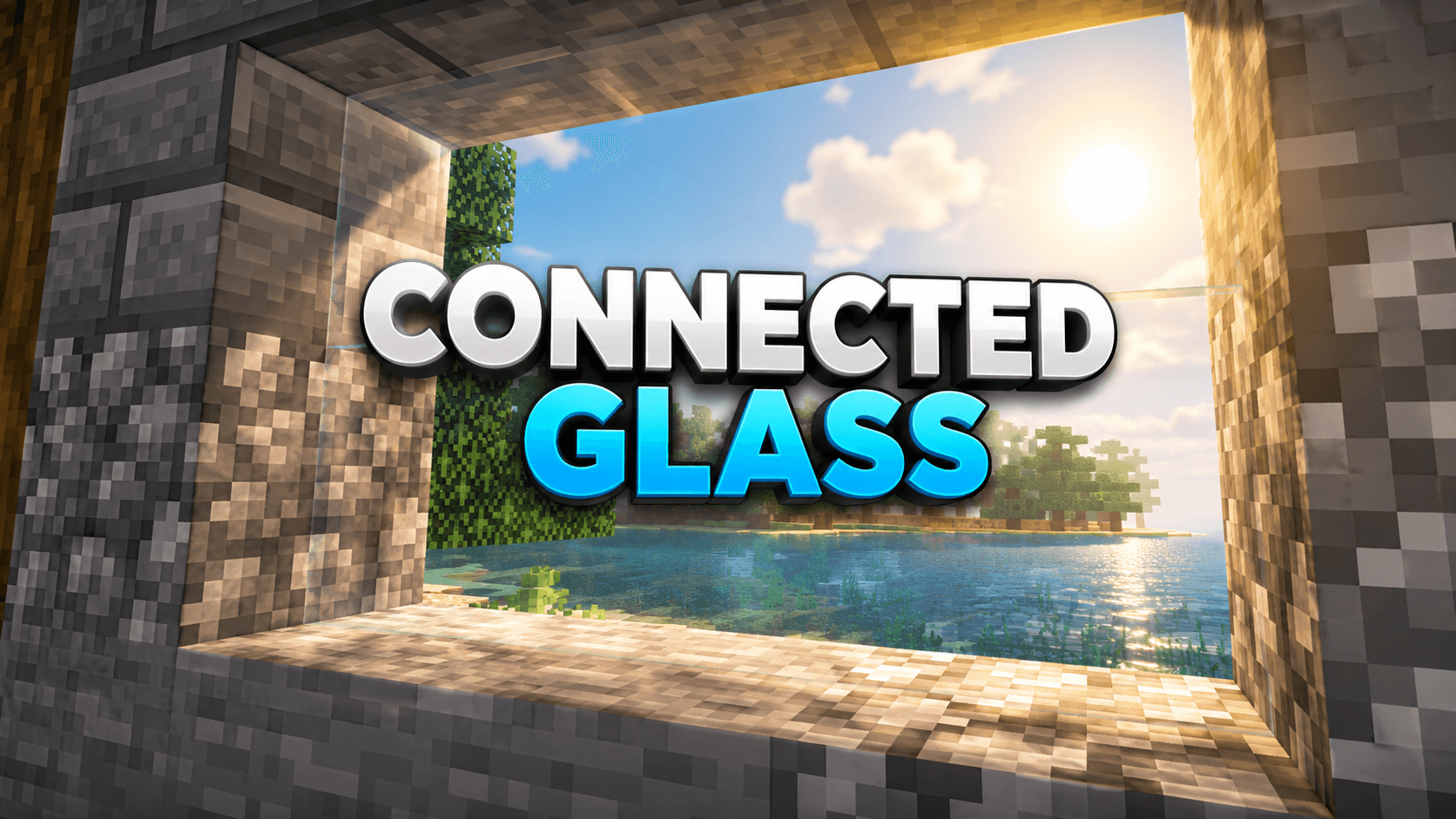
Connected soul glass
Are you looking for a texture to replace those ugly glass edges? Well you found the right pack, this texture pack changes the glass with a texture that adds A connected pattern that is fully balanced, making it perfect for survival worlds.Download

BNS Shader v2.01
A shader that takes a unique approach to enhance the basic lighting and visual projections resulting to a superb gaming experience!Download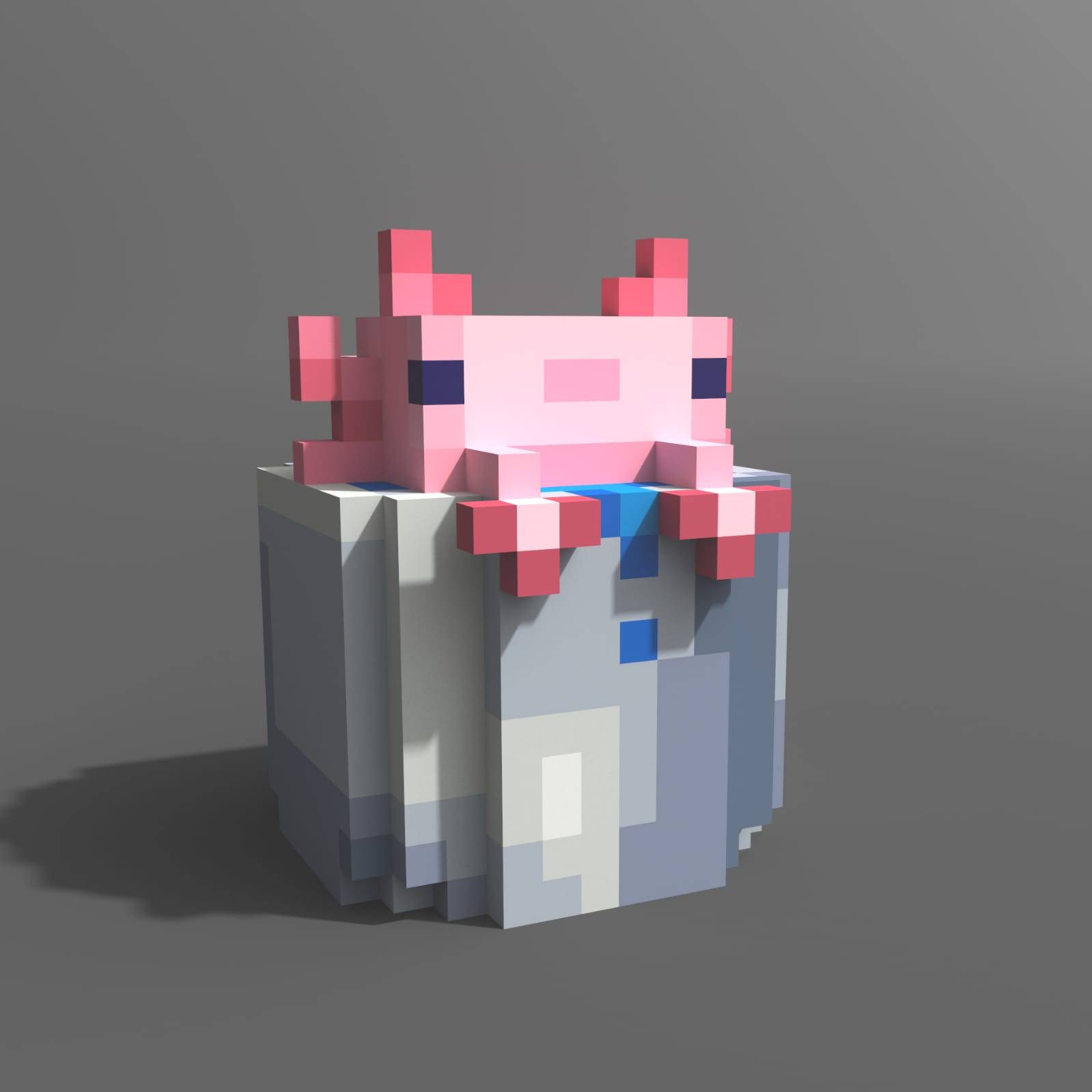
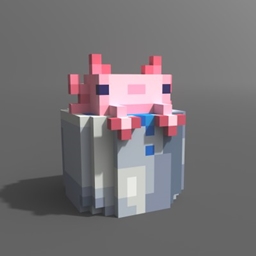
Better Buckets
Give 3d and live animation texture to the bucketsDownload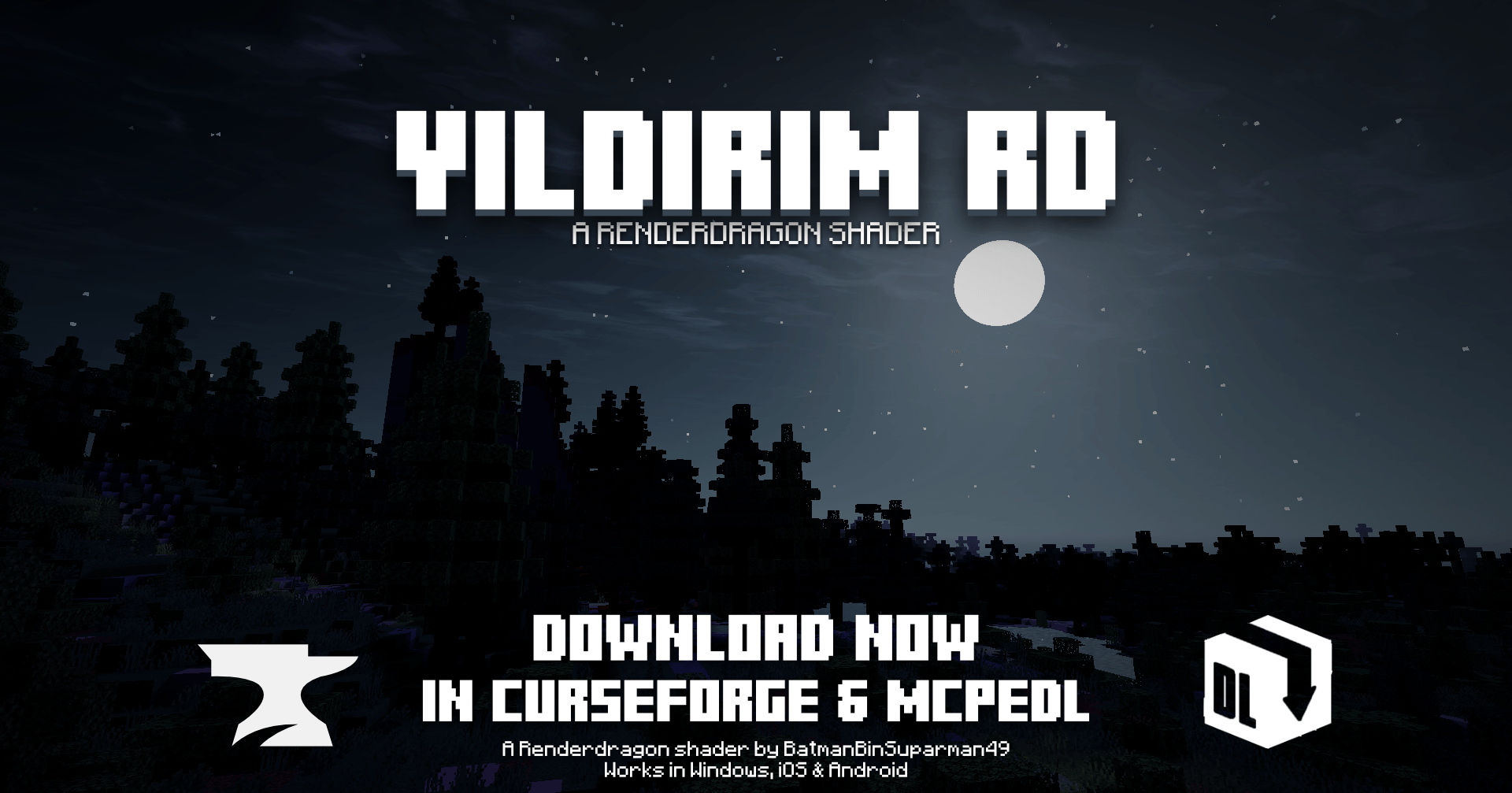
Yildirim Shader RD
A realistic-themed RenderDragon Shader by BatmanBinSuparman49 with resplendent skies, atmospheric fog and water.Download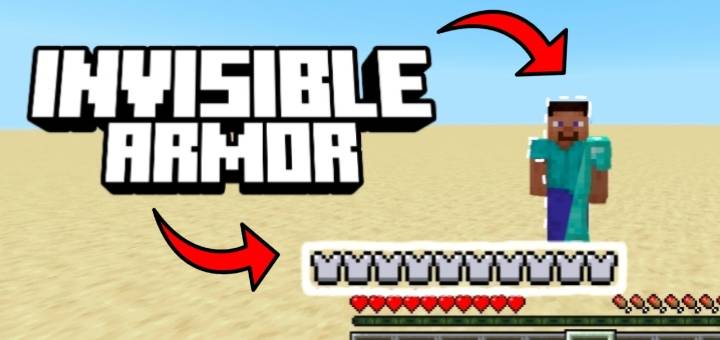

Invisible Armor Models
Makes armor transparent to show player skins while keeping armor functionalityDownload

Lepherial SX0 16x
A Blue Futuristic Knight Themed PvP Texture Pack.Download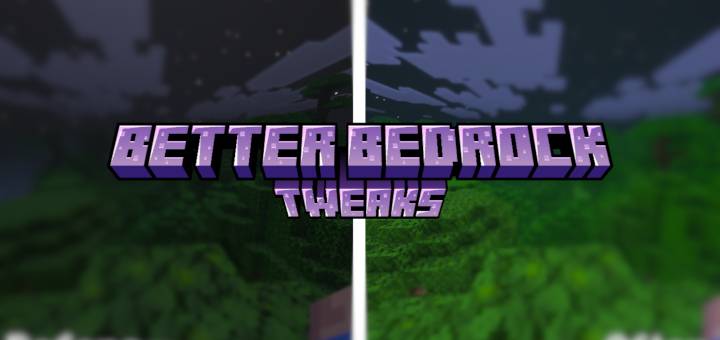

Better Texture Tweaks
Better Bedrock Tweaks is a complete Minecraft Bedrock Edition texture enhancement pack designed to improve visibility, clarity, UI design, particles, blocks, items, PvP readability, and overall gameplay comfort.Download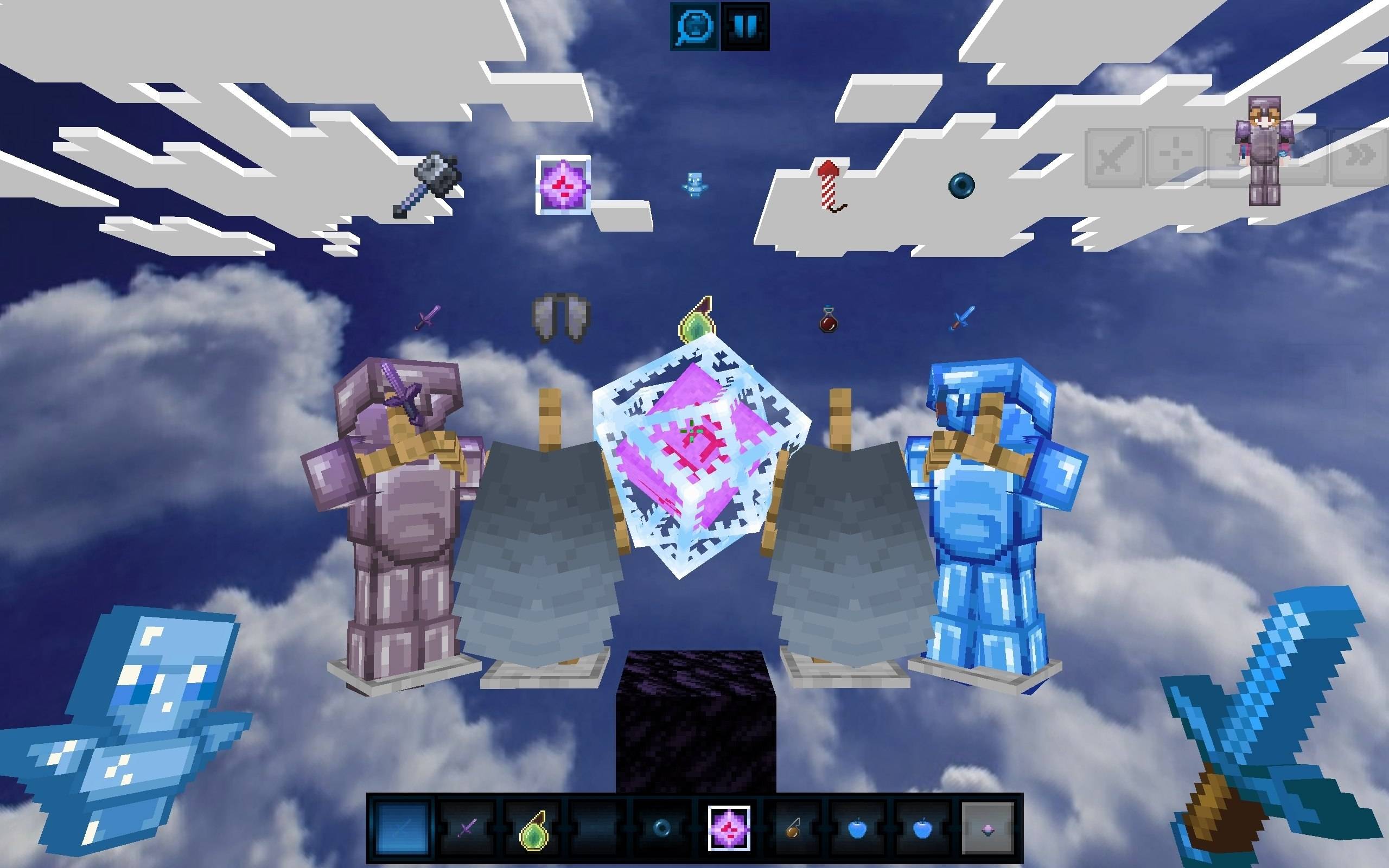

Celestial Blue PvP Pack
Dominate your opponents with this clean and vibrant Bedrock PvP texture pack! It completely transforms your game with a breathtaking custom skybox, detailed armor textures with custom capes, and a unique blue Totem of Undying.Download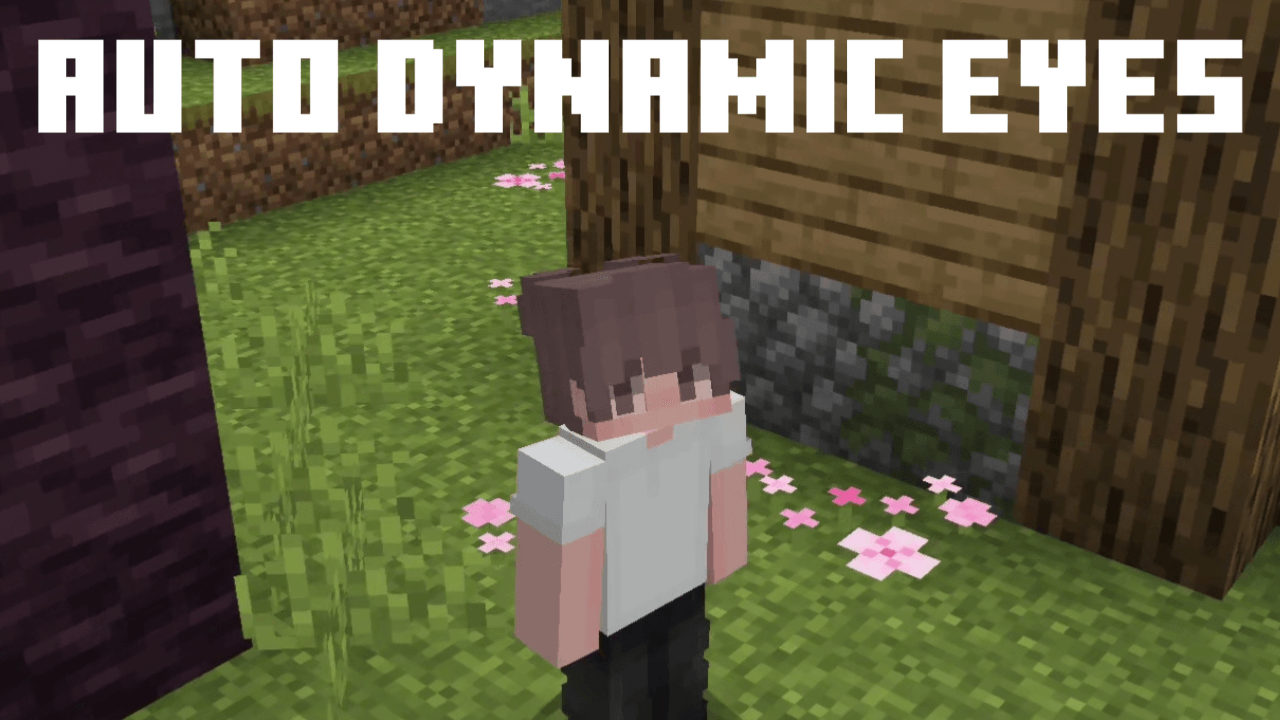
Auto Dynamic Eyes
Make your minecraft skin more expressive with smooth eye animationsDownload

Just Normal Cats
This texture pack improves and modernizes the cat's texture and model. This pack also makes changes to Ocelot.Download

Samuca Saturated
The Samuca Saturated v2.3 texture pack was created with performance and player comfort in mind, providing a lighter and more enjoyable gameplay experience.Download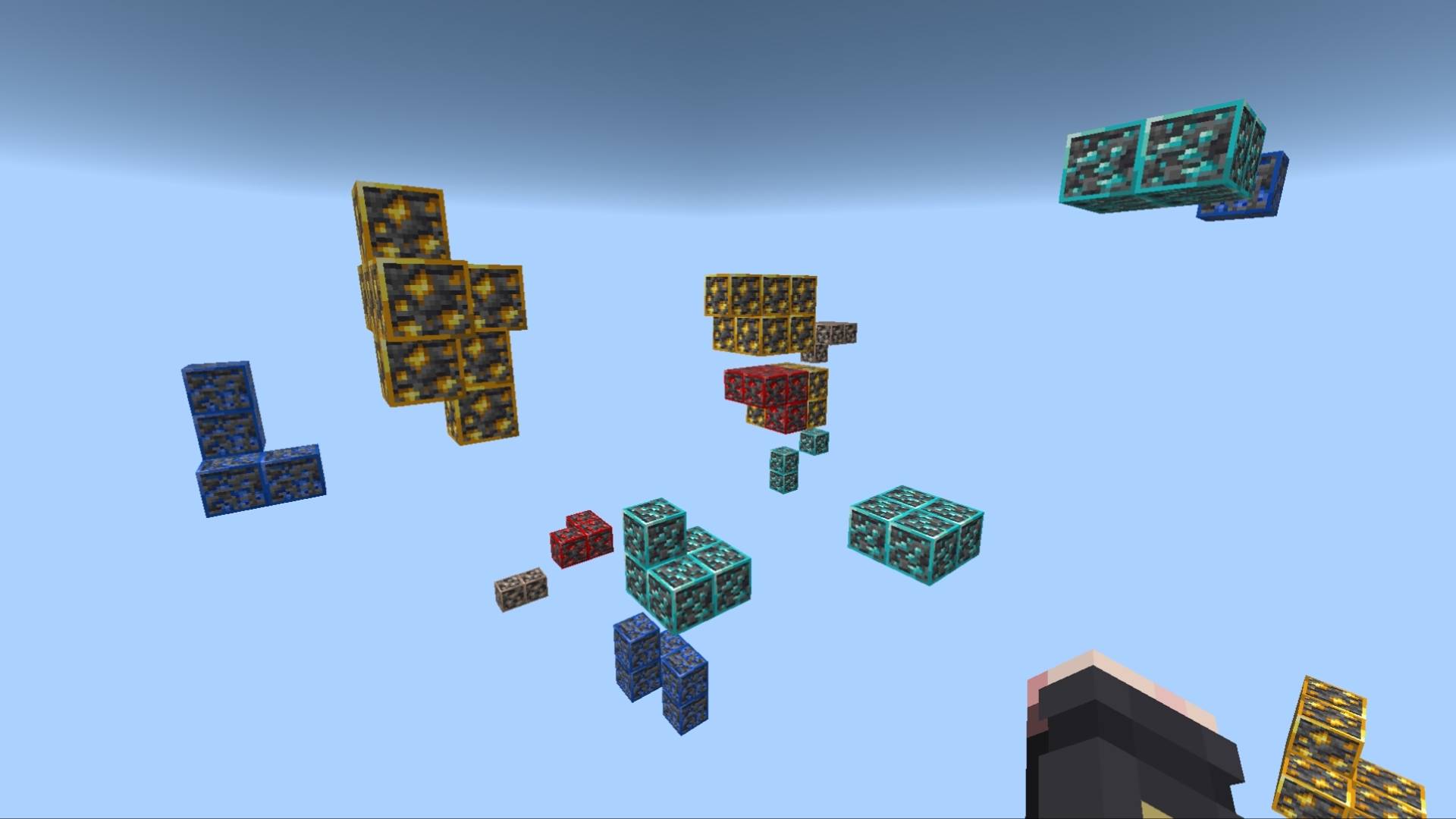
X ray Outline | X-ray | Xray
X-Ray with visible ore outlines, while still keeping achievements enabled.Download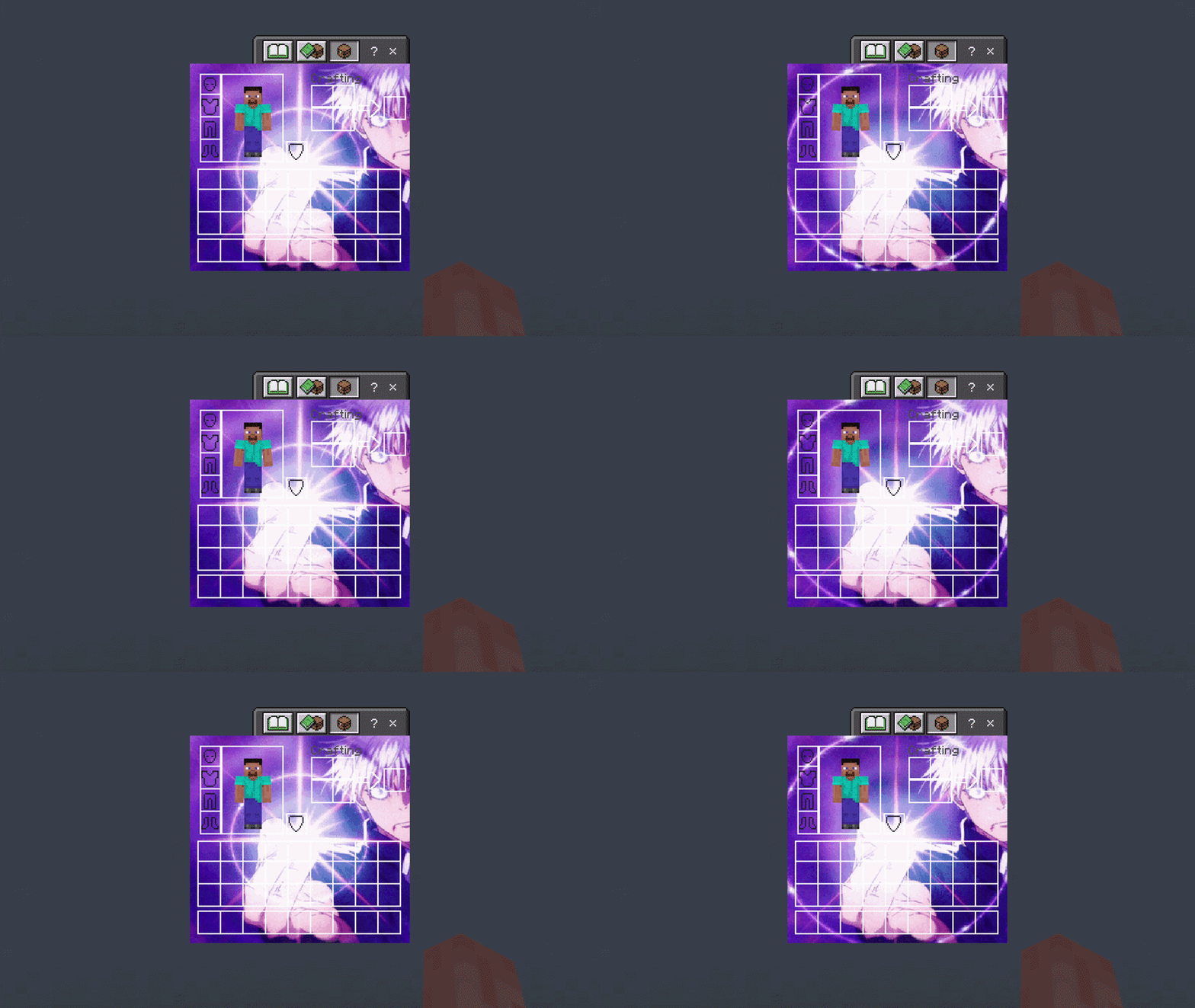

Gojo Purple Edition 2 UI Inventory
Adds a Gojo Purple Edition 2 UI InventoryDownload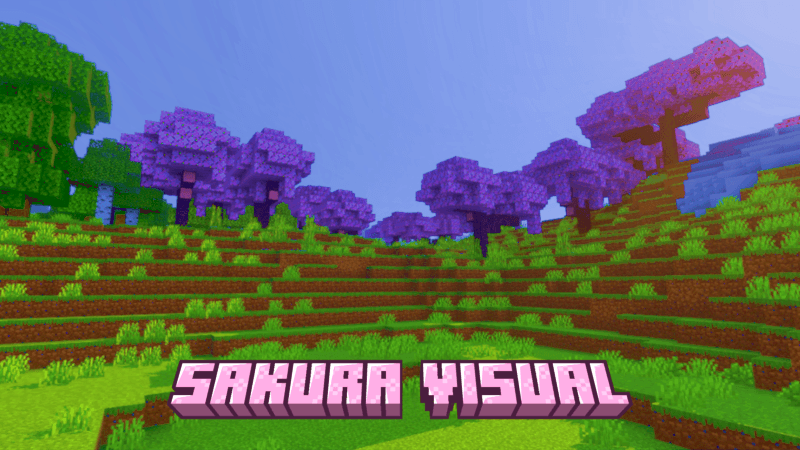
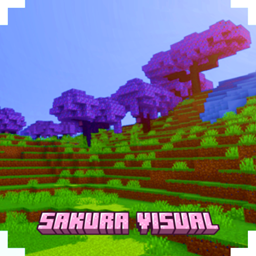
SAKURA VISUAL
Sakura Visual makes your world feel warmer and more beautiful, like a sunrise or sunset.Download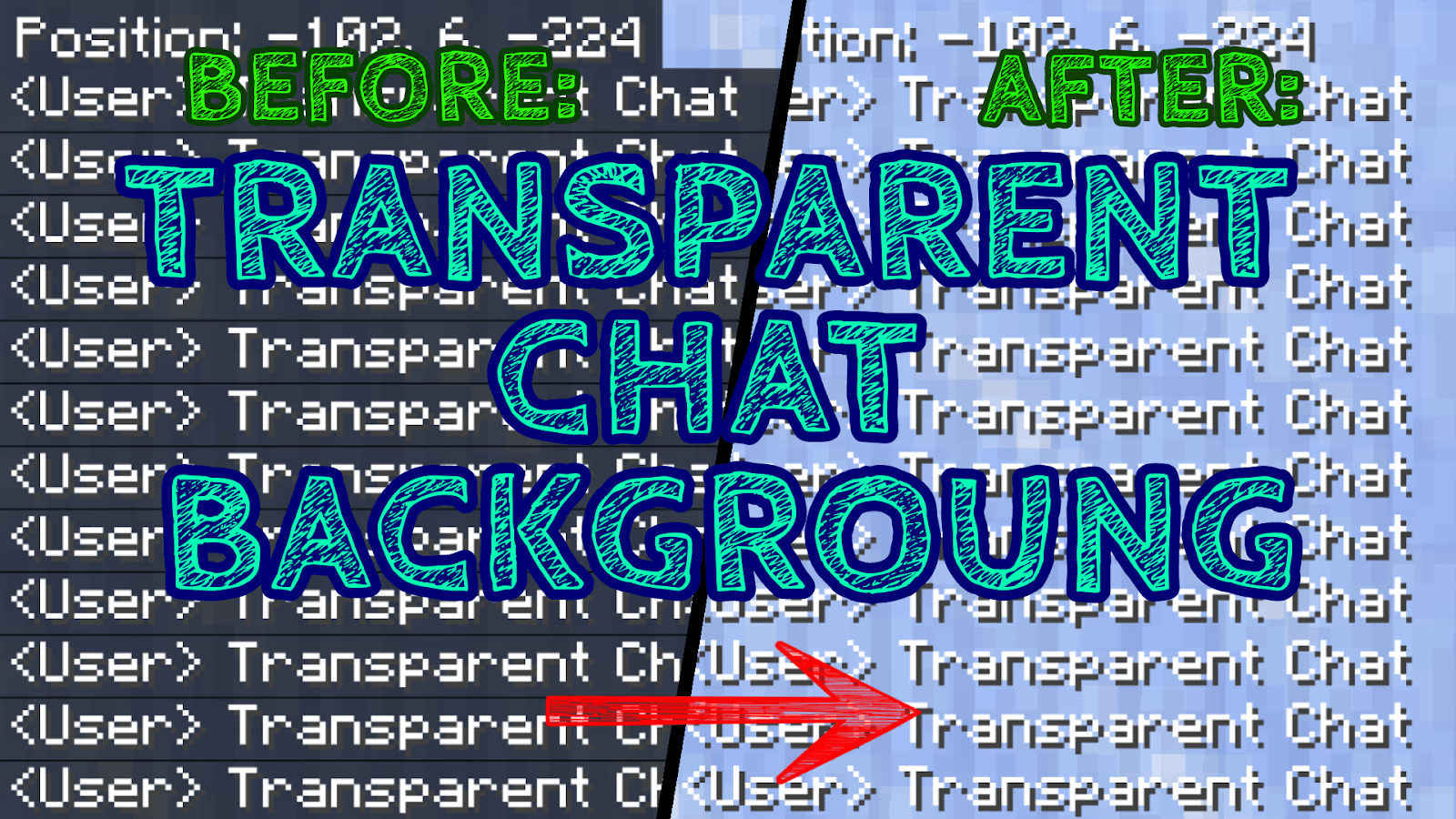
Transparent Chat Background
Do you want to have a better view while playing Minecraft? Perfect! With this Texture Pack the Background of the Chat (and also the coordinates) will become Invisible!Download

TripleBaka (CopperGolem)
Replace the copperGolem for Miku,Teto and NeruDownload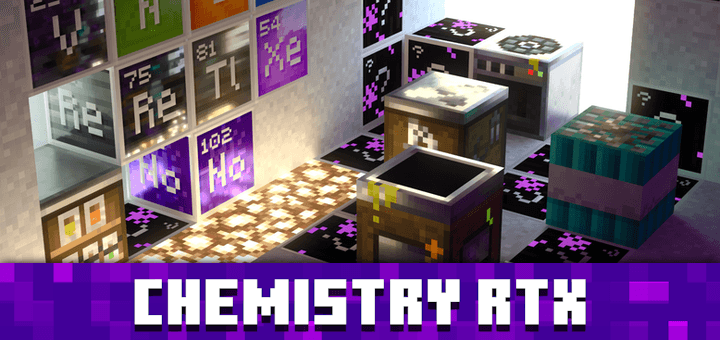

Chemistry RTX - Education Edition Extensions for Vanilla RTX
Optional Vanilla RTX extensions that add ray tracing support to Minecraft Education Edition content.Download

Orange Trees For A&S
This resource pack changes the color of birch tree leaves and sapplings to orange primarily for A&S but i added a vanilla tab that works with A&S x16, A&S x32, and vanilla Minecraft.Download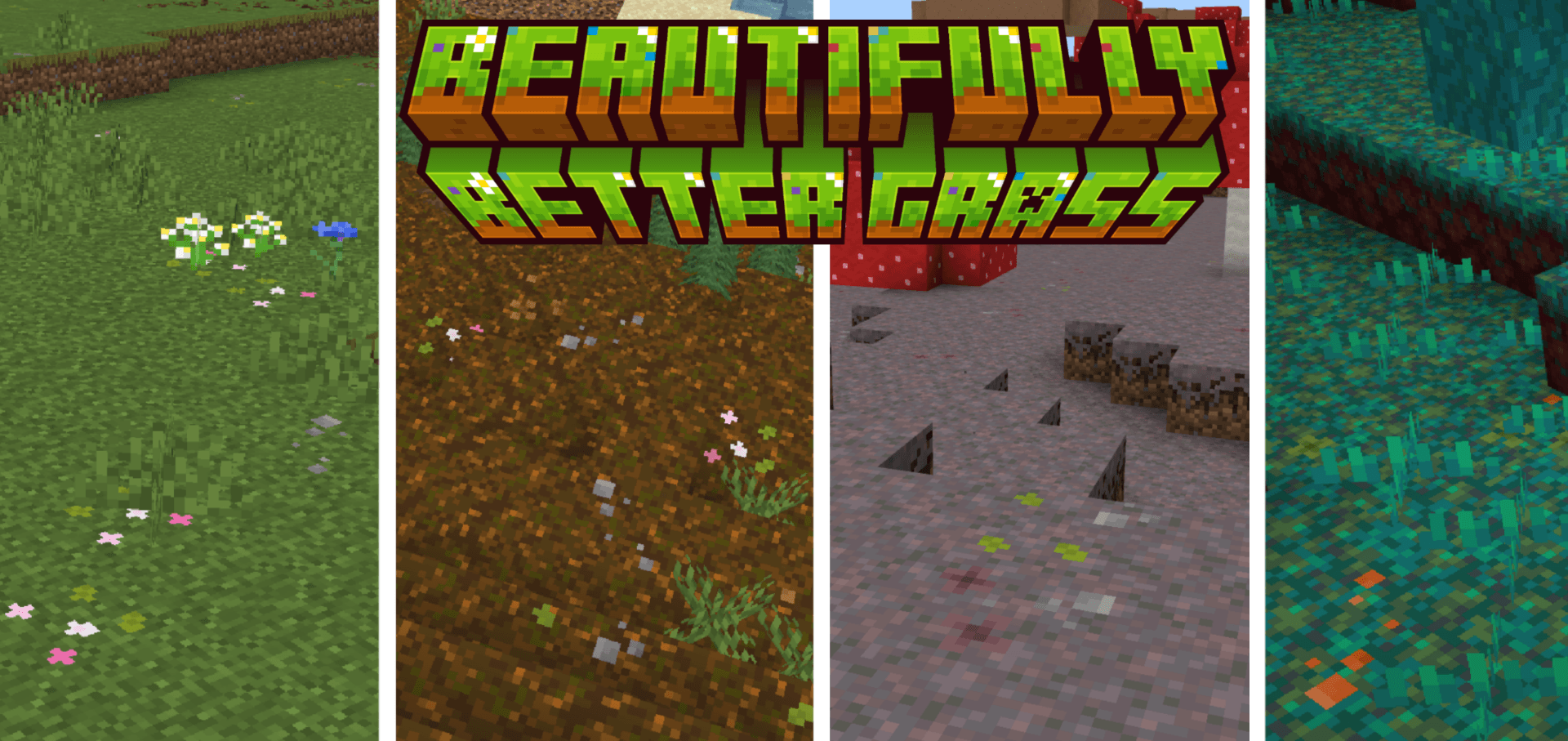

Beautifully Better Grass
Adds subtle flowers and variants to grass, sand, snow, netherrack, podzol, mycelium, and nylium for a more natural terrain.Download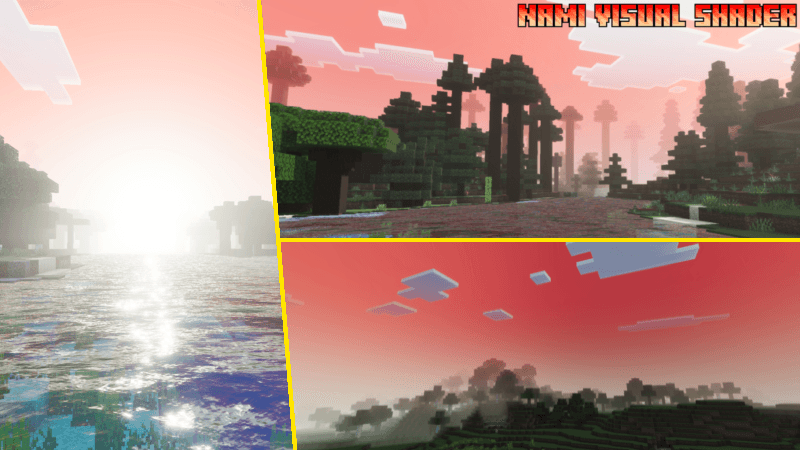

Nami Visual Shader
Nami Visual Shader is a unique shader for Bedrock that brings a Nami-style visual experience to Minecraft.Download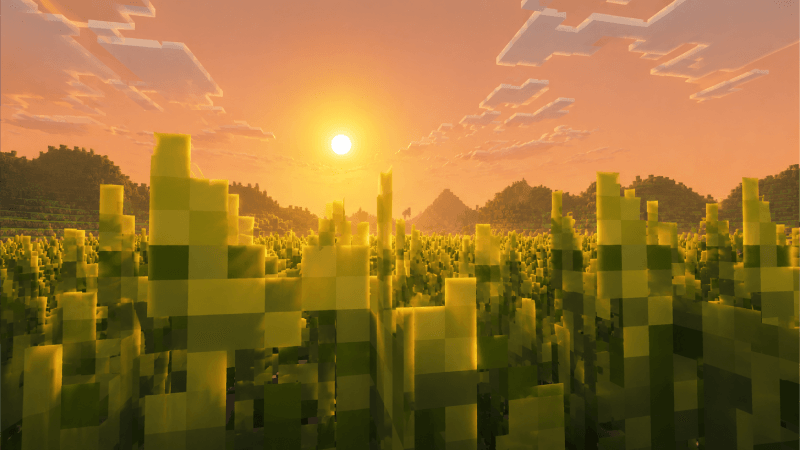

Solstice Visual (Zephyr)
Solstice Visual brings the warmth of a peaceful wheat field, with golden lighting inspired by beautiful sunrises and sunsets. Perfect for players who enjoy a cozy, relaxing, and nostalgic atmosphere.Download

PandaGirls
Panda But GirlsDownloadFAQ
Do I need Forge or Fabric for a resource pack?
No. A resource pack works on the regular game with no loaders or mods. Click “Install” and Millida Launcher will put the pack into the right modpack — then just enable it in the settings.
What do 16×, 32×, 64× mean?
The resolution of a single texture in pixels. 16× matches the original game, 32× and 64× are more detailed and heavier, and 128× and up put a noticeable load on your graphics card.
Will a pack made for another version work?
Most likely partly: older packs don't have textures for newer blocks, so those will stay default. The game won't break, though.
How is a texture pack different from a resource pack?
Only by name and age. Before version 1.6 the sets were called texture packs and changed only textures; in 1.6 resource packs replaced them and also change sounds, fonts and the interface. Old texture packs for 1.5 and below do not work on new versions without conversion.
Which texture packs are best for PvP?
PvP packs: 16× resolution or lower, shortened swords, low fire, a clear sky and bright particles. They barely load the computer and make the opponent easier to see. These packs are collected in the PvP theme.
How do I install a resource pack?
Press Install and Millida Launcher puts the pack into the resourcepacks folder of the right instance. Then enable it in the game: Options, then Resource Packs. Manually, the archive goes into resourcepacks inside the game folder, no need to unpack it.
Minecraft texture packs
A resource pack changes how the game looks and sounds: block and item textures, fonts, the interface, sounds. It doesn't touch the game's code, so it needs no mod loader and breaks nothing on a server — the pack only works on your screen. That's exactly why a resource pack is safer than any mod: the worst that happens on a version mismatch is that some textures stay default.
Textures, texture packs and resource packs are essentially the same thing: since version 1.6 Mojang calls these sets resource packs, but the old name is still searched more often. PvP packs are a big genre of their own: shortened swords, low fire, bright particles and 16× resolution or lower, so the opponent stands out and the frame rate does not drop. Such packs are most often made for 1.8.9 and 1.16.5, the versions many PvP servers run on.
The key thing about a pack is its resolution. The game's default textures are 16×16 pixels; 32× and 64× packs look more detailed, while 128× and up need a real graphics card and are usually paired with shaders. On a weak machine it makes sense to stay at 16× or go for packs that deliberately simplify graphics for more FPS. Every pack here lists its game version, author and license, and all released versions are gathered on one card. Put the downloaded archive in the resourcepacks folder and enable it in the game settings.