
Minecraft texture packs — page 218
Resource packs: list


Enchant Icons
Give your minecraft more details with this enchant icons!Download

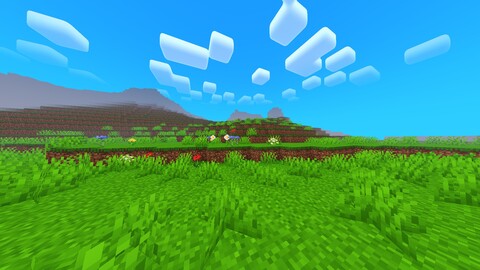
FullGrass by Reisho
🌿 Grass is everywhere! Completely changes the textures of all grass blocks, making the world green and aliveDownload

Black-hole-PVP
🌌 Black Hole PvP enhances Minecraft PvP with a dark cosmic theme, custom skyboxes, improved visuals, and optimized performance for a smoother combat experience. ⚔️✨Download

Digs' Simple Pack (Bedrock)
A simplistic twist on the default minecraft textures!Download

Stylish Circular HotBar | Texture Pack
Neq Stylish Circular Hotbar transforms your Minecraft UI with a sleek circular hotbar, smooth selection effects, and a clean modern design. Lightweight and optimized for a better visual gameplay experience.Download
[DISCONTINUED] Peak Visuals : Potato shaders for low-end devices
Beatiful visuals for potato PC/androidDownload

Faithful Nature
Faithful Nature focused entirely on improving how the natural world looks in Minecraft Bedrock.Download

Paddings Remover
A Resource Pack to remove padding/gap on Settings Screen in Minecraft v1.21.100+Download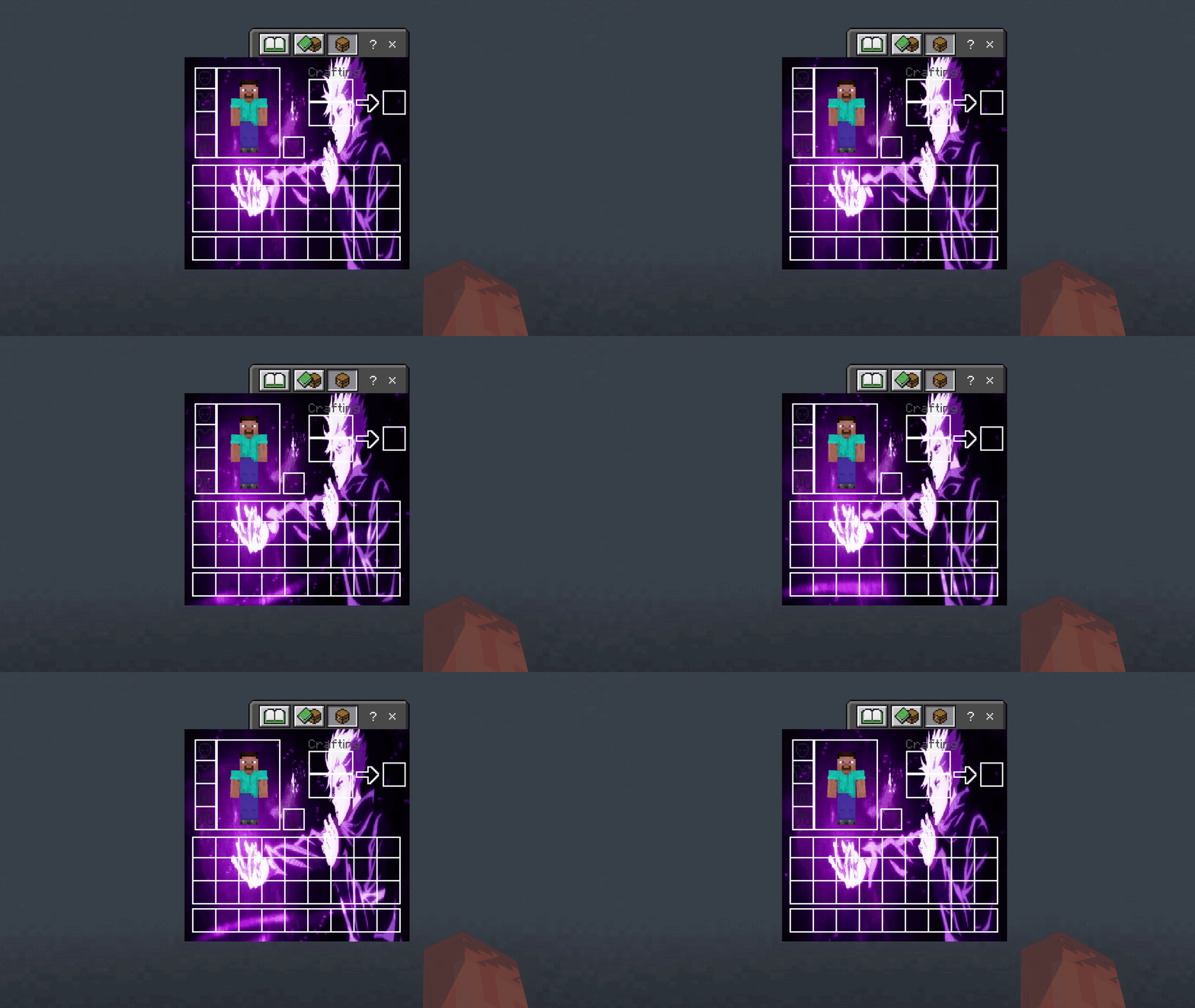

Gojo UI Inventory
Adds a Gojo UI InventoryDownload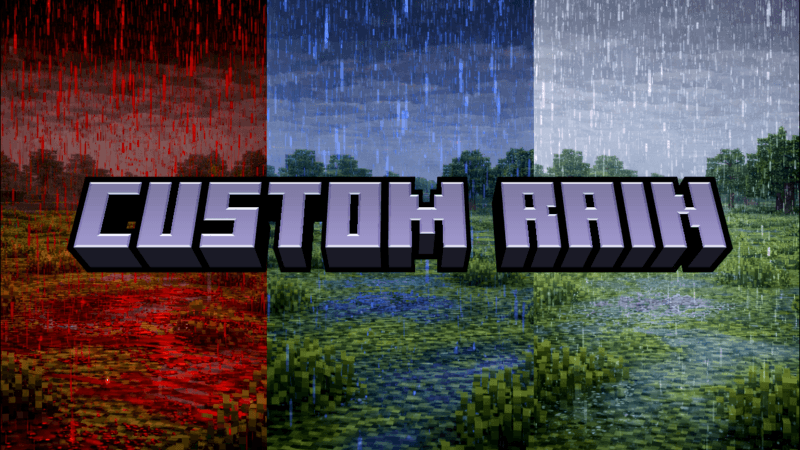

CUSTOM RAIN (CL)
Custom Rain gives you multiple rain options, including original rain, clearer rain, or even blood rain.Download

BlueMods Optimization (FPS Booster)
BlueMods Optimization Resource Pack for Minecraft Bedrock Edition is used to enhance your gameplay while using the pack.Download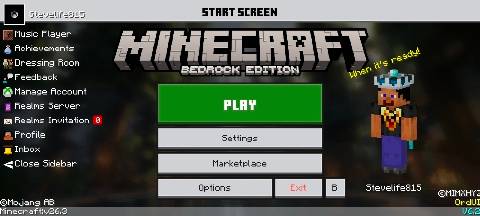

OrdUI
This is a functional original style UI resource package!Download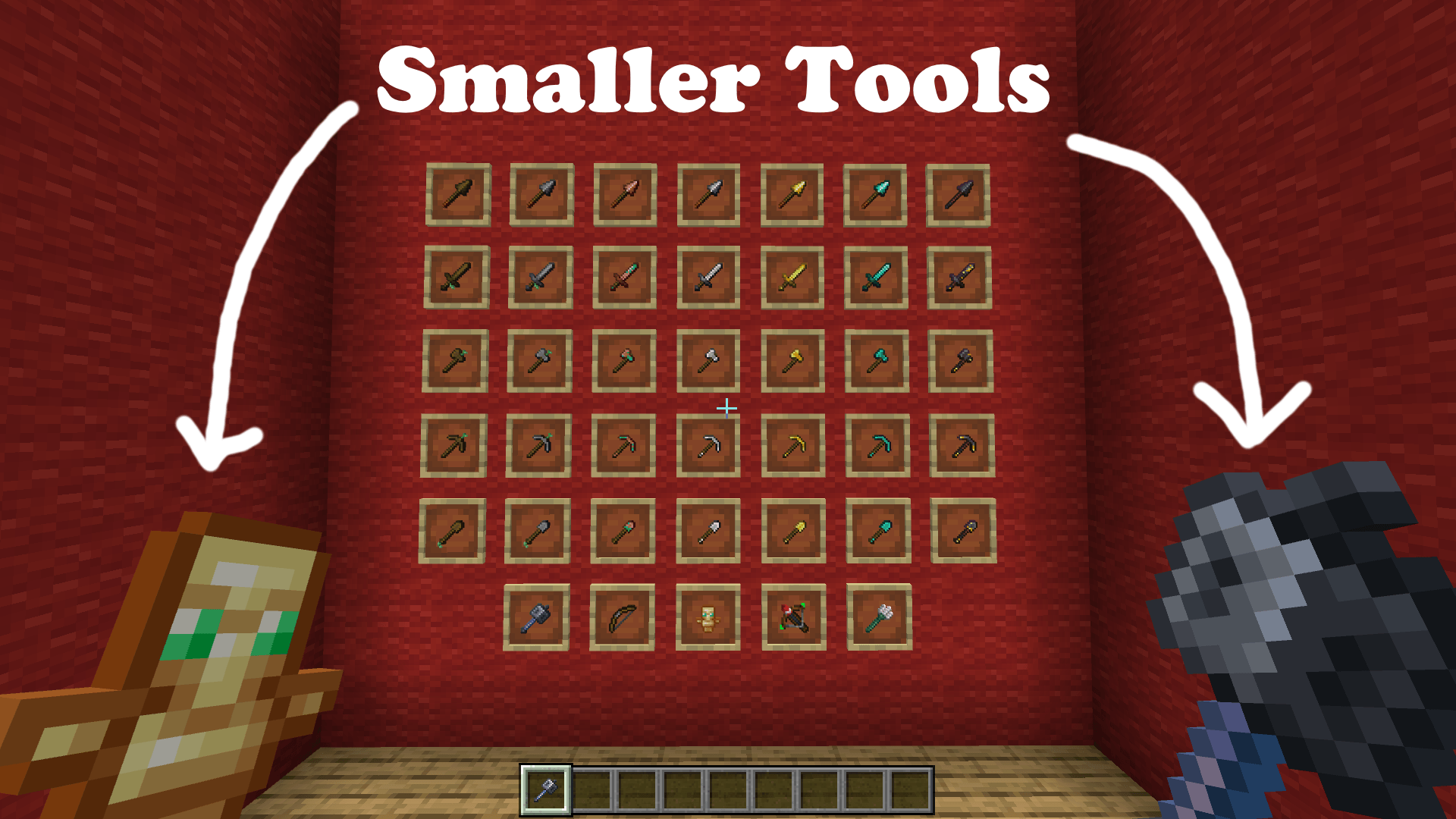

Smaller tools
MINI tools texture pack [ Spears and mace edition ]Download

D’ Shader for Low End Phones
A Vanilla+ shader for low-end phones. Features glassy 50% transparent water, frosty colormaps, and deep fog. No patched Minecraft, no vibrant visuals, and no MB Loader required! Works flawlessly on 1.26+.Download

Better Skeletons
Adds biome variants to skeletons. Java Edition by creepermax123Download

CatGirls
second pack I make, this time it's about cat girls! because I already made the wolves, if you have any suggestions for mob packs please comment, mainly passific mobs :D.Download

True Shades Realism
True Shades Realism is a vanilla-inspired Minecraft shader featuring realistic lighting, biome-based fog, colored lighting, reflections, and immersive ambience. Designed for players who want enhanced visuals while preserving Minecraft's original charm.Download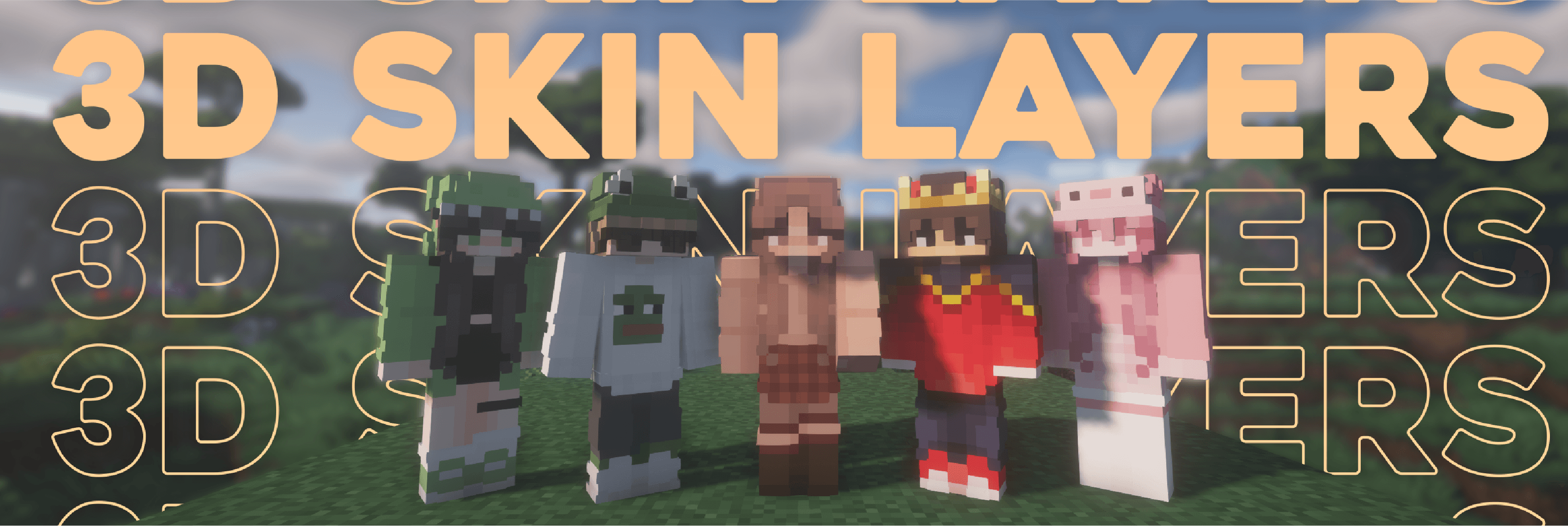

Skin Layers 3D
Skin Layers 3D Minecraft bedrockDownload

Ultimate PvP Kit
Ultimate PvP Kit for MCPE/MCBEDownload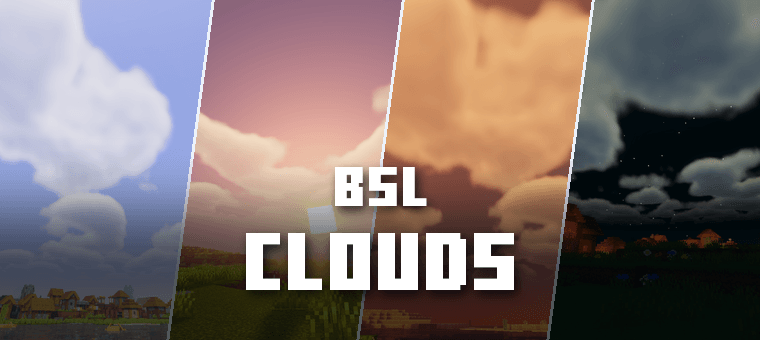

Bsl Clouds
BSL Shader style clouds for Minecraft Bedrock! Works with any shader or visuals pack you already use. Just add it on top and enjoy those iconic BSL Java shader clouds on Bedrock!Download

Better Ores
This mod adds subtle, outlines around ores to enhance visibility while mining, making it easier to spot resources in caves without altering Minecraft’s natural aesthetic.Download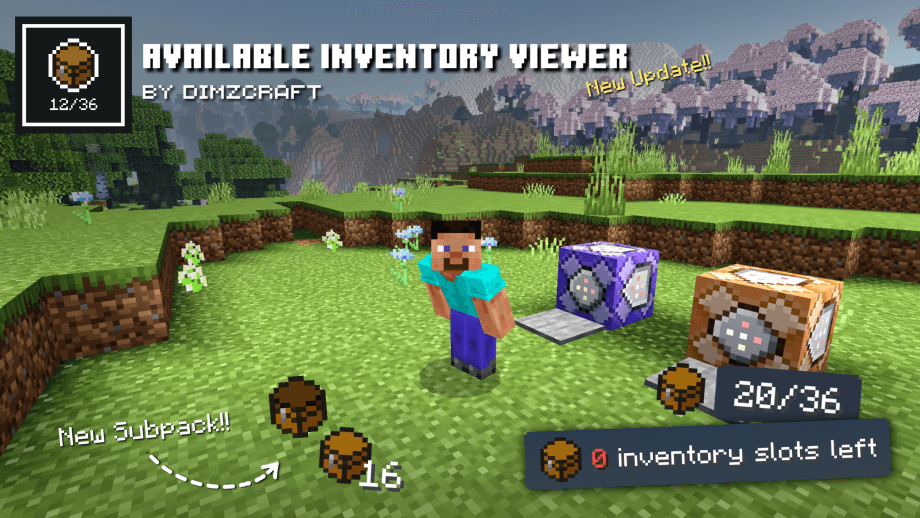

Available Inventory Viewer
Displays remaining inventory slots on the HUD, with notifications when full!Download

CPS with KEYSTROKES
SHOW REAL TIME CPSDownloadFAQ
Do I need Forge or Fabric for a resource pack?
No. A resource pack works on the regular game with no loaders or mods. Click “Install” and Millida Launcher will put the pack into the right modpack — then just enable it in the settings.
What do 16×, 32×, 64× mean?
The resolution of a single texture in pixels. 16× matches the original game, 32× and 64× are more detailed and heavier, and 128× and up put a noticeable load on your graphics card.
Will a pack made for another version work?
Most likely partly: older packs don't have textures for newer blocks, so those will stay default. The game won't break, though.
How is a texture pack different from a resource pack?
Only by name and age. Before version 1.6 the sets were called texture packs and changed only textures; in 1.6 resource packs replaced them and also change sounds, fonts and the interface. Old texture packs for 1.5 and below do not work on new versions without conversion.
Which texture packs are best for PvP?
PvP packs: 16× resolution or lower, shortened swords, low fire, a clear sky and bright particles. They barely load the computer and make the opponent easier to see. These packs are collected in the PvP theme.
How do I install a resource pack?
Press Install and Millida Launcher puts the pack into the resourcepacks folder of the right instance. Then enable it in the game: Options, then Resource Packs. Manually, the archive goes into resourcepacks inside the game folder, no need to unpack it.
Minecraft texture packs
A resource pack changes how the game looks and sounds: block and item textures, fonts, the interface, sounds. It doesn't touch the game's code, so it needs no mod loader and breaks nothing on a server — the pack only works on your screen. That's exactly why a resource pack is safer than any mod: the worst that happens on a version mismatch is that some textures stay default.
Textures, texture packs and resource packs are essentially the same thing: since version 1.6 Mojang calls these sets resource packs, but the old name is still searched more often. PvP packs are a big genre of their own: shortened swords, low fire, bright particles and 16× resolution or lower, so the opponent stands out and the frame rate does not drop. Such packs are most often made for 1.8.9 and 1.16.5, the versions many PvP servers run on.
The key thing about a pack is its resolution. The game's default textures are 16×16 pixels; 32× and 64× packs look more detailed, while 128× and up need a real graphics card and are usually paired with shaders. On a weak machine it makes sense to stay at 16× or go for packs that deliberately simplify graphics for more FPS. Every pack here lists its game version, author and license, and all released versions are gathered on one card. Put the downloaded archive in the resourcepacks folder and enable it in the game settings.