
Minecraft texture packs — page 219
Resource packs: list
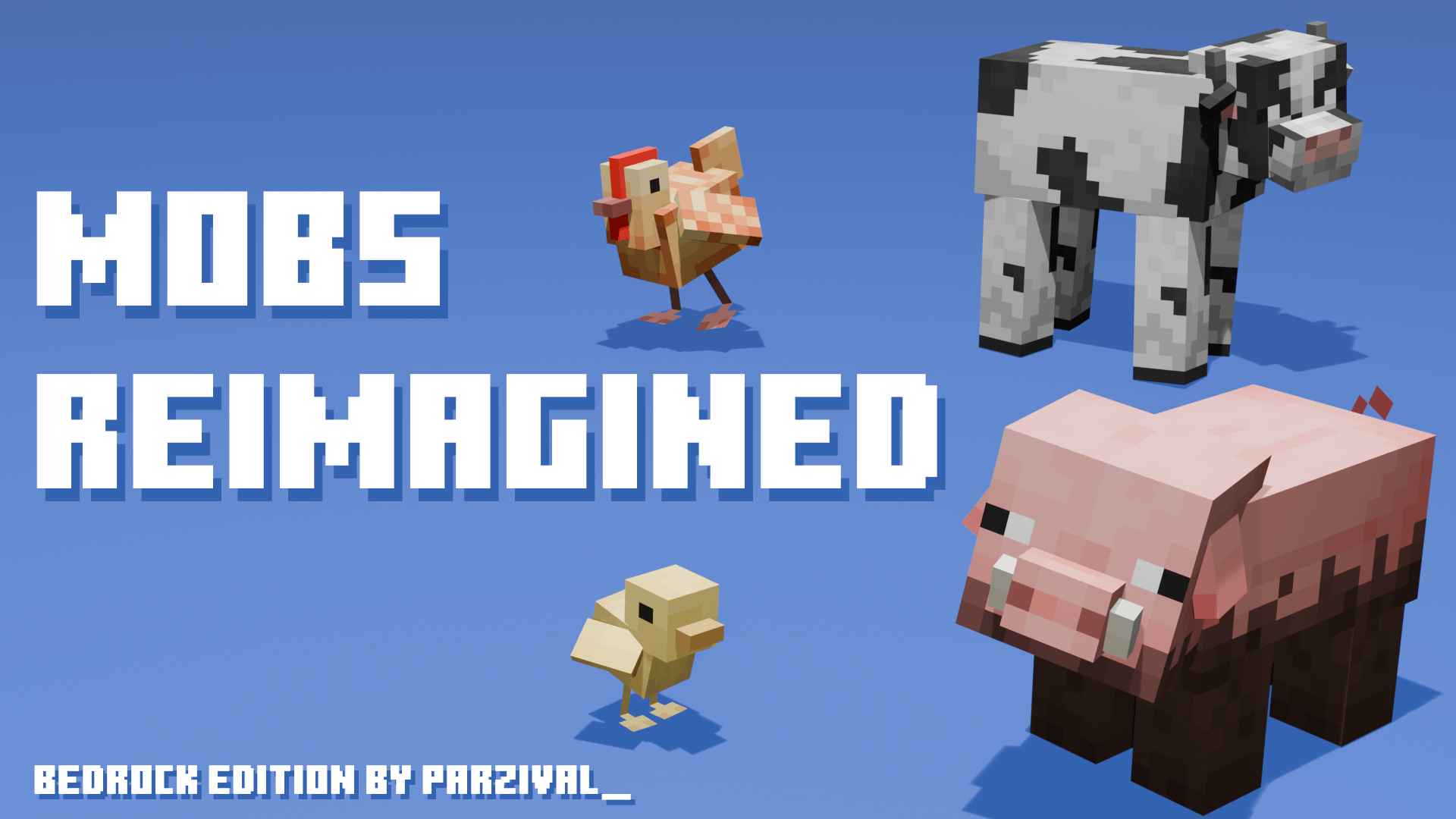
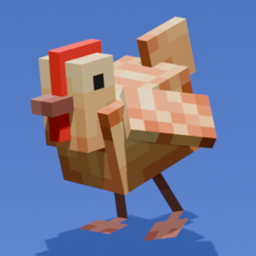

Tiny Tools - Made by jahirtrap, Ported to bedrock by Trọng VN, and maintained by Suvile77 (Updated for 26.52))
This is a bedrock edition port of jahirtrap tiny tools pack. It was made by Trọng VN and he asked me to upload and update it for him.Download

Cloudious Vibrant Visual
Cloudious Vibrant Visual upgrades your visuals to be clearer, crystal blue, and also magical and cinematic.Download

Reze Totem
Replaces the Totem of Undying with an Anime Reze TotemDownload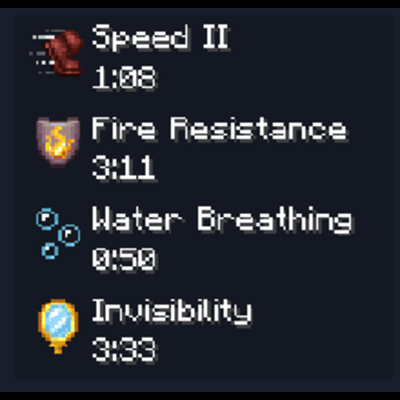
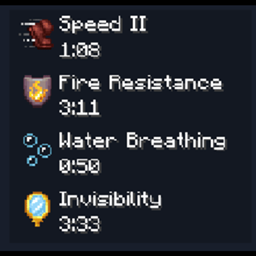
Mob Effects HUD
Mob Effects UI on HUD screen!Download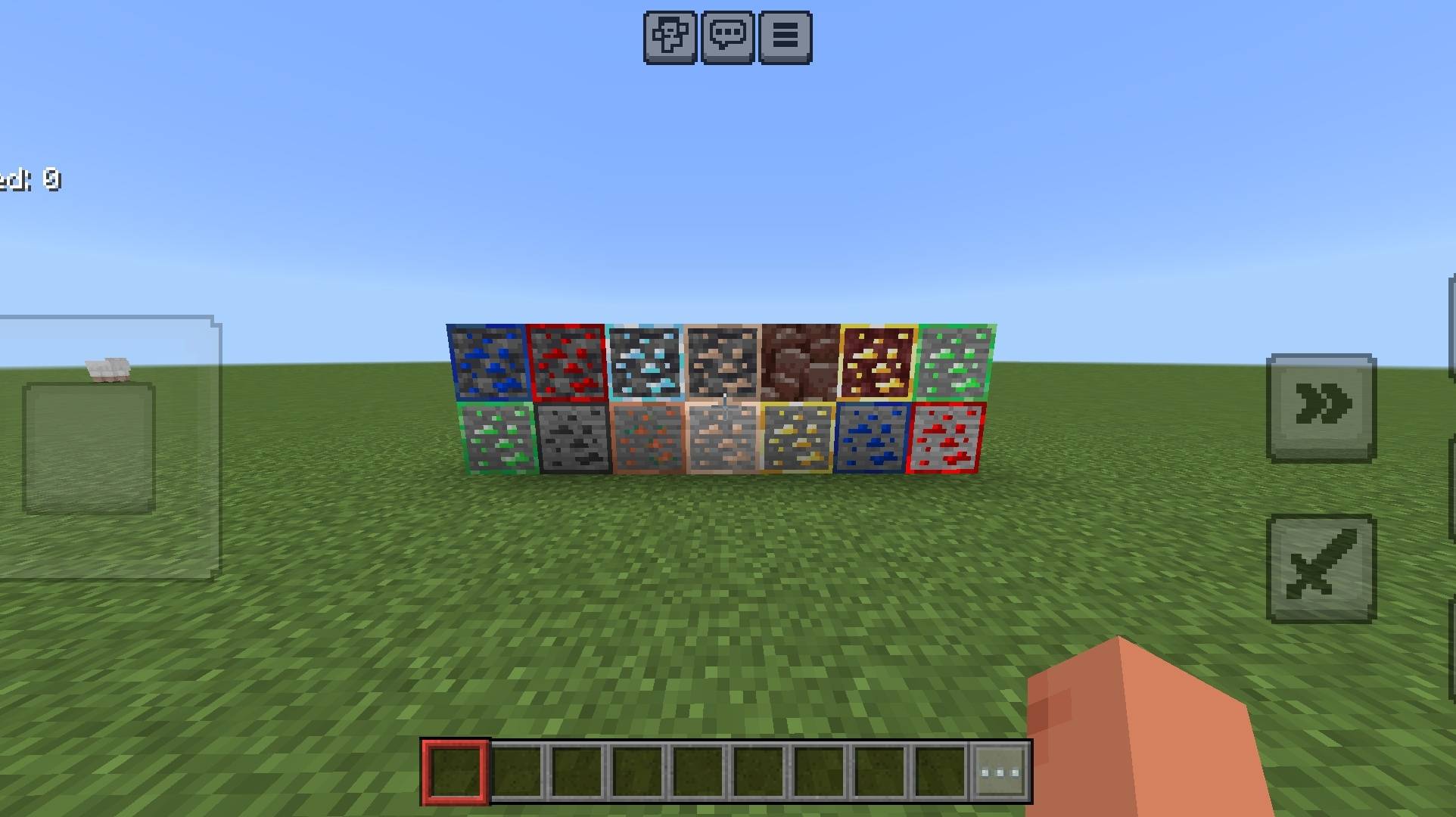

Metaanie: Vanilla (FPS+ Optimized)
A custom vanilla-styled resource pack with FPS+ optimization and selectable spear subpacks for Minecraft Bedrock.Download

ClearGlassMaster – Borderless Glass Pack (16x & 64x) for Minecraft PE/Bedrock
👉 Tired of ugly bordered windows? ClearGlassMaster removes all glass borders for a seamless, elegant look! Available in 16x and 64x resolutions, it enhances any Minecraft Bedrock build.Download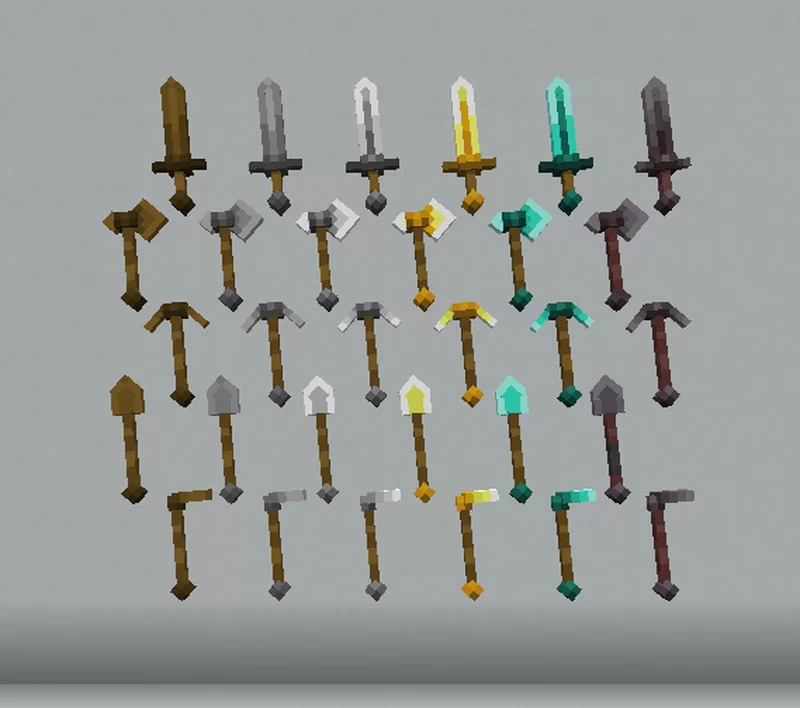

Tools 3d by haizon
3d tools Minecraft bedrockDownload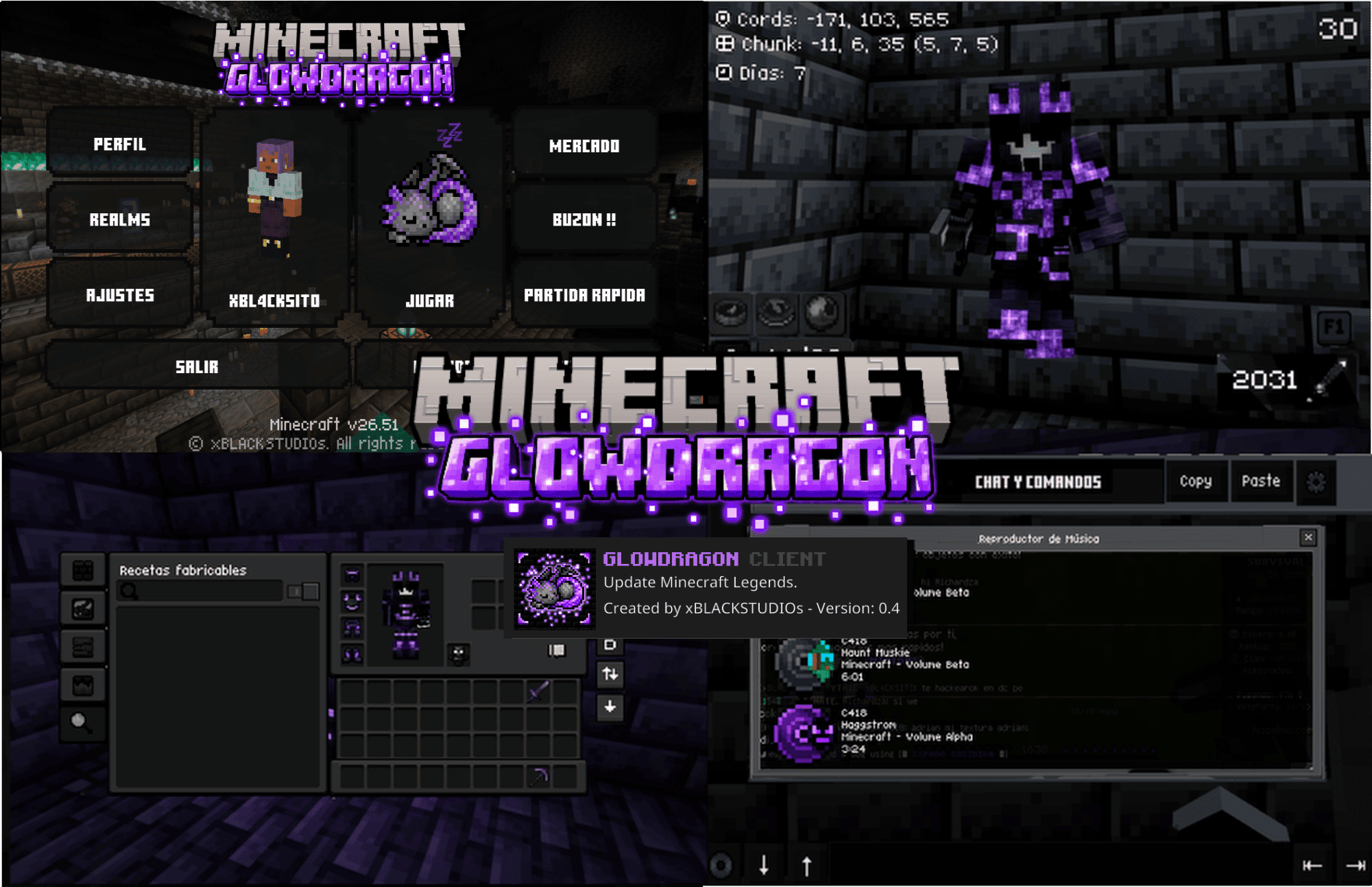
GLOWDRAGON Nightfall
A texture pack that completely redesigns the game, giving it incredible gameplay and visuals.Download

SoundTweaks
Immersive, high-quality sound overhaul for Minecraft Bedrock featuring realistic wet grass steps, enhanced underwater ambience, improved block/portal/crossbow audio, and balanced volume levels for a natural gameplay experience.Download

BETTER PVP ARMAMENT
With this texture pack you can improve in pvp, because you have more field of vision.Download

Fast Portal Travelling
This resource pack enables instant portal travel between dimensions: Overworld Nether Overworld End Nether Overworld End OverworldDownload

Re:Zero Weapon | v1.0.6 Cult Update
Hi Re Zero fans! are you looking for a ReZero weapon? want to add it to your game? don't worries i just add it to Minecraft! yeah this is texture pack, you can battle with your friends, roleplay, or play it on server as well!Download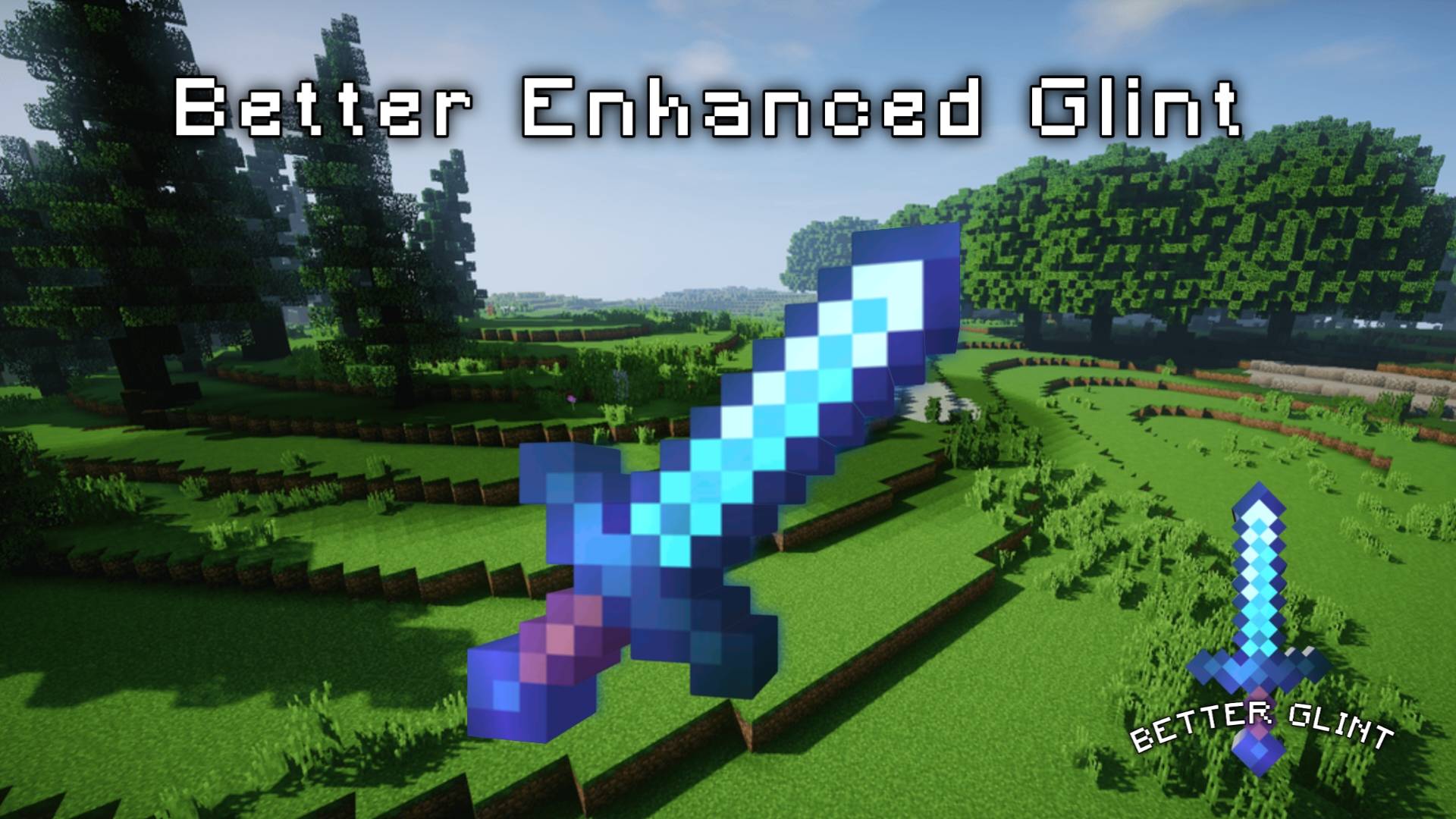

Better Enhanced Glint
It provides a better enhanced glint instead of the old boring enhanced glint.Download
ý Remove Water & Lava Fog | No fog
Remove fog in water and lava so it will make vision much clearer! Exploration in oceans, and searching for ores (Ancient debris, Diamond, etc.) will become very easy!Download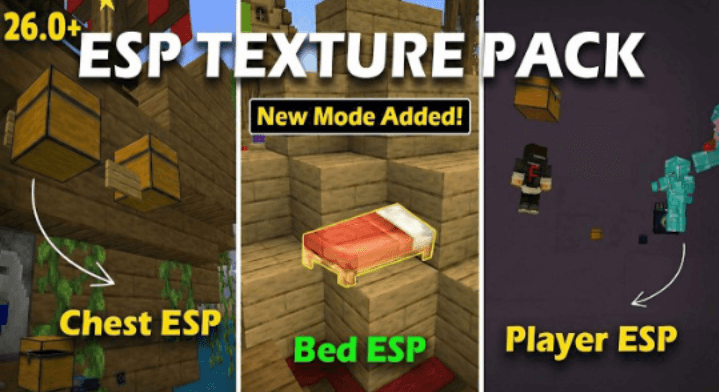

ESP For 1.21+ | ESP For 1.26/26.0+ | ESP HACK
ESP HACK for MCPE v26+ 🔥Download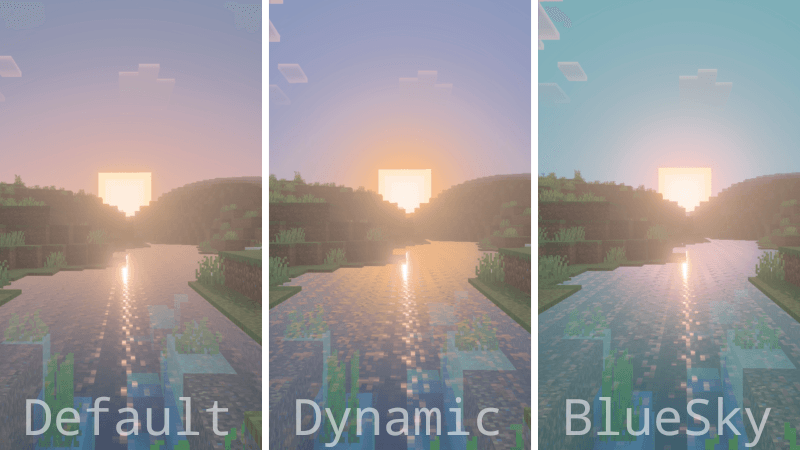

Custom Atmospherics (Ferous)
Custom Atmospherics is a shader pack that allows you to customize the atmosphere in your world however you want.Download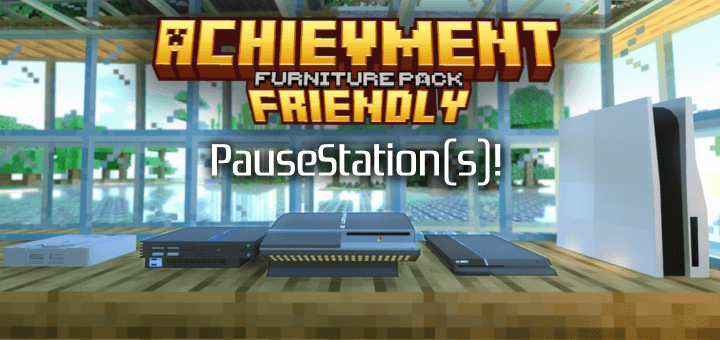

Achievment Friendly Furniture Pack
Have furniture without installing addons, so you can keep your achievments!Download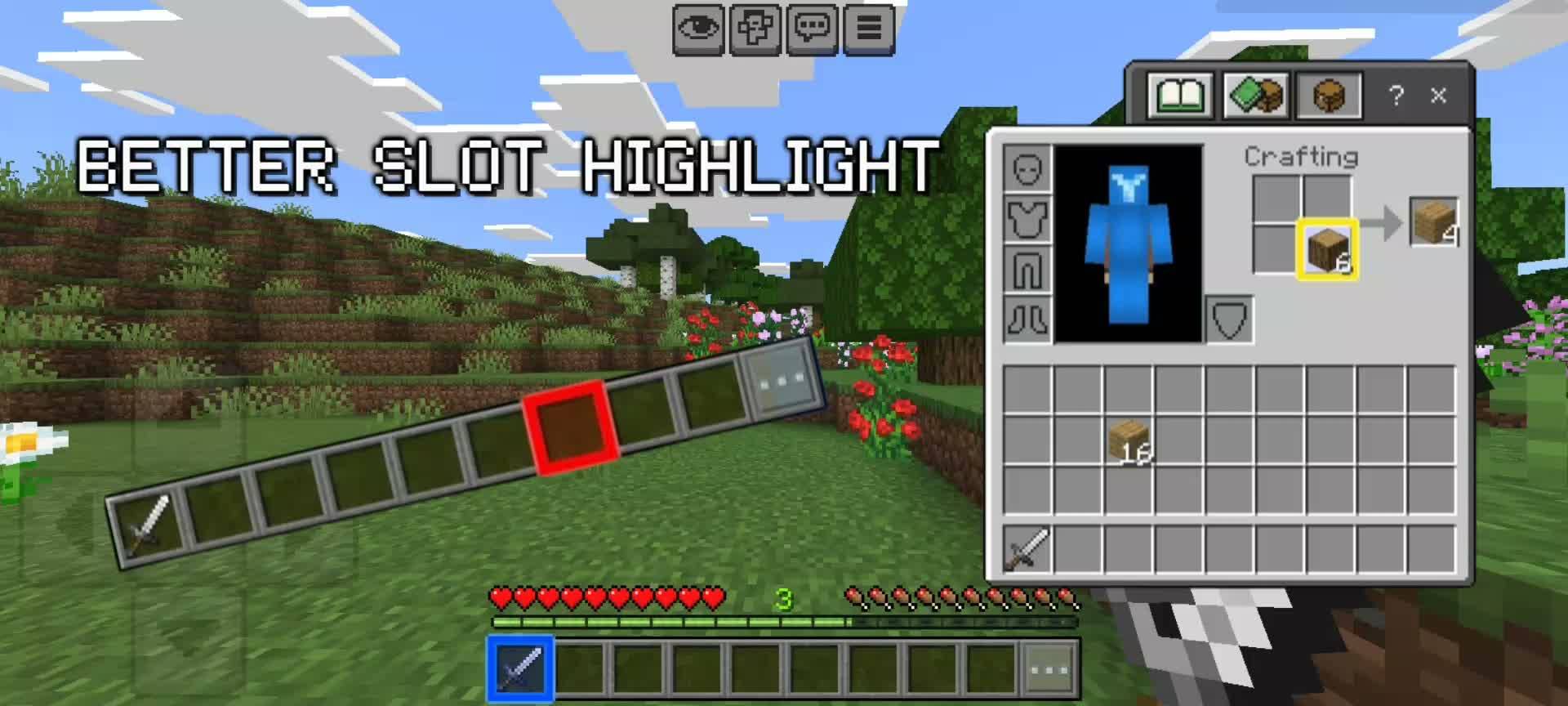

ý Better Slot Highlight
Better and clearer slot highlight, with multiple colors to choose from!Download
SG UI Pack - FPS Boost, Clean UI, PVP Resource Pack MCBE
Fast craft, structure export, clean UI, low fire, fewer particles, clean waterDownload

Advanced Crosshair – PvP Pack V4
Works on any Minecraft pvp server. A PvP-focused Minecraft Bedrock pack that changes the crosshair style and color when aiming at enemies for better combat visibility and accuracy.Download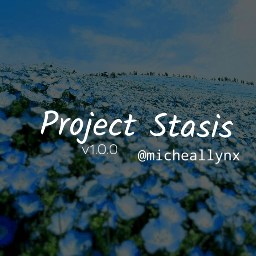

Project Stasis v1.0.5
A stylized shader for minecraft bedrock,"state of inactivity or equilibrium."Download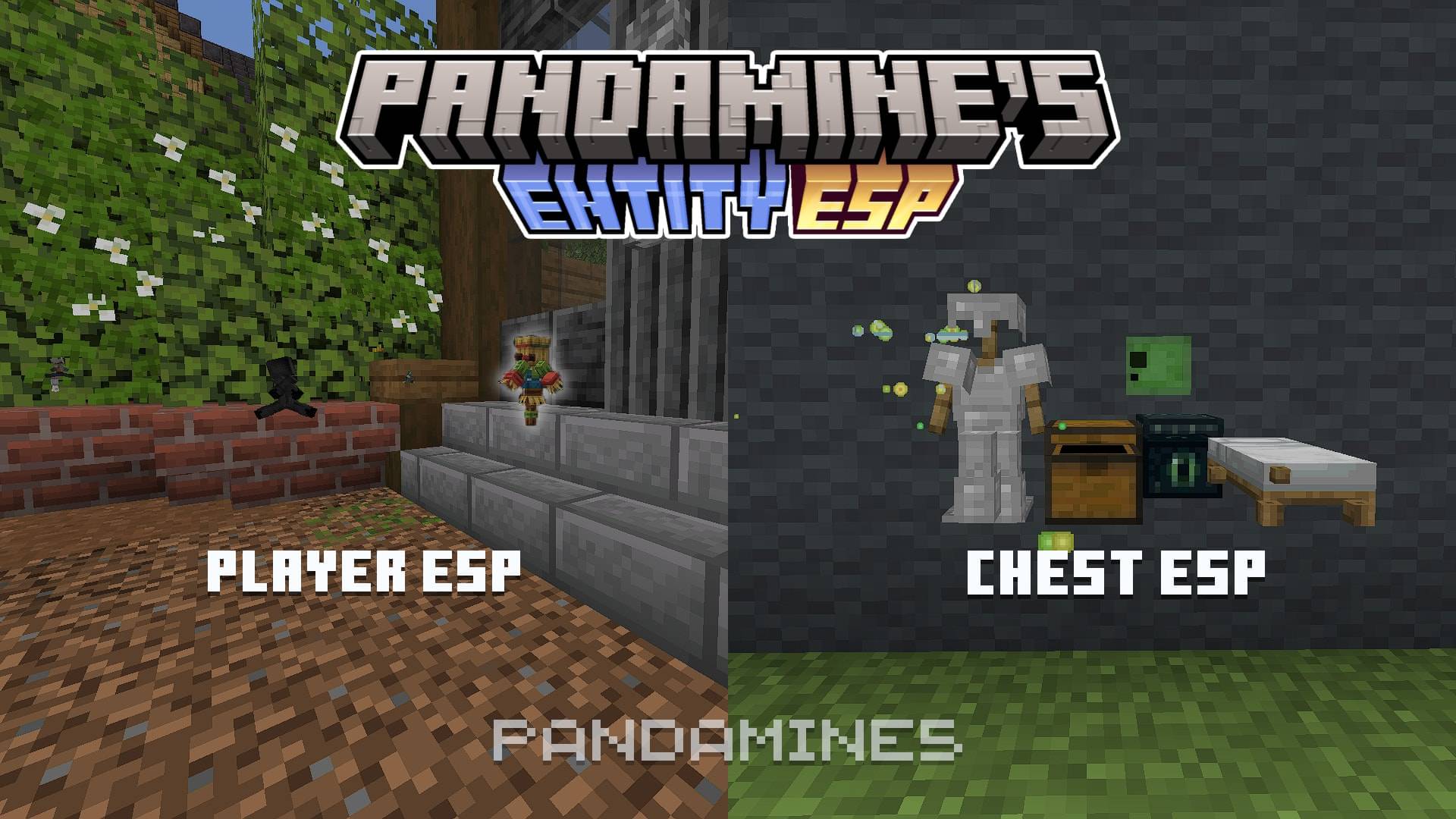
PandaMine's Entity ESP | Chest Esp, Player Esp, Bed Esp, Shulker Esp | X-Ray
Adds ESP that reveals entities behind walls and objects. Supports Actions & StuffDownload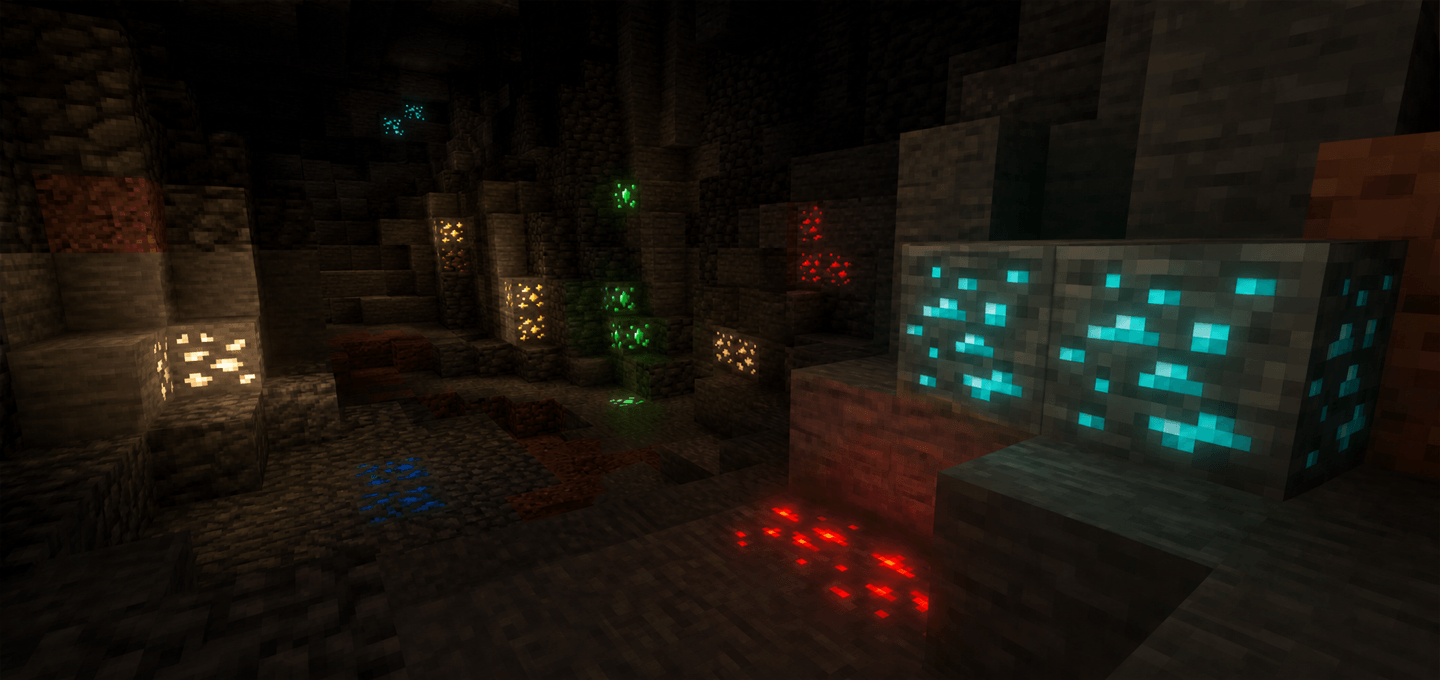
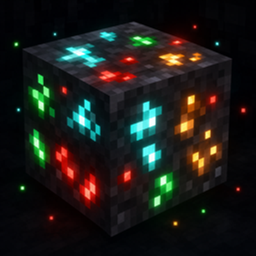
Glowing Ores | Vibrant Visuals
Glowing Ores is a lightweight Minecraft Bedrock visual pack that makes all vanilla ores and valuable blocks easy to spot: brightened ore pixels on classic graphics, and true glow-in-the-dark ore veins under Vibrant Visuals.DownloadFAQ
Do I need Forge or Fabric for a resource pack?
No. A resource pack works on the regular game with no loaders or mods. Click “Install” and Millida Launcher will put the pack into the right modpack — then just enable it in the settings.
What do 16×, 32×, 64× mean?
The resolution of a single texture in pixels. 16× matches the original game, 32× and 64× are more detailed and heavier, and 128× and up put a noticeable load on your graphics card.
Will a pack made for another version work?
Most likely partly: older packs don't have textures for newer blocks, so those will stay default. The game won't break, though.
How is a texture pack different from a resource pack?
Only by name and age. Before version 1.6 the sets were called texture packs and changed only textures; in 1.6 resource packs replaced them and also change sounds, fonts and the interface. Old texture packs for 1.5 and below do not work on new versions without conversion.
Which texture packs are best for PvP?
PvP packs: 16× resolution or lower, shortened swords, low fire, a clear sky and bright particles. They barely load the computer and make the opponent easier to see. These packs are collected in the PvP theme.
How do I install a resource pack?
Press Install and Millida Launcher puts the pack into the resourcepacks folder of the right instance. Then enable it in the game: Options, then Resource Packs. Manually, the archive goes into resourcepacks inside the game folder, no need to unpack it.
Minecraft texture packs
A resource pack changes how the game looks and sounds: block and item textures, fonts, the interface, sounds. It doesn't touch the game's code, so it needs no mod loader and breaks nothing on a server — the pack only works on your screen. That's exactly why a resource pack is safer than any mod: the worst that happens on a version mismatch is that some textures stay default.
Textures, texture packs and resource packs are essentially the same thing: since version 1.6 Mojang calls these sets resource packs, but the old name is still searched more often. PvP packs are a big genre of their own: shortened swords, low fire, bright particles and 16× resolution or lower, so the opponent stands out and the frame rate does not drop. Such packs are most often made for 1.8.9 and 1.16.5, the versions many PvP servers run on.
The key thing about a pack is its resolution. The game's default textures are 16×16 pixels; 32× and 64× packs look more detailed, while 128× and up need a real graphics card and are usually paired with shaders. On a weak machine it makes sense to stay at 16× or go for packs that deliberately simplify graphics for more FPS. Every pack here lists its game version, author and license, and all released versions are gathered on one card. Put the downloaded archive in the resourcepacks folder and enable it in the game settings.