
Minecraft texture packs — page 217
Resource packs: list


Days Counter By Ancxliy
A lightweight vanilla-friendly HUD pack that displays Minecraft day count, coordinates, world playtime, and moon phases in real time.Download
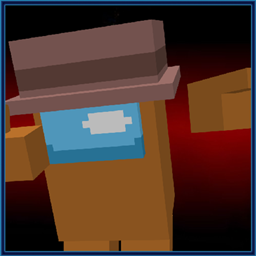
Among us 4d Skin
4d Among us Skin Texturepack + VariantsDownload

Complementary Unbound Clouds
Complementary Unbound style clouds for Minecraft Bedrock! Works with any shader or visuals pack you already use. Just add it on top and enjoy those iconic Java shader clouds on Bedrock!Download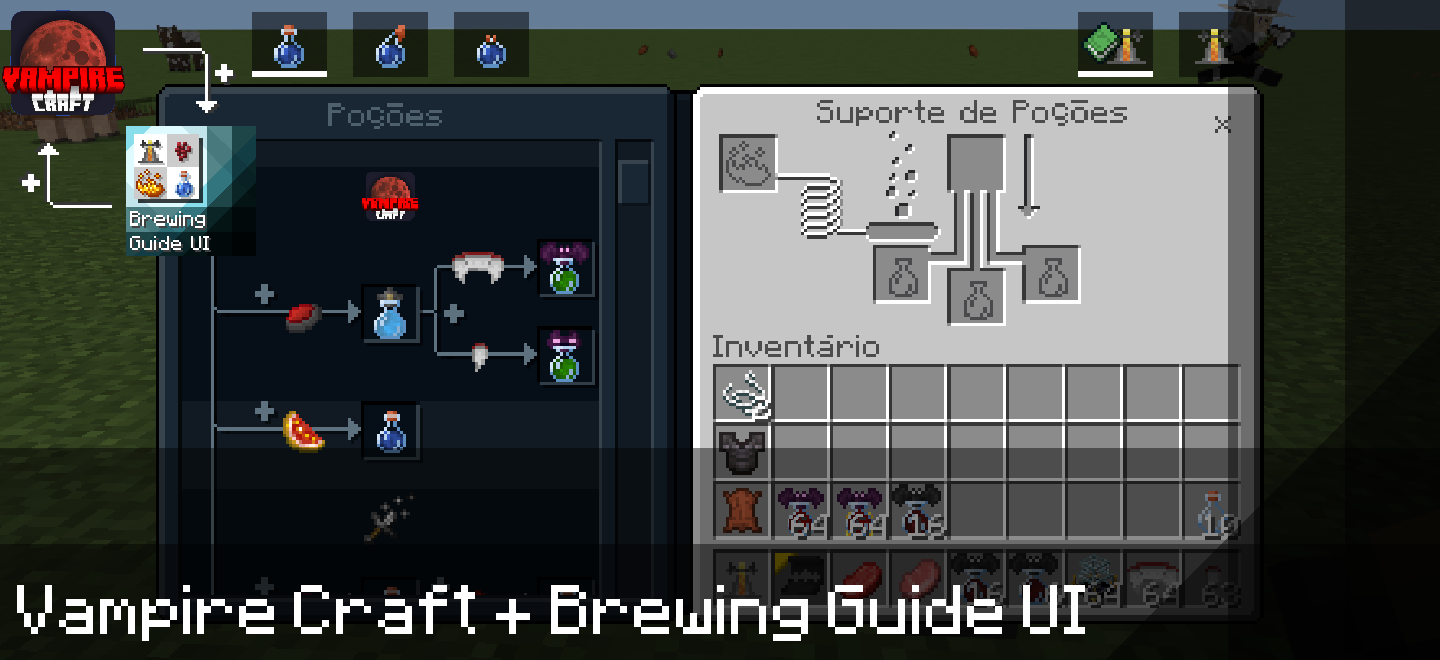

Vampire Craft + Brewing Guide UI
Don't know how to make Vampire Craft potions? Then this pack is perfect for you...Download

Dragon Elytras
The Dragon Elytra resource pack transforms Minecraft's Elytra wings into stunning, dragon-themed wings, providing a more immersive flight experience with intricate, dragon-inspired visuals.Download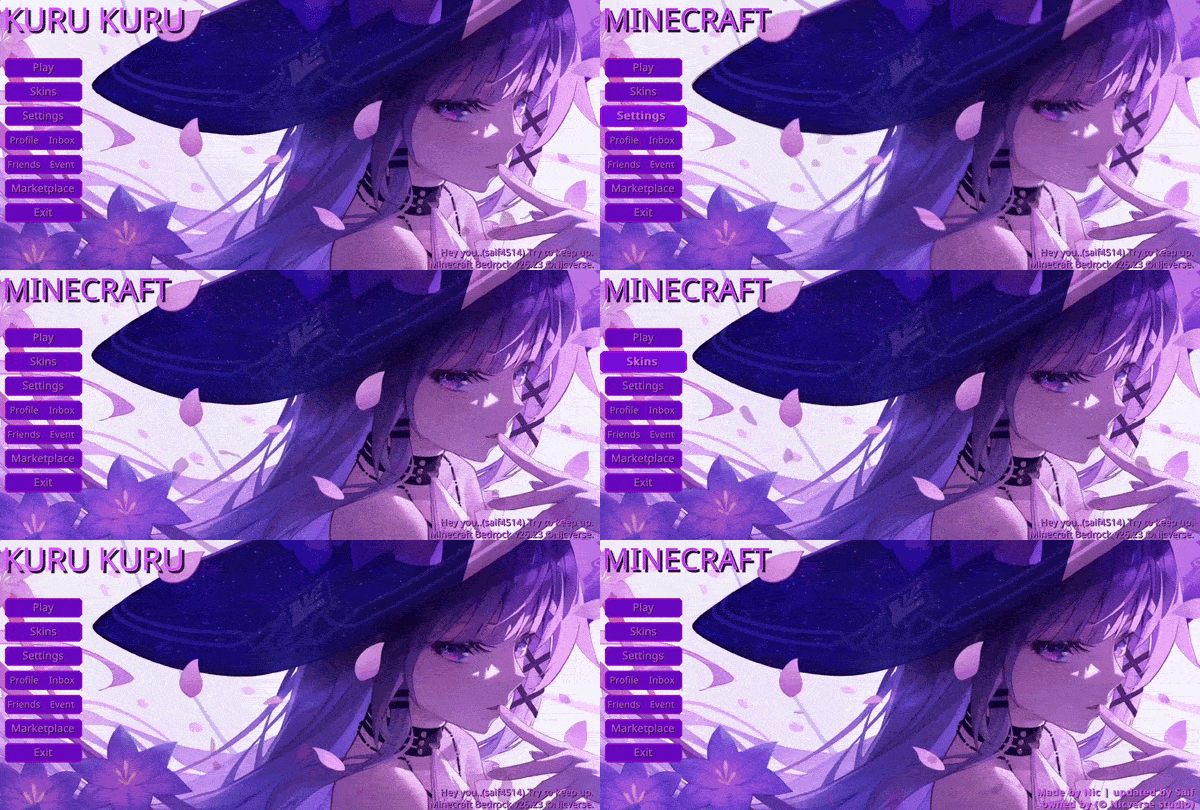

Animated Herta UI
Animated Herta Background themed menu design for the Start Screen and Settings Screen, blending calm cosmic elegance with subtle motion for a clean, immersive Minecraft experience.Download
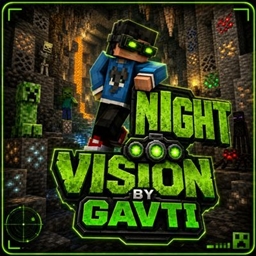
NightVision
Dark caves ho ya deep oceans — ye Night Vision Pack har jagah crystal clear visibility deta hai. No darkness, no confusion, sirf smooth aur bright Minecraft experience!Download

Real Sun & Moon by Four
Add a little realism to your skies! Real Sun & Moon will do that for you. Perfect texture pack for a more realistic feel to your skies!Download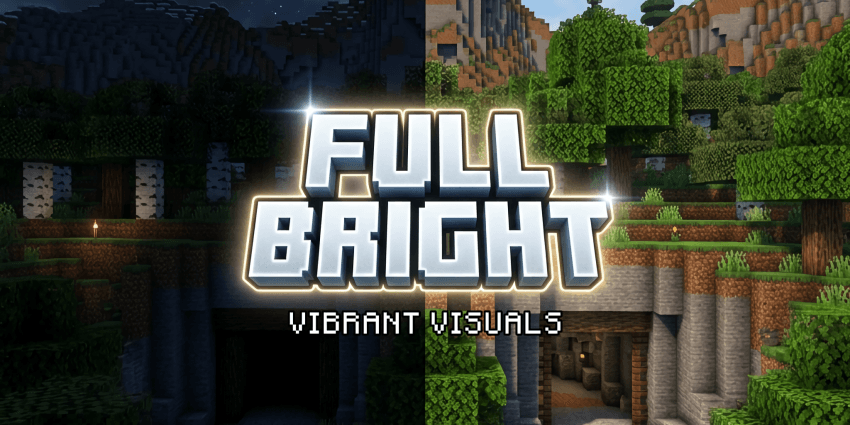

Full Bright Texture (Vibrant Visuals)
Get 100% Full Bright illumination in Minecraft Bedrock's Deferred Technical Preview (Vibrant Visuals) shaders. Keeps all beautiful PBR reflections and shader details fully intact!Download

PandaMine's Mip-Mapper (Vibrant Visuals Enhancer) | FPS Boost
PandaMine's Mip Mapper - is a QoL and performance mod allowing to adjust mip-map levels that can give performance or quality.Download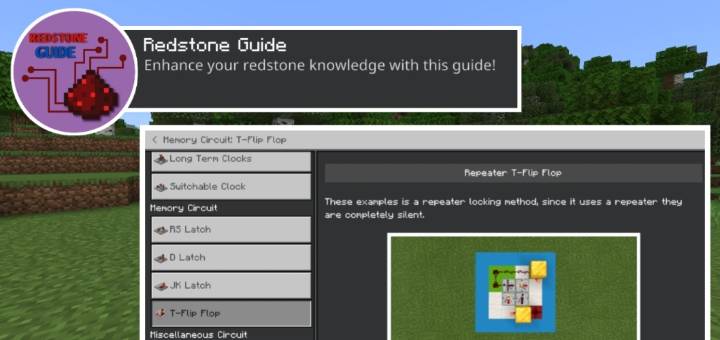

Redstone Guide
Replace the "How to Play" section with a new "Redstone Guide". The Redstone Guide will teach you about the functionality and applications of redstone.Download

Suvile's Short Swords for 26.52
This pack features shorter versions of swords from my resource pack, "Suvile's Slick Pack."Download
Nuxar´s Armors And Weapons Bedrock Edition
Changes the appearance of armor and tools and weapons.Download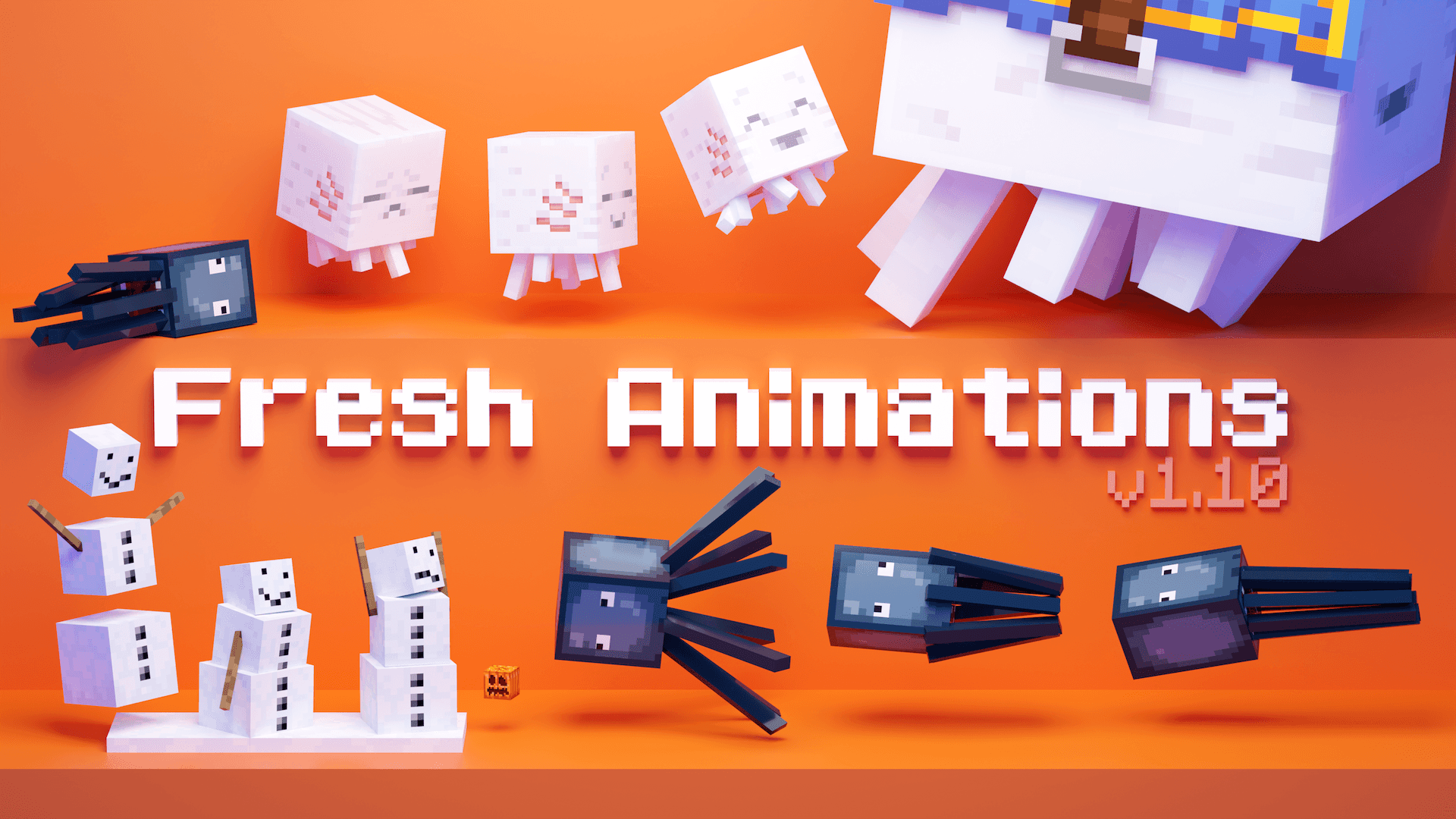
Smooth Animations
Smooth animation mobs for bedrockDownload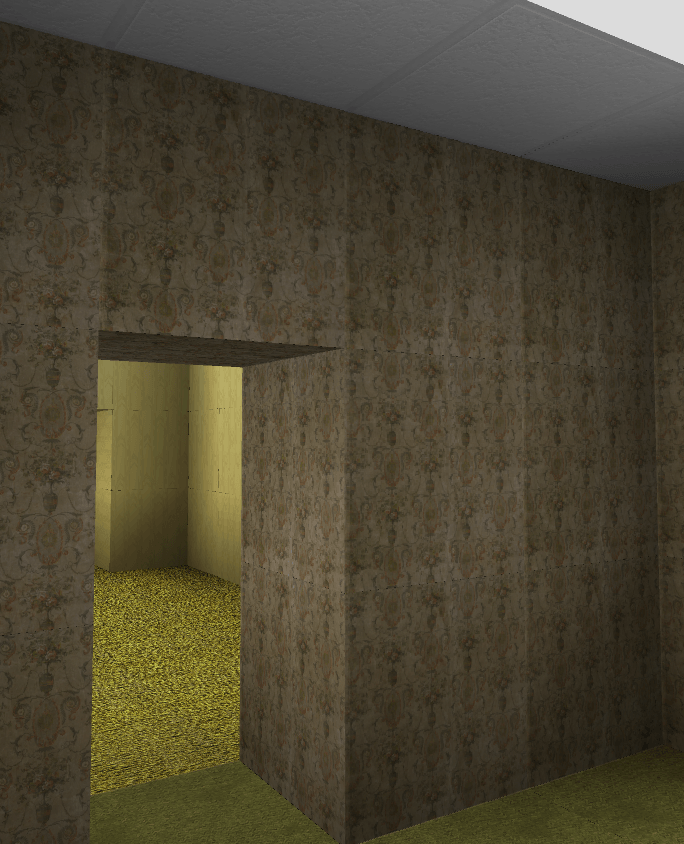

Randomrooms (Backrooms)
Adds realistic and Backrooms textures!Download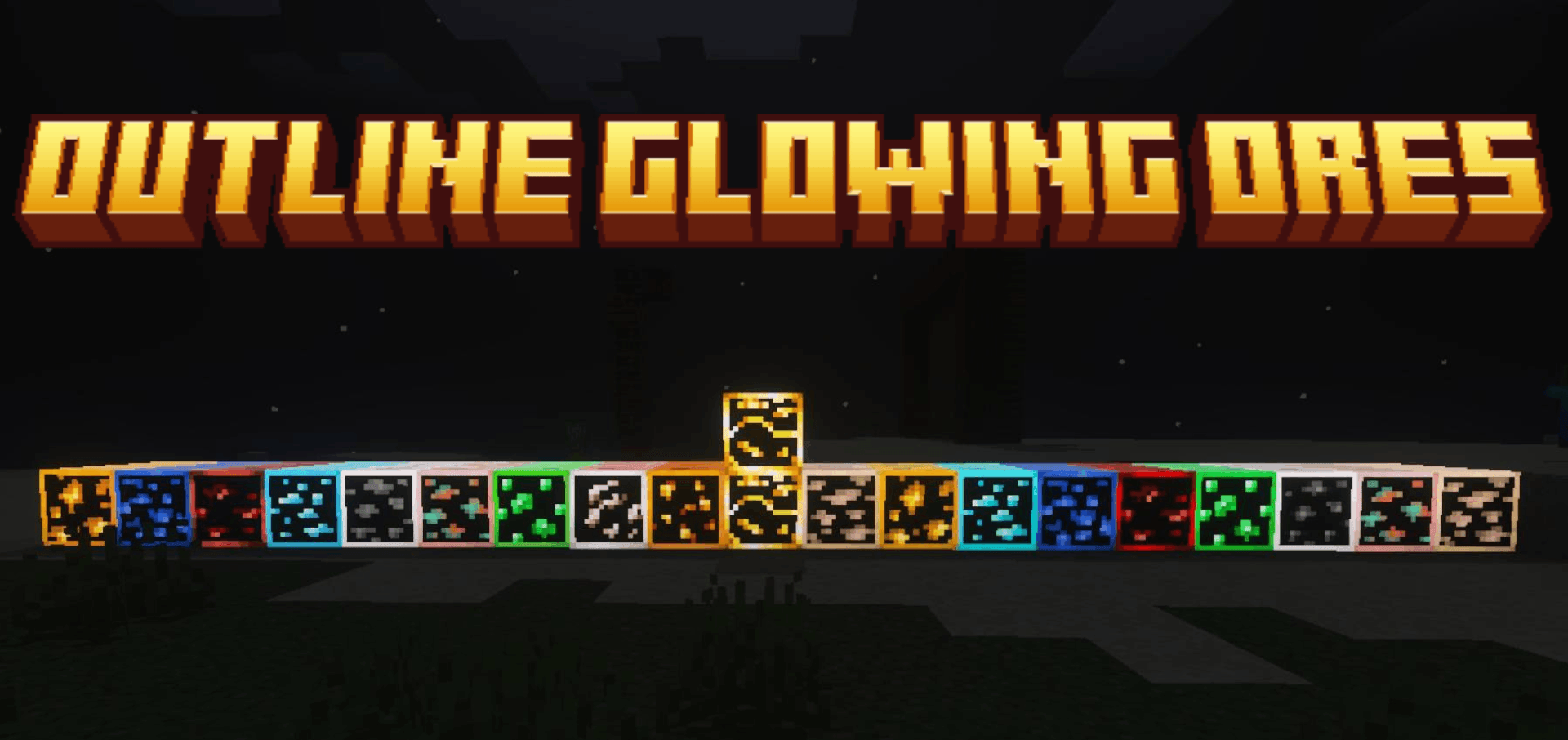

Outline Glowing Ores Lite
Outline Glowing Ores Lite packDownload
Reforged Armors v1 (Old)
New 3d Armors!Download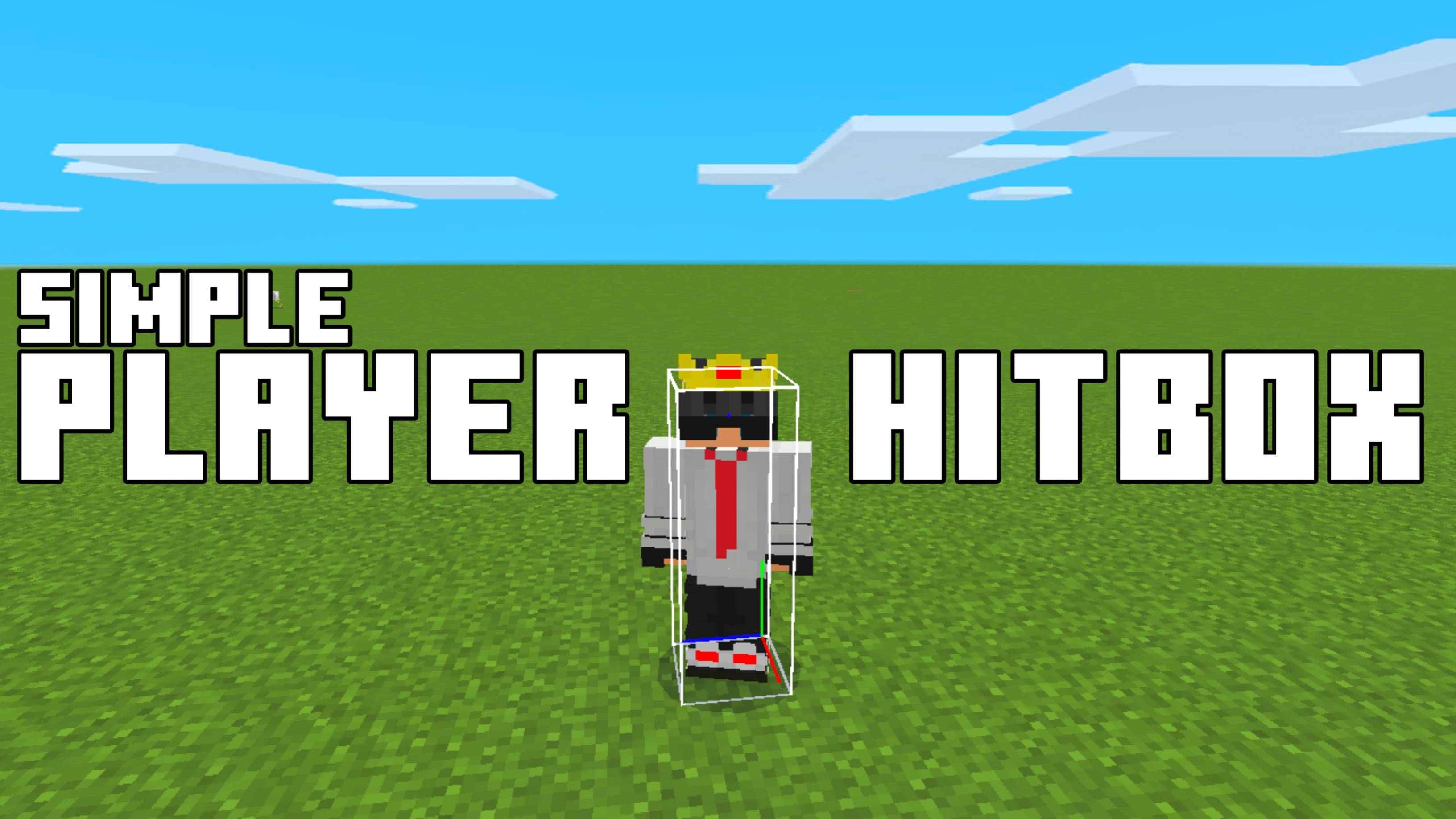
Simple Player Hitbox
Simple Player Hitbox is a lightweight Minecraft Bedrock texture pack that lets you view player hitboxes like Java Edition, with RGB, No Ray, and Default display modes to suit your PvP practice.Download

CreeperGirl
a Creeper But is a GirlDownload

WardenGirls
The warden but girlDownload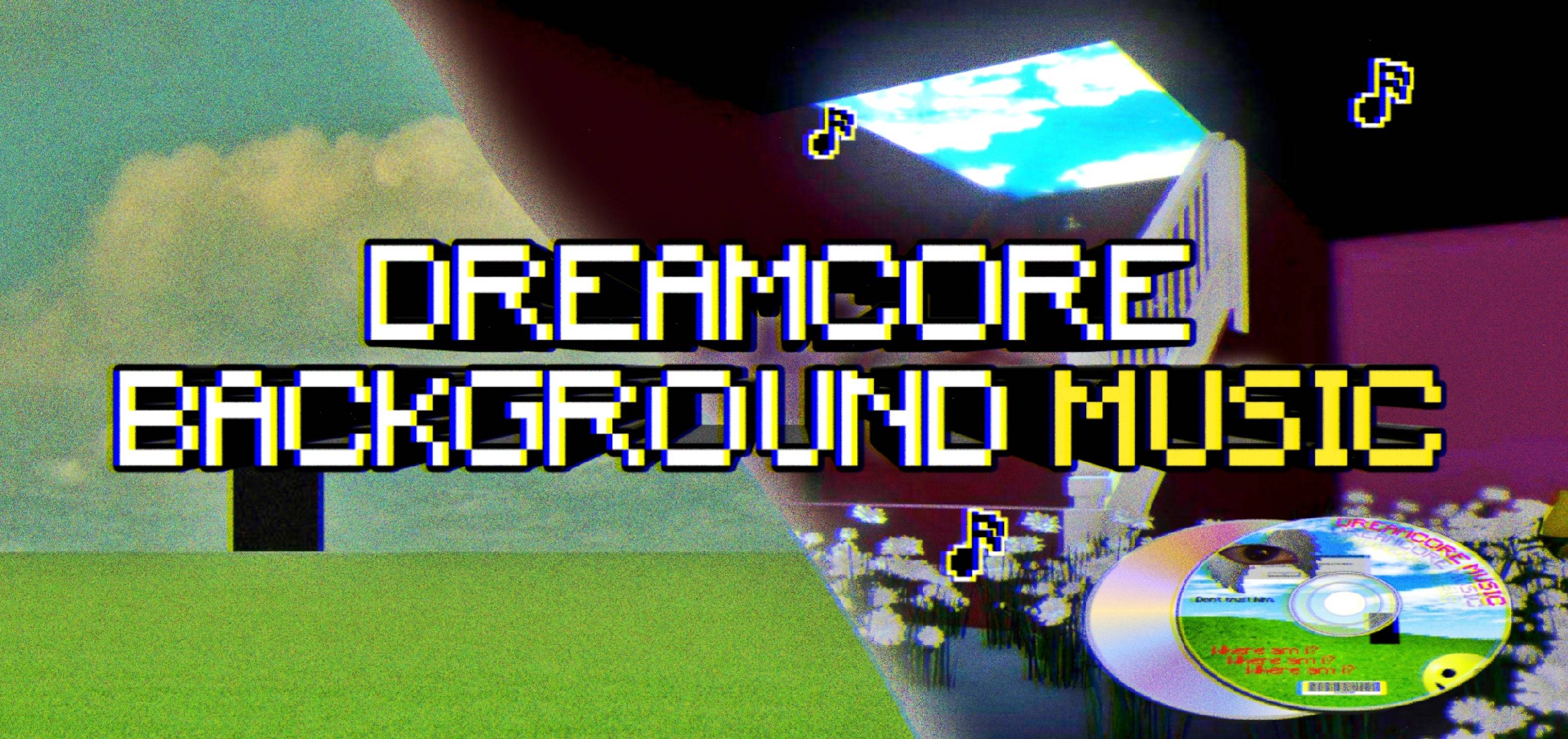
Dreamcore, weirdcore background music
Change the ambient music to a dreamcore, weirdcore, liminal style soundtrack; it does not affect music discs, only the ambient sound (C418)Download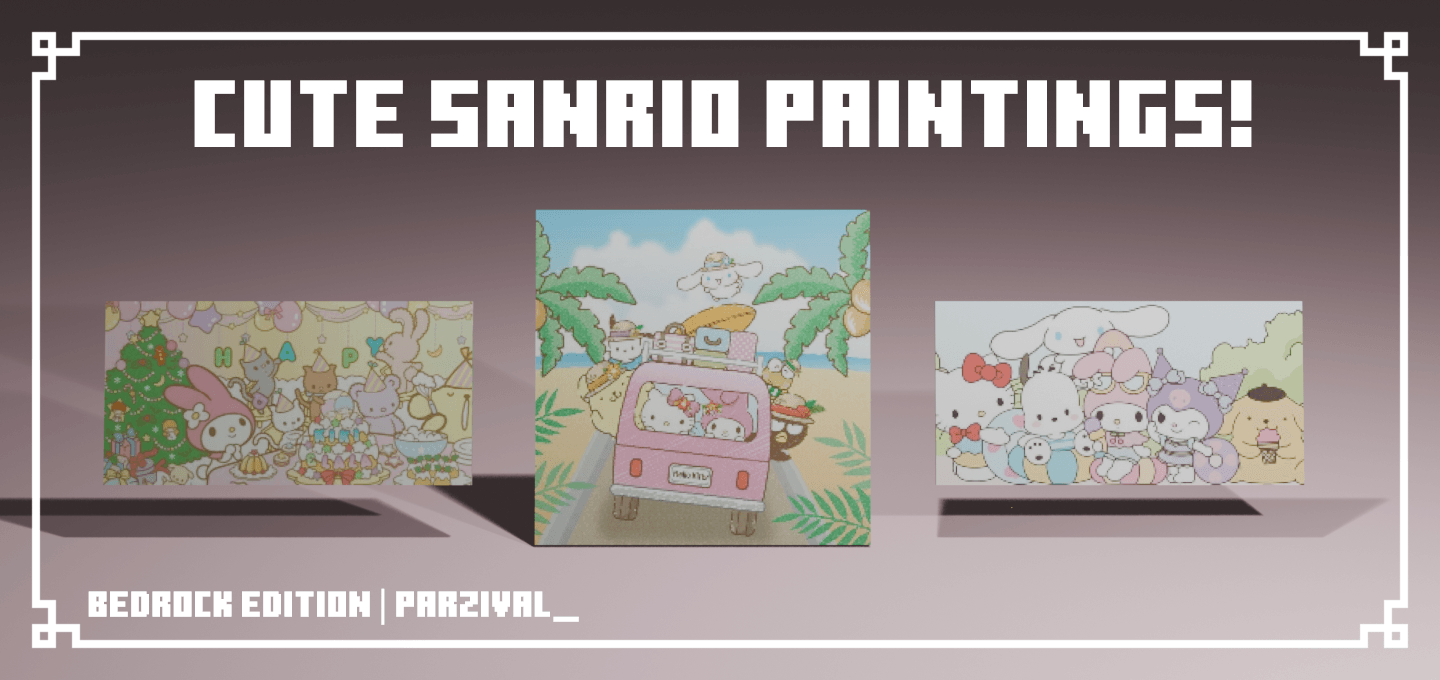

Cute Sanrio Paintings! ^^
This pack changes the vanilla paintings to sanrio paintings!Download

Dandelion X
A charmingly simple pack with a cohesive color palette resulting in textures that flow together effortlessly. Dandelion X is a continuation of the original Dandelion by Steelfeathers.InstallFAQ
Do I need Forge or Fabric for a resource pack?
No. A resource pack works on the regular game with no loaders or mods. Click “Install” and Millida Launcher will put the pack into the right modpack — then just enable it in the settings.
What do 16×, 32×, 64× mean?
The resolution of a single texture in pixels. 16× matches the original game, 32× and 64× are more detailed and heavier, and 128× and up put a noticeable load on your graphics card.
Will a pack made for another version work?
Most likely partly: older packs don't have textures for newer blocks, so those will stay default. The game won't break, though.
How is a texture pack different from a resource pack?
Only by name and age. Before version 1.6 the sets were called texture packs and changed only textures; in 1.6 resource packs replaced them and also change sounds, fonts and the interface. Old texture packs for 1.5 and below do not work on new versions without conversion.
Which texture packs are best for PvP?
PvP packs: 16× resolution or lower, shortened swords, low fire, a clear sky and bright particles. They barely load the computer and make the opponent easier to see. These packs are collected in the PvP theme.
How do I install a resource pack?
Press Install and Millida Launcher puts the pack into the resourcepacks folder of the right instance. Then enable it in the game: Options, then Resource Packs. Manually, the archive goes into resourcepacks inside the game folder, no need to unpack it.
Minecraft texture packs
A resource pack changes how the game looks and sounds: block and item textures, fonts, the interface, sounds. It doesn't touch the game's code, so it needs no mod loader and breaks nothing on a server — the pack only works on your screen. That's exactly why a resource pack is safer than any mod: the worst that happens on a version mismatch is that some textures stay default.
Textures, texture packs and resource packs are essentially the same thing: since version 1.6 Mojang calls these sets resource packs, but the old name is still searched more often. PvP packs are a big genre of their own: shortened swords, low fire, bright particles and 16× resolution or lower, so the opponent stands out and the frame rate does not drop. Such packs are most often made for 1.8.9 and 1.16.5, the versions many PvP servers run on.
The key thing about a pack is its resolution. The game's default textures are 16×16 pixels; 32× and 64× packs look more detailed, while 128× and up need a real graphics card and are usually paired with shaders. On a weak machine it makes sense to stay at 16× or go for packs that deliberately simplify graphics for more FPS. Every pack here lists its game version, author and license, and all released versions are gathered on one card. Put the downloaded archive in the resourcepacks folder and enable it in the game settings.