
Minecraft texture packs — page 216
Resource packs: list


Mace to Scythe
Change mace to Scythe. Bedrock EditionDownload

Sonic's Chaos Emeralds
With this texture pack you can have the 7 Chaos Emeralds of Sonic on Minecraft! In fact this pack changes the textures of some items, so as to have all 7 Chaos Emeralds of colors: yellow, red, white, blue, light blue, green and purple.Download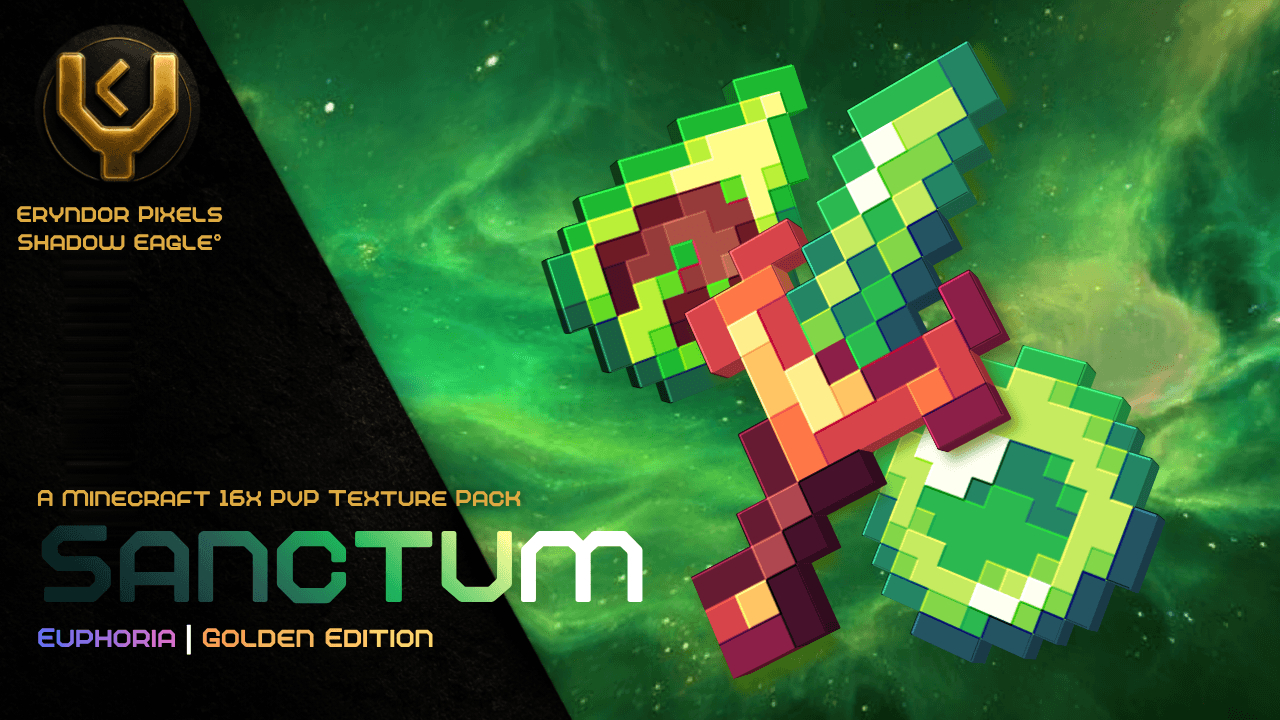

Sanctum 16x
An Elegant Green Samurai Themed PvP Texture Pack, packed with pvp necessities.Download

X-Ray Light Version
💎 X-RAY LIGHT helps you find Diamonds, Gold, Emeralds, Ancient Debris, and other valuable ores with ease. Lightweight, achievement-friendly, and optimized for Minecraft Bedrock Edition. ✨Download

ZombieGirls
the ZombieGirls are coming!Download

Hide Armor - [Configurable]
Are you looking for a texture that hides the armor? Well, rest assured, because this texture that I bring will not only hide it, but also show it whenever you want!!!Download

SERP Clay Texture Pack
This is the first version of my official Texture Pack, I will be gradually updating this pack with new blocks, entities and objects!Download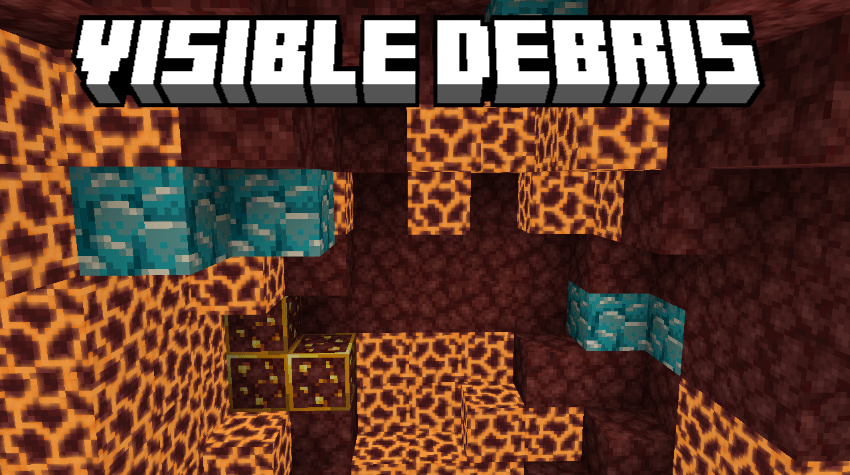
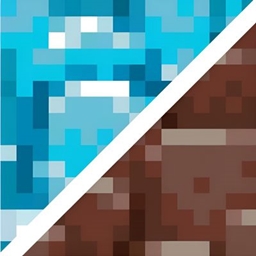
Visible Debris
Visible Debris Made By LazyLegend95Download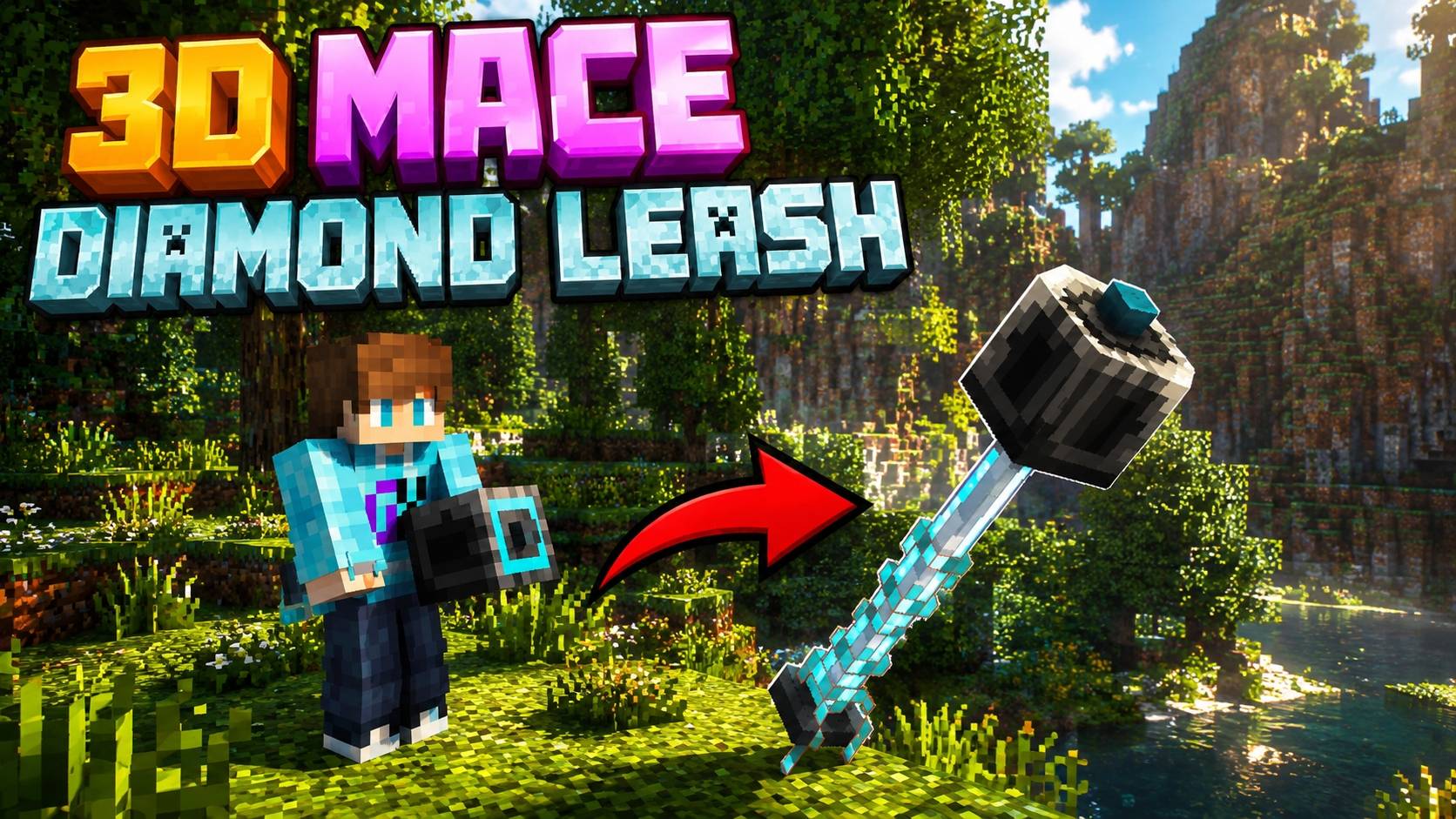

New 3D Mace Texture Pack By [Neq Gamerz]
Custom 3D Mace texture pack for Minecraft Bedrock 1.21+, featuring enhanced visuals, detailed design, smooth performance, and easy integration.Download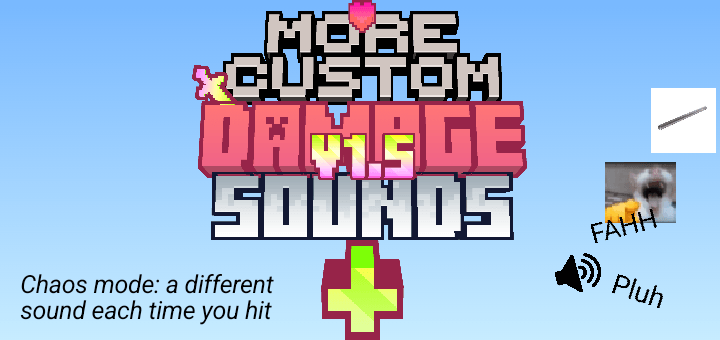
Custom Damage Sounds+ V1.5
Customize your hurt sounds with 40 unique options! Includes competitive PvP sounds, classic hurts, funny memes, and a randomized CHAOS mode using an in-game slider. Attack!!🤩🤩Download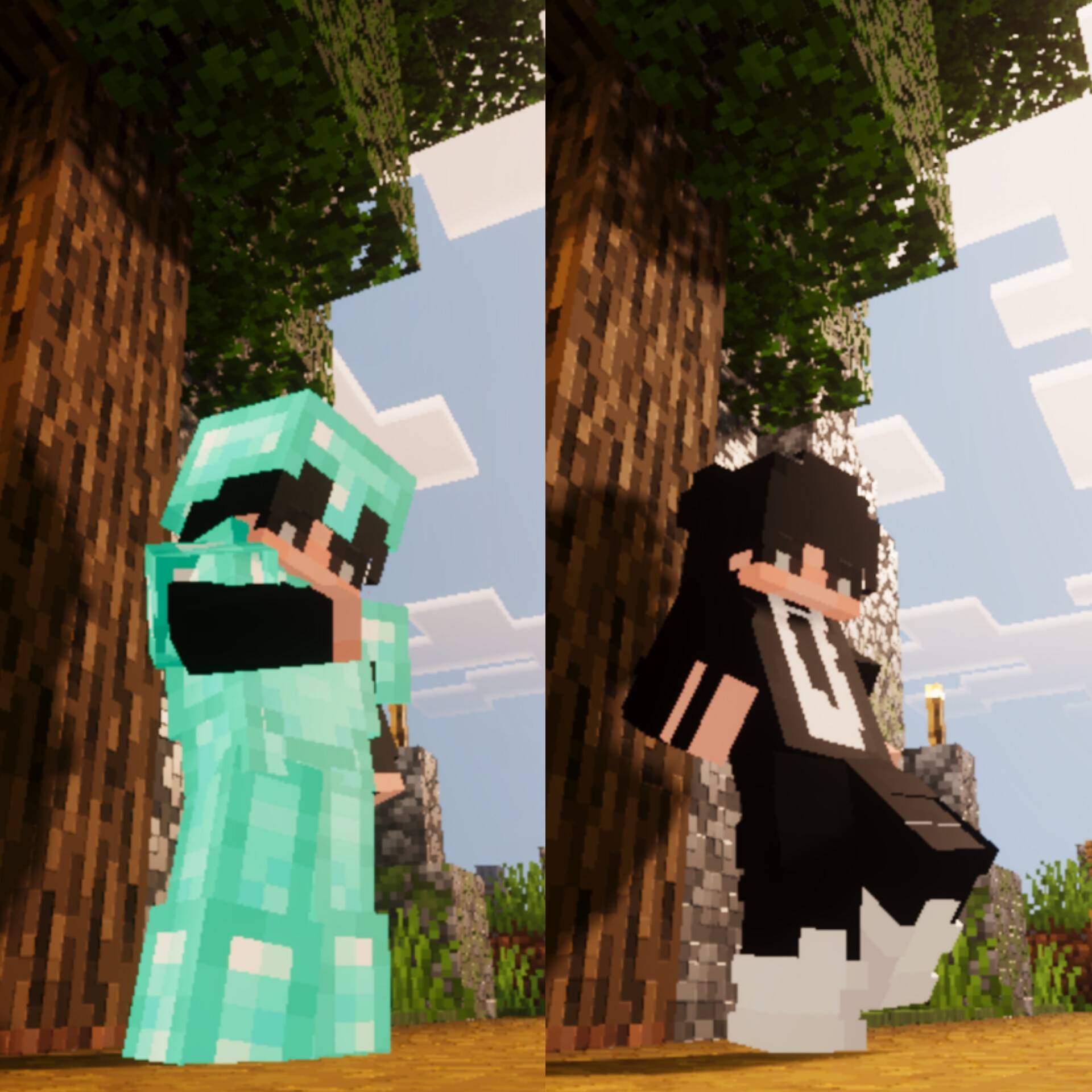

Invisible Armors and shell
Now your equipped armors are invisible!Download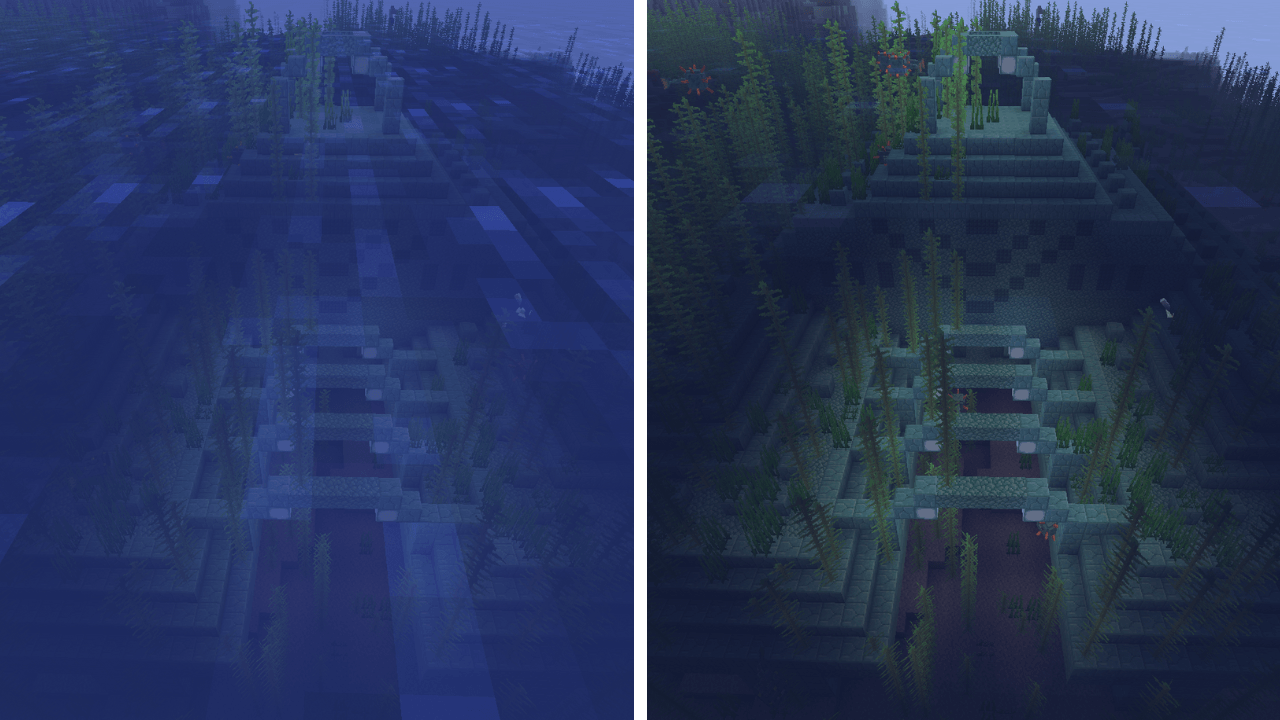

Clear Water
See Deep, Play Smart.Download
no lag fps boost lag (Achievement-friendly and no player.json)
No Lag FPS Boost makes your gameplay smoother. This pack is recommended for low-end devices.Download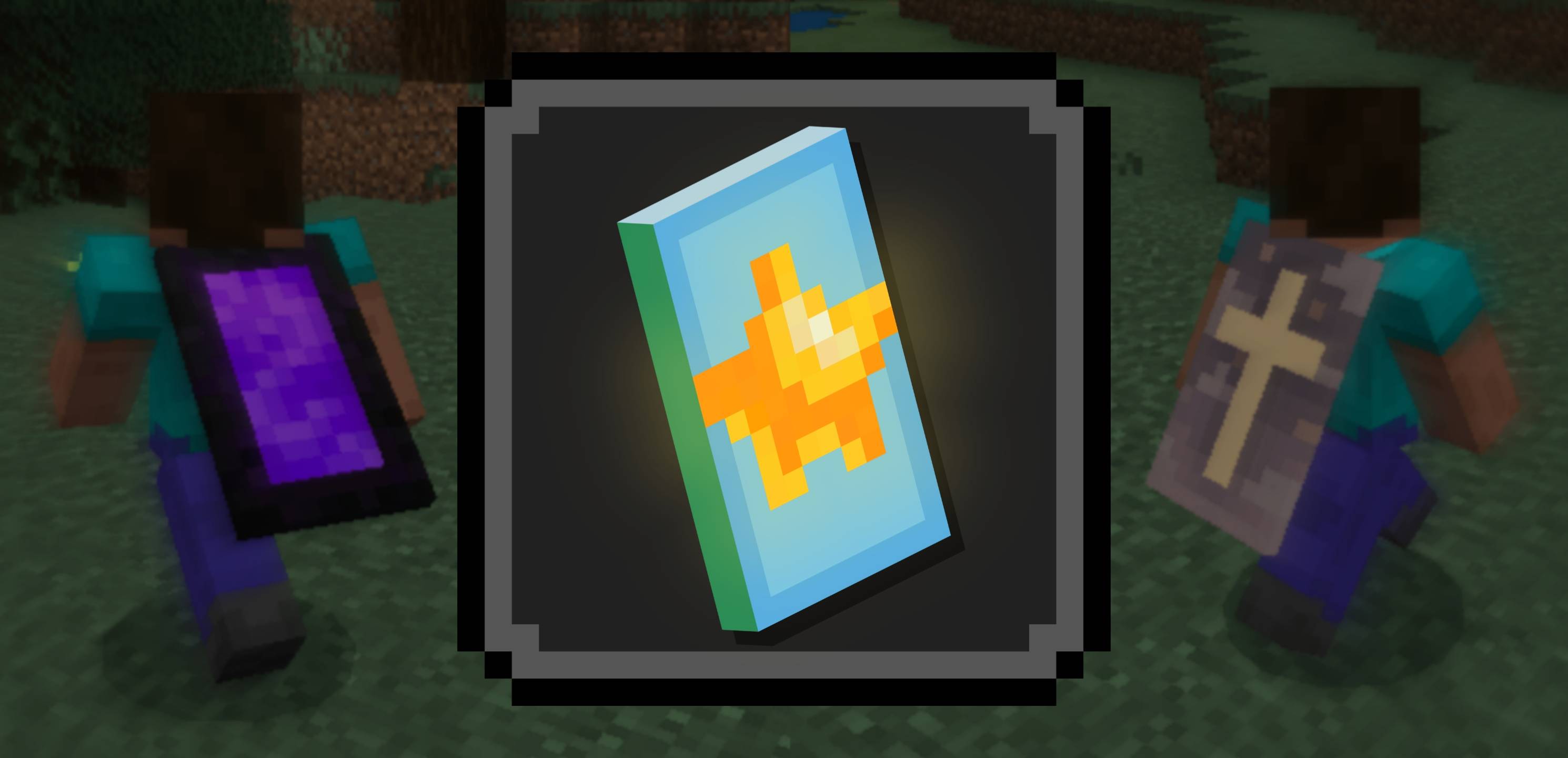

Ponky's Custom Capes
Create a custom cape, which other players with this pack can see, just by editing your skin file!Download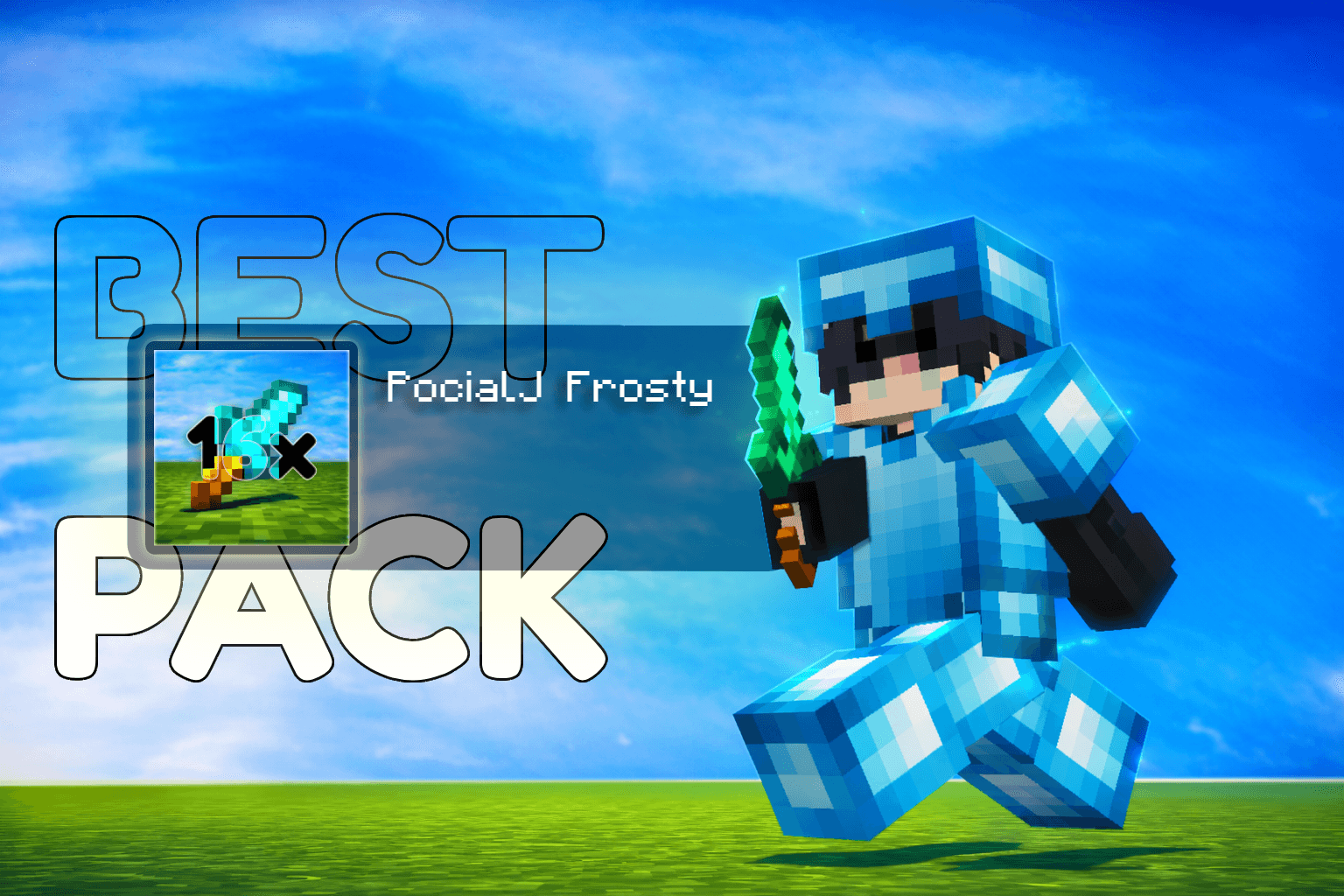

PocialJ Frosty 16x
A competitive PvP texture pack optimized for Bedwars and Skywars, featuring low-fire, short swords, and high-visibility ores.Download
Less Lag Texture Pack
Introducing the Lag-Reducing Texture Pack, a game-changing addition to your Minecraft experience that's designed to make your adventures smoother than ever before.Download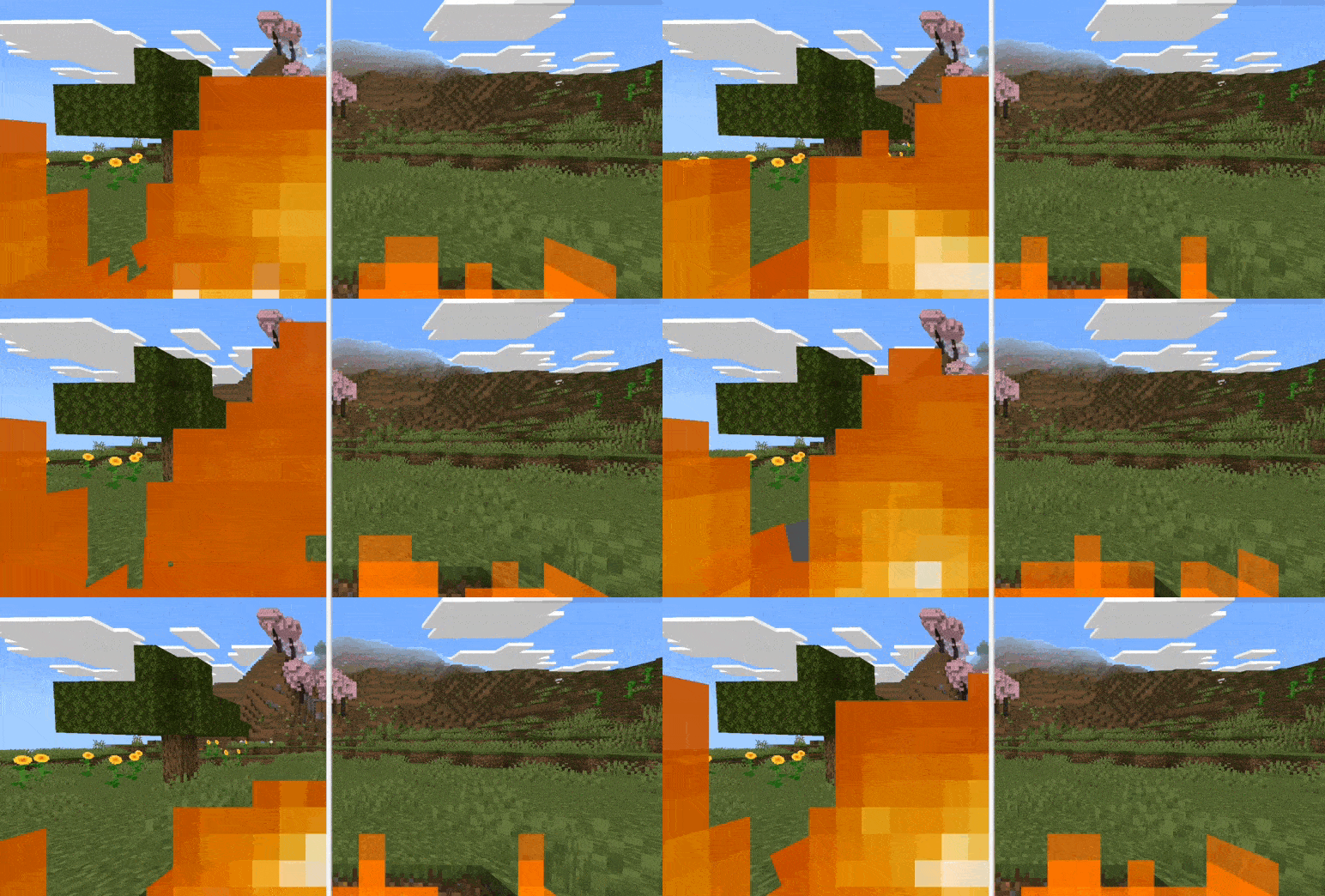

ý Better Low Fire's
Make all Fire better and lowerDownload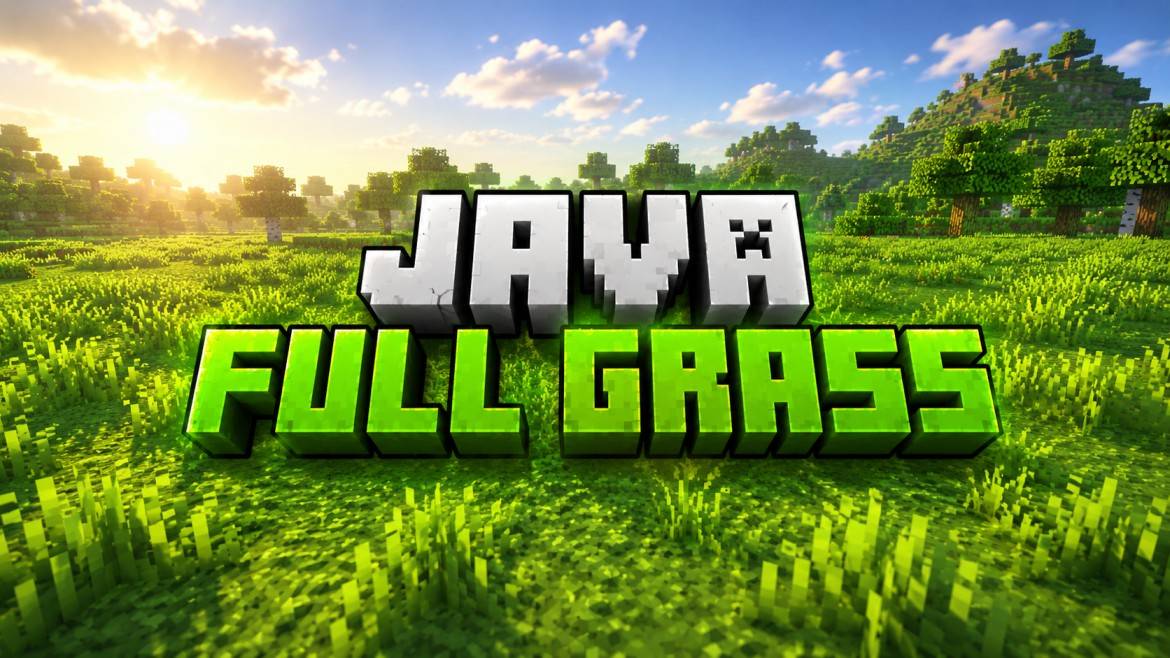
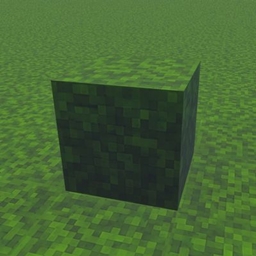
Java full grass
🌿 Full Grass Texture Pack gives your Minecraft world a clean Java-style look with fully covered grass blocks. It makes terrain smoother, more realistic, and beautiful for survival or builds. Lightweight and optimized for Bedrock Edition.Download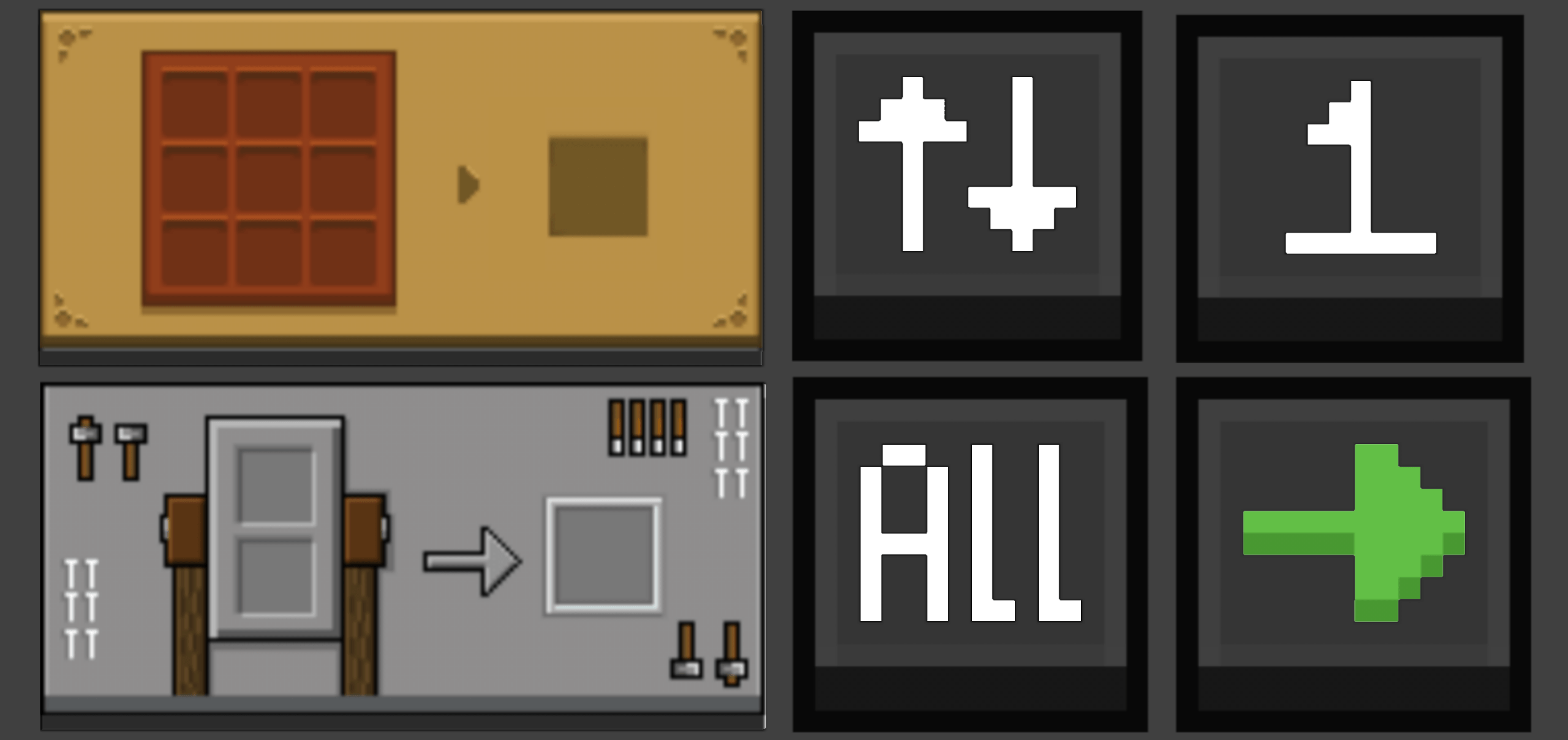

Pocket GUI+ Dark Mode
Pocket GUI+ upgrades Minecraft’s block GUIs, giving each block its themed interface (like crafting table GUI) and adds useful features such as Guides, Quick Loot, Drop One Item, and Drop All Items for a smoother, enhanced Bedrock/MCPE experience.Download

Galaxy Void x16 (bedwars)
Bedwars / PvP themed texture pack with MANY featuresDownload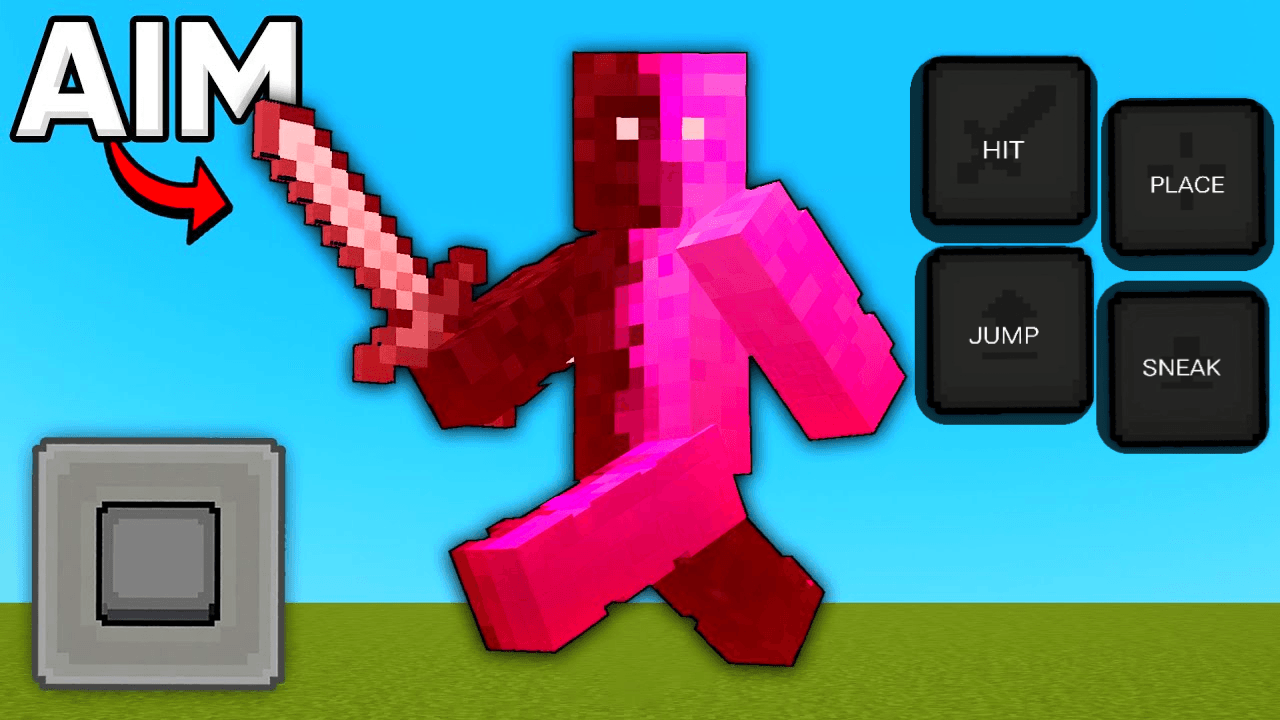

HD Controls
Custom high-definition mobile touch buttons.Download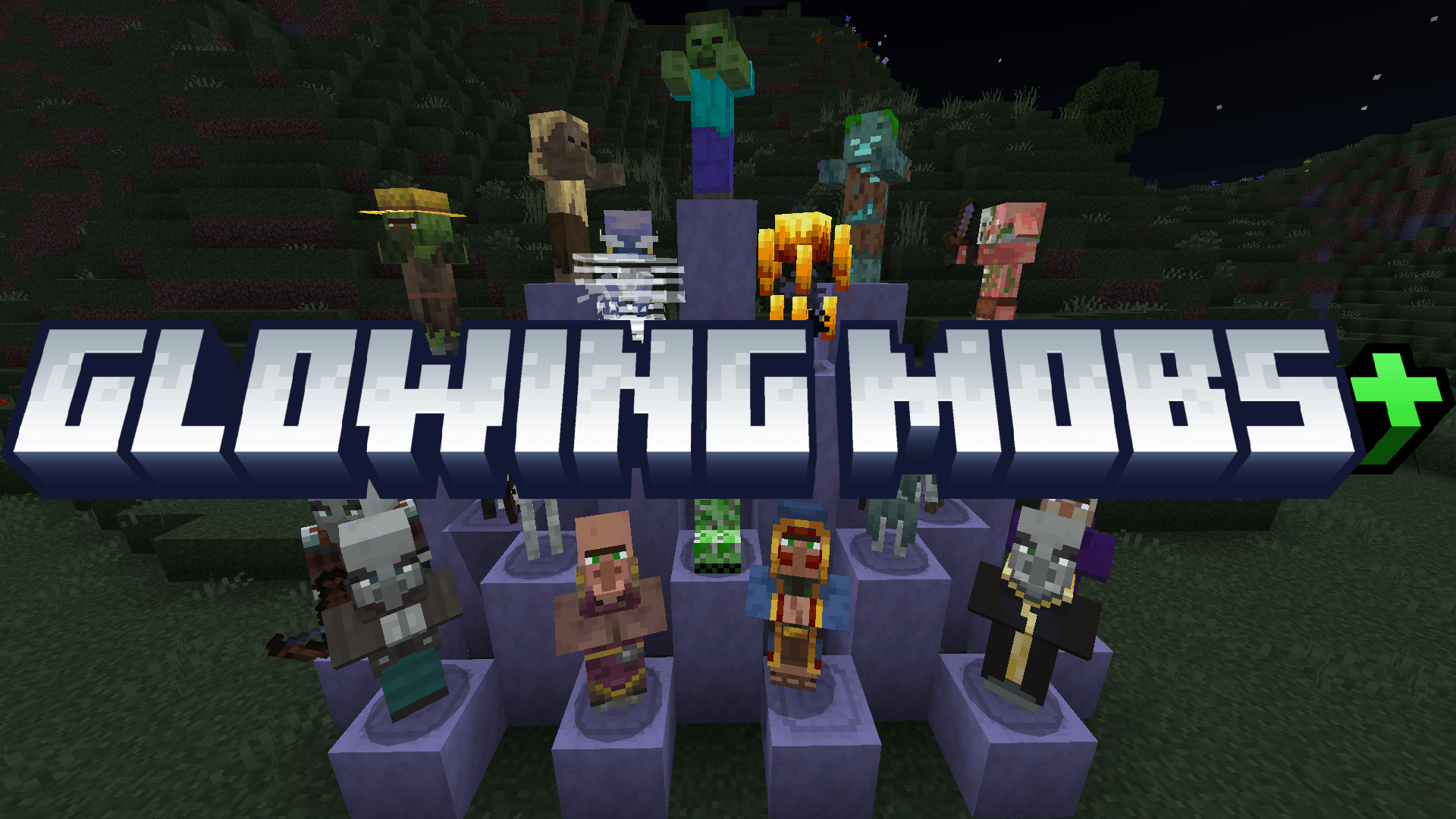

Glowing Mobs+
This texture pack makes all mobs glow in the dark, helping you see them better at night, in caves, or in the Nether. It works with all mob types and adds a cool visual effect to your world.Download

Bumbli Graphics
Have you been looking for realistic renderdragon packages and haven't found any realistic enough for you? If so, I present to you Bumbli graphicsDownloadFAQ
Do I need Forge or Fabric for a resource pack?
No. A resource pack works on the regular game with no loaders or mods. Click “Install” and Millida Launcher will put the pack into the right modpack — then just enable it in the settings.
What do 16×, 32×, 64× mean?
The resolution of a single texture in pixels. 16× matches the original game, 32× and 64× are more detailed and heavier, and 128× and up put a noticeable load on your graphics card.
Will a pack made for another version work?
Most likely partly: older packs don't have textures for newer blocks, so those will stay default. The game won't break, though.
How is a texture pack different from a resource pack?
Only by name and age. Before version 1.6 the sets were called texture packs and changed only textures; in 1.6 resource packs replaced them and also change sounds, fonts and the interface. Old texture packs for 1.5 and below do not work on new versions without conversion.
Which texture packs are best for PvP?
PvP packs: 16× resolution or lower, shortened swords, low fire, a clear sky and bright particles. They barely load the computer and make the opponent easier to see. These packs are collected in the PvP theme.
How do I install a resource pack?
Press Install and Millida Launcher puts the pack into the resourcepacks folder of the right instance. Then enable it in the game: Options, then Resource Packs. Manually, the archive goes into resourcepacks inside the game folder, no need to unpack it.
Minecraft texture packs
A resource pack changes how the game looks and sounds: block and item textures, fonts, the interface, sounds. It doesn't touch the game's code, so it needs no mod loader and breaks nothing on a server — the pack only works on your screen. That's exactly why a resource pack is safer than any mod: the worst that happens on a version mismatch is that some textures stay default.
Textures, texture packs and resource packs are essentially the same thing: since version 1.6 Mojang calls these sets resource packs, but the old name is still searched more often. PvP packs are a big genre of their own: shortened swords, low fire, bright particles and 16× resolution or lower, so the opponent stands out and the frame rate does not drop. Such packs are most often made for 1.8.9 and 1.16.5, the versions many PvP servers run on.
The key thing about a pack is its resolution. The game's default textures are 16×16 pixels; 32× and 64× packs look more detailed, while 128× and up need a real graphics card and are usually paired with shaders. On a weak machine it makes sense to stay at 16× or go for packs that deliberately simplify graphics for more FPS. Every pack here lists its game version, author and license, and all released versions are gathered on one card. Put the downloaded archive in the resourcepacks folder and enable it in the game settings.