
Minecraft texture packs — page 215
Resource packs: list


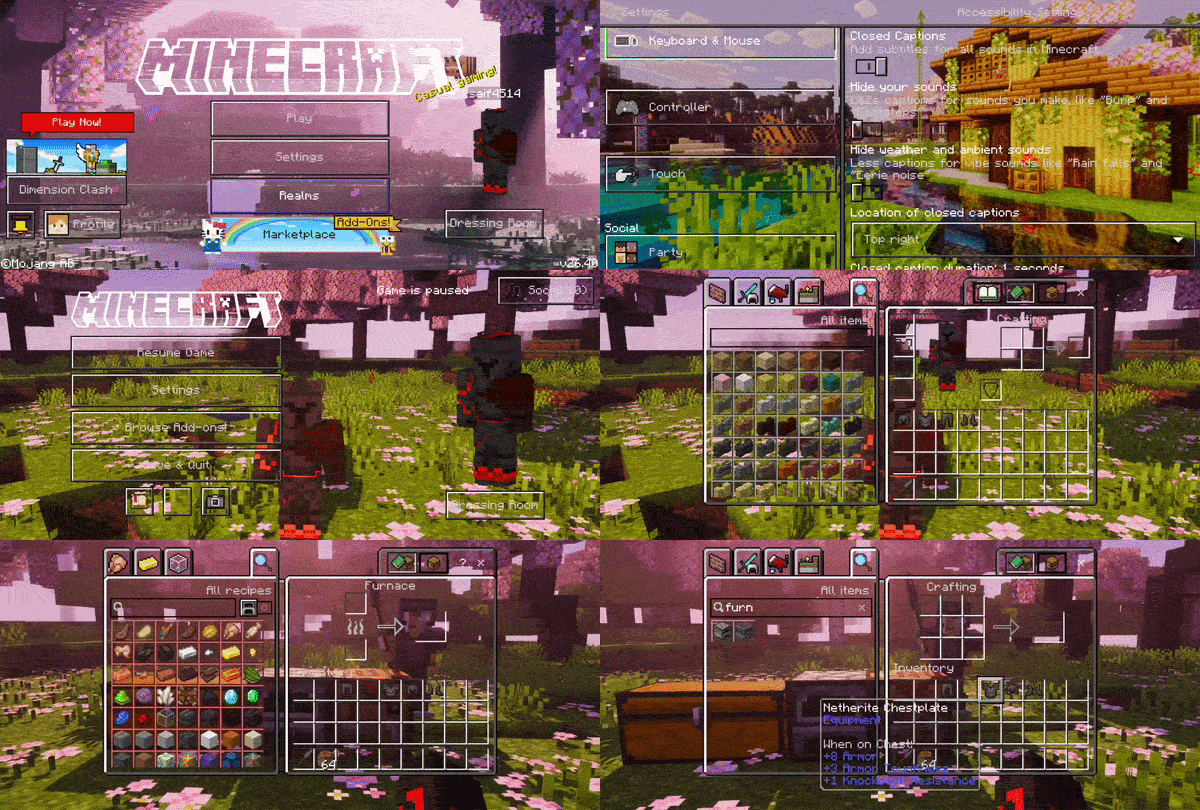
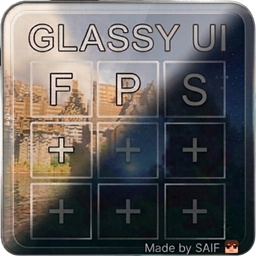
GLASSY UI
GLASSY UI — A transparent GUI/UI overhaul giving you a clear view & tactical edge. Includes Dark Mode, performance-boosting Particles Core, and clean menus.Download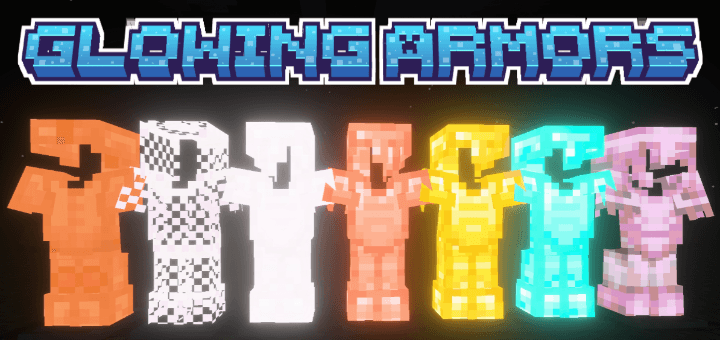

Glowing Armors
This pack makes all armors glow, allowing them to shine beautifully at night. It also helps you easily spot enemies wearing armor in the dark.Download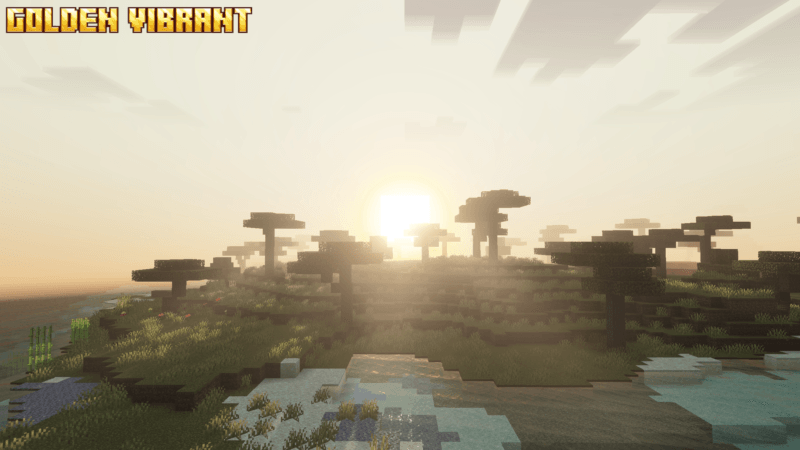

Golden Vibrant
Golden Vibrant will make your world golden, where everything will look golden. ✨Download

Connected Glass by Four
No Boarders, No Glare, Just a seamless connection. Make for modern looking builds with smooth cut Connected Glass!Download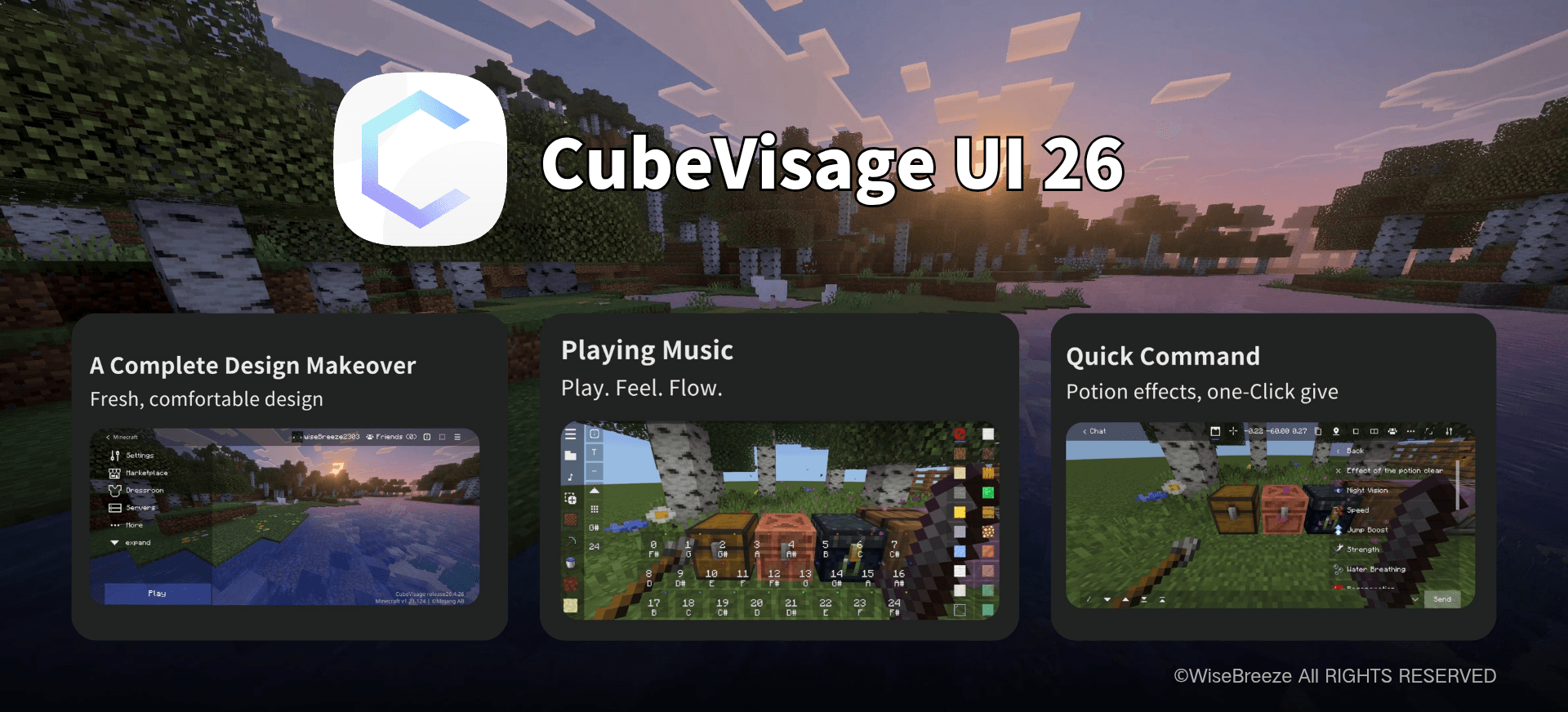

CubeVisage UI
CubeVisage UI is a full interface overhaul for Minecraft Bedrock Edition, designed for a cleaner and more comfortable experience. More importantly, it adds a range of practical features on top of Minecraft's original screens.Download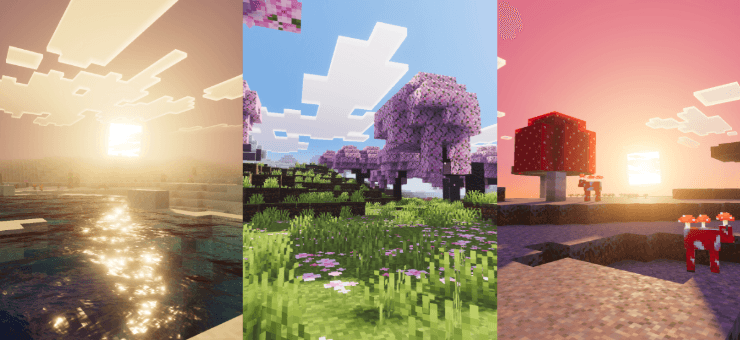

Sleek Visuals
Sleek Visuals is a refined shader pack that enhances Minecraft's lighting, colors, and ambience, creating a smooth, clean, and immersive world with improved visuals and a more vibrant, realistic environment for every player.Download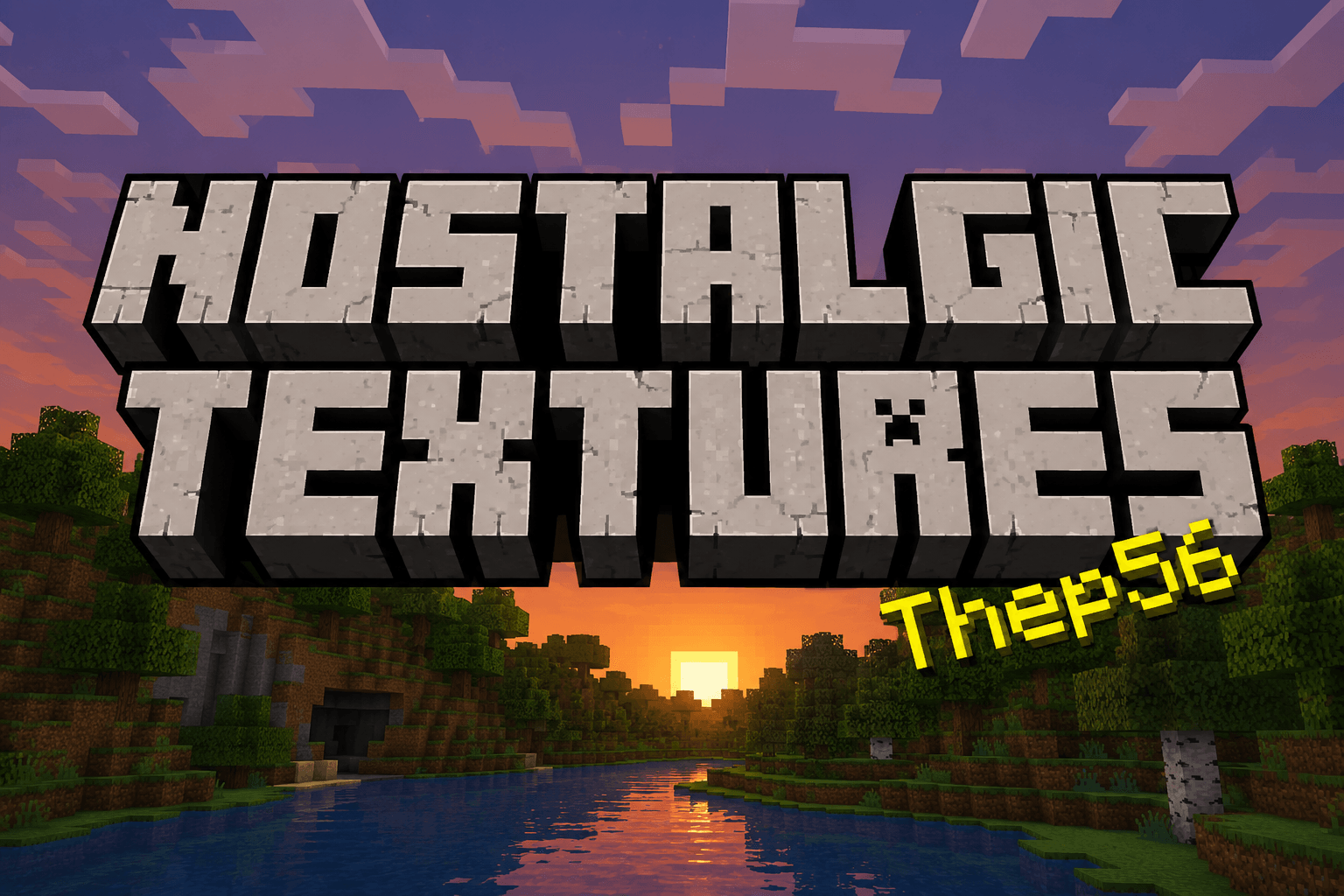
Nostalgic Textures
This texture pack add so many textures of the old MinecraftDownload

Vibrant Realism PBR (LITE)
A realistic lighting pack, the LITE version of Vibrant Realism PBR, which is a full texture pack with custom models and animations included.Download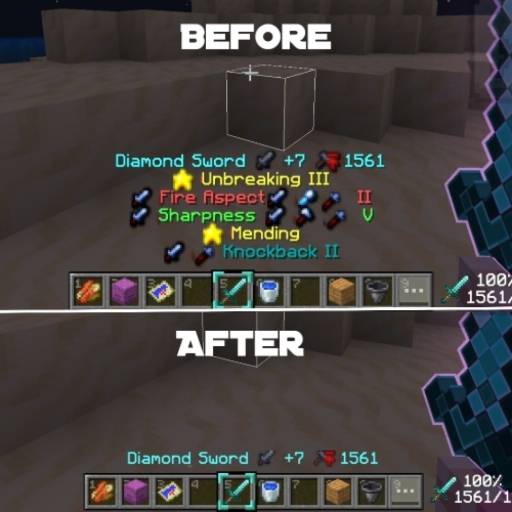

Enchant Hider hud
This resource pack hides enchantment details from item tooltips, showing only the item name when enchanted. Ideal for clean UI lovers or minimalist gameplay style.Download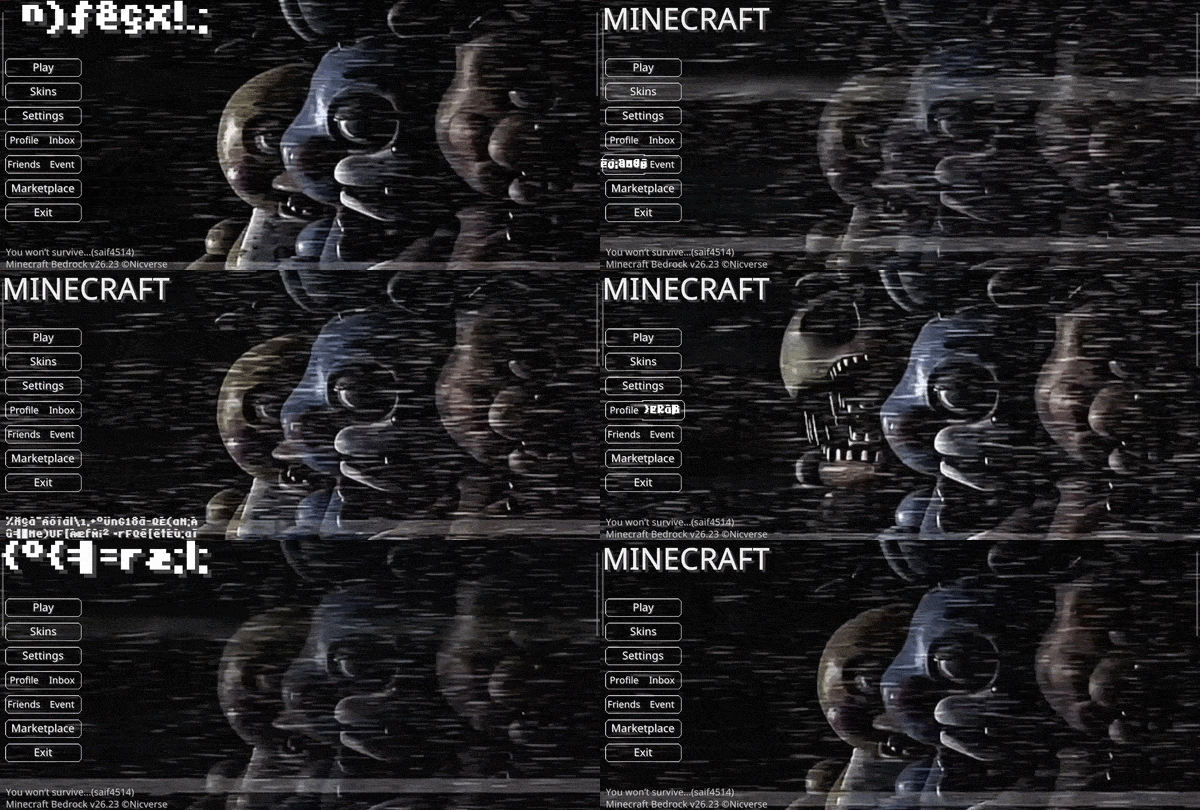

Animated FNAF2 UI
A character-themed animated menu for the Start Screen and Settings Screen, inspired by Five Nights at Freddy’s Five Nights at Freddy's, featuring dark visuals, flickering lights, and subtle animatronic motion for a suspenseful Minecraft experience.Download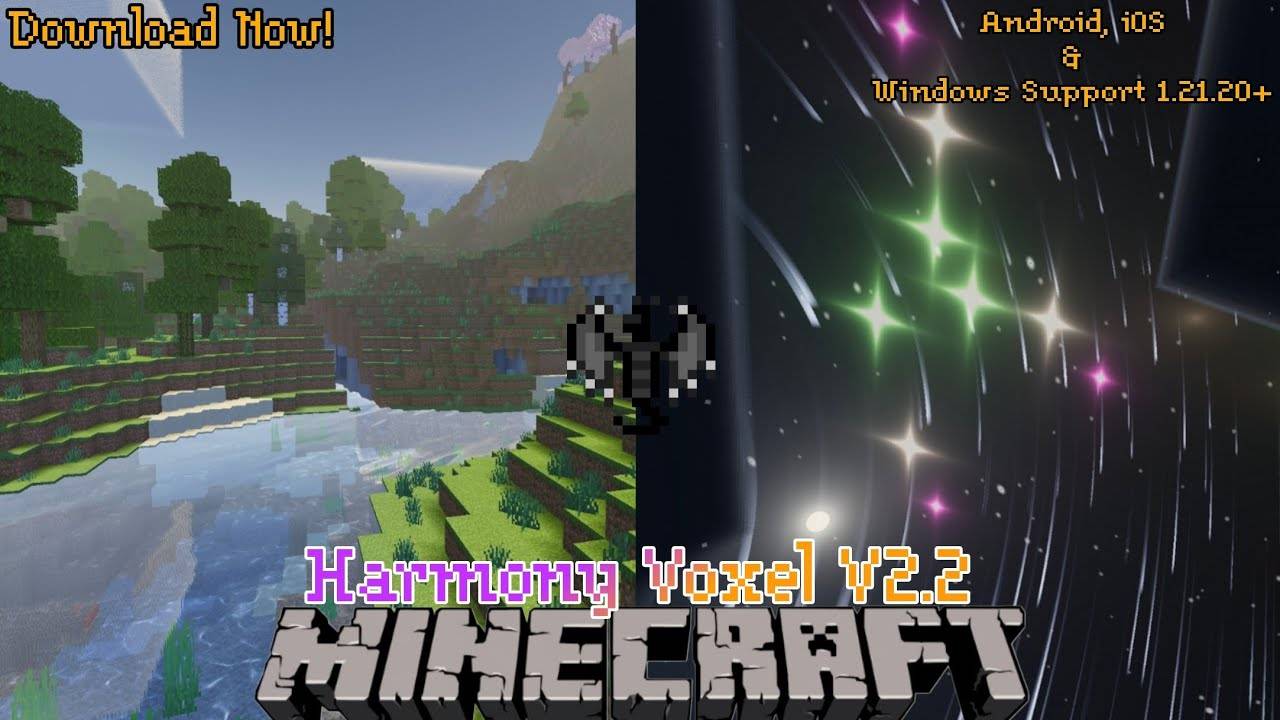

Harmony Voxel shader for RenderDragon
So hey guys! I'm going Today I'm going to share a new Shader which supports IOS, Android and Windows 10 edition too! And no worries if you have Render dragon edition it's especially made for Renderdragon only so the name of the Shader is Harmony Voxel Sh..Download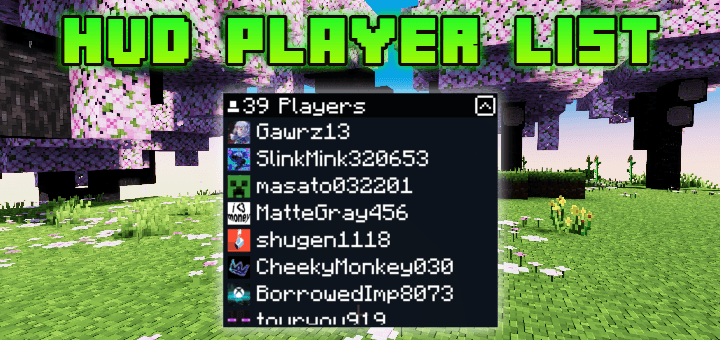

HUD Player List
Do you like playing on servers? This pack Will help you so much!Showing any players that joined the server or world without going to pause screenDownload

Become God of PvP pack (Bedrock)
Best Texture Pack to Master All PvP Gamemodes! Try Now!.Download

Better Swords Textures Pack [By Neq Gamerz]
Better Swords Textures upgrades all Minecraft swords with sharper, cleaner, and more detailed designs while keeping the vanilla style. Perfect for PvP and survival, it enhances visuals without affecting gameplay.Download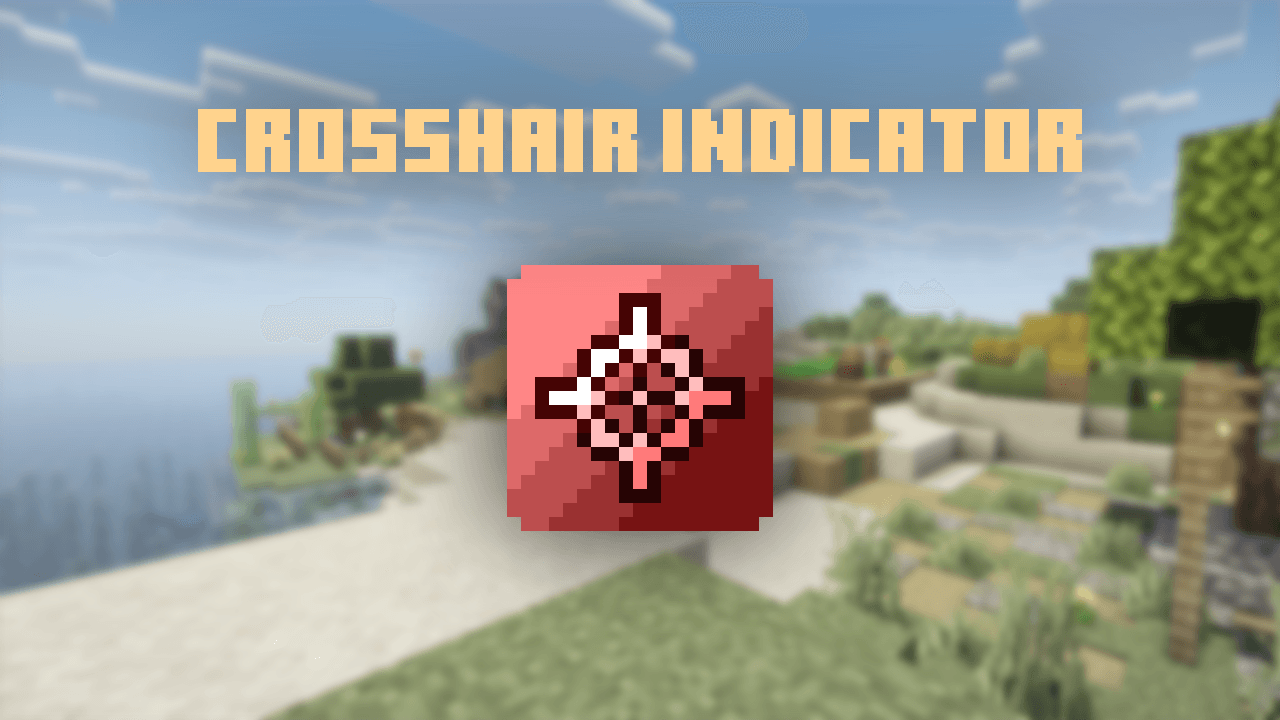

PandaMine's Crosshair Indicator
A PvP Utility pack that adds crosshair indicator when looking entity, even invisible players.Download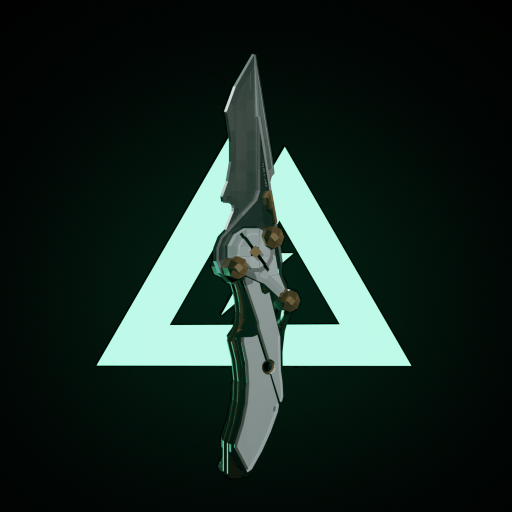
DeltaForce Melee Weapons
DeltaForce Melee Weapons vanillaDownload

Mace to Scythe
Change mace to Scythe. Bedrock EditionDownload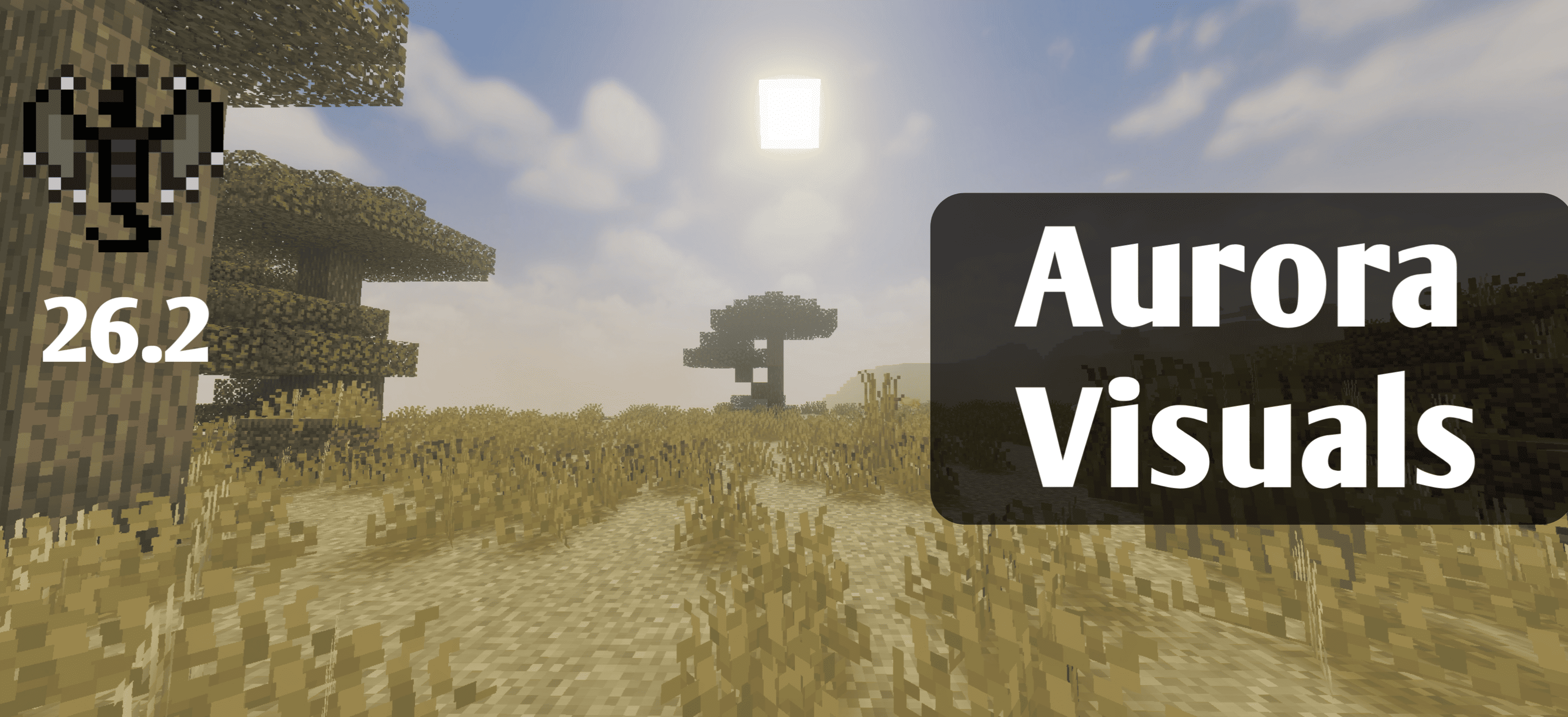
Aurora Visuals
Aurora Visuals is a cinematic Minecraft shader that brings stunning water reflections, atmospheric sky gradients, biome-sensitive lighting, and dramatic day-night transitions to your world — making every screenshot feel like a painting.Download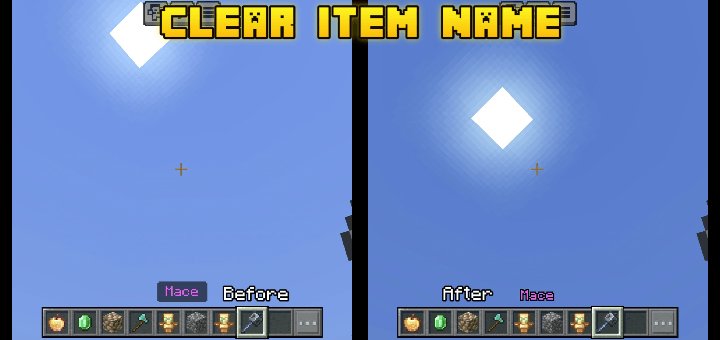
Clear Item Name
The background on item name is sometimes very distracting, especially if there is an enchantments on your weapon and it covers entire of your screen.Maybe you Will need this pack, and no more distractions!Download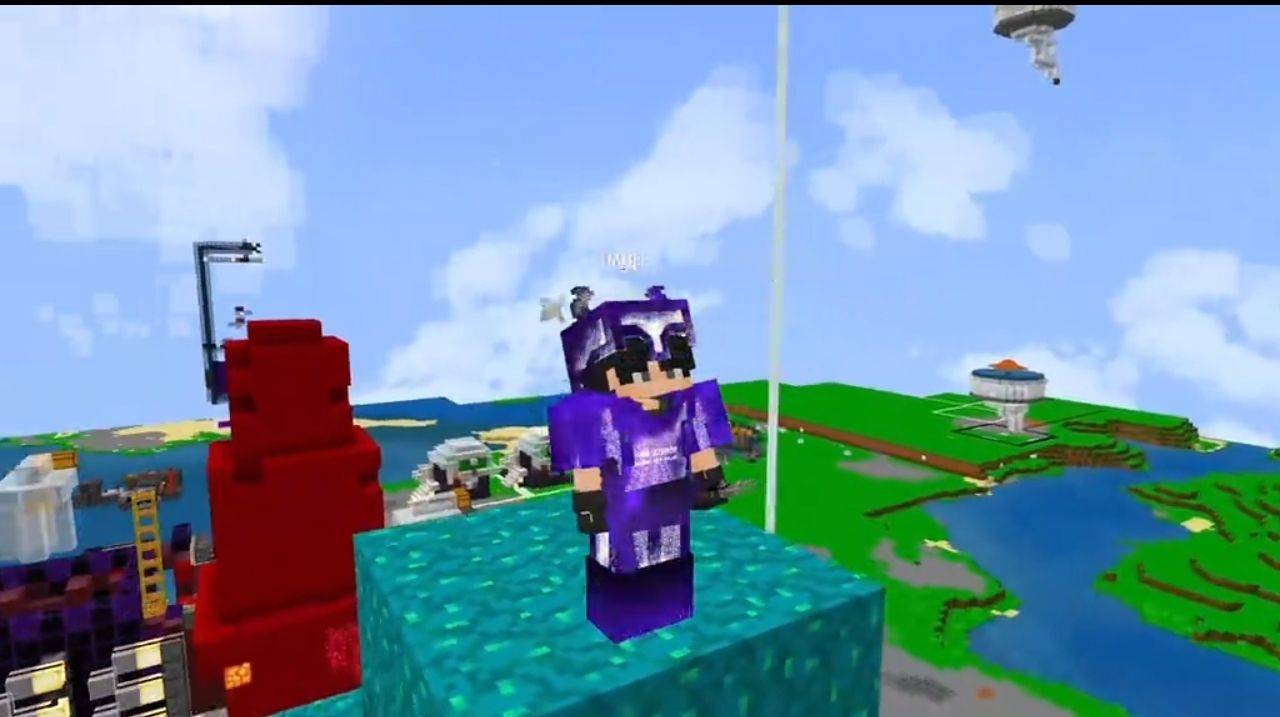

GOOD VIBES
This new texture pack will bring you new tools, sounds, quick buttons, the option to add long hands, a hand model, and a normal mode. It also completely changes the redstone components, increases block saturation, and includes many other new features.Download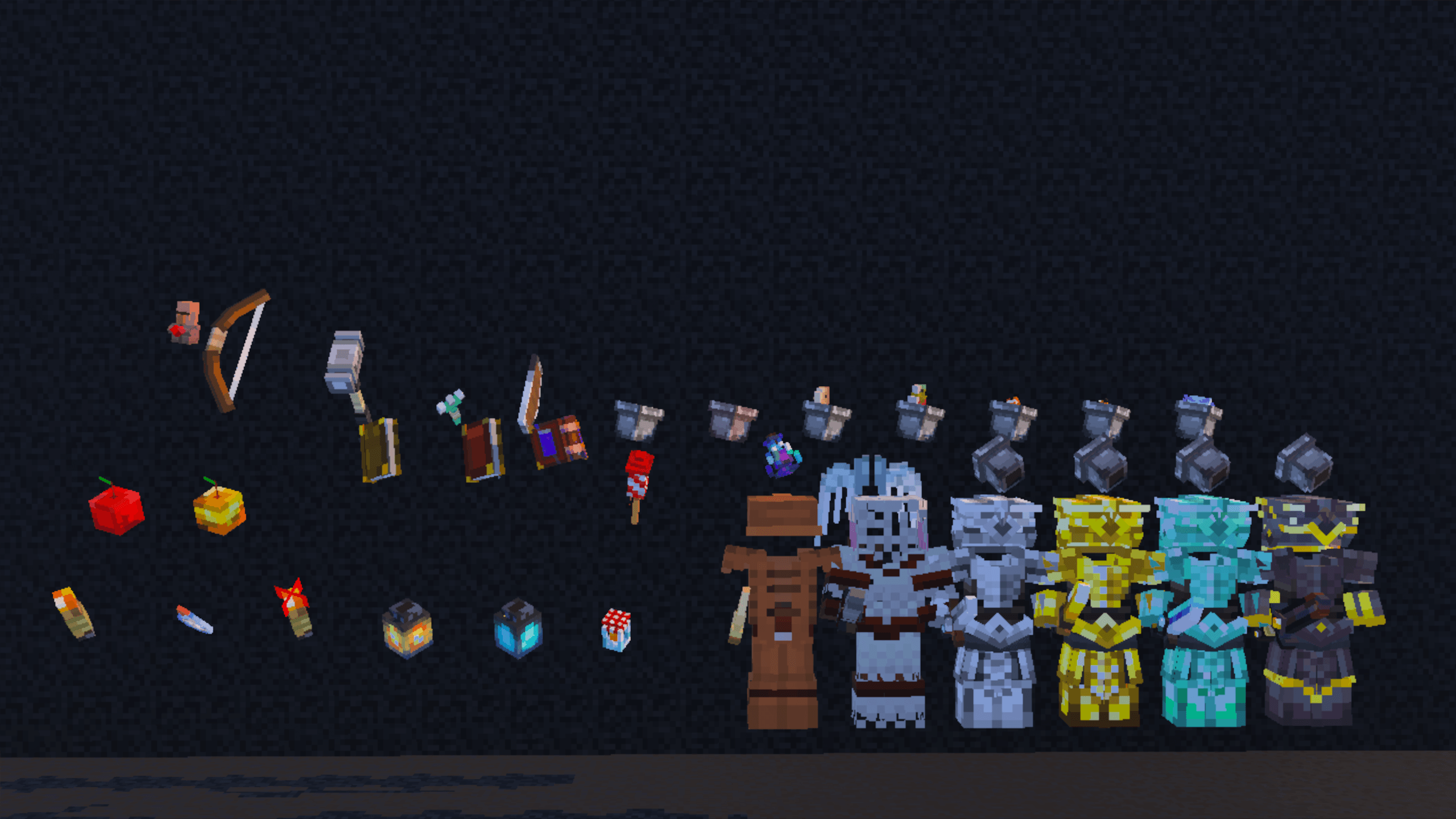
Pikli
Bring your world to life with a burst of color and charm! This pack is packed with cozy cottage vibes, vibrant textures, animated entities, 3D items, custom particles, and more!Download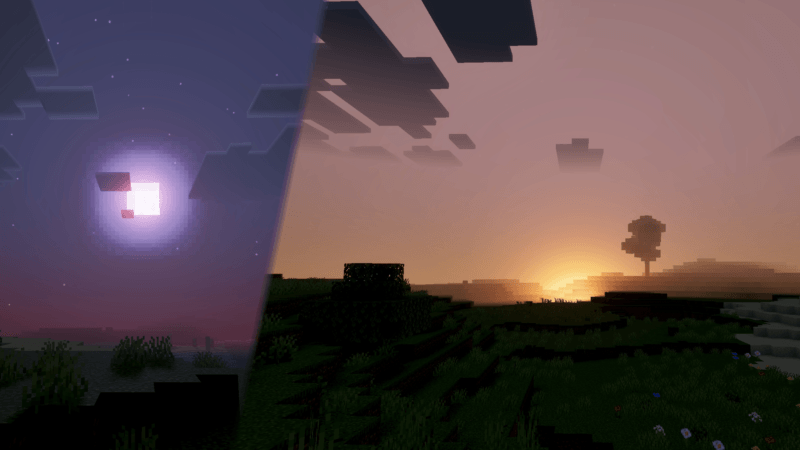
Sukuna Visual Theme
Sukuna Visual Theme makes your world more dynamic with cinematic sunset lighting, atmospheric haze, and vibrant sky colors that bring your Minecraft landscape to life.Download

Vibrant Visual Reimagined
Low Tier Beautiful Shader For Vibrant VisualDownloadFAQ
Do I need Forge or Fabric for a resource pack?
No. A resource pack works on the regular game with no loaders or mods. Click “Install” and Millida Launcher will put the pack into the right modpack — then just enable it in the settings.
What do 16×, 32×, 64× mean?
The resolution of a single texture in pixels. 16× matches the original game, 32× and 64× are more detailed and heavier, and 128× and up put a noticeable load on your graphics card.
Will a pack made for another version work?
Most likely partly: older packs don't have textures for newer blocks, so those will stay default. The game won't break, though.
How is a texture pack different from a resource pack?
Only by name and age. Before version 1.6 the sets were called texture packs and changed only textures; in 1.6 resource packs replaced them and also change sounds, fonts and the interface. Old texture packs for 1.5 and below do not work on new versions without conversion.
Which texture packs are best for PvP?
PvP packs: 16× resolution or lower, shortened swords, low fire, a clear sky and bright particles. They barely load the computer and make the opponent easier to see. These packs are collected in the PvP theme.
How do I install a resource pack?
Press Install and Millida Launcher puts the pack into the resourcepacks folder of the right instance. Then enable it in the game: Options, then Resource Packs. Manually, the archive goes into resourcepacks inside the game folder, no need to unpack it.
Minecraft texture packs
A resource pack changes how the game looks and sounds: block and item textures, fonts, the interface, sounds. It doesn't touch the game's code, so it needs no mod loader and breaks nothing on a server — the pack only works on your screen. That's exactly why a resource pack is safer than any mod: the worst that happens on a version mismatch is that some textures stay default.
Textures, texture packs and resource packs are essentially the same thing: since version 1.6 Mojang calls these sets resource packs, but the old name is still searched more often. PvP packs are a big genre of their own: shortened swords, low fire, bright particles and 16× resolution or lower, so the opponent stands out and the frame rate does not drop. Such packs are most often made for 1.8.9 and 1.16.5, the versions many PvP servers run on.
The key thing about a pack is its resolution. The game's default textures are 16×16 pixels; 32× and 64× packs look more detailed, while 128× and up need a real graphics card and are usually paired with shaders. On a weak machine it makes sense to stay at 16× or go for packs that deliberately simplify graphics for more FPS. Every pack here lists its game version, author and license, and all released versions are gathered on one card. Put the downloaded archive in the resourcepacks folder and enable it in the game settings.