
Minecraft texture packs — page 214
Resource packs: list


Round Logs
Have you ever felt that Minecraft logs are just too… square? 😆 Well, here’s the solution! Round Logs transforms the top texture of logs to look more rounded, while keeping their classic cubic shape. 🪵✨Download

Better Loading Screens v1.7
Better Loading Screens enhances loading screens by adding multiple unique, improvise and attractive things for example, loading exp bar percentage, loading tool & loading spinner animation, and much more.Download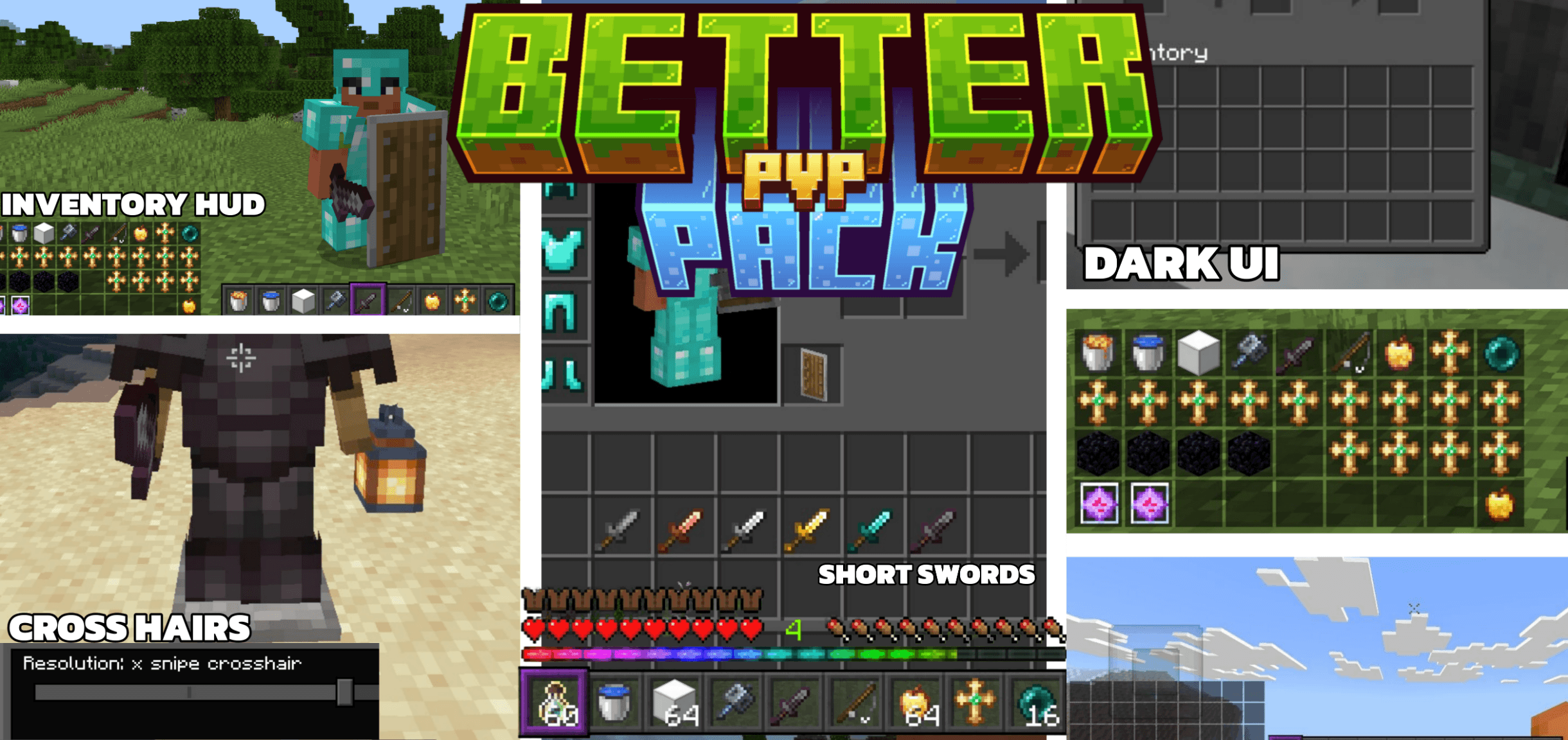

Reefy's Better PvP
A Bedrock resource pack designed for competitive play.Download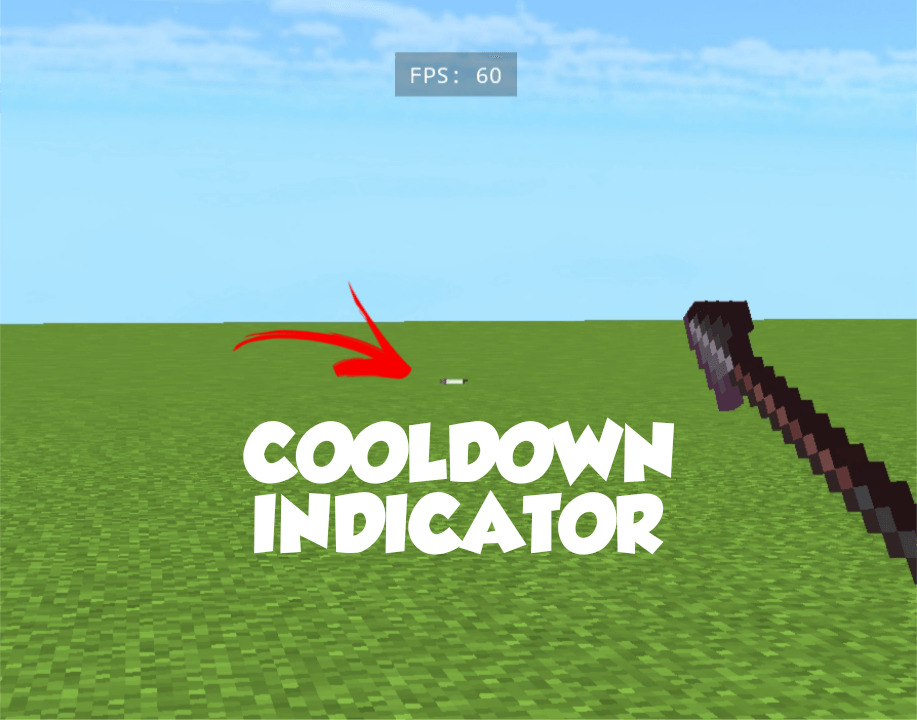

Java Attack Cooldown Indicator
shows java style attack cooldown Indicator (no bugs)Download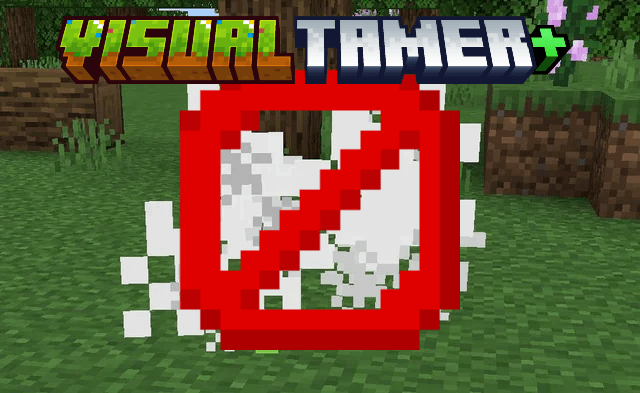

Visual Tamer+ (FPS BOOST)
A texture pack designed to disable particles and flipbook animations in Minecraft Bedrock, optimizing performance and reducing visual clutter for smoother gameplay.Download

F8thful - Bedrock
The Complete Vanilla 8x8 Resource PackDownload
Bedrock Refined
A bedrock modpack that will enhance your experienceDownload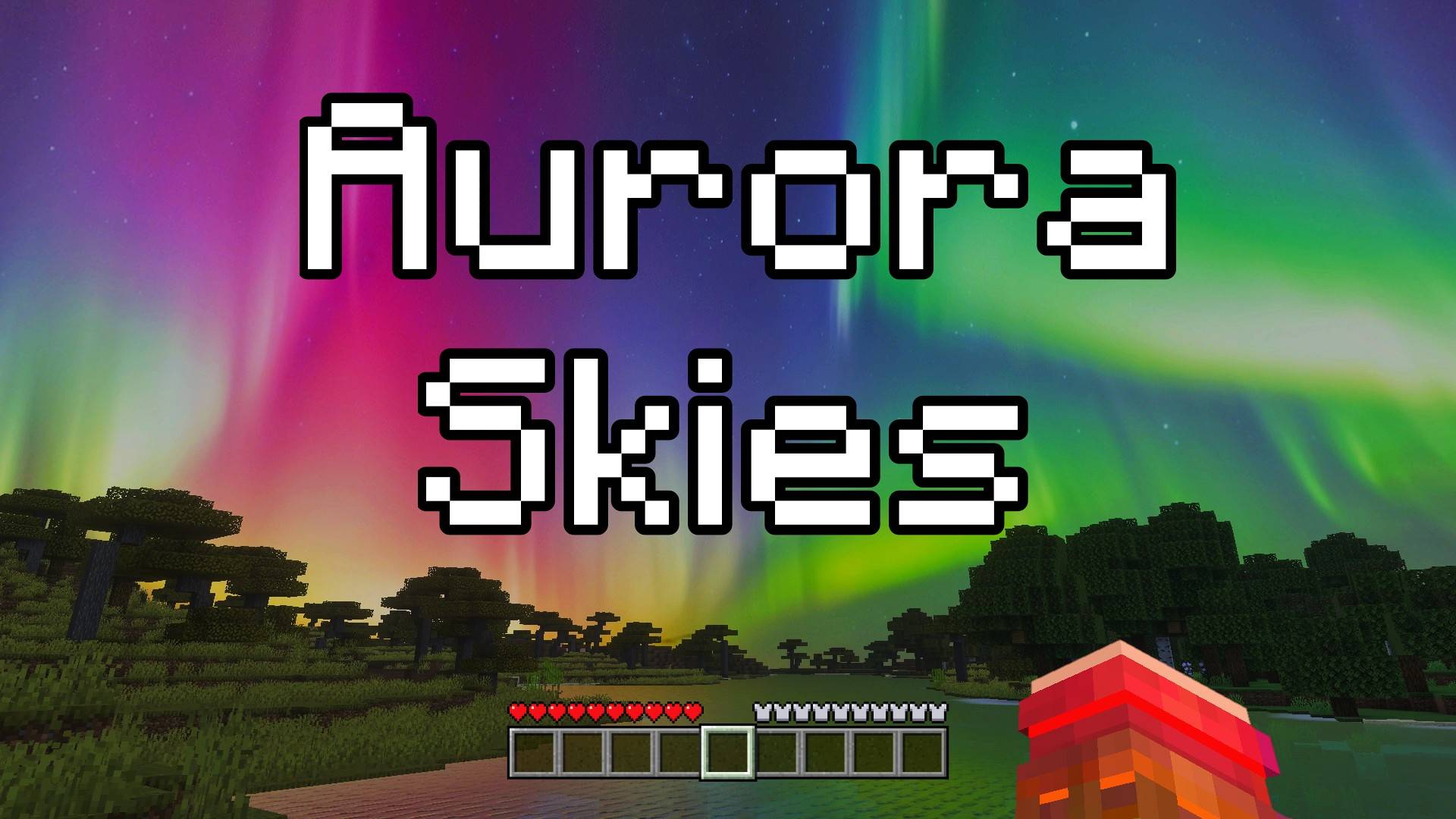

Aurora Skies - Custom Sky
This texture pack changes the sky and makes it extra special! Now, when you look up at night, you will see a beautiful aurora borealis, a magical light show in the sky with glowing colors. It makes your world feel more magical and fun.Download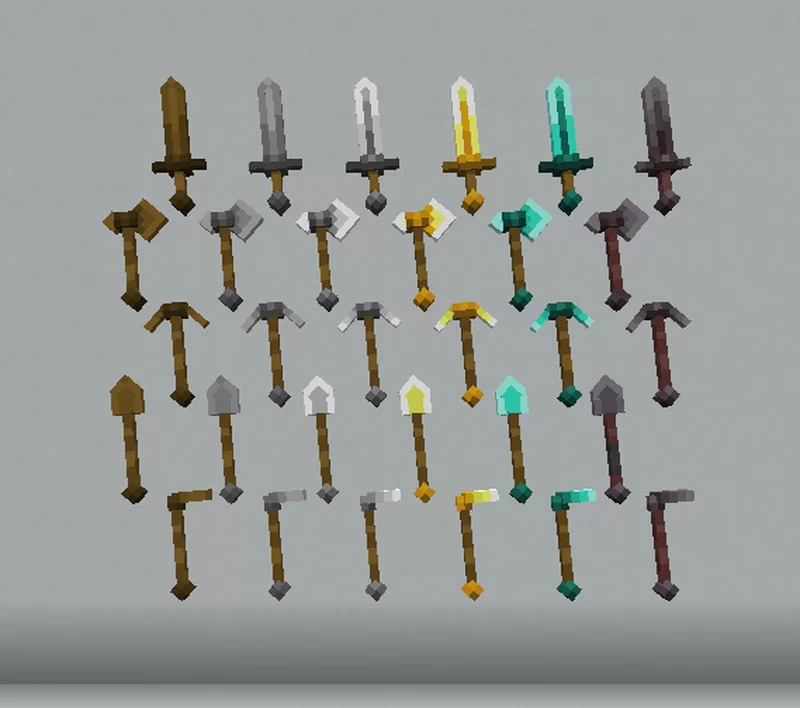

Tools 3d by haizon
3d tools Minecraft bedrockDownload

Utility Dark Vanilla
Looking for a useful texture pack to combine with others? This useful and interesting texture pack is designed to be combined exclusively with packs that only modify your game's textures. It also includes a dark mode to help you visually.Download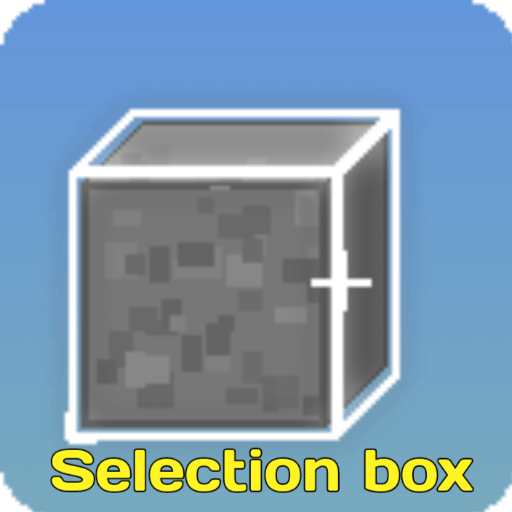

Bosya's Selection box
White colored selection boxDownload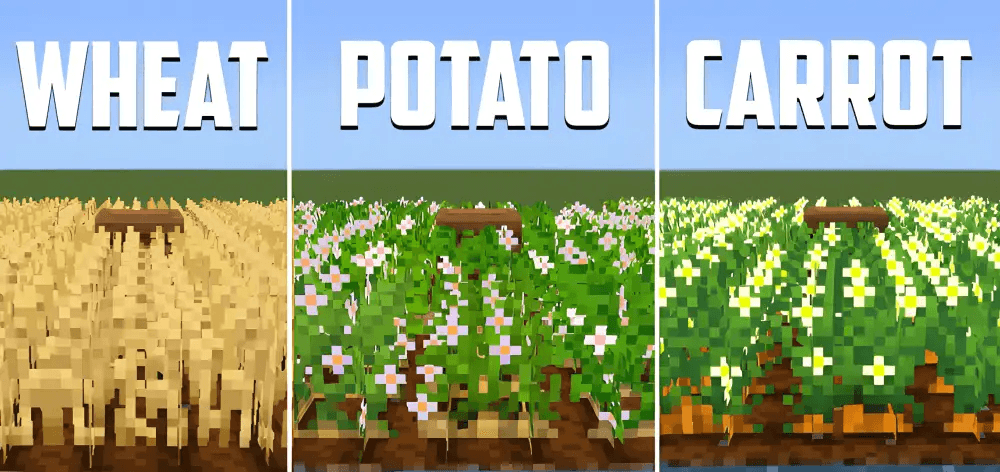

Fancy Crops
This packs enhances crops like carrots, beetroot, wheat, potatoes, etc.Download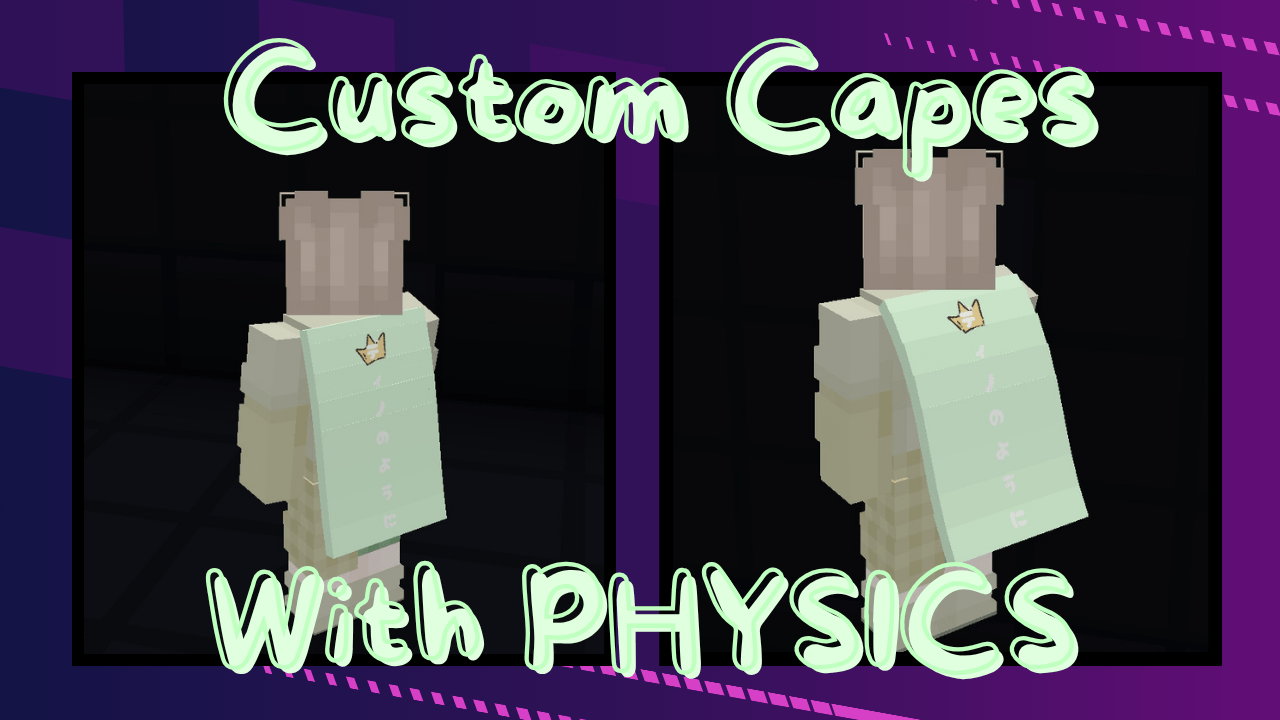

Custom Cape With Physics
Adds a custom cape with actual physics because static capes are boring.Download

Quick Totem
Able to equip totem very quickly!Download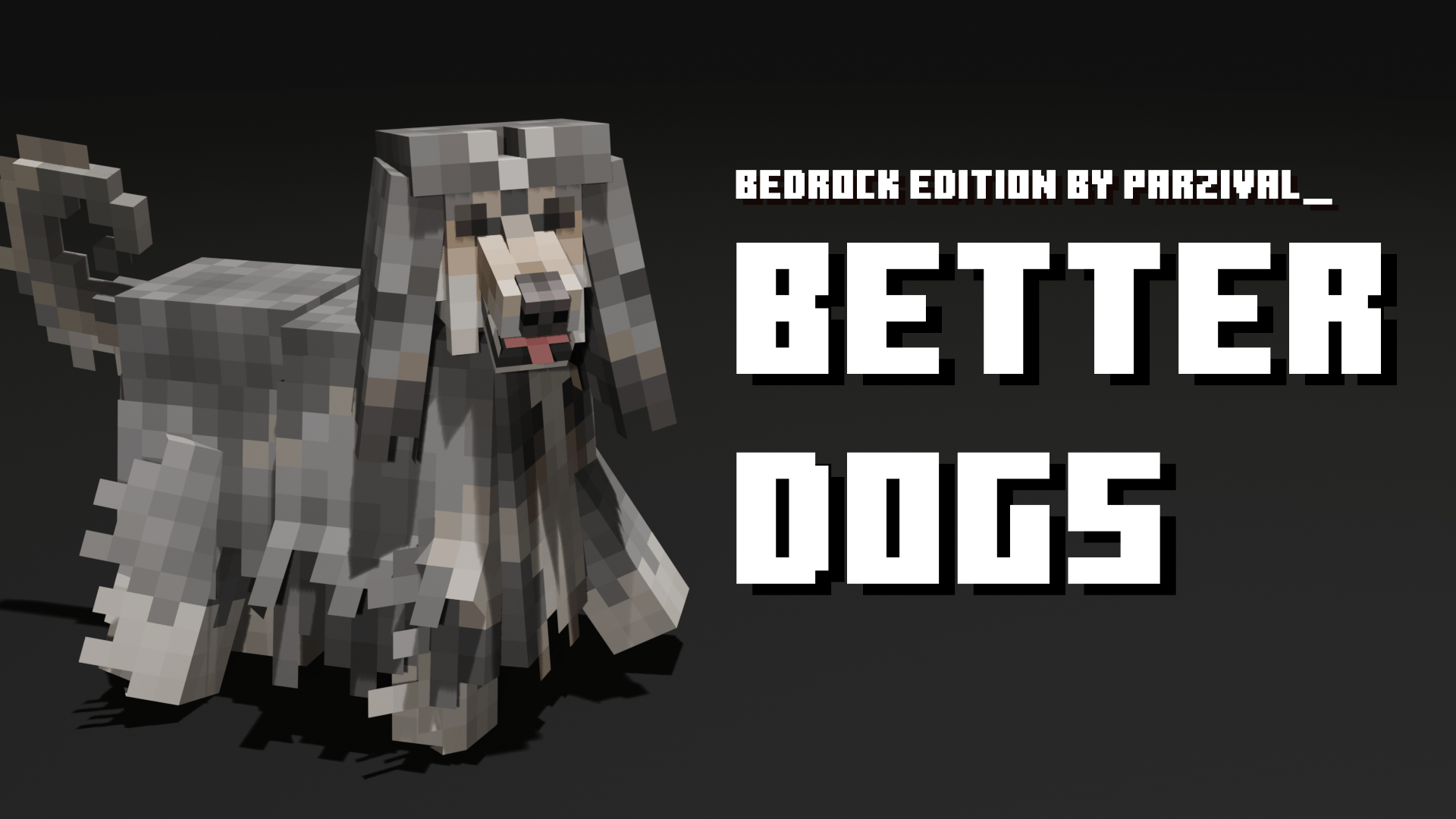
Better Dogs
Updates tamed wolves to look like actual dogs!Download

Slender Shader
This Shader gives a dark grey-like atmosphere, where a place feels as if it has been taken over by Slenderman. and someone shadowy creature always stalking you.Download
Gamma Brightness (Night Vision Texture Pack)
Light is needed in every Minecraft world. But sometimes, you don't have the time for placing torches or building lanterns. Just download this Resource Pack and you will never unsee diamonds in caves or ancient debris in the nether.Download

Lily Pads Plus+ Texture Pack
Lily Pads in minecraft are pretty boring and this small texture pack fixes that! This texture packs adds 3d flowers to lily pads with varieties to lily pads and also adds a bunch of different varieties of lily pads as well!Download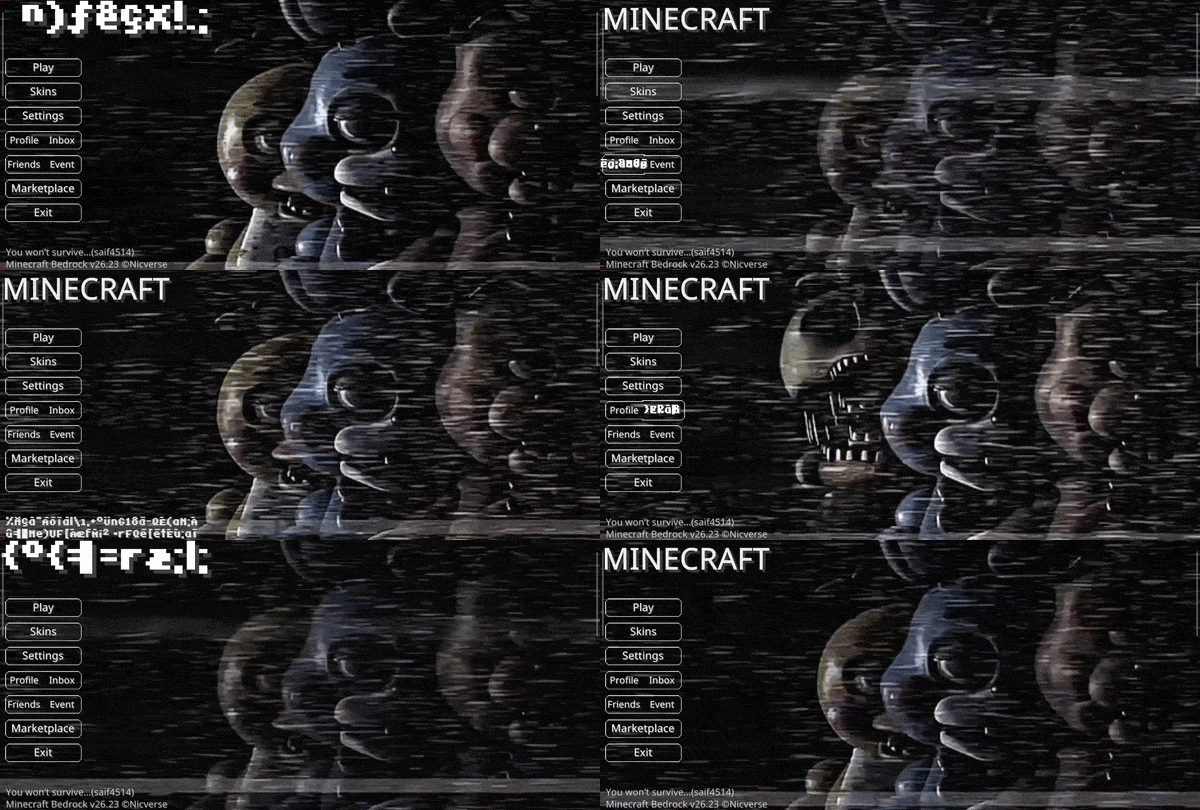

Animated FNAF2 UI
A character-themed animated menu for the Start Screen and Settings Screen, inspired by Five Nights at Freddy’s Five Nights at Freddy's, featuring dark visuals, flickering lights, and subtle animatronic motion for a suspenseful Minecraft experience.Download

Better Equipment v1.1
Better Equipment Upgrade your AdventureDownload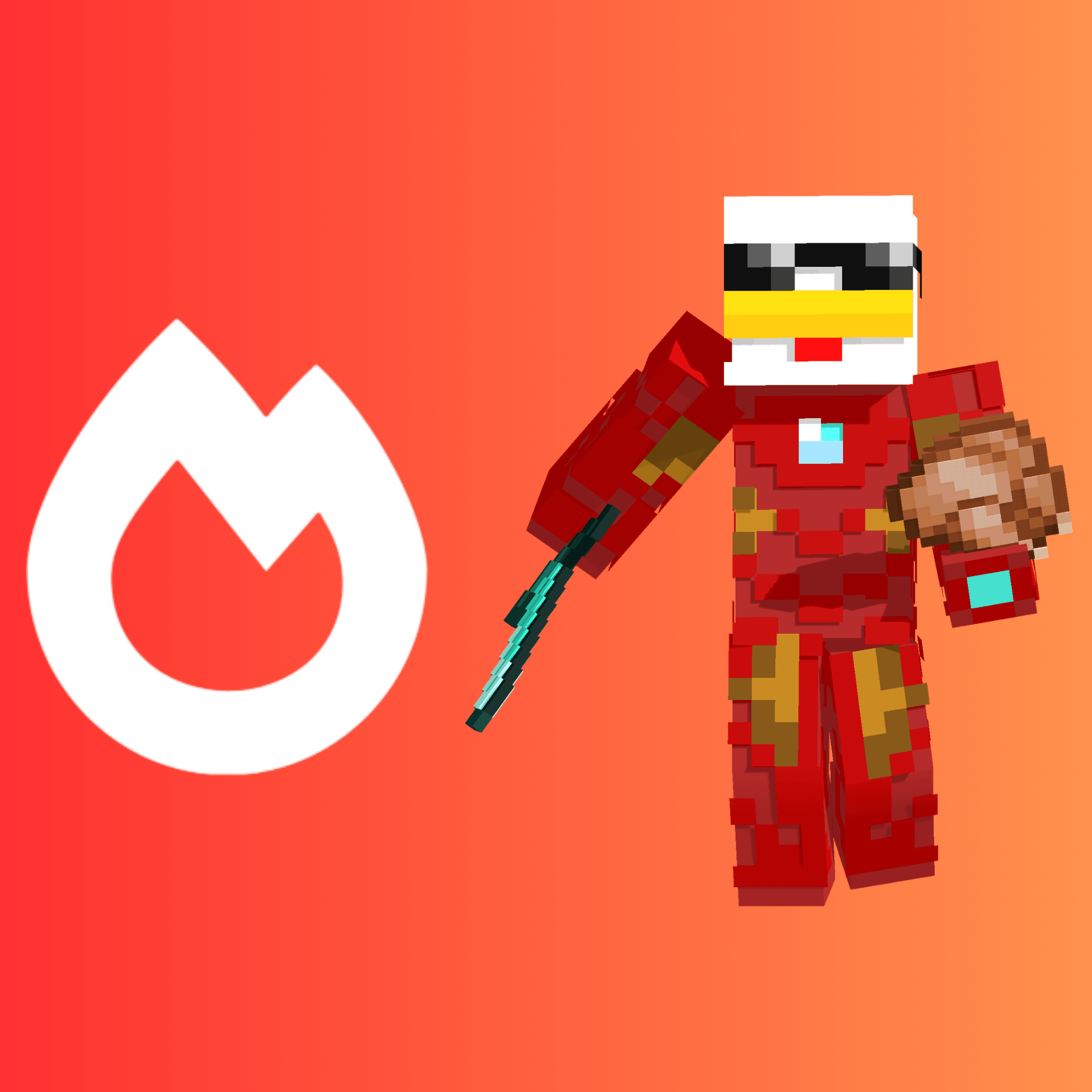

IronSodium+
The all-in-one optimizer+ pack everyone needs, boost your FPS, and get super helpful featuresDownload

Glow Trims
Glow Trims is a texture pack that makes armor trims emit a bright, glowing effect, adding vibrant colors and high-contrast shine to your gear for a more eye-catching, stylish look.Download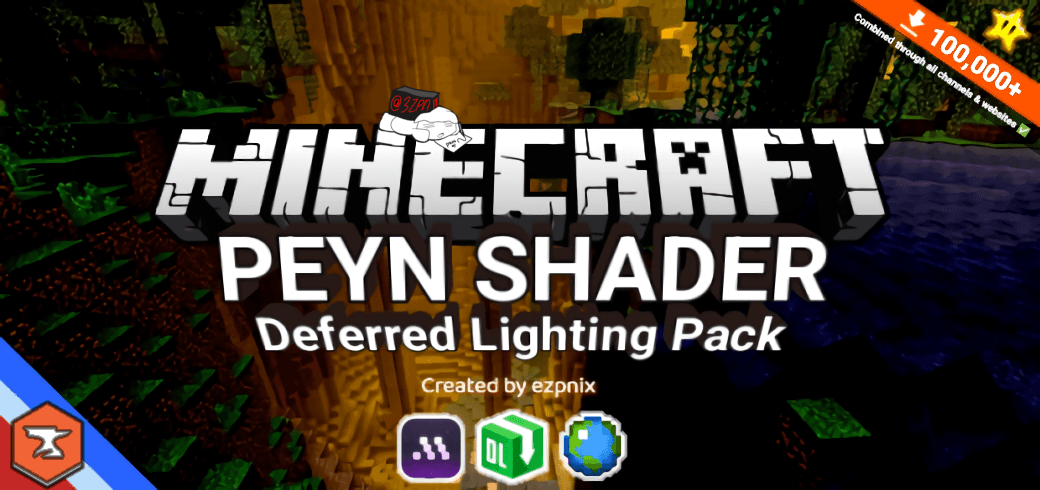

PEYN Shader
“Basking in the glow as it serenades our vision. A shader that fits a night gaming session.” - some random gamer probablyDownloadFAQ
Do I need Forge or Fabric for a resource pack?
No. A resource pack works on the regular game with no loaders or mods. Click “Install” and Millida Launcher will put the pack into the right modpack — then just enable it in the settings.
What do 16×, 32×, 64× mean?
The resolution of a single texture in pixels. 16× matches the original game, 32× and 64× are more detailed and heavier, and 128× and up put a noticeable load on your graphics card.
Will a pack made for another version work?
Most likely partly: older packs don't have textures for newer blocks, so those will stay default. The game won't break, though.
How is a texture pack different from a resource pack?
Only by name and age. Before version 1.6 the sets were called texture packs and changed only textures; in 1.6 resource packs replaced them and also change sounds, fonts and the interface. Old texture packs for 1.5 and below do not work on new versions without conversion.
Which texture packs are best for PvP?
PvP packs: 16× resolution or lower, shortened swords, low fire, a clear sky and bright particles. They barely load the computer and make the opponent easier to see. These packs are collected in the PvP theme.
How do I install a resource pack?
Press Install and Millida Launcher puts the pack into the resourcepacks folder of the right instance. Then enable it in the game: Options, then Resource Packs. Manually, the archive goes into resourcepacks inside the game folder, no need to unpack it.
Minecraft texture packs
A resource pack changes how the game looks and sounds: block and item textures, fonts, the interface, sounds. It doesn't touch the game's code, so it needs no mod loader and breaks nothing on a server — the pack only works on your screen. That's exactly why a resource pack is safer than any mod: the worst that happens on a version mismatch is that some textures stay default.
Textures, texture packs and resource packs are essentially the same thing: since version 1.6 Mojang calls these sets resource packs, but the old name is still searched more often. PvP packs are a big genre of their own: shortened swords, low fire, bright particles and 16× resolution or lower, so the opponent stands out and the frame rate does not drop. Such packs are most often made for 1.8.9 and 1.16.5, the versions many PvP servers run on.
The key thing about a pack is its resolution. The game's default textures are 16×16 pixels; 32× and 64× packs look more detailed, while 128× and up need a real graphics card and are usually paired with shaders. On a weak machine it makes sense to stay at 16× or go for packs that deliberately simplify graphics for more FPS. Every pack here lists its game version, author and license, and all released versions are gathered on one card. Put the downloaded archive in the resourcepacks folder and enable it in the game settings.