
Minecraft texture packs — page 213
Resource packs: list


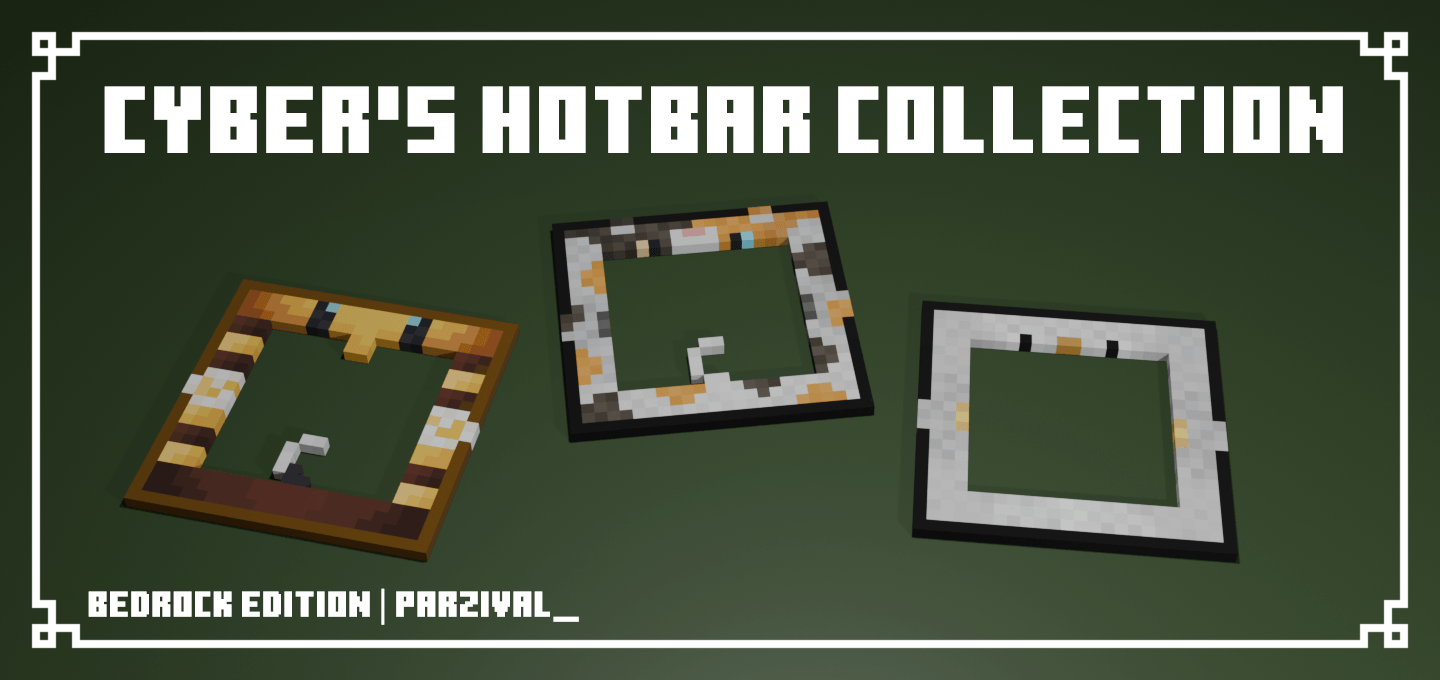

Cyber's Hotbar Collection
A collection of hotbar resource packs that add mob-themed hotbars.Download
FPS Boost++
Resource packs to boost FPS and enhance your gaming experience!!Download
View Hands
A clean and customizable first-person hand view pack for Minecraft Bedrock, with adjustable arm, item, block, and tool positioning.Download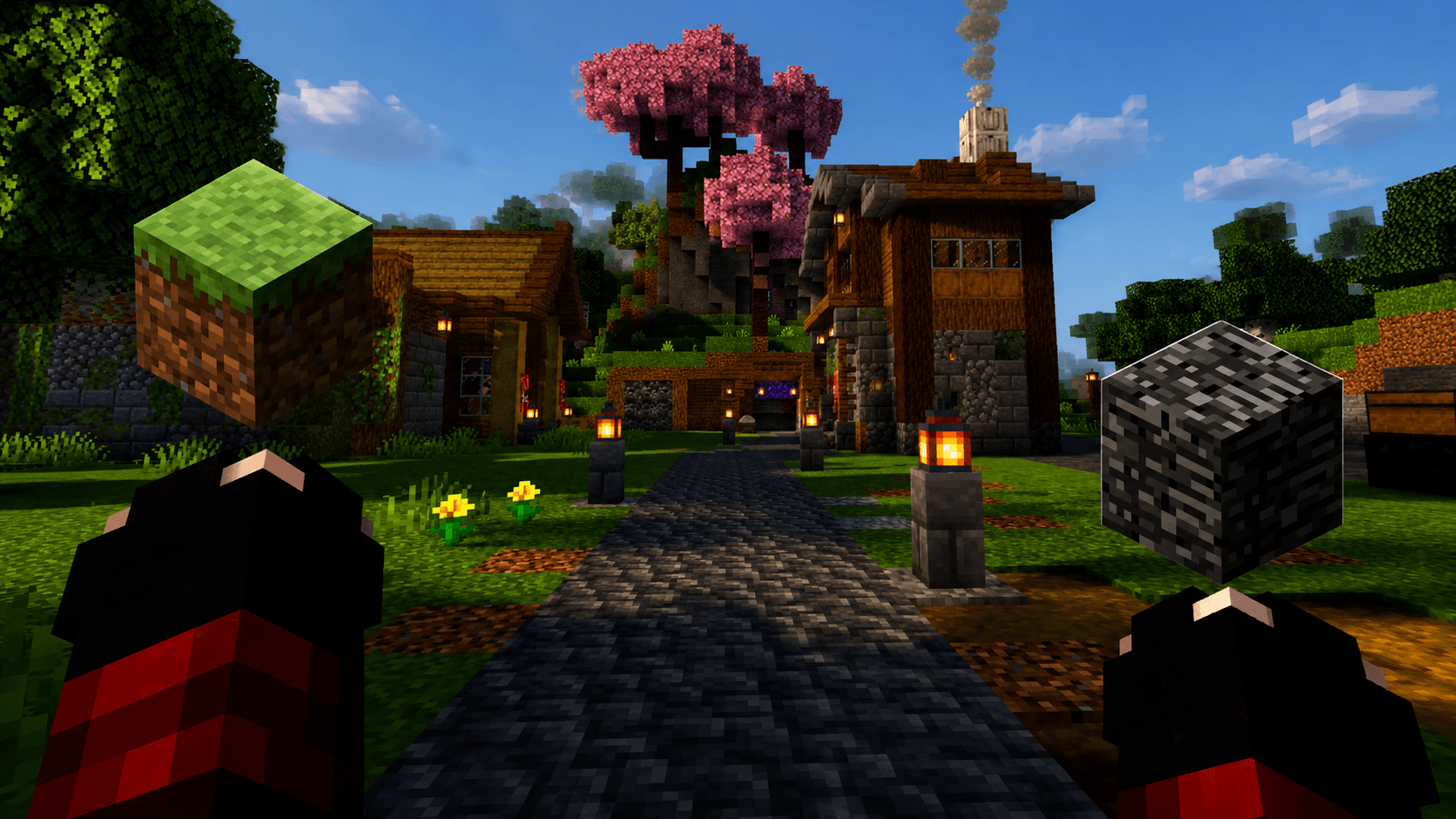

Java-Style Handz
The purpose of this resource pack is to implement the look of the hands and the vision movement of the Java version, in order to be more visually pleasing.Download

Creeper Overhaul
A resource pack based on the Creeper Overhaul mod!Download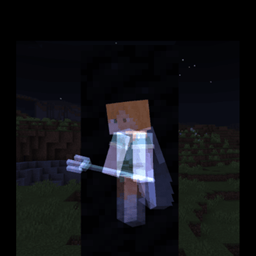
Toggle ESP
A resource pack that allows you to see players/entities through walls and blocks!Download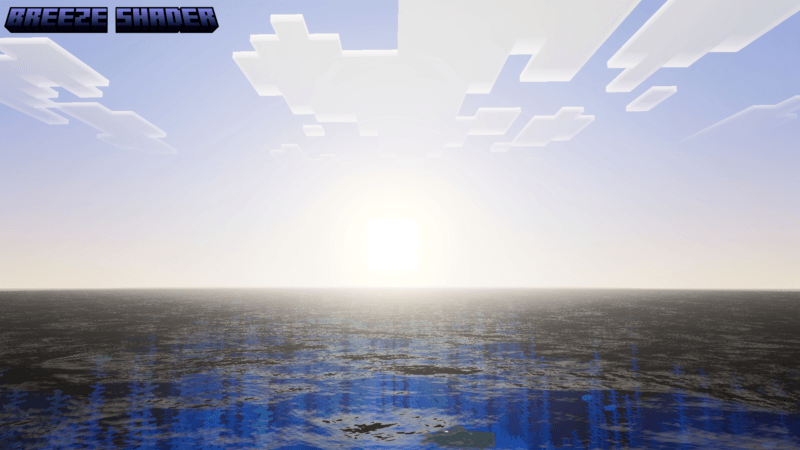

BREEZE SHADER
Breeze Shader brings a bright, calm, and refreshing atmosphere to your Minecraft world. This shader focuses on soft lighting, clear skies, and natural colors that make the environment feel peaceful and immersive.Download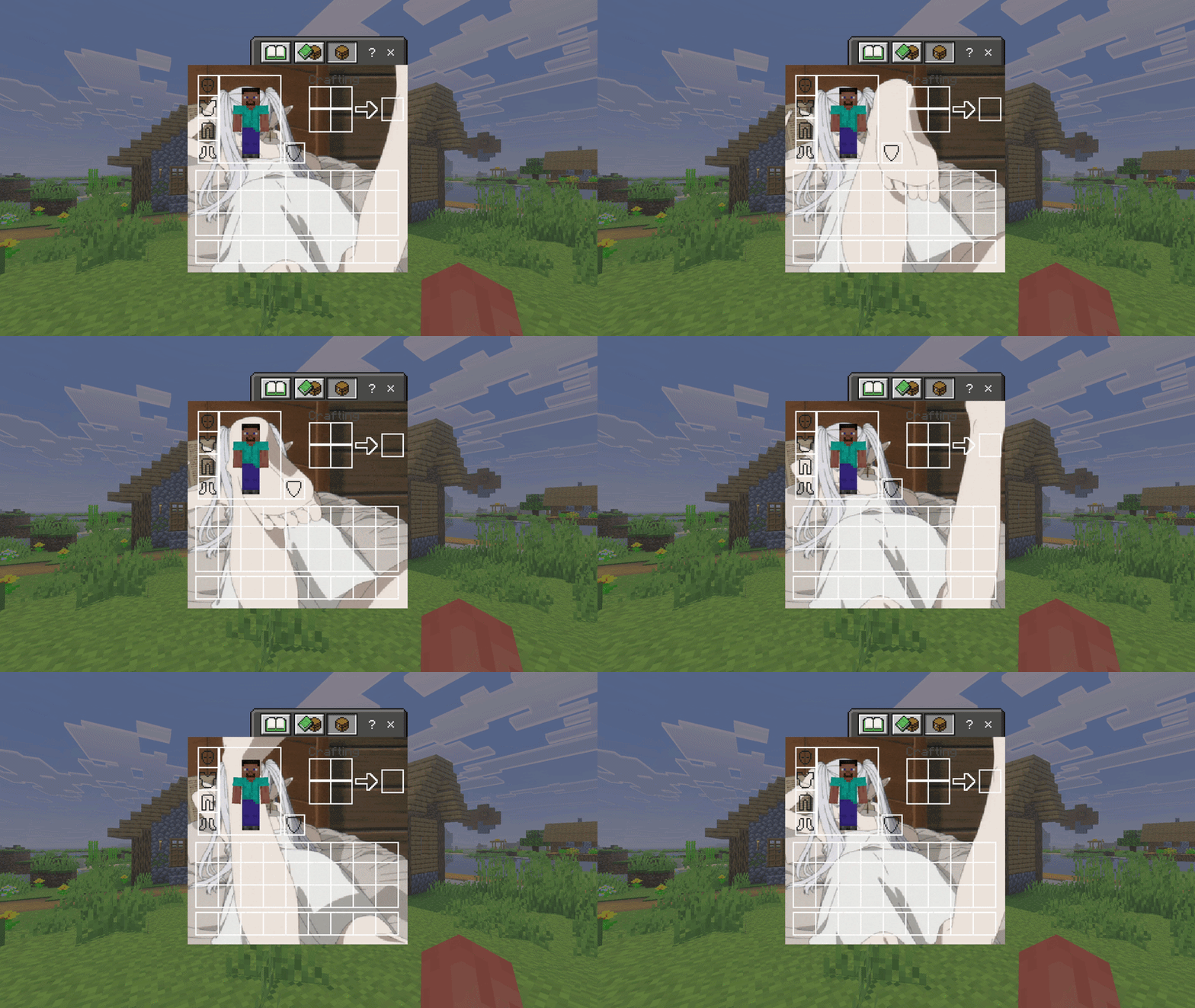

Anime Frieren UI Inventory
Changes the normal Inventory to an Anime Frieren UI InventoryDownload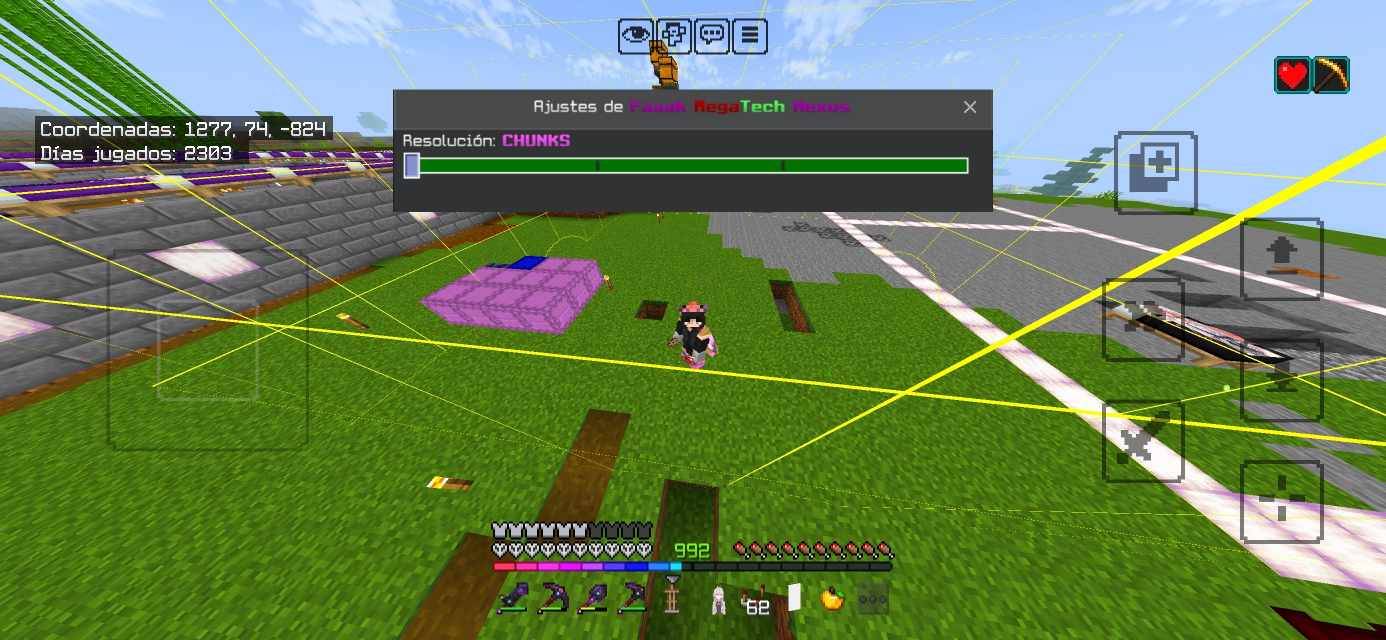

MegaTech Nexus
This texture pack includes options to view chunks, slime chunks, spawn spheres, pillager spawns, guardian spawns, new sounds, a completely revamped redstone system, increased saturation throughout the world, and much more.Download

LUCA EYE
Luca Eye is a shader that combines anime and realistic styles into one.Download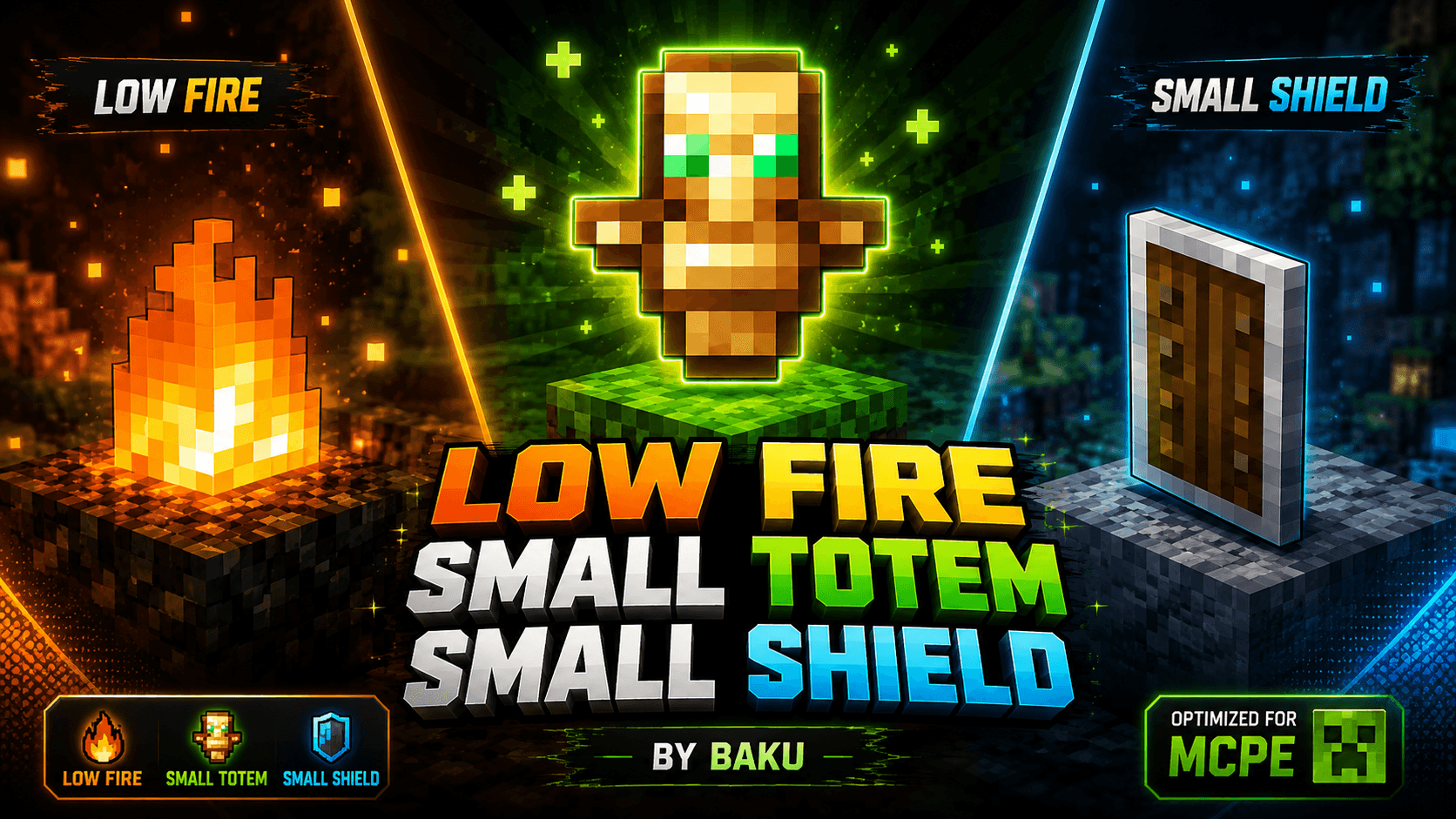
Low Fire,Small sheild and small totem
🔥 Improve your MCPE PvP with Low Fire, Small Totem & Small Shield! Clean textures, better visibility, optimized visuals and lightweight performance. Created with ❤️ by Baku.Download
OLD MCRAFT
ORIGINALS MC TEXTURES, MINERALS , NETHER AND MOREDownload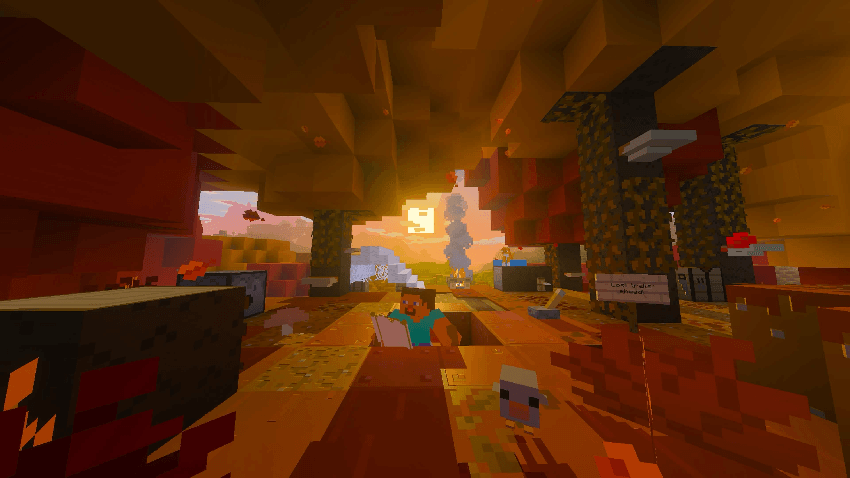
Bare Bones X Wilderness Bound [Hotfix 2]
A pack that adds Tiny Takeover, Chaos Cubed and Wilderness Bound to Bare Bones for Bedrock! All of 26.X!!Download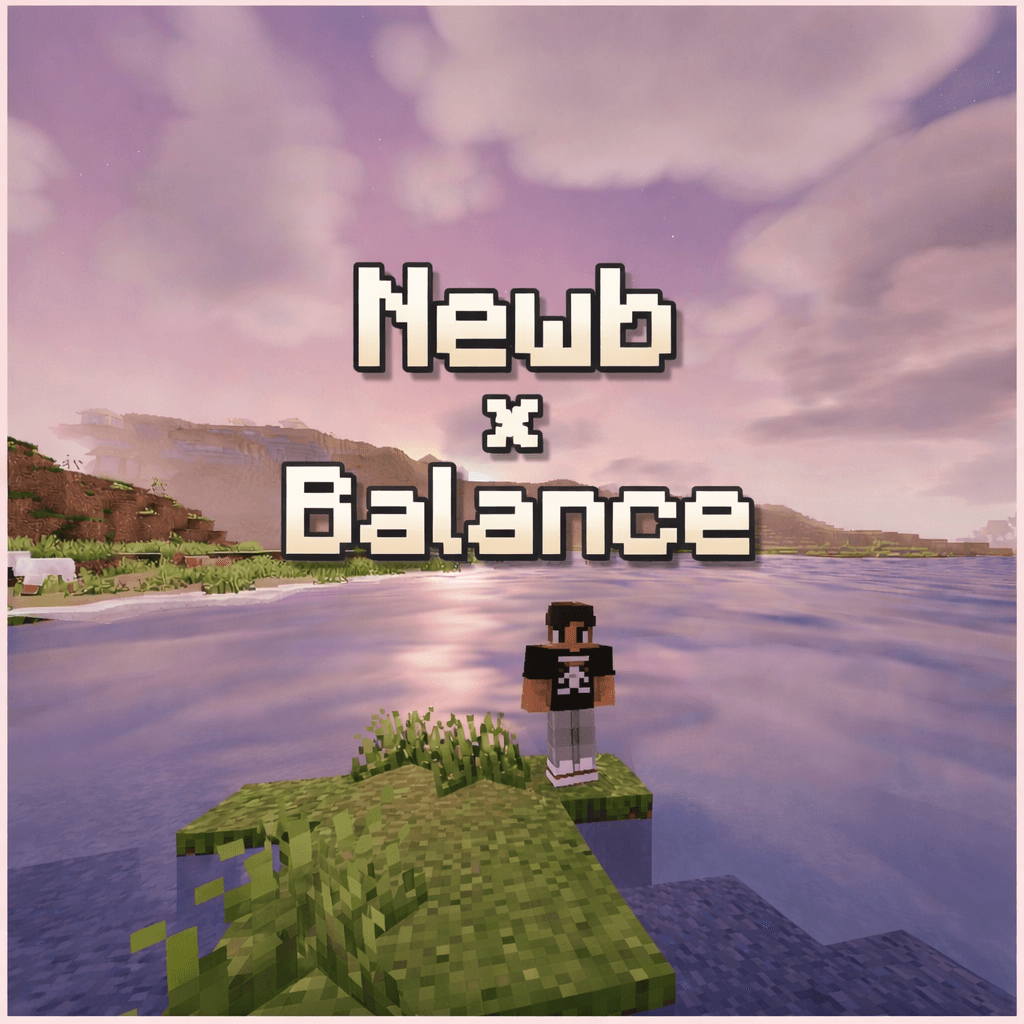

Newb X Balance
Newb x Balance is a warm, atmospheric shader inspired by classic Java shaders, featuring soft lighting, cinematic skies, and colors, with a strong focus on visual balance and smooth performance.Download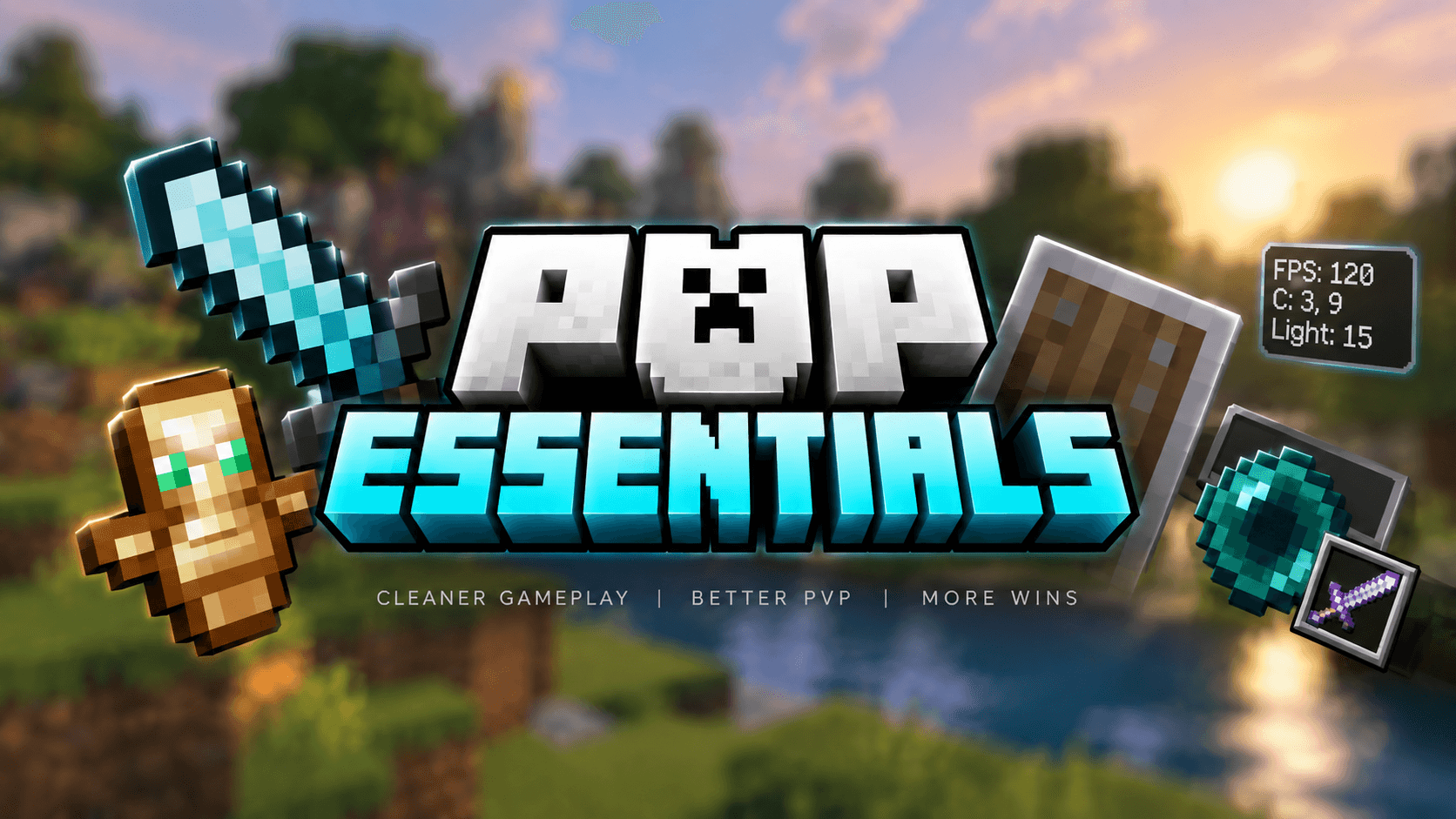
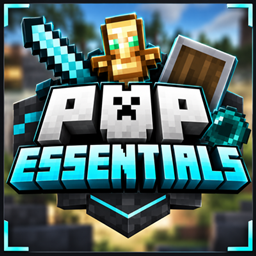
Ultimate Pvp essential
Ultimate Essential Pack combines Enchantment Hider, Fast Craft, Full Grass, Glowing Ores & Java Hitbox in one smooth PvP pack. Clean look, better visibility and optimized gameplay by Baku.Download

Space with Stars - Custom Sky
This texture pack changes the sky and turns it into a beautiful view of outer space. You will see lots of stars shining above you, just like in the galaxy. It’s perfect for anyone who loves space and wants their world to feel magical and full of wonder.Download

Vanilla Optimizations
A working performance texture pack that balances between performance and visual clarity, recommended for low-end!Download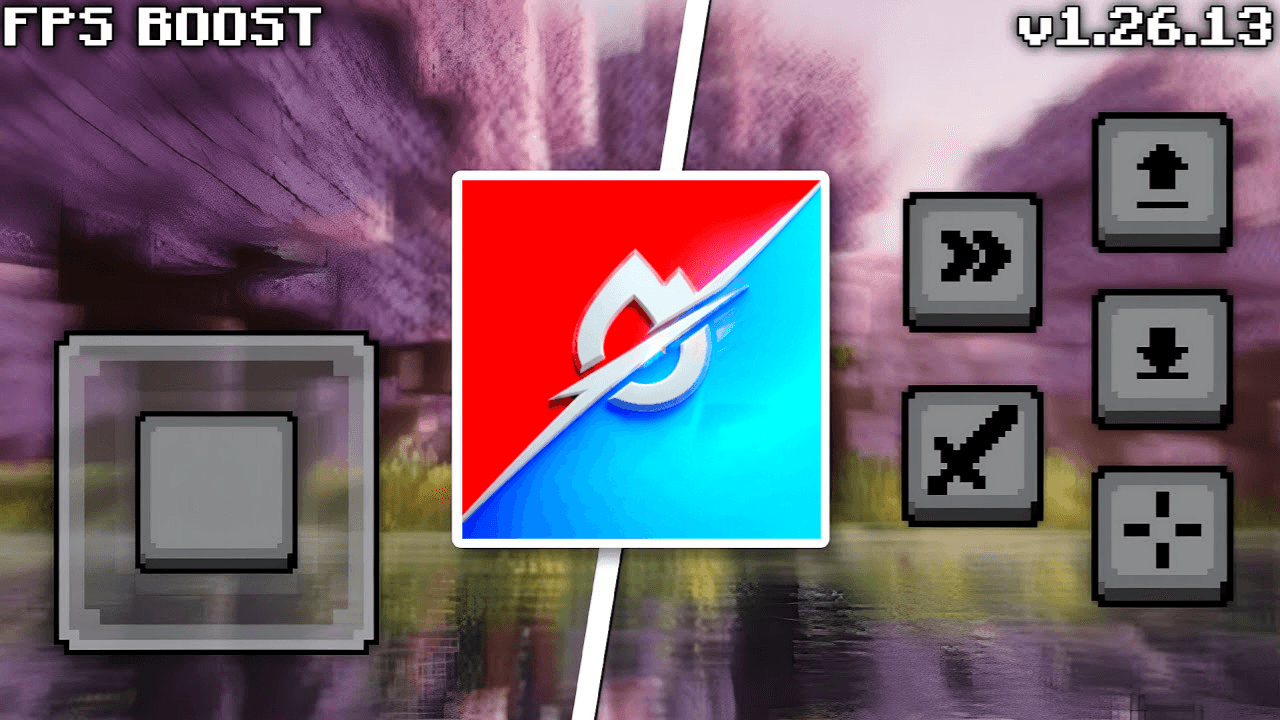

Sulfur x Turbo FPS
Optimization pack designed to reduce lag, improve performance, and deliver smoother gameplay on low-end devices.Download

Trails & Tales Panorama with Shaders (Bedrock)
Great looking Resource Pack that adds Shaders to the 1.20 Panorama.Download

Round Logs
Have you ever felt that Minecraft logs are just too… square? 😆 Well, here’s the solution! Round Logs transforms the top texture of logs to look more rounded, while keeping their classic cubic shape. 🪵✨Download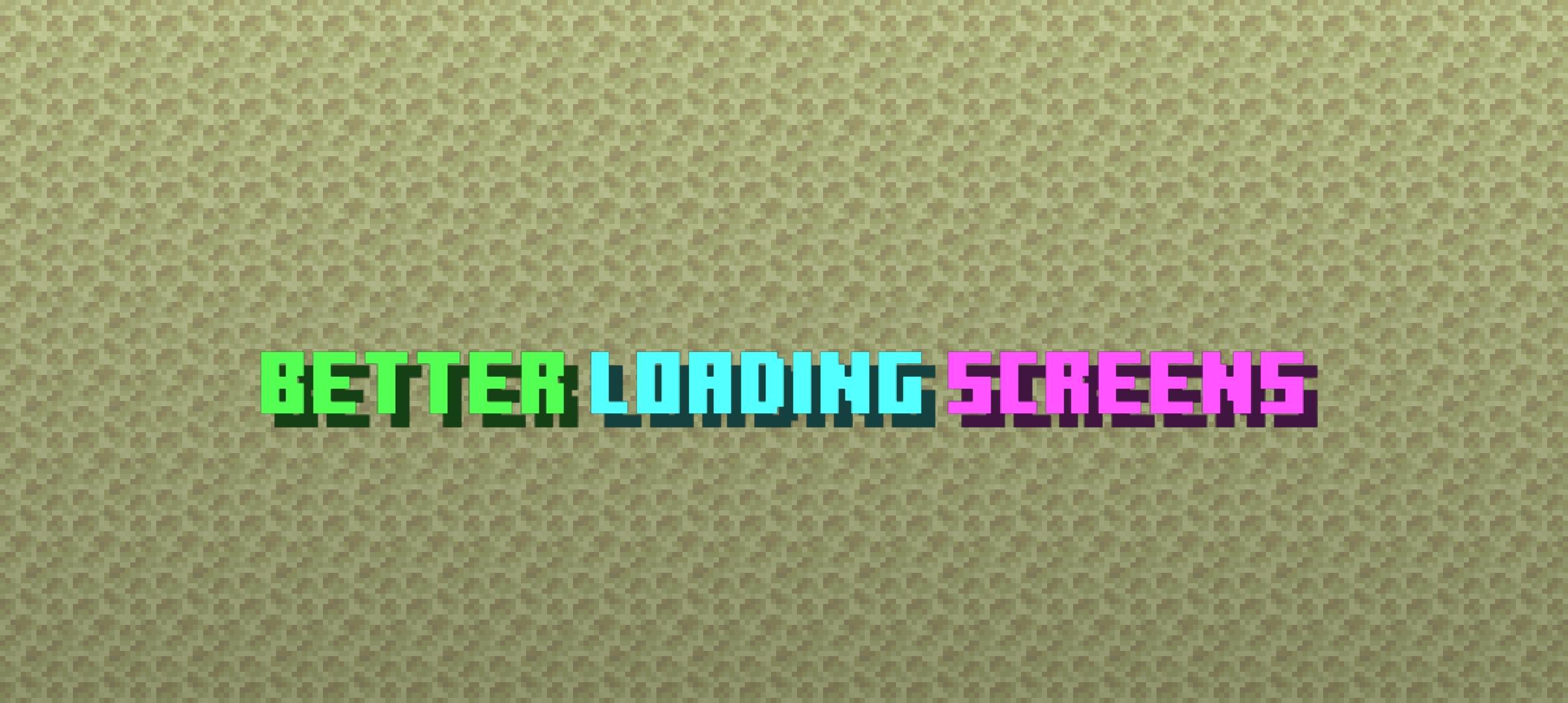

Better Loading Screens v1.7
Better Loading Screens enhances loading screens by adding multiple unique, improvise and attractive things for example, loading exp bar percentage, loading tool & loading spinner animation, and much more.Download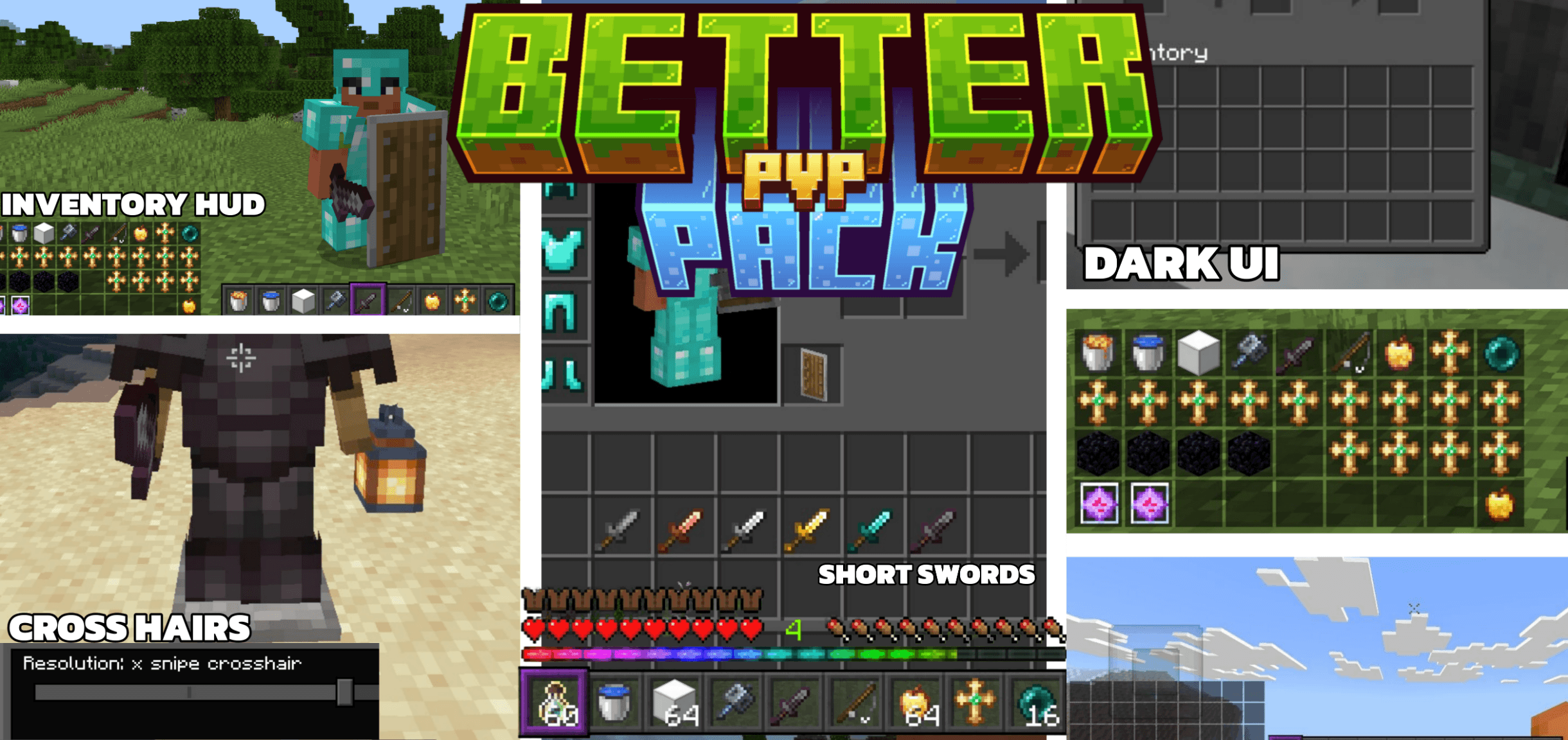

Reefy's Better PvP
A Bedrock resource pack designed for competitive play.Download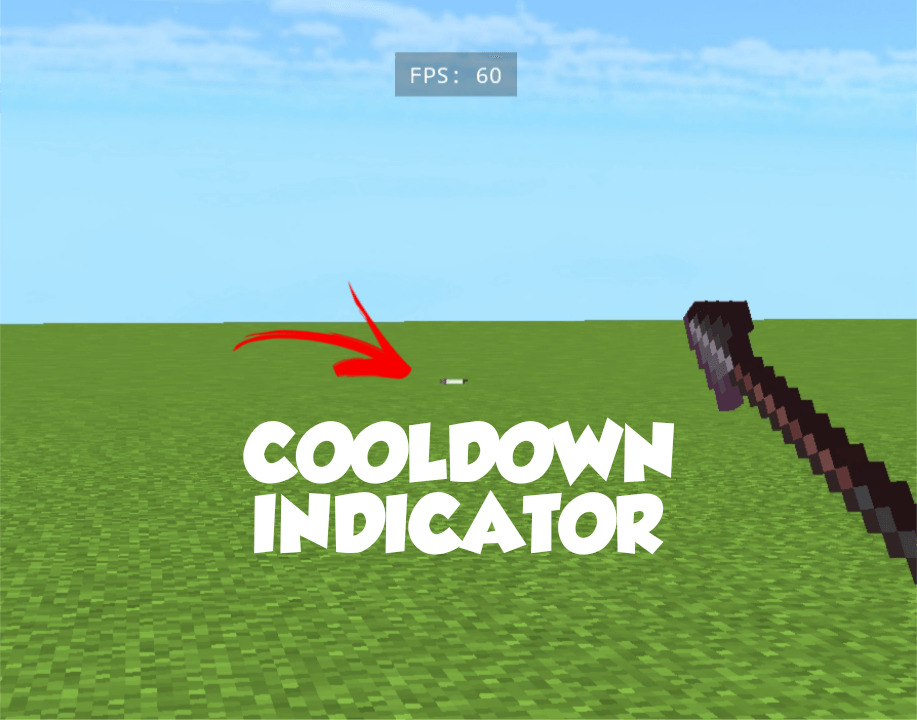

Java Attack Cooldown Indicator
shows java style attack cooldown Indicator (no bugs)DownloadFAQ
Do I need Forge or Fabric for a resource pack?
No. A resource pack works on the regular game with no loaders or mods. Click “Install” and Millida Launcher will put the pack into the right modpack — then just enable it in the settings.
What do 16×, 32×, 64× mean?
The resolution of a single texture in pixels. 16× matches the original game, 32× and 64× are more detailed and heavier, and 128× and up put a noticeable load on your graphics card.
Will a pack made for another version work?
Most likely partly: older packs don't have textures for newer blocks, so those will stay default. The game won't break, though.
How is a texture pack different from a resource pack?
Only by name and age. Before version 1.6 the sets were called texture packs and changed only textures; in 1.6 resource packs replaced them and also change sounds, fonts and the interface. Old texture packs for 1.5 and below do not work on new versions without conversion.
Which texture packs are best for PvP?
PvP packs: 16× resolution or lower, shortened swords, low fire, a clear sky and bright particles. They barely load the computer and make the opponent easier to see. These packs are collected in the PvP theme.
How do I install a resource pack?
Press Install and Millida Launcher puts the pack into the resourcepacks folder of the right instance. Then enable it in the game: Options, then Resource Packs. Manually, the archive goes into resourcepacks inside the game folder, no need to unpack it.
Minecraft texture packs
A resource pack changes how the game looks and sounds: block and item textures, fonts, the interface, sounds. It doesn't touch the game's code, so it needs no mod loader and breaks nothing on a server — the pack only works on your screen. That's exactly why a resource pack is safer than any mod: the worst that happens on a version mismatch is that some textures stay default.
Textures, texture packs and resource packs are essentially the same thing: since version 1.6 Mojang calls these sets resource packs, but the old name is still searched more often. PvP packs are a big genre of their own: shortened swords, low fire, bright particles and 16× resolution or lower, so the opponent stands out and the frame rate does not drop. Such packs are most often made for 1.8.9 and 1.16.5, the versions many PvP servers run on.
The key thing about a pack is its resolution. The game's default textures are 16×16 pixels; 32× and 64× packs look more detailed, while 128× and up need a real graphics card and are usually paired with shaders. On a weak machine it makes sense to stay at 16× or go for packs that deliberately simplify graphics for more FPS. Every pack here lists its game version, author and license, and all released versions are gathered on one card. Put the downloaded archive in the resourcepacks folder and enable it in the game settings.