
Minecraft texture packs — page 212
Resource packs: list


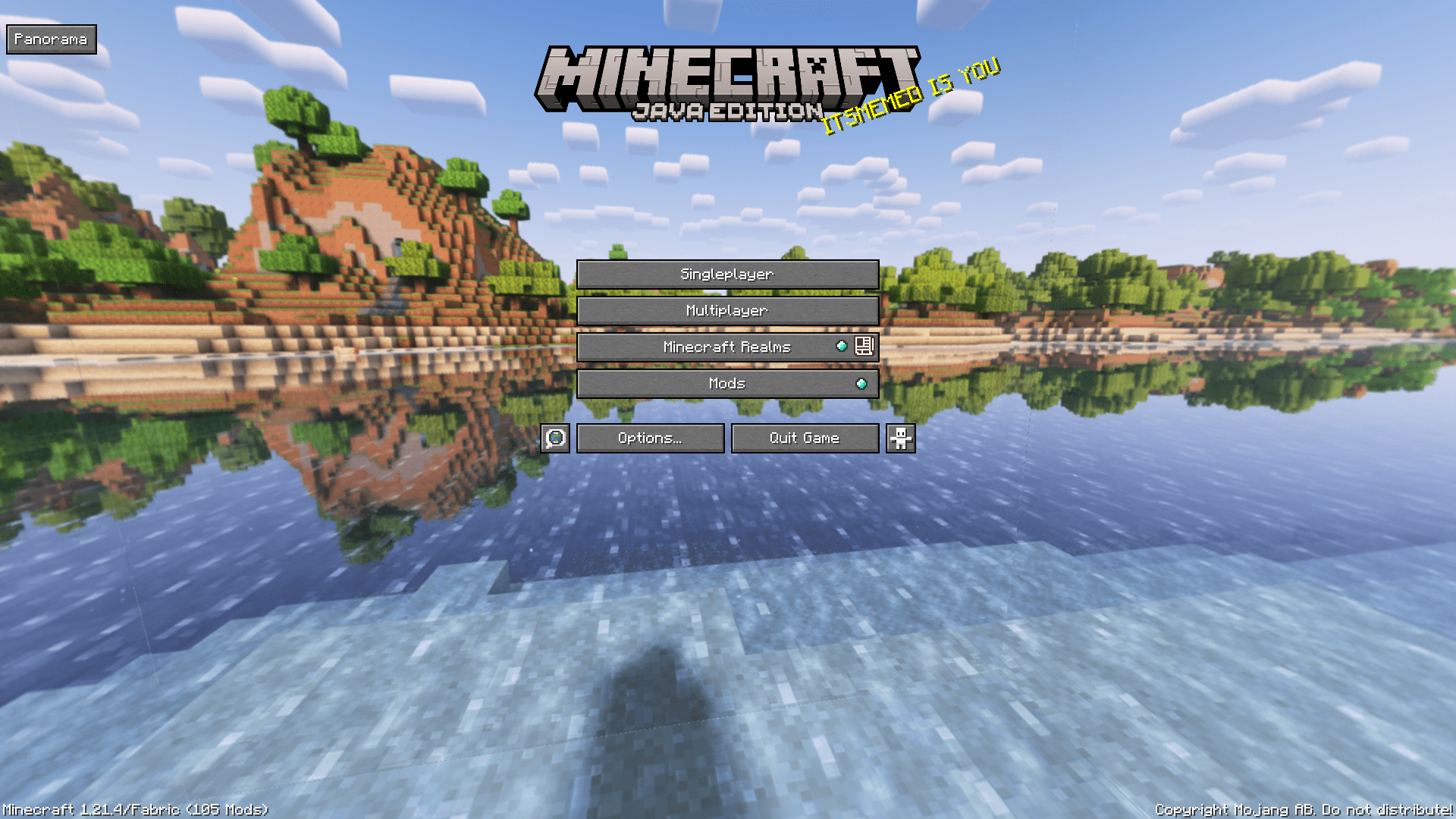

pack.png Panorama with Shaders (Bedrock)
Great looking Resource Pack that adds Shaders to the world used to make pack.png!Download

Son Goku (iron golem)
replace the iron golem with GokuDownload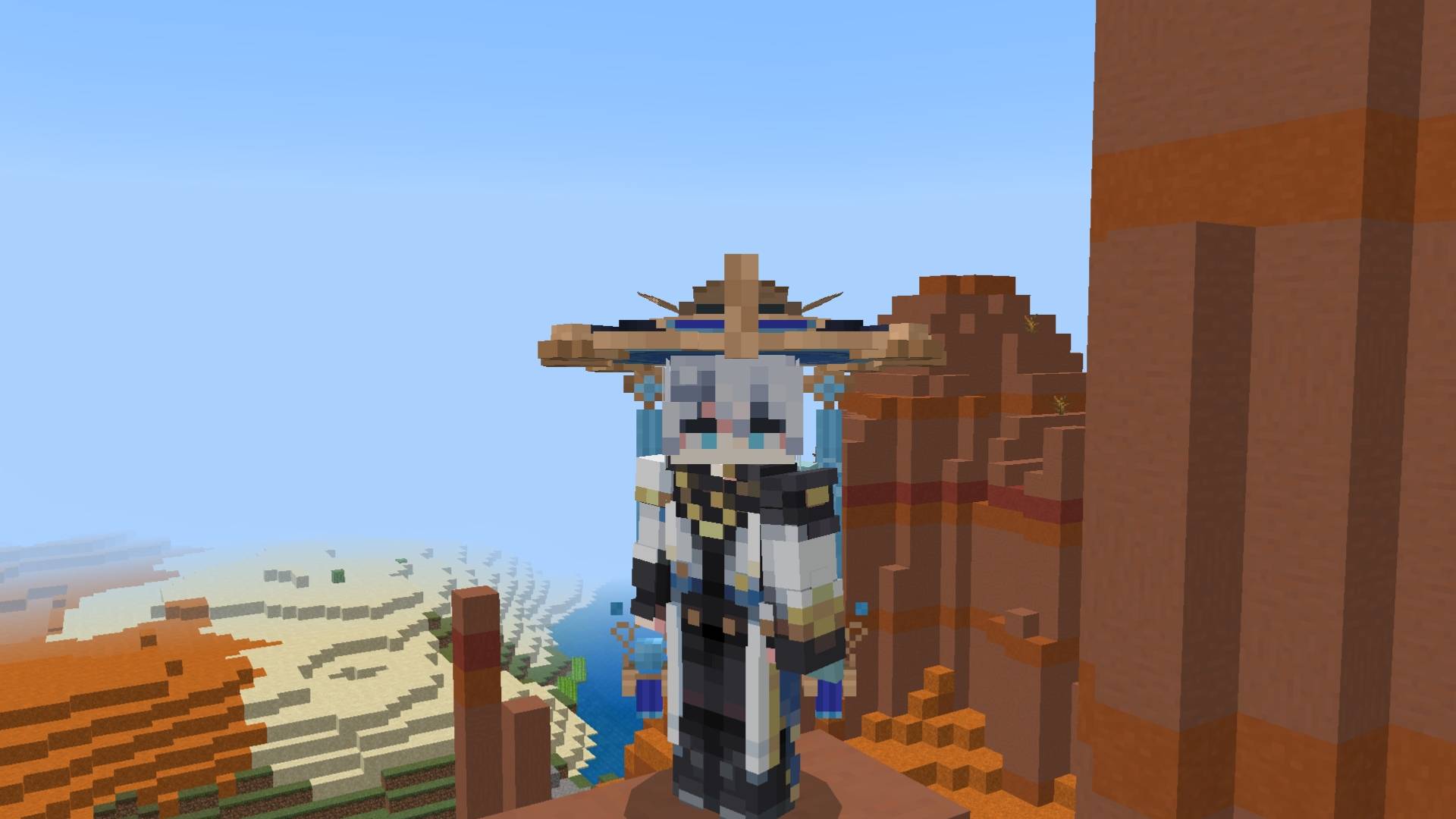

Scaramouche Blue
A cosmetic resource pack that turns the helmet into a blue Scaramouche hat.Download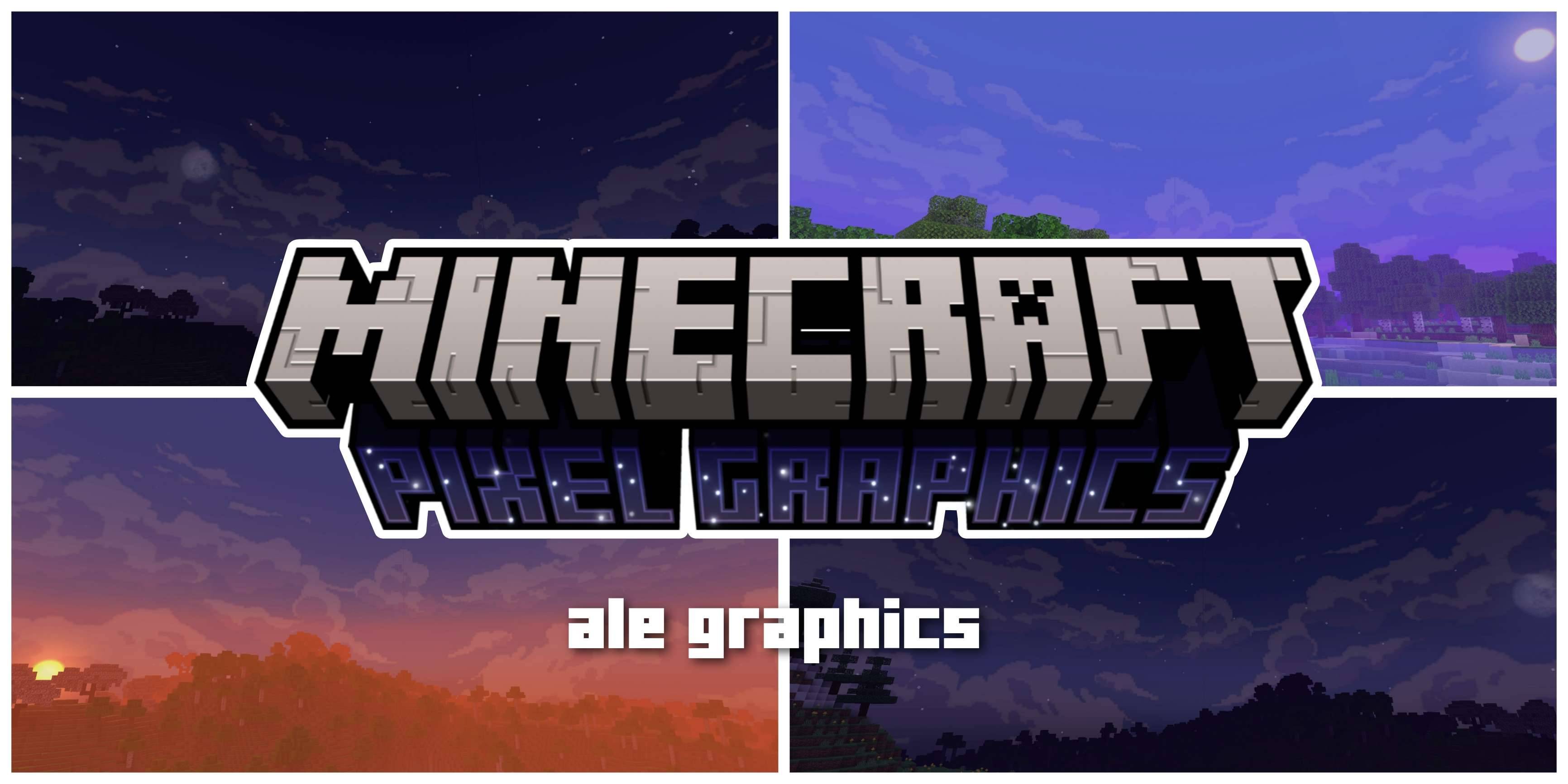

Pixel Graphics
Pixel Graphics are a graphics package based on bits and pixels for those users who prefer to keep graphics simpleDownload
FPS BOOSTER PLUS | 10K Special Texture Pack | FPS Friendly, Better Graphics, Short Fire, Enchantment Hider, etc
A clean all-in-one Minecraft Bedrock PvP & FPS resource pack designed for better visibility, smoother gameplay, and improved combat.Download

Better Minecraft Music
Better Minecraft Music overhauls your Minecraft music experience making it better!Download

Nokia Totem
Turn your Totem of Undying into a legendary Nokia 3303! This pack replaces the normal totem with a classic, indestructible phone design—bringing nostalgia and fun into your Minecraft world.Download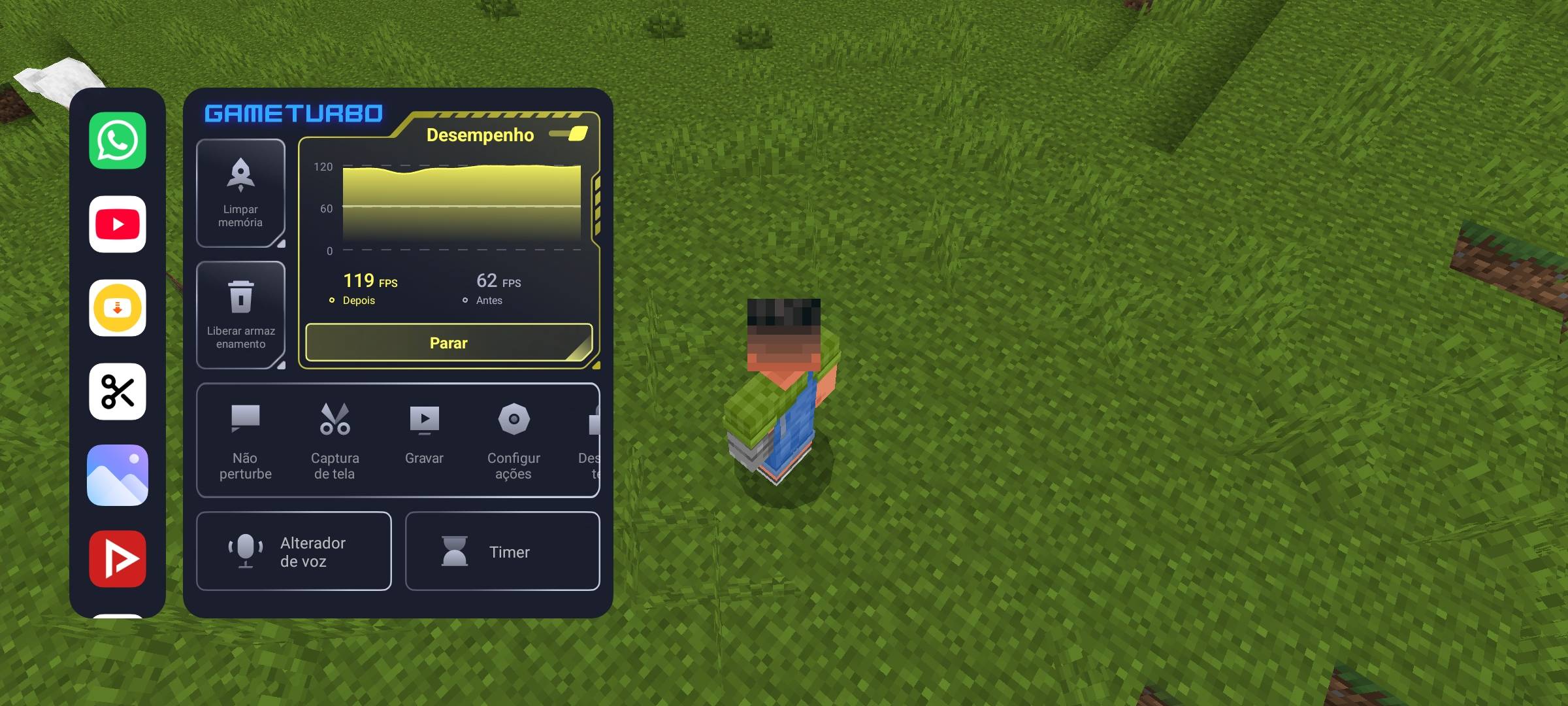

Sodium Pro
Improve Minecraft Bedrock performance. Exclusive edition for Minecraft Bedrock!Download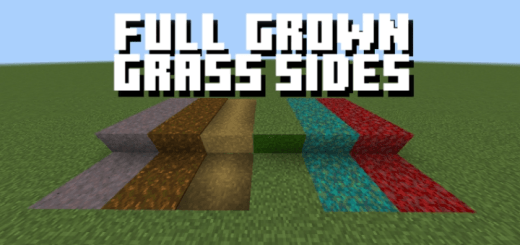

Full Grown Grass
Changes existing grass to grow sideways for more natural terrain.Download

BETTER RAIN+
This texture pack gives you better rain effects, including light rain, heavy rain, blue ocean rain, neutral rain, less rain, and more.Download

✧ Zero Deferred Packs Soon✧
Remember reflective grass? Well, literally, that's what it is, but with more blocks and better performance.Download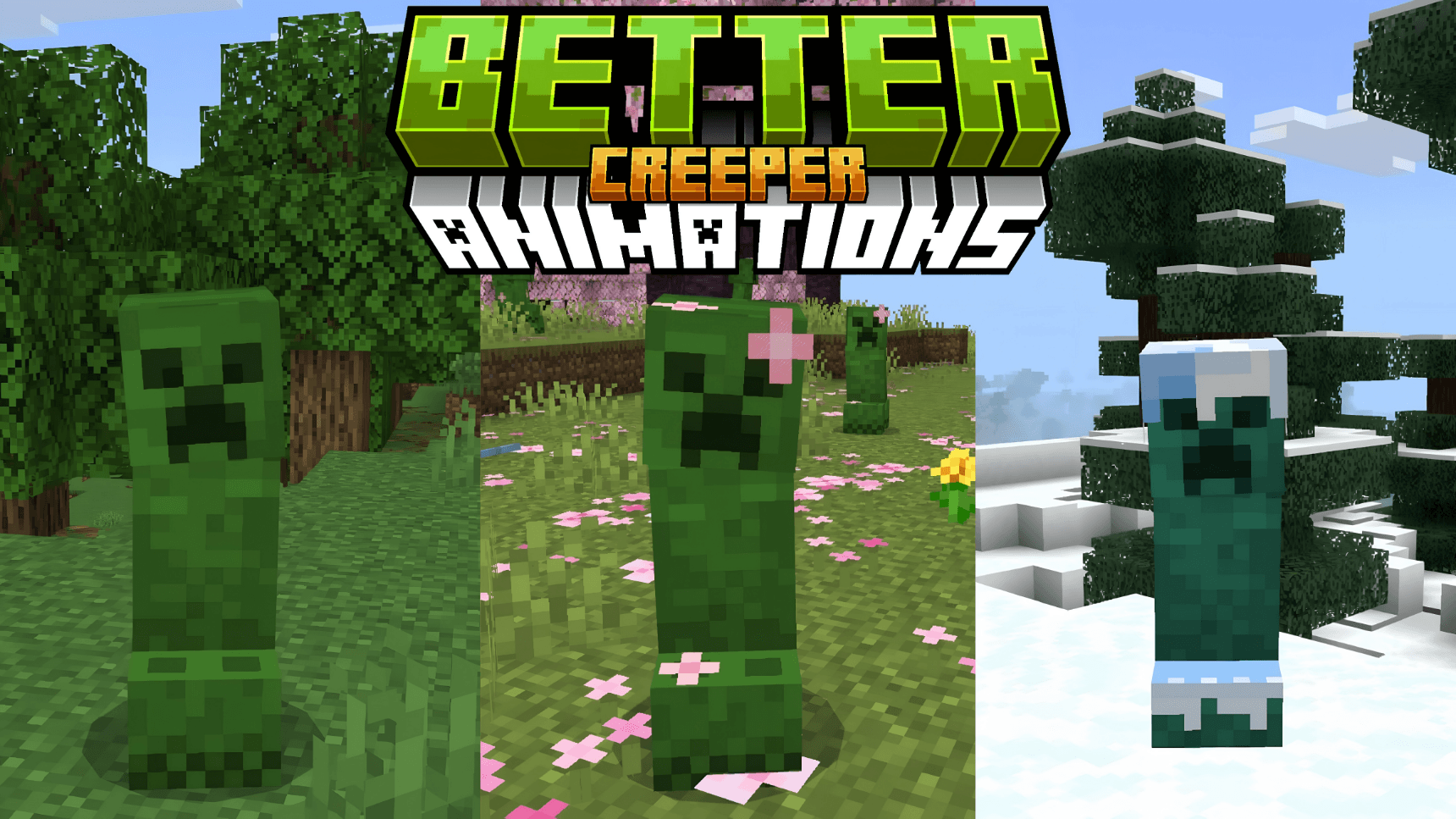

Better Creeper Animations
Better Creeper Animations brings Minecraft Bedrock's most iconic mob to life with smooth, fluid animations and biome-specific variants.Download

SnowGirls
The SnowGolem but GirlsDownload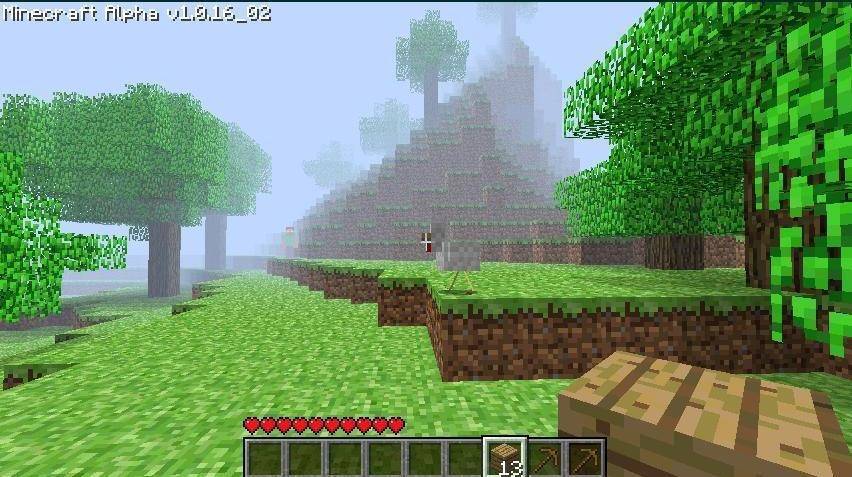

Herobrine Revival
A Minecraft Bedrock texture pack that recreates the legendary Herobrine screenshot atmosphere.Download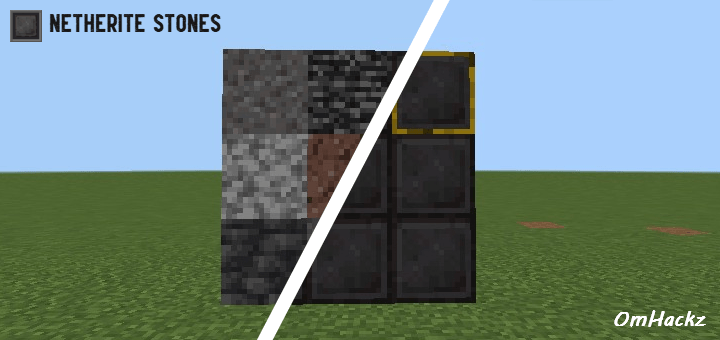

Netherite Stones
Netherite Stones gives every stone block a sleek, premium netherite makeover for a modern underground look.Download

Cubic Sun & Moon
It makes the sun and moon 3DDownload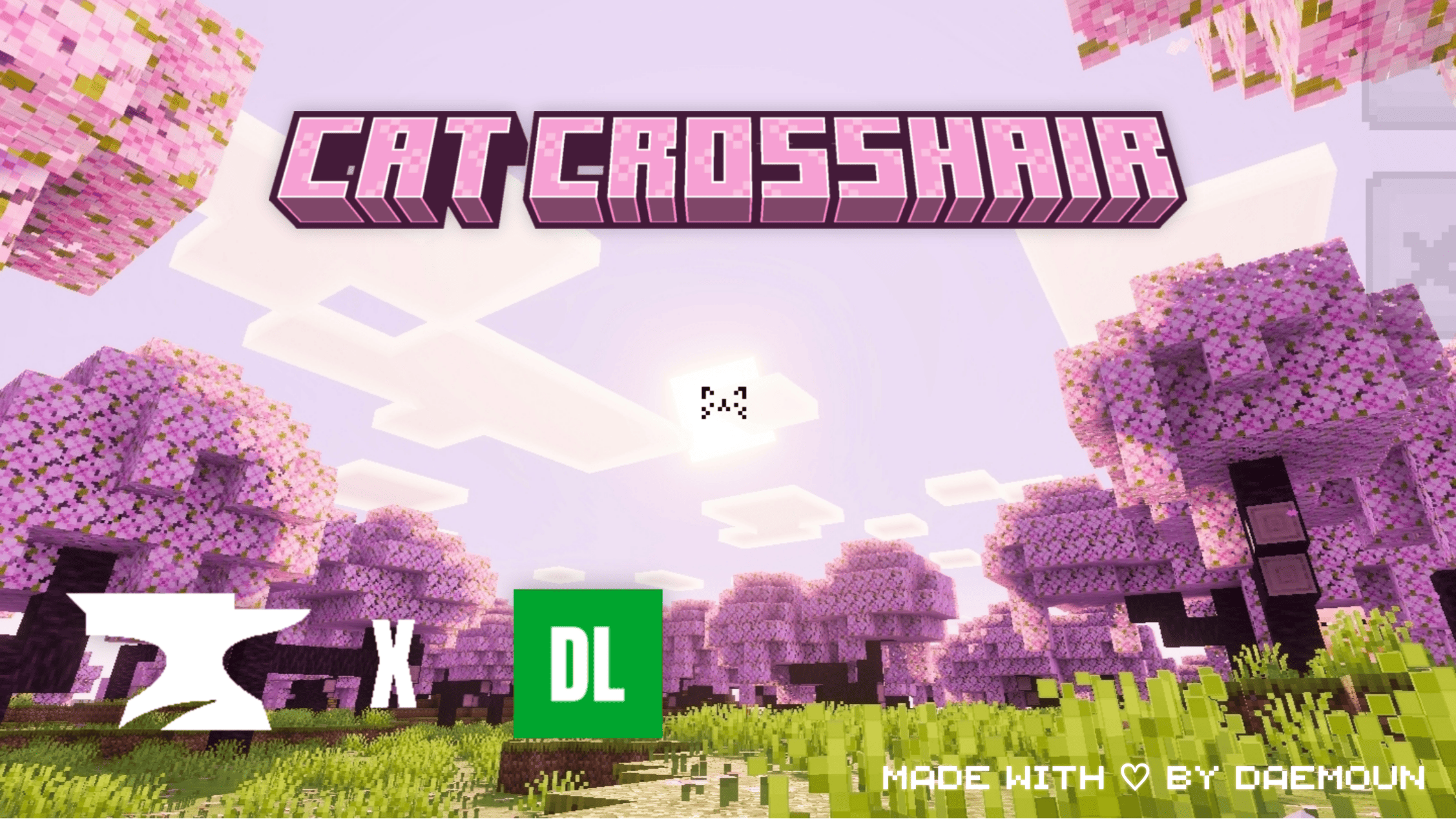

Cat Crosshair
Turn your crosshair into a cute little cat!Download

Blitztex PvP
High-resolution 512x512 PvP texture pack enhancing weapons, tools and PvP items for competitive gameplay.Download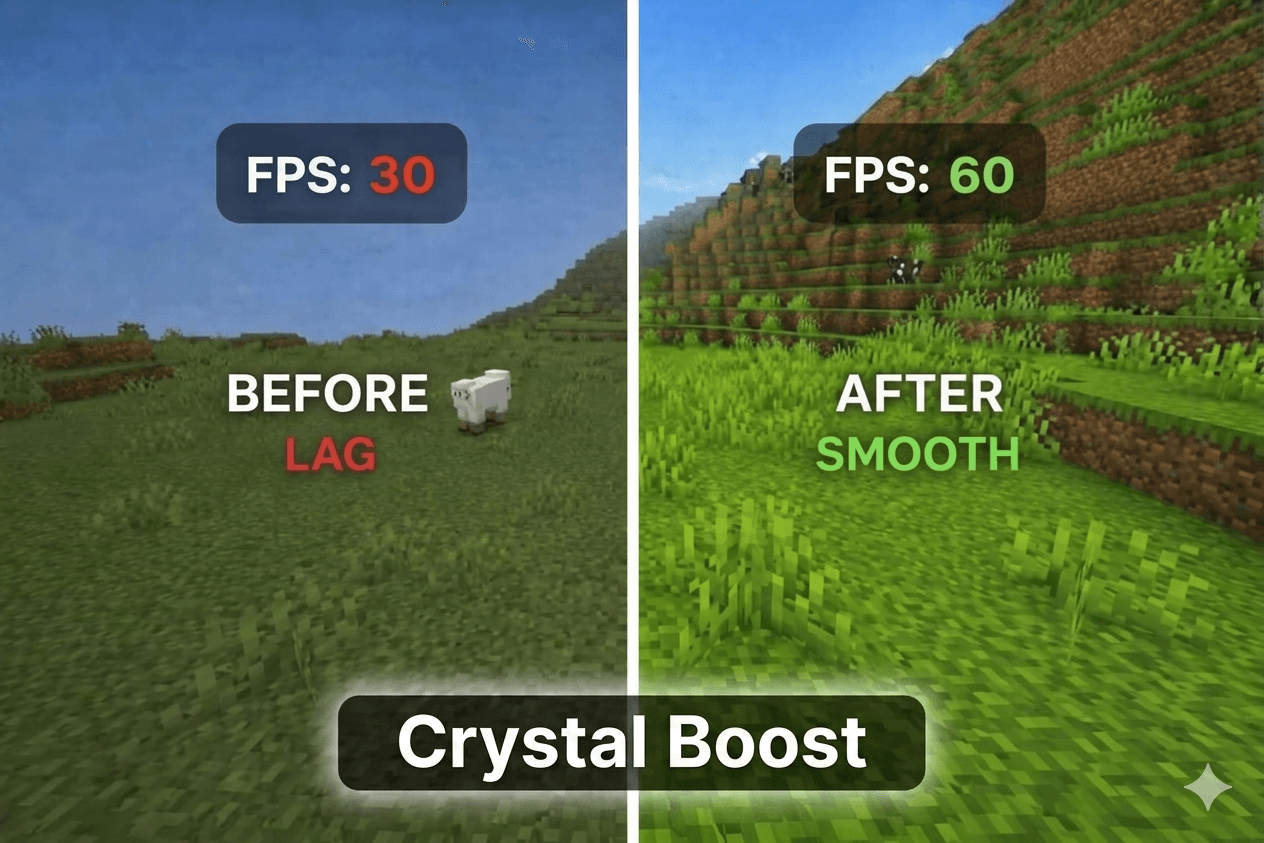
Crystal boost
"Maximize your performance with Crystal Boost. A lightweight MCPE resource pack featuring No Particles, Transparent UI, Short Swords, and Smooth Skies for the ultimate FPS boost and lag-free PvP."Download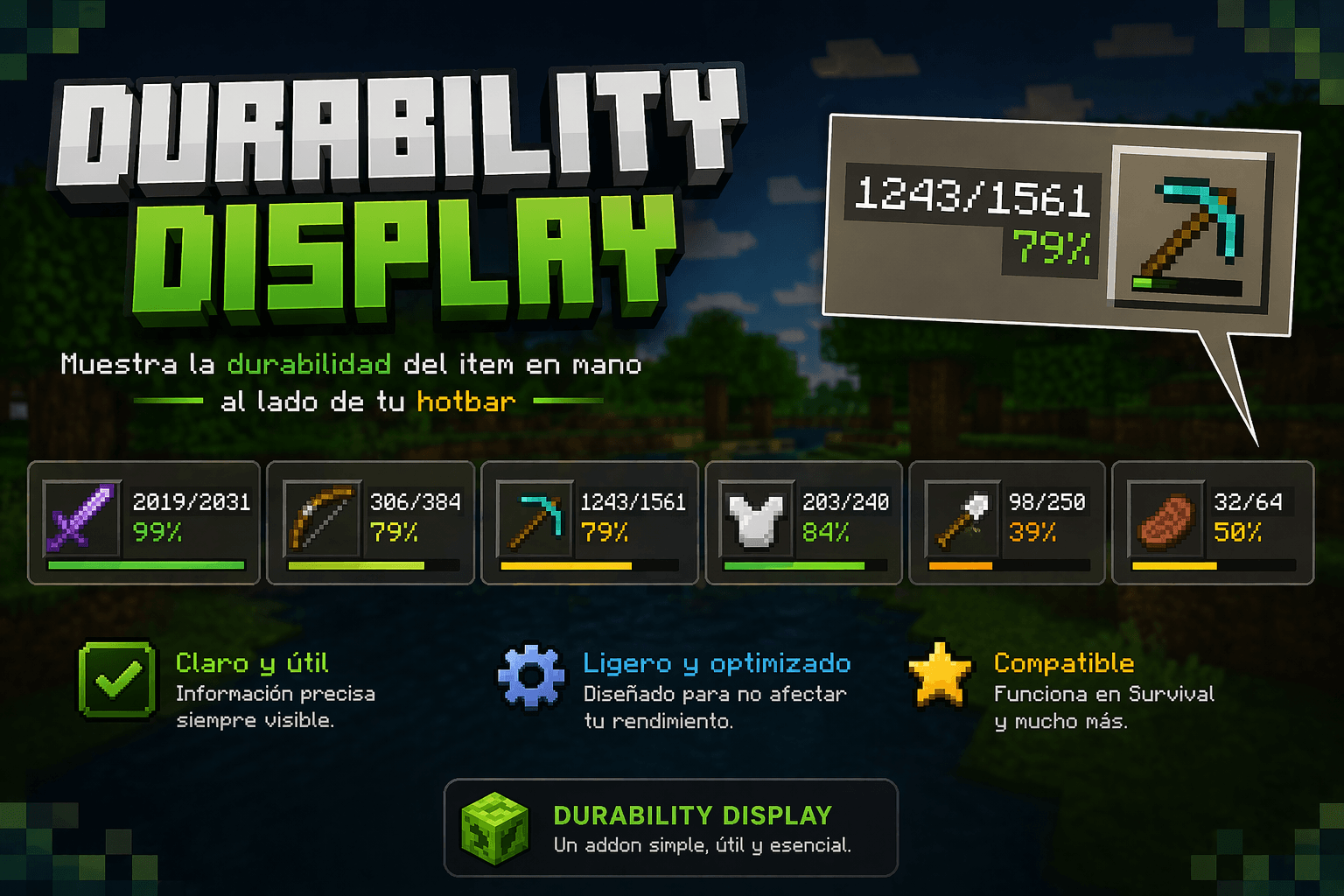
DurabilityHUD by Tiny Keep
Displays the durability of the currently selected item next to the hotbar, showing current/total uses and a percentage. By Tiny KeepDownload

Better and Saturated ores
This pack will help you find ores! Saturated ore texturesDownload

Mom's Weaponry
Mom's WeaponryDownload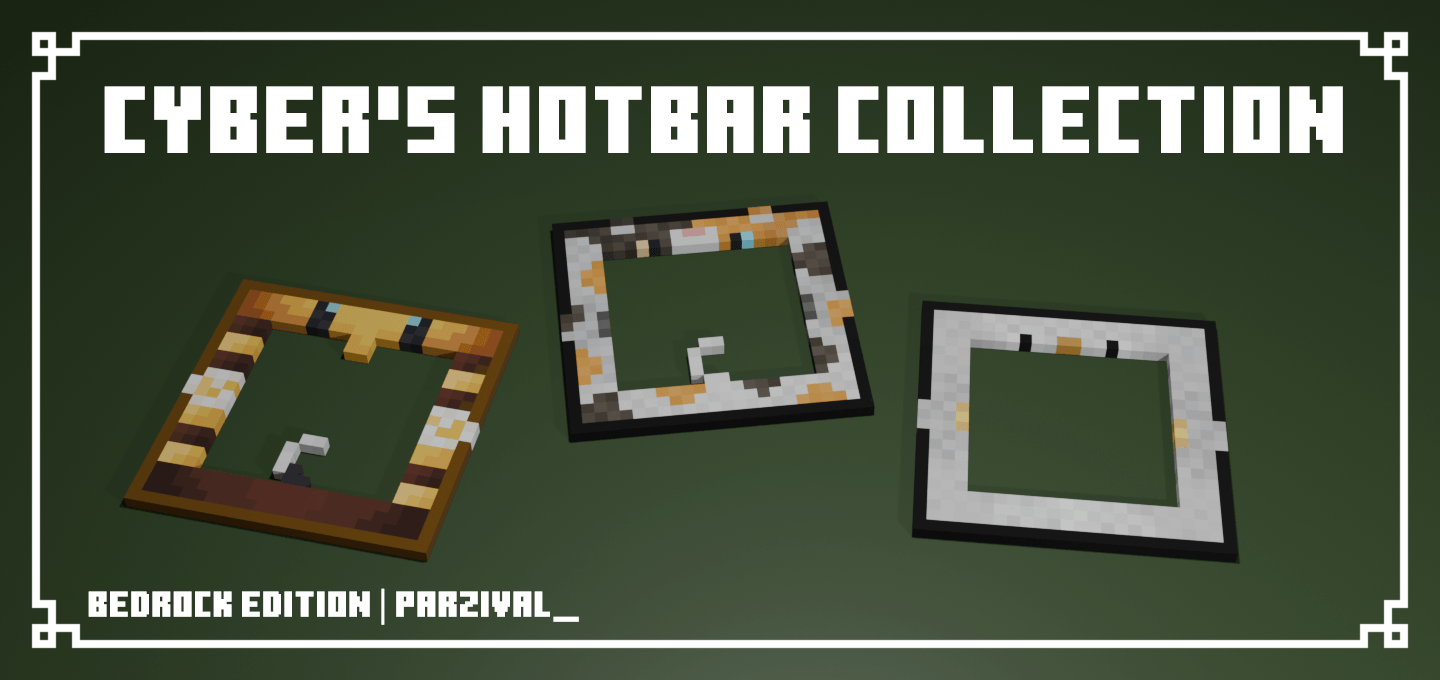

Cyber's Hotbar Collection
A collection of hotbar resource packs that add mob-themed hotbars.DownloadFAQ
Do I need Forge or Fabric for a resource pack?
No. A resource pack works on the regular game with no loaders or mods. Click “Install” and Millida Launcher will put the pack into the right modpack — then just enable it in the settings.
What do 16×, 32×, 64× mean?
The resolution of a single texture in pixels. 16× matches the original game, 32× and 64× are more detailed and heavier, and 128× and up put a noticeable load on your graphics card.
Will a pack made for another version work?
Most likely partly: older packs don't have textures for newer blocks, so those will stay default. The game won't break, though.
How is a texture pack different from a resource pack?
Only by name and age. Before version 1.6 the sets were called texture packs and changed only textures; in 1.6 resource packs replaced them and also change sounds, fonts and the interface. Old texture packs for 1.5 and below do not work on new versions without conversion.
Which texture packs are best for PvP?
PvP packs: 16× resolution or lower, shortened swords, low fire, a clear sky and bright particles. They barely load the computer and make the opponent easier to see. These packs are collected in the PvP theme.
How do I install a resource pack?
Press Install and Millida Launcher puts the pack into the resourcepacks folder of the right instance. Then enable it in the game: Options, then Resource Packs. Manually, the archive goes into resourcepacks inside the game folder, no need to unpack it.
Minecraft texture packs
A resource pack changes how the game looks and sounds: block and item textures, fonts, the interface, sounds. It doesn't touch the game's code, so it needs no mod loader and breaks nothing on a server — the pack only works on your screen. That's exactly why a resource pack is safer than any mod: the worst that happens on a version mismatch is that some textures stay default.
Textures, texture packs and resource packs are essentially the same thing: since version 1.6 Mojang calls these sets resource packs, but the old name is still searched more often. PvP packs are a big genre of their own: shortened swords, low fire, bright particles and 16× resolution or lower, so the opponent stands out and the frame rate does not drop. Such packs are most often made for 1.8.9 and 1.16.5, the versions many PvP servers run on.
The key thing about a pack is its resolution. The game's default textures are 16×16 pixels; 32× and 64× packs look more detailed, while 128× and up need a real graphics card and are usually paired with shaders. On a weak machine it makes sense to stay at 16× or go for packs that deliberately simplify graphics for more FPS. Every pack here lists its game version, author and license, and all released versions are gathered on one card. Put the downloaded archive in the resourcepacks folder and enable it in the game settings.