
Minecraft texture packs — page 211
Resource packs: list



Better Villagers
Adds variants to villagers, zombie villagers, and wandering tradersDownload

Constanti Shader (Zephyr)
Constanti Shader (Zephyr) makes your world look more dynamic, saturated, and dreamy at night.Download

Creeper Girls [Bedrock]
Bedrock port to my Creeper Girls packDownload

WolfGirls
Wolfs But GirlsDownload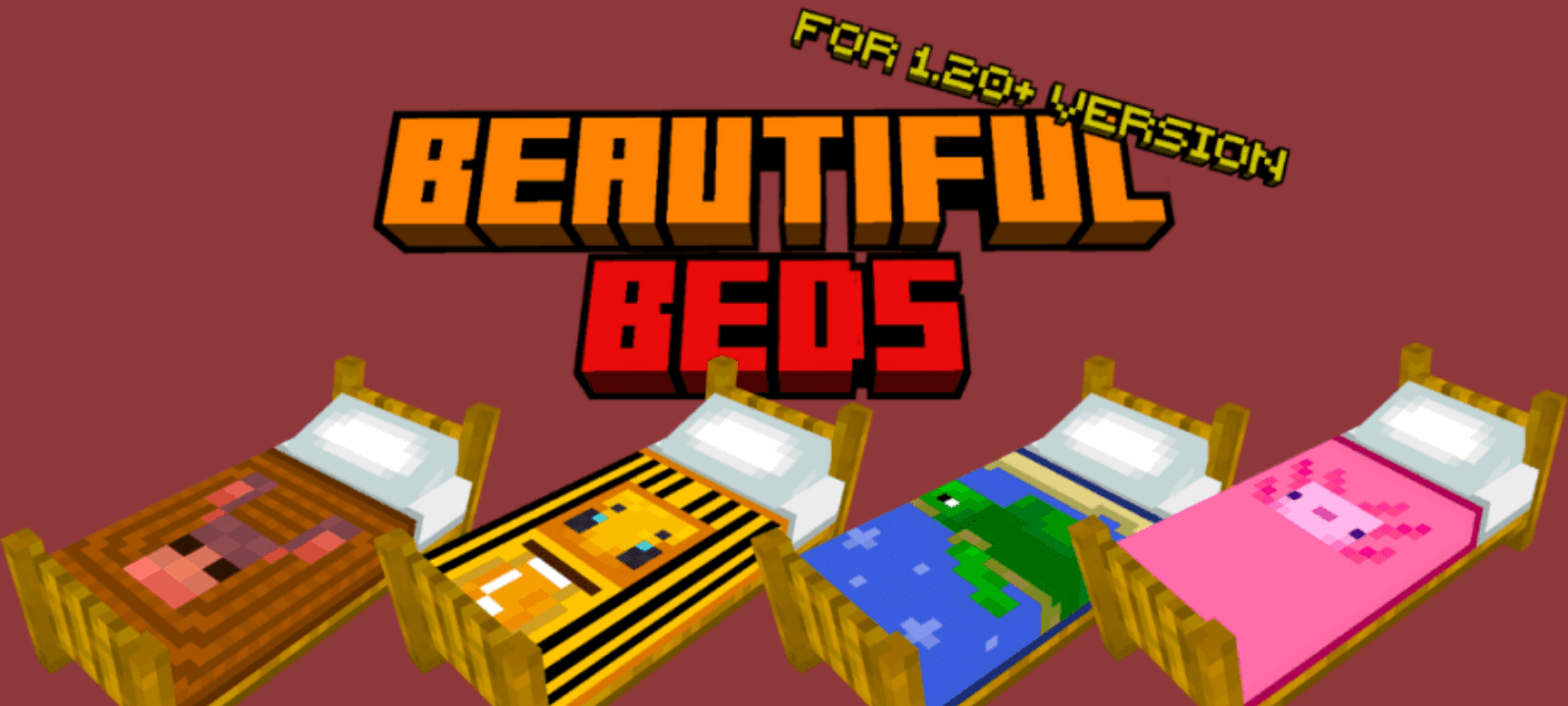

Beautiful Beds Texture Pack
Do you like sleeping in comfortable and beautiful beds in Minecraft? Then you will love this custom texture I created! It modifies the beds in the game, making them more developed and with blankets with designs of mobs and biomes.Download

tulip pvp 32×
32× Minecraft PvP pack built for smooth, lag free gameplay on low-end devices. It features revamped textures, a custom crosshair, unique sky, and enhanced sound effects. Clean, stylish, and optimized. perfect for competitive PvP.Download

Hidden Enchantments
A resource pack that removes enchantment visuals and hides Shulker Box contents from hover previews.Download

FIREFLIES - La Nature Fragment
Choose between 3 variants of firefly particle!Download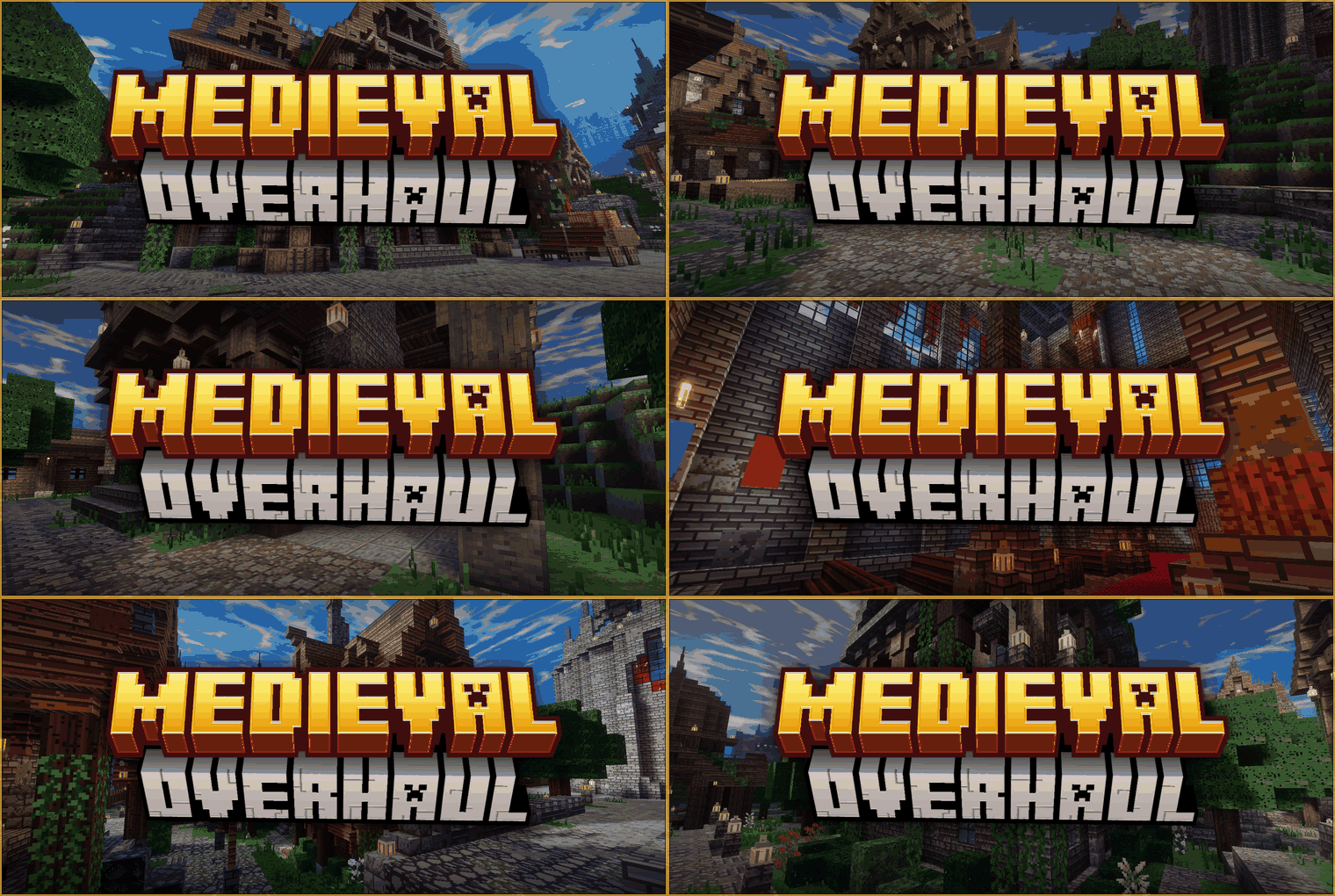

Medieval Overhaul
Medieval Overhaul is a resource pack that completely redesigns the game to look like the medieval era.Download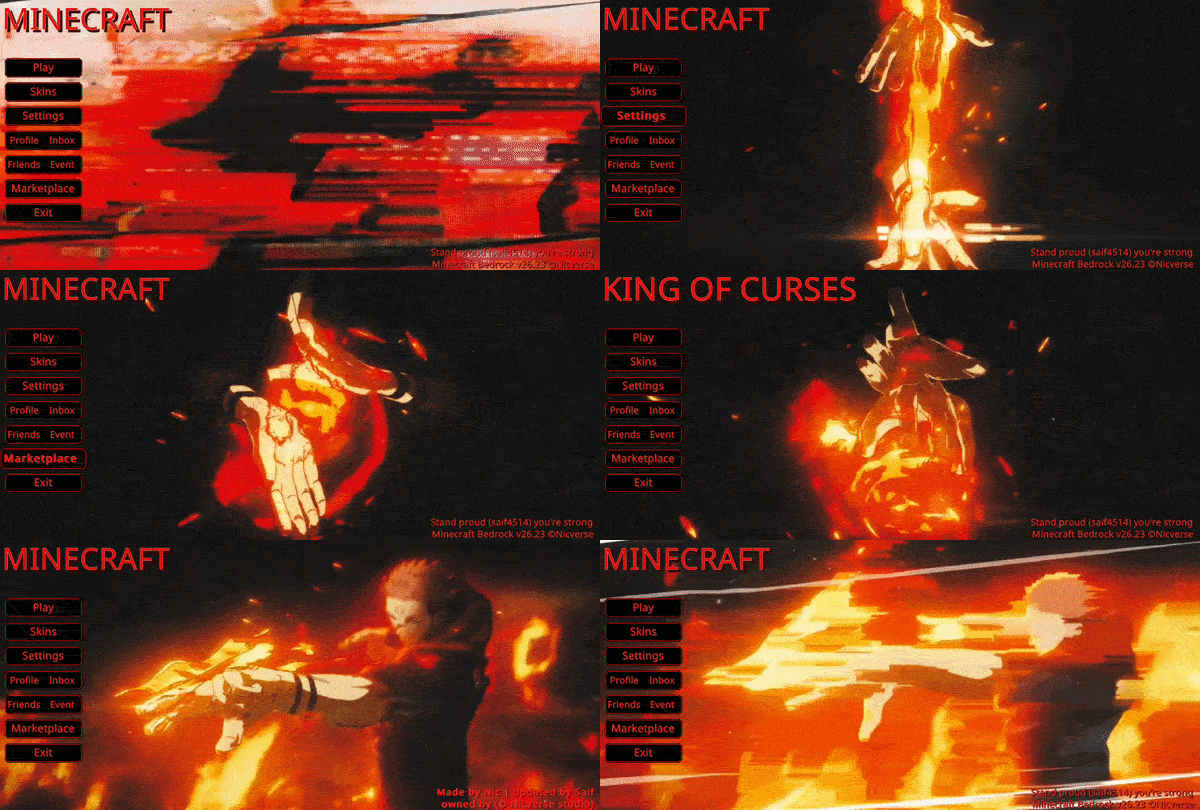

Animated Sukuna Fuga UI
A character-themed animated menu for the Start Screen and Settings Screen, inspired by Sukuna unleashing Fuga in Jujutsu Kaisen, featuring blazing flames, drifting embers, and intense fire effects for a powerful, cinematic Minecraft experience.Download

Halloween Autumn Vibrant Visuals
I present to you the first Halloween-themed package I've made. If you want to feel fear, mystery, and darkness, I recommend this package. You'll truly feel like you're in the middle of the season with its autumn setting.Download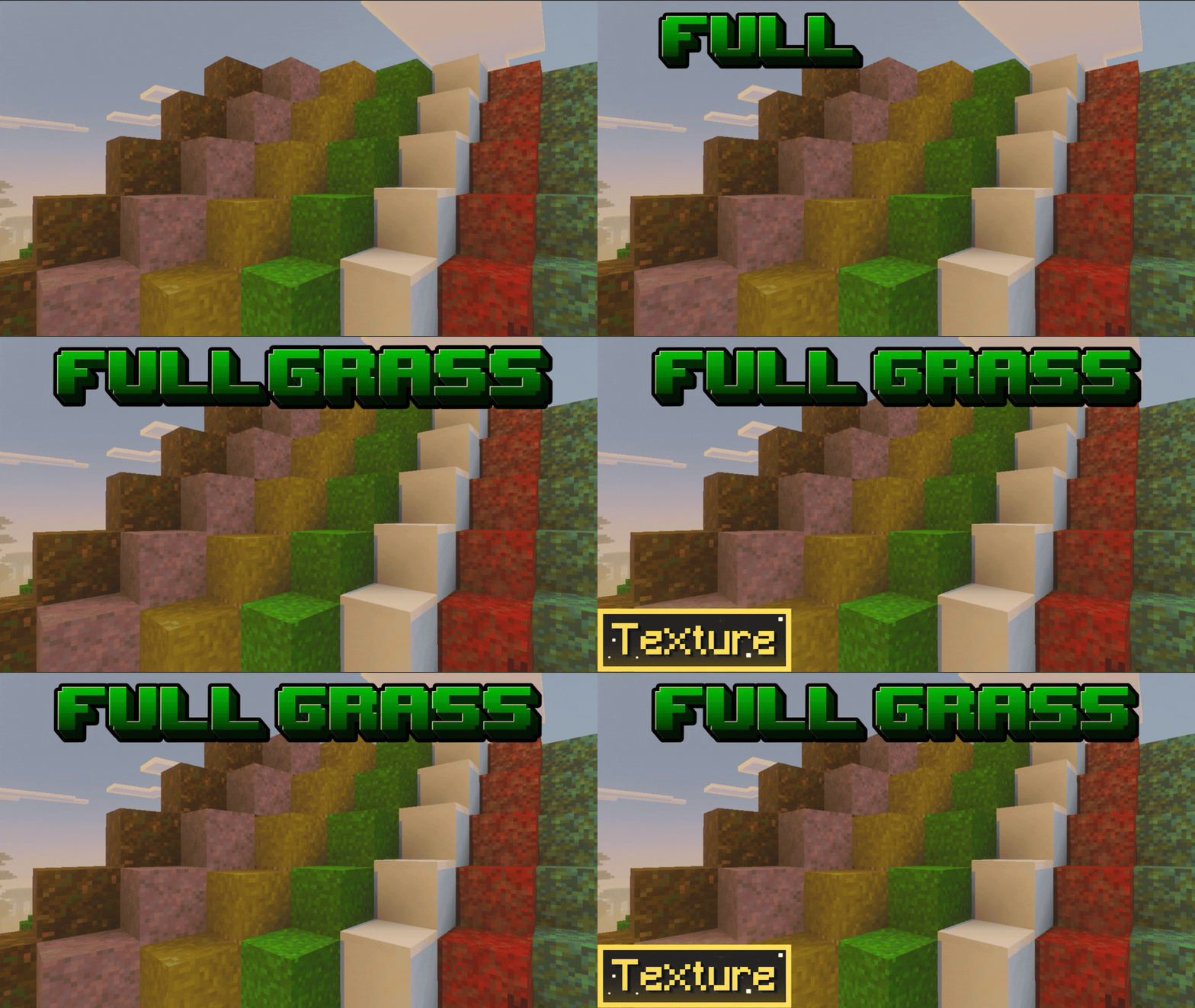

Better Grass - Full Grass
Better Grass & more! Full green sides for Grass, Mycelium, Podzol, Path blocks, and Nether Nylium. Clean landscapes for the ultimate world look!Download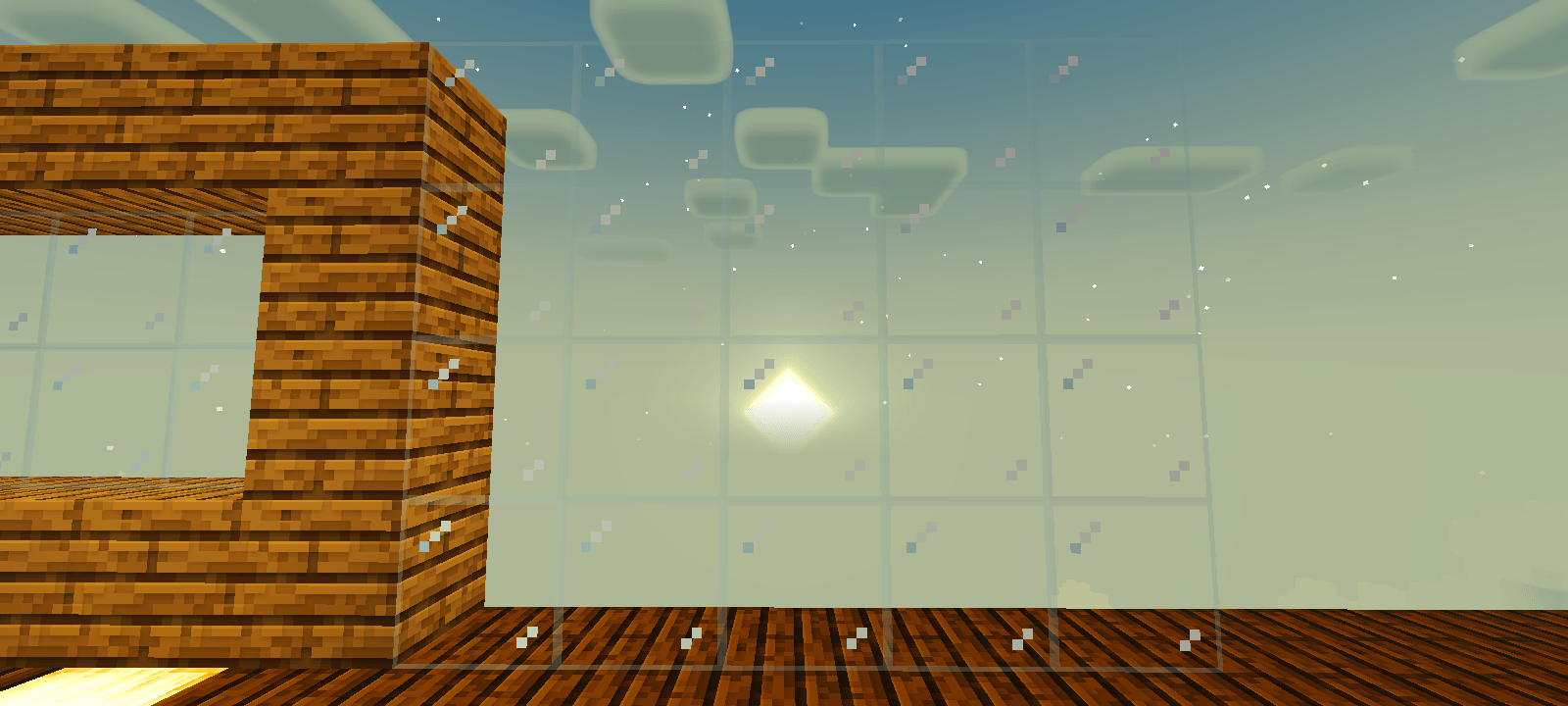

New glass-connected glass
This is one of many textures that improve Minecraft glass, but what makes this texture special? It's simple, it makes the glass much nicer by giving it a much thinner edge and transparent, this allows them to preserve the vanilla appeareanceDownload

BlackHole N. Extensions [ Legacy ]
BlackHole v3Download

Ender Dragon Wings Elytra
This pack changes the look of an Elytra to look like an Ender Dragon's wings.Download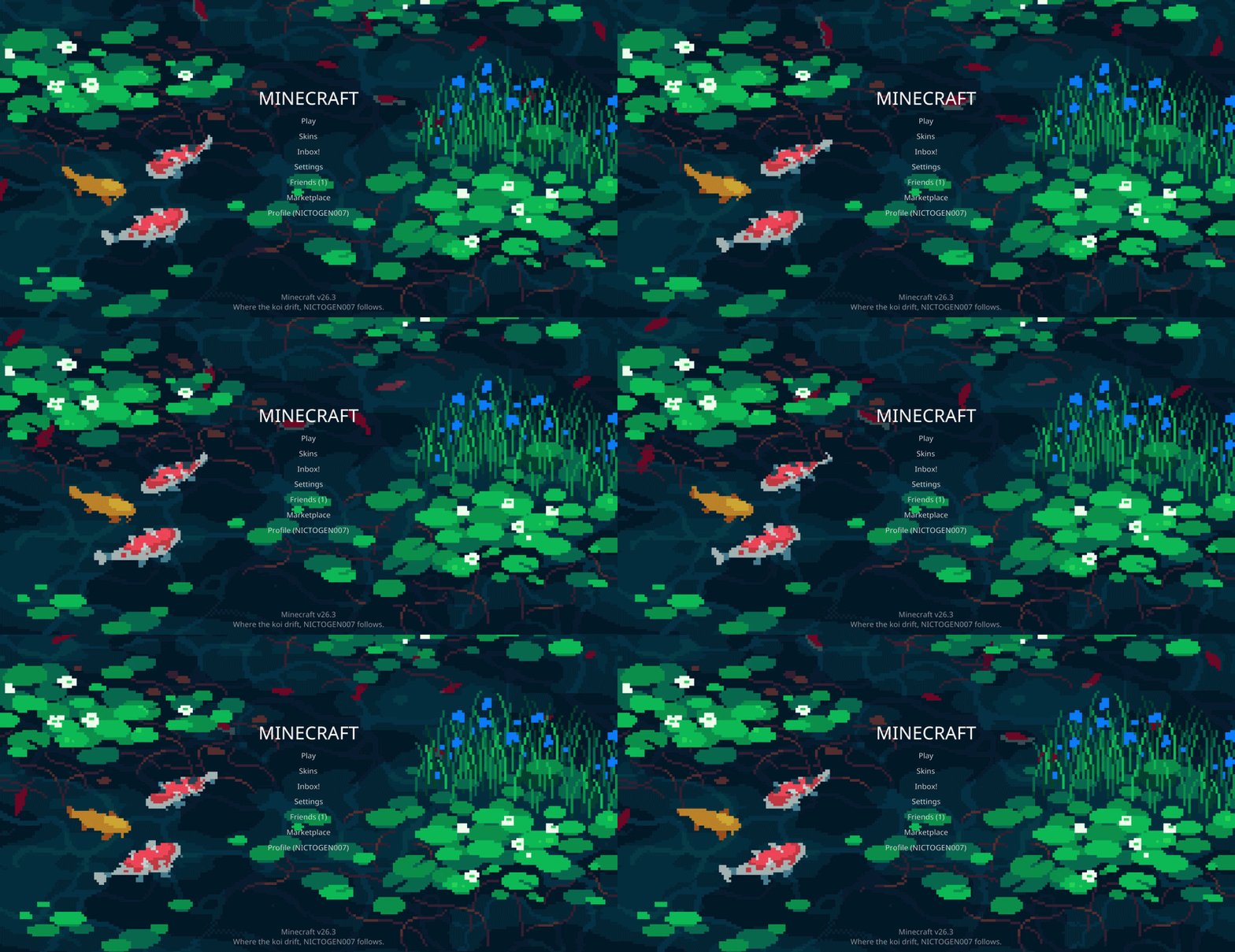

Koi Menu
A relaxing animated koi pond background for Minecraft’s start and settings screens.Download

Axolotl Villagers
This texture pack changes villagers into axolotls!Download

Minecraft Earth Mobs
Bring Minecraft Earth mobs back to life! This texture pack adds their unique designs and variants into Minecraft.Download

YSZ Crosshair Indicator
This mod makes your crosshair display different when an entity is in reach like players, zombie, sheep etc.Download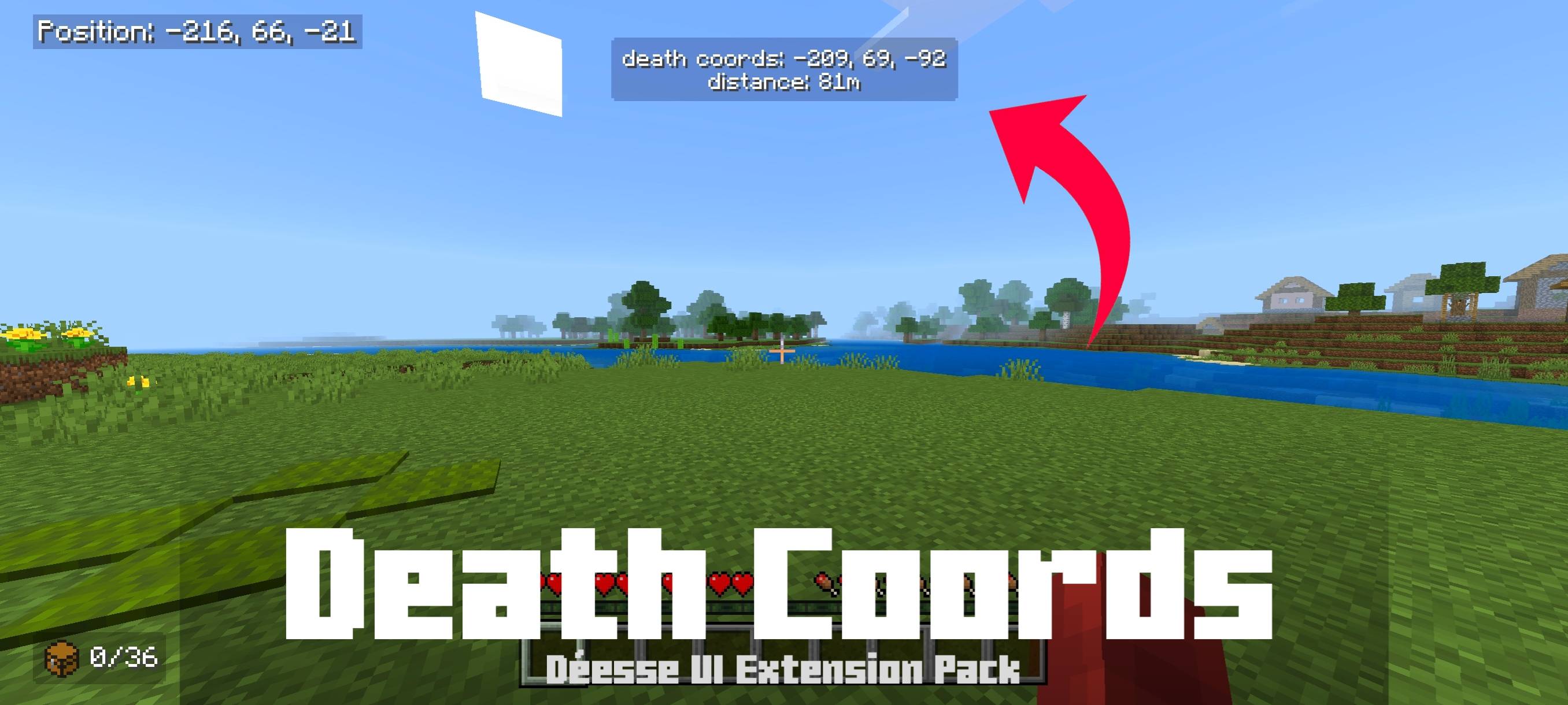

Death Coords
Shows the exact position of your player's death.Download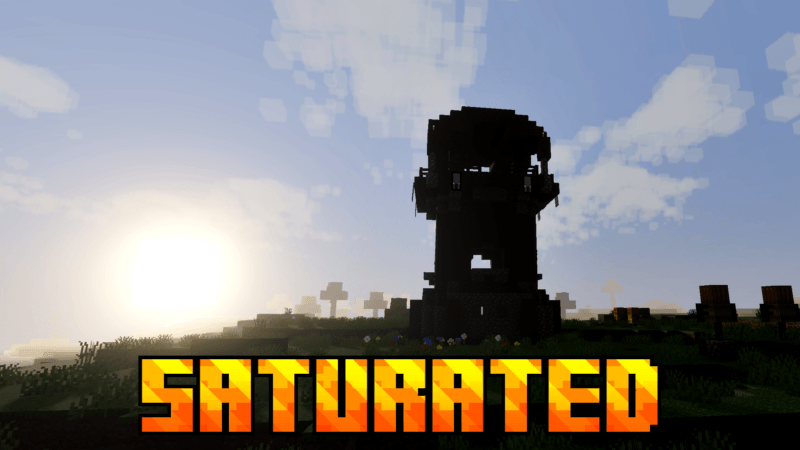

saturated visual zephyr free lag
Saturated (vs) makes your in-game visuals more saturated, warmer, and more beautiful.Download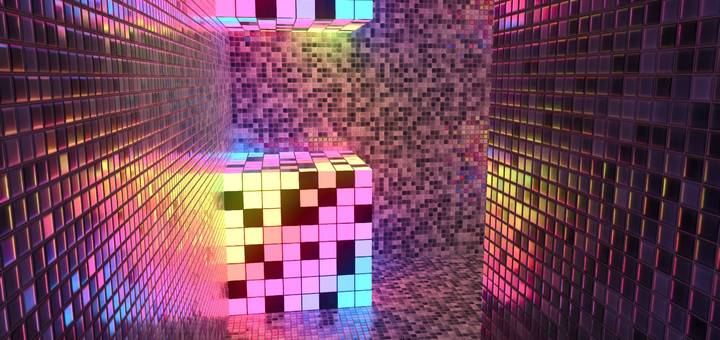

Creative HD Material Pack - Minecraft with RTX
Replaces all Education Edition Element block textures with high definition or exotic materials for creative builds using ray tracing.Download

Bare Bones X Spectral Vanilla
Bare Bones X Spectral Vanilla — Experience smooth custom tool animations with the clean Bare Bones style! This edition features original vanilla colors for a vibrant, nostalgic feel. Requires Action & Stuff to work!DownloadFAQ
Do I need Forge or Fabric for a resource pack?
No. A resource pack works on the regular game with no loaders or mods. Click “Install” and Millida Launcher will put the pack into the right modpack — then just enable it in the settings.
What do 16×, 32×, 64× mean?
The resolution of a single texture in pixels. 16× matches the original game, 32× and 64× are more detailed and heavier, and 128× and up put a noticeable load on your graphics card.
Will a pack made for another version work?
Most likely partly: older packs don't have textures for newer blocks, so those will stay default. The game won't break, though.
How is a texture pack different from a resource pack?
Only by name and age. Before version 1.6 the sets were called texture packs and changed only textures; in 1.6 resource packs replaced them and also change sounds, fonts and the interface. Old texture packs for 1.5 and below do not work on new versions without conversion.
Which texture packs are best for PvP?
PvP packs: 16× resolution or lower, shortened swords, low fire, a clear sky and bright particles. They barely load the computer and make the opponent easier to see. These packs are collected in the PvP theme.
How do I install a resource pack?
Press Install and Millida Launcher puts the pack into the resourcepacks folder of the right instance. Then enable it in the game: Options, then Resource Packs. Manually, the archive goes into resourcepacks inside the game folder, no need to unpack it.
Minecraft texture packs
A resource pack changes how the game looks and sounds: block and item textures, fonts, the interface, sounds. It doesn't touch the game's code, so it needs no mod loader and breaks nothing on a server — the pack only works on your screen. That's exactly why a resource pack is safer than any mod: the worst that happens on a version mismatch is that some textures stay default.
Textures, texture packs and resource packs are essentially the same thing: since version 1.6 Mojang calls these sets resource packs, but the old name is still searched more often. PvP packs are a big genre of their own: shortened swords, low fire, bright particles and 16× resolution or lower, so the opponent stands out and the frame rate does not drop. Such packs are most often made for 1.8.9 and 1.16.5, the versions many PvP servers run on.
The key thing about a pack is its resolution. The game's default textures are 16×16 pixels; 32× and 64× packs look more detailed, while 128× and up need a real graphics card and are usually paired with shaders. On a weak machine it makes sense to stay at 16× or go for packs that deliberately simplify graphics for more FPS. Every pack here lists its game version, author and license, and all released versions are gathered on one card. Put the downloaded archive in the resourcepacks folder and enable it in the game settings.