
Minecraft texture packs — page 210
Resource packs: list
Craftmas Remastered
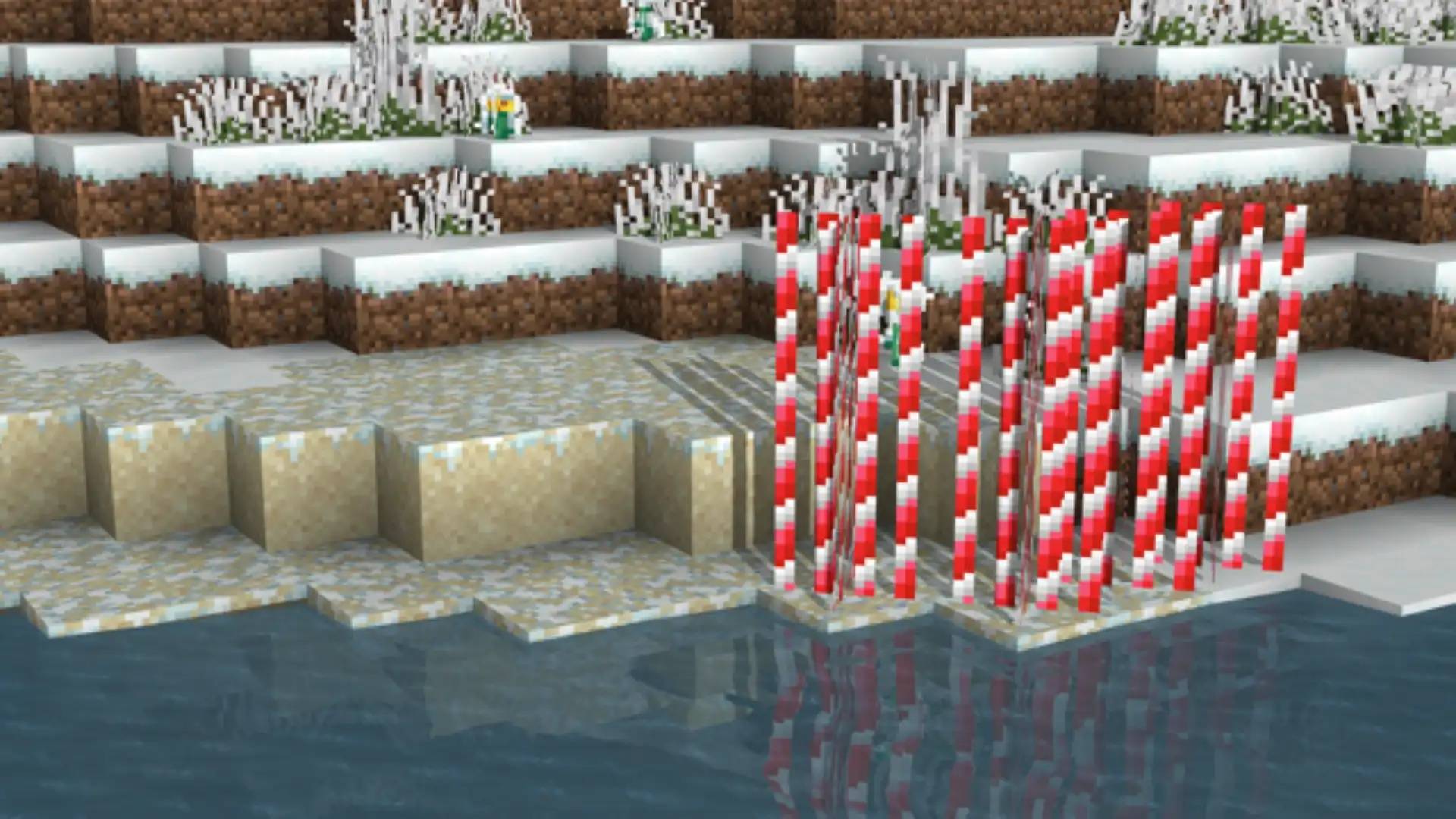
The remastered Christmas resource pack!Install

Waystones Emissive
Waystones with emissive labPBR texture for shadersInstall
FPS display
A simple mod that displays the current FPS on screenDownload
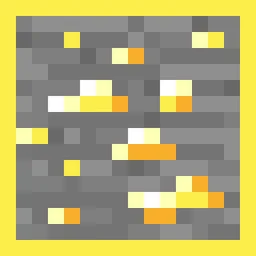
Ore Grids
Adds an outline to each ore. Mod support!Install
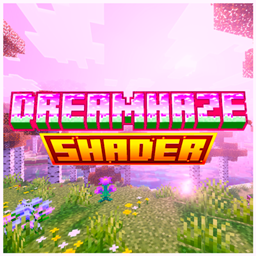
DreamHaze Shaders
Your world, but pink. DreamHaze Shaders wraps Minecraft Bedrock in soft blush skies, deep violet nights, and hot magenta sunrises — a full pink-purple shader pack built for Vibrant Visuals. Every system tuned around one palette. Nothing breaks it.Download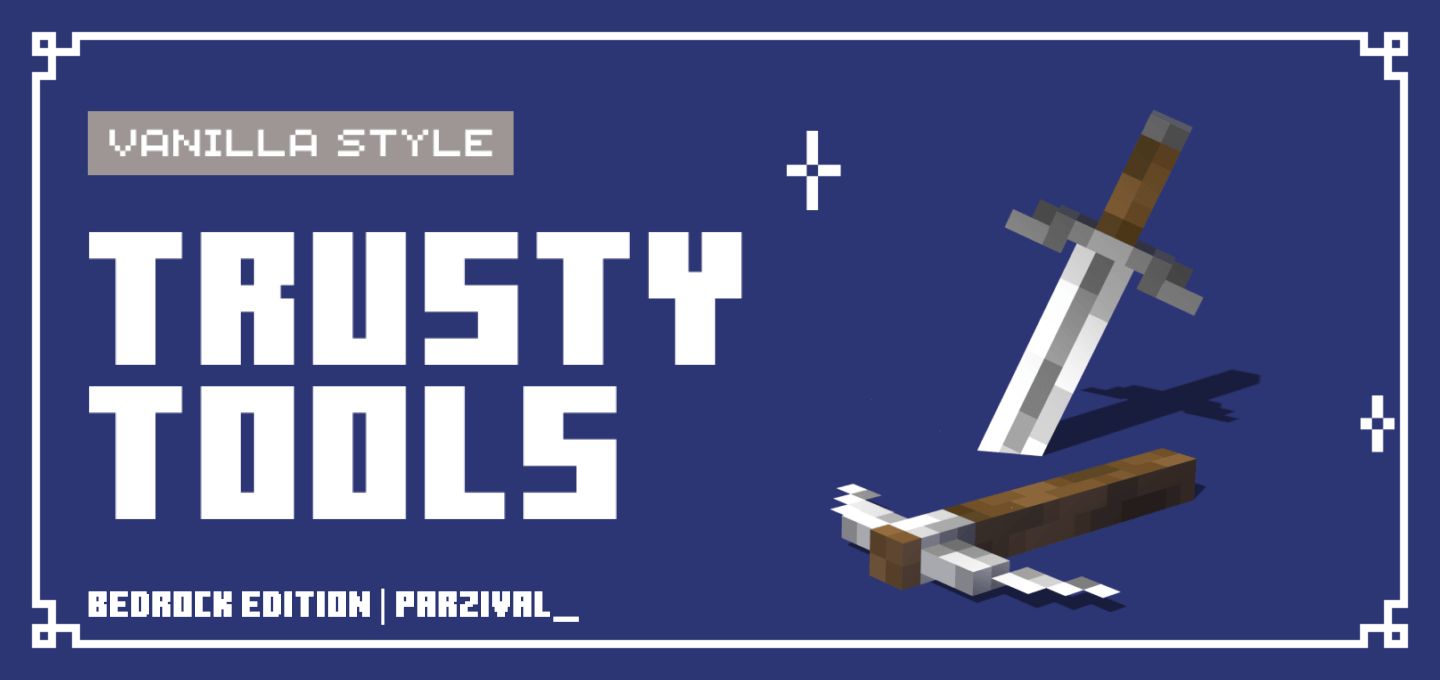
Trusty Tools
Fully modeled 3D tools and weapons. Includes bows, mace and spear!Download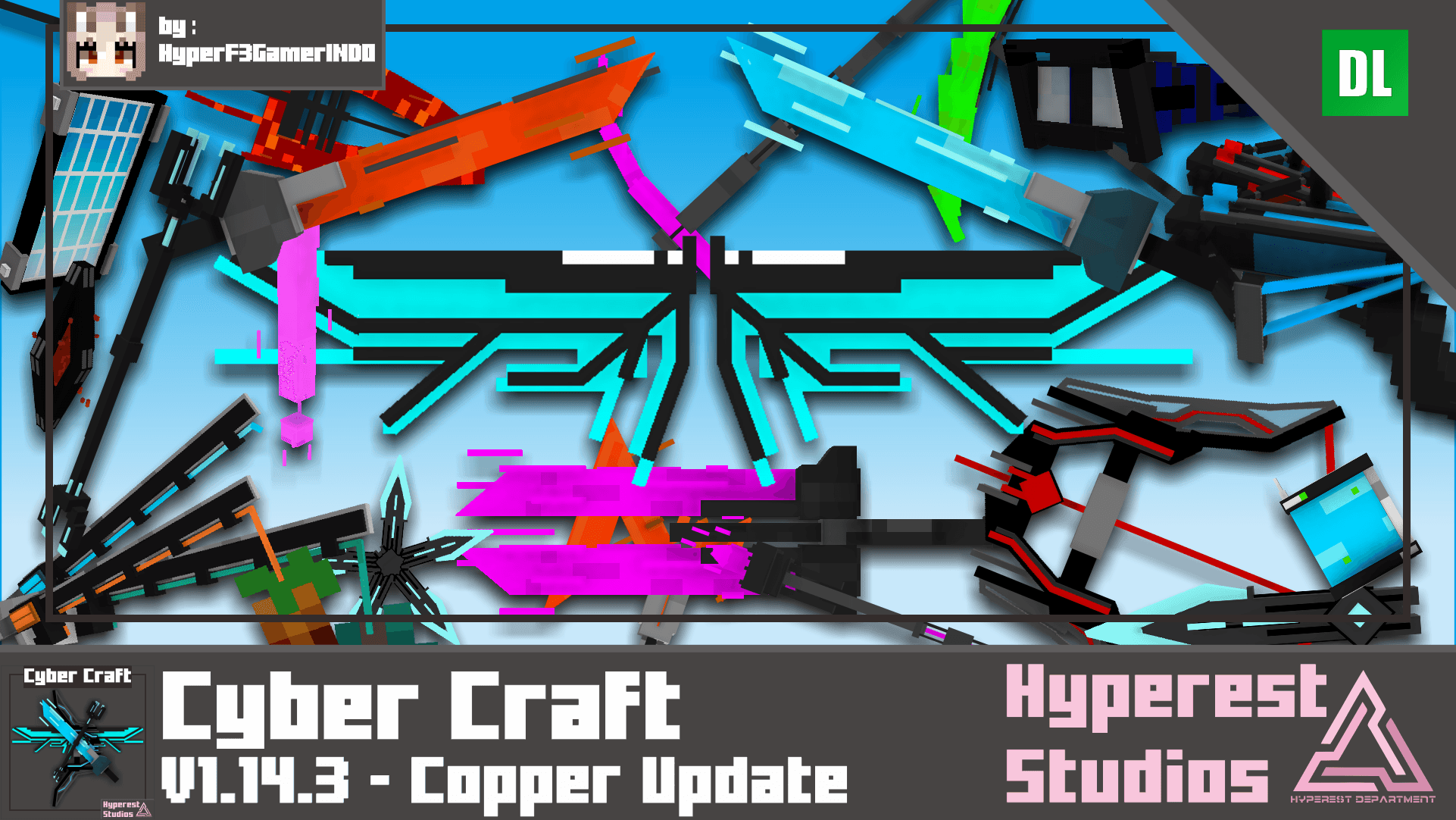

Cyber Craft | v1.14.3 Copper Update
This Resources pack is from Black Plasma Studios, World Apart Series, yeah you might know that, are you fan of it? are you want to that sword added to your game? then this pack is perfect for you! there are a lot of changes to the tools itself.Download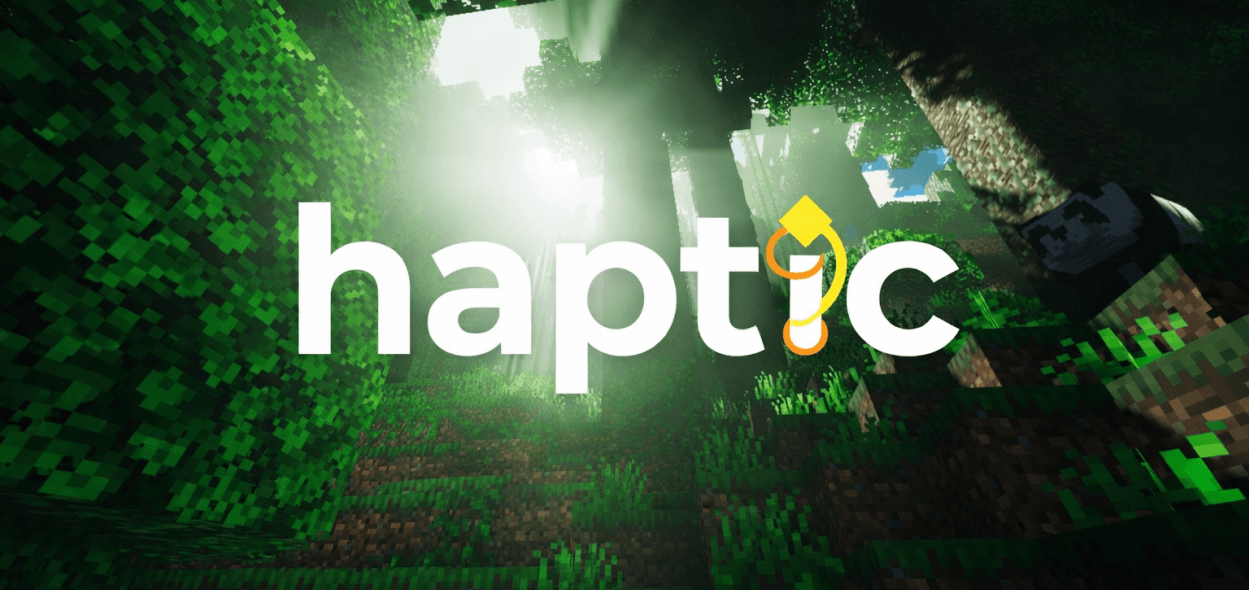
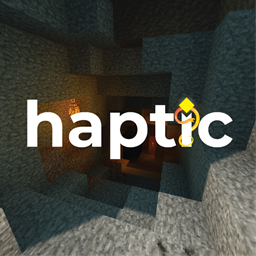
Haptic Visuals
A RDVV-tuned visual pack that preserves the original Haptic aesthetic—now adapted for modern Bedrock lighting.Download

FAHHH Mace Sounds Replacer
Replaces the default mace sound with the viral “FAHHH” meme sound effect. Adds a funny and chaotic twist to your Minecraft Bedrock gameplay without changing mechanics. Works in Survival and Multiplayer.Download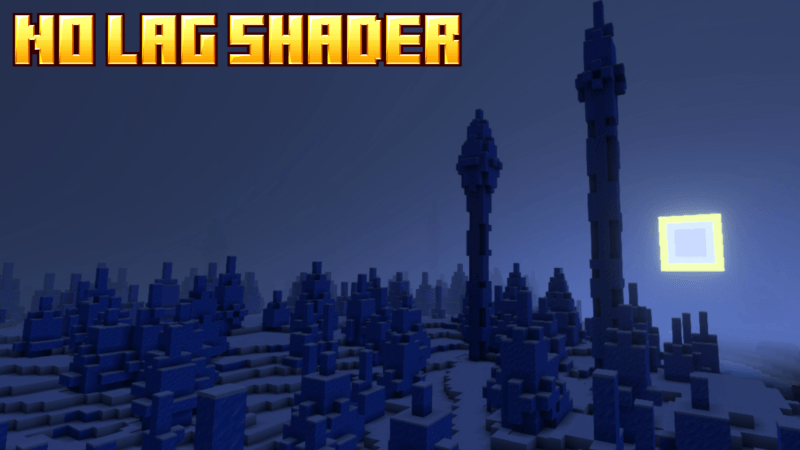

no lag shader pack
If you have problems with a laptop or phone, this texture is highly recommended for you.Download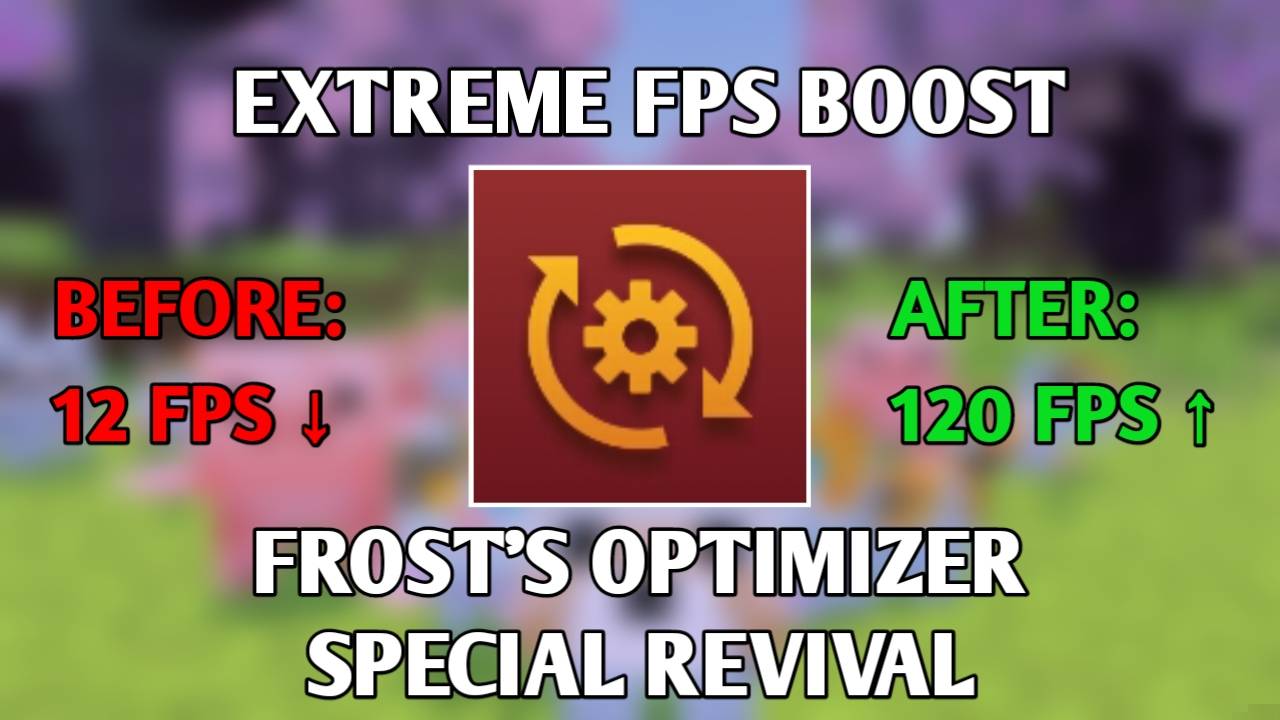

Frost's Optimizer V9 Special Revival | Ultimate FPS Boost
This resource pack can increase your FPS like OptiFine or Sodium Mod on JavaDownload
DarkGUI
This is a resource pack that is a little darker without changing the look of vanillaInstall

VIETNAMESE.VN.VIETNAM
With Vietnamese language pack will help you have better gaming experienceDownload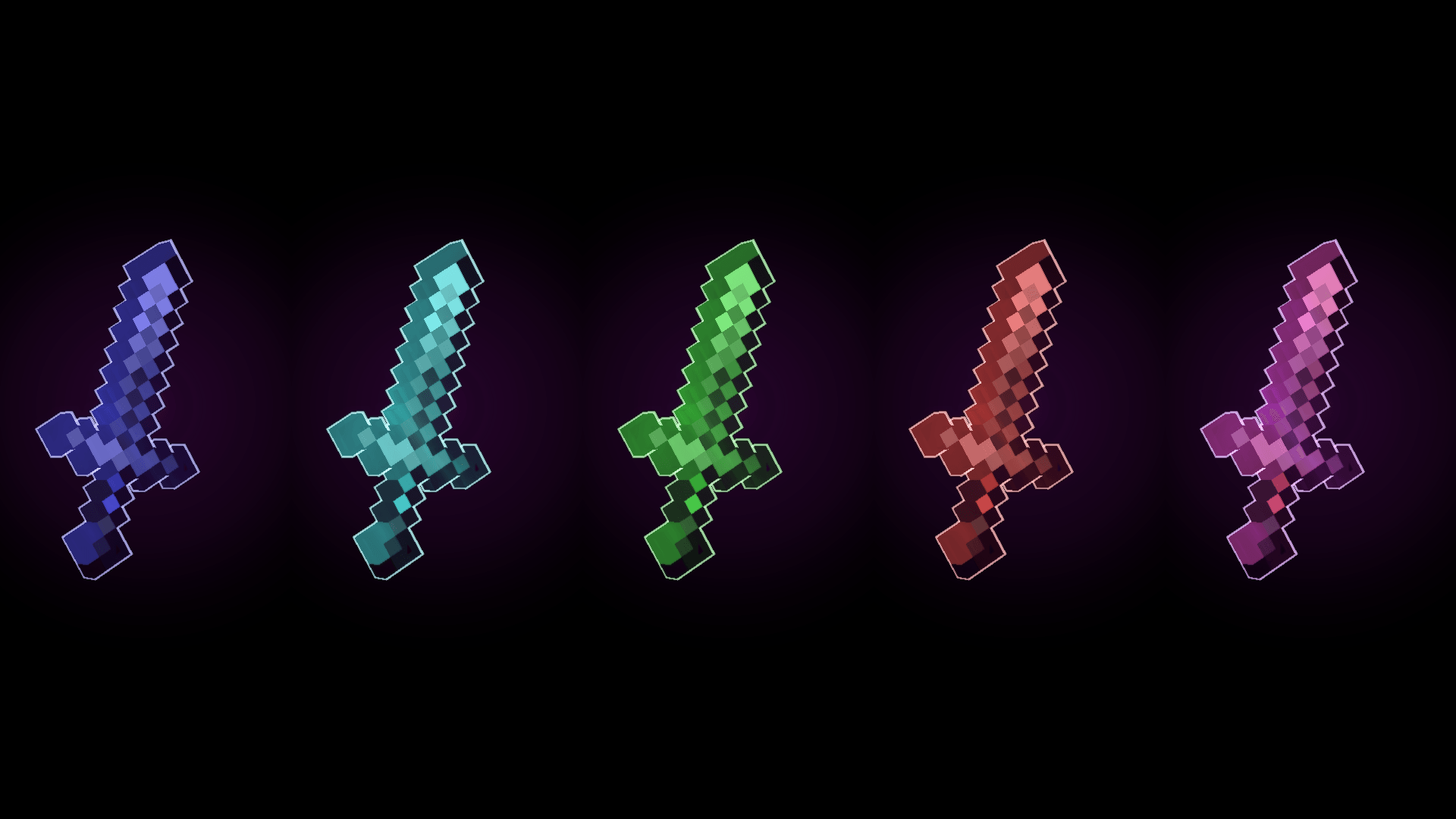
Enchanted Outline
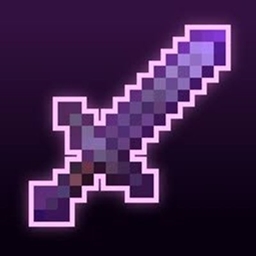
Never lose your best gear again! ✨ Enchanted Outline adds glowing outlines to enchanted Swords & Pickaxes ⚔️⛏️ — full color customization & rainbow effects on Pickaxes, more sword features coming soon. Lightweight & vanilla-friendly.Download

Slightly Enhanced+
Enhanced+ is a Minecraft pack that enhances nature, textures, and overall visuals, making the game more immersive and enjoyable. It is still in development, with future updates planned to improve the experience further.Download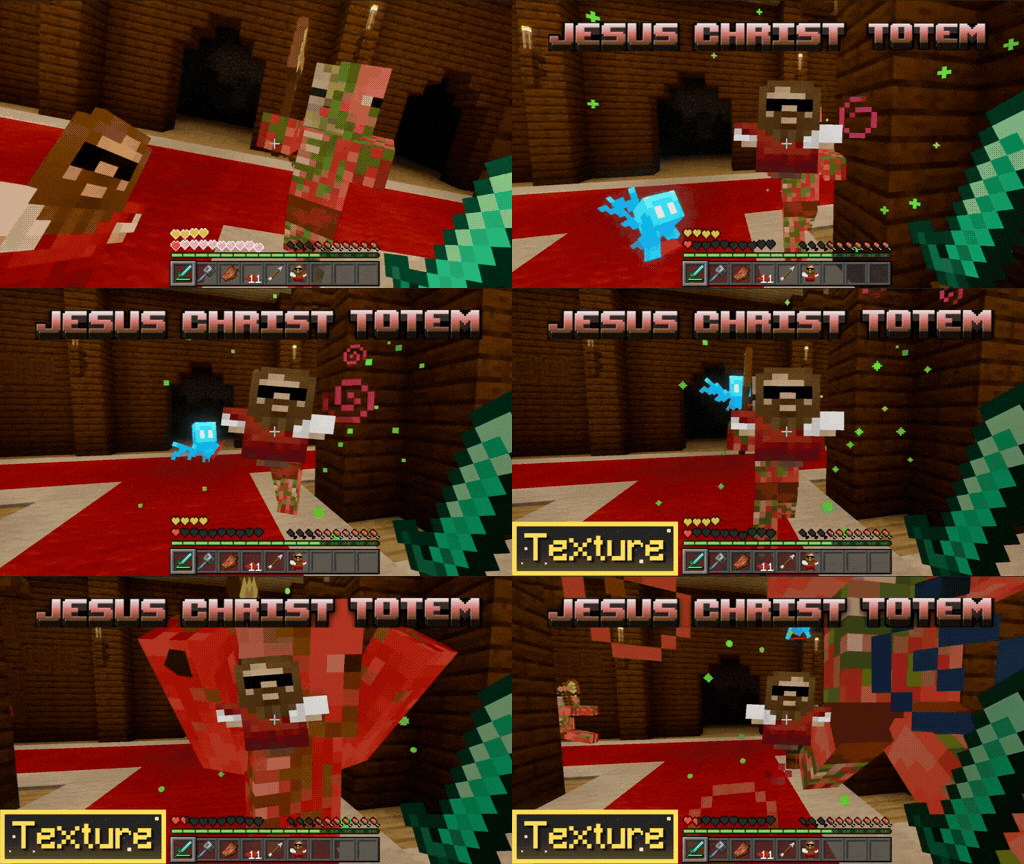

Jesus Christ Totem
replaces the classic Totem of Immortality with a custom version of the legendary Jesus Christ skin. Survive in style and strike fear into your enemies!Download

Tragic Fantasy Visuals | Vibrant Visuals Shader
Terror Fantasy Visuals is a dark & terrifying shader/pack for Minecraft Bedrock that transforms the game into a chilling nightmare. 🌑💀Download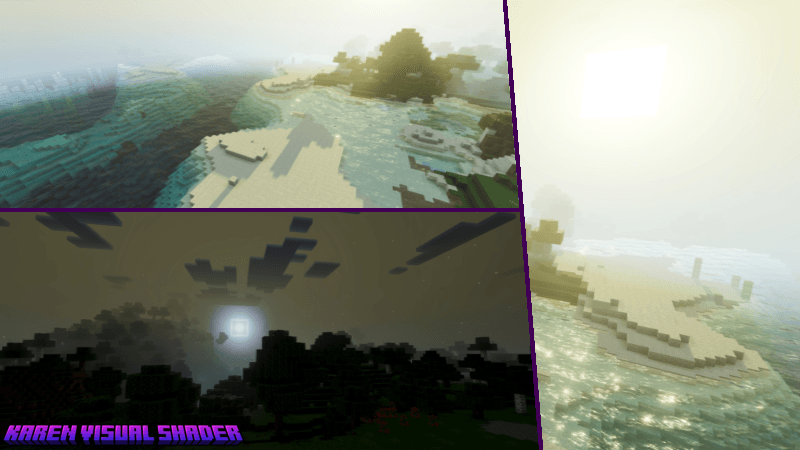

Karen Visual Shader (BA)
Karen Visual Shader is a beautiful shader for Bedrock that brings a warm sunset theme with a purple atmosphere, making your world pop and helping you fall in love with Minecraft instantly.Download

Cat Sun & Moon
Turns the sun and moon into cute cat shaped designsDownload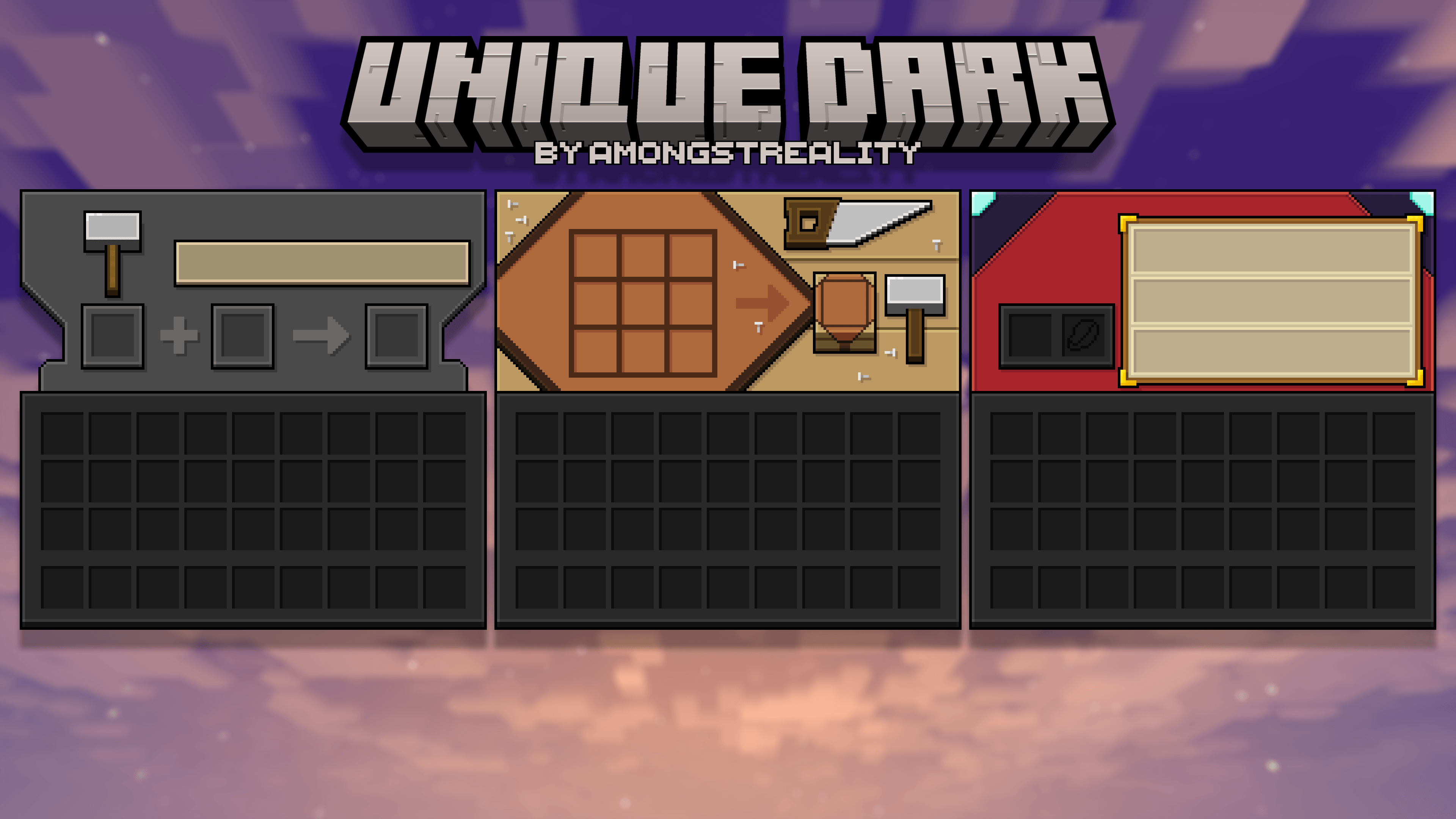

Unique Dark Gui for bedrock
This Minecraft Bedrock resource pack changes the game menus.Download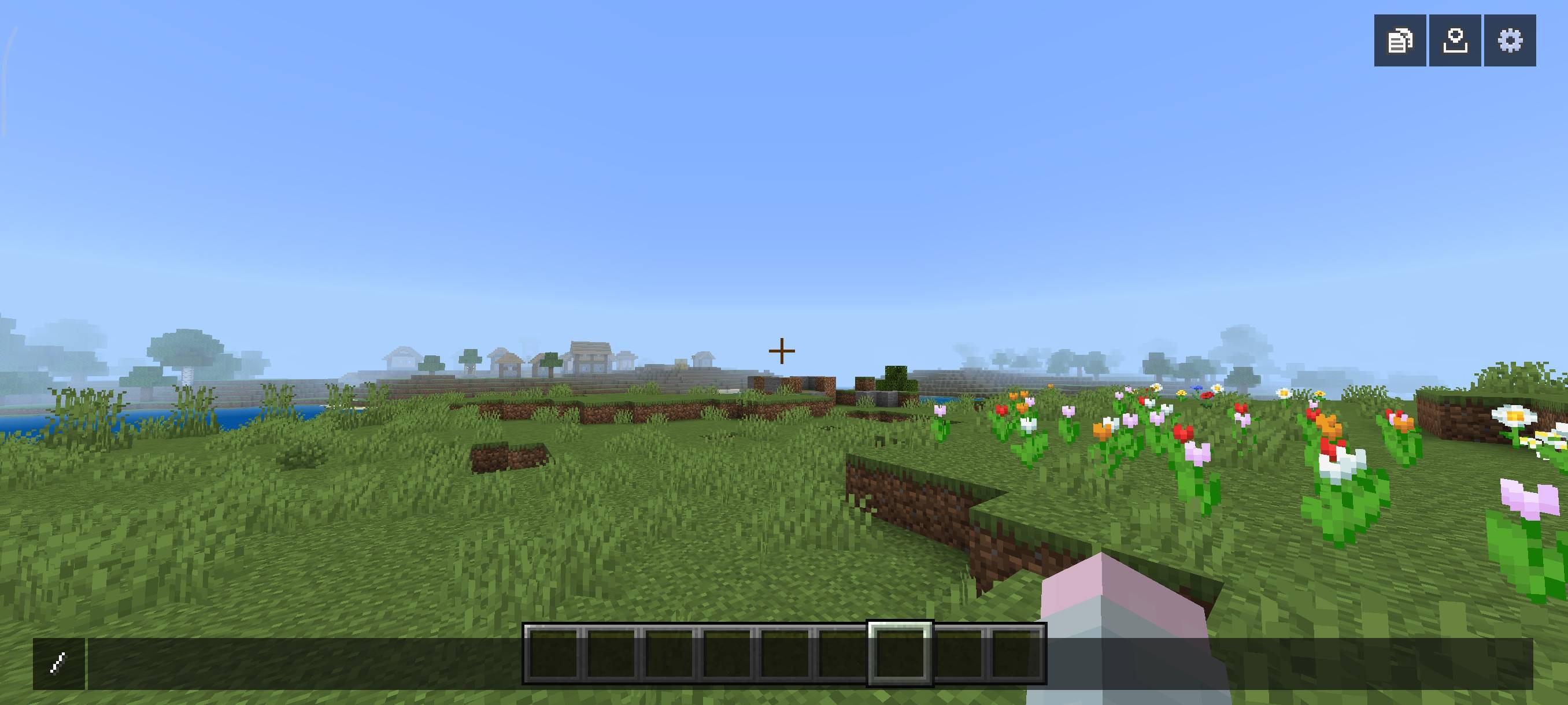
Java Chat Screen
Change your chat screen to look like Java Edition!Download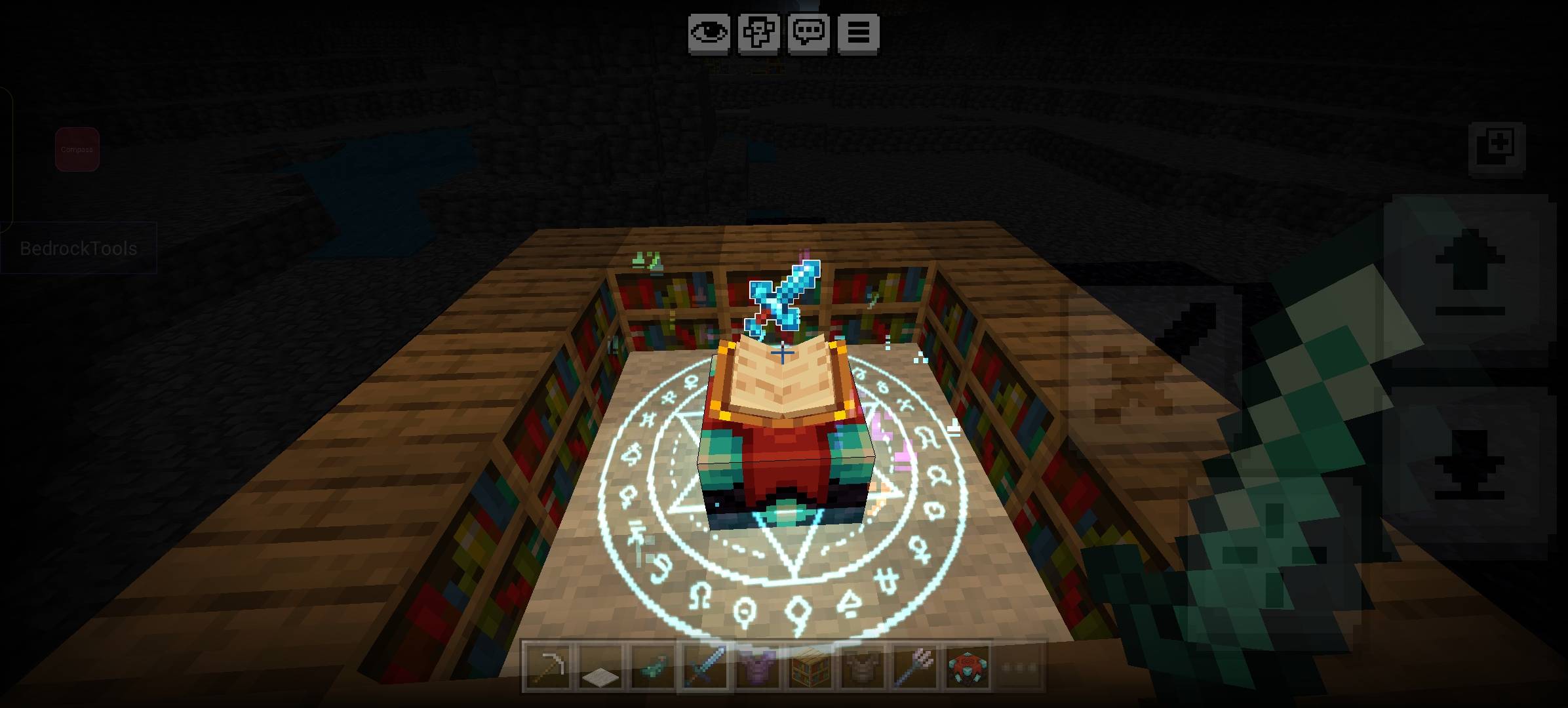

Better Enchanting table
A Minecraft Bedrock texture pack that displays enchanting table text in other languages clearly and correctly.Download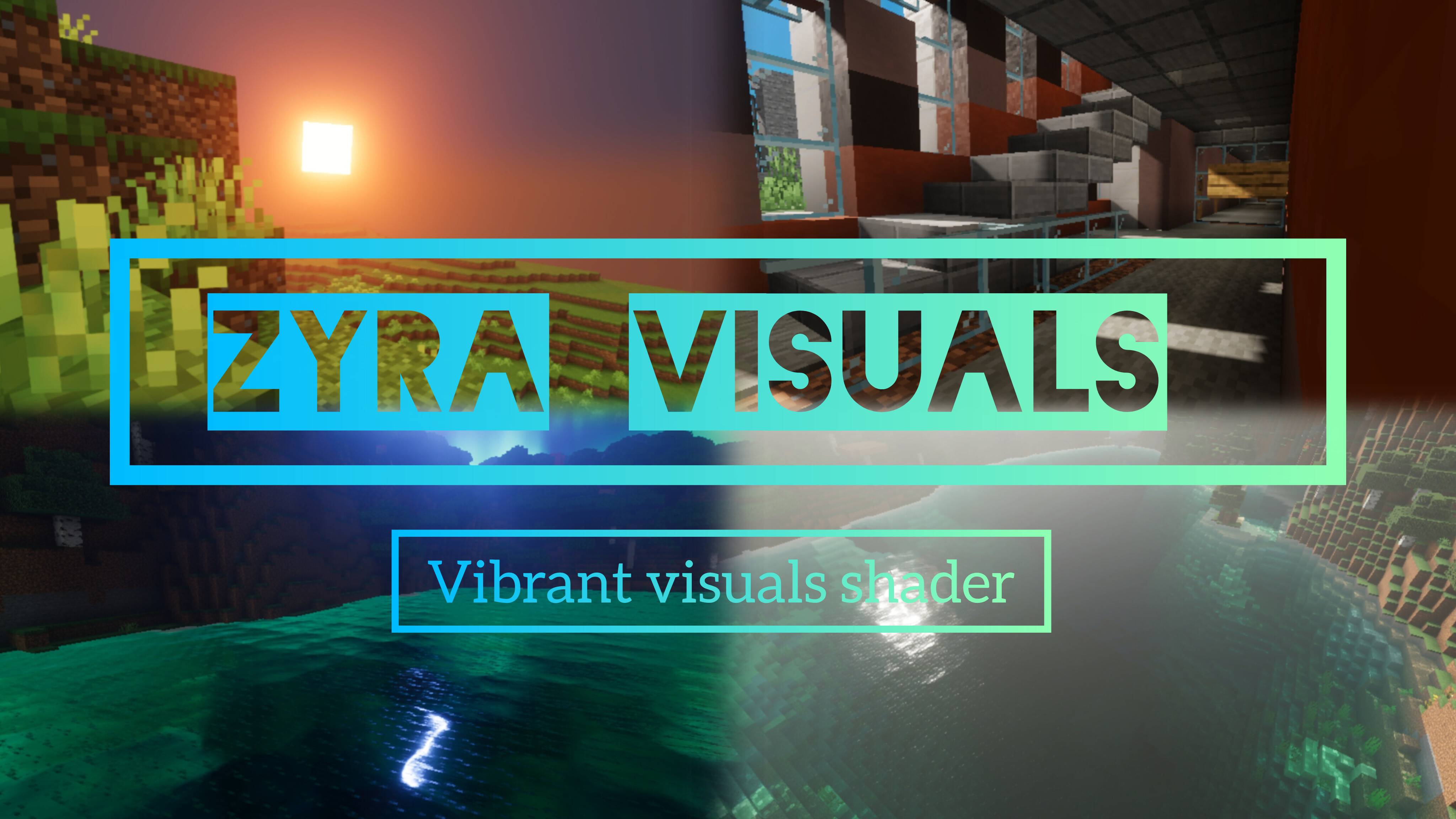
Zyra visuals
Ultra visual pack from zyra shaders for Minecraft bedrockDownloadFAQ
Do I need Forge or Fabric for a resource pack?
No. A resource pack works on the regular game with no loaders or mods. Click “Install” and Millida Launcher will put the pack into the right modpack — then just enable it in the settings.
What do 16×, 32×, 64× mean?
The resolution of a single texture in pixels. 16× matches the original game, 32× and 64× are more detailed and heavier, and 128× and up put a noticeable load on your graphics card.
Will a pack made for another version work?
Most likely partly: older packs don't have textures for newer blocks, so those will stay default. The game won't break, though.
How is a texture pack different from a resource pack?
Only by name and age. Before version 1.6 the sets were called texture packs and changed only textures; in 1.6 resource packs replaced them and also change sounds, fonts and the interface. Old texture packs for 1.5 and below do not work on new versions without conversion.
Which texture packs are best for PvP?
PvP packs: 16× resolution or lower, shortened swords, low fire, a clear sky and bright particles. They barely load the computer and make the opponent easier to see. These packs are collected in the PvP theme.
How do I install a resource pack?
Press Install and Millida Launcher puts the pack into the resourcepacks folder of the right instance. Then enable it in the game: Options, then Resource Packs. Manually, the archive goes into resourcepacks inside the game folder, no need to unpack it.
Minecraft texture packs
A resource pack changes how the game looks and sounds: block and item textures, fonts, the interface, sounds. It doesn't touch the game's code, so it needs no mod loader and breaks nothing on a server — the pack only works on your screen. That's exactly why a resource pack is safer than any mod: the worst that happens on a version mismatch is that some textures stay default.
Textures, texture packs and resource packs are essentially the same thing: since version 1.6 Mojang calls these sets resource packs, but the old name is still searched more often. PvP packs are a big genre of their own: shortened swords, low fire, bright particles and 16× resolution or lower, so the opponent stands out and the frame rate does not drop. Such packs are most often made for 1.8.9 and 1.16.5, the versions many PvP servers run on.
The key thing about a pack is its resolution. The game's default textures are 16×16 pixels; 32× and 64× packs look more detailed, while 128× and up need a real graphics card and are usually paired with shaders. On a weak machine it makes sense to stay at 16× or go for packs that deliberately simplify graphics for more FPS. Every pack here lists its game version, author and license, and all released versions are gathered on one card. Put the downloaded archive in the resourcepacks folder and enable it in the game settings.