
Minecraft texture packs — page 209
Resource packs: list

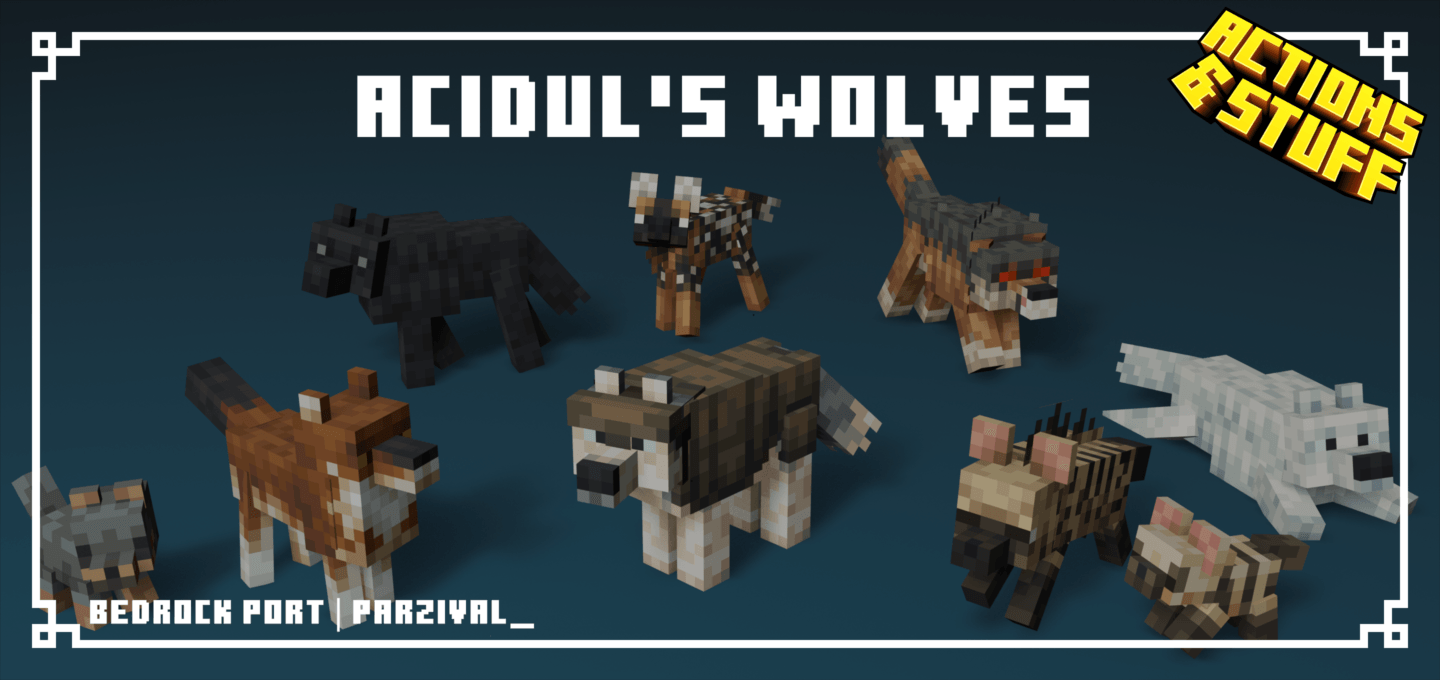

Acidul's Wolves
This pack aims to replace vanilla wolves (and their variants) with new wolf types styled around modern Minecraft. Java Edition by acidulDownload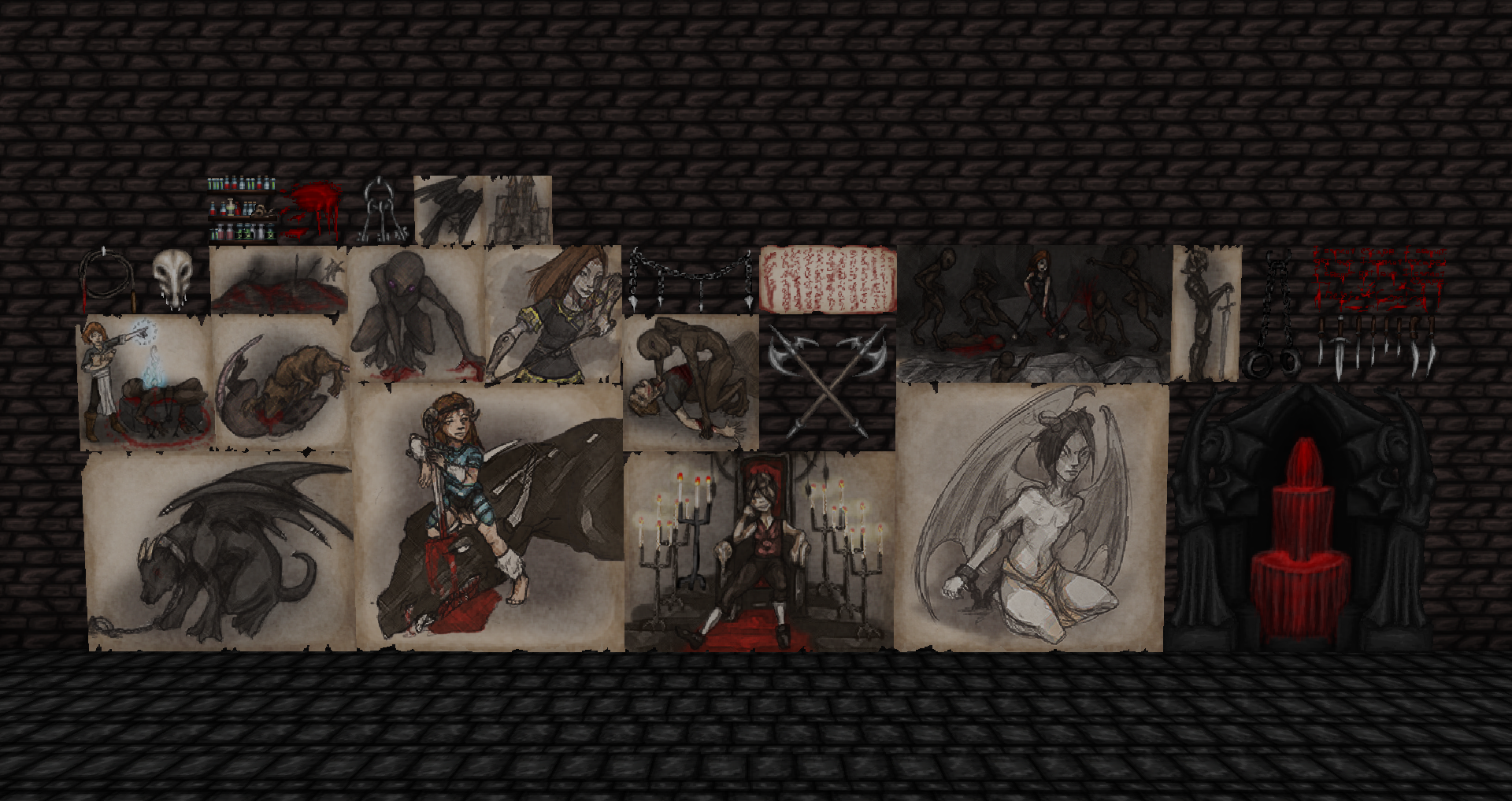
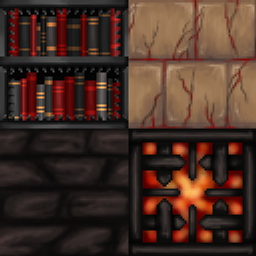
Wolfhound Dungeon
A complete texture remake, with a dark and menacing theme.Install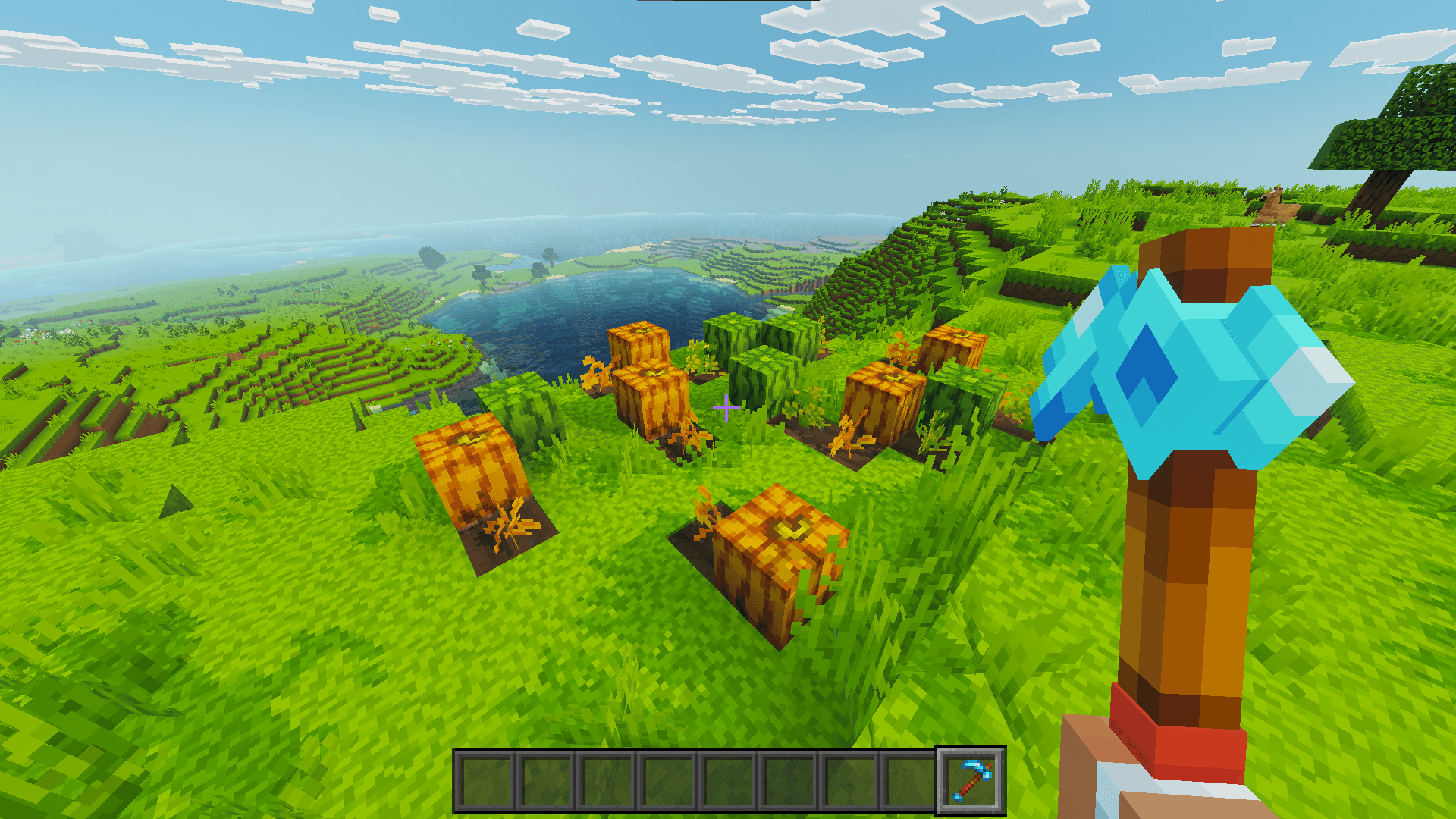

A&S Colorful Crops Indicators
Inspired by Vanilla Tweaks/Bedrock Tweaks, this pack changes adds indicators for fully grown kelp and pumpkin and melon stems to Actions and Stuff.Download

Vanilla Deferred Lighting (Deferred Shader)
A deferred shader pack for Minecraft bedrock edition.Download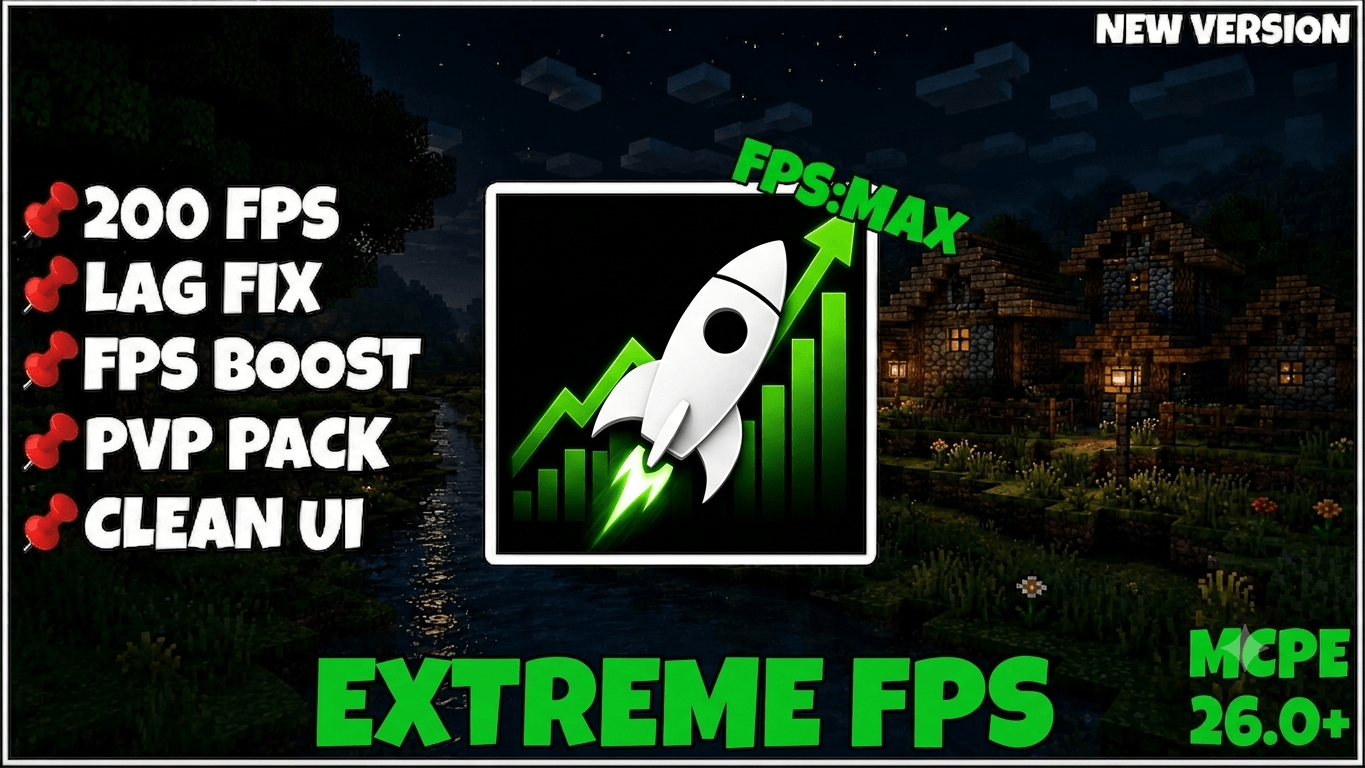

Extreme FPS | FPS Boost | FPS optimizer
🚀 Extreme FPS is a lightweight PvP & FPS Boost pack designed for smoother gameplay and better performance. ⚡ Features clean textures, low fire, short swords, clear water, no particles, and multiple FPS optimizations.Download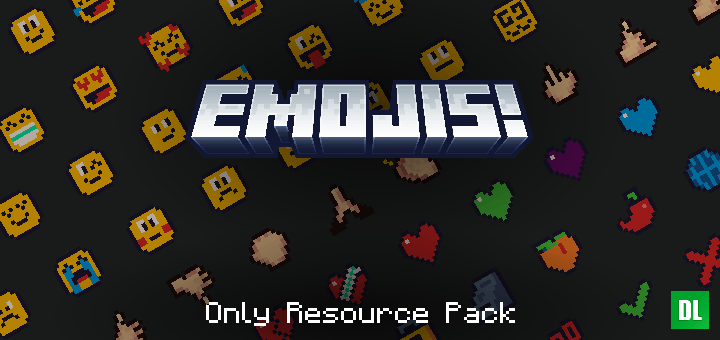
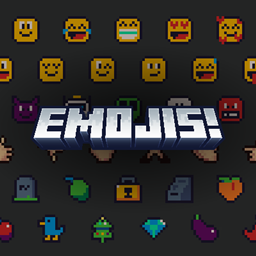
Emojis! Resource Pack
A lightweight resource pack for Minecraft Bedrock that adds emoji support, without disabling achievements. Compatible with servers and Realms.Download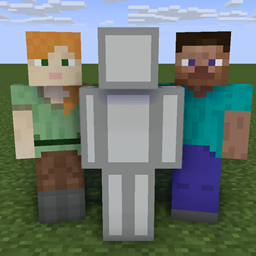
Offline Skins
A pack to give you your skin even when offlineInstall

Geopack
A very geometric resource pack.Install

PandaMine's Fullbright Lite (Night Vision MCBE)
Adds fullbright effect to your world without using behavior packs or shaders. Works on servers.Download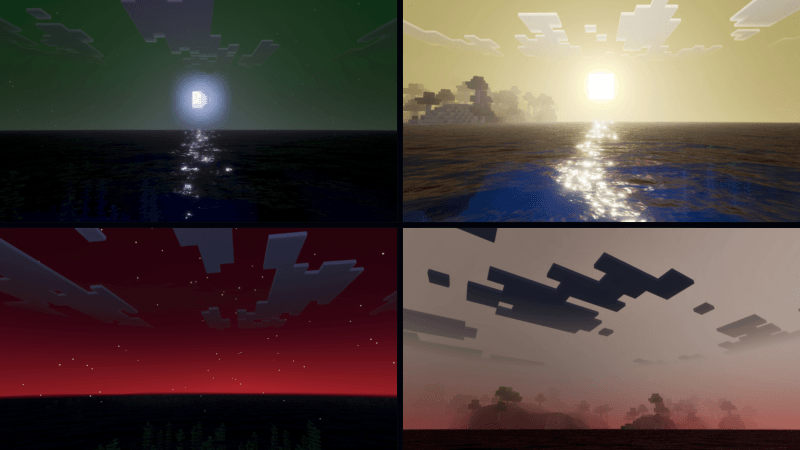

Lunastra Visual
Lunastra Shader is a shader that makes your world pop with the powerful energy of the Lunastra dragon. It enhances the atmosphere with vibrant lighting, dramatic skies, and intense colors, giving your Minecraft world a magical and fiery dragon-like aura.Download

Season Unending [16x]
Like the default one, just slightly modified.Install

Fox Totem
Replaces the Totem of Undying with a cute Fox themed totemDownload

Kyber's Fantasy Font
A font which gives a feeling of fantasyInstall

Glow Ores - Heycronus
Makes Minecraft ores glow for better visibilityInstall
Animated Entities
Add animations to some minecraft mobsInstall

New Armor Stand Revamped
New BETTER armor stands! with different nametag textures featuring Default, YouTuber and Player Submitted Skins!Download

The Jam Pack
Semi-Simple Pack that gives Minecraft a whole new lookInstall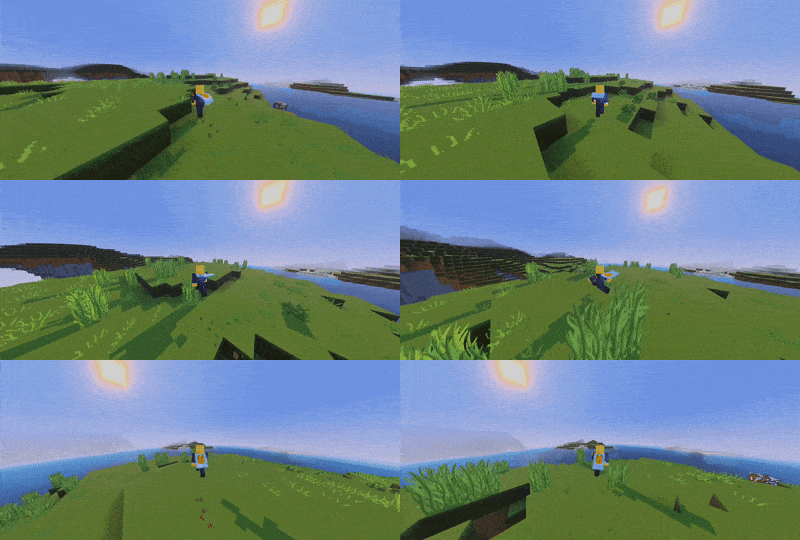

Cape Animation
This Pack adds cools cape Animation which add a realistic feel in game and enhances our gaming experinceDownload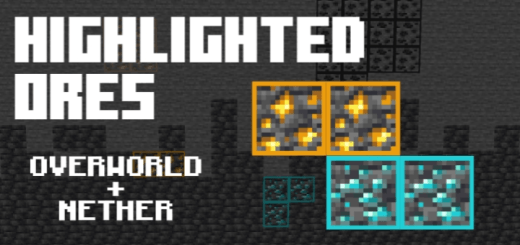

Highlighted Ores
Highlights ores with bright outlines, making them easier to spot underground.Download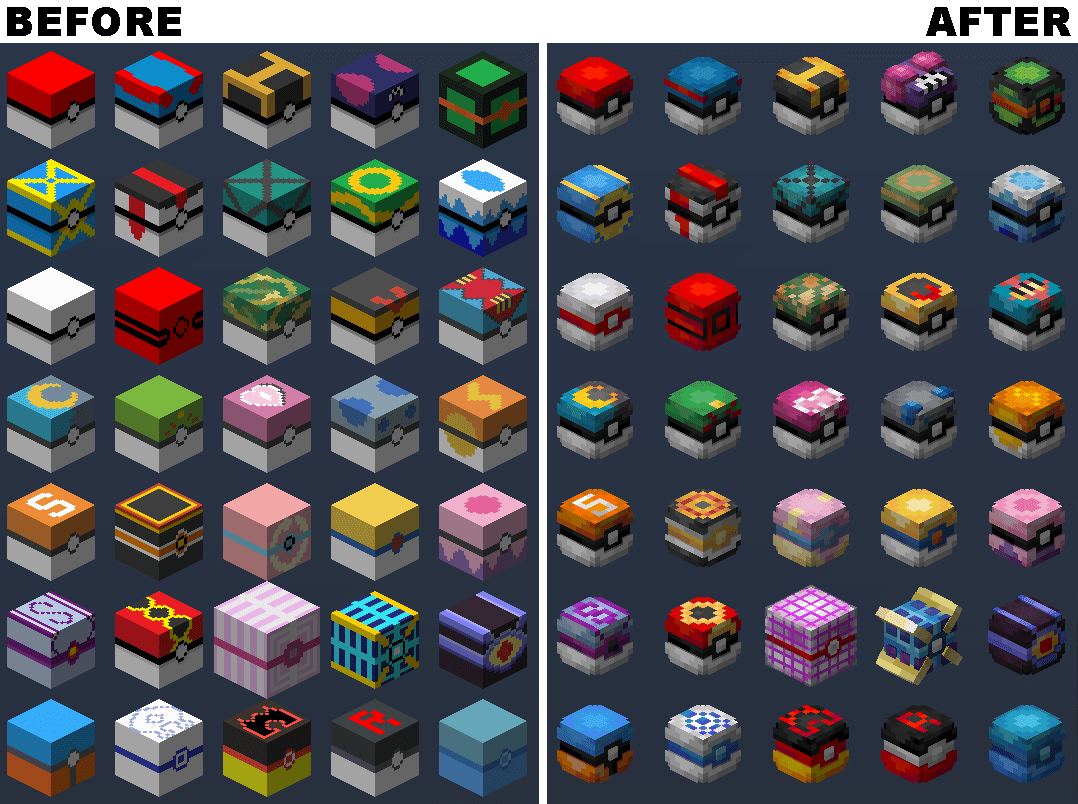
Improved Pokecubes
Shinier Pokécubes for the Pokecube mod.Install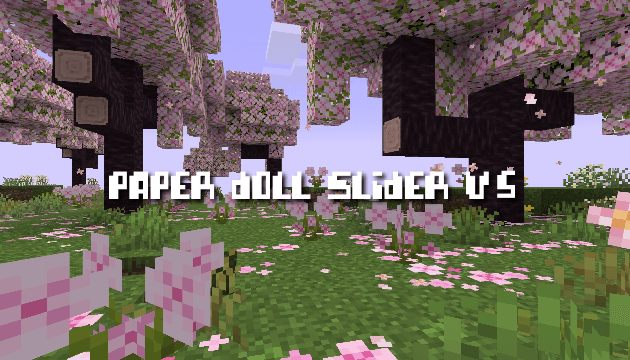

Paperdoll Slider v5
This feature changes the Minecraft paperdoll display to resemble a trendy TikTok content creator. It modifies the character's clothing, pose, and animations to match modern TikTok aesthetics.Download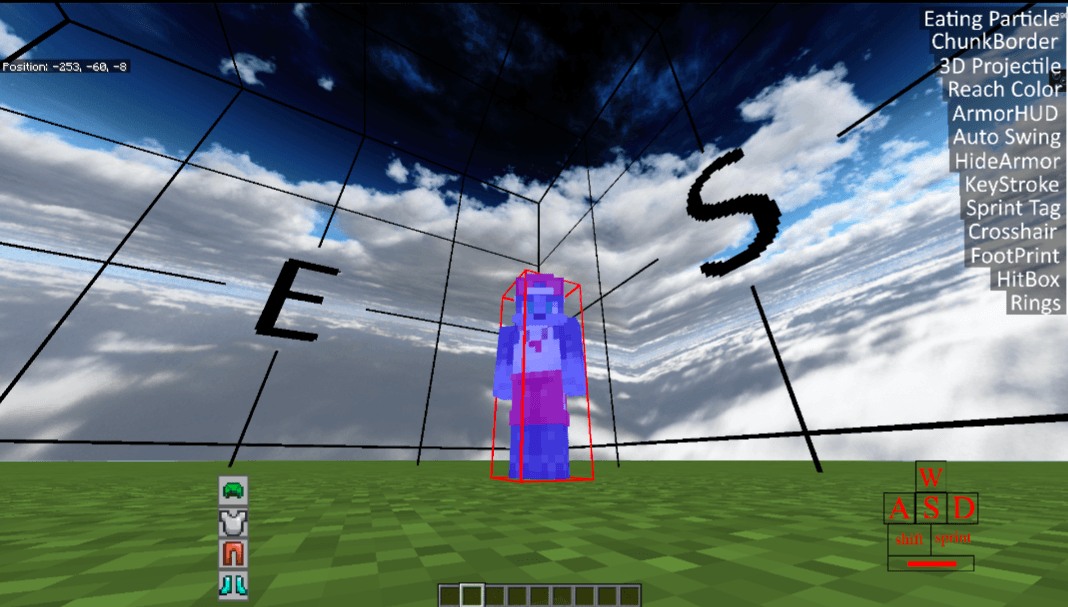
CUMULUS/UtilityTools
A resource pack featuring various tools and utilities for PvP.Download

No Pumpkin Blur
Removes the blurry overlay while wearing a Carved PumpkinInstallFAQ
Do I need Forge or Fabric for a resource pack?
No. A resource pack works on the regular game with no loaders or mods. Click “Install” and Millida Launcher will put the pack into the right modpack — then just enable it in the settings.
What do 16×, 32×, 64× mean?
The resolution of a single texture in pixels. 16× matches the original game, 32× and 64× are more detailed and heavier, and 128× and up put a noticeable load on your graphics card.
Will a pack made for another version work?
Most likely partly: older packs don't have textures for newer blocks, so those will stay default. The game won't break, though.
How is a texture pack different from a resource pack?
Only by name and age. Before version 1.6 the sets were called texture packs and changed only textures; in 1.6 resource packs replaced them and also change sounds, fonts and the interface. Old texture packs for 1.5 and below do not work on new versions without conversion.
Which texture packs are best for PvP?
PvP packs: 16× resolution or lower, shortened swords, low fire, a clear sky and bright particles. They barely load the computer and make the opponent easier to see. These packs are collected in the PvP theme.
How do I install a resource pack?
Press Install and Millida Launcher puts the pack into the resourcepacks folder of the right instance. Then enable it in the game: Options, then Resource Packs. Manually, the archive goes into resourcepacks inside the game folder, no need to unpack it.
Minecraft texture packs
A resource pack changes how the game looks and sounds: block and item textures, fonts, the interface, sounds. It doesn't touch the game's code, so it needs no mod loader and breaks nothing on a server — the pack only works on your screen. That's exactly why a resource pack is safer than any mod: the worst that happens on a version mismatch is that some textures stay default.
Textures, texture packs and resource packs are essentially the same thing: since version 1.6 Mojang calls these sets resource packs, but the old name is still searched more often. PvP packs are a big genre of their own: shortened swords, low fire, bright particles and 16× resolution or lower, so the opponent stands out and the frame rate does not drop. Such packs are most often made for 1.8.9 and 1.16.5, the versions many PvP servers run on.
The key thing about a pack is its resolution. The game's default textures are 16×16 pixels; 32× and 64× packs look more detailed, while 128× and up need a real graphics card and are usually paired with shaders. On a weak machine it makes sense to stay at 16× or go for packs that deliberately simplify graphics for more FPS. Every pack here lists its game version, author and license, and all released versions are gathered on one card. Put the downloaded archive in the resourcepacks folder and enable it in the game settings.