
Minecraft texture packs — page 208
Resource packs: list


The Great Shrimpsby
Reworks Minecraft's features in new and unique ways with a fantasy aesthetic, but maintains the original styleInstall
Effect Display Overlay
View active mob effects while moving!Download

Origins Immersion: Arachnid
Spider-themed HeartsInstall
Kawaii Wood Planks
Cute, kawaii and pastel colorful planksInstall

Better Clearer Glass
Adds clearer glass to vanilla Minecraft.Install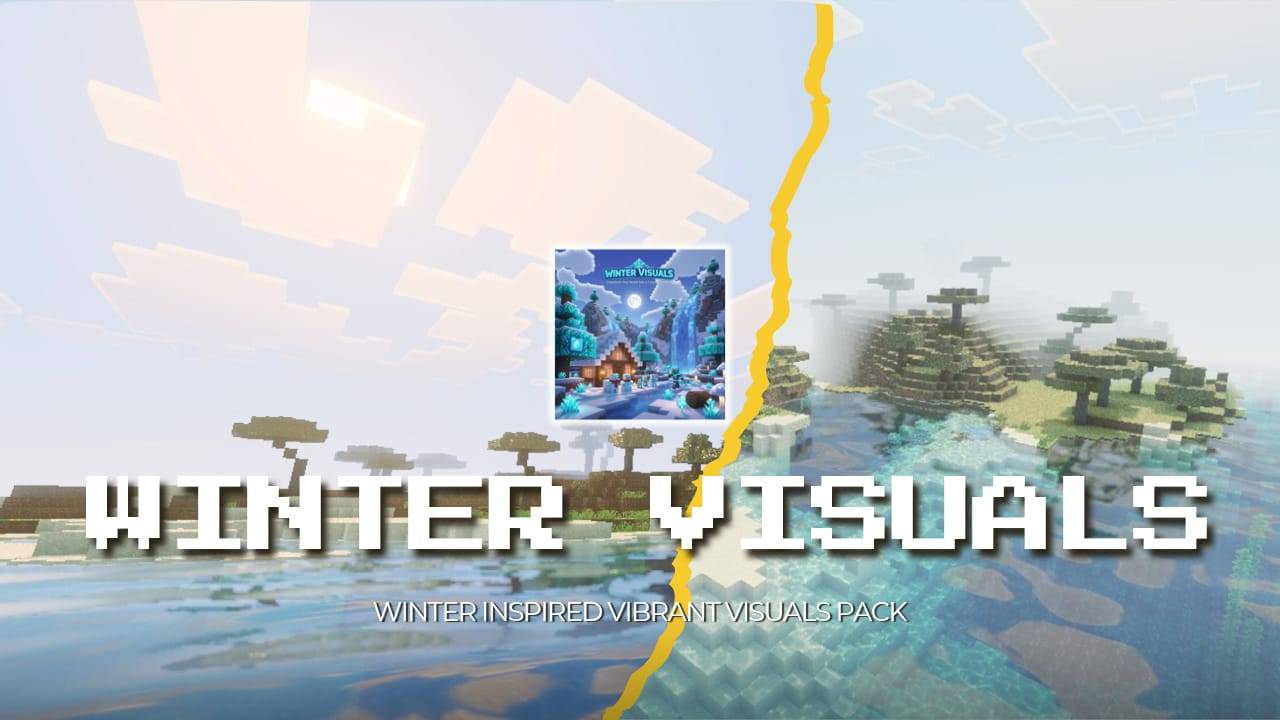
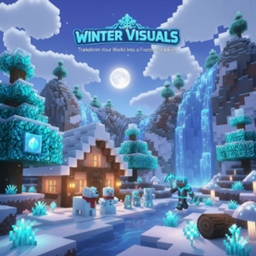
Winter Visual Pack
Winter Visuals is a vibrant Minecraft pack that transforms your world into a cold, wintery wonderland. Featuring icy, frosty view and water, and landscapes, this pack brings the chill of winter to life with a series of stunning visual updates.Download

Survival Craft
Survival CraftInstall

Bunny Girl Senpai Totem
Replaces the Totem of Undying with an Anime Bunny Girl Senpai TotemDownload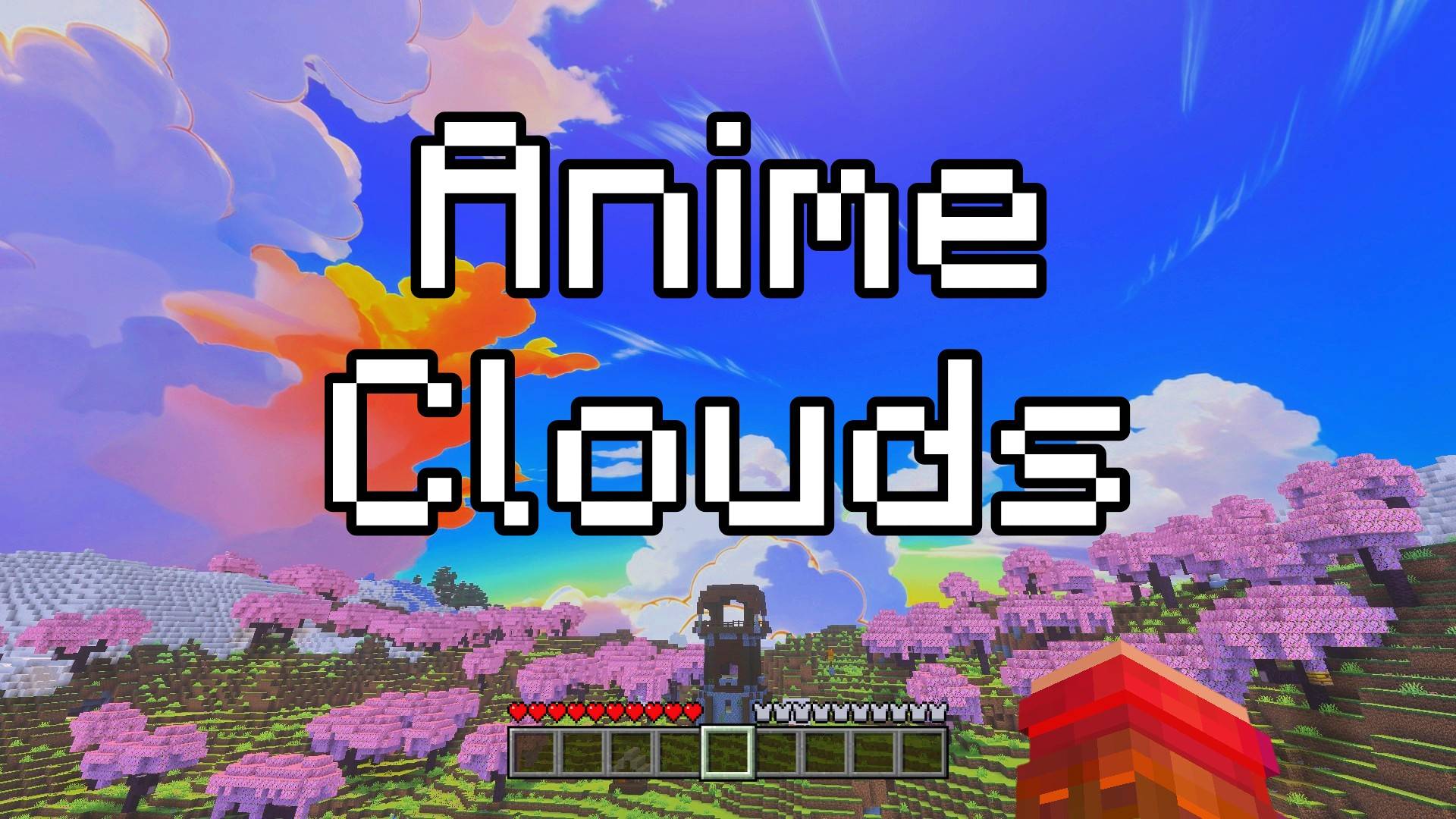

Anime Clouds - Custom Sky
This texture pack transforms the default Minecraft sky into a stunning scene with soft beautiful anime-style sky full of soft, fluffy clouds! It looks like your favorite anime shows and makes your world feel more magical and fun.Download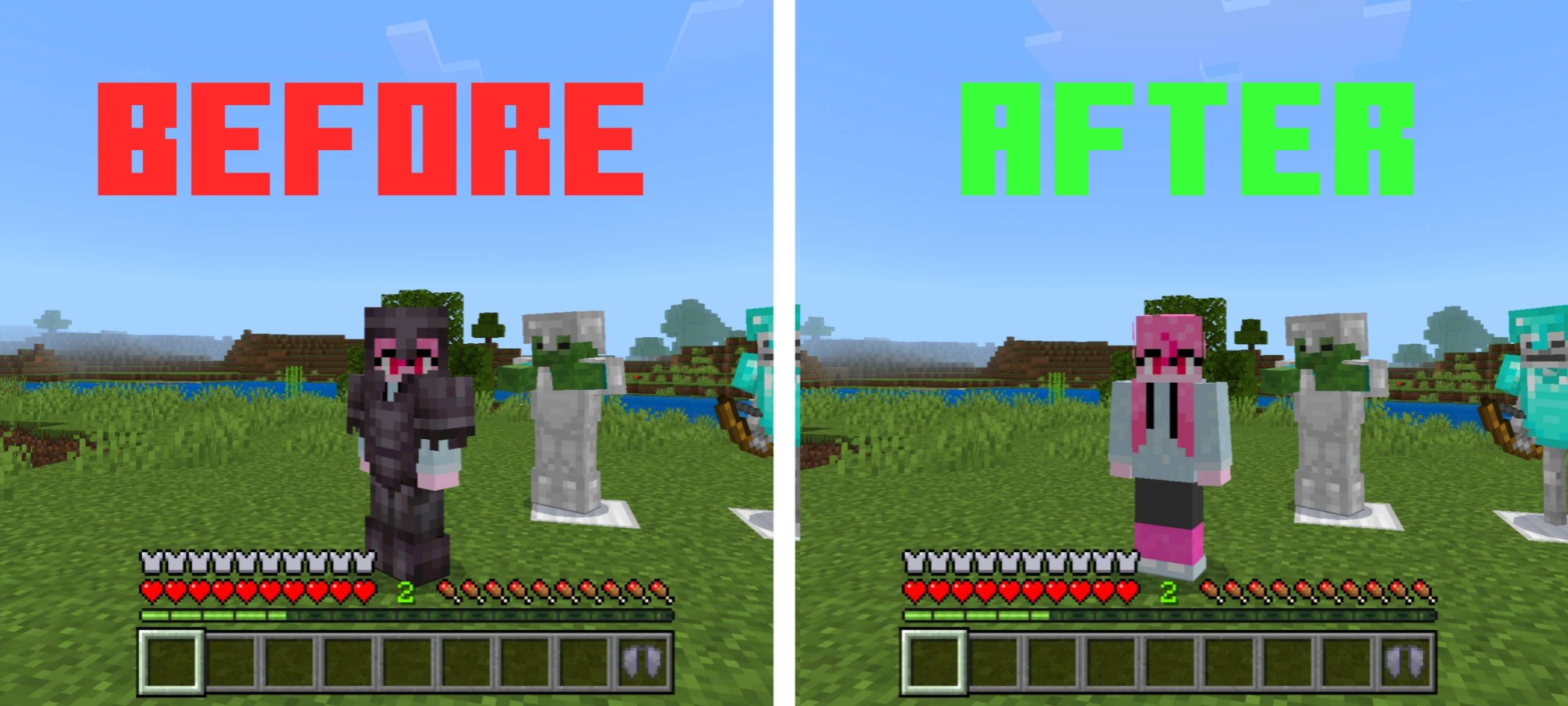
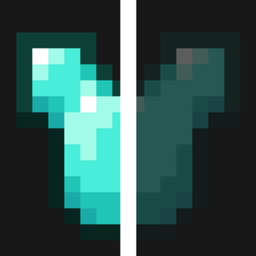
Hide Player Armor
Hide player armor to always see your cool skin and other players. Only affects players!Download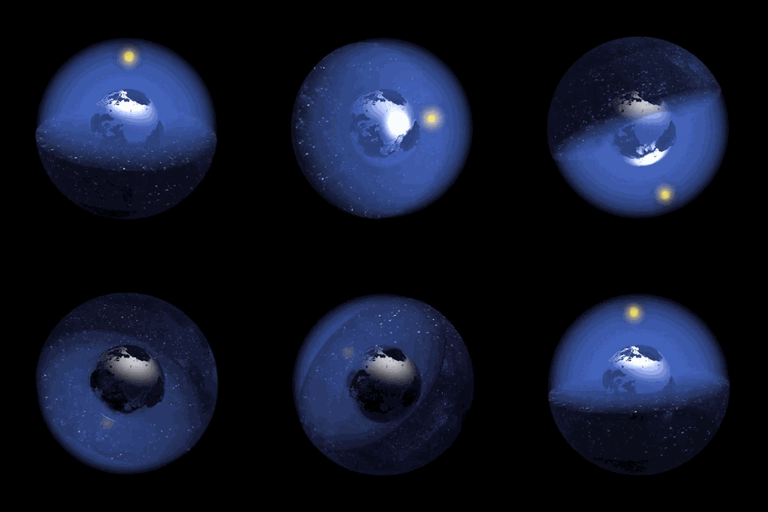
Border Expands Per Day Datapack
World Border Expands Per Minecraft DayInstall

GunZ Resource Pack (Probow GunZ Resource Pack)
GunZ Resource Pack (Probow GunZ Resource Pack)Install

Origins Immersion: Feline
Cat-themed HeartsInstall

Luminous Vibrant Visual (zephyr)
Luminous Vibrant Visual is a shader that focuses on the visualization of the sun.Download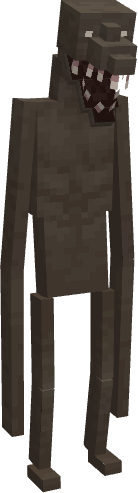
True Cave Dweller
A new texture and model for the Cave Dweller that doesn't make it look too "modded"Install
3D-Craft
POM Mapping for up scaled default textures.Install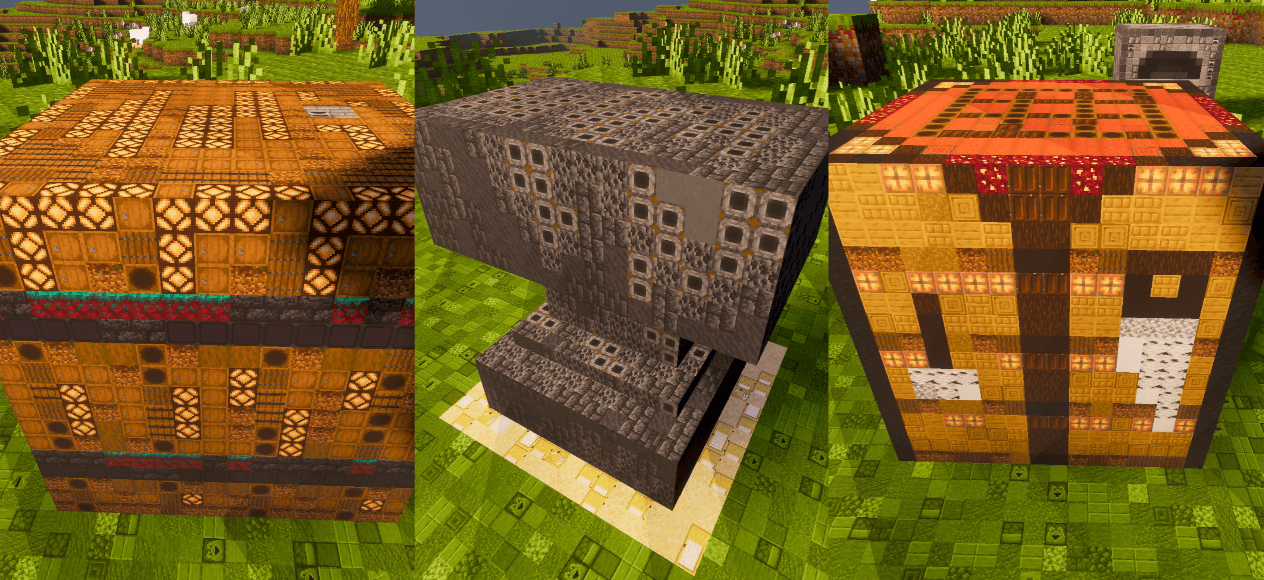

Blocks In Blocks Renewed
This texture pack is made entirely from other textures, where every block is built using smaller block textures. The result is a detailed, layered, and visually unique style that makes the game look like a world made of tiny blocks inside bigger blocks.Download

Villagers
male and female villager with new designInstall

CastleCraft
Beautiful 16x16 Textures!Install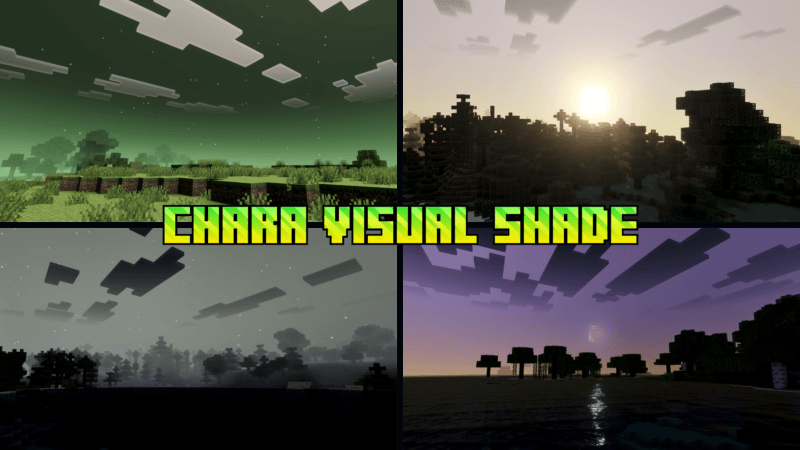

Chara Visual Shade
Chara Visual Shade is a shader for Undertale fans. This shader will enhance your visuals. It is equipped with PBR, ACE tone mapping, white balance temperature, and complex midtones.Download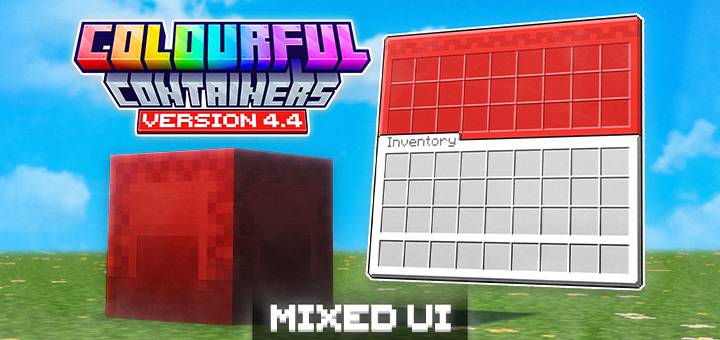

Colourful Containers BE: Mixed
Say goodbye to boring inventories. Colourful Containers BE: Mixed gives Minecraft Bedrock vibrant, block-themed GUIs that feel more familiar to vanilla Bedrock's style.Download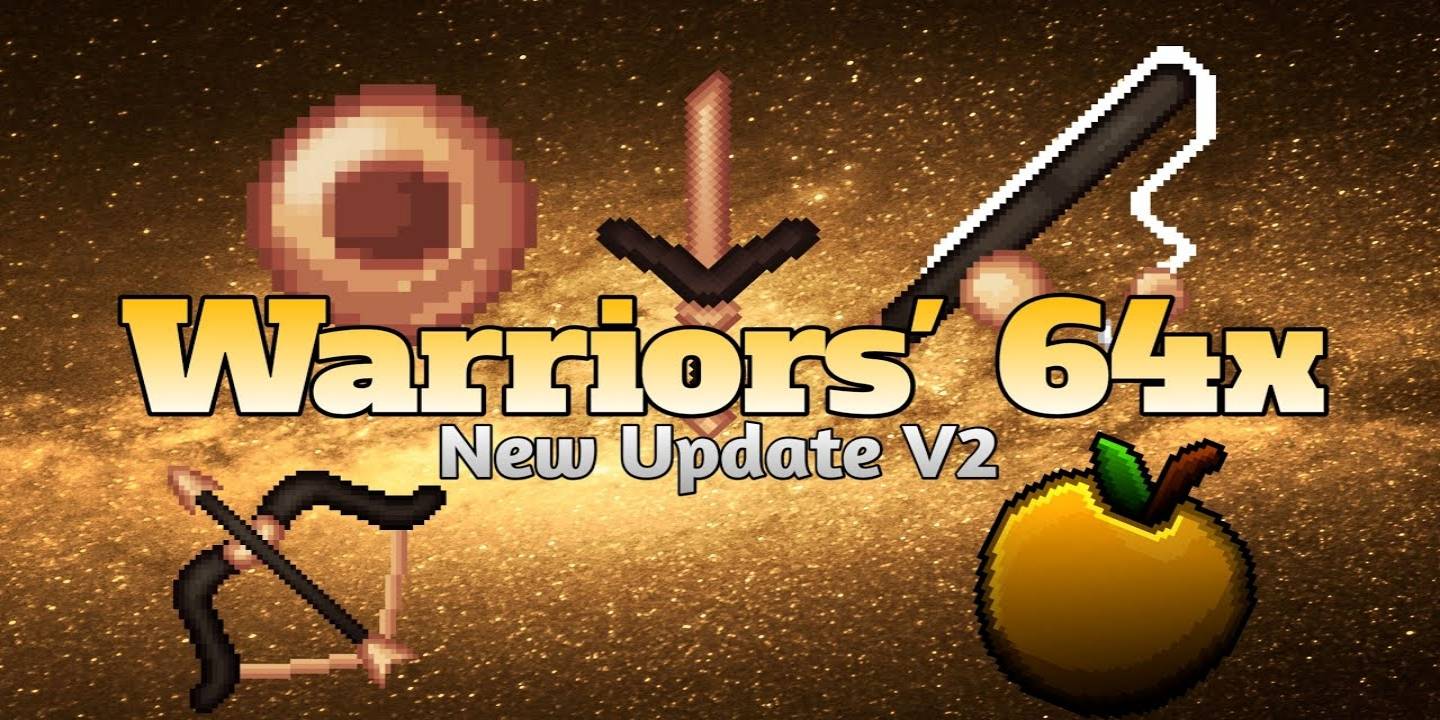

Warriors' 64x
Presenting Warrior's 64x Texture Pack. It gives a great experience when anyone is playing minigames like pvp, skywars, bedwars, etc.Download

Zerotekz's Mythic Weapons [DISCONTINUED]
2D - Weapon PackInstallFAQ
Do I need Forge or Fabric for a resource pack?
No. A resource pack works on the regular game with no loaders or mods. Click “Install” and Millida Launcher will put the pack into the right modpack — then just enable it in the settings.
What do 16×, 32×, 64× mean?
The resolution of a single texture in pixels. 16× matches the original game, 32× and 64× are more detailed and heavier, and 128× and up put a noticeable load on your graphics card.
Will a pack made for another version work?
Most likely partly: older packs don't have textures for newer blocks, so those will stay default. The game won't break, though.
How is a texture pack different from a resource pack?
Only by name and age. Before version 1.6 the sets were called texture packs and changed only textures; in 1.6 resource packs replaced them and also change sounds, fonts and the interface. Old texture packs for 1.5 and below do not work on new versions without conversion.
Which texture packs are best for PvP?
PvP packs: 16× resolution or lower, shortened swords, low fire, a clear sky and bright particles. They barely load the computer and make the opponent easier to see. These packs are collected in the PvP theme.
How do I install a resource pack?
Press Install and Millida Launcher puts the pack into the resourcepacks folder of the right instance. Then enable it in the game: Options, then Resource Packs. Manually, the archive goes into resourcepacks inside the game folder, no need to unpack it.
Minecraft texture packs
A resource pack changes how the game looks and sounds: block and item textures, fonts, the interface, sounds. It doesn't touch the game's code, so it needs no mod loader and breaks nothing on a server — the pack only works on your screen. That's exactly why a resource pack is safer than any mod: the worst that happens on a version mismatch is that some textures stay default.
Textures, texture packs and resource packs are essentially the same thing: since version 1.6 Mojang calls these sets resource packs, but the old name is still searched more often. PvP packs are a big genre of their own: shortened swords, low fire, bright particles and 16× resolution or lower, so the opponent stands out and the frame rate does not drop. Such packs are most often made for 1.8.9 and 1.16.5, the versions many PvP servers run on.
The key thing about a pack is its resolution. The game's default textures are 16×16 pixels; 32× and 64× packs look more detailed, while 128× and up need a real graphics card and are usually paired with shaders. On a weak machine it makes sense to stay at 16× or go for packs that deliberately simplify graphics for more FPS. Every pack here lists its game version, author and license, and all released versions are gathered on one card. Put the downloaded archive in the resourcepacks folder and enable it in the game settings.