
Minecraft texture packs — page 207
Resource packs: list
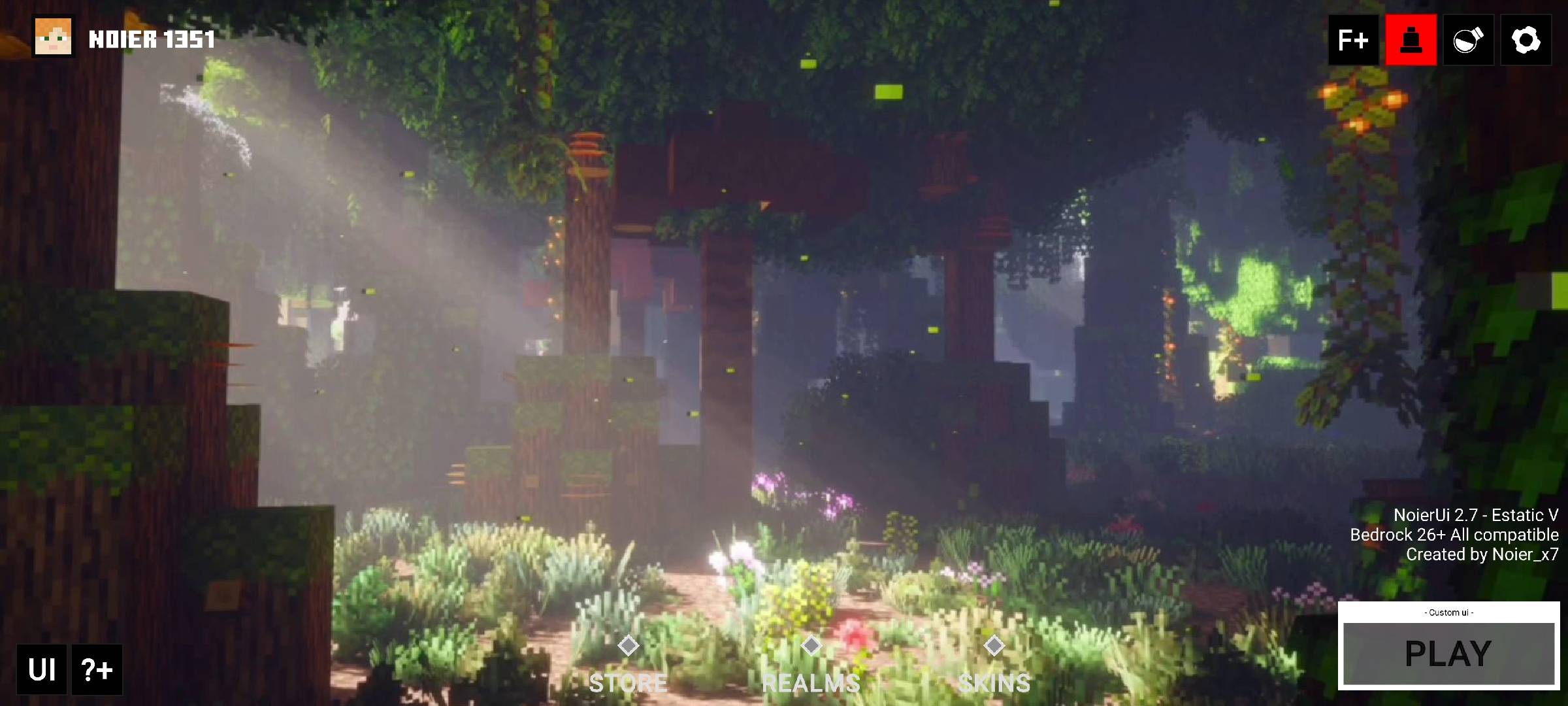


German Trains for ImmersiveRailroading Mod
German Trains [IR]Install

PolyStash v1.13 - MC1.20.4
A different vision for minecraftInstall

Origins Immersion: Shulk
Shulker-themed HeartsInstall

Immersive Railroading - Emeralds British - LNER
Various Locomotives from the LNER for the Immersive Railroading modInstall

Origins Immersion: Avian
Parrot-themed health and food barInstall

Essential Darkmode
This is an unofficial add-on (resourcepack) to the Essential Mod Integrated with: - No Pumpkin Blur - Small Shield - Small Totem - Small Mace - Low FireInstall

Lad's Skybox
A night sky filled with nebulae and wonder.Install

XeKr flowers leaves model pack
a resource pack changes flowers and leaves and some others' modelsInstall

Potato
just a random resource pack that potato-ifes minecraftInstall

Vader's Stacked CIT Programmer Art Items Pack — Modded Programmer Art CIT Stacked Items Add-on [On Hold] [Optifine]
(1.10—1.12.2) Give items unique textures based on its stack size with Optifine for Programmer Art. 'Legacy V1.1'Install

Clear Water & Lava
This ressource packs removes water sources and lava source for olders minecraft versions.Install

Trash Button
adding a trash button in the inventory, you can use it to destroy items in creative mode or drop item in survival!Download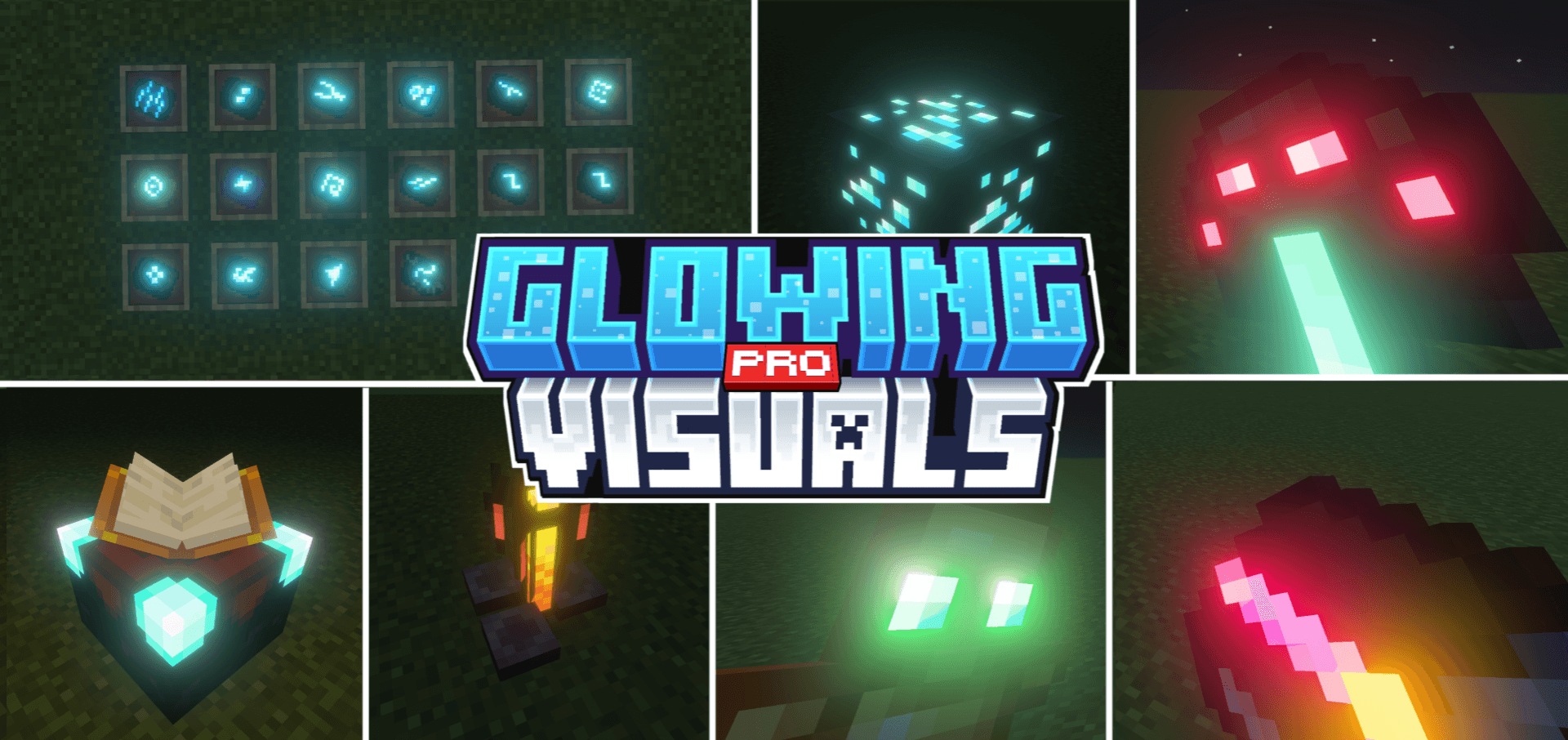
Glowing Visuals Pro
Glowing Visuals Pro is an upgraded pack with stronger and brighter glow effects for blocks, items, and mobs. It enhances visibility in dark areas, makes your world look more vibrant, and keeps performance smooth for a better gameplay experience.Download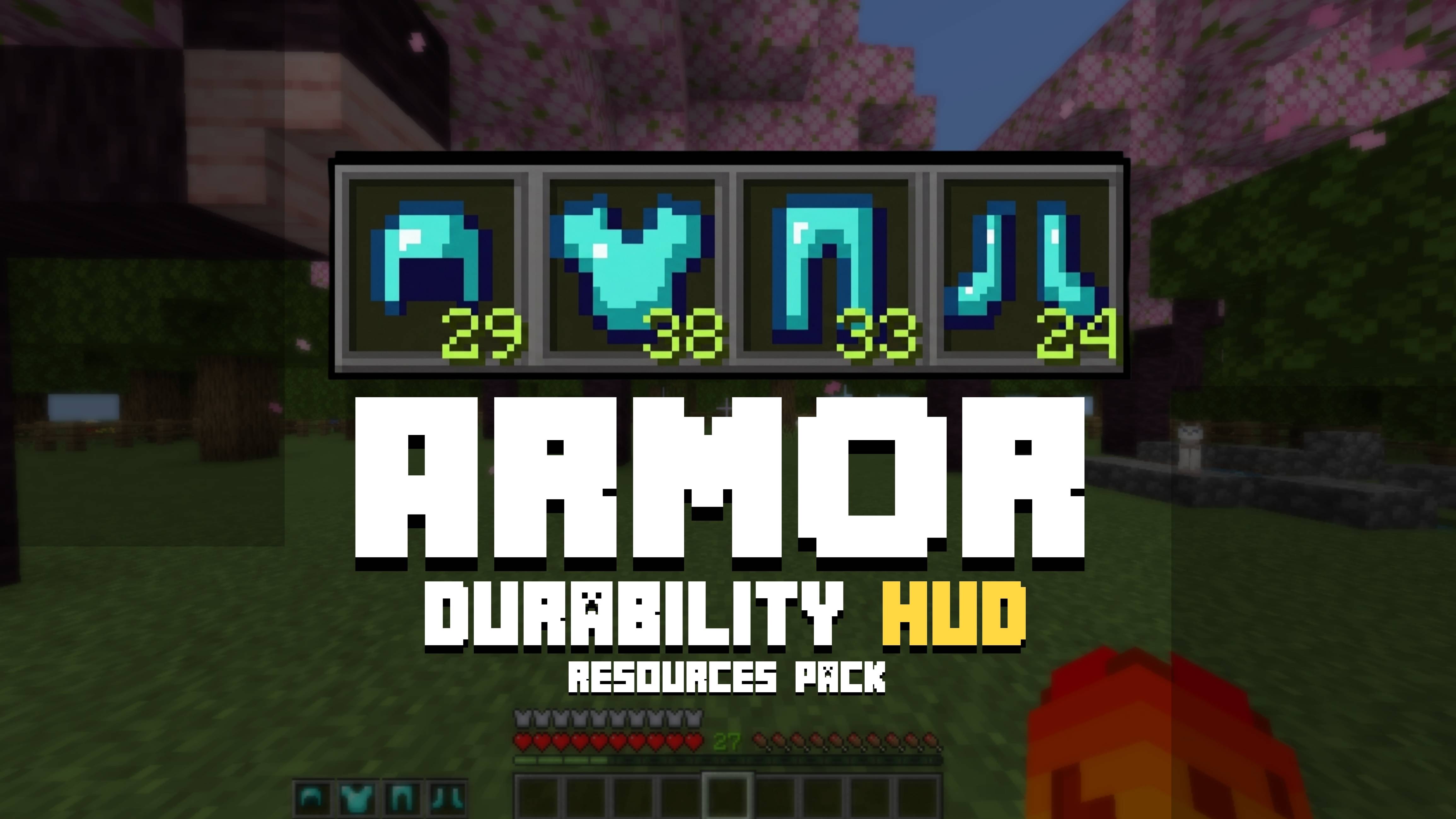
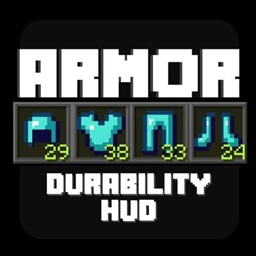
oSkullo's Armor Durability Hud
A first-person HUD that shows your equipped armor as hotbar-style icons with live durability bars and percentages, fully repositionable through pack settingsDownload

Mizuno's Hat Variants
Hat Variants for Mizuno's Craft16Install

3D Plus
Makes most things in minecraft 3D / Torches, Lanterns, Ladders, Rails, Plants and etc.Install

Dustycraft V2 (1.12 ready!)
A humble pack started in the early days of Minecraft Alpha. Second iteration, always updated; never abandoned.Install

Runeix Texture Pack
An ancient runic civilization inspired Pack by kanokarob.Install
Hugot Pack
Inject some 'feels' into your Minecraft world with the Pinoy Hugot Resources Pack! This pack transforms your game's loading screens and splash texts into a collection of iconic Filipino 'hugot' lines.Download

Ultra Realism | High Realistic | 3D Blocks,Glowing Ores | Beautiful
The Best Realastic Shader For MCPE.Download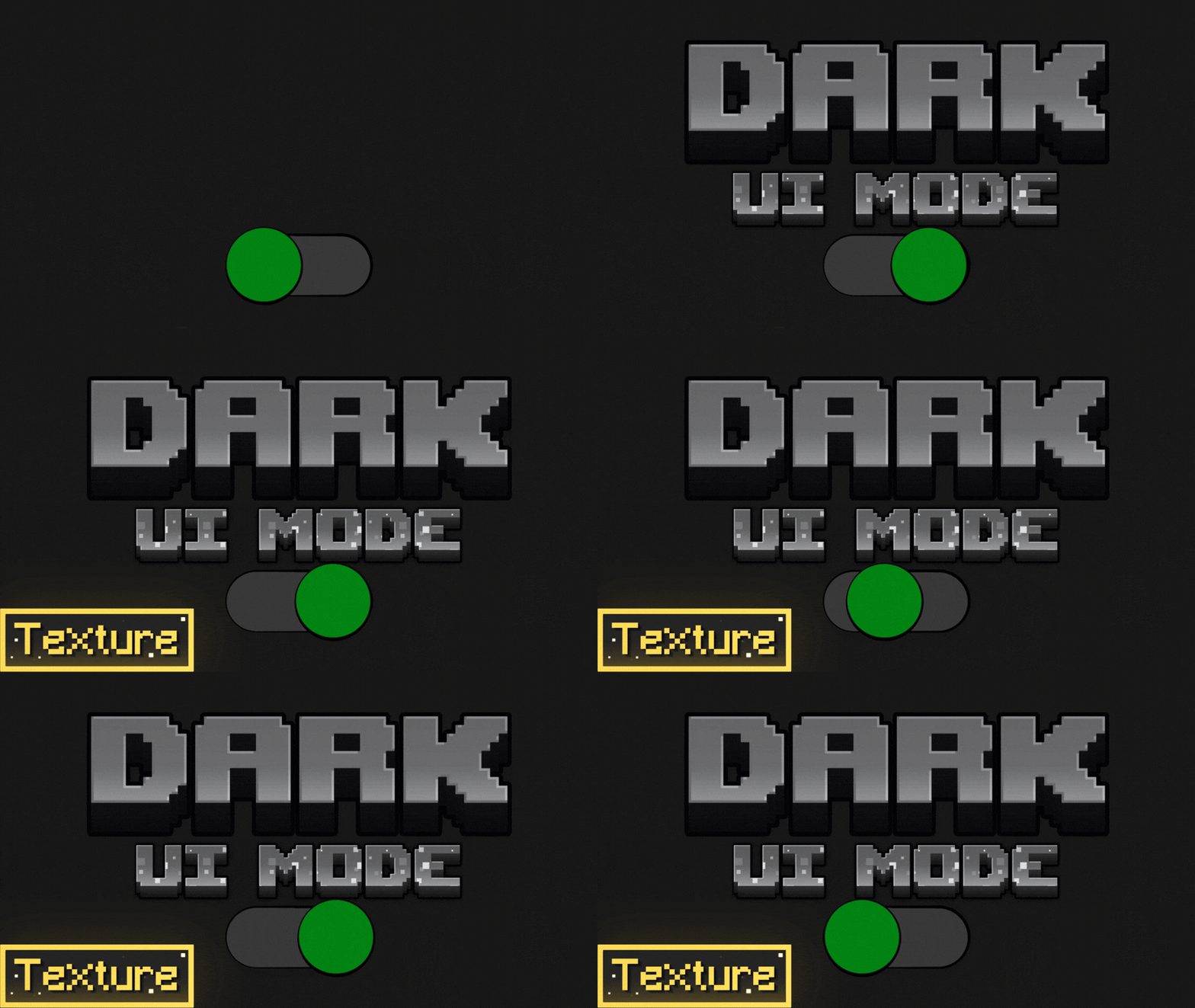
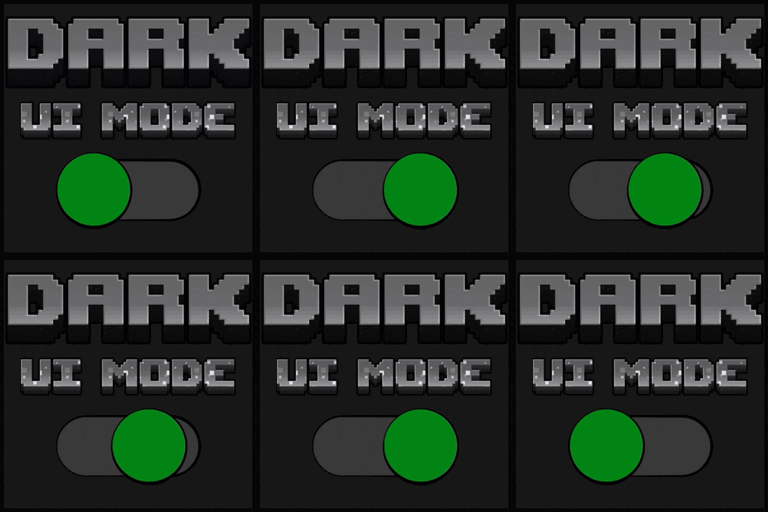
Dark UI mode
The dark mode for Minecraft bedrock is missing a dark mode for the game, whether you like to have all the apps or programs in dark mode or at night, you don't want the Minecraft interface to burn your eyes, you whichever this texture packDownload

Pixel Perfection Fidelity
A cozy medieval 16x16 texture pack, originally by XSSheep.Install

Story Mode Style
Replicating the look of Minecraft Story Mode in vanillaInstallFAQ
Do I need Forge or Fabric for a resource pack?
No. A resource pack works on the regular game with no loaders or mods. Click “Install” and Millida Launcher will put the pack into the right modpack — then just enable it in the settings.
What do 16×, 32×, 64× mean?
The resolution of a single texture in pixels. 16× matches the original game, 32× and 64× are more detailed and heavier, and 128× and up put a noticeable load on your graphics card.
Will a pack made for another version work?
Most likely partly: older packs don't have textures for newer blocks, so those will stay default. The game won't break, though.
How is a texture pack different from a resource pack?
Only by name and age. Before version 1.6 the sets were called texture packs and changed only textures; in 1.6 resource packs replaced them and also change sounds, fonts and the interface. Old texture packs for 1.5 and below do not work on new versions without conversion.
Which texture packs are best for PvP?
PvP packs: 16× resolution or lower, shortened swords, low fire, a clear sky and bright particles. They barely load the computer and make the opponent easier to see. These packs are collected in the PvP theme.
How do I install a resource pack?
Press Install and Millida Launcher puts the pack into the resourcepacks folder of the right instance. Then enable it in the game: Options, then Resource Packs. Manually, the archive goes into resourcepacks inside the game folder, no need to unpack it.
Minecraft texture packs
A resource pack changes how the game looks and sounds: block and item textures, fonts, the interface, sounds. It doesn't touch the game's code, so it needs no mod loader and breaks nothing on a server — the pack only works on your screen. That's exactly why a resource pack is safer than any mod: the worst that happens on a version mismatch is that some textures stay default.
Textures, texture packs and resource packs are essentially the same thing: since version 1.6 Mojang calls these sets resource packs, but the old name is still searched more often. PvP packs are a big genre of their own: shortened swords, low fire, bright particles and 16× resolution or lower, so the opponent stands out and the frame rate does not drop. Such packs are most often made for 1.8.9 and 1.16.5, the versions many PvP servers run on.
The key thing about a pack is its resolution. The game's default textures are 16×16 pixels; 32× and 64× packs look more detailed, while 128× and up need a real graphics card and are usually paired with shaders. On a weak machine it makes sense to stay at 16× or go for packs that deliberately simplify graphics for more FPS. Every pack here lists its game version, author and license, and all released versions are gathered on one card. Put the downloaded archive in the resourcepacks folder and enable it in the game settings.