
Minecraft texture packs — page 206
Resource packs: list


Mo' Creatures 16x
Mo' Creatures textures down scaled to 16xInstall
Enchantment hider
Hide long enchantment names and keep your screen clean with the Enchant Hider Pack for MCPE! Perfect for PvP, survival, and smooth gameplay with a simple and minimal look.Download

Demon Slayer
From the anime and manga Demon Slayer!Install

Better Borderless Glass
Borderless Glass, but it works with any resource pack! No mods required!Install
Better Grass - Without Flowers
Resource pack with connected grass texture, like my other one, only without flowers.Install
Mine Mine no Mi Dub Pack
Mine Mine no Mi english translations based on several dubsInstall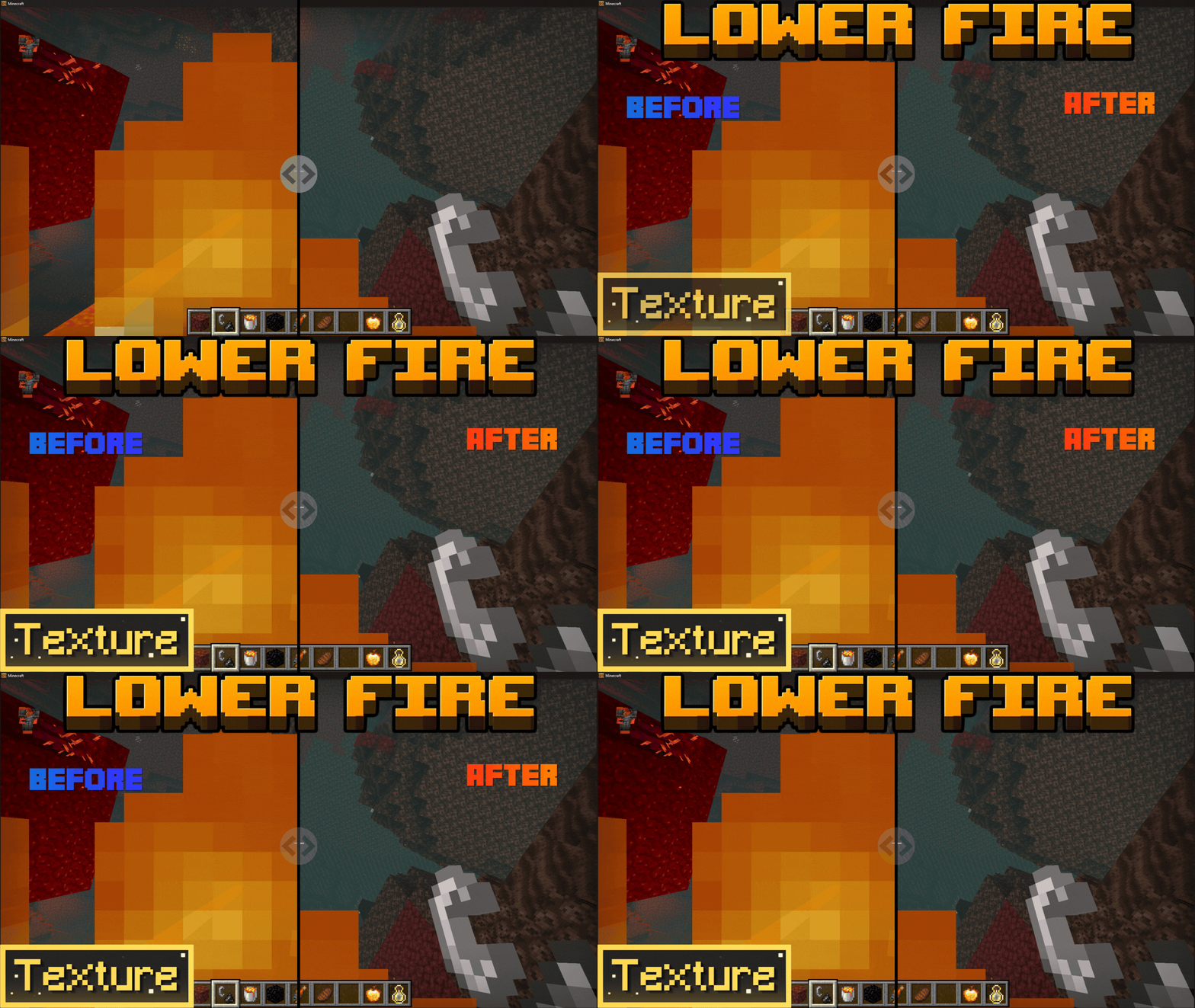

Low On Fire
Reduces the height of the fire animation on your screen to give you a clear view during PvP fights and Nether exploration.Download

Groot Totem of Undying
Groot Totem customizes the Totem of Undying in Minecraft with a design inspired by Groot from the Guardians of the Galaxy, adding a whimsical nature theme to the game.Install

(Legacy) Strawberry Cake
Delicious cake modelInstall
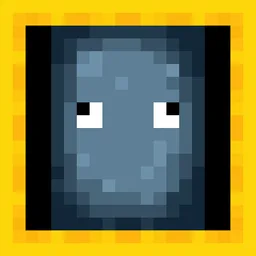
New Style Squid
Changes squid texture to make it match to glow squid.Install

Bare Bones X SpectralPumpkin
A Bare Bones-style texture edit of SpectralPumpkin A&S, giving every animated tool a clean, trailer-inspired look.Download
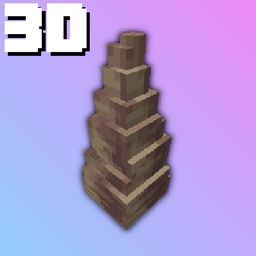
Dripstone 3D
3D Dripstones is a simpe resource pack that makes pointed dripstone 3DInstall
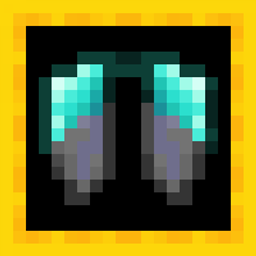
Upgraded Elytra
Changes the texture of elytra to match the armor.Install

Frosty's Default [256x] | Frosty's Black & White [16x]
A Balance Between PvP & QualityInstall
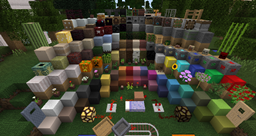
Blickablock
BlickablockInstall

Wild Wolves
Make your faithful dog use the wild wolf texture! Collars optional. Supports versions from Beta 1.4. Compatible with Fresh Animations.Install

Falling-XXVI's Flowering leaves
XXVI's flowering leaves with Spryzeen's Falling leavesInstall

Sassgaard - Cartoony Norse | 128x | Mod Support | Custom Sounds | Custom Models
Sassgaard (Cartoony Norse)Install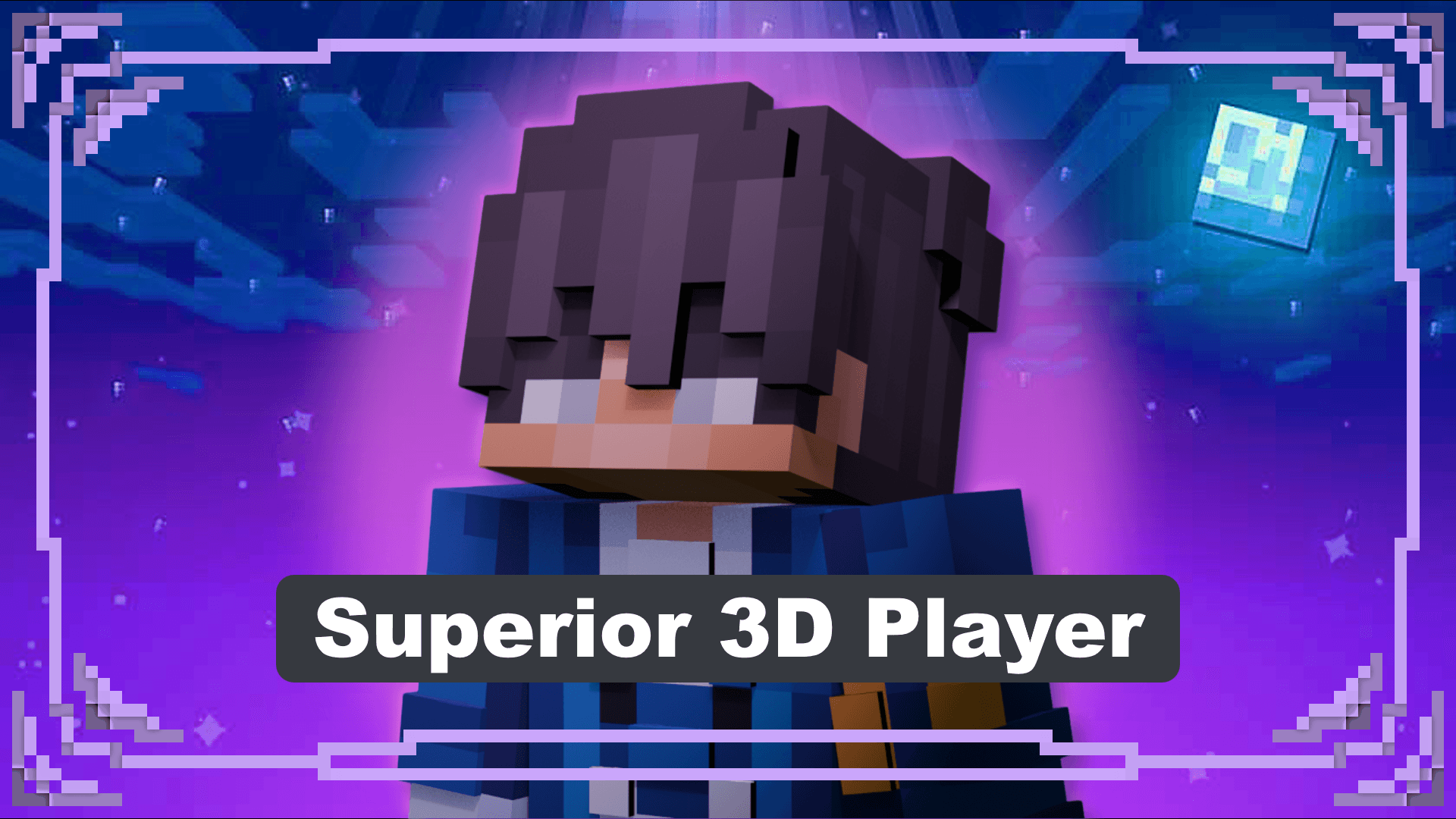

Superior 3D Player
Got tired seeing the flat, thin, second layer? This pack changes that make it more realism and adds depth to the playersDownload
Legacy Default
A nostalgic resource pack that aims to replicate the classic Minecraft BetaInstall
WesterosCraft Resource Pack
Medieval and fantasy textures to be used with Westeros themed builds.Install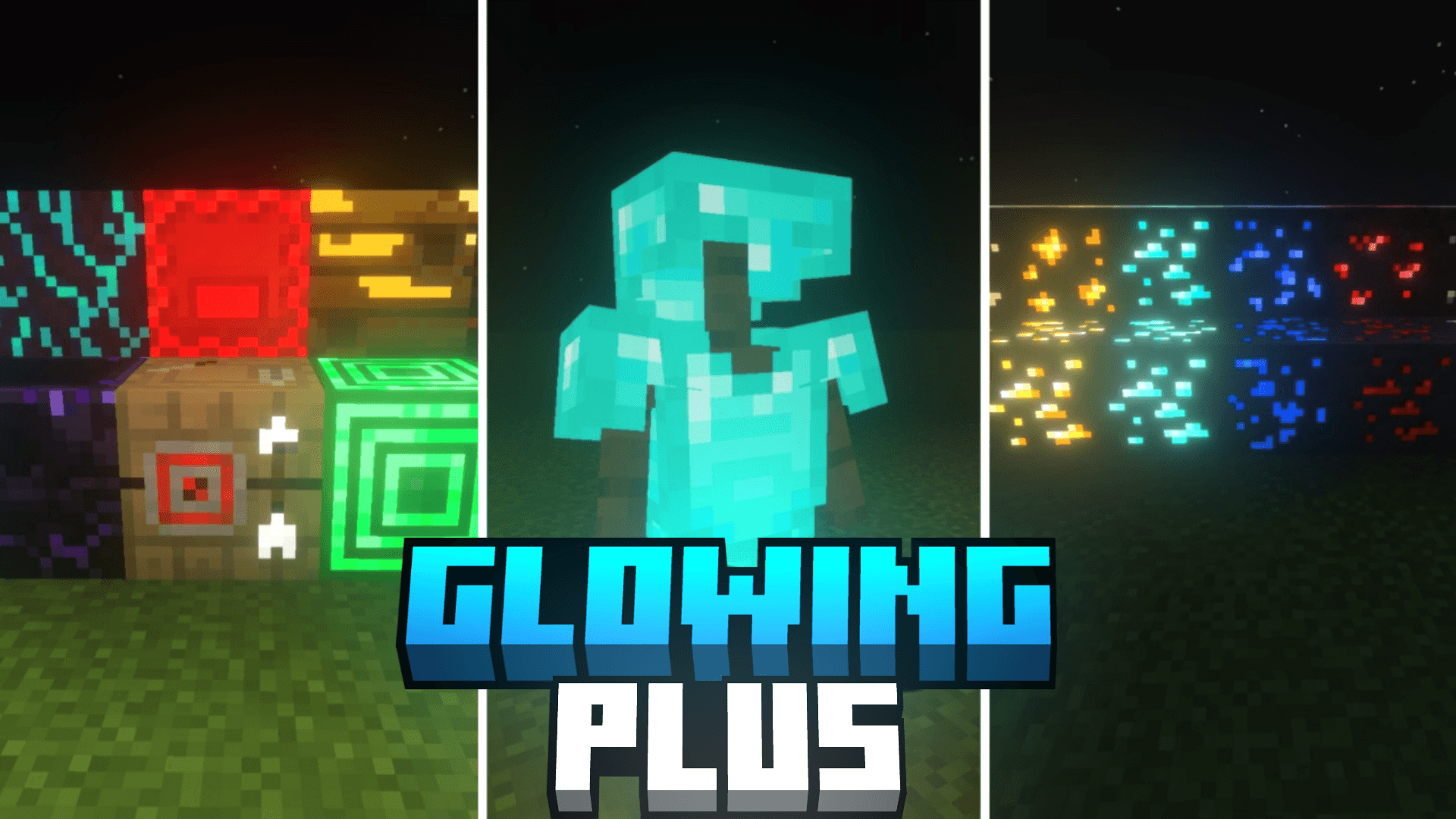
Glowing Plus
Glowing Plus makes many Minecraft items and blocks glow softly, so the game looks better and important things are easier to find.Download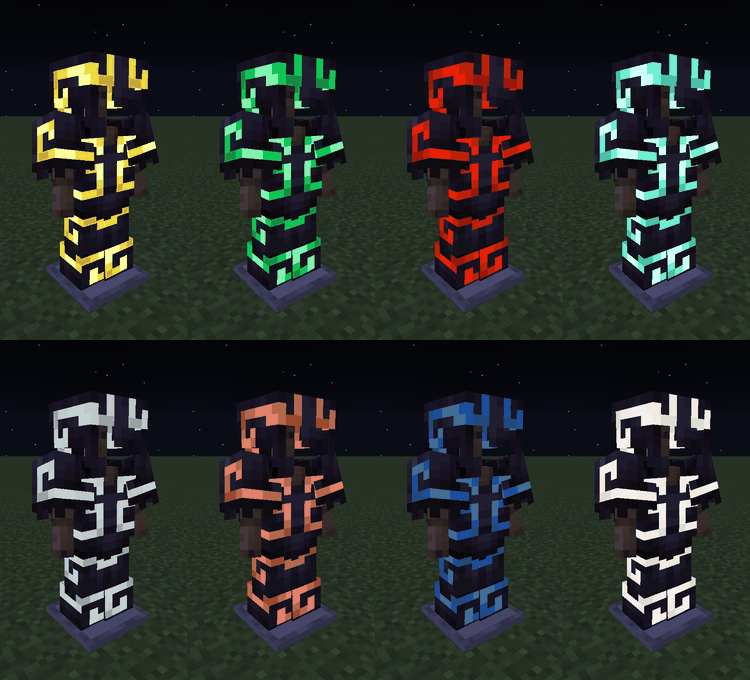

Voxen's Glowing Armor Trims
Makes every armor trim pattern glow on all armor types — Leather to Netherite. All trim patterns included, no setup needed. Purely visual upgrade. Achievement friendly.DownloadFAQ
Do I need Forge or Fabric for a resource pack?
No. A resource pack works on the regular game with no loaders or mods. Click “Install” and Millida Launcher will put the pack into the right modpack — then just enable it in the settings.
What do 16×, 32×, 64× mean?
The resolution of a single texture in pixels. 16× matches the original game, 32× and 64× are more detailed and heavier, and 128× and up put a noticeable load on your graphics card.
Will a pack made for another version work?
Most likely partly: older packs don't have textures for newer blocks, so those will stay default. The game won't break, though.
How is a texture pack different from a resource pack?
Only by name and age. Before version 1.6 the sets were called texture packs and changed only textures; in 1.6 resource packs replaced them and also change sounds, fonts and the interface. Old texture packs for 1.5 and below do not work on new versions without conversion.
Which texture packs are best for PvP?
PvP packs: 16× resolution or lower, shortened swords, low fire, a clear sky and bright particles. They barely load the computer and make the opponent easier to see. These packs are collected in the PvP theme.
How do I install a resource pack?
Press Install and Millida Launcher puts the pack into the resourcepacks folder of the right instance. Then enable it in the game: Options, then Resource Packs. Manually, the archive goes into resourcepacks inside the game folder, no need to unpack it.
Minecraft texture packs
A resource pack changes how the game looks and sounds: block and item textures, fonts, the interface, sounds. It doesn't touch the game's code, so it needs no mod loader and breaks nothing on a server — the pack only works on your screen. That's exactly why a resource pack is safer than any mod: the worst that happens on a version mismatch is that some textures stay default.
Textures, texture packs and resource packs are essentially the same thing: since version 1.6 Mojang calls these sets resource packs, but the old name is still searched more often. PvP packs are a big genre of their own: shortened swords, low fire, bright particles and 16× resolution or lower, so the opponent stands out and the frame rate does not drop. Such packs are most often made for 1.8.9 and 1.16.5, the versions many PvP servers run on.
The key thing about a pack is its resolution. The game's default textures are 16×16 pixels; 32× and 64× packs look more detailed, while 128× and up need a real graphics card and are usually paired with shaders. On a weak machine it makes sense to stay at 16× or go for packs that deliberately simplify graphics for more FPS. Every pack here lists its game version, author and license, and all released versions are gathered on one card. Put the downloaded archive in the resourcepacks folder and enable it in the game settings.