
Minecraft texture packs — page 183
6,456 itemsResource packs: list
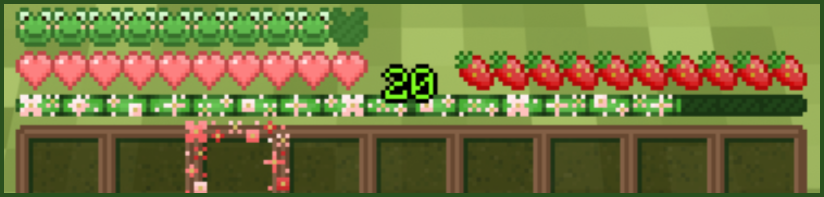


No Smoke
Removes the obtrusive smoke from fire and campfires.Install

Cave Dweller Cave Sounds
Makes the Cave Dweller sound off in the caves, but without actually being there.Install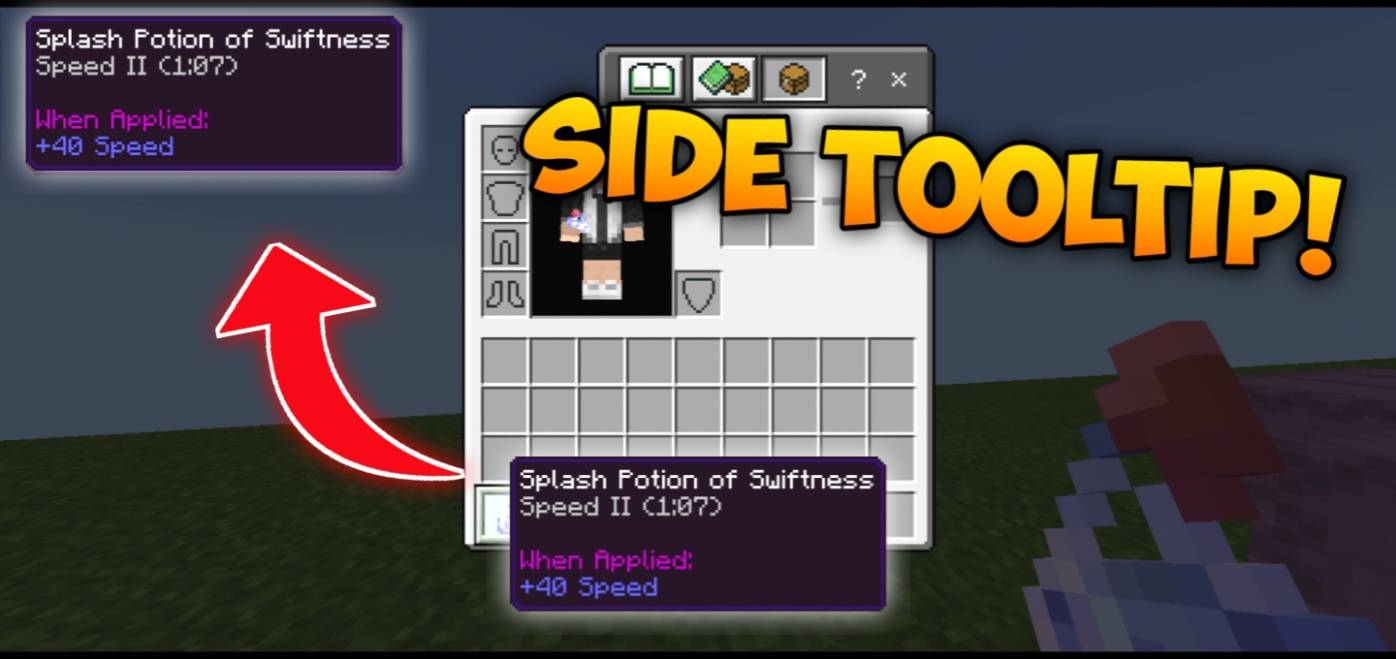

Side Tooltip Items
Move annoying tooltip item on touch users to the side of the screen! (Customizable)Download

Bedrock ChunkFinder
A texture pack for Minecraft Bedrock Edition that allows players to view chunk borders.Download
LOUD TEXTURE PACK
Almost every sound in this texture pack has been bass boosted to the max.Install

Dinosauria: A World Forgotten
Turns vanilla mobs into dinosaursInstall

Dandadan Custom GUI Pack
This is a GUI-only resource pack themed after the show "Dandadan."Install

Wynncraft Simpler Hotbar
Transparent simple hotbar for wynncraft from before the rekindled update.Install

Color Me Outlines 2
Updated + Maintained version of Color Me Outlines as a resource pack that allows you to set a custom block highlighting/outline colorInstall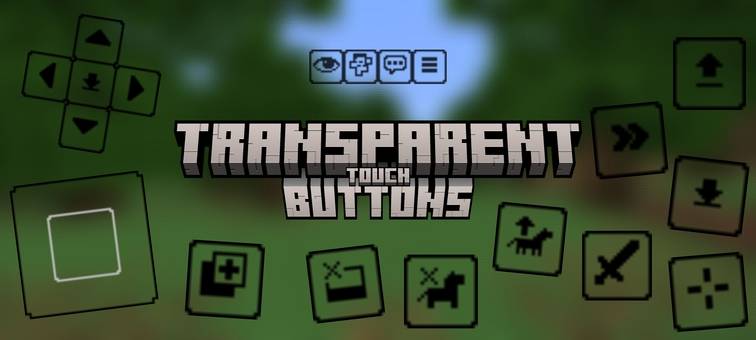

Transparent Touch Buttons v1.1.0
Greater visibility in the game, recommended for PVP.Download

Gore Edition TZP compatibility
Adds the TZP default zombie texture to gore edition instead of the vanilla minecraft oneInstall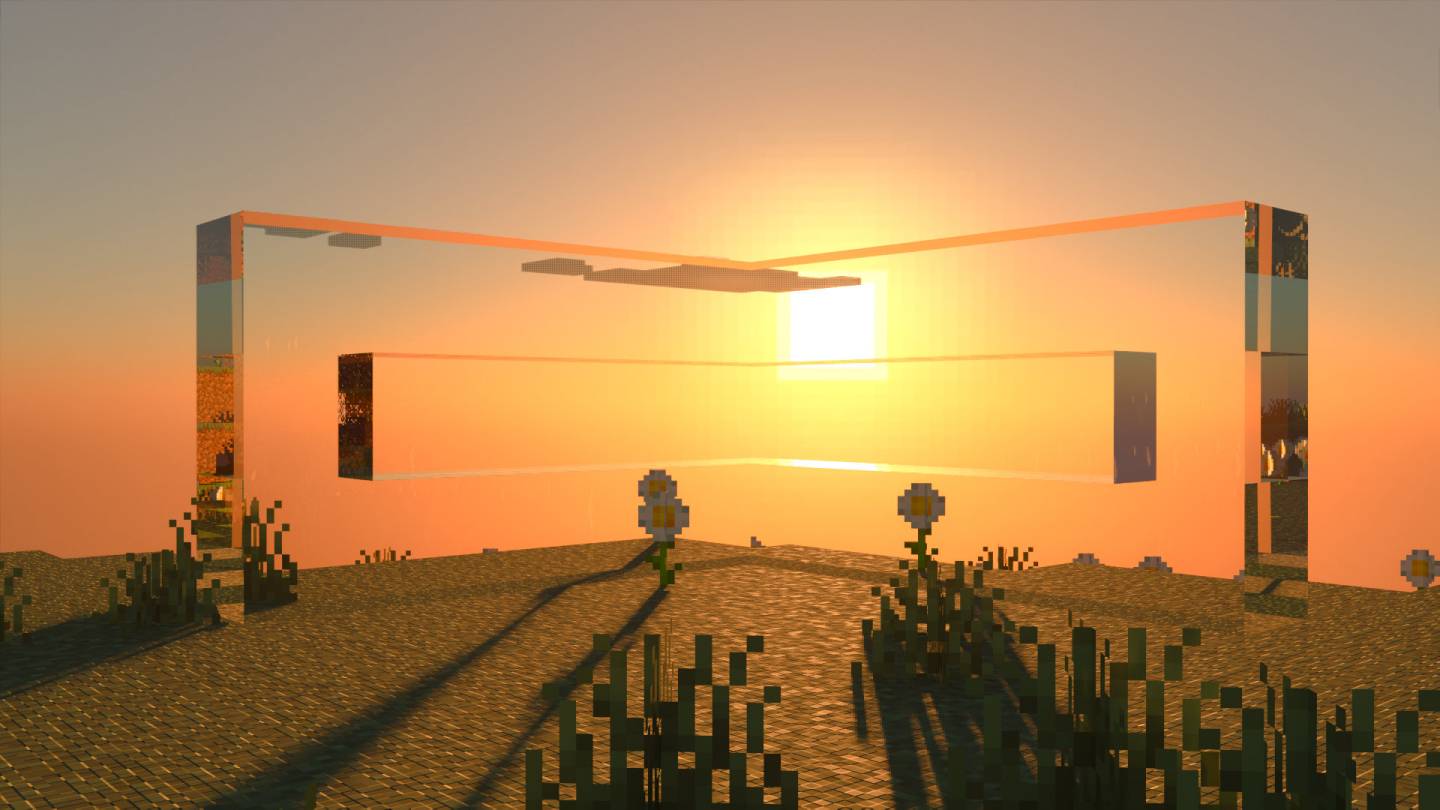

ElysPBR Clear Glass
ElysPBR Clear Glass texture removes vanilla glass border to make it clear.Download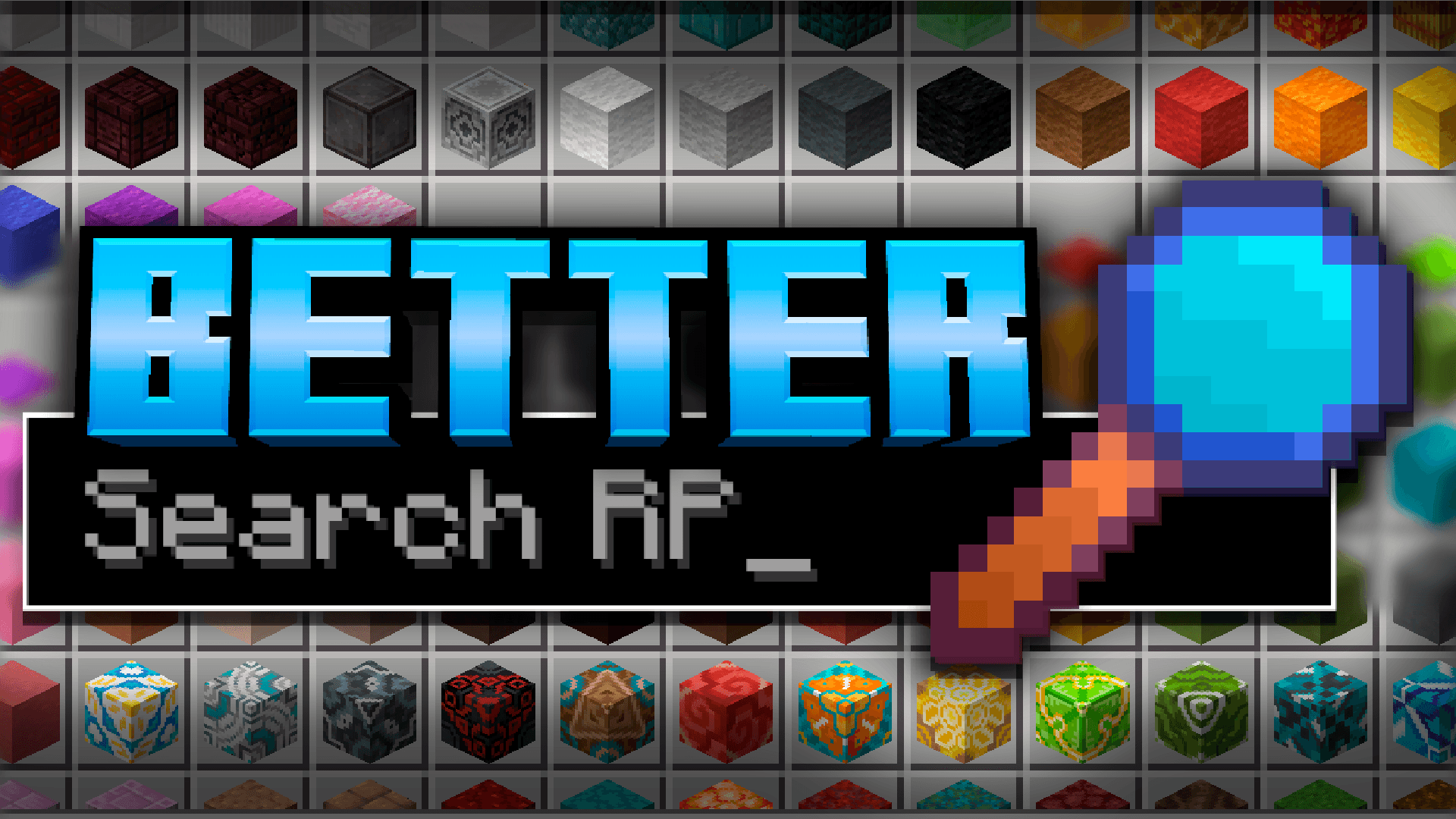
Better Search RP
Search for items even with typos, like a spell checker!Download
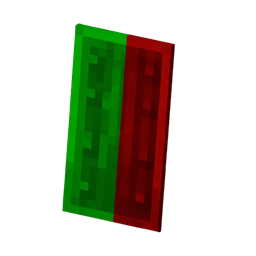
Shield Indicator
“Displays the shield status in real time — showing when the shield is active, inactive, or on cooldown.Download

Notch Totem of Undying
The Notch Totem resource pack reinvents the Minecraft totem of undying with the likeness of Notch, the original creator of Minecraft.Install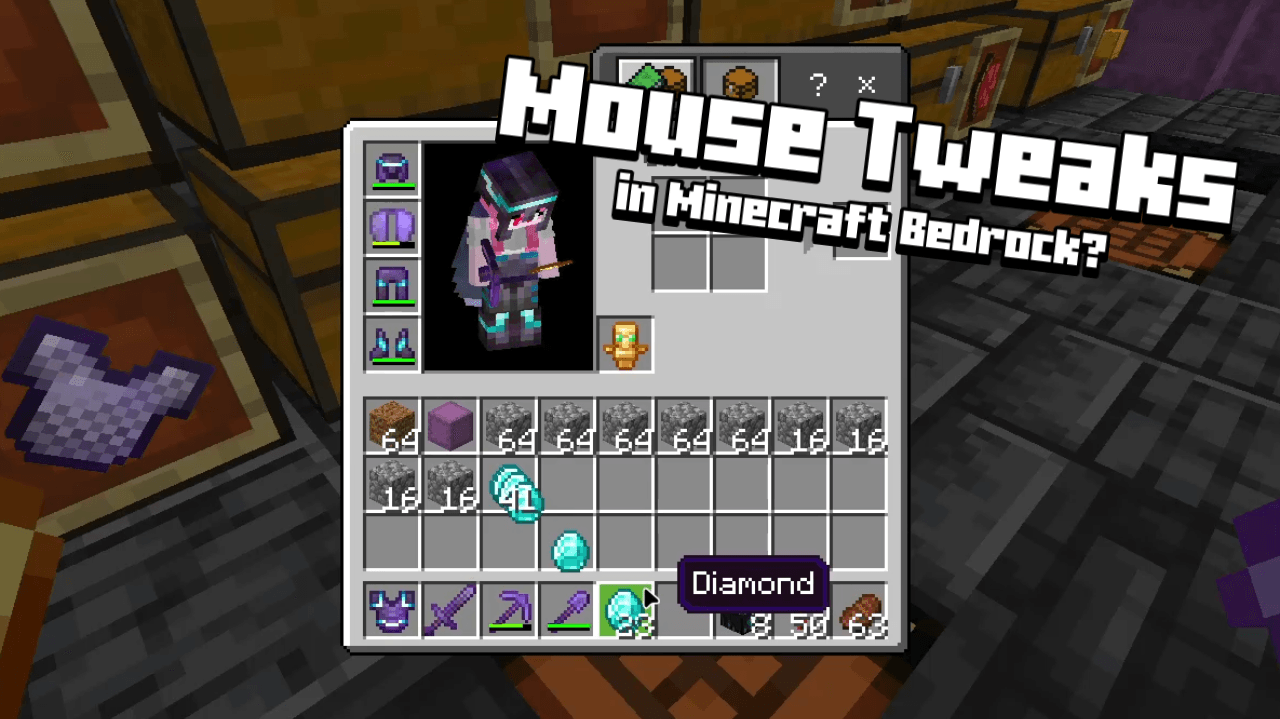

Mouse Wheel Tweaks
Added functions to the mouse scroll wheel for inventory management.Download

prism - baby blue
a clean and vibrant pack to enhance your minecraft experience - now in 1.21! and recolored in baby blue!Install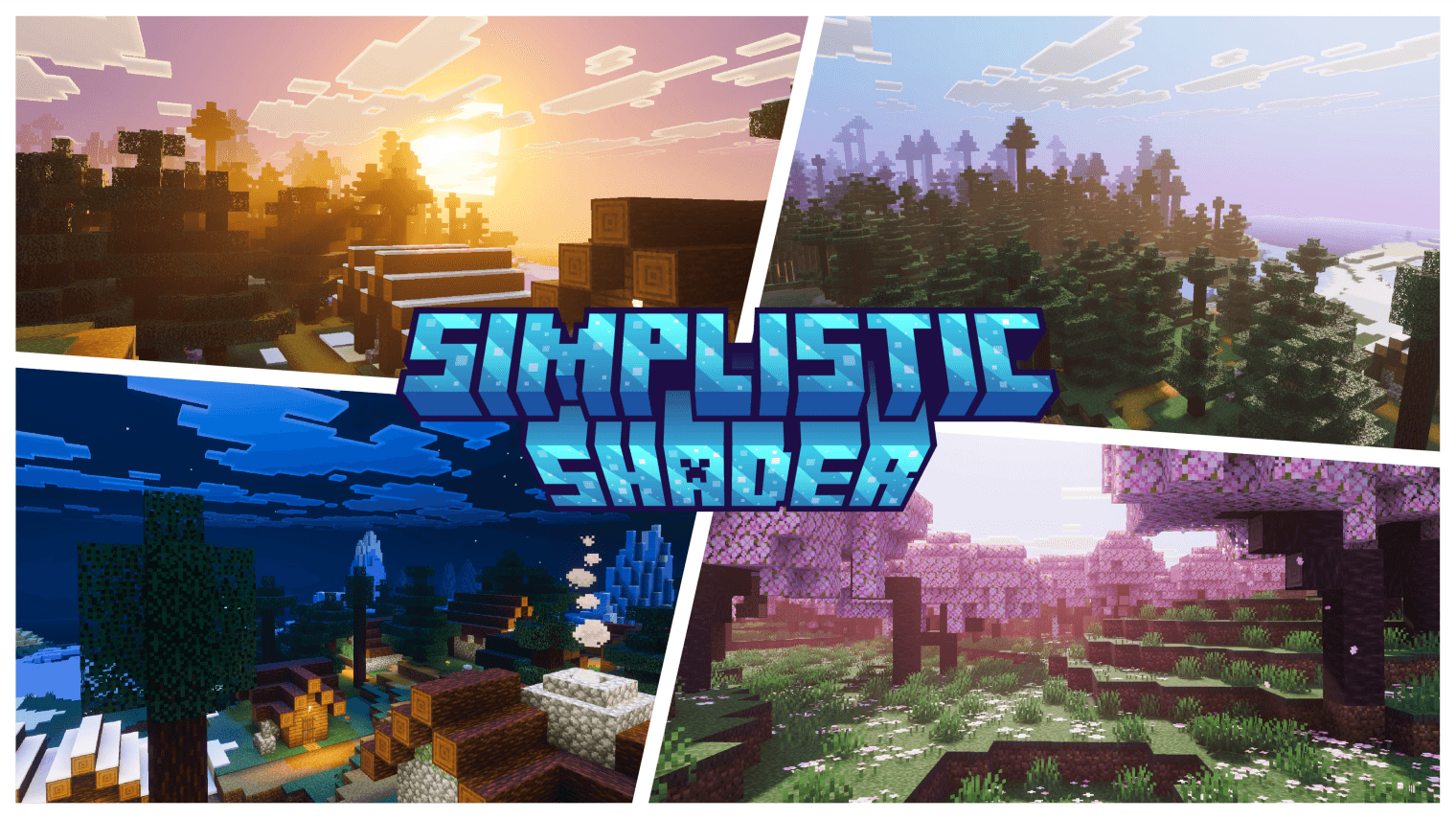
Simplistic Shader
A clean, natural Vibrant Visuals pack for Minecraft Bedrock. Soft realistic lighting, balanced fog and atmosphere, and gentle filmic color grading.Download

Better Falling Leaves - A La Nature Fragment
Variated leaves, they can float on water and stay on the ground! PERFECT!Download

Sildur's Vibrant Texture (OUTDATED) | READ DESC.
This texture recreates the famous Sildur's Vibrant Shaders for players who don't run shadersInstall

LucasDotje's Story Mode Storm
A Texture Pack That Adds Story Mode Textures To Cracker's Wither Storm ModInstall

Eating Animation - BetterVanillaBuilding Addon
An addon for the Better Vanilla Building texture pack to add animations when eating!Install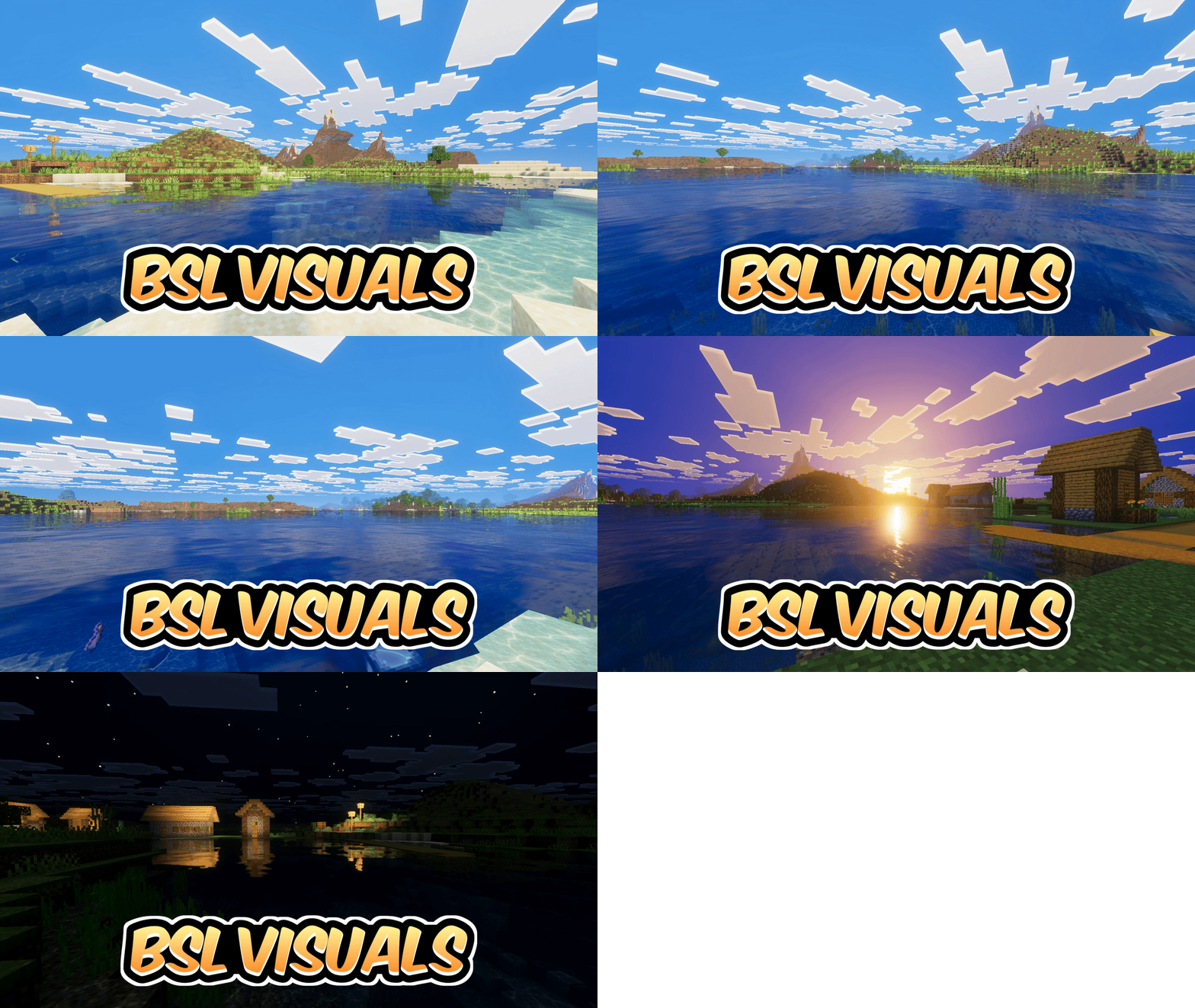

Bsl Vibrant Visuals
Stunning ocean reflections, crystal clear shallow water, vibrant blue skies and cinematic golden sunsets — BSL Vibrant Visuals makes every scene look breathtaking.DownloadFAQ
Do I need Forge or Fabric for a resource pack?
No. A resource pack works on the regular game with no loaders or mods. Click “Install” and Millida Launcher will put the pack into the right modpack — then just enable it in the settings.
What do 16×, 32×, 64× mean?
The resolution of a single texture in pixels. 16× matches the original game, 32× and 64× are more detailed and heavier, and 128× and up put a noticeable load on your graphics card.
Will a pack made for another version work?
Most likely partly: older packs don't have textures for newer blocks, so those will stay default. The game won't break, though.
How is a texture pack different from a resource pack?
Only by name and age. Before version 1.6 the sets were called texture packs and changed only textures; in 1.6 resource packs replaced them and also change sounds, fonts and the interface. Old texture packs for 1.5 and below do not work on new versions without conversion.
Which texture packs are best for PvP?
PvP packs: 16× resolution or lower, shortened swords, low fire, a clear sky and bright particles. They barely load the computer and make the opponent easier to see. These packs are collected in the PvP theme.
How do I install a resource pack?
Press Install and Millida Launcher puts the pack into the resourcepacks folder of the right instance. Then enable it in the game: Options, then Resource Packs. Manually, the archive goes into resourcepacks inside the game folder, no need to unpack it.
Minecraft texture packs
A resource pack changes how the game looks and sounds: block and item textures, fonts, the interface, sounds. It doesn't touch the game's code, so it needs no mod loader and breaks nothing on a server — the pack only works on your screen. That's exactly why a resource pack is safer than any mod: the worst that happens on a version mismatch is that some textures stay default.
Textures, texture packs and resource packs are essentially the same thing: since version 1.6 Mojang calls these sets resource packs, but the old name is still searched more often. PvP packs are a big genre of their own: shortened swords, low fire, bright particles and 16× resolution or lower, so the opponent stands out and the frame rate does not drop. Such packs are most often made for 1.8.9 and 1.16.5, the versions many PvP servers run on.
The key thing about a pack is its resolution. The game's default textures are 16×16 pixels; 32× and 64× packs look more detailed, while 128× and up need a real graphics card and are usually paired with shaders. On a weak machine it makes sense to stay at 16× or go for packs that deliberately simplify graphics for more FPS. Every pack here lists its game version, author and license, and all released versions are gathered on one card. Put the downloaded archive in the resourcepacks folder and enable it in the game settings.