
Simplistic Shader Resource pack for Minecraft 26.50
A clean, natural Vibrant Visuals pack for Minecraft Bedrock. Soft realistic lighting, balanced fog and atmosphere, and gentle filmic color grading.
About the Simplistic Shader resource pack
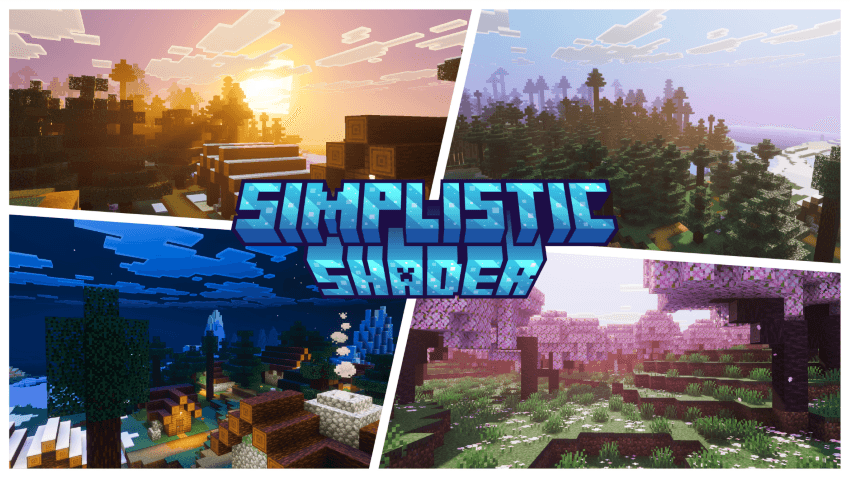
Simplistic Shader is a clean, cinematic Vibrant Visuals pack that reworks Minecraft's lighting and atmosphere for a natural, sun-warmed look. Built around soft golden-hour tones and physically-based color science, it enhances the sky, fog, and light across every biome for a more immersive, believable world - all running as a pure resource pack.
•Features•
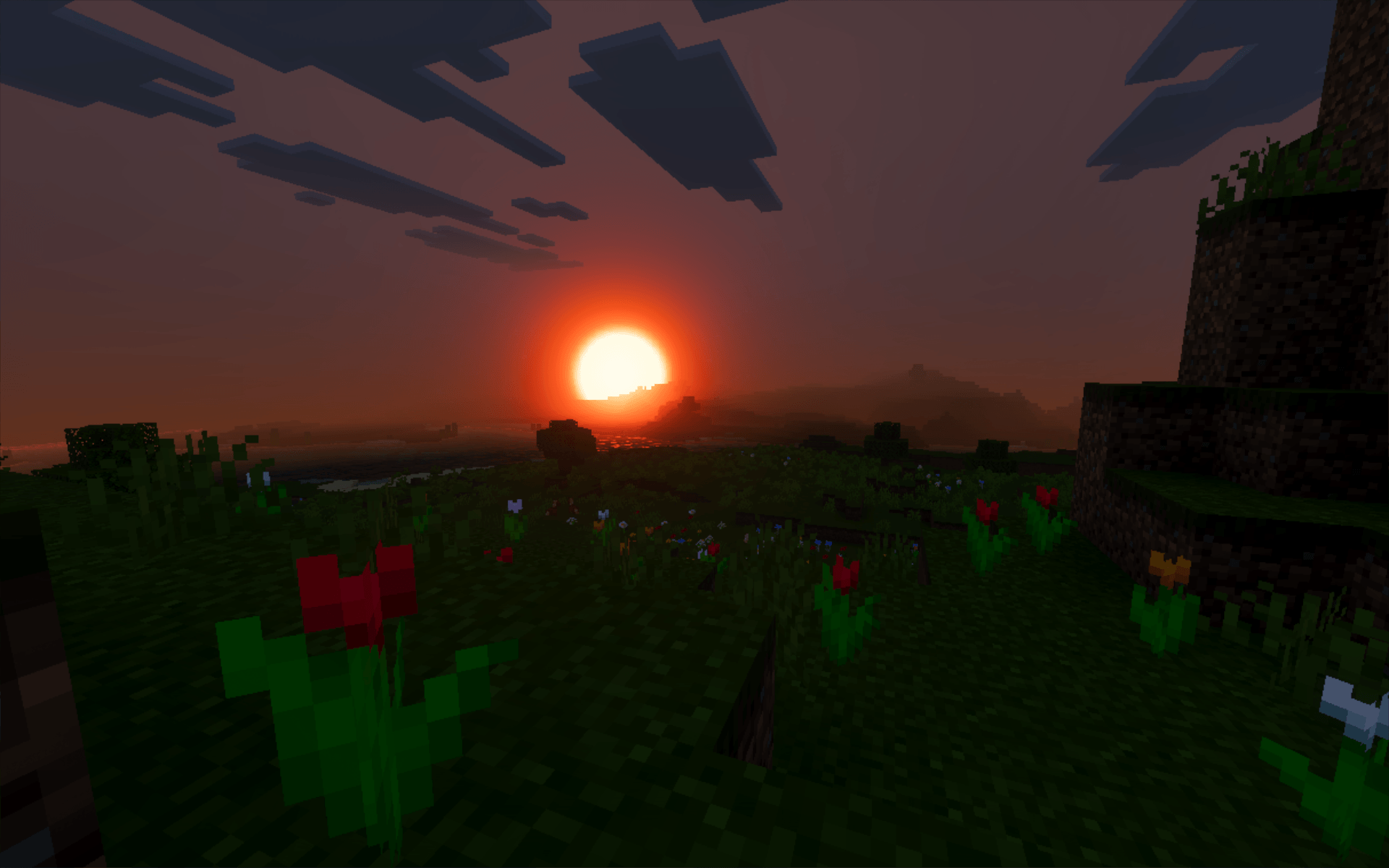
• Warm, natural lighting with smooth sunrise and sunset transitions
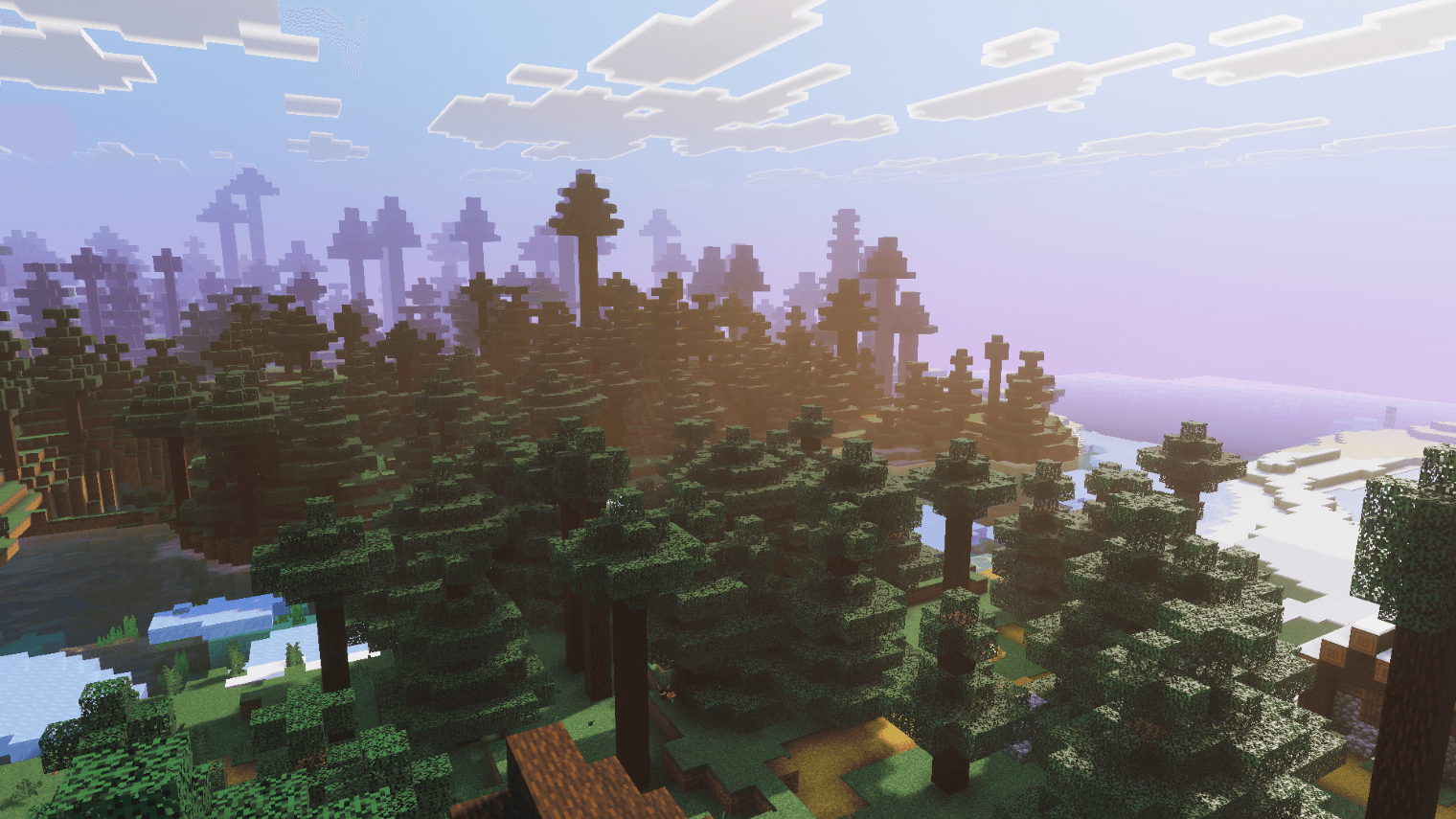
• Dynamic sky with realistic atmospheric scattering (rayleigh & mie)
• ACES tone mapping and balanced highlight/midtone/shadow color grading
• Soft sun rays and god rays for added depth
• Volumetric height fog for air, water, and weather
• Biome-aware fog connected across all Overworld, Nether, and End biomes
• Gentle white-balanced temperature for a consistent cinematic tone
• Subtle, natural sky and horizon color grading through every time of d
• Added realistic sun and moon rendering
• Minor polish and consistency improvements
• added glowing ores
• all ores have borderline
• new sword and shield hearts with damge sound effect
Feedback and suggestions are welcome to help shape future versions.
How to install Simplistic Shader
With Millida Launcher
Install Millida Launcher
The launcher is free: download it at millida.net/launcher and sign in with any nickname.
Click “Install” on this page
The launcher opens and installs the resource pack for Minecraft 1.21.120–26.50 automatically.
Launch the game
A profile with it appears in the launcher: click “Play”.
Manually
Download the archive
Pick the file Simplistic Shader v2.5.mcpack (2.6 MB) for your game version. No need to unpack it.
Put it in the resourcepacks folder
The easiest way: “Options”, then “Resource Packs”, then “Open Pack Folder”, and drag the archive there.
Enable the pack
In the same window, move the pack to the right-hand “Selected” column and click “Done”.
Versions
With dependencies
| Minecraft | Loader | File | Date | Actions |
|---|---|---|---|---|
| 1.21.120 | — | Simplistic Shader v2.5.mcpack2.6 MB 4 |
FAQ
Which Minecraft versions does Simplistic Shader work on?
There are files for 1.21.120–26.50, 19 versions in total. The newest is 26.50.
Where can I download Simplistic Shader safely?
On this page: the file Simplistic Shader v2.5.mcpack (2.6 MB) is stored on Millida’s server, with no link shorteners. SHA-1 checksum: f1258ca9905a7da6350fa43ef250c4870acfb479.
Reviews
Be the first to rate Simplistic Shader



