
Minecraft texture packs — page 182
Resource packs: list


RCG Realistic (64x to 1024x) TexturePacks
Realistic Minecraft Texture ResourcepackInstallSuperMarioCraft
A texture pack based ONLY on Super Mario World for the SNES. Almost entirely complete.Install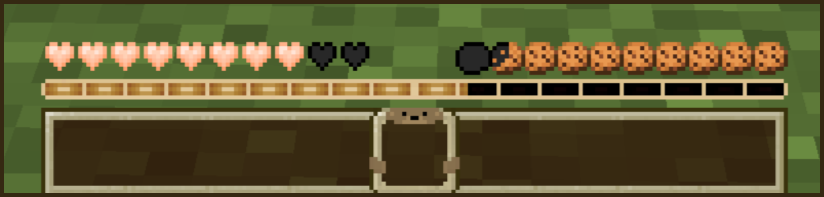

Teddy Bear Hotbar
Gives the hotbar a teddy bear themed redesignDownload

Faithful 32x Daggers
Changes swords to a more pvp oriented textureInstall

RPGAmbientMusic
Immersive Ambient & Music Pack: Bring realistic nature sounds and epic background music to MinecraftInstall
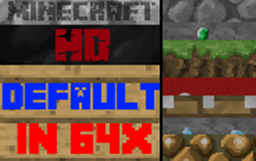
Minecraft HD
Default Textures in 64x ResolutionInstall

3D-EndCrystals
Simple texture to make the end crystal in item state 3DInstall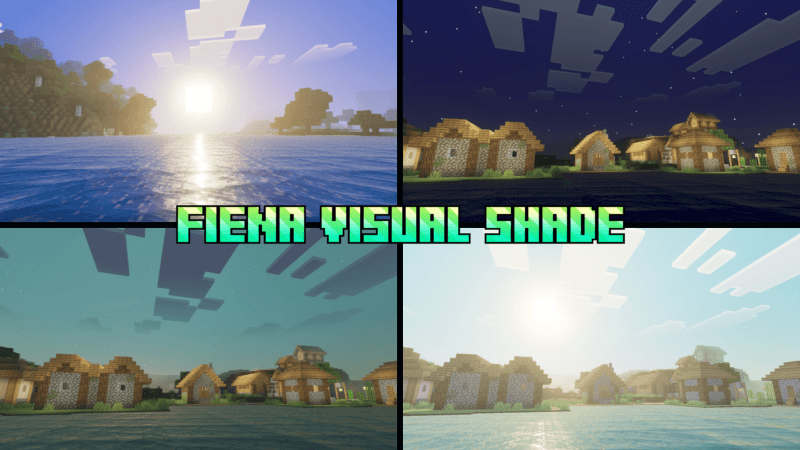

Fiena Visual Shade
Fiena Visual Shade is a visual shader designed to make you feel comfortable, combining dynamic blue visuals with the warmth of the sun to create a relaxing and pleasant atmosphere.Download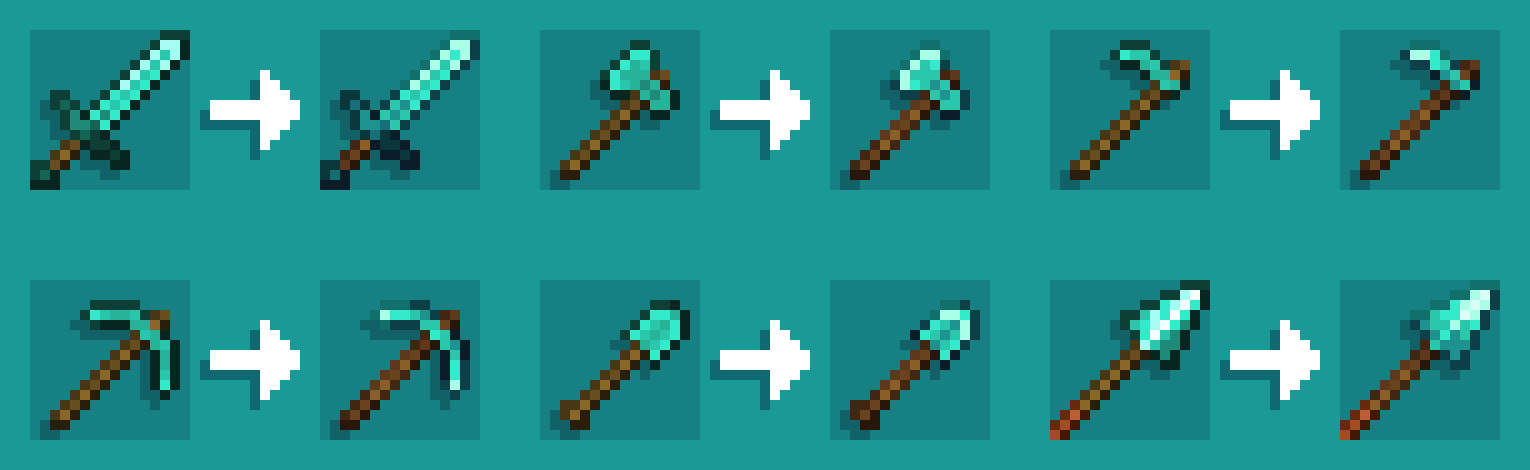
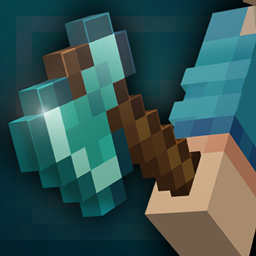
Shinier Tools
makes tools and armor (item) look shinier and less flatInstall
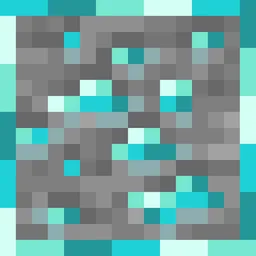
Ore Borders
Adds borders around all ores to improve visibilityInstall
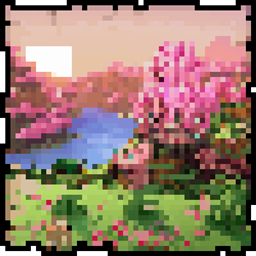
Cherry Background
Cherry Menu BackgroundInstall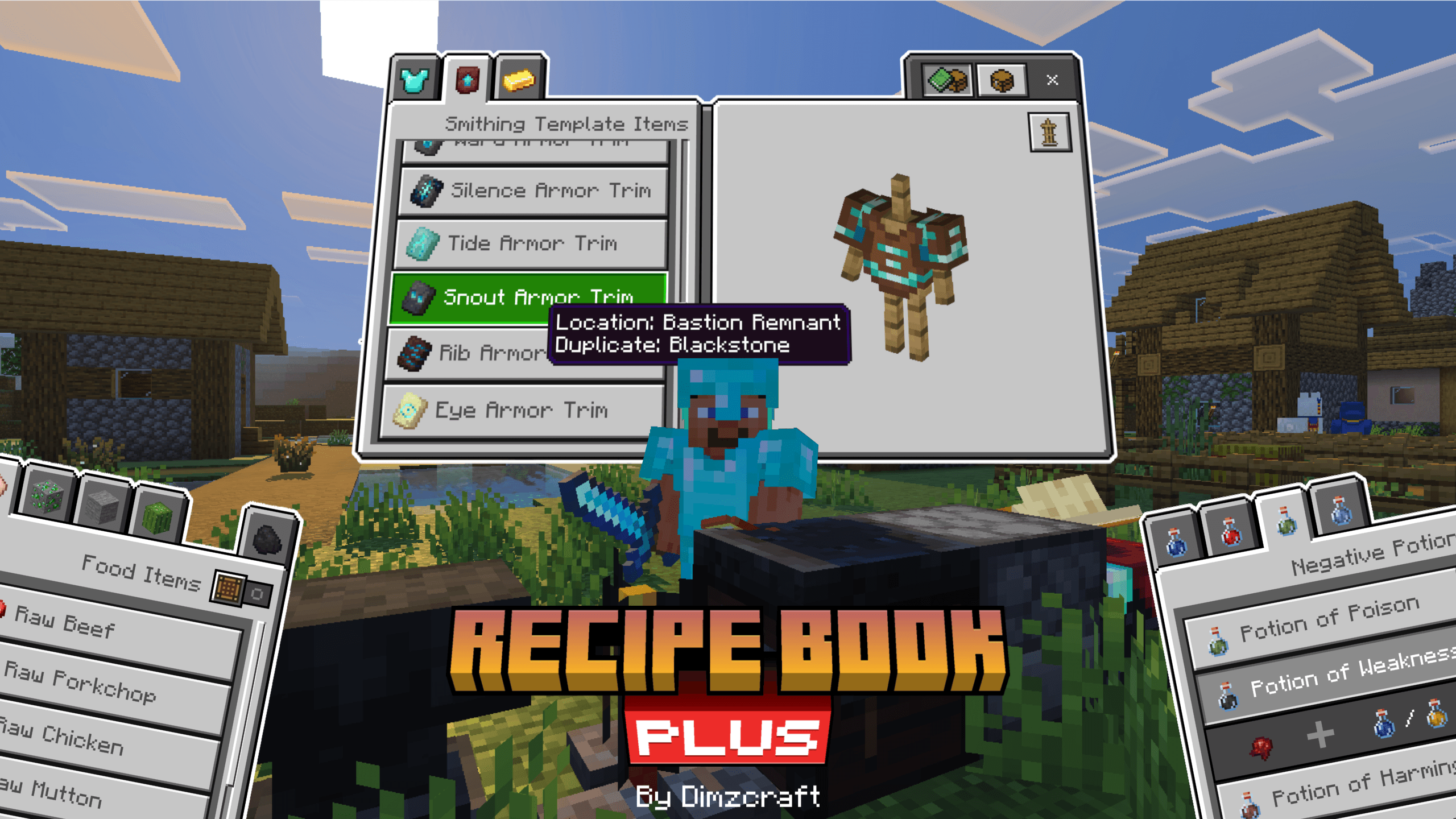

Recipe Book Plus
adding recipe books and guides; brewing, smelting, anvil, enchanting, and even smithing templates!Download
R3D CRAFT Shader Support 256x
Normal, specular and occlusion maps for R3D CRAFTInstall

NBTpack Java Edition
Resource pack inspired by the new vanilla.Install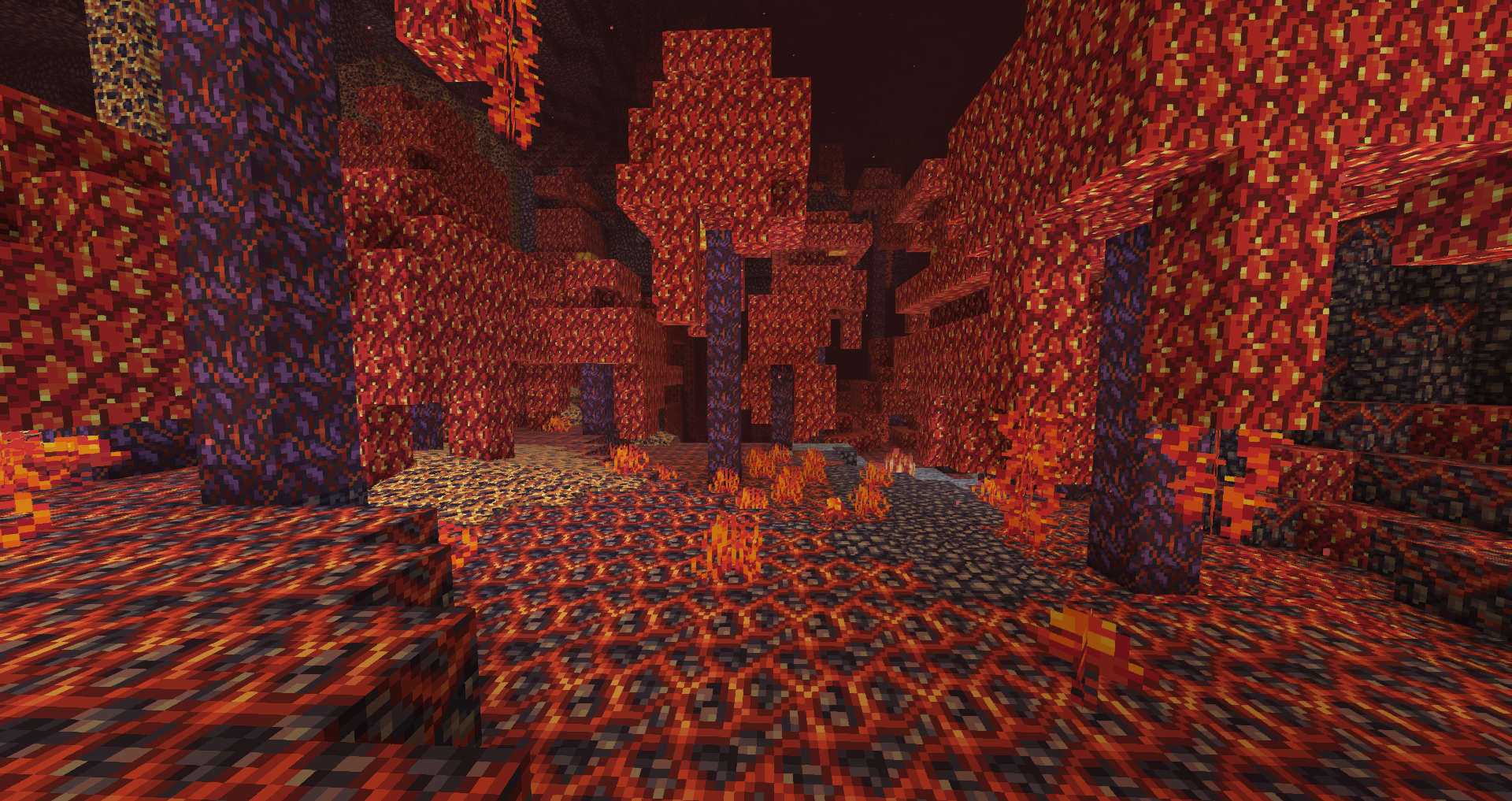
Aluzion Classic
Retro, colourful texture pack - blocks, items modified.Install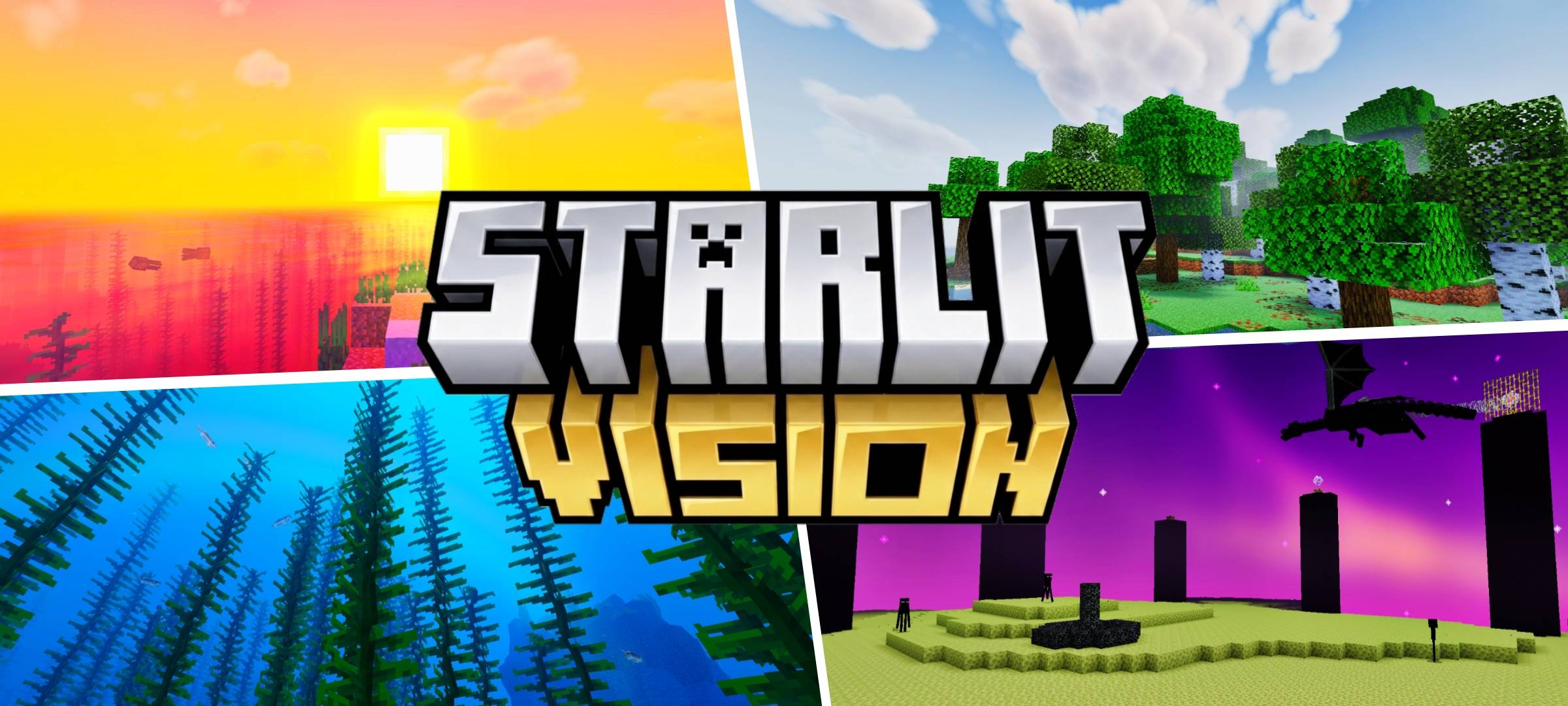
Starlit Vision Shader
A Premium Realistic Shader With Cinematic Lighting Overhaul For MCPE/BE Without Vibrant Visuals Need.Download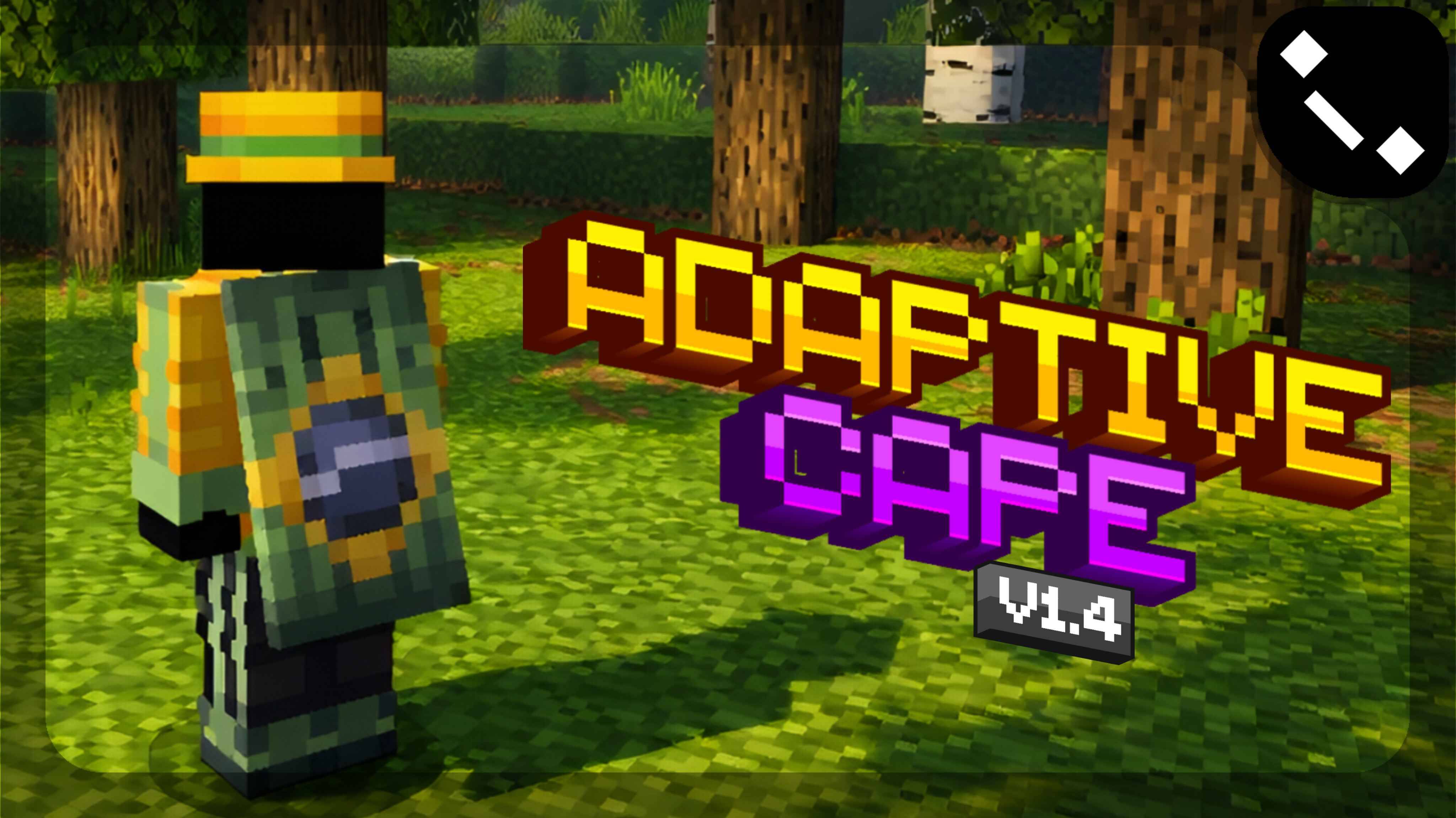
Adaptive Cape | v1.5
Hey, YOU! Ever wanted a cape, but tired of seeing the same old designs? Well, this texture pack is different! Adaptive Cape is a texture pack that makes your cape unique by using the player's skin as the base for the design.Download

No Smoke
Removes the obtrusive smoke from fire and campfires.Install
Better Rabbits
Updates rabbits to look more realisticInstall

Pixelate | Default [8x]
Faithul 8x recreation of default textures! The Ultimate 8x8 Experience.Install

RGB Nether Portals
This texture pack changes Minecraft's default nether portal texture & gives it a rainbow animation!Download

masa Mod Translation
masa/sakura系列模组的简体中文汉化翻译。 Translation for masa/sakura's mod to Simplified Chinese(zh_cn). MaLiLib, Litematica, MiniHUD, Tweakeroo, Item Scroller, Litematica Printer, Syncmatica and so on.Install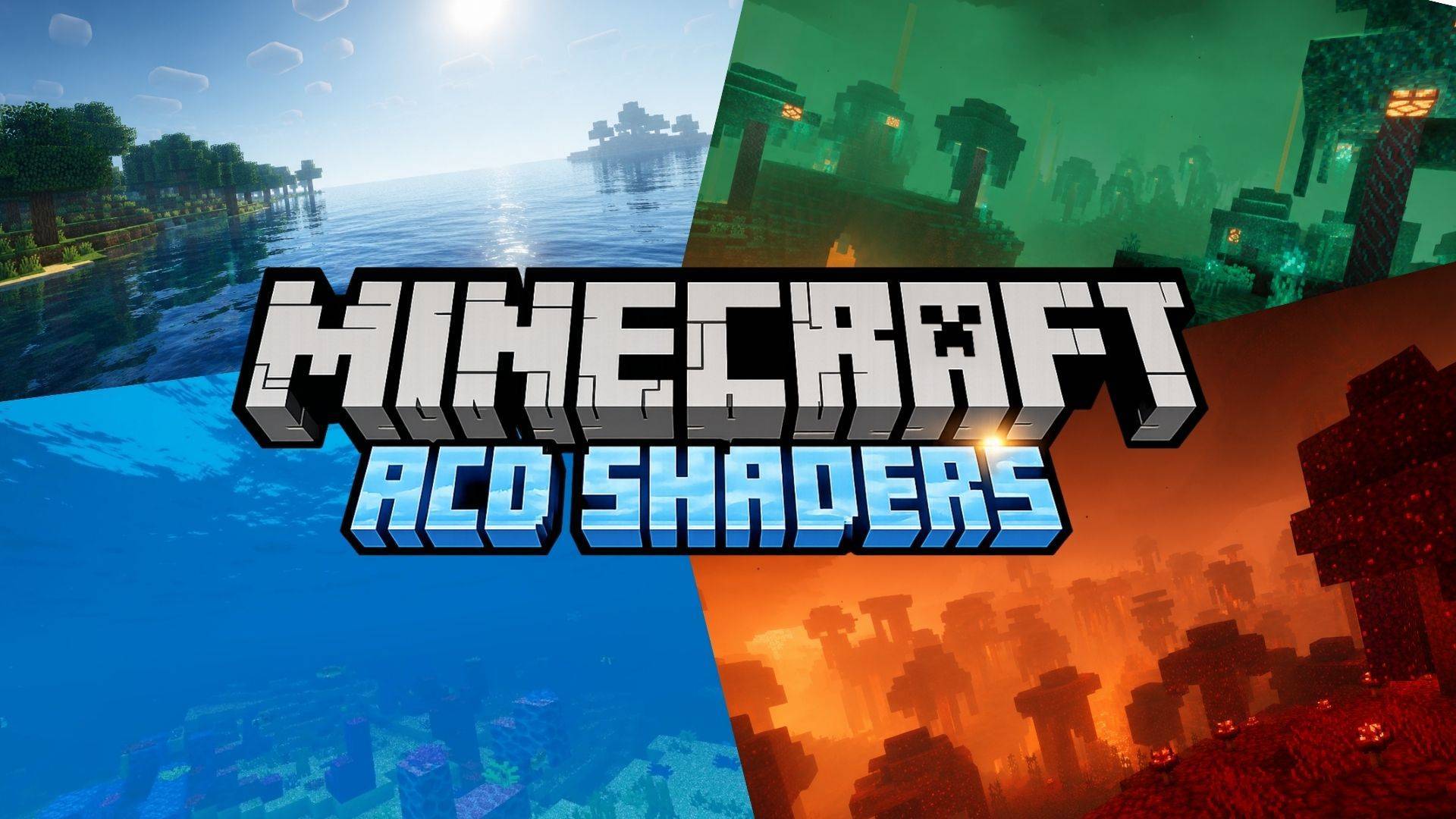
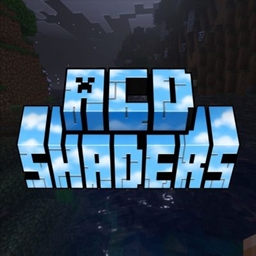
ACD Shaders (Cinematic illumination + God Rays + Better caves + Glowing Ores)
A stunning mid-range shader pack for Minecraft Bedrock, delivering realistic visuals, very good animated water and splash animation and one of the best shaders for caves. with excellent performance.DownloadFAQ
Do I need Forge or Fabric for a resource pack?
No. A resource pack works on the regular game with no loaders or mods. Click “Install” and Millida Launcher will put the pack into the right modpack — then just enable it in the settings.
What do 16×, 32×, 64× mean?
The resolution of a single texture in pixels. 16× matches the original game, 32× and 64× are more detailed and heavier, and 128× and up put a noticeable load on your graphics card.
Will a pack made for another version work?
Most likely partly: older packs don't have textures for newer blocks, so those will stay default. The game won't break, though.
How is a texture pack different from a resource pack?
Only by name and age. Before version 1.6 the sets were called texture packs and changed only textures; in 1.6 resource packs replaced them and also change sounds, fonts and the interface. Old texture packs for 1.5 and below do not work on new versions without conversion.
Which texture packs are best for PvP?
PvP packs: 16× resolution or lower, shortened swords, low fire, a clear sky and bright particles. They barely load the computer and make the opponent easier to see. These packs are collected in the PvP theme.
How do I install a resource pack?
Press Install and Millida Launcher puts the pack into the resourcepacks folder of the right instance. Then enable it in the game: Options, then Resource Packs. Manually, the archive goes into resourcepacks inside the game folder, no need to unpack it.
Minecraft texture packs
A resource pack changes how the game looks and sounds: block and item textures, fonts, the interface, sounds. It doesn't touch the game's code, so it needs no mod loader and breaks nothing on a server — the pack only works on your screen. That's exactly why a resource pack is safer than any mod: the worst that happens on a version mismatch is that some textures stay default.
Textures, texture packs and resource packs are essentially the same thing: since version 1.6 Mojang calls these sets resource packs, but the old name is still searched more often. PvP packs are a big genre of their own: shortened swords, low fire, bright particles and 16× resolution or lower, so the opponent stands out and the frame rate does not drop. Such packs are most often made for 1.8.9 and 1.16.5, the versions many PvP servers run on.
The key thing about a pack is its resolution. The game's default textures are 16×16 pixels; 32× and 64× packs look more detailed, while 128× and up need a real graphics card and are usually paired with shaders. On a weak machine it makes sense to stay at 16× or go for packs that deliberately simplify graphics for more FPS. Every pack here lists its game version, author and license, and all released versions are gathered on one card. Put the downloaded archive in the resourcepacks folder and enable it in the game settings.