
Minecraft texture packs — page 150
6,456 itemsResource packs: list



Chroma Shader
Best Non-patch Shader for MCPE & Bedrock!Download
BetterSounds
Improve your immersion with beautiful soundscapes!Install

Soartex Forever
Fan continuation of Soar49's "Soartex" from 2011-2012.Install

Biome Edition Visual Traveler's Titles
Give a RPG feeling to your exploration for every new biome you'll cross, even those from Terralith and more...Install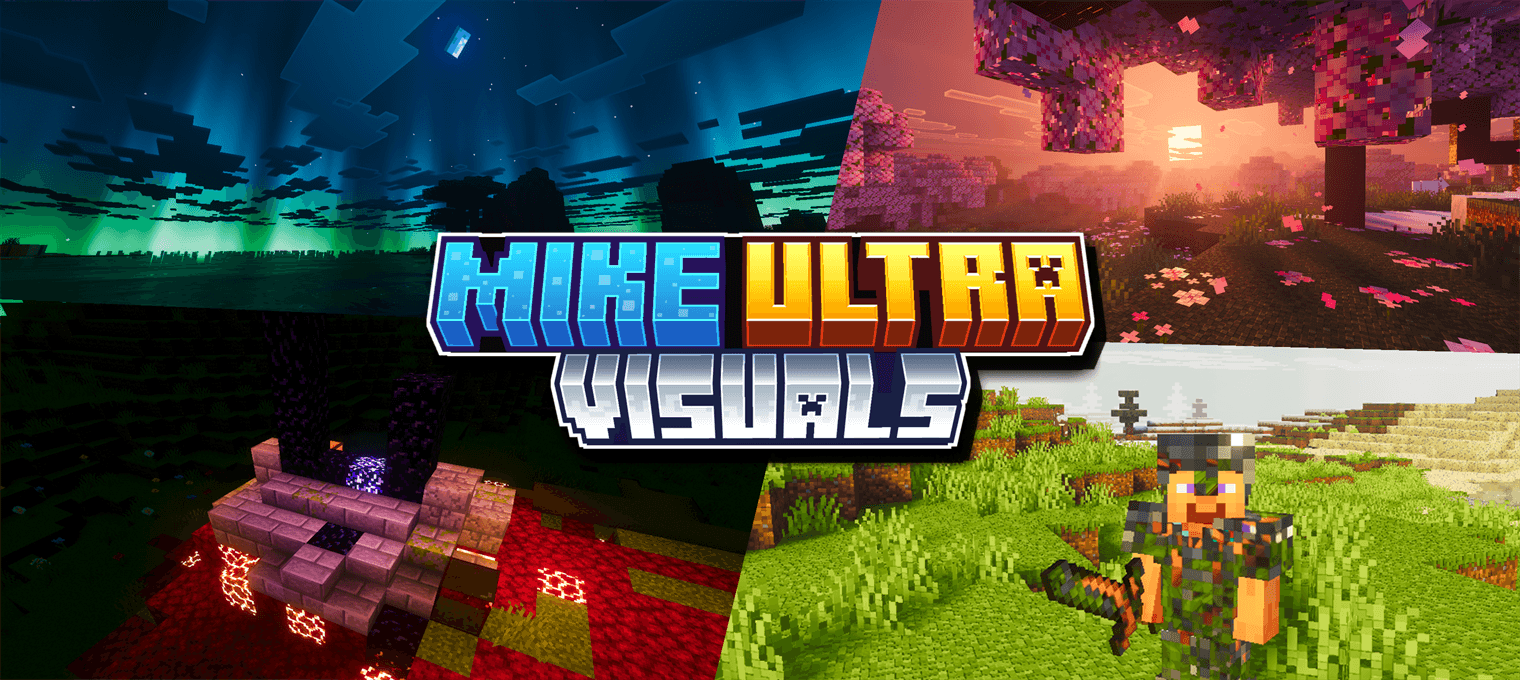

Mike Ultra Visuals
My best pack ever. Auroras over night villages, sunbeams through forest canopies, pink haze in the cherry groves, and reflections on the sword in your hand. Heaviest one I make. Requires Vibrant Visuals.Download
Pillager's Gun: Tacz + Tracers
Adds Visible, Emissive tracers to replace the barely visible bullets fired from pillagers. Requires EMF and ETF.Install
TFC TNG Sphax BDcraft 64x
PureBDcraft Texture Pack port for TFCInstall
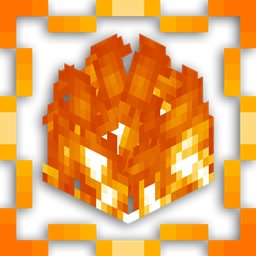
Low Fire Texture
his pack reduces the height of the fire animation, ensuring that it doesn't obstruct your view when your character is on fire.Install

Create Immersive Aircrafts
Retextures Immersive Aircrafts to work better with CreateInstall

SwiftBoost PvP
SwiftBoost PvP: Fullbright, Low Fire, Small Shields & Items, Small totem use. Max FPS without OptiFine and no explosion particle and no particle totem use and small totem pop and better sand,blue netherite, Small sword, clear waterInstall

LS Datapack Resources
A resource pack for the custom items, music, and translations for my datapacksInstall

Samuel's Re-Chipped
An up and coming redesign of (most of) the base textures from the Chipped mod, aimed at providing a distinct theme to each block set, each with various unique blocks!Install

Bray's World: A Vanilla+ Experience
A Vanilla+ resource pack that overhauls the game's assets, adding unique flavor to your Vanilla experience!Install

Fresh Skybox
Better Day, Night, Sunrise, Sunset skies! Coming soon: falling stars, meteors and more events! [Day Night Cycle]Install

Revamped Legends
Resourcepack that enhances many mods and its textures.Install

Wynncraft: Donjons
Modernises Dungeon, Raid, and GUI elements for WynncraftInstall

TheMobGirls
This texture pack replaces several mobs with girls.Download

Obscure Tooltips Rarity Font
Adds some changes to Obscure TooltipsInstall

GUI PurpleOLED
This pack changes the interface to dark OLED mode, based on purple.Install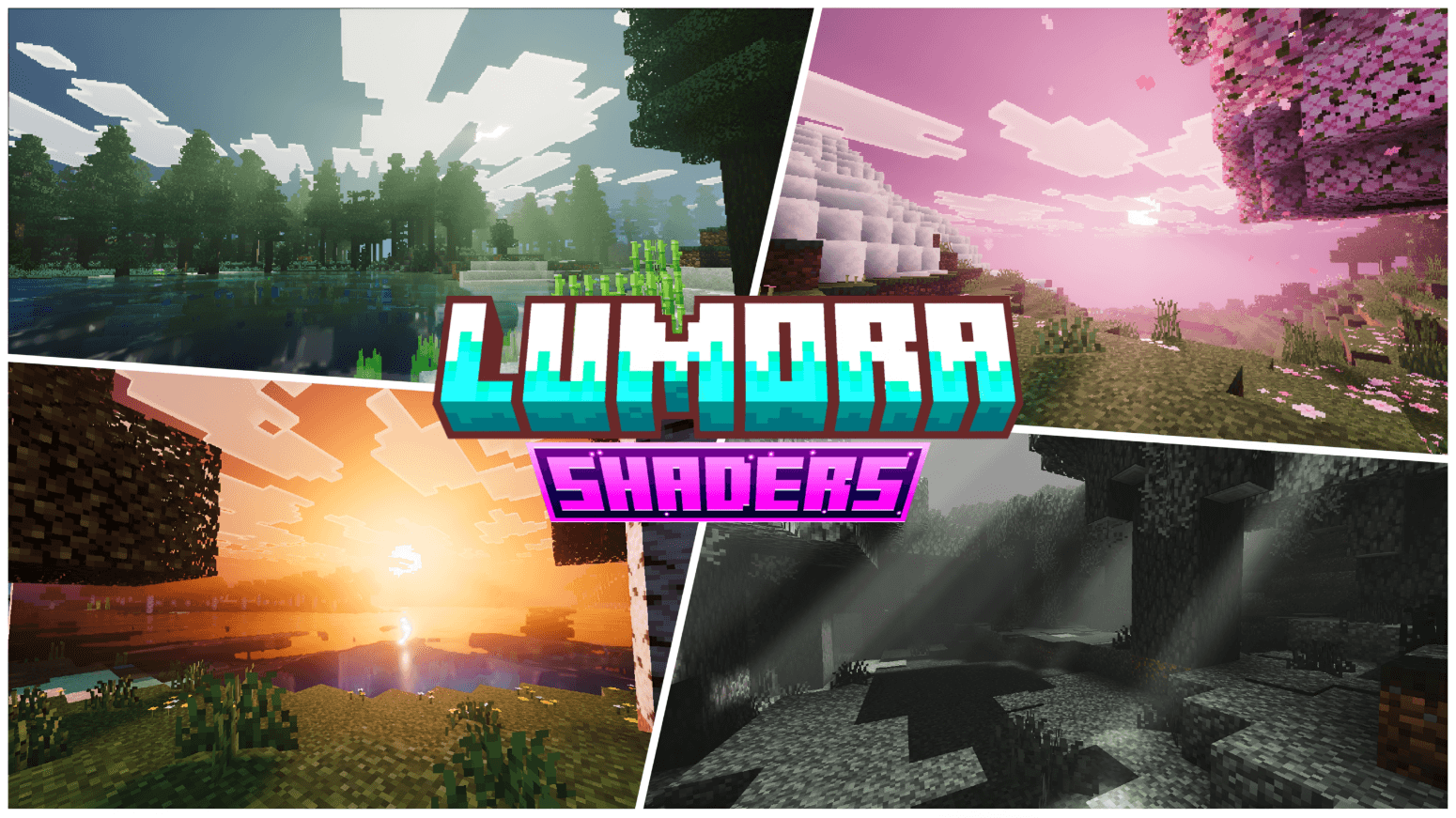

Lumora Shaders
Per-biome sky, fog, and water tuning that shifts naturally through the day — cherry groves glow pink, the End sits in violet haze, sunsets burn gold across the water. Every biome gets its own mood.Download

Creeper Overhaul x Fresh Animations
A Fresh Animations addon for the Creeper Overhaul RPInstall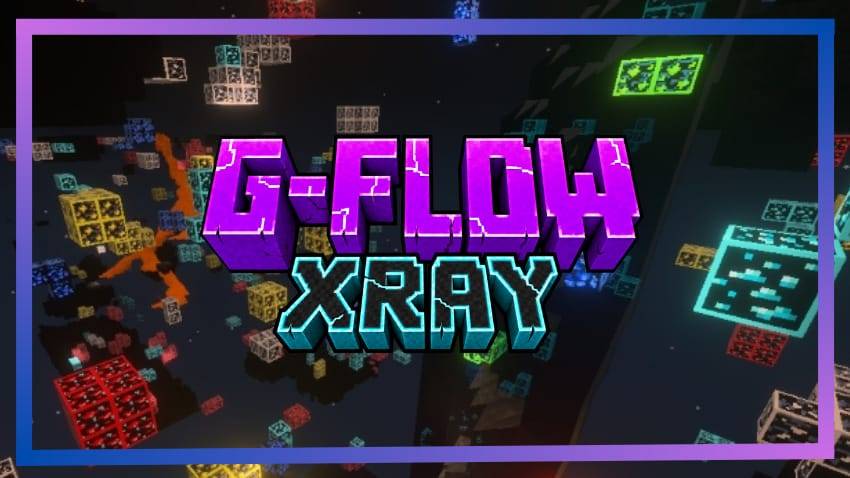
G-Flow Xray
G-Flow Xray – Minecraft Bedrock visual pack. Hidden stone, visible ores with outlines. Mine faster, achievements safe.Download
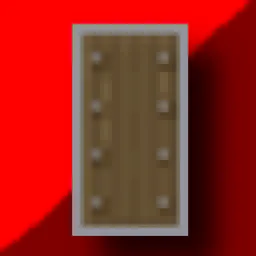
Lower Shield PVP
Fixes The Minecraft Shield Covering The Entire Screen.InstallFAQ
Do I need Forge or Fabric for a resource pack?
No. A resource pack works on the regular game with no loaders or mods. Click “Install” and Millida Launcher will put the pack into the right modpack — then just enable it in the settings.
What do 16×, 32×, 64× mean?
The resolution of a single texture in pixels. 16× matches the original game, 32× and 64× are more detailed and heavier, and 128× and up put a noticeable load on your graphics card.
Will a pack made for another version work?
Most likely partly: older packs don't have textures for newer blocks, so those will stay default. The game won't break, though.
How is a texture pack different from a resource pack?
Only by name and age. Before version 1.6 the sets were called texture packs and changed only textures; in 1.6 resource packs replaced them and also change sounds, fonts and the interface. Old texture packs for 1.5 and below do not work on new versions without conversion.
Which texture packs are best for PvP?
PvP packs: 16× resolution or lower, shortened swords, low fire, a clear sky and bright particles. They barely load the computer and make the opponent easier to see. These packs are collected in the PvP theme.
How do I install a resource pack?
Press Install and Millida Launcher puts the pack into the resourcepacks folder of the right instance. Then enable it in the game: Options, then Resource Packs. Manually, the archive goes into resourcepacks inside the game folder, no need to unpack it.
Minecraft texture packs
A resource pack changes how the game looks and sounds: block and item textures, fonts, the interface, sounds. It doesn't touch the game's code, so it needs no mod loader and breaks nothing on a server — the pack only works on your screen. That's exactly why a resource pack is safer than any mod: the worst that happens on a version mismatch is that some textures stay default.
Textures, texture packs and resource packs are essentially the same thing: since version 1.6 Mojang calls these sets resource packs, but the old name is still searched more often. PvP packs are a big genre of their own: shortened swords, low fire, bright particles and 16× resolution or lower, so the opponent stands out and the frame rate does not drop. Such packs are most often made for 1.8.9 and 1.16.5, the versions many PvP servers run on.
The key thing about a pack is its resolution. The game's default textures are 16×16 pixels; 32× and 64× packs look more detailed, while 128× and up need a real graphics card and are usually paired with shaders. On a weak machine it makes sense to stay at 16× or go for packs that deliberately simplify graphics for more FPS. Every pack here lists its game version, author and license, and all released versions are gathered on one card. Put the downloaded archive in the resourcepacks folder and enable it in the game settings.