
Minecraft texture packs — page 145
Resource packs: list


Simple Foliage
Adds subtle grass, fern, bush, and vine variations while staying true to vanillaInstall

Visually Waterlogged
Adds a green algae layer on waterlogged blocksInstall
Primeval Music
A Music pack designed for Jurassic period themed modpack'sInstall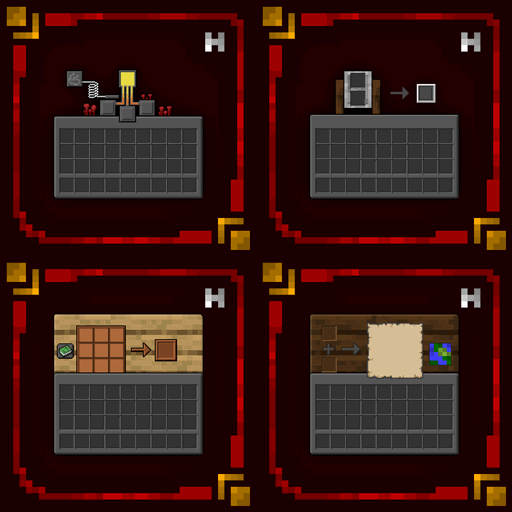
Hellim's Dark Mode
This resourcepack makes your GUI & HUD better and darker, additionally, dd support for new mods with each update.Install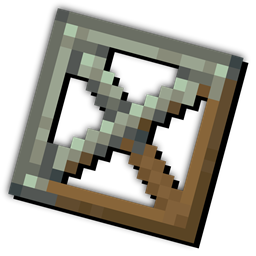
Copycat Framed Blocks
Turns the framed blocks textures to Create's Copycat block!Install

Smaller Crosshair
Makes the Minecraft Crosshair 1 pixel smaller. aka: Small CrosshairInstall

Effect Icons Recrafted
Reimagines every effect icon with a fresh, detailed design while keeping the vanilla feel intact.Install
Caelesti
An Enhanced Pack Designed for Fabulously OptimisedInstall
Vanilla RTX Opus
The ultimate ray-traced Minecraft graphics, featuring unprecedented level of detail with 96x normal maps! – Vanilla Resources Made Available for Minecraft with RTX.Download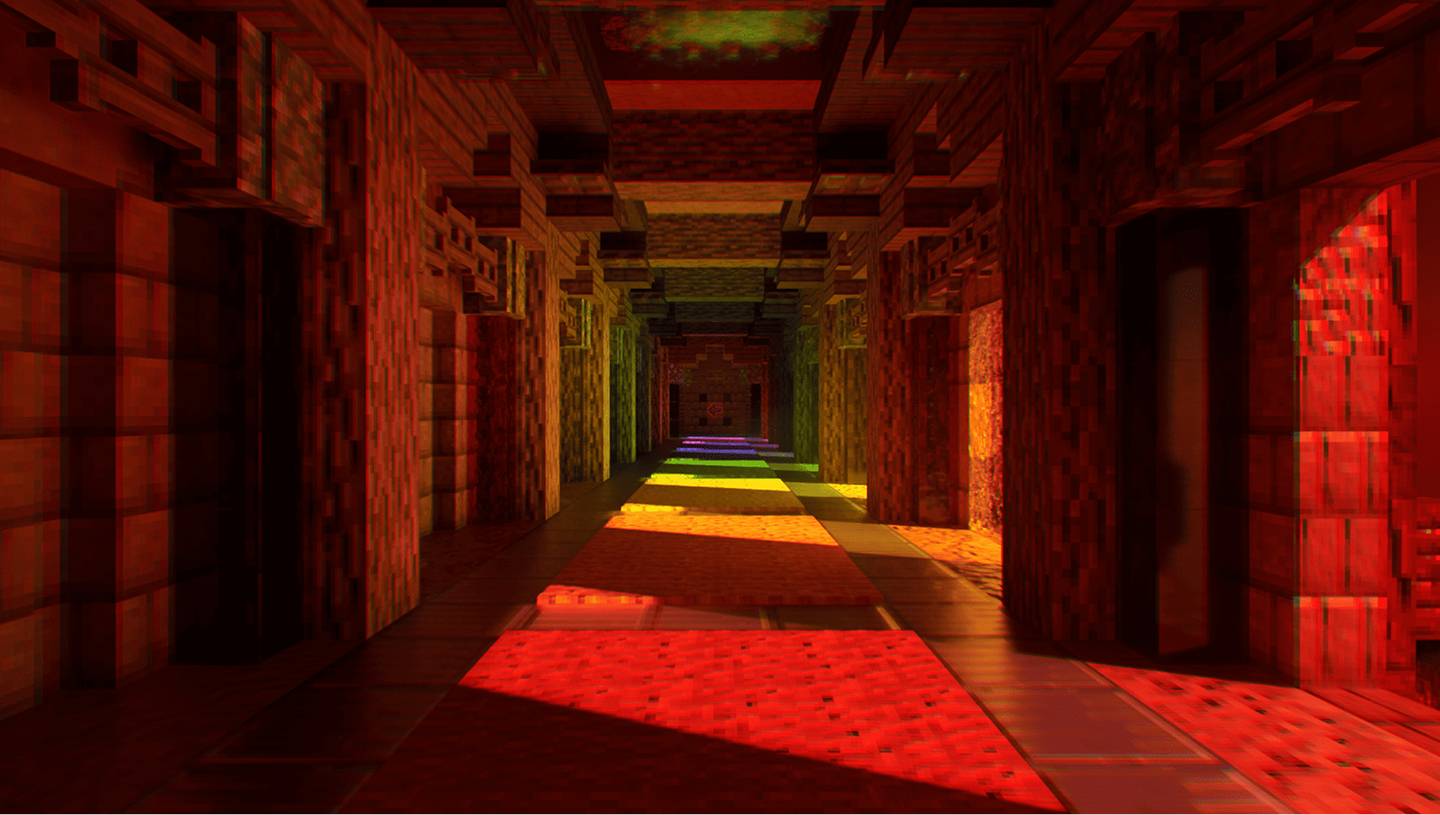
Seraphic RTX Normals
Seraphic RTX Normals texture pack is a completely vanilla texture pack that adds ray tracing to your Minecraft scene and works with the old versions and most recent versions of Minecraft, 1.21.Download

MJ's Better 3D Tools & Weapons
a 3D look for Minecraft items. Includes enchantment and durability dependant textures. By Mickey JoeInstall

Potion Recipes: Vanilla Edition!
This resource pack allows you to see all the possible potion recipes on the brewing stand UI, with the visual look of Vanilla Minecraft!Install

UHC Basics
A UHC (ultra hardcore) texturepack that is tailored towards Minecraft UHC players! Great for UHC pvpInstall
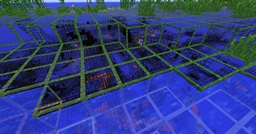
X-Ray Craft
X-Ray CraftInstall
Rethoughted Trident
Trident visual enhancement.Install

Sn0wZone - Sn0wshepherd
Better Sound & Textures for Minecraft...MUCH, MUCH Better!Install

CoffeePBR
Vanilla style PBR resourcepack pack created by CoffeeInstall

Max's Better Mobs
This pack combines all of creepermax123's mob changing packs, and has 1,000+ Custom Mob Variants. Bedrock EditionDownload
Life Series Armor
Armor textures from the Life Series by grianInstall

mullak99's Faithful [32x]
A variation of the Failthful 32x Resource PackInstall
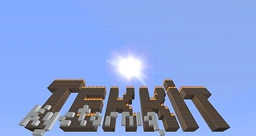
Kyctarniq's x32 Tekkit Classic 3.1.2 Texture Pack
Kyctarniq's x32 Photo-based TekkitInstall

Better Skeletons
Adds Biome Dependent Variants to Skeletons. Strays, and Wither Skeletons also get some more VariantsInstall

Better Waving Leaves
Smooth wind animations for 74 plants and leaves — oak, birch, jungle, flowers, vines, crops, and more. Lightweight, no scripts, drag and drop.DownloadFAQ
Do I need Forge or Fabric for a resource pack?
No. A resource pack works on the regular game with no loaders or mods. Click “Install” and Millida Launcher will put the pack into the right modpack — then just enable it in the settings.
What do 16×, 32×, 64× mean?
The resolution of a single texture in pixels. 16× matches the original game, 32× and 64× are more detailed and heavier, and 128× and up put a noticeable load on your graphics card.
Will a pack made for another version work?
Most likely partly: older packs don't have textures for newer blocks, so those will stay default. The game won't break, though.
How is a texture pack different from a resource pack?
Only by name and age. Before version 1.6 the sets were called texture packs and changed only textures; in 1.6 resource packs replaced them and also change sounds, fonts and the interface. Old texture packs for 1.5 and below do not work on new versions without conversion.
Which texture packs are best for PvP?
PvP packs: 16× resolution or lower, shortened swords, low fire, a clear sky and bright particles. They barely load the computer and make the opponent easier to see. These packs are collected in the PvP theme.
How do I install a resource pack?
Press Install and Millida Launcher puts the pack into the resourcepacks folder of the right instance. Then enable it in the game: Options, then Resource Packs. Manually, the archive goes into resourcepacks inside the game folder, no need to unpack it.
Minecraft texture packs
A resource pack changes how the game looks and sounds: block and item textures, fonts, the interface, sounds. It doesn't touch the game's code, so it needs no mod loader and breaks nothing on a server — the pack only works on your screen. That's exactly why a resource pack is safer than any mod: the worst that happens on a version mismatch is that some textures stay default.
Textures, texture packs and resource packs are essentially the same thing: since version 1.6 Mojang calls these sets resource packs, but the old name is still searched more often. PvP packs are a big genre of their own: shortened swords, low fire, bright particles and 16× resolution or lower, so the opponent stands out and the frame rate does not drop. Such packs are most often made for 1.8.9 and 1.16.5, the versions many PvP servers run on.
The key thing about a pack is its resolution. The game's default textures are 16×16 pixels; 32× and 64× packs look more detailed, while 128× and up need a real graphics card and are usually paired with shaders. On a weak machine it makes sense to stay at 16× or go for packs that deliberately simplify graphics for more FPS. Every pack here lists its game version, author and license, and all released versions are gathered on one card. Put the downloaded archive in the resourcepacks folder and enable it in the game settings.