

Simple Foliage Resource pack for Minecraft 26.3
Adds subtle grass, fern, bush, and vine variations while staying true to vanilla
- views
- 46 views
- Updated
- Updated 26.09.2026
- 1.21.8 — 26.3
 Vanilla game
- Client
Simple Foliage
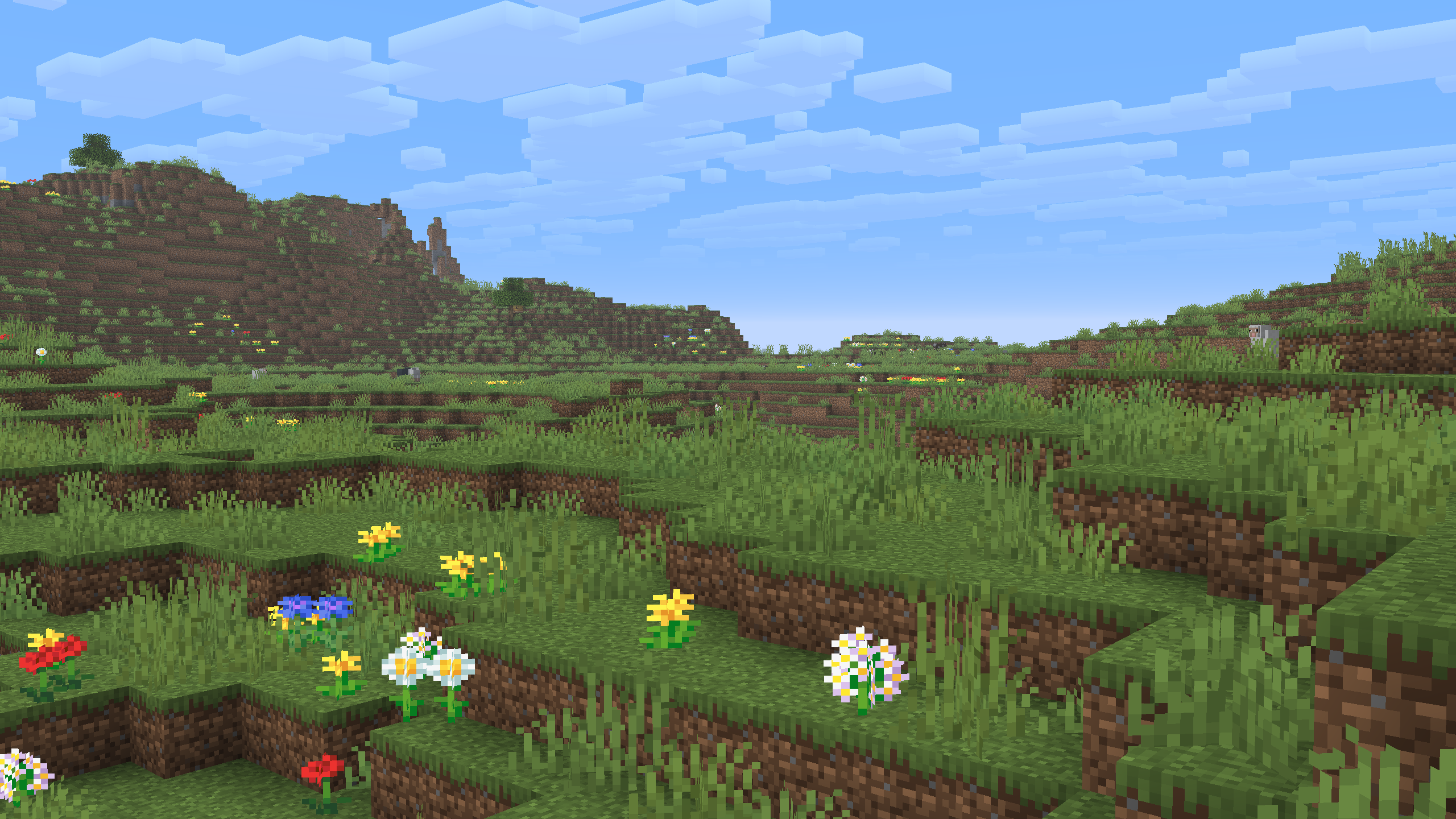
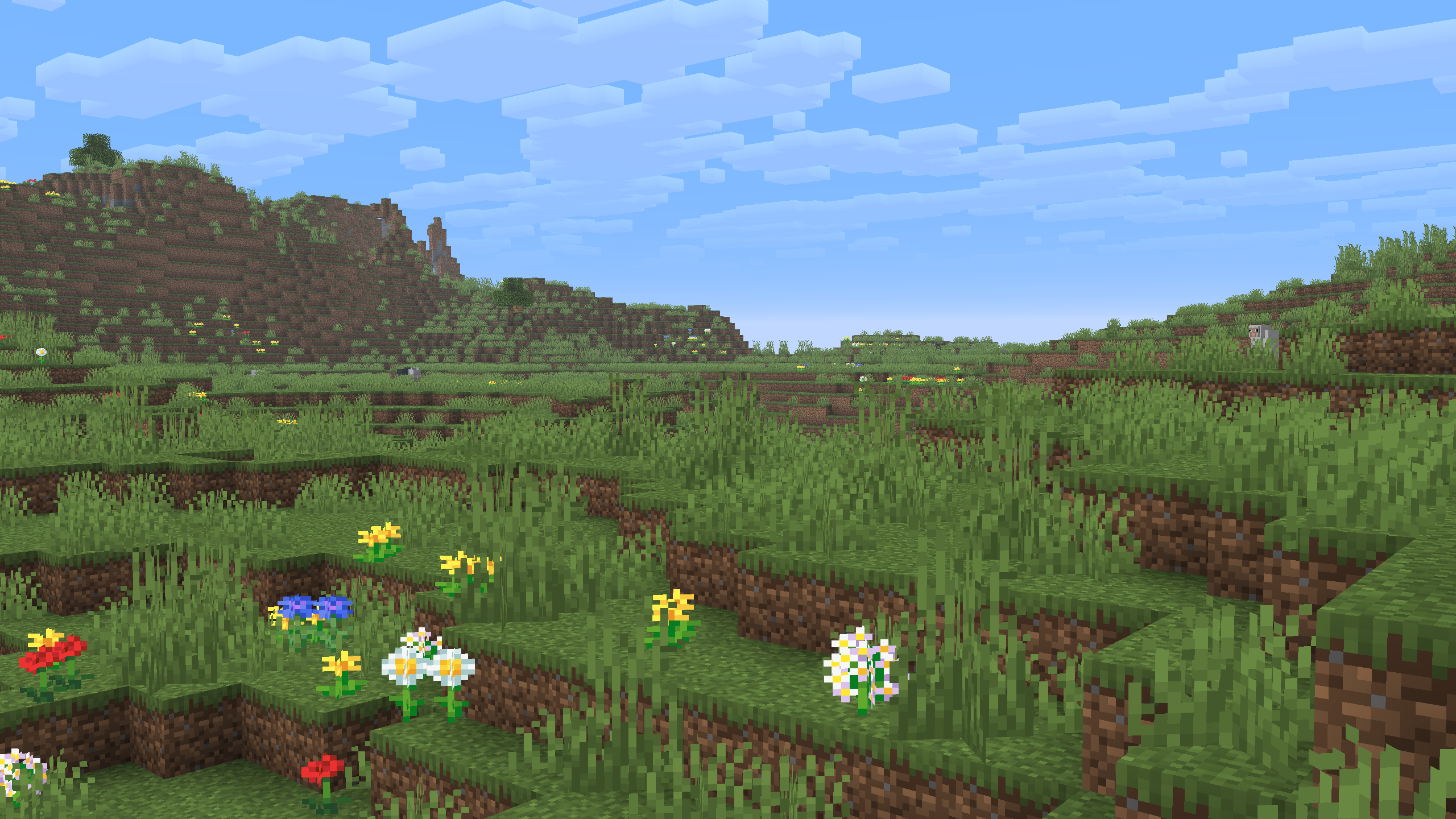
Adds subtle variants of grass, bush, and ferns. Tweaks to Dark Oak Leaves, Vines, and Leaf Litter
Check out the gallery for better comparison

Simple Foliage
Vanilla
How to install Simple Foliage
With Millida Launcher
Install Millida Launcher
The launcher is free: download it at millida.net/launcher and sign in with any nickname.
Click “Install” on this page
The launcher opens and installs the resource pack for Minecraft 1.21.8–26.3 automatically.
Launch the game
A profile with it appears in the launcher: click “Play”.
Manually
Download the archive
Pick the file Simple Foliage.zip (221 KB) for your game version. No need to unpack it.
Put it in the resourcepacks folder
The easiest way: “Options”, then “Resource Packs”, then “Open Pack Folder”, and drag the archive there.
Enable the pack
In the same window, move the pack to the right-hand “Selected” column and click “Done”.
Versions
With dependencies
| Minecraft | Loader | File | Date | Actions |
|---|---|---|---|---|
| 26.3 | — | 26.3221 KB | ||
| 26.2 | — | 26.2221 KB | ||
| 26.1 | — | 26.1221 KB |
Reviews
Be the first to rate Simple Foliage



