
Minecraft texture packs — page 144
6,456 itemsResource packs: list


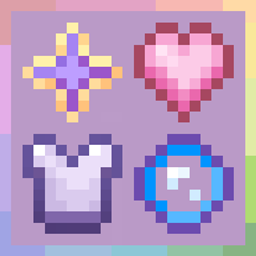
Sweet sweet HUD!!
A delicate overhaul of your HUD – hearts, hunger, XP, and hotbar turned into a seamless, elegant experienceInstall
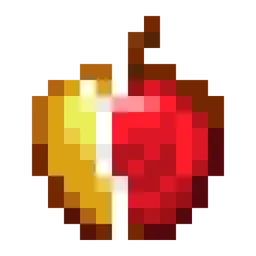
Everything Animated!
Animate your minecraft! Adds animations for items without optifine.Install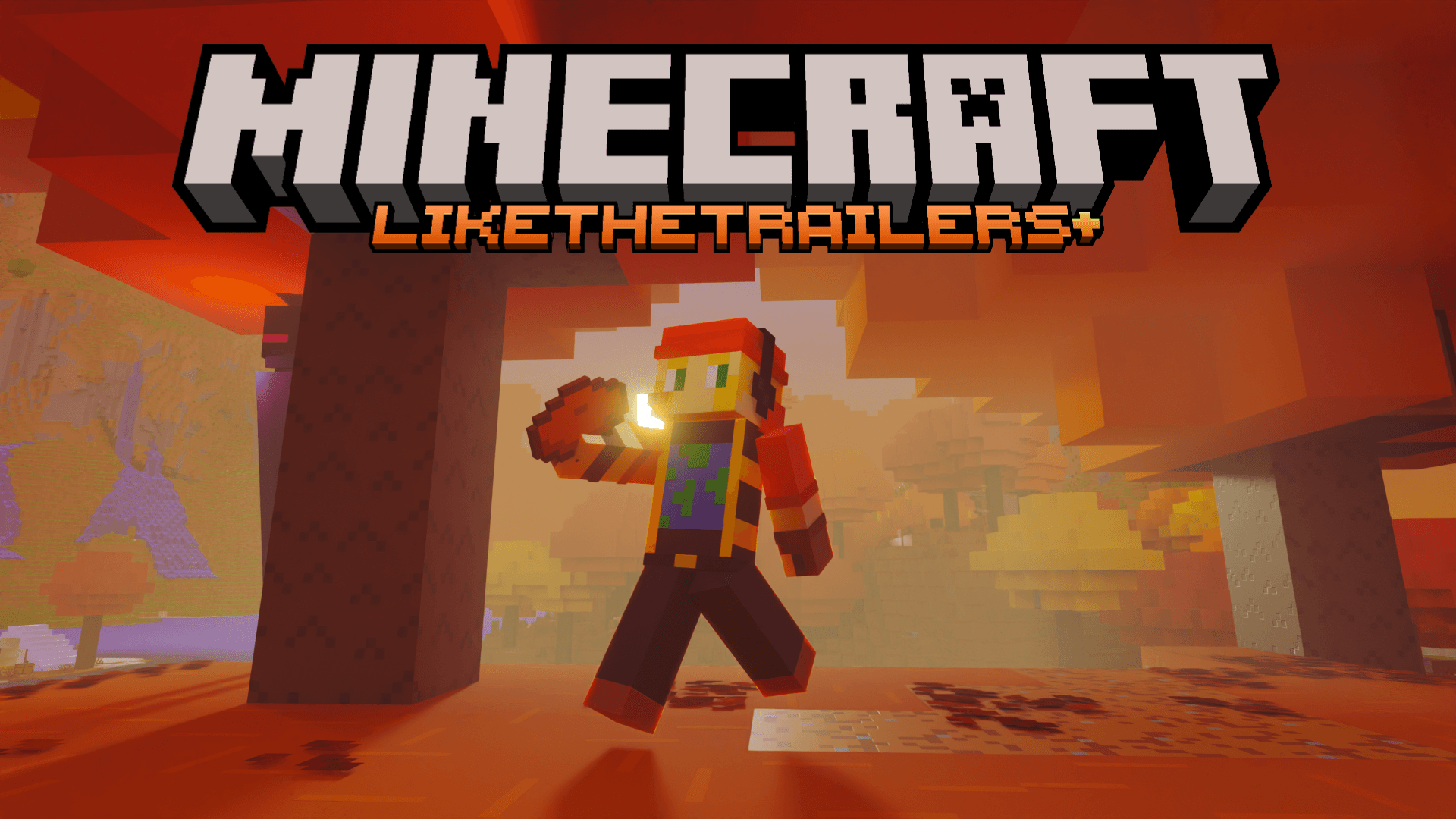

LikeTheTrailers+
Makes Minecraft look like the trailers in all their glory, with additional features, visual enhancements, gameplay improvements, and much more! This pack was developed by @SebisTheProMC and later improved by @SebascraftMCDownload

Gramophone/Phonograph Jukebox
This pack changes the jukebox in Minecraft to a classic gramophone/phonograph!Install

Saffron
Adds a new, vibrant and varied style to the game - Fabulously Optimized Required!Install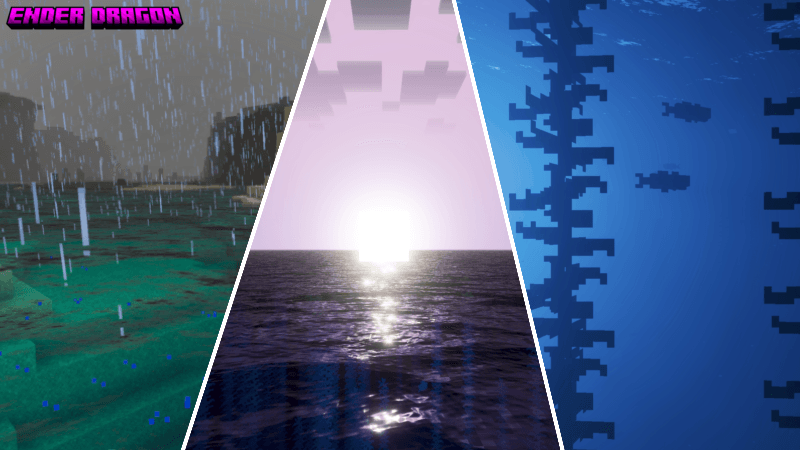

Ender Dragon Shader (ME)
Ender Dragon Shader makes your world look more magical, saturated, beautiful, and very dynamic, like ender dragon it self..Download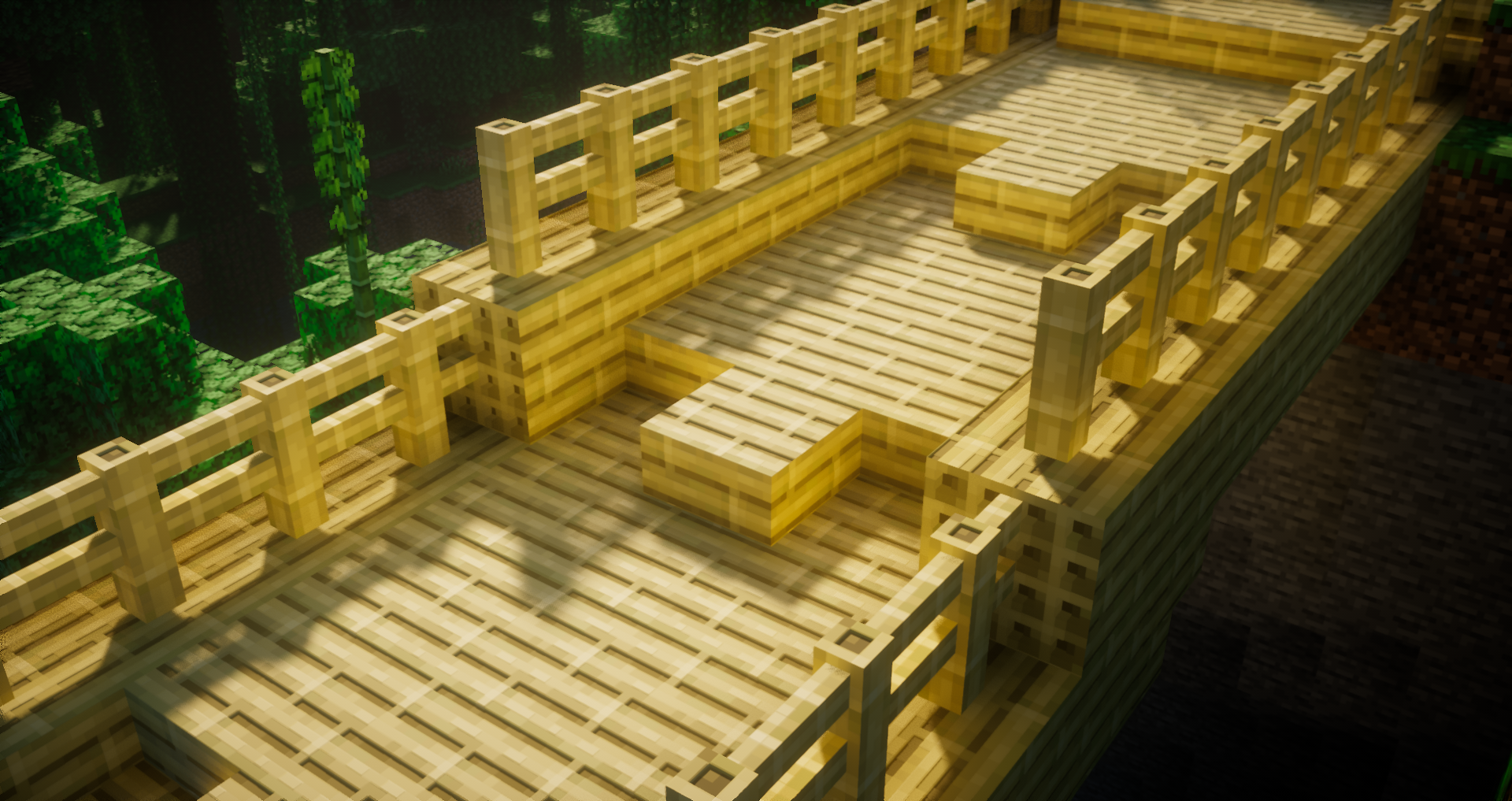
AVPBR Retextured
A retexture of the pack Another Vanilla PBR, focused on a more clean styleInstall

Os' Crops
This pack changes the crops to be variated shapes and rotations, and also adds a pleasing aesthetic change. The final stage of each crop is easily identifiable so you know when to harvest.Install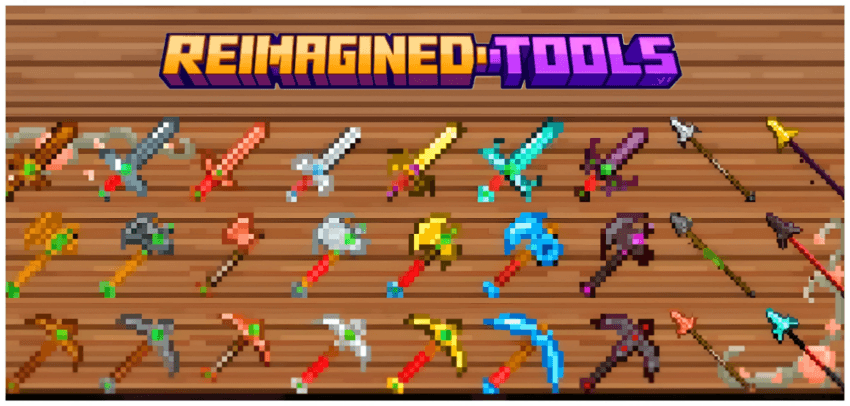

Reimagined Tools
Reimagined Tools refreshes every Minecraft tool with clean, high-detail textures, giving them a modern, powerful lookDownload
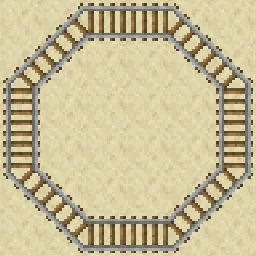
Diagonal Rails
Makes corner rails into perfect diagonals.Install

Farcr's Better Dirt - Modded Compat
Just a simple little pack that adds new textures for some modded dirts.Install

ALAND's Hypixel SkyBlock Enchanted Books
📙 Gives Hypixel SkyBlock's enchanted books unique textures to make them more recognizable and fancy!Install

Farmer's Delight Refabricated Ashen Compat
A resource pack that adapts Farmer's Delight Refabricated to the Ashen visual style.Install

Confluence: Emissive
A texture Pack made for the Mod Confluence to make Ores and Other Blocks Emissive/GlowInstall

GUI
Transparent and Clear GUI for versions 1.20 - 26.2 that is minimalist and does not obstruct the view. It only changes the UI without changing the icons...Install

Iris Buttons Everywhere
Changes textures of buttons in all menus to Iris Shaders button texture.Install
Mandala's GUI - Dark mode Curios API Compat
A simple texture pack adding the style of "Mandala's GUI - Dark mode" to the mod "Curios API"Install

[HMI] Mars' Cold Hands
Adds hand shaking effects when walking on snow block and ice, packed ice, blue ice and powder snow! Requires Hold My Items v5.1+.Install

ItzRealMe Vanilla Overlay
ItzRealMe's Official Overlay for people to use. It features many quality of life aspects in order to uplevel your PvP Skills.Install

Gray's 3D items
New 3D models for various items and toolsInstall

ZeroFog + Fps Boost
Removes fog from all dimensions for crystal-clear visibility — no mods required.Install

Golems Galore x Fresh Animations
Makes Golems Galore(my iron golem pack) compatible with Fresh AnimationsInstall

[Deprecated]CTOV - Domestication Innovation compatibility pack
Compatibility datapack between ChoiceTheorem's overhauled village and Domestication Inovation modInstallFAQ
Do I need Forge or Fabric for a resource pack?
No. A resource pack works on the regular game with no loaders or mods. Click “Install” and Millida Launcher will put the pack into the right modpack — then just enable it in the settings.
What do 16×, 32×, 64× mean?
The resolution of a single texture in pixels. 16× matches the original game, 32× and 64× are more detailed and heavier, and 128× and up put a noticeable load on your graphics card.
Will a pack made for another version work?
Most likely partly: older packs don't have textures for newer blocks, so those will stay default. The game won't break, though.
How is a texture pack different from a resource pack?
Only by name and age. Before version 1.6 the sets were called texture packs and changed only textures; in 1.6 resource packs replaced them and also change sounds, fonts and the interface. Old texture packs for 1.5 and below do not work on new versions without conversion.
Which texture packs are best for PvP?
PvP packs: 16× resolution or lower, shortened swords, low fire, a clear sky and bright particles. They barely load the computer and make the opponent easier to see. These packs are collected in the PvP theme.
How do I install a resource pack?
Press Install and Millida Launcher puts the pack into the resourcepacks folder of the right instance. Then enable it in the game: Options, then Resource Packs. Manually, the archive goes into resourcepacks inside the game folder, no need to unpack it.
Minecraft texture packs
A resource pack changes how the game looks and sounds: block and item textures, fonts, the interface, sounds. It doesn't touch the game's code, so it needs no mod loader and breaks nothing on a server — the pack only works on your screen. That's exactly why a resource pack is safer than any mod: the worst that happens on a version mismatch is that some textures stay default.
Textures, texture packs and resource packs are essentially the same thing: since version 1.6 Mojang calls these sets resource packs, but the old name is still searched more often. PvP packs are a big genre of their own: shortened swords, low fire, bright particles and 16× resolution or lower, so the opponent stands out and the frame rate does not drop. Such packs are most often made for 1.8.9 and 1.16.5, the versions many PvP servers run on.
The key thing about a pack is its resolution. The game's default textures are 16×16 pixels; 32× and 64× packs look more detailed, while 128× and up need a real graphics card and are usually paired with shaders. On a weak machine it makes sense to stay at 16× or go for packs that deliberately simplify graphics for more FPS. Every pack here lists its game version, author and license, and all released versions are gathered on one card. Put the downloaded archive in the resourcepacks folder and enable it in the game settings.