
Minecraft texture packs — page 129
Resource packs: list


Glowing Trim Shield
Glowing Trim Shield Pack changes Shield into glowing trim shields 16 colors with 18 trims. this pack works on just re-naming shield and make them glowing version supported from 1.16 to latest.Install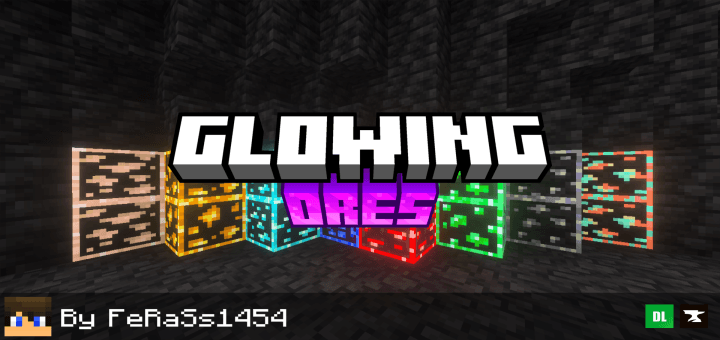

Outlined & Glowing Ores
Makes ores glowing and more visible!Download
Best Saturation Pack
This TexturePack reinterprets the way we see the game and adds more vibrant and eye-catching colors, improving your viewing experience.Install
1080p L4J KBM Icons
The Legacy4J keyboard and mouse icons redrawn for 1080pInstall

CPvP Agnes Tachyon Pack + Anime sky
This PvP/CPvP resource pack replaces the model textures, GUI, inventory, menu, and sky with a Agnes Tachyon theme.Install
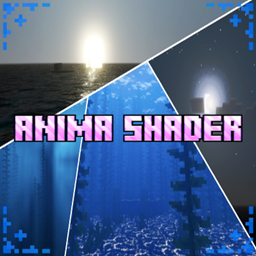
ANIMA SHADER
Introducing Anima Shader, which makes your visuals more dynamic, saturated, vibrant, and 4D.Download

Creepier Cave Dwellers
Spicing up the "Cave Dweller" mod with a fresh new look!Install
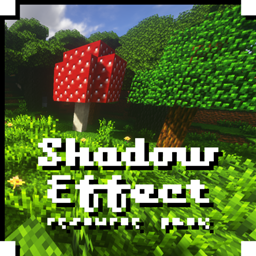
Shadow Effect - Texture Pack
This is a non-HD photo-realistic texture packInstall

Fresh Outlines
A resource pack that adds outlines to blocks!Install
Clear Lava
Clear vision under the lava.Install

Fresh Paintings
A Minecraft resource pack that adds 3D paintings and item frames models!Install

Glowing Glazed
Makes glazed terracotta glow to enhance visibility. (OptiFine/Continuity required)Install

Fontolith
A blocky custom font with a slight hint of... fantasy?Install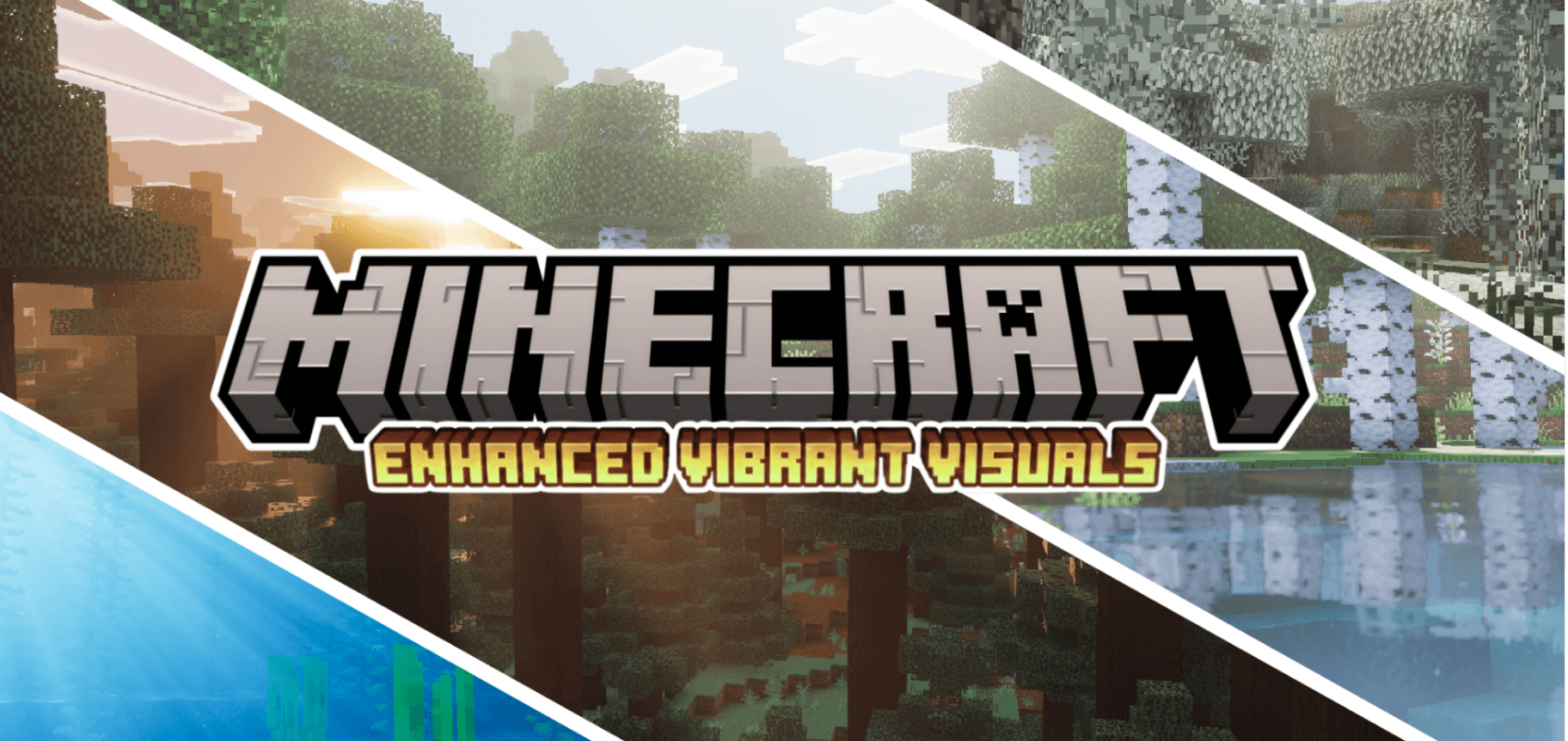
Enhanced Vibrant Visuals | Official
Enhances the default Vibrant Visuals with richer atmospherics, volumetric fog, PBR textures, lighting, and particles.Download

Night vision FPS Booster
See everything. Miss nothing. Bright nights, clear caves, zero effort.Install

White Enchantment Glint
Enchanted items will now have a new White / Silver Enchant GlintInstall

Environmental Water
Makes water hues biome-dependent for a more cohesive landscape.Install

Autumn Biomes
Autumn (Fall) colors for some biomes.Install

Vanilla Glowing Ores
Glowing ores in vanilla Minecraft that don't require any mods, not even OptiFine or Continuity, and work with Sodium!Install
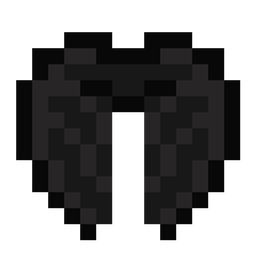
Dragon Wings Elytra
Turns the Elytra into a pair of Dragon WingsInstall

Additional Realism 7.2E • Official distribution • LITE • DEMO
Unique resource-pack that emulates shader-pack features.Install

Arabic language - اللغة العربية
Add Arabic language in Minecraft !! and add t97e7 for arabic languageDownload
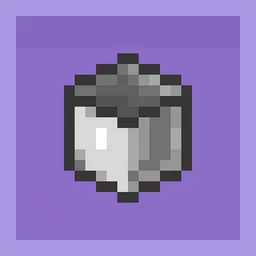
Cube-ish Buckets
Buckets! Do you think the vanilla one is a circle... or some kind of polygon?InstallFAQ
Do I need Forge or Fabric for a resource pack?
No. A resource pack works on the regular game with no loaders or mods. Click “Install” and Millida Launcher will put the pack into the right modpack — then just enable it in the settings.
What do 16×, 32×, 64× mean?
The resolution of a single texture in pixels. 16× matches the original game, 32× and 64× are more detailed and heavier, and 128× and up put a noticeable load on your graphics card.
Will a pack made for another version work?
Most likely partly: older packs don't have textures for newer blocks, so those will stay default. The game won't break, though.
How is a texture pack different from a resource pack?
Only by name and age. Before version 1.6 the sets were called texture packs and changed only textures; in 1.6 resource packs replaced them and also change sounds, fonts and the interface. Old texture packs for 1.5 and below do not work on new versions without conversion.
Which texture packs are best for PvP?
PvP packs: 16× resolution or lower, shortened swords, low fire, a clear sky and bright particles. They barely load the computer and make the opponent easier to see. These packs are collected in the PvP theme.
How do I install a resource pack?
Press Install and Millida Launcher puts the pack into the resourcepacks folder of the right instance. Then enable it in the game: Options, then Resource Packs. Manually, the archive goes into resourcepacks inside the game folder, no need to unpack it.
Minecraft texture packs
A resource pack changes how the game looks and sounds: block and item textures, fonts, the interface, sounds. It doesn't touch the game's code, so it needs no mod loader and breaks nothing on a server — the pack only works on your screen. That's exactly why a resource pack is safer than any mod: the worst that happens on a version mismatch is that some textures stay default.
Textures, texture packs and resource packs are essentially the same thing: since version 1.6 Mojang calls these sets resource packs, but the old name is still searched more often. PvP packs are a big genre of their own: shortened swords, low fire, bright particles and 16× resolution or lower, so the opponent stands out and the frame rate does not drop. Such packs are most often made for 1.8.9 and 1.16.5, the versions many PvP servers run on.
The key thing about a pack is its resolution. The game's default textures are 16×16 pixels; 32× and 64× packs look more detailed, while 128× and up need a real graphics card and are usually paired with shaders. On a weak machine it makes sense to stay at 16× or go for packs that deliberately simplify graphics for more FPS. Every pack here lists its game version, author and license, and all released versions are gathered on one card. Put the downloaded archive in the resourcepacks folder and enable it in the game settings.