
Minecraft texture packs — page 130
Resource packs: list


Whimscape x Cobblemon
An unofficial add-on pack that brings the style of Whimscape to the Cobblemon modInstall
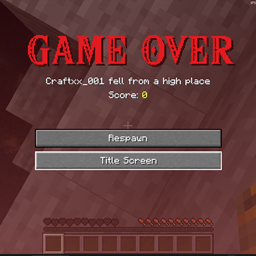
ZELDA game over
a resource pack to die like in ZeldaInstall

SI: Legacy UI - Darkmode Blue [DISCONTINUED]
DISCONTINUEDInstall

SI: Legacy UI - Lightmode Purple [DISCONTINUED]
DISCONTINUEDInstall

Better Foliage Add-on
A Pack that enhances the models of lily pads and vines and make flowers look 3D in hand.Install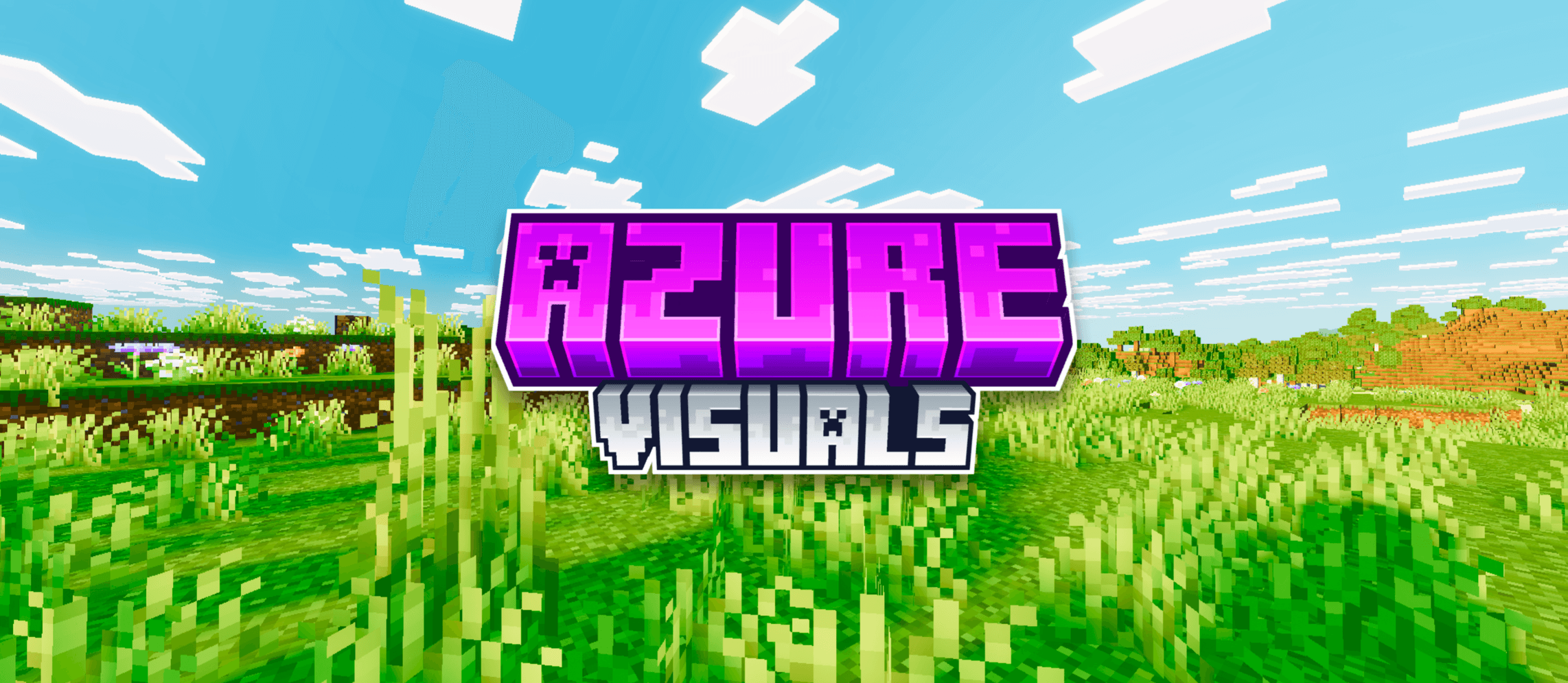

Azure Visuals
Azure Visuals transforms Minecraft with hyper-vibrant lime greens, deep blue skies, and punchy saturated colors across every biome. Bold, sharp, and performance friendly. Made to stand out.Download

Zero Particles
Less Particles , No block particles , New Font , Readable Enchanting Spells best for Minecraft PvP and Bedwars version from 1.16 to latestInstall

Fresh Outlines
A resource pack that adds outlines to blocks!Install

Glowing Enchanted Tools - Blue Extension
An unofficial extension that changes the enchantment glint to a smooth blue glow for a cleaner visual style.Install

ONYX PvP Essentials
Built For Domination.Install

Glowing Emissive Ores - Stay True
Adds emissive ore textures to the Stay True Resource PackInstall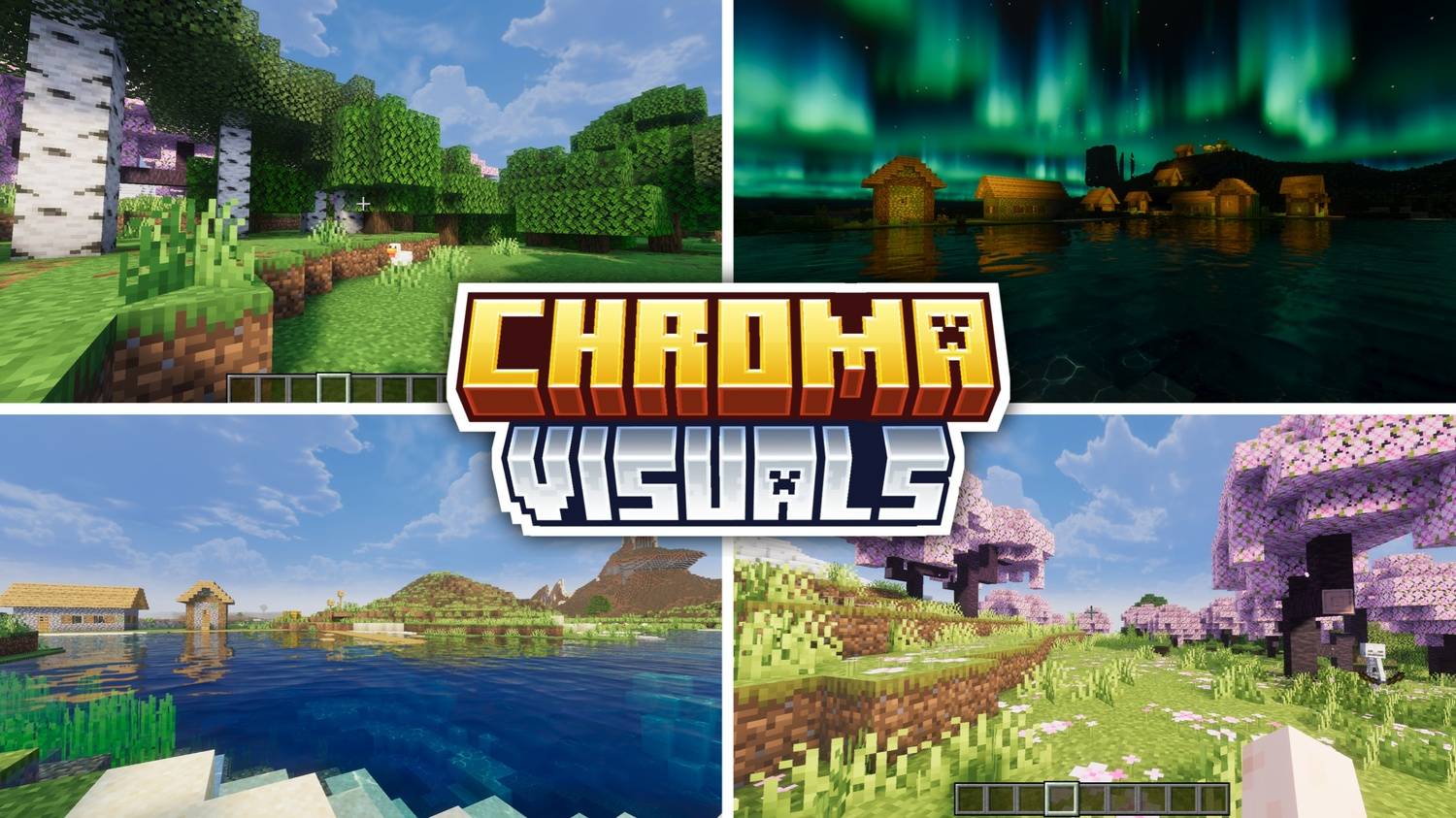
Mike's Chroma Visuals
Vibrant visuals across every biome! Lush forests, deep ocean reflections, stunning northern lights, beautiful cherry blossom landscapes — Chroma Visuals makes your world look alive. Works on all Bedrock devices!Download

Chest + bed esp
Easily locate burried treasure and friends hidden bases or treasureDownload

Knight's_Armory:Antique_Lagacy32X32
Knight's_Armory:Antique_LagacyInstall

Quality Creeper
Change your creepers to a new and more vanilla friendly design!Install

Night vision FPS Booster
See everything. Miss nothing. Bright nights, clear caves, zero effort.Install
Hephaestus - Shinier Tools
Tools now live up to their respective swords' standards, while swords once again have the small details they lost in 1.14Install

PvP Sora
A PVP Resource Pack that WILL improve your skill level!Install

Vanilla Glowing Ores
Glowing ores in vanilla Minecraft that don't require any mods, not even OptiFine or Continuity, and work with Sodium!Install

Nebulous Nights (Formerly Lad's SkyBox)
A night sky filled with nebulae and wonder.Install

Environmental Water
Makes water hues biome-dependent for a more cohesive landscape.Install

Farm 3D
3D Farm is a visually stunning texture pack for Minecraft that transforms various plants into beautifully detailed 3D models, enhancing your agricultural and gardening experience.Install

Fan-shaped cake
Change the cutting method of the original cake to fan-shapedInstallFAQ
Do I need Forge or Fabric for a resource pack?
No. A resource pack works on the regular game with no loaders or mods. Click “Install” and Millida Launcher will put the pack into the right modpack — then just enable it in the settings.
What do 16×, 32×, 64× mean?
The resolution of a single texture in pixels. 16× matches the original game, 32× and 64× are more detailed and heavier, and 128× and up put a noticeable load on your graphics card.
Will a pack made for another version work?
Most likely partly: older packs don't have textures for newer blocks, so those will stay default. The game won't break, though.
How is a texture pack different from a resource pack?
Only by name and age. Before version 1.6 the sets were called texture packs and changed only textures; in 1.6 resource packs replaced them and also change sounds, fonts and the interface. Old texture packs for 1.5 and below do not work on new versions without conversion.
Which texture packs are best for PvP?
PvP packs: 16× resolution or lower, shortened swords, low fire, a clear sky and bright particles. They barely load the computer and make the opponent easier to see. These packs are collected in the PvP theme.
How do I install a resource pack?
Press Install and Millida Launcher puts the pack into the resourcepacks folder of the right instance. Then enable it in the game: Options, then Resource Packs. Manually, the archive goes into resourcepacks inside the game folder, no need to unpack it.
Minecraft texture packs
A resource pack changes how the game looks and sounds: block and item textures, fonts, the interface, sounds. It doesn't touch the game's code, so it needs no mod loader and breaks nothing on a server — the pack only works on your screen. That's exactly why a resource pack is safer than any mod: the worst that happens on a version mismatch is that some textures stay default.
Textures, texture packs and resource packs are essentially the same thing: since version 1.6 Mojang calls these sets resource packs, but the old name is still searched more often. PvP packs are a big genre of their own: shortened swords, low fire, bright particles and 16× resolution or lower, so the opponent stands out and the frame rate does not drop. Such packs are most often made for 1.8.9 and 1.16.5, the versions many PvP servers run on.
The key thing about a pack is its resolution. The game's default textures are 16×16 pixels; 32× and 64× packs look more detailed, while 128× and up need a real graphics card and are usually paired with shaders. On a weak machine it makes sense to stay at 16× or go for packs that deliberately simplify graphics for more FPS. Every pack here lists its game version, author and license, and all released versions are gathered on one card. Put the downloaded archive in the resourcepacks folder and enable it in the game settings.