
Minecraft texture packs — page 128
Resource packs: list


Incendium Textures Reimagined
A repaint of the Incendium item textures the from Sparkles resource packInstall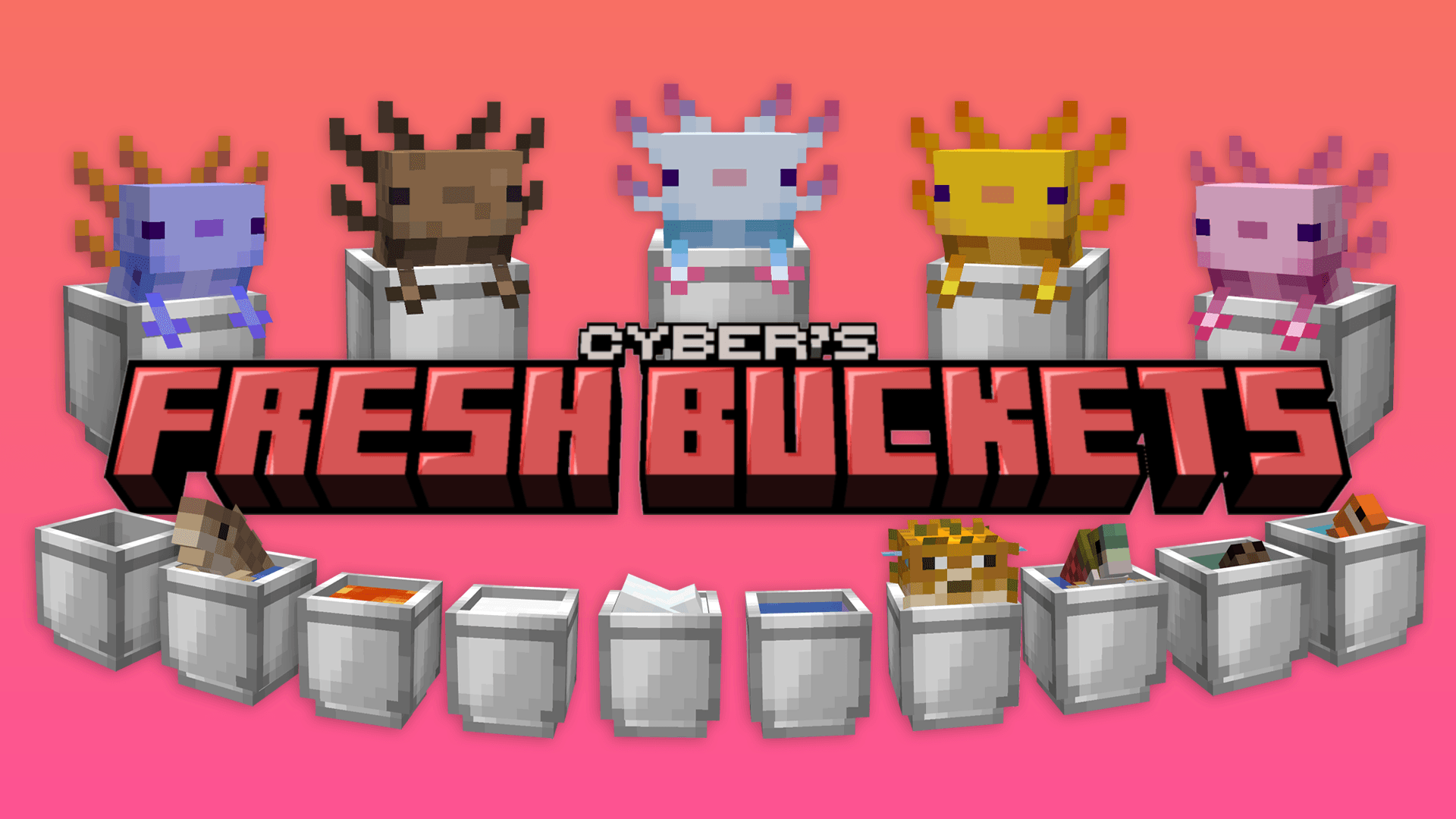

Fresh Buckets
A Minecraft resource pack that adds 3D bucket models!Install
Crisp Revival
A 16x16 resource pack with a rustic, medieval, fantasy feel.Install

Clean PvP texturepack
Overall, this texture pack offers a minimalist and aesthetic look, while still retaining key features that help maintain the clarity and tidiness of the interface. It's a great choice for players who prefer a clean and organized style.Install

Freshly Creepers
Gives creepers a trailer-inspired design compatible with fresh animations.Install

REVIVED Farmer's Delight crops 3D
UNOFFICIAL update for Farmer's Delight crops 3DInstall

LucasDotje's Accurate Story Mode Storm
A Texture Pack That Tries To Make Cracker's Wither Storm Mod A Bit More AccurateInstall

SMP Utils
A Texture Pack That Adds Tons Of Quality Of Life Features For SMP's And PvPInstall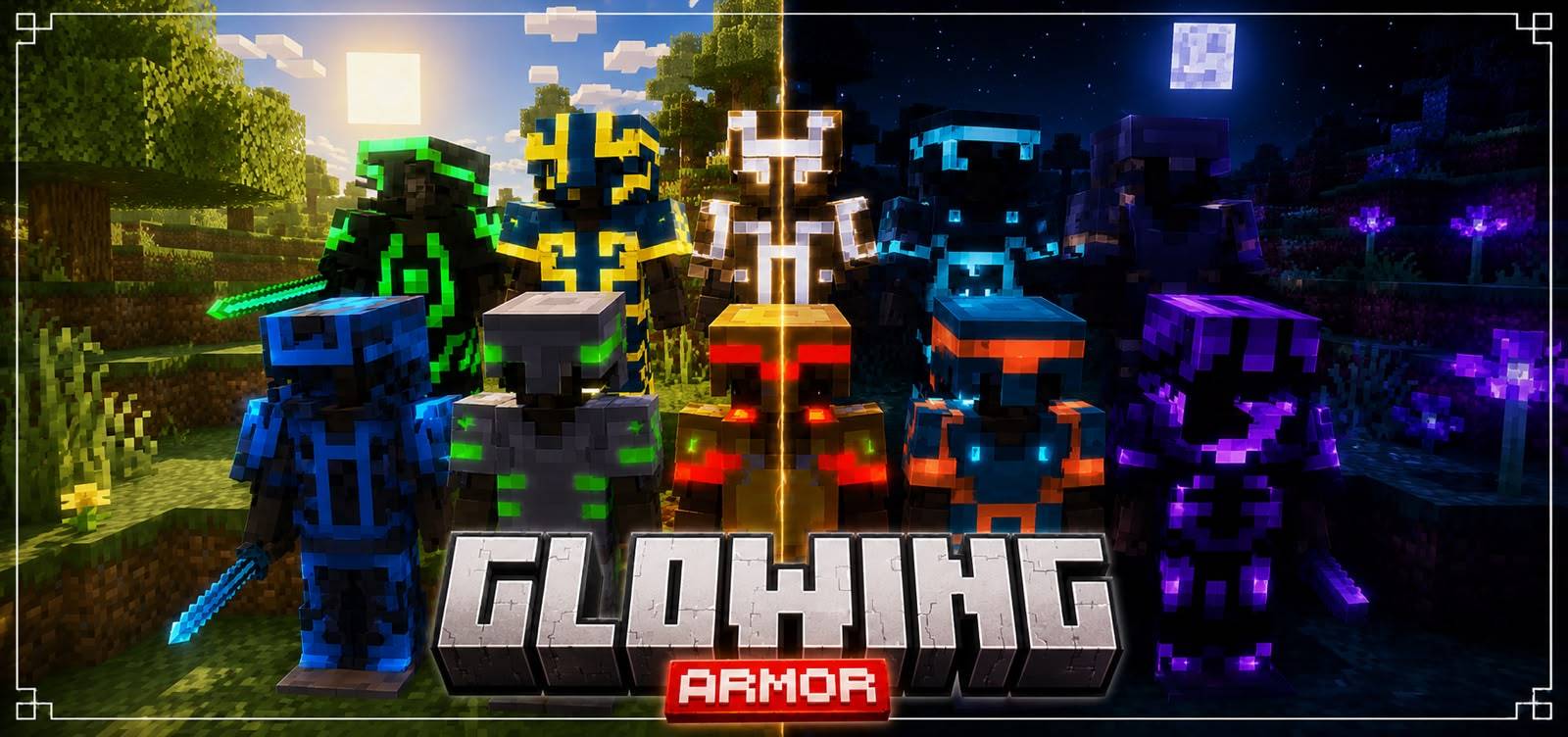

Glowing Armor
With this new texture, the details glow in the dark, creating a magical and eye-catching look. Whether exploring caves or fighting at night, your armor will light the way and make you stand out like never before.Download

Immersive Interfaces - EMI
This texture pack adds support for EMI, matching its design with the look and feel of Immersive Interfaces.Install

Artisan's Armory | Equipment Overhaul
This pack changes Minecraft's boring equipment with a fresh spin on the classic textures.Install
Darkpuppey's Modded Overhauls!
A resource pack which aims to improve upon a variety of mod's sprites. Currently only supports Draconic Evolution.Install

(Bee's) Vanilla+ Collections
My take on an updated look and feel of MinecraftInstall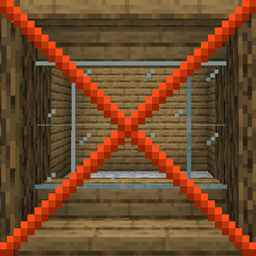
Glass Panes CTM Fix
Fixes connected textures for glass panes with ctm.Install

Cinematic Visual Shader
This shader gives your world a cinematic visual style. The main focus of this shader is the sunrise and sunset moments, as well as midnight. It is equipped with PBR, ACES tone mapping, white balance temperature, and complex midtones.Download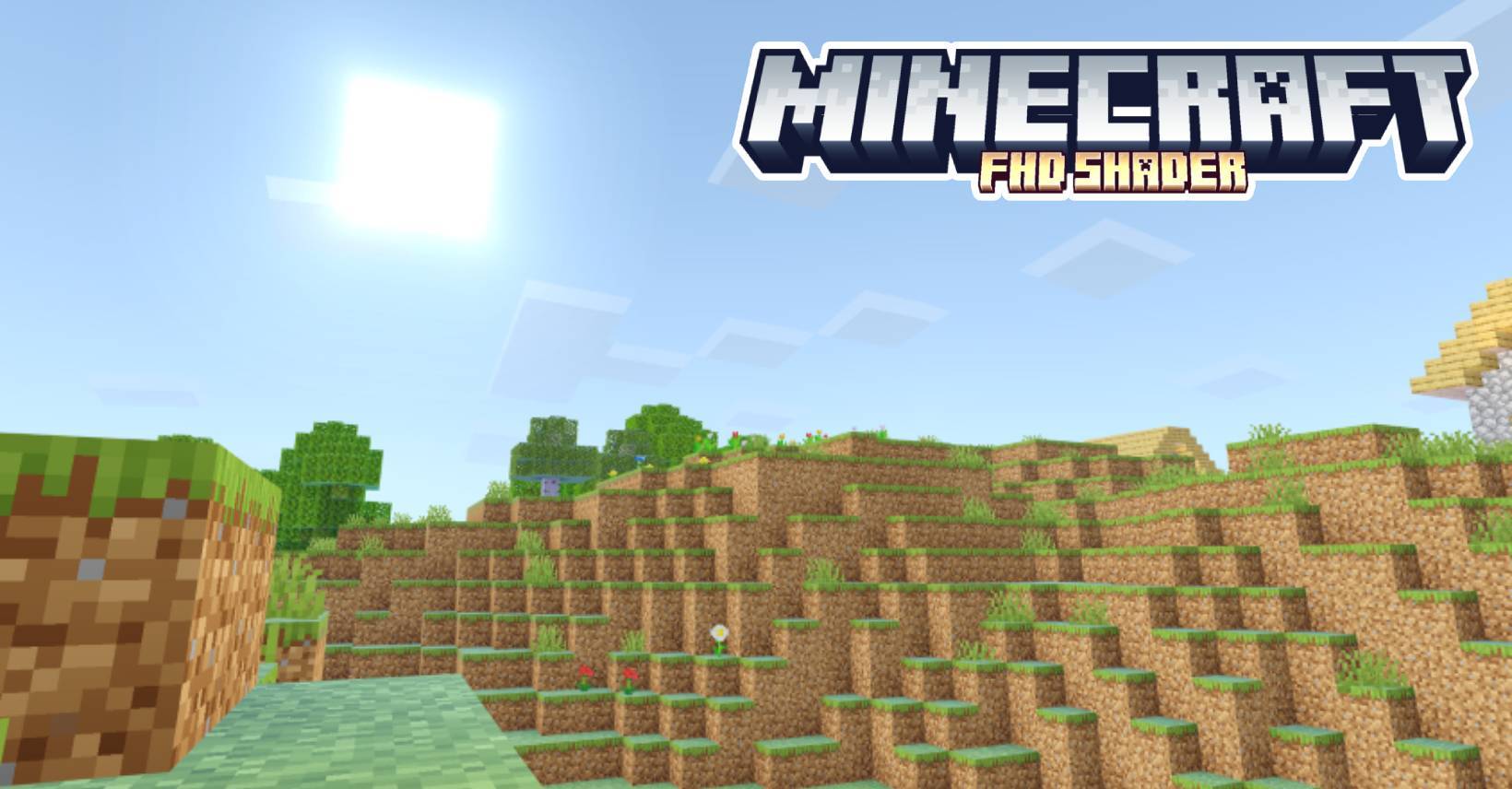

HSD Full High-Definition Shader | MCPE
Could be the best shader for MCPE? This shader is an import for the shader HSD v1.2.5Download

Lanostry's foxes x Fresh animations
Fresh Animations compat with Lanostry FoxesInstall
Dave's Cobbreeding Egg
Retextures the Cobbreeding eggs to be slightly more accurate to the Pokémon games.Install
Bellum Omnium (Ex.Real Photo Realism)(128x)
Real Photo Realism(For those who love the real life)Install

Whimscape x Cobblemon
An unofficial add-on pack that brings the style of Whimscape to the Cobblemon modInstall
Faithless - Mod Compatibility
A Texture Pack Compatibility Between Faithless and Various ModsInstall

SI: Legacy UI - Lightmode Blue [DISCONTINUED]
DISCONTINUEDInstall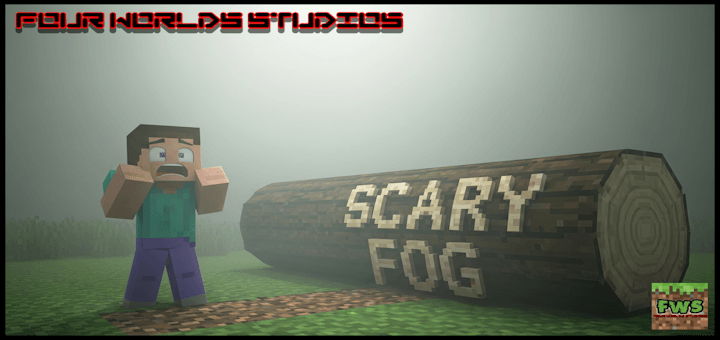

Scary Fog
Add a layer of dread to your survival experience. This texture pack introduces a dense, eerie mist that clings to the landscape, ensuring that what you can’t see is just as terrifying as what you can.DownloadFAQ
Do I need Forge or Fabric for a resource pack?
No. A resource pack works on the regular game with no loaders or mods. Click “Install” and Millida Launcher will put the pack into the right modpack — then just enable it in the settings.
What do 16×, 32×, 64× mean?
The resolution of a single texture in pixels. 16× matches the original game, 32× and 64× are more detailed and heavier, and 128× and up put a noticeable load on your graphics card.
Will a pack made for another version work?
Most likely partly: older packs don't have textures for newer blocks, so those will stay default. The game won't break, though.
How is a texture pack different from a resource pack?
Only by name and age. Before version 1.6 the sets were called texture packs and changed only textures; in 1.6 resource packs replaced them and also change sounds, fonts and the interface. Old texture packs for 1.5 and below do not work on new versions without conversion.
Which texture packs are best for PvP?
PvP packs: 16× resolution or lower, shortened swords, low fire, a clear sky and bright particles. They barely load the computer and make the opponent easier to see. These packs are collected in the PvP theme.
How do I install a resource pack?
Press Install and Millida Launcher puts the pack into the resourcepacks folder of the right instance. Then enable it in the game: Options, then Resource Packs. Manually, the archive goes into resourcepacks inside the game folder, no need to unpack it.
Minecraft texture packs
A resource pack changes how the game looks and sounds: block and item textures, fonts, the interface, sounds. It doesn't touch the game's code, so it needs no mod loader and breaks nothing on a server — the pack only works on your screen. That's exactly why a resource pack is safer than any mod: the worst that happens on a version mismatch is that some textures stay default.
Textures, texture packs and resource packs are essentially the same thing: since version 1.6 Mojang calls these sets resource packs, but the old name is still searched more often. PvP packs are a big genre of their own: shortened swords, low fire, bright particles and 16× resolution or lower, so the opponent stands out and the frame rate does not drop. Such packs are most often made for 1.8.9 and 1.16.5, the versions many PvP servers run on.
The key thing about a pack is its resolution. The game's default textures are 16×16 pixels; 32× and 64× packs look more detailed, while 128× and up need a real graphics card and are usually paired with shaders. On a weak machine it makes sense to stay at 16× or go for packs that deliberately simplify graphics for more FPS. Every pack here lists its game version, author and license, and all released versions are gathered on one card. Put the downloaded archive in the resourcepacks folder and enable it in the game settings.